


CS-Cart
CS-Cart is an eCommerce solution offering features like inventory control and promotional tools. LiveAgent integrates with CS-Cart to add a customizable chat bu...
3 min read


Integrate LiveAgent’s live chat on your Adobe Business Catalyst site easily. Adobe Business Catalyst is a comprehensive website and marketing solution for web designers. Follow the guide to enhance your customer service with live chat.
To place a LiveAgent live chat button on your Adobe Business Catalyst site, simply follow the integration guide below, or watch the provided video.
Step 1: Create and customize your chat button
The first step is to create and customize a new chat button in your LiveAgent panel. Copy its HTML code (Ctrl+C) to clipboard.
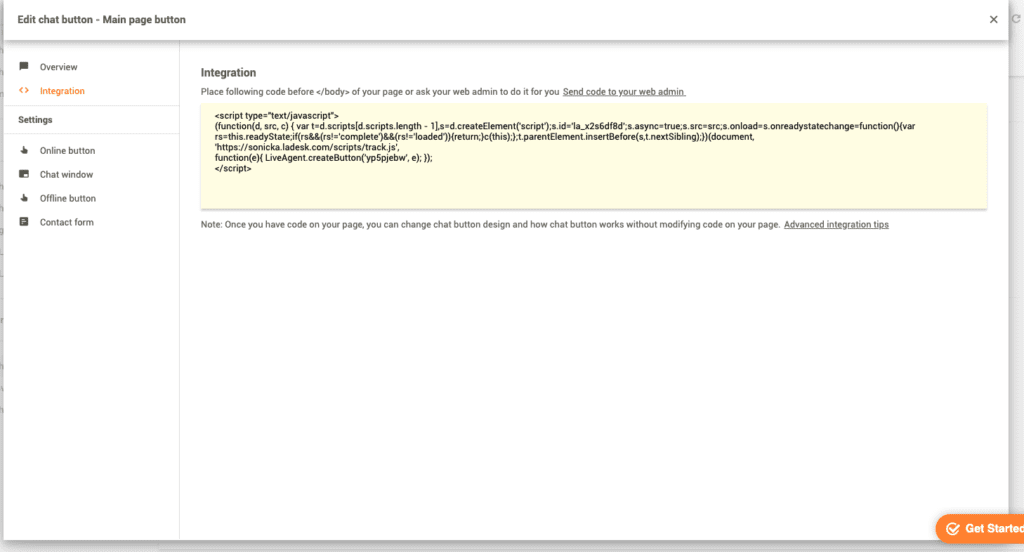
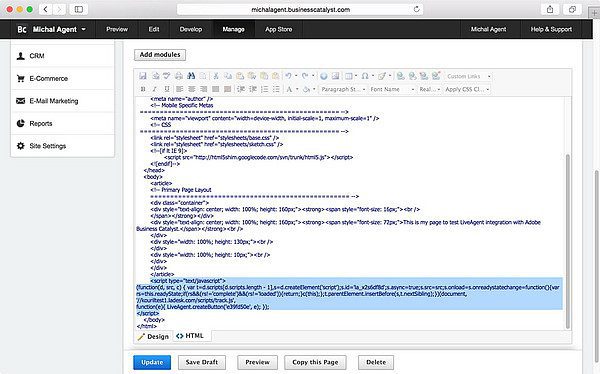
Step 2: Paste the code in Adobe Business Catalyst
Go to your Adobe Business Catalyst dashboard panel and navigate to Site Manager and click on Pages. At the bottom right corner select Edit. Now click on HTML and scroll to the bottom of the page. Paste the live chat HTML code right above the </body> line.
Step 3: Verify your chat button
Go to your webpage, refresh it and your chat button is ready.
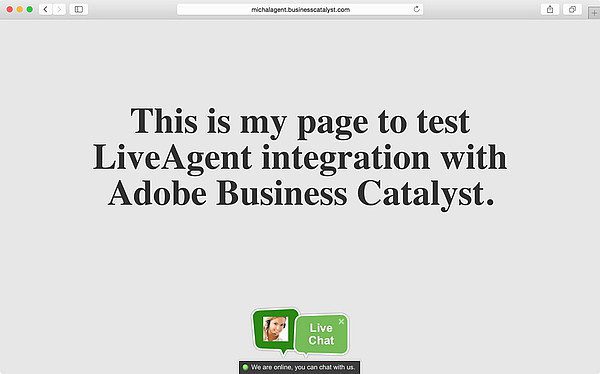
Adobe Business Catalyst is an all-in-one business website and online marketing solution, built for web designers. Using this platform and without back-end coding, you can build everything from amazing websites to powerful online stores, beautiful brochure-ware sites to lead generation mini-sites.

The latest tips and deals delivered straight to your inbox.
LiveAgent’s Adobe Business Catalyst integration enables you to place a live chat button on your Adobe Business Catalyst website.
CS-Cart is an eCommerce solution offering features like inventory control and promotional tools. LiveAgent integrates with CS-Cart to add a customizable chat bu...
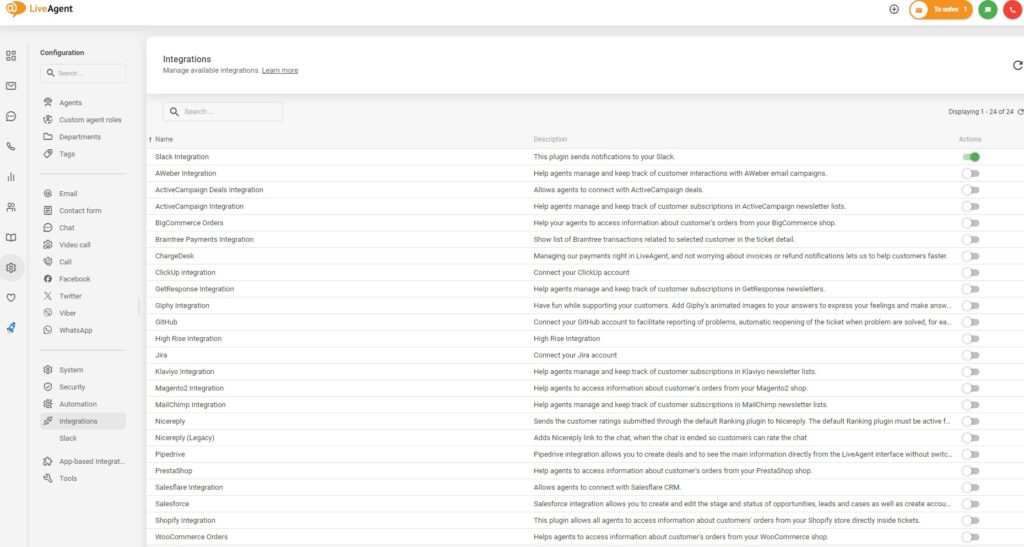
Integrate BigCommerce with LiveAgent to enhance customer support by adding a live chat button to your store. BigCommerce offers comprehensive eCommerce solution...

Integrate LiveAgent's chat with CoreCommerce to boost eCommerce support. Enjoy no transaction fees, easy setup, and a free 14-day trial. Enhance customer servic...
Cookie Consent
We use cookies to enhance your browsing experience and analyze our traffic. See our privacy policy.