
With all the convenience and accessibility that the Internet provides, customer service seems to have taken a back seat. So often, we as users just want to find a simple answer to our problem or speak with an actual person. Unfortunately, many businesses aren’t sure how to do this practically, and their customers (or potential customers) suffer as a result.
Thankfully, an entire industry has emerged to help. Here, we’ll briefly discuss what that means and go through the list of the 20 best customer experience software in 2025.
What is Customer Experience Software?
Before we can understand customer experience software, we need to define CX. Customer experience (also known as CX) is the sum of the experiences that your customers have when interacting with your company or brand. Successful businesses emphasize the importance of customer experience because nearly every customer expects a personal relationship with the brands they interact with.
Customer experience software refers to SaaS platforms designed to guide the entire customer journey while offering a seamless experience. These tools replicate in-store customer service online and support businesses in delivering consistent experiences through a single platform.
So even though customers may not physically walk up to an associate, they can still find the help they need by using various tools.
The best customer experience programs will allow visitors to find help through the following methods:
- Support tickets: This allows customers to submit issues to the help desk. Employees can manually or set automatic assignment of tickets and keep track of their progress.
- Live chat: Offers immediate access to an agent (or employee), usually through a chat widget embedded on a website.
- Social media messaging: Control messages sent from all social platforms from one place.
- Knowledge base: Provide an abundance of information regarding your business, processes, and products. Moreover, it is a great place for tutorials.
- Customer portal: Allow customers to log in for additional functionality, including more ways to contact you and track their queries.
Customer experience programs allow businesses to choose the best tools to fit their workflow and support their unique audience. They also integrate with relative ease and include a knowledge base guiding new users through the setup process.
They exist as cloud-based platforms, so there’s no need to purchase additional hardware. Some platforms offer desktop and mobile clients but are accessible via a website in the browser. You should also have access to measurement tools. These might be analytics to track how customers interact with your digital assets or tools that help measure each agent’s performance. Ultimately, this is what determines ROI and measures which assets perform best.

Why is Customer Experience Software Important?
Brands that succeed create positive experiences by combining digital tools and human interactions. Customer reviews, survey responses, and customer sentiments collected through customer experience management platforms offer actionable insights that shape future strategies. Businesses can easily do this by offering easy access to an actual person in a time when websites rely heavily on knowledge bases, help articles, and forums.
It’s simple: customer satisfaction and success is achieved when customers are happy. If prospective customers can’t find help when purchasing or using your product, they probably will not buy. But if you give them the assistance they need and a positive customer experience no one else will, they are more likely to become loyal customers.
But customer experience platforms don’t stop there. They often provide additional insights into customer behavior. For example, you can determine which parts of your marketing efforts are working, which ones are leaving customers confused, and which areas might be underperforming.
These insights are valuable for finding loyal customers. Satisfied customers appreciate being heard and are more likely to engage when digital interactions are personalized and efficient. Using tools like customer surveys and analyzing customer satisfaction scores, businesses can gain valuable insights and craft a superior customer experience strategy. Digital CX is at the heart of these interactions with customers. That’s how we provide an excellent customer experience.
Of course, not all customers think alike or share the exact needs. Therefore, you can create customer segments to reach customers based on demographics and behavior patterns. These segments allow businesses to reach individual customers with a more personalized experience.
Customer experience software can also improve employee engagement. A centralized workflow streamlines the ability of employees to engage with customers and collaborate. It also helps them share and edit files together more efficiently.
When customer expectations are met and exceeded, it helps improve the perception of your industry overall. Businesses operating in industries that aren’t typically considered tech-savvy can leverage these tools to improve customer sentiments and boost customer satisfaction scores. This not only shows a commitment to innovation but also helps achieve customer retention rate goals by delivering an exceptional customer experience.
How Does Customer Experience Software Work?
In the age of websites, social media, and mobile apps, the ability to scale your customer communications to many digital channels has never been more important. After all, it’s critical to meet your customers wherever they are, not necessarily where you’d like them to be.
Typically, customer experience management platforms work by including code snippets inserted on the backend of websites. They help track customer inquiries, deliver real-time insights, and collect customer reviews to continuously refine the user journey.
Once installed, a widget will appear that allows visitors to call or chat. You may also install a plugin if your website uses a CMS platform like WordPress or Drupal. Doing this ensures that your integration will flow as smoothly as possible. In addition, it avoids the need to insert code manually or make other technical changes.
Plugins can also help facilitate support when you need it. For example, depending on the customer experience program you choose, support agents may log in through the plugin and make any necessary changes to your website. Similar plugins and extensions exist for e-commerce platforms, including Shopify and Bigcommerce (among others), offering a new range of features that specifically support online retailers.
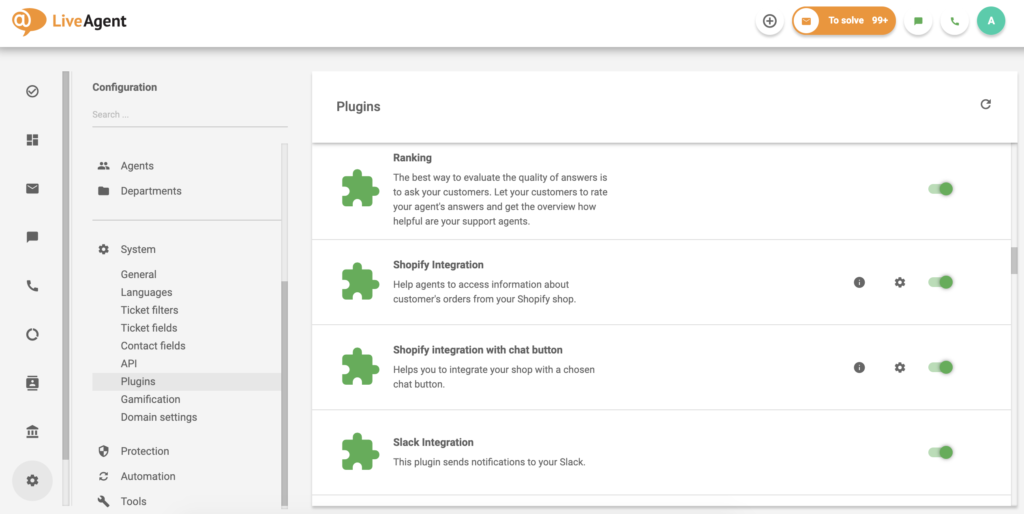
These web pages will also feature scripts that integrate with the chosen customer experience platform.
Website owners can then log into a dashboard provided by the customer experience management software to view customer issues and engagements. They can see when inquiries were sent and, often, where they came from on the website. They can also direct inquiries to the most relevant team member.
Additionally, this information can be used to determine which parts of their website, social media presence, or other aspects of customer engagement are lacking. For example, if customers keep asking the same questions about the same products, maybe the descriptions should be more precise.
Cloud-based platforms make customer experience management easier than ever before. And best of all, they can do it all from one place – or several! Experience platforms are typically accessed through websites and mobile apps. However, they may also work through desktop apps.
Some platforms work beyond the website. For example, social media channel integration is a common component of customer experience programs. So if a new follower finds a product or sale in an old post, they can message you to find out if it’s still available.
With all of these modern channels for reaching customers, it’s essential to consider the dashboards that bring it all to one place. Rather than trying to keep up with all of your social channels actively, integrate them with a customer experience platform and control all of your digital channels from one place.
You can also receive alerts through your business or personal email address. Apart from that, it’s unlikely that you’ll always have your dashboard open, but there’s a pretty good chance that you’ll have your email with you when you have a phone at hand. If you offer email marketing services, see if it would be beneficial to integrate that into your CES implementation. Most platforms are compatible with leading email marketing platforms, including MailChimp.
Components of Customer Experience Software
Each platform offers a variety of tools and resources. Naturally, they will differ among providers, but these are a few most common.
Some of these components may take time to initially set up and train employees. This process can seem frustrating, but it will save time in the long run.
Ticketing
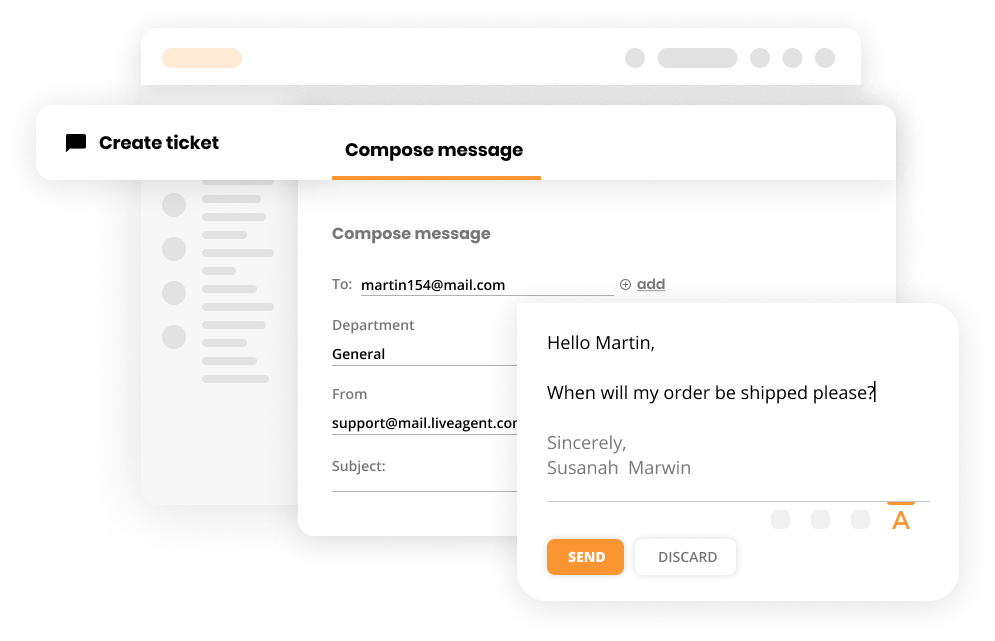
Some customer issues take a little longer to resolve. Ticketing software, as part of a customer experience strategy, enables support agents to track and manage customer inquiries over time. By offering real-time insights and storing historical data, these systems ensure each customer touchpoint contributes to a consistent experience. They also serve as reminders to ensure no support requests fall through the cracks.
Tickets can be archived after they’re closed for future reference, often serving as popular training tools for new employees. They can show how to best respond to certain clients and analyze which solutions appear to work best.
Live Chat
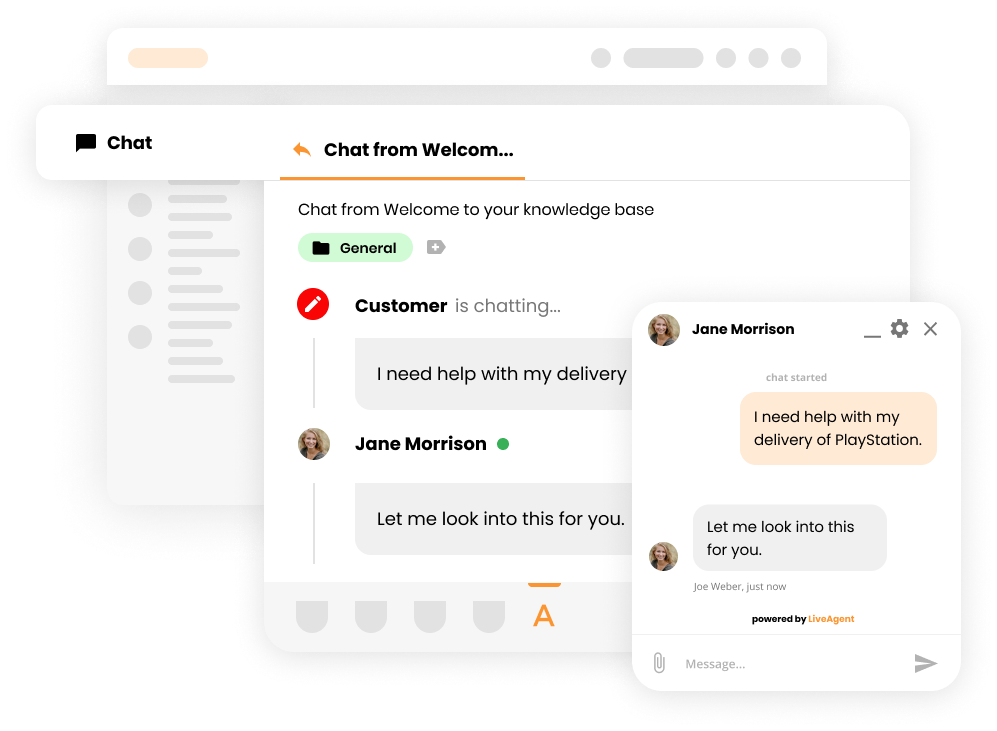
Live chat software allows customers to communicate with a support agent in real-time from any page on your website. Typically, live chats appear as a widget floating neatly in the corner of a web page.
If all agents are currently busy, these “chat bubbles” will also display a queue number, comparable to waiting on hold without the annoying music.
Live chats can be integrated into websites, mobile apps, and product catalogs. The interface can typically be customized to fit your brand. However, this feature won’t always be available, or it may be included with certain packages.
Live chats within customer experience management tools often come with features such as response previews, real-time metrics, and personalization options that enhance user experience. Coupled with tools like customer portals, they ensure consistent experiences and offer real-time insights into user behavior.
For example, some implementations allow agents to preview the customer’s responses as they’re typing, allowing the agent to consider and anticipate their needs before the message is sent.
Even so, live chat doesn’t always give customers an immediate response, so agents can consider their options in detail before moving forward. Even better, the customer’s response time provides additional time to reflect.
Call Center
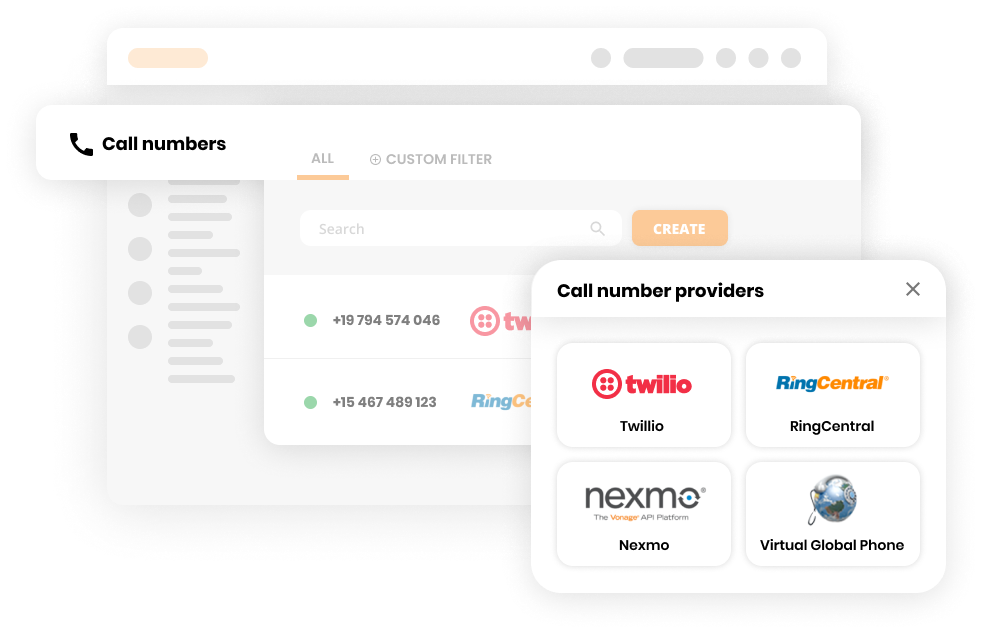
Imagine the power of having a full-fledged call center without the hardware cost. That’s what customer experience platforms with call center programs offer. They can integrate with the computers already set up in your office and offer a feature-rich user interface.
By combining channels into one place, call center software allows businesses to improve customer relations while reducing abandonment. In addition, it integrates with the rest of the platform to provide seamless customer support.
Social Media Management
These days, customers aren’t just using social media to follow their favorite brands; they’re also using it to contact them. Unfortunately, notifications can pile up quickly when coming from several different social channels at once.
Some platforms also allow businesses to schedule social media posts. These integrate with the largest platforms and allow advanced scheduling across several sites from one location.
Customer Portal
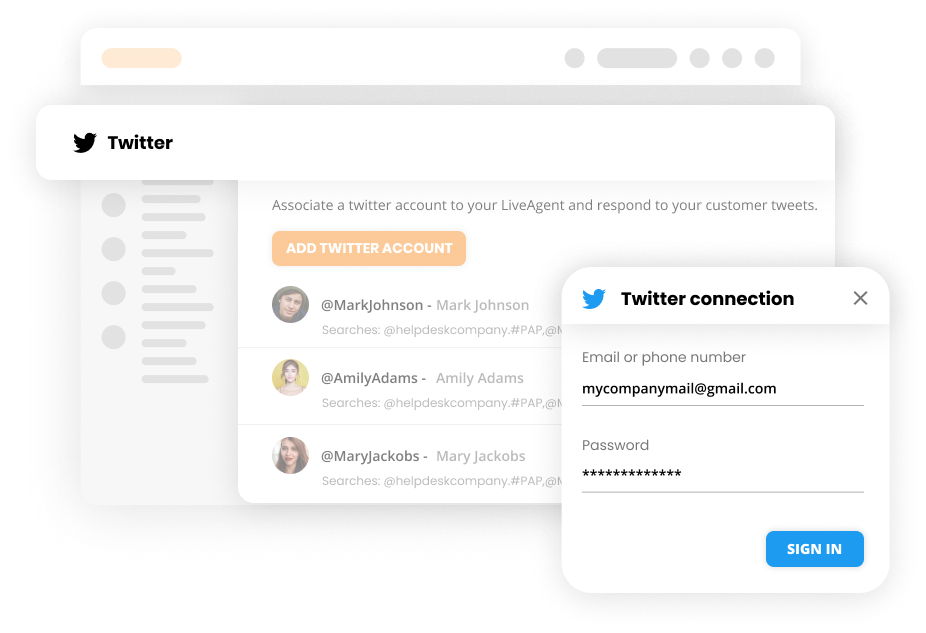
As digital channels continue to streamline the flow of information, customer expectations have changed. If some issues are not resolved right away, they want updates on the progress made. Customer portals show this in real-time.
They also offer additional information to existing customers who have created accounts. Typically, they can create new support tickets, search a knowledge base, and view past support tickets.
Customer portals also allow customers to help each other. For example, community forums allow visitors to search for questions others have asked and answer those with similar problems. Employees can also guide the conversations and answer questions along the way.
While forums can help reduce customer service costs, monitoring conversations regularly is essential. Ultimately, the questions and topics should support your business, not hinder. You should also enforce rules that keep conversations friendly, focused, and helpful.

Knowledge Base
Sometimes, it’s better to allow customers to find the information they need in their own time. Knowledge bases can free up personnel resources while giving customers quick access to the most pertinent information. This is especially true when using a robust knowledge base software. Some of the key benefits of having a knowledge base can be reducing the workload for your support team, improving customer satisfaction, and reducing costs.
As a bonus, well-structured knowledge base implementations can sometimes help improve search engine rankings. This offers an opportunity for new customers to find you based on your content, even if they’ve never heard of your business.
You can also use customer tickets and interactions to expand your knowledge base. Build case studies and feature them as examples of solving common (or not so common) issues. Of course, it’s important to get customers’ permission before using their names.
Key Features of Effective Customer Experience Software
There are plenty of customer experience programs to choose from, but not all of them are suited to meet every business need. Here, we’ll discuss key features to consider before making a decision.
Journey Mapping
Customers tend to follow certain paths before conducting business with you. Journey mapping provides a comprehensive view of the entire customer journey, highlighting touchpoints that lead visitors to either convert or churn. This data offers valuable insights that inform improvements, optimize customer lifetime interactions, and create more seamless experiences.
Chances are, visitors are coming to your website from different backgrounds and for various reasons. A 360-degree view helps you understand a customer’s perception, opinion, goals, and motivations based on how they interact with your website and business.
One of the best ways to build a following is to have an active presence on relevant social media channels. Social media analytics help you understand how customers interact with your posts and which posts drive traffic.
Customer Feedback
Most valuable sources of information about your customers are, in fact, your customers. Customer experience software should make it easy for your customers to contact you and offer feedback.

How to Choose the Best Customer Experience Software
When selecting a customer experience management tool, consider key factors such as scalability, integration, and the ability to deliver predictive analytics that offer actionable insights. By focusing on tools that enhance the customer lifecycle and minimize customer churn, businesses can maintain a loyal user base.
Predictive analytics and real-time insights gathered through customer experience platforms offer actionable insights that guide marketing decisions and enhance customer lifetime engagement. By understanding customer sentiments and measuring customer effort scores, businesses can fine-tune strategies for the best results.
As there are so many customer experience management software solutions on the market, it is easy to become overwhelmed.
The following seven factors need to be taken into consideration when choosing customer experience management software:
Commitments
What does the customer experience platform expect from you? Many platforms offer a free trial before expecting any commitment from you; some won’t even ask for your credit card information!
Many platforms will also allow you to cancel any time without a penalty. If you cancel in a certain time period (typically 30 to 60 days), you might also be eligible for a refund.
Determine the level of commitment of a platform before signing up. This includes both the platform and the commitment of your business. You will have to spend time and resources training employees and integrating the platform’s tools.
Pricing
Prices aren’t always as straightforward as they appear to be. Sure, they’ll usually have a list of prices, but if you look closely, you might see text that says something like ‘per user." Also, it might show a monthly charge, then say that it’s billed annually underneath.
Since customer experiences are valuable, prices for the best platforms will not always be low. But they also shouldn’t be tricky. Just make sure the price that’s shown is the price you’ll actually pay.
Don’t forget to factor in startup costs. Some platforms charge a fee to set up an account. While this isn’t necessarily a bad thing, if you’re going to spend more upfront, make sure it improves customer interactions.
Support
Customer experience platforms exist to serve your customers, but the business should also support you. After all, most of these platforms feature a host of features, reports, integrations, and automation. Support can come in many forms. Generally, tutorials are included that teach how tools are used and strategies to get the most from them.
Of course, you should also be able to reach a person when it’s necessary. After all, that’s essentially the point of the entire industry. So the platform you choose should offer at least as many ways for you to contact an actual person as they’re helping you offer to your customers.
Speaking of support, does your chosen platform keep you informed? Things are constantly changing in the digital world as computers become more powerful and businesses learn new ways to serve customers. Email newsletters are a great way to stay informed about a customer experience software’s latest features and enhancements. As upgrades are implemented, service outages will occur. They also occur for other reasons that are often unpredictable. Try to find out if your customer experience software offers a tool that monitors system status. If an outage does occur, find out if your desktop client software will still provide some limited functionality. If not, have a backup plan in place to continue customer interactions until service is restored. Fortunately, outages are rare and typically take little time to resolve.
Provided Contact Options
Customer satisfaction takes many forms online. For example, a customer might have questions about a product on your website, or they might wonder if a discount they found on social media is still valid.
A great customer interaction meets customers wherever they are. Unfortunately, attention spans are short online; if customers can’t reach you when and how they want, they’re likely to go somewhere else. That’s why most customer experience programs are designed to integrate with live chats, email, phone lines, and social media.
Ability to Scale Up/Down
Most customer experience software offers a variety of packages at different price points. They tend to be based on features, others on the number of users or interactions, and others consider a mix of features and users.
You should choose software that will help grow your business (otherwise, it won’t be worth the investment). Then, as that growth occurs, you should be able to upgrade your account to meet the demands of a better customer experience.
Sometimes, you might improve the efficiency of your customer interactions so much that you can actually scale your efforts back. Customer experience platforms should scale seamlessly to meet your needs.
CES platforms should adapt to your changing business needs. Over the past year, we’ve seen a drastic increase in the number of employees working from home. Even though the world has changed, customer expectations remain the same. Your CES implementation should support these changes.
Software Limitations
SaaS platforms have become extremely powerful, but they have limits. That’s why you’ll often see a maximum number of campaigns, users, customers, or interactions on different platforms. Consider these limitations carefully and compare them with your current website’s traffic.
It might be tempting to choose the unlimited plan, but not what your business needs. In fact, in many cases, those plans are meant for large-scale enterprises, not a chain of local restaurants. Remember, if you choose the right platform, you can scale up as needed.
Collaboration Options
It takes a team to succeed in business. Yet, not every employee is capable of answering every question. This is why collaboration tools are essential to customer experience platforms.
Ticketing systems are among the most common collaboration tools. Customer issues can be assigned quickly to a relevant team or member. They also allow agents to leave relevant notes along the way.
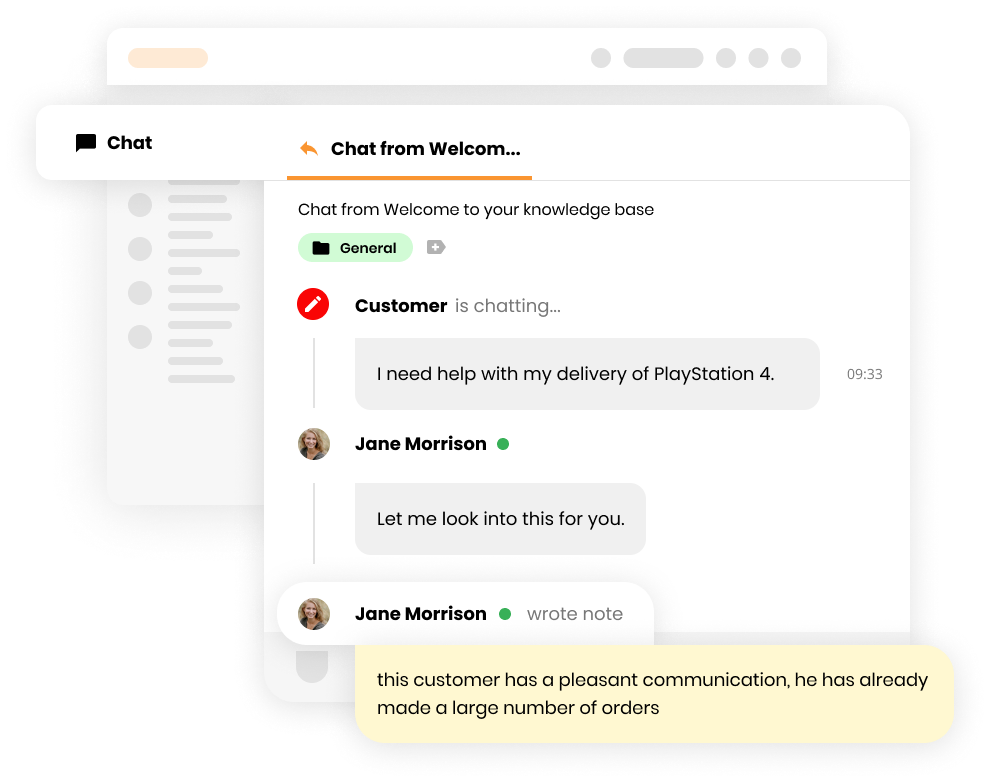
Of course, some inquiries have a greater sense of urgency and need a faster response time. Shared inboxes are another common collaboration tool. Different team members can read the same emails and respond appropriately.
File sharing is another important collaboration tool. Sometimes, team members may need to edit and share the same documents or records to assist customers effectively. The process of sharing and storing these documents in one place should be seamless.
Depending on how the platform is implemented, agents don’t necessarily have to work directly with customers. For example, tickets regarding accounting issues can be shared with accountants. Once the issue is resolved, the customer service agent can contact the customer.
Demo Version of Customer Experience Software
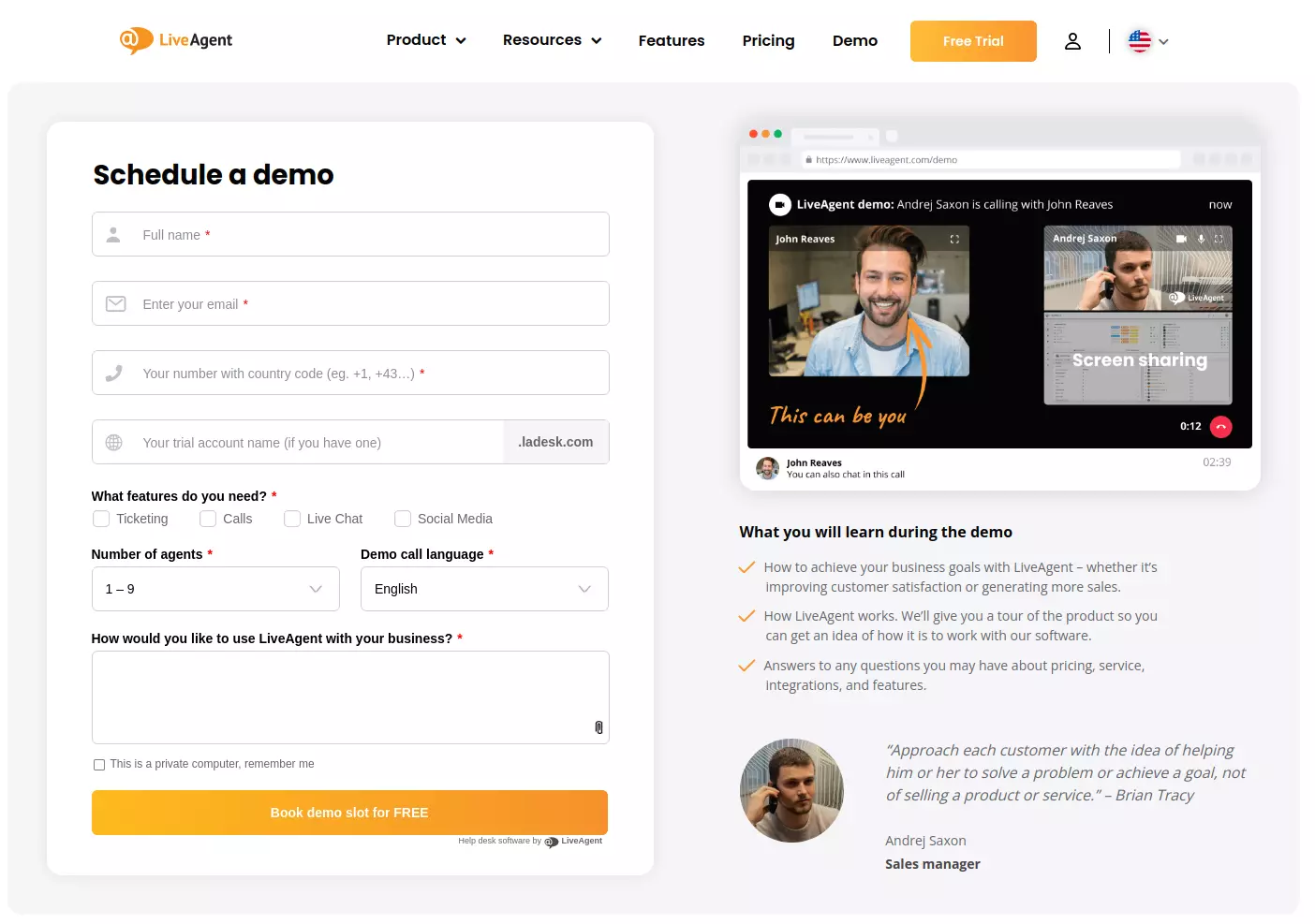
Every customer experience platform is different, and some will meet your needs better than others. Therefore, you should test it before investing in it. Demo versions provide an opportunity to see if a particular platform will seamlessly integrate with your business and customers. More importantly, the trial period should last long enough to determine if it will improve efficiency or prove more cumbersome.
Demo versions are limited, so focus on the most important features first. Make use of the platform’s knowledge base guides to learn those features quickly and see how they perform with a small number of customers.
You should also try a few demos before making your final decision. This is free (apart from your time commitment), and you can draw your own conclusions based on first-hand experience.
What is the Best Customer Experience Software?
Which option is the best? Every business will have a different answer. For example, some platforms (such as SurveyLegend) offer surveys; others (like LiveAgent) don’t. Unless your business plans to run surveys, you may inadvertently pay for something you do not need.
You’ll need to determine the best solution based on your business objectives. What tools will make it easier to connect with your customers? Invest only in the tools you need to reach your customers where they are. This may even be more important than aggregated user ratings.
Make sure to also read user reviews. A quick internet search for any platform will reveal dozens of reviews from actual users. See how they measure up. For example, according to a quick Google search, LiveAgent generally ranks higher in industry publications than Zendesk.
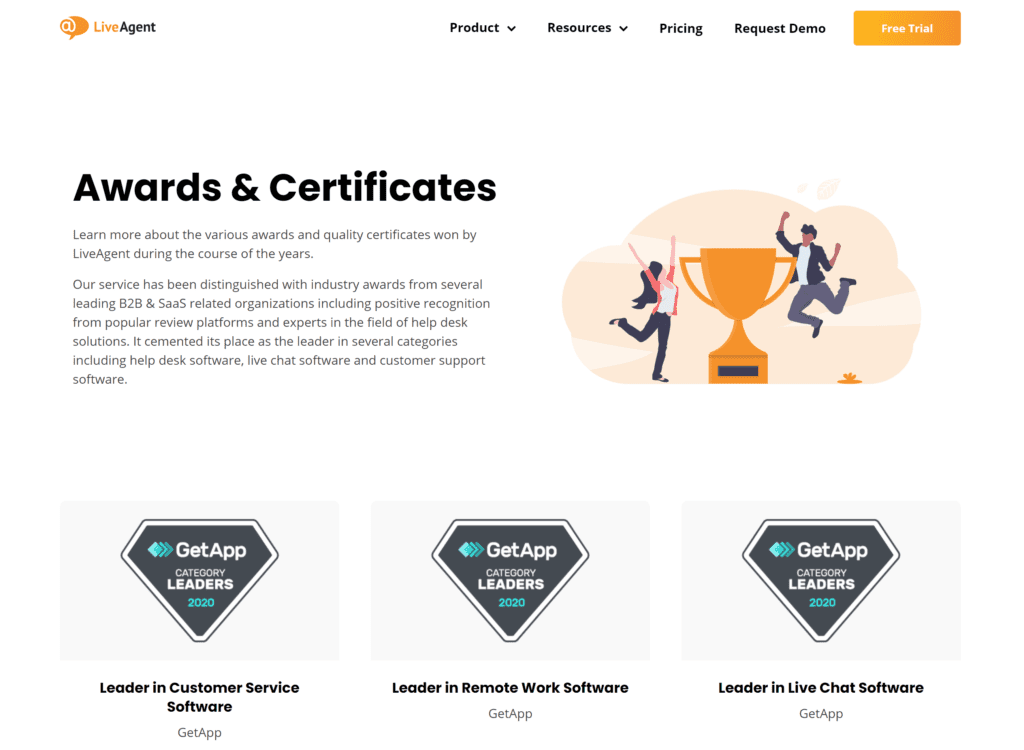
In addition to reviews, what industry accolades have they received? There are many industry platforms and watchdogs that review and award providers. These include awards and certificates for social media management software, help desk platforms, and live chat software, among others.
If your business is newer, it may benefit from a simple open-source customer experience management software. These are often feature-rich and backed by a community of developers. However, they usually have limited funding for support.
There are times when you might consider more than one platform, even if only temporarily. For example, survey-based platforms like SurveyLegend largely focus on questionnaires. These platforms lack the functionality of most other customer experience software.
You may want to temporarily use the features of SurveyLegend if you’re testing a new product or website update. Garnering the direct opinions of actual customers can help you make more informed decisions.
If you only need to implement one tool, the best customer experience platform might be the one that offers that tool as a standalone product. For example, LiveAgent offers ticketing software for $15 each month per agent. On the other hand, Salesforce requires customers to bundle different products together for every plan.
Fortunately, most customer experience platforms offer some guidance when choosing the best program for your business. However, if you’re looking for a solution as an individual (such as affiliate marketers or freelancers), the free plans should be enough to start with.
You may even benefit from multiple free plans. For example, you can use LiveAgent’s free package for basic reports, a chat button, a customer portal, and other useful tools. You can also use SurveyLegend to build surveys for customer feedback.
Small, local businesses may also benefit from one free service and another low-tier package. You probably have a following already, but its scope is limited. Small businesses usually have a smaller volume of customer service inquiries and won’t need more advanced tools.
Mid-tier packages best serve midsize businesses. Free versions may not be enough, but the more suitable packages will still be budget-friendly. Even better, they will help businesses in this range scale their outreach effortlessly.
Enterprises and international corporations often need to coordinate their workflows among multiple offices, sometimes across different time zones. As a result, these organizations need top-tier customer experience software to serve larger customer audiences and facilitate collaboration among large, geographically diverse teams.
Benefits of Using Customer Experience Software
Better interactions mean greater customer loyalty, and the sole purpose of customer experience software is to enhance those interactions.
However, customer experience programs help more than just customers. When implemented correctly, they also improve the employee experience. Collaboration allows employees to work seamlessly together, even if they aren’t in the same office. It also allows them to resolve customer issues faster.
You can also use analytics tools to track active users as they interact with your website, app, or content. As we’ve discussed, this offers more insights into what’s working and what isn’t. Once you know what makes customers happy, you can improve the overall experience.
Business interactions – both internal and external – are streamlined by customer experience software. Customers can contact your business through more channels, yet they can all be accessed from a single dashboard. As we’ve also discussed, employees can better collaborate.
Collaboration is particularly important if employees or teams work in different locations. They need access to the same files, records, and tools in real-time. They also need access to live updates so that customers can be assisted as quickly and efficiently as possible.
Customer experience platforms also make businesses more scalable. As your business grows, you can upgrade to better plans with more features and usage limits. Upgraded plans often extend functionality enough to avoid or reduce increased labor costs.
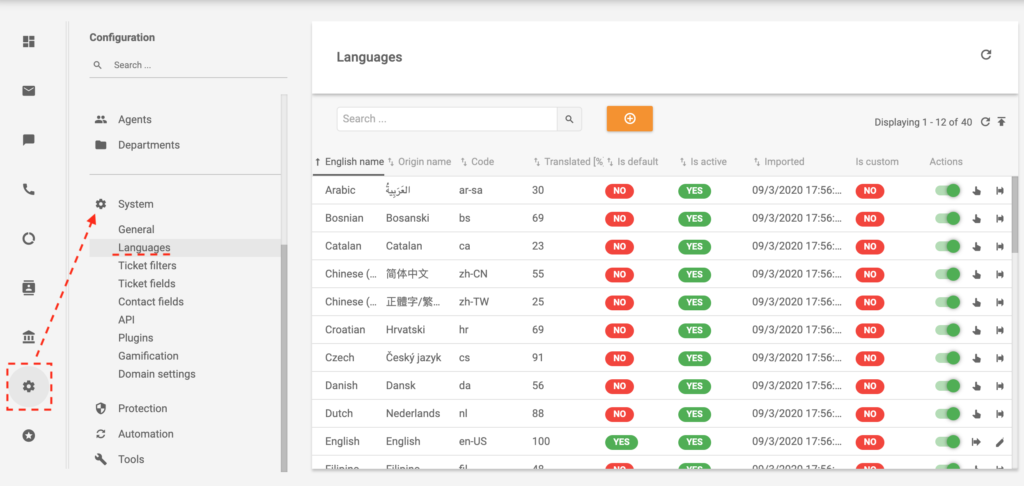
For international organizations, multilingual support is vital. This one feature can provide access to entire markets in new countries and offers unparalleled opportunities for expansion even among businesses that have not yet built an overseas presence.
When using multilingual tools, find out which languages are supported and which nations offer the most opportunities for expansion. If you consider your options carefully, expanding overseas with a customer experience platform can be much easier than you think.
Implementation of Customer Experience Software
Even with the most efficient platforms, implementation will necessarily take some time. This is especially true for enterprise clients, but even individual users will need to adjust their schedules.
Before implementing customer experience software, take a close look at their security features. Sometimes, scripts embedded on your website will link to external resources. If they do, those resources should be on secure services. Otherwise, it can create security issues, even if your website is secure.
Unfortunately, checking secure connections usually requires technical knowledge and the ability to read some code. This is one of the many reasons it’s important to discuss your implementation before choosing a specific platform.
Fortunately, industry leaders understand the importance of security. They work hard to ensure connections are secure and find opportunities to upgrade their platforms. Each of the 20 customer experience platforms that we review here offers secure software implementations.
When creating an account, businesses must provide thorough details regarding their branding, operations, digital assets, and teams. They also need to provide time for training team members to use the platform.
In spite of robust dashboards, some functionality will need to exist outside the platform. For example, live widgets will need to be placed on websites. This is typically done by adding code to each web page on the site provided by the software company.
For email, phone, and social integrations, businesses will have to synchronize those accounts with the platform they’ve chosen. Usually, this process is mostly automated. For example, the platform will send you to Facebook with a request to manage your page. Just log in, approve the request, and you will sync your Facebook page’s timeline.
Even when the program is fully integrated and employees have been properly trained, the process isn’t quite over yet. Customer experience software is an investment. It’s important to ensure that it provides a return on investment.
Cost of Customer Experience Software
Robust customer experience software can cost anywhere between $30 and $1,200 per month. It depends on a variety of factors, including the number of interactions, customers, and employees.
CES platforms often charge by agent per month. This means that the fee applies to each employee using the software’s suite of tools. The agent level is easy to scale both to the team’s current size and its potential growth.
They may also offer packages at different prices, then set each price to the number of agents. For example, ticket software may charge $40 per month for 10,000 tickets and $80 for 20,000 tickets but charge an additional 40 or 80 for each extra agent.
Fees per month are generally better for smaller organizations. This is especially true for those with 11-50 employees but may also work for larger organizations with 51-200 employees. If only certain team members need access, the team sizes may not matter.
For organizations with 201-500 employees, it might make more sense to consider other pricing models (more on that in a moment). For 501-1000 employees, consider platforms offering unlimited plans.
Add-ons are often available for extra fees as well. You may need more support from your customer experience provider, or you may require integration with your own customer platforms. Different providers offer different add-ons, so consider which ones might benefit your business as well.
Pricing Models of Customer Experience Software
- Per ticket: Some platforms include ticketing tools and are priced according to ticket volume. Usually, you’ll be able to pay a certain price, ‘up to" a number of tickets. For example, you might pay $19 per month for “up to 1000 tickets.”
- Per license: A licensing price model typically covers use by an organization. This may or may not include subsidiaries. Typically, licensing models offer unlimited user access, but this won’t always be the case.
- Per device: Some pricing models cover individual devices. This is similar to paying per agent, but that could mean a separate price for the same user accessing the platform via a desktop or mobile device. Shared devices can help save more on these plans.
- Per agent: Many customer experience software charges a flat monthly fee for each agent (or employee) accessing the platform. This may include each device that the agent uses, or it might also implement a per device policy.
Top 20 Providers of Customer Experience Software
1. LiveAgent
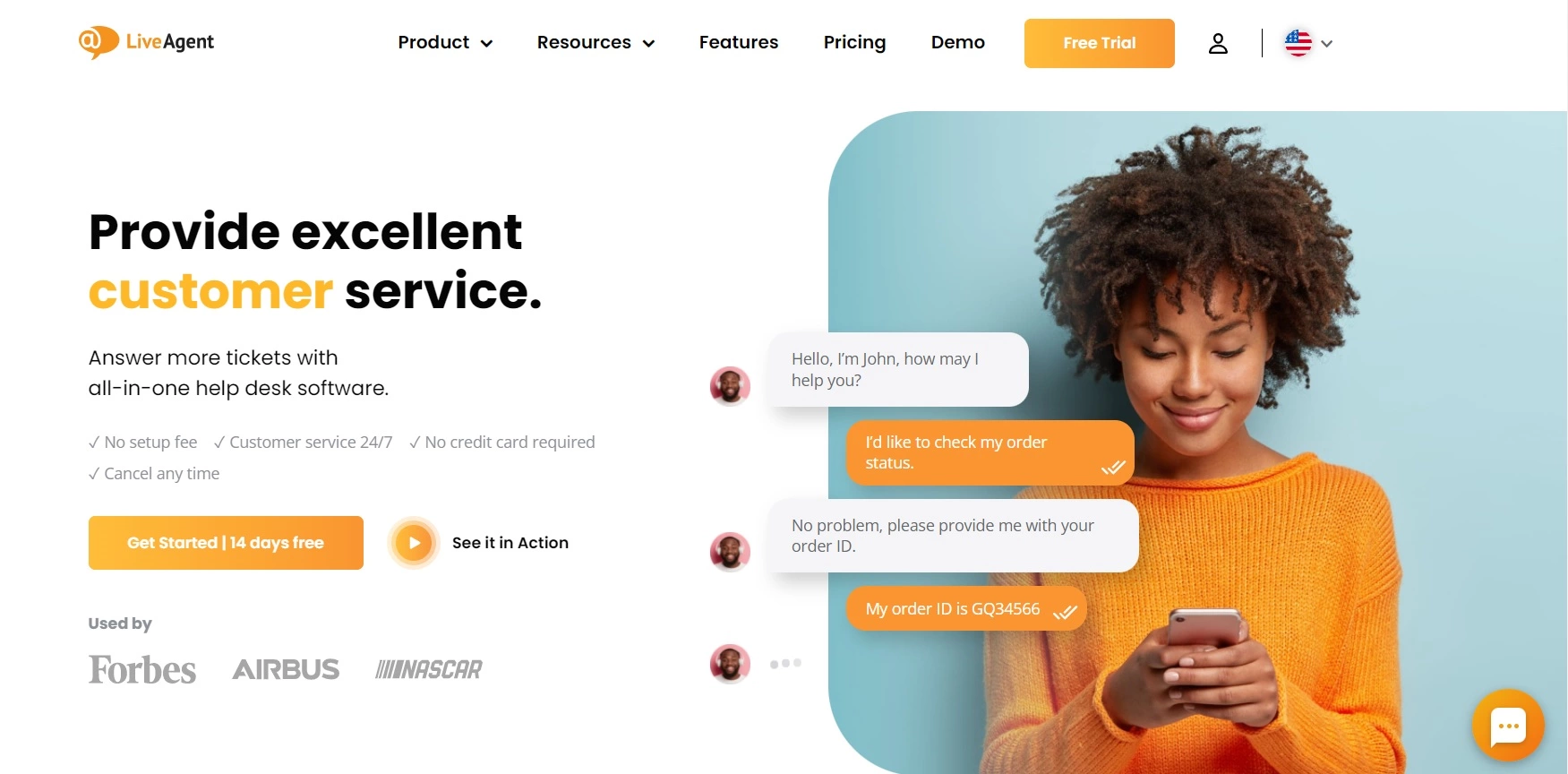
Businesses use a variety of digital channels to connect with their customers these days. Apps, social media, and live chats are just a few of the many channels utilized by successful businesses. LiveAgent is designed to meet the needs of businesses demanding versatility for their customers. Those using a variety of online channels will save time with detailed dashboards. They will also find it easier to monitor customer actions and interactions from a single place.
Recommended for: LiveAgent works best for mid-sized businesses and large-scale enterprises who need to funnel communications from many channels in one place. LiveAgent also provides individual packages for smaller businesses that are ready to scale. The option to upgrade and expand their customer experience program is always available when needed.
Key features:
- Ticketing – allows customers to create support tickets from anywhere
- Integration – LiveAgent features tools that integrate with websites, social media, email, e-commerce platforms, and mobile apps (among others)
- Live chats – these integrated popups allow users to conveniently message customer care teams right from your website
- Call center – you can manage a call center from a single software package. No hardware is needed
- Social media – LiveAgent integrates with social media and turns notifications into tickets
- Knowledge base – help customers help themselves with detailed articles that answer the most common (and a few not so common) questions
- No contracts – LiveAgent offers a cancel anytime policy
- Customer portal – keeps customers updated on the progress of their tickets
- Resources – LiveAgent dedicates a full library of resources to help users get the most from their vast customer experience platform
Pros:
- LiveAgent is versatile and integrates with a variety of channels
- It offers a variety of communication channels that you can monitor from a single location
- Businesses and customers can track the time it takes to resolve each ticket
- Customer segmentation is easy
- Integration with a variety of channels
- Dedicated customer service
- Free trial without a credit card
Cons:
- There are so many features that it can take time to learn LiveAgent’s platform
- The free trial lasts 30 days
Price: LiveAgent’s prices are pretty standard for the industry. There is a free account with limited usage allowances that will prove useful for some small businesses. LiveAgent also offers a free 30-day trial of its many services and its all-inclusive package. No credit card is needed. Beyond that, they offer various packages and singular products for monthly subscriptions beginning at $15. The Medium package is $29, and the Large is $49. Additional fees may apply for additional features and social channels.
2. SurveyLegend
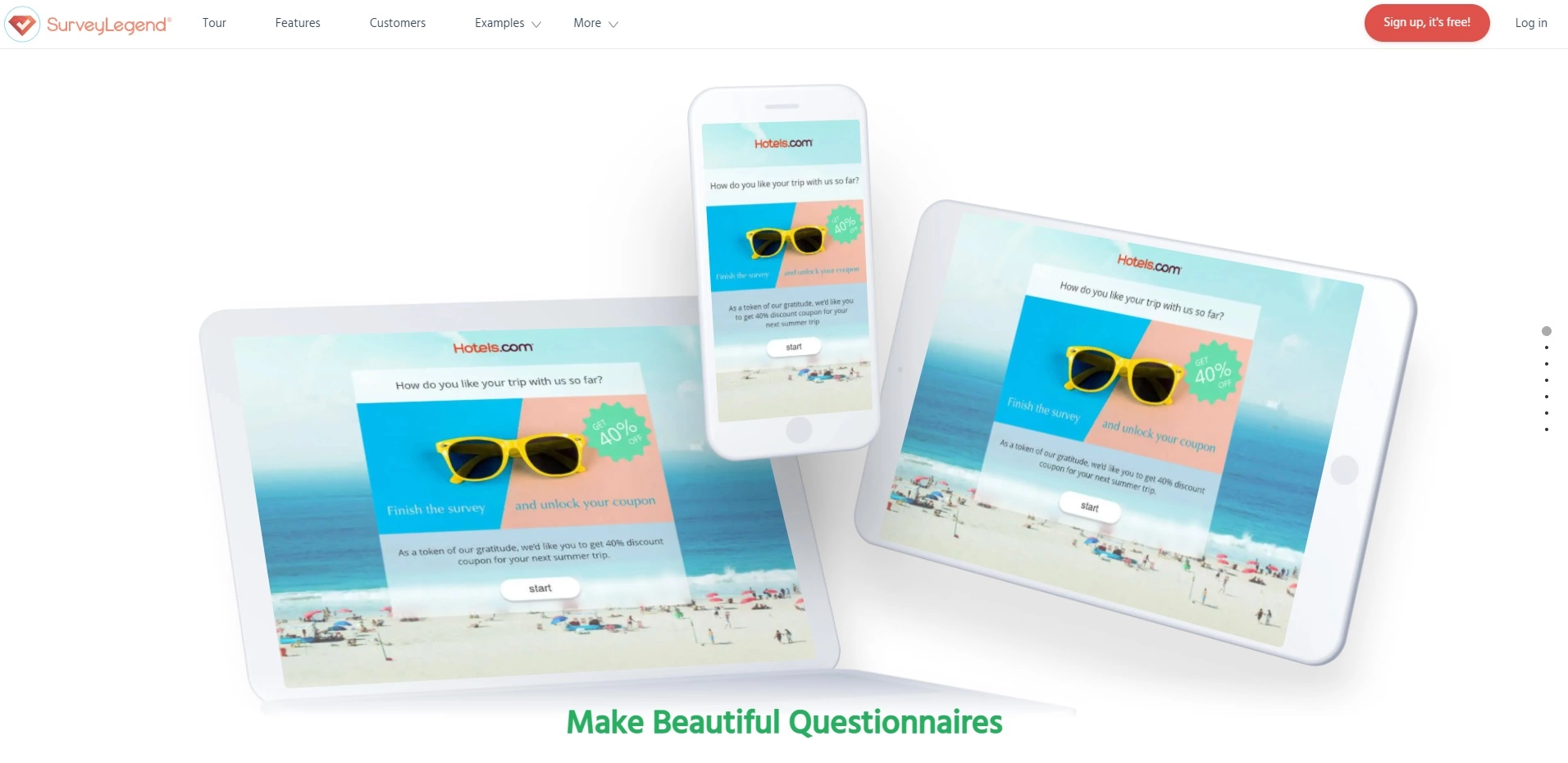
As the name implies, SurveyLegend focuses on surveys and questionnaires. They allow each to be integrated into websites, apps, social media, and email newsletters with relative ease.
Recommended for: SurveyLegend is ideal for brands, businesses, and organizations with a large enough following to gauge accurate samples. If small businesses are interested in obtaining feedback efficiently from their regular customers, they may also benefit from this service.
Key features:
- Flexible packages
- Variety of survey types
- Cross-platform functionality
- Drag & drop builders
- Team collaboration
- Ads
- Data analytics
- API integrations (for their top-tier packages)
- Social sharing
Pros:
- SurveyLegend makes it easy to create and customize a variety of surveys
- Analytics data offers insights into the success of each survey
- Drag & drop features allow users to create surveys visually
- A free plan offers basic functionality
- Social sharing is included with every plan
Cons:
- Phone support is only available for the top-tier plan
- RESTful API integrations are limited
- Analytics data has a learning curve
- The full versions do not offer free trials
Price: The most basic plan is free but is limited (only three surveys per month). The “Pro” package costs $19 per month or $170 per year. The “Business” plan offers unlimited surveys and questions while including more features at $39 per month or $300 per year. Finally, the “Legendary” package is priced at $89 per month or $780 per year. While SurveyLegend does offer a free plan, it does not include a free trial for any of its paid packages.
3. HubSpot Service Hub
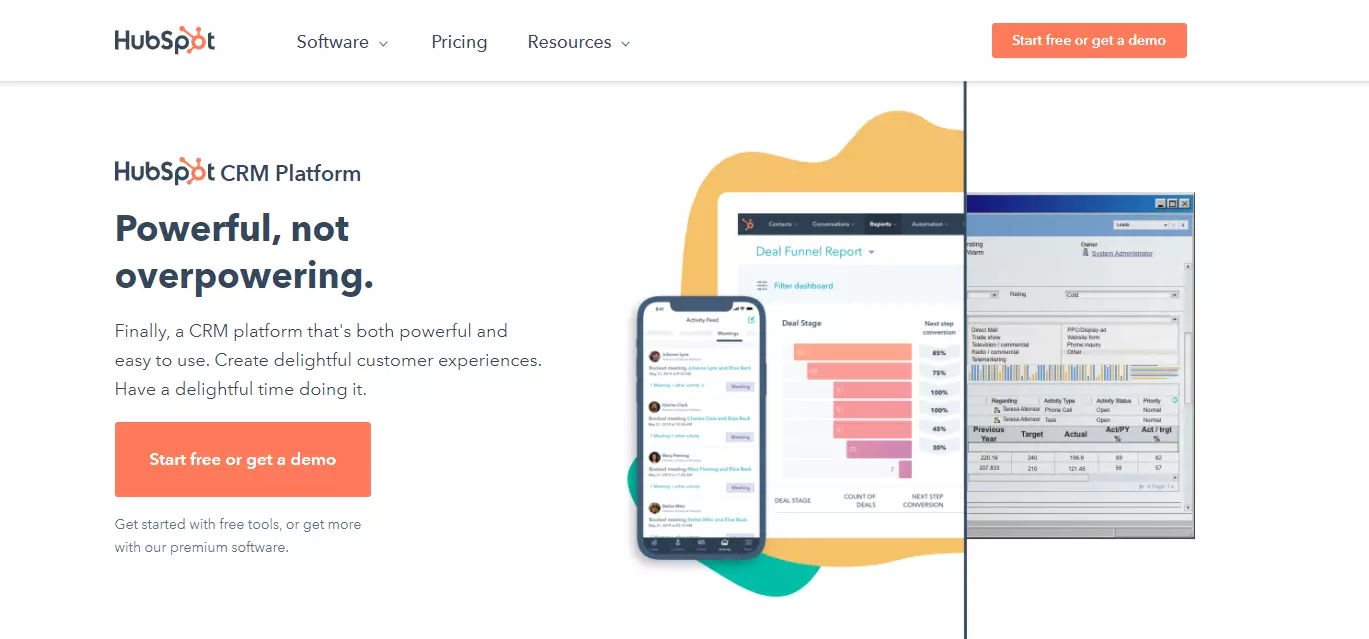
HubSpot builds on its solid reputation of quality digital marketing tools with Service Hub. It offers customer conversational tools and surveys. It’s also integrated into a customer resource manager.
Recommended for: HubSpot Service Hub is designed for businesses and organizations of all sizes that need to streamline their digital communication. It’s also a popular choice for freelancers who want to organize client messages better.
Key features:
- Team collaboration
- Live chat
- Video messaging
- Team management
- Shared email inboxes
- Ticketing services
- Customer surveys
- Analytics (Enterprise)
Pros:
- Intuitive interface that’s easy to use
- Excellent collaboration tools
- Robust knowledge bases
- Powerful integrated search
- Easily store and search records
Cons:
- The ticketing system is more difficult for high volumes
- Lack of tags when tracking tickets
- Customer responses will not reopen closed tickets
- Tech support is expensive
Price: The free package offers robust tools, and no credit card is required. The Starter package starts at $45 per month. The prices rise quickly from there, with the Professional service starting at $360 per month and Enterprise starting at $1,200. While HubSpot’s signature marketing software includes a free 14-day trial, the HubSpot Service Hub does not.
4. Pipedrive
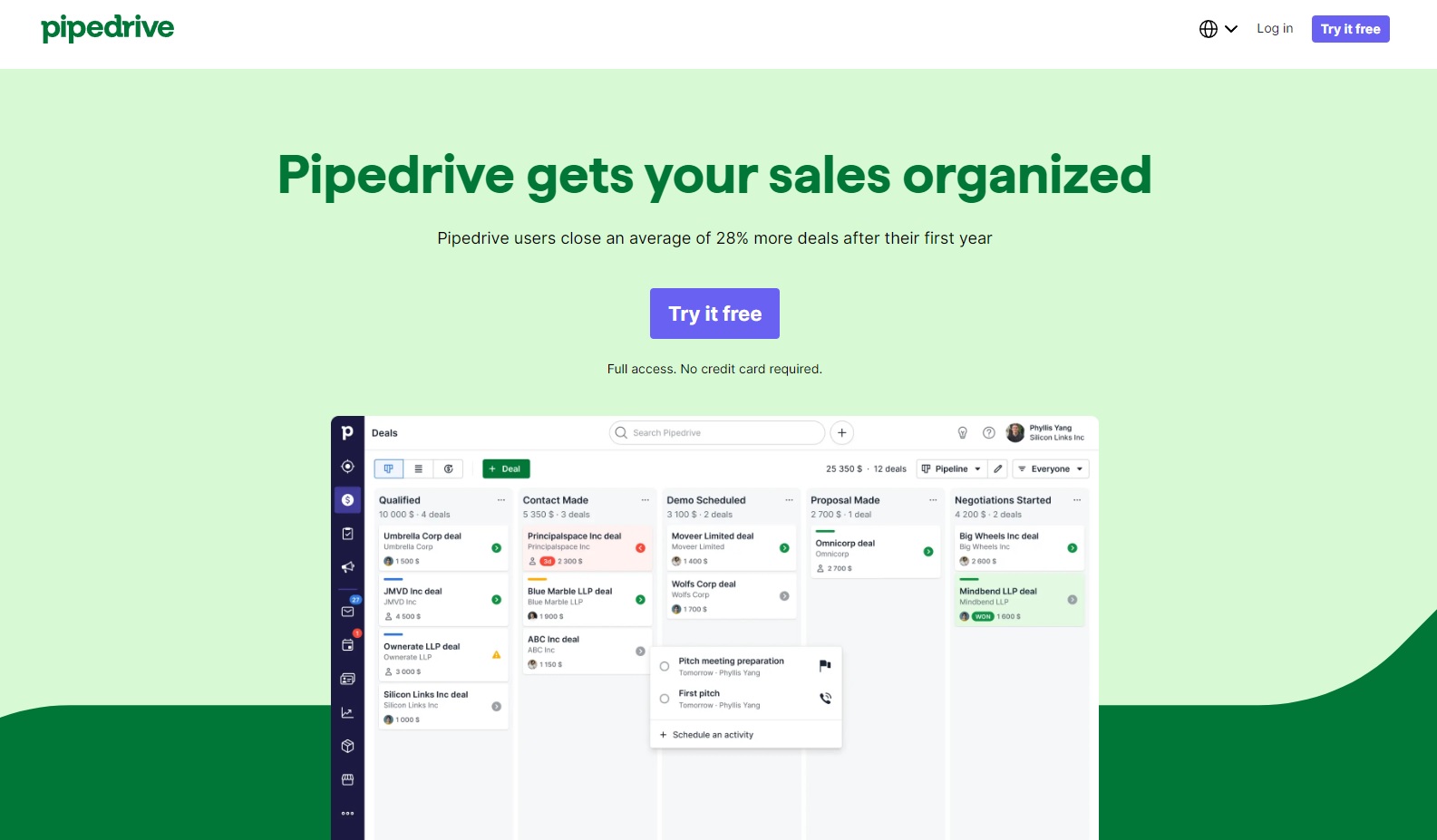
Pipedrive introduces customer experience platforms to the world of sales. It focuses on the activities and processes that earn sales. It also helps generate leads and helps salespeople focus their attention on the best leads.
Recommended for: Sales teams and businesses (of any size) rely heavily on leads.
Key features (Essentials plan):
- Manage calendars, leads, deals, and pipelines
- 24/7 support
- Data import and customization
Advanced Plan:
- Everything from the previous plan
- Email syncs, templates, and scheduling
- Group emails
- Click tracking
- Workflow builder
Professional Plan:
- Everything from the previous plan
- Upgraded dashboards and reports
- Revenue forecasting
- Win projects
- Contract and document management
Enterprise Plan:
- Everything from the previous plan
- Unlimited permissions and team sizes
- Custom security settings
- Program and phone support
- No limits on features
Pros:
- Easy to use
- Scalable
- Automation helps reduce repetitive tasks
- Salespeople can track data visually
- Cross-platform compatibility
- Alerts ensure leads don’t fall through the cracks
- Streamlines communication both internally and externally
Cons:
- Lack of A/B testing
- Limited behavior tracking
- Reports are limited
- Lack of integration with social media
Price: Pipedrive offers a 14-day free trial with full access. No credit card is needed, but you will need to submit your email address and follow the link to begin the trial. The Essential plan begins at $12.50 per month, while the Advanced plan costs $24.90 per month. The prices essentially double for each package, with the Professional starting at $49.90 and Enterprise costing $99. All plans are billed annually.
5. Survio
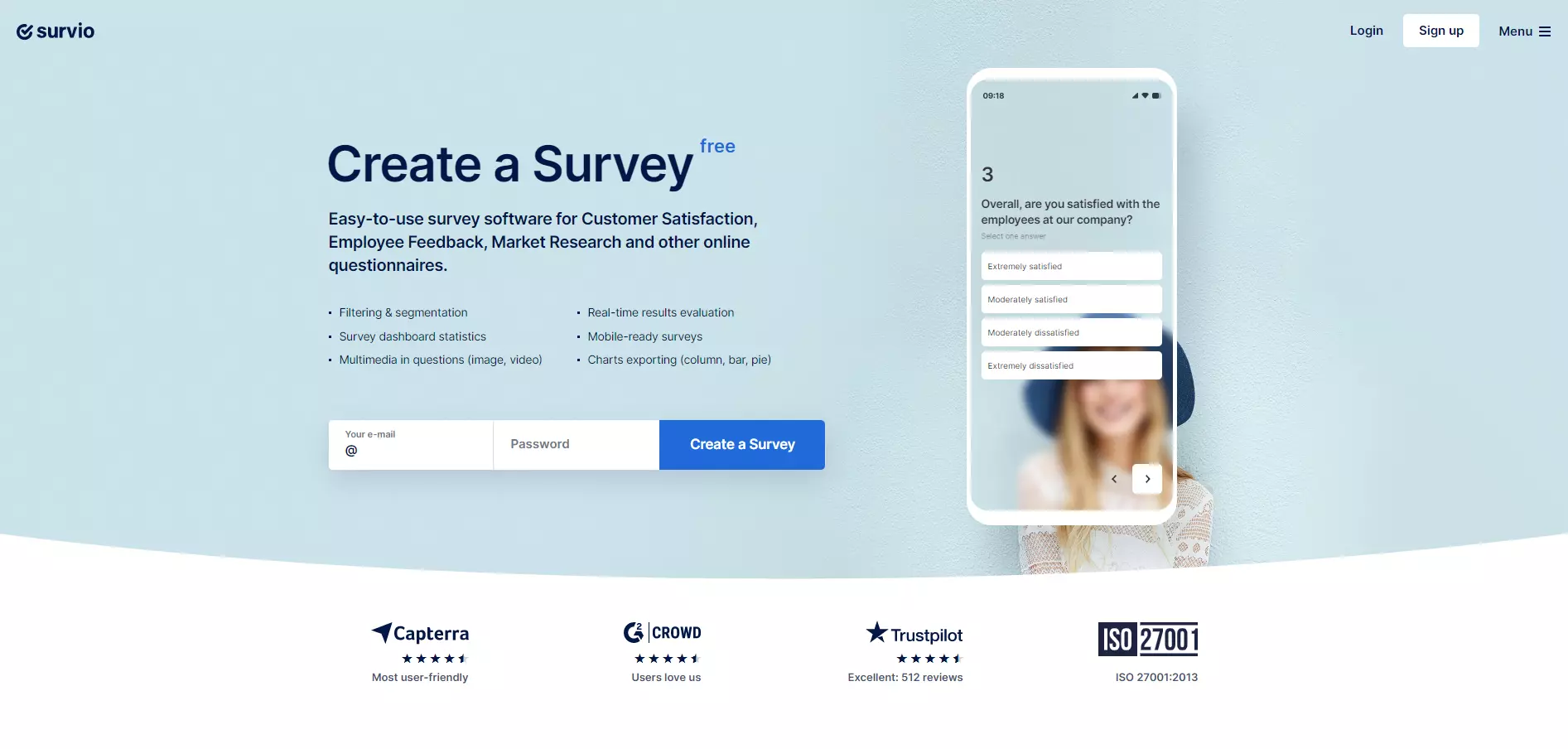
Survio builds customer experiences around surveys. It tracks responses and offers robust analytics reports.
Recommended for: Survio is scalable and suitable for personal use, small businesses, and large enterprises. In addition, its feature-rich free plan makes it a great choice for limited budgets.
Key features (included in all plans):
- 100 monthly responses
- Unlimited surveys
- Unlimited questions
- Mobile surveys
- SSL surveys
- Robust building features
- 70 themes
- Slack integration
- Data collection
- Social Integration
- Analytics
Pros:
- Feature-rich free plan
- Highly customizable
- Easy to use
- Respondee analytics
- Variety of templates
- Scalable
Cons:
- Exports are only available in paid versions
- Survey previews aren’t always accurate
Price: The free version is one of the most versatile we’ve seen, but most businesses will still need to upgrade. The Personal plan (great for students and freelancers) costs $25 per month (or $198.96 annually). The Business plan costs $55 per month, or $399 when prepaid for a year. Enterprise users will likely need the Elite plan, which costs $95 per month or $798.96 annually.
6. NiceReply
NiceReply offers a variety of surveys and real-time reporting. They have different surveys to gauge each step of the buyer journey and the overall customer experience.
Recommended for: NiceReply is great for midsize to large businesses looking for gaps in their customer experience journey.
Key features:
- Surveys
- Customization
- Analytics
- Customer feedback score
- Customization
- Setup
- Security (GDPR compliant)
- Agent performance measurement
Pros:
- Easy to use and implement
- Customer rating
- Offers answers for incomplete surveys
- It can help rate agent performance
Cons:
- Comments are not required, so feedback can be limited
- Disgruntled customers can reduce an agent’s rating
- Lack of real-time monitoring
Price: NiceReply’s pricing is based on the number of users and expected tickets.
| Plan | Agents | Responses | Price (annual) |
|---|---|---|---|
| Mini | 3 | 100 | $468 |
| Start | 10 | 250 | $948 |
| Grow | 25 | 1,000 | $1,908 |
| Business | 50 | 2,500 | $2,868 |
7. Zendesk
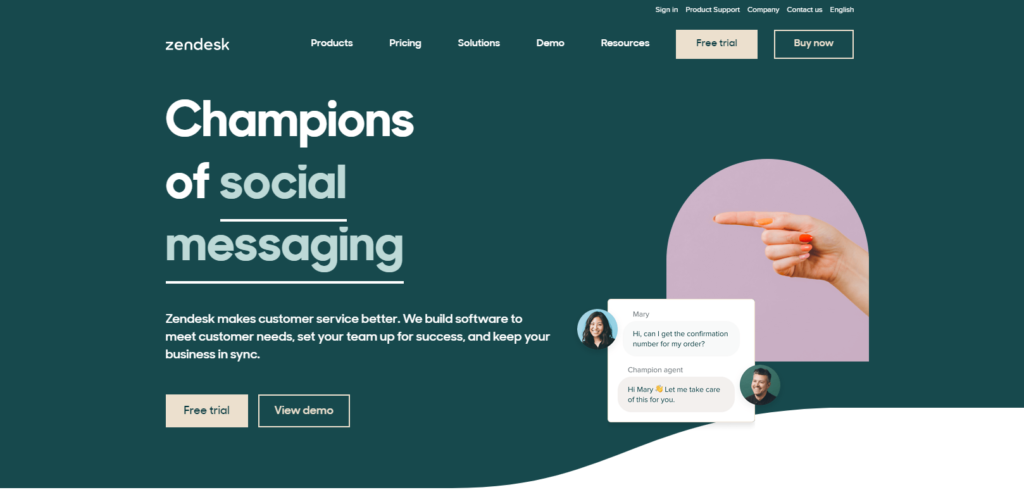
Zendesk is a customer experience platform designed to help streamline communication and drive sales leads. It also serves as a robust ticketing platform.
Recommended for: Zendesk is a good option for businesses whose customers are largely (or entirely) online. It helps streamline and organize communications that come from various online sources.
Key features:
- Ticket system
- Multi-platform messaging
- Live chat
- Integrates with email and SMS
- Help center
- Automation
- Online agent dashboard
- Analytics and reports
- File storage
- Integration
- APIs
Pros:
- Robust knowledge base
- Easy to learn and use
- Customizable
- Excellent collaboration
- Extensive integration with other platforms
Cons:
- Limited views
- Unnecessary settings can’t be removed
- Broad user permissions
Price: Zendesk offers a free trial and will email a link to get it started. Prices are listed per agent and begin at $240 per year for their Team plan. It goes up to $600 for the Professional service and caps at $1,200 for Enterprise.
8. Smartlook
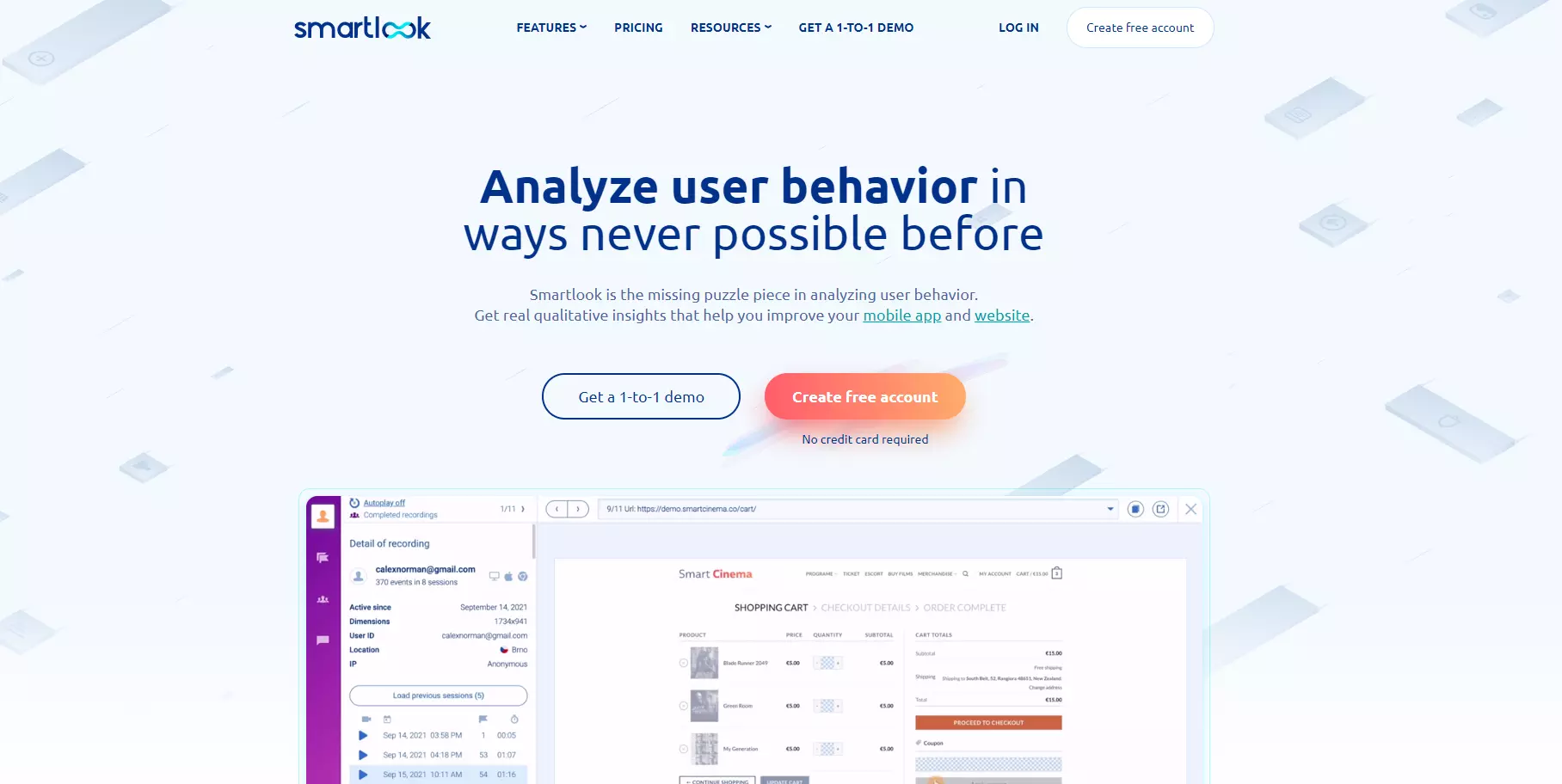
Smartlook tracks user activity on websites to determine how they interact with the page’s various elements and where they might be getting stuck. It uses heat maps to identify the most and least popular content on a page.
Recommended for: Smartlook is great for startups and enterprises alike who want to glean insights from customer behavior on their website.
Key features:
- Data history
- Heatmaps
- Funnels
- Integrations
- Development toolkits
- Visitor journeys
- Analytics
- Reports
- Live chat
- Custom paperwork
Pros:
- Glean insights from actual customer behavior
- Reports are visual and easy to read
- Segment customers based on behaviors
- Heatmaps are easy to measure
- Filter by interaction types
- It can build customer journeys
Cons:
- It isn’t always compliant with privacy laws in some countries
- Recorded information is only available for 30 days
- The trial version is very limited
Price: It includes a free version that is useful for startups and small, local businesses. The Startup plan starts at $39 per month, and the Business plan starts at $95 per month. Users with greater needs will have to discuss pricing.
9. Intercom
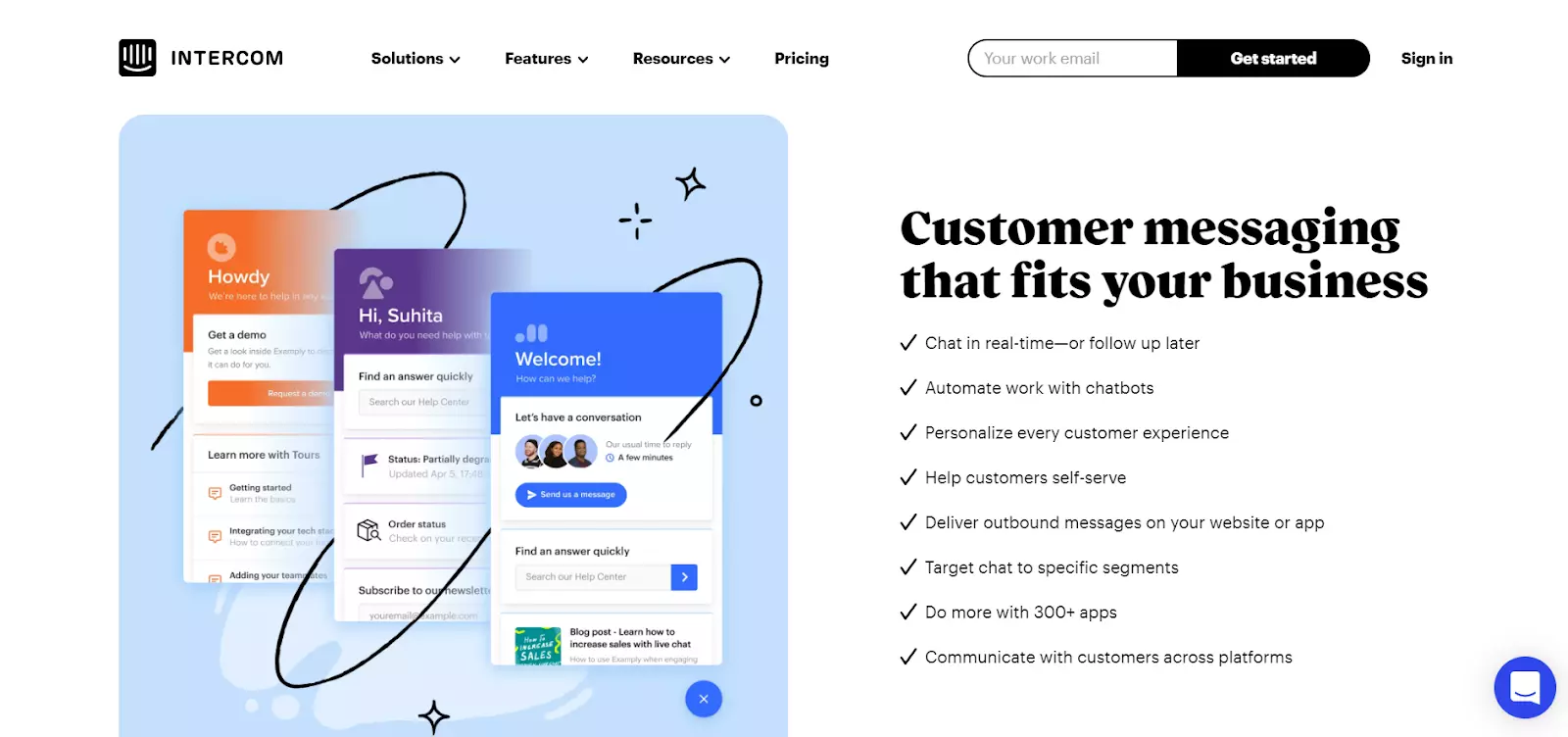
Intercom is a customer experience platform that puts a special focus on communication. Custom messengers, apps, bots, and email can all be integrated in a variety of ways.
Recommended for: Intercom is recommended for businesses and e-commerce sites that operate across a wide range of platforms, including websites, social media, email, and mobile apps.
Key features:
- Bots
- Live chats
- Shared inboxes
- Apps
- Product tours
- Campaign builders
- Customer data platform
- Management tools
Pros:
- Manage a variety of channels from a single place
- Divide accounts among teams
- Push notifications
- Integrates with a variety of platforms
- Flexible and efficient automation
- Customizable
Cons:
- Learning curve
- Lacks integration with some leading messaging apps (such as WhatsApp)
- Upgrade costs rise quickly
Price: Pricing isn’t shown for midsize and larger businesses; it is based on a range of factors. For small businesses, the starter package costs $79 per month. Product tours begin at $200 per month.
10. Freshdesk
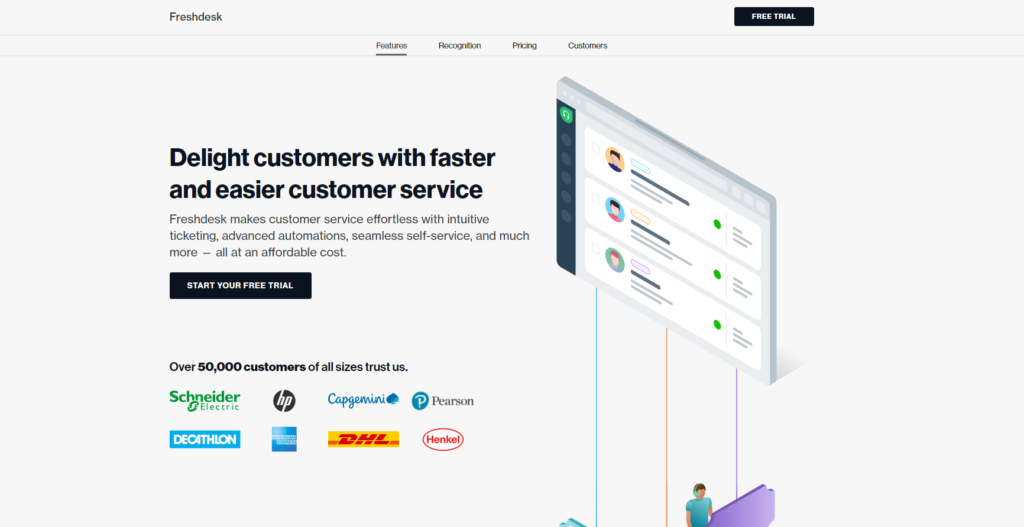
Omnichannel service is at the heart of Freshdesk’s platform.
Recommended for: Businesses using a variety of channels to communicate with a large number of customers, or those intending to scale up their efforts, can benefit from Freshdesk.
Free plan:
- Email & social ticketing
- Ticket dispatch
- Knowledge base
- Ticket trend report
- Datacenter
- Collaboration
Growth plan:
- Automation
- Collision detection
- Apps
- Helpdesk reports
- Email server
- Ticket views and statuses
- Ticket fields
- Customer fields
- Custom SSL
Pro Plan:
- Round-robin routing
- Custom roles
- Reports and dashboards
- Customer segments
- Versions in the knowledge base
- Up to 5 products
- Up to 5,000 collaborators
- Extendable API limits
- CSAT survey & reports
- SLA reminder & escalation
- Multilingual Knowledge Base
Enterprise Plan:
- Skill-based routing
- Sandbox
- Audit log
- Knowledge base approval workflow
- Agent shifts
- IP range restriction
- Email bot
- 5,000 monthly bot sessions
- Assist Bot
- Auto-triage
- Article suggester
- Canned Response suggester
- Unlimited products
- Social signals
Pros:
- You can customize dashboards and reports
- CSAT surveys offer direct customer insights
- A variety of bots for more efficient customer assistance
- Built-in phone to better connect with clients
- Robust support portal
Cons:
- Writing and formatting emails is inefficient
- User permissions are broad
- Reports aren’t always straightforward unless you upgrade
Price: Freshdesk offers a free plan with unlimited agents. Each paid plan is charged per agent.
| Plan | Monthly price – Monthly billing | Monthly price – Annual billing |
|---|---|---|
| Growth | $18 per agent | $15 per agent |
| Pro | $59 per agent | $49 per agent |
| Enterprise | $95 per agent | $79 per agent |
11. Sprinklr
This platform integrates with over 30 online channels to help businesses connect with customers on their terms. Their AI analyzes user interactions and builds strategies for better engagement.
Recommended for: It benefits large businesses and enterprises that spread their outreach efforts on various platforms and channels.
Key features:
- Social listening
- Online communities (forums)
- Social media ads
- Automation
- Help desk
- Campaign planning and marketing
- Moderation services
- Analytics
Pros:
- Dashboards compile data and present analytical information that’s easy to understand
- Easily integrates with a variety of platforms
- Asset management reduces workloads
- Comment moderation from one place
- Post scheduling
- AI offers actionable strategies
Cons:
- Integration with Facebook is glitchy
- More technical knowledge is needed for full implementations
- You can only send social media messages to those following the account
Price: Sprinklr requires prospective customers to sign up for a demo before considering pricing options. Unfortunately, no free trial is available.
12. Zoho Desk
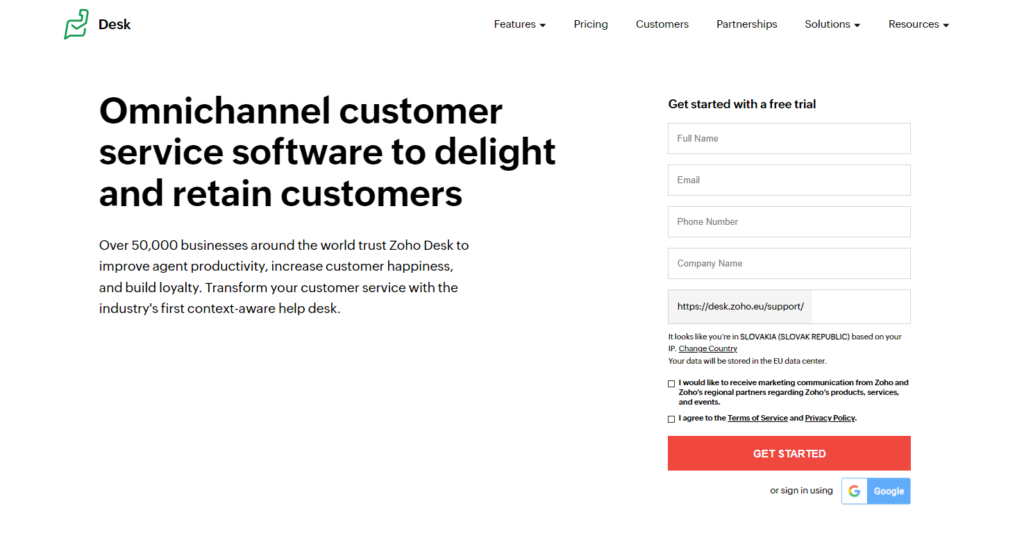
Zoho Desk supports customer service teams and salespeople as a customer experience software. It also offers a booking platform to help customers set appointments.
Recommended for: It benefits businesses whose products and services involve frequent direct communication with customers.
Free plan:
- Email Ticketing
- Customer Management
- Help Center
- Private Knowledge Base
- Predefined SLAs
- Macros
- Multi-language Help Desk
- Mobile Apps
- 24×5 Email Support
Standard:
- All previous features
- Social & Community Channels
- Product-based Ticket Management
- Help Center Themes Gallery
- Public Knowledge Base
- SLAs & Escalations
- Workflow, Assignment & Supervise Rules
- Customer Happiness Ratings
- Reports & Dashboards
- Work Modes for Tickets
- Marketplace Extensions & Integrations
- ASAP – Embeddable Self-service
- Add-On ($6/Light Agent/Month)
Professional:
- All previous features
- Multi-Department Ticketing
- Team Management
- Telephony
- Automatic Time Tracking
- Blueprint – Basic Process Management
- Round Robin Ticket Assignment
- Agent Collision
- Tasks, Events & Call Activities
- Ticket Templates
- Private Marketplace Extensions
- SLA Dashboards
- Ticket Sharing
- Mobile SDKs
Enterprise:
- All previous features
- Live Chat
- Zia – Artificial Intelligence
- Help Center Customization
- Multi-brand Help Center
- Advanced Process Management
- Custom Functions
- Multi-level IVR
- Global Reports & Dashboards
- Scheduled Reports
- Contract Management
- Validation Rules
- Layout Rules
- Field Watching
- Multiple Business Hours & Holidays
- Role-based Data Sharing
- 50 Light Agents
Pros:
- Simple widgets that integrate easily
- Track all tickets from a convenient dashboard
- AI-assisted functionality
- Automates regular tasks
- Lead tracking
Cons:
- Zoho does not offer a desktop application
- Some icons are very small
- Does not import social followers and contacts
Price: Zoho Desk includes a free option that supports 3 agents. The remaining programs are billed monthly or annually per agent.
| Plan | Monthly | Annually |
|---|---|---|
| Standard | $20 | $168 |
| Professional | $35 | $276 |
| Enterprise | $50 | $480 |
13. Bitrix24
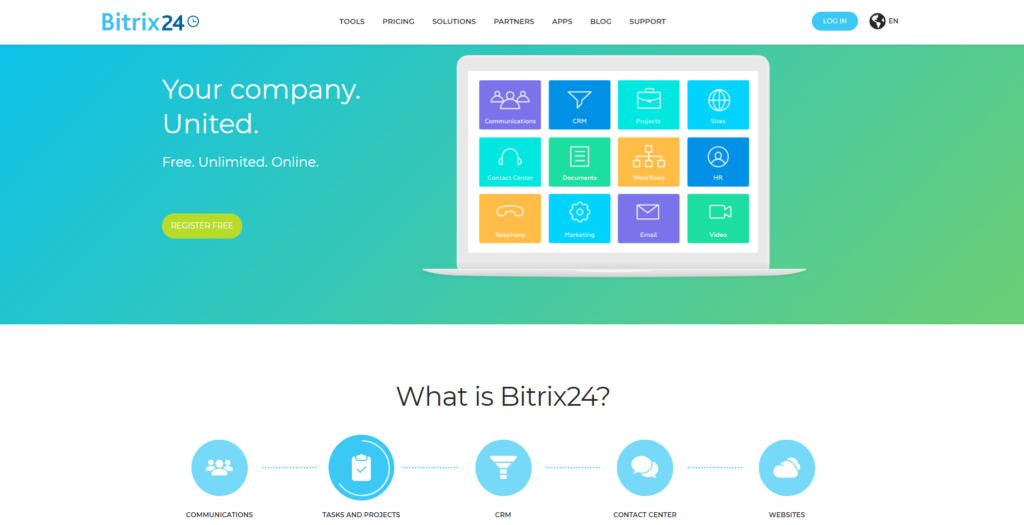
This software combines communications, projects, customer relations, and digital marketing into one platform. It also integrates with a variety of marketing apps.
Recommended for: It benefits businesses investing heavily in digital marketing and communication that look for a platform to streamline their efforts.
Free plan:
- Collaboration
- Chat
- HD videocalls
- Calendar
- Company workspace
- Feed
- Knowledge base
- Tasks & projects
- CRM
- Drive
- Contact center
- Website builder
Basic (all previous features plus):
- Online store
- Customer support
Standard:
- All previous features
- Marketing
- Online documents
- Customer support
- Administration
Professional:
- All previous features
- Sales Intelligence
- Business process automation
- HR
Pros:
- The dashboard presents information visually
- Integrates with email for easier communication
- Streamlines project management
- Easy file-sharing
- Collaboration tools
Cons:
- Learning curve for users who aren’t tech-savvy
- Email history is limited
- Little control over which features are or are not included
Price: Bitrix24 offers a free version with limited functionality. The Basic plan supports 5 users at $49 per month, while the Standard plan supports 50 users at $99 per month. Larger organizations can support an unlimited number of users with the Professional plan at $199 per month.
14. SurveyMonkey CX
SurveyMonkey CX recently joined GetFeedback to create customer experiences fast. Their program is adaptable as customer needs and preferences change.
Recommended for: We recommend it for organizations working to build a customer experience program quickly that can adapt as trends and customer needs shift.
Key features:
- Surveys
- Automations manager
- CX program builder
- Sentiment analysis
- Pardot integration
- Webhooks
- Salesforce integration
- Custom branding
Pros:
- Easy to set up
- Effectively solicits customers for answers and insights
- Provides internal insights
- Visual reports that are easy to read and analyze
Cons:
- Reports are limited
- It may not appear correctly on some devices
- Follow-up questions are limited
Price: It comes in three packages, but customers must contact their sales team for prices.
15. Startquestion
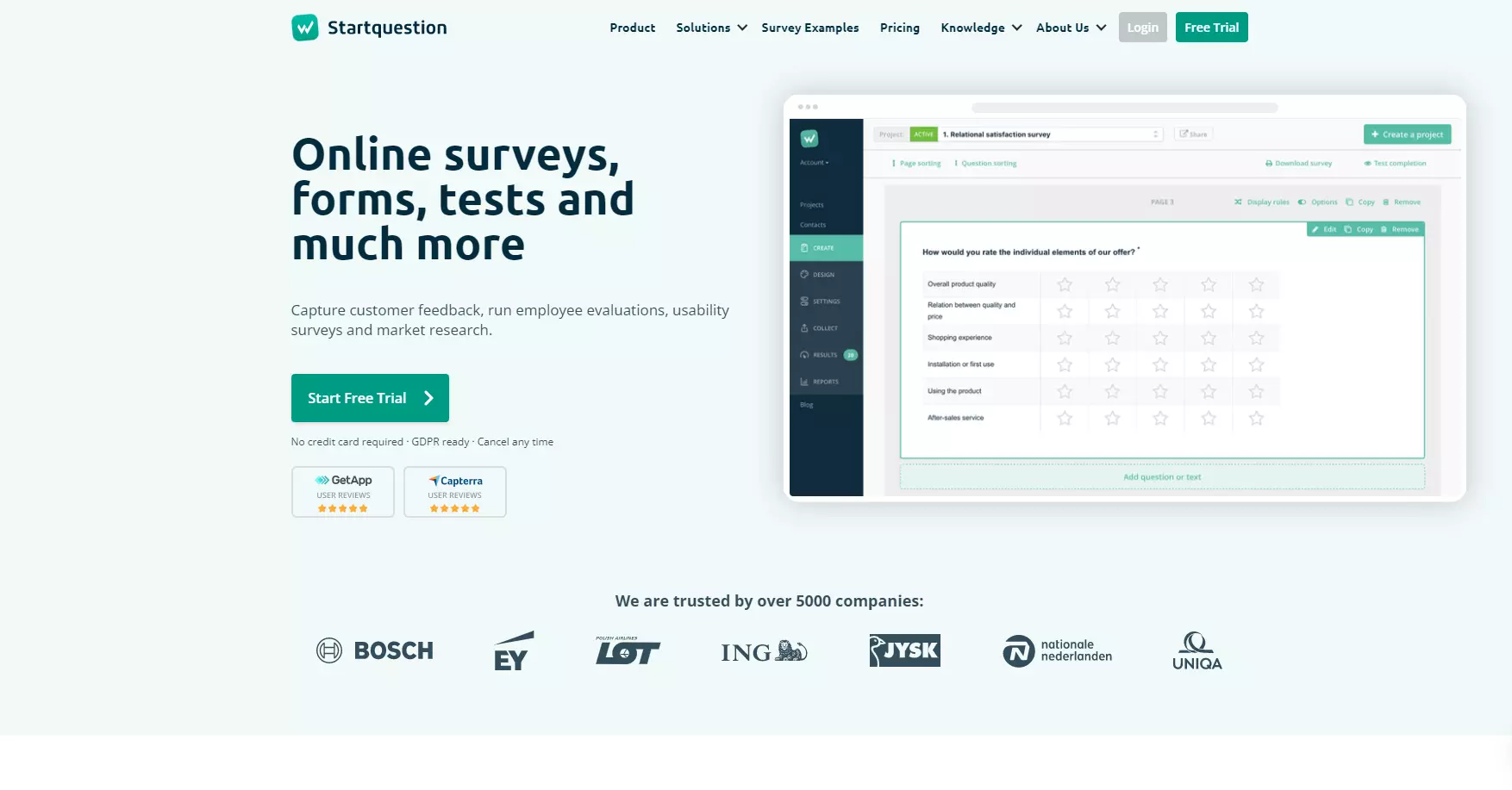
Startquestion streamlines the creation of web-based forms and surveys. Their surveys are designed for customers, employees, and network connections.
Recommended for: This service is recommended for midsize and large businesses who wish to better engage with their employees and customers.
Start:
- Over 50 survey templates
- Intuitive interface
- 18 types of questions
- Personalizing the appearance of the survey
- Advanced logic of survey questions
- Sharing via email / social media / link / QR code
- Crosstables & easy filtering
- Export of results to Excel and SPSS
- Widget for research on websites
- Technical support by email
- Full compliance with the GDPR
Business (everything in Start plus):
- NPS research module (cyclical invitations and trends)
- Sending invitations to surveys from the company email address
- Conducting employee assessments and knowledge tests
- Report wizard and export to Word and PowerPoint
- Dashboards with results
- Hot alerts about survey filling to a predetermined email address
- Technical support via email, chat, and phone
Team (everything in Business plus):
- Accounts for multiple users
- Sharing surveys and reports between users
- Automation of periodic email reports
- Placing the survey on your corporate domain
- Access to API and integration with external systems
- Open question quantitative analysis module
Enterprise (everything in Team plus):
- Integrations with your IT system
- Enterprise-class security
- Access limited to the IP pool
- Read-only accounts dedicated to browsing results
- Dedicated Customer Success Manager
- Hiding the identity of Startquestion.com (white label)
- Warranty agreement and dedicated SLA
- Dedicated contract
- Dedicated GDPR agreement
- SSL certificate for your domain
Pros:
- Easy setup
- Well-structured surveys
- HR tools
- Survey templates
- You can create new surveys quickly
Cons:
- Subscription choices are limited
- Add-on prices accrue quickly
- Lack of category folders
Price: Startquestion offers a free trial after users submit some demographic information. It costs $49 per month, while the Business upgrade costs $99 per month. Team is the last package with pricing available at $299 per month. Enterprise pricing requires a custom setup.
16. Userlike
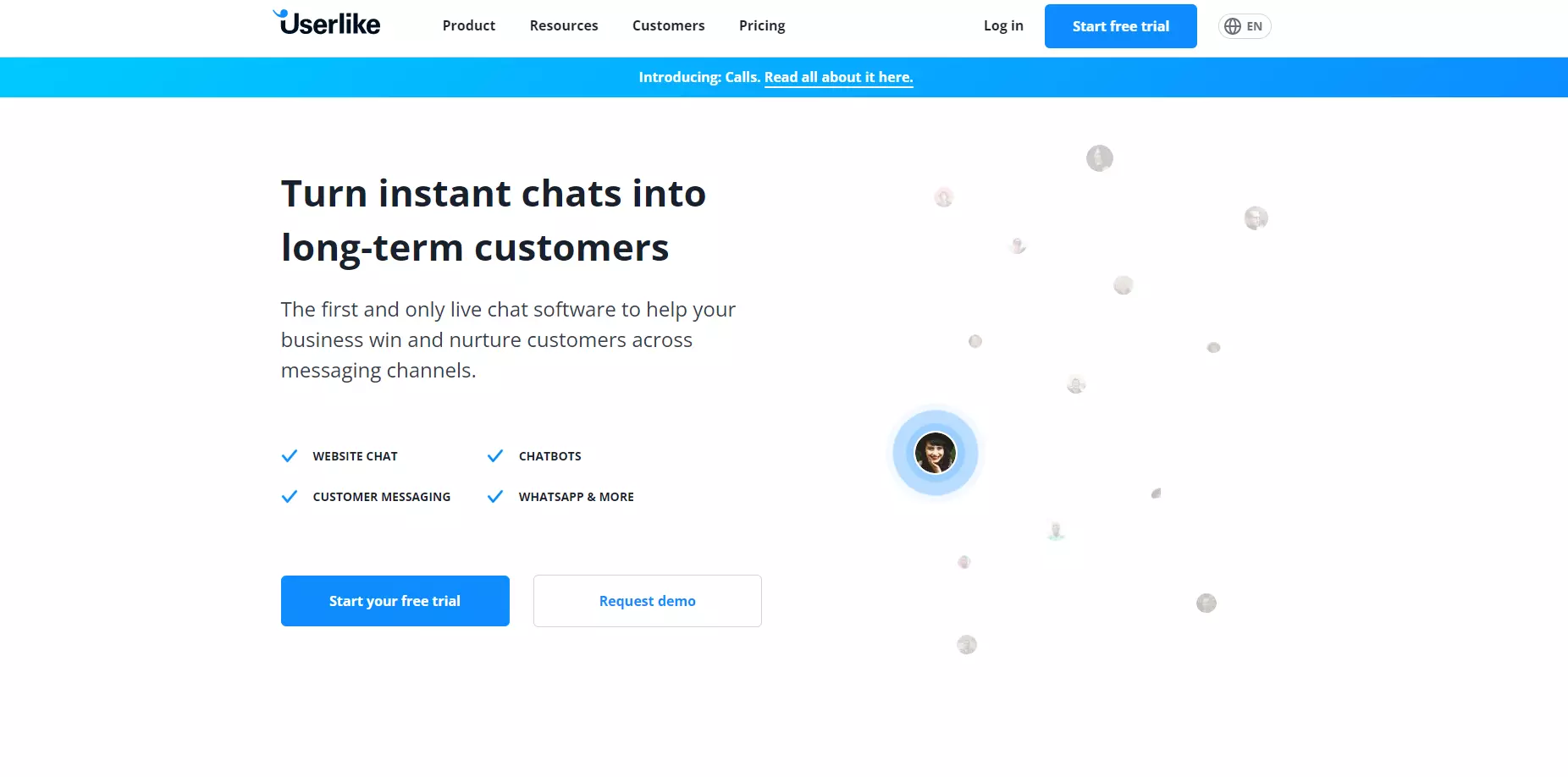
This platform integrates with other messaging apps and implements its own to engage with customers across a variety of channels.
Recommended for: We recommend it for midsize and large businesses who want to extend their ability to connect with customers across various digital channels.
Free:
- Integrated live chats
- Customizable messengers
- International support
- Customer feedback
- Customer analytics
Team:
- All previous features
- Unlimited conversations
- Unlimited contacts
- Website Messenger
- Add-ons
- WhatsApp channel
- Channel access
Corporate:
- All previous features
- Live Translation
- Video calls
- Screen sharing
Business:
- All previous features
- Screen sharing
- White label
- Full API access
- Advanced routing
- Chatbot
Pros:
- Analytics help track customer behavior
- It works with all devices
- Integrates with Salesforce, Mailchimp, and others
- The messenger can be customized to match your branding
- Surveys gauge customer feedback before and after chatting
Cons:
- Team support costs extra
- Prices tend to be higher than the industry’s average
Price: Userlike offers a free and simple chat box for website integration. No credit card is needed, and no setup fees are ever charged. Users can also enjoy a 14-day free trial. Userlike’s paid subscriptions come in three tiers: Team at $100 per month, Corporate at $320 per month, and Business at $800 per month.
17. Monday.com
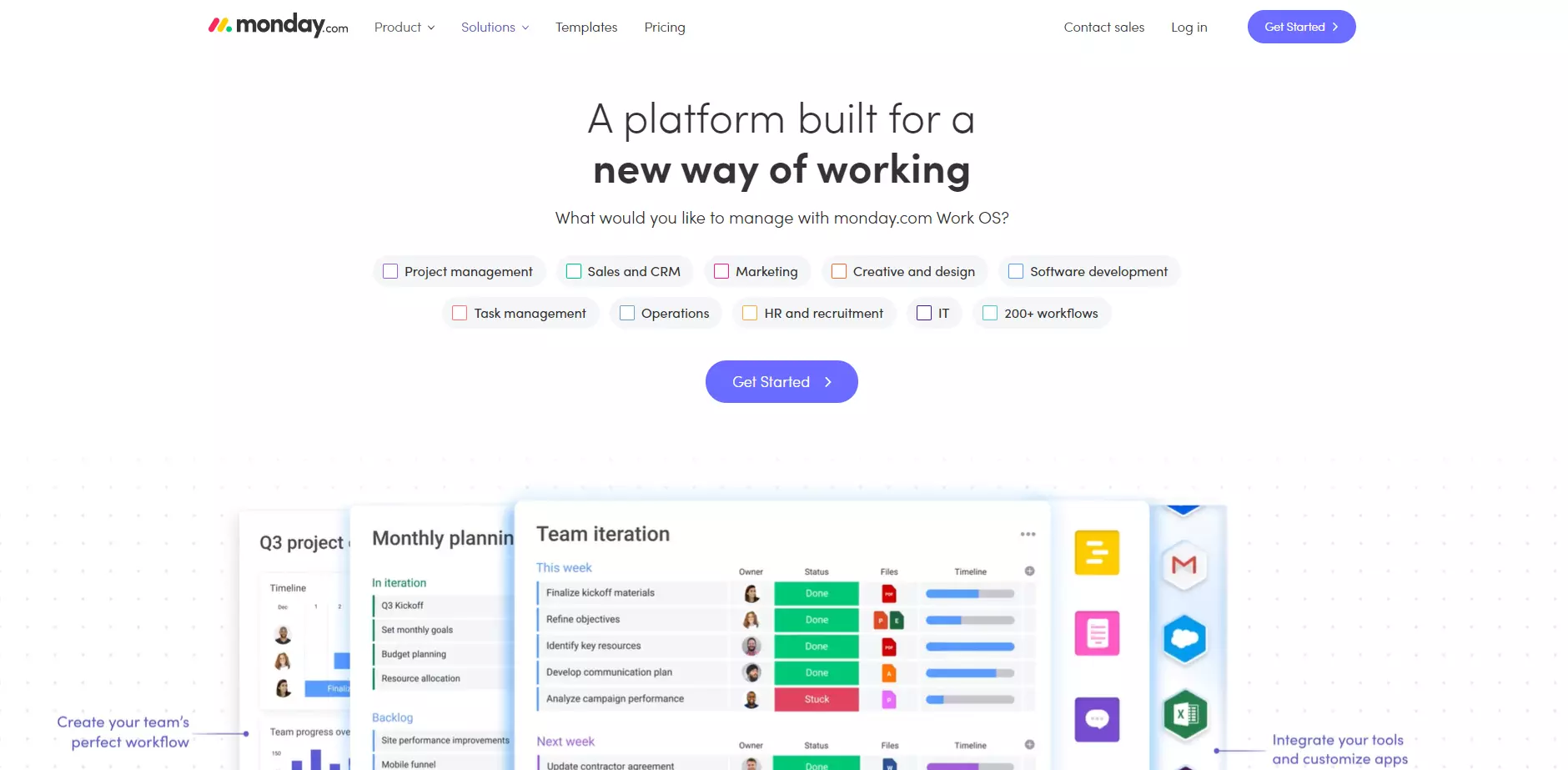
An all-in-one SaaS platform that makes the start of every week a little easier. It helps businesses provide better customer experiences, IT solutions, and project management.
Recommended for: We recommend it for businesses who want to scale their digital marketing, human resources, and IT departments without incurring massive hardware and personnel expenses.
Individual:
- Unlimited boards
- Unlimited docs
- 200+ templates
- Over 20 column types
- Up to 2 team members
Basic:
- Includes Individual
- Unlimited free viewers
- Unlimited items
- 5 GB file storage
- Prioritized customer support
- Create a dashboard based on 1 board
Standard:
- Includes Basic
- Timeline & Gantt views
- Calendar view
- Guest access
- Automations (250 actions per month)
- Integrations
- Create a dashboard that combines up to 5 boards
Pro:
- Includes Standard
- Private boards and docs
- Chart view
- Time tracking
- Formula column
- Dependency column
- (25,000 actions per month)
- Integrations
- Create a dashboard that combines up to 10 boards
Enterprise:
- Includes Pro
- Enterprise-scale
- Automations & Integrations
- Enterprise-grade security & governance
- Advanced reporting & analytics
- Multi-level permissions
- Tailored onboarding
- Premium support
- Create a dashboard that combines up to 50 boards
Pros:
- A dashboard that’s easy to understand
- Quick IT support
- Cross-platform integration
- Real-time updates
- Task assignment
Cons:
- Notifications can be overwhelming for larger teams with more tasks
- Learning curve
- Automation lacks formulas
Price: Monday.com includes a free version for individuals who want to organize their tasks. With annual billing, their prices are as follows: Basic – $24 per month, Standard – $30 per month, Pro – $48 per month, Enterprise – requires a custom solution.
18. Canny
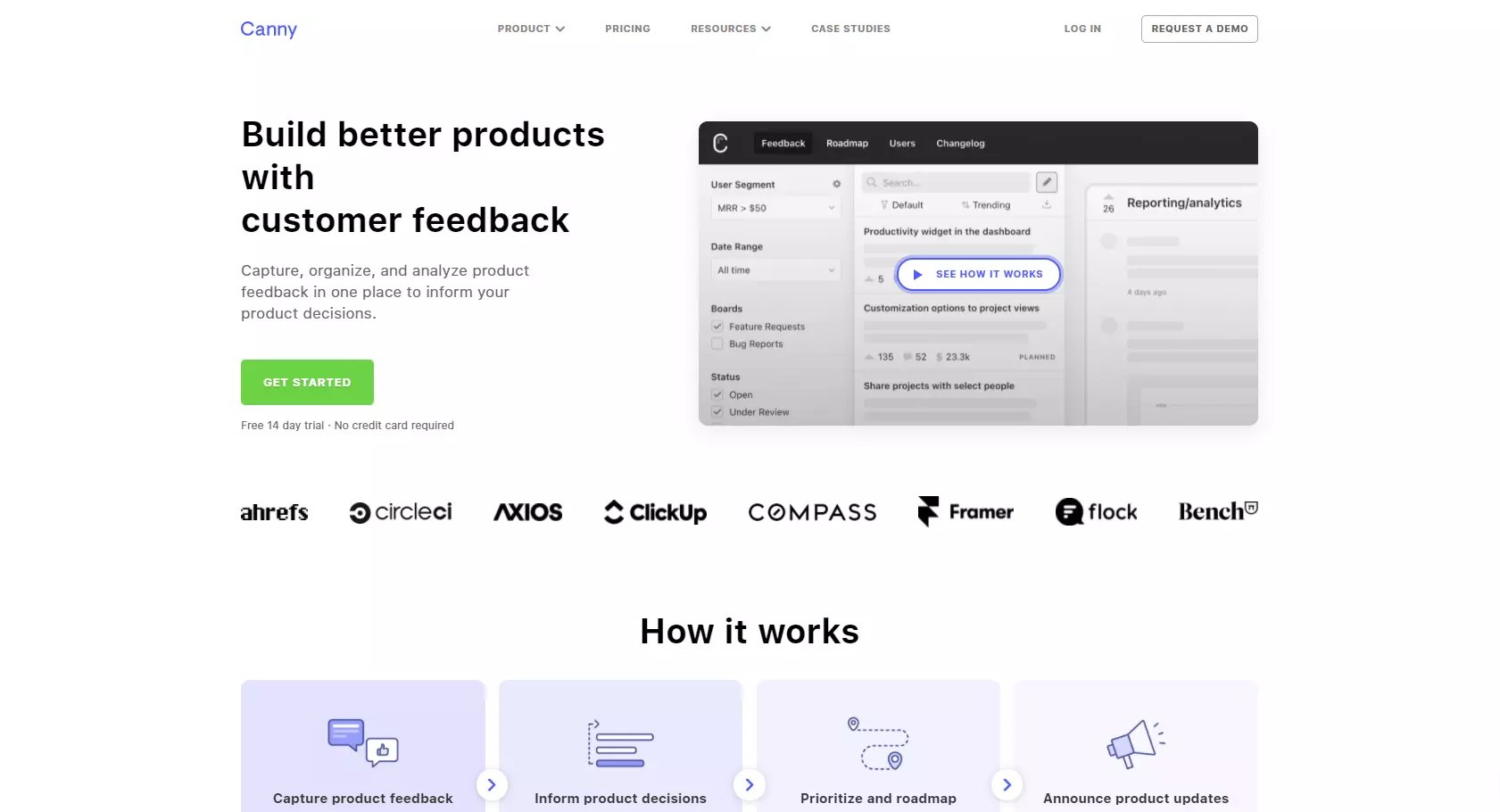
Canny accumulates customer reviews and feedback into one place for easy analysis. This information can be used to improve product descriptions and marketing efforts.
Recommended for: It is recommended for eCommerce businesses with gaps in their performance that they can’t quite pin down.
Starter:
- Status updates
- User profiles
- Single sign-on
- Admin reports
- User reports
- Vote-on-behalf
- Tags
- Customization
- Admin badges
- Subdomains
- Widgets
Growth:
- All previous features
- Private boards
- User segmentation
- Roadmap Prioritization
- Internal comments
- Post categories
- Post ETAs
- Post owners
Business:
- All previous features
- Admin roles
- Remove branding
- Email white labeling
- Reporting dashboard
Pros:
- Intuitive dashboard
- Seamlessly gathers customer feedback
- Customer forums help reduce resources while assisting customers
- Easy for customers to use
Cons:
- The widget lacks customization
- Canny instances don’t work for individual products
- Can’t prioritize feedback
Price: Canny offers a 14-day trial, with no credit card required. Its Starter plan costs $50 per month, and the Growth plan costs $200 per month. The Business plan must be customized, so users have to contact Canny for pricing.
19. Salesforce Service Cloud
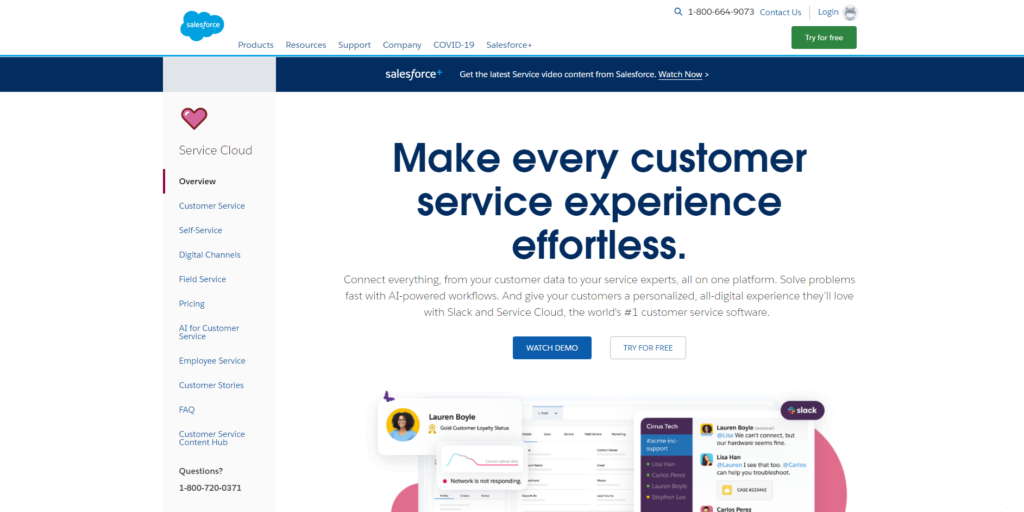
This customer experience platform offers agents a remote dashboard that features a full view of each customer. It also uses automation to streamline case management.
Recommended for: It is recommended for enterprises with a team of agents to manage large customer cases. It’s also perfect for firms that serve as customer service subcontractors.
Key features:
- Agent Workspace
- Automation & Workflow
- Case Management
- Knowledge Management
- Incident Management
- Omni-Channel Routing
- Reporting & Analytics
- Service Cloud Voice
- Video Assistant
- Workforce engagement
- Self-service
- Digital channels
- Field service
- Employee service
Pros:
- Agents can work remotely from any device
- Teams can collaborate with ease
- Easily follow leads to conversions
- Offers a holistic view of each customer
- Automation allows agents to resolve customer issues faster
Cons:
- History-based reporting is difficult to achieve
- Some tools have a steep learning curve, even among the tech-savvy
- Setup is time-consuming
Price: Salesforce Service Cloud offers a free trial that includes training. From there, prices start at $25 per month for the Essentials plan and increases to $75 for the Professional plan. For larger businesses and organizations, the Enterprise package starts at $150 per month, while the Unlimited package costs $300 per month. Each price is set per user.
20. ActiveCampaign
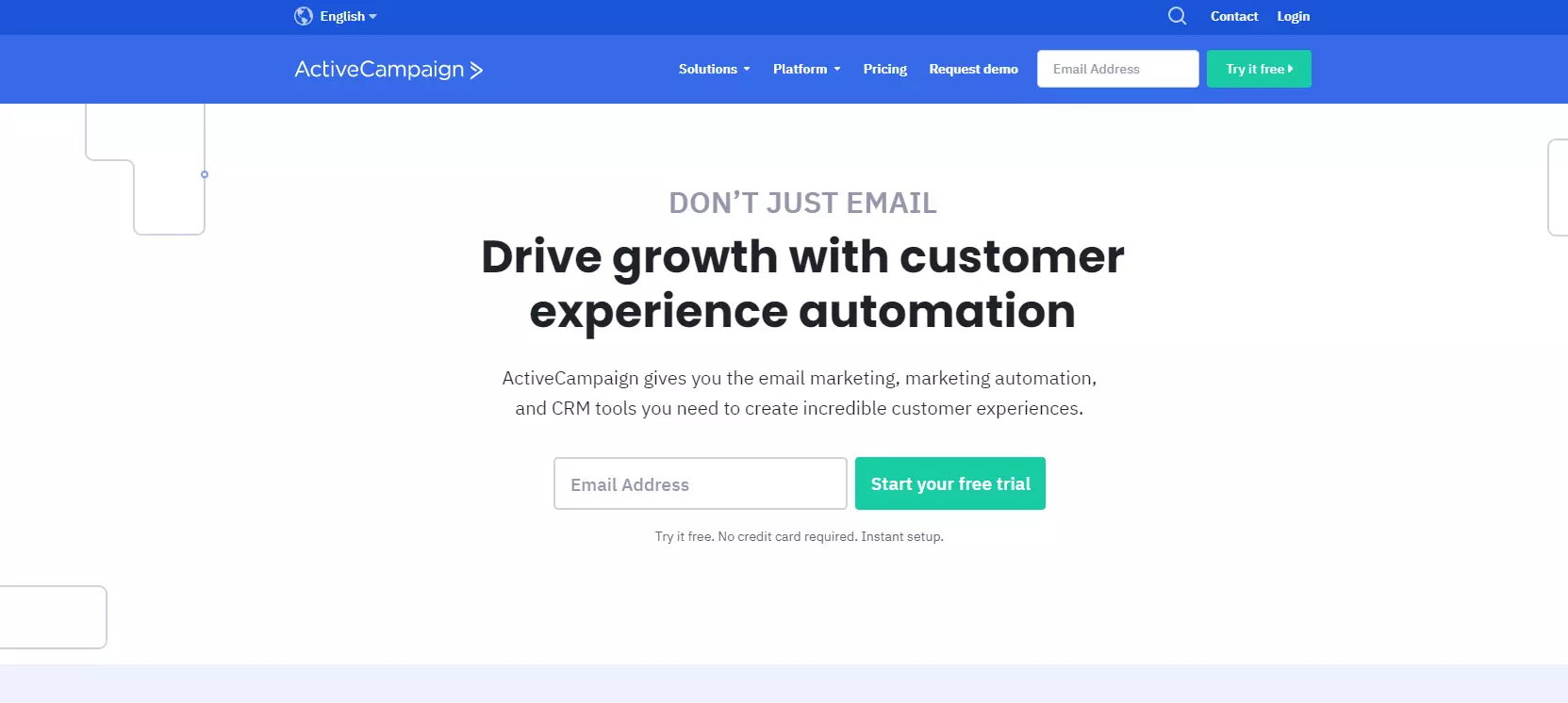
ActiveCampaign is designed to automate the customer experience process. It includes marketing and email campaign functionality.
Recommended for: Any business needing to streamline marketing campaigns and measure customer engagement should utilize this tool.
Key features:
- Marketing automation
- Sales and CRM automation
- Machine learning
- Omni-channel integration
- Customer segmentation
- Site tracking
- Segmentation
- Email marketing automation
- Advanced reporting
Pros:
- Easy to use
- Automation streamlines marketing
- Machine learning helps improve each implementation over time
- Omni-channel integration makes it easier for customers and agents to use
Cons:
- Reports can be overwhelming and difficult to interpret
- It doesn’t include a free version
- Email templates are limiting
Price: ActiveCampaign does not offer a free trial. Below, we quickly outline the monthly price for each package. Lite – $15, Plus – $70, Professional – $159, Enterprise – $279.
Customer Experience Software Compared
We’ve covered quite a few customer experience software choices. But how do they compare? Below, we’ll take a look at the top 5 and how actual users have rated each.
| Experience Software | Capterra Rating | Web based | Free version | Free trial | Starting price |
|---|---|---|---|---|---|
| LiveAgent | 4.7 | YES | YES | YES | $15 |
| SurveyLegend | 4.6 | YES | YES | YES | $19 |
| Freshdesk | 4.5 | YES | YES | YES | $18 |
| NiceReply | 4.7 | YES | NO | YES | $49 |
| Smartlook | 4.7 | YES | YES | YES | $31 |
Is a Free Trial of Customer Experience Software Useful?
Some customer experience platforms offer free trials. These are useful for discovering the tools available and testing them with your company’s needs. That way, you can do a little testing before actually paying.
Some platforms also offer free versions of their software. The functionality is typically limited and significantly scaled-down. They are often most useful to startups and small businesses. These are often meant to serve as trial versions that are ready to scale as the business grows.
Conclusion
We’ve covered a lot of information about what customer experience software is, how it works, the benefits, and several industry-leading platforms. We’ve also discussed how they can improve your marketing approach, along with strategies for getting the most from customer experience software.
So how does LiveAgent measure up? Here’s a quick summary of how we fill each of the needs listed in this post:
The best all-in-one customer experience software: LiveAgent offers a robust suite of tools and features that offer full control of the customer experience. We also integrate with a variety of platforms and channels, from social media to apps and websites. Our website includes an entire library of useful guides and information.
The best customer experience software with built-in ticketing, live chat and call center: The tools offered by LiveAgent meet customers where they are. This means live chats on websites, ticketing tools that streamline collaboration, and even a built-in call center. It also streamlines the workflow of your organization.
The best feature-rich customer experience software: LiveAgent offers a variety of features to help businesses connect with customers. It also offers a vast library of resources for its clients. These resources include blog posts, templates, glossaries, typing tests, a WordPress plugin, directories, webinars, an academy, and so much more.
The best value for the price customer experience software: For the vast tools, resources, integrations, and support offered by LiveAgent, our highest tier package is only $39 per month per agent. A free trial helps ensure that LiveAgent will integrate seamlessly before any money is spent.
The highest-rated customer experience software: Our robust platform continues to earn better reviews than industry leaders like Zendesk and Freshdesk. These reviews come from both users and industry publications. The highest-rated customer experience software will also have big-name clients, like Forbes, Airbus, and NASCAR.
The easiest customer experience software to setup & use, and integrate: Our full suite of resources is designed to walk you through each step of the process, from setting up your business on our platform to integrating our tools with your digital assets. We’ll also show you how to maximize the full potential of each tool that you’ve decided to implement.