



Help Desk Integrations
Boost workflow efficiency with LiveAgent's help desk integrations like Slack, Zapier, and API. Automate processes, share data, and enhance customer service. Try...
7 min read
Integrations
Automation
+4


Bold BI integrates with LiveAgent to create real-time dashboards from data, offering insights into company performance. Suitable for businesses of all sizes, the integration is customizable and enhances workflow by displaying incoming inquiries efficiently.
Bold BI helps to gather data that can be turned into unique dashboards with real-time information. The integration with LiveAgent enables you to create customizable dashboards displaying incoming inquiries and company performance metrics efficiently.
Bold BI is a platform that helps you gather data in a dashboard , which you can share. As a result, it can provide actionable insights into your company’s performance.
Use data from LiveAgent to create a dashboard with real-time information about your incoming inquiries. LiveAgent provides you with a lot of data daily. With Bold BI you can benefit from that data by migrating the information to view it in a simple, readable dashboard.

The latest tips and deals delivered straight to your inbox.
Please follow the guide below to start using Bold BI with LiveAgent. Before you get started, you’ll need to be logged in to your Bold BI account and have your LiveAgent API key ready. If you need help finding your API key in LiveAgent, please refer to the [LiveAgent API documentation](https://support.liveagent.com/840770-Complete-API-reference ‘Explore LiveAgent’s Complete API Reference for detailed documentation on agents, conversations, customers, and more.’).
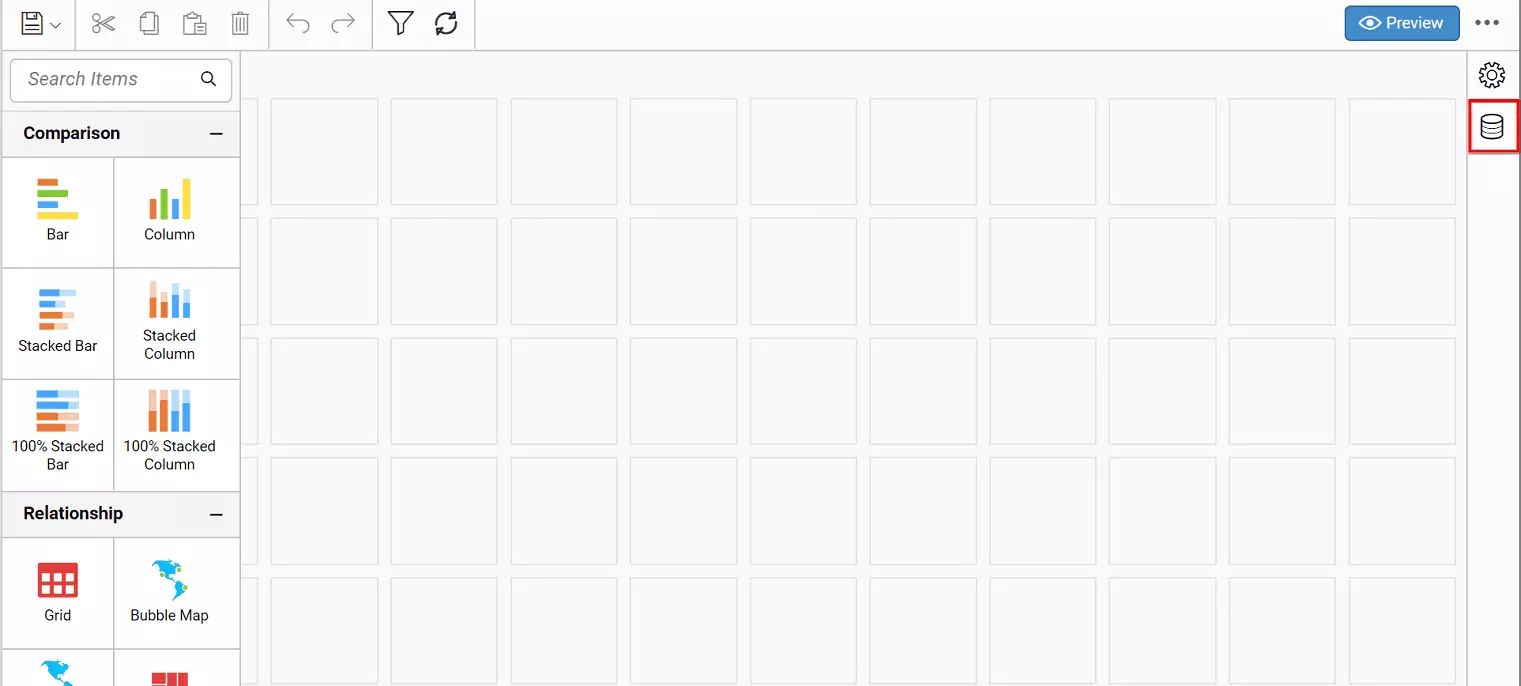
In Bold BI, click the Data Source button in the configuration panel to add a new data connection.
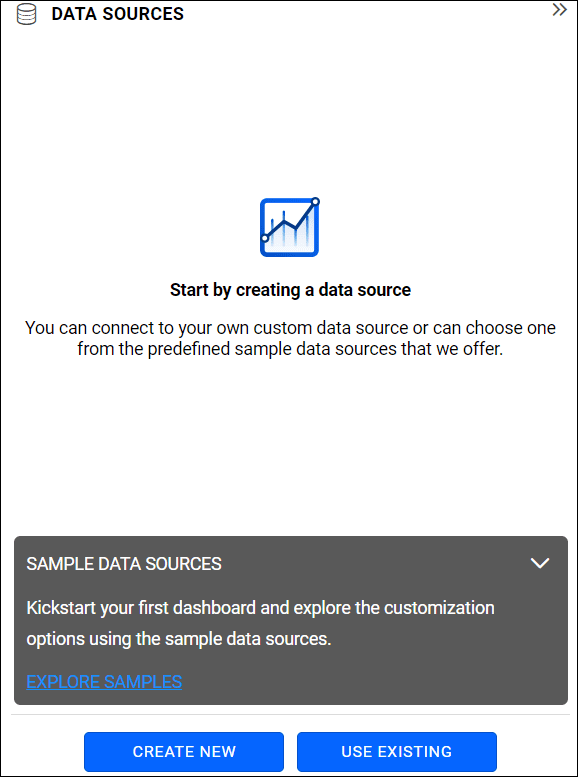
Click on CREATE NEW to launch a new connection from the connection type panel.
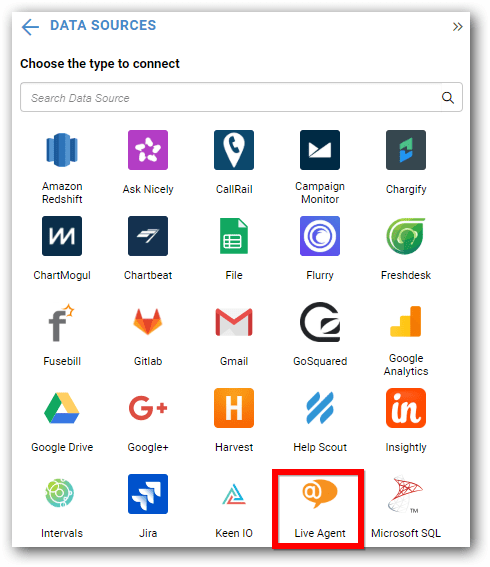
In connection type panel, select LiveAgent connection button.
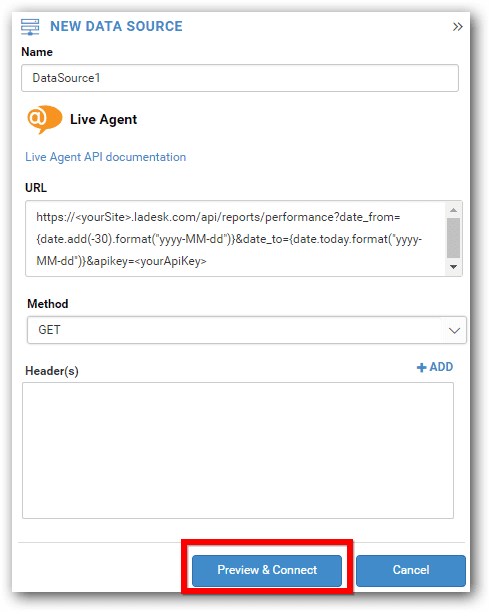
The NEW DATA SOURCE configuration window opens.
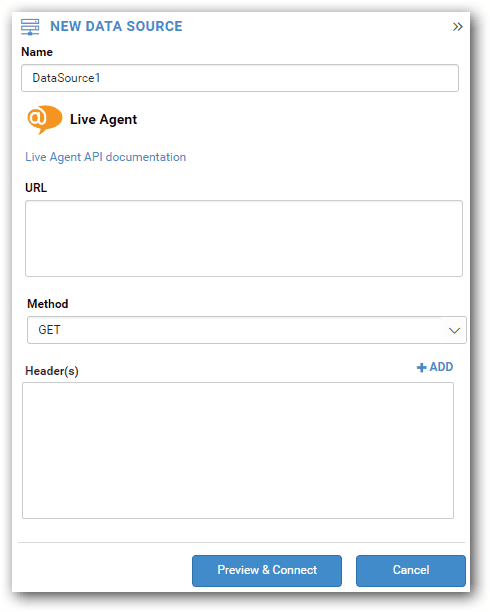
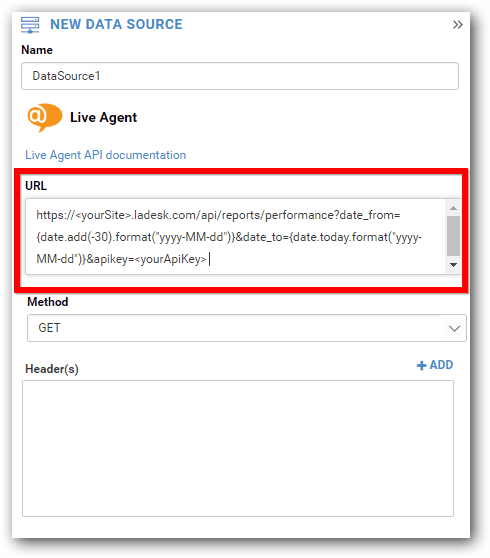
Enter an API in the URL text box which must be a valid REST API. Refer to the LiveAgent API documentation.
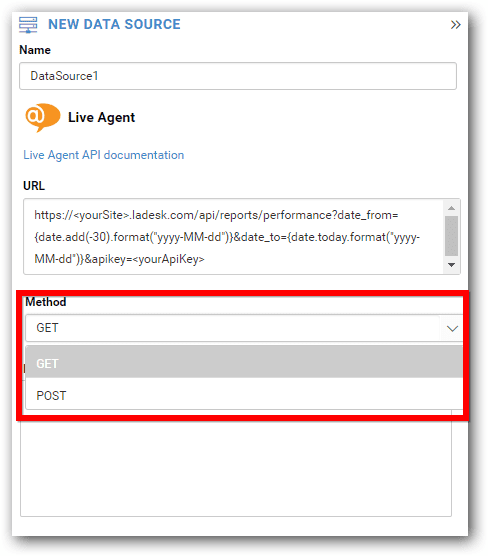
Choose a method for the REST API.
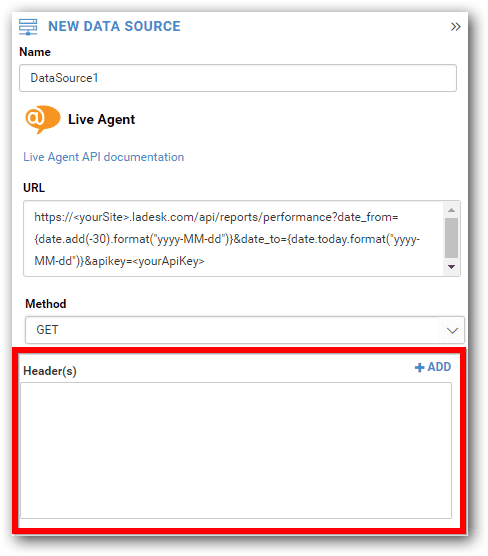
If required, add header information by clicking ADD.
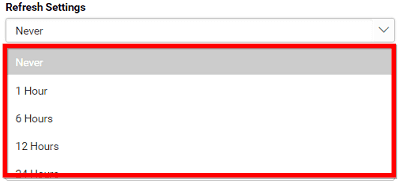
Choose Refresh Settings for the REST API.
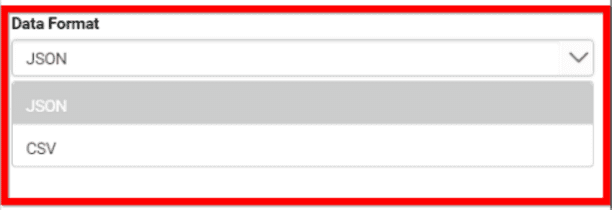
Choose either JSON or CSV as a Data Format for the REST API.
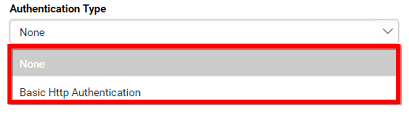
Choose an authentication type for the REST API.
Click Preview & Connect button in the NEW DATA SOURCE configuration panel.
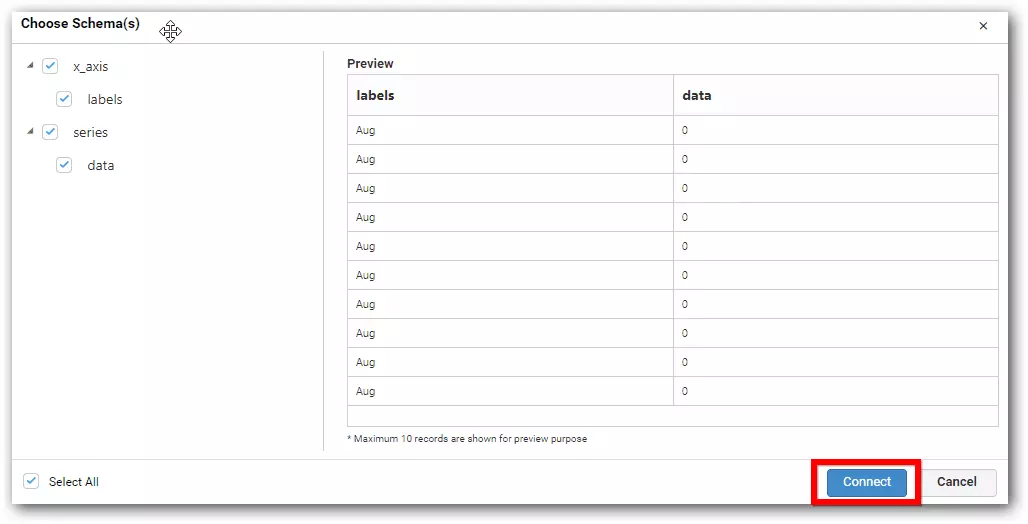
A new window opens – Choose Schema(s). Select a schema and click connect.
Go to the data design view window with selected table schema. Drag and drop the table.
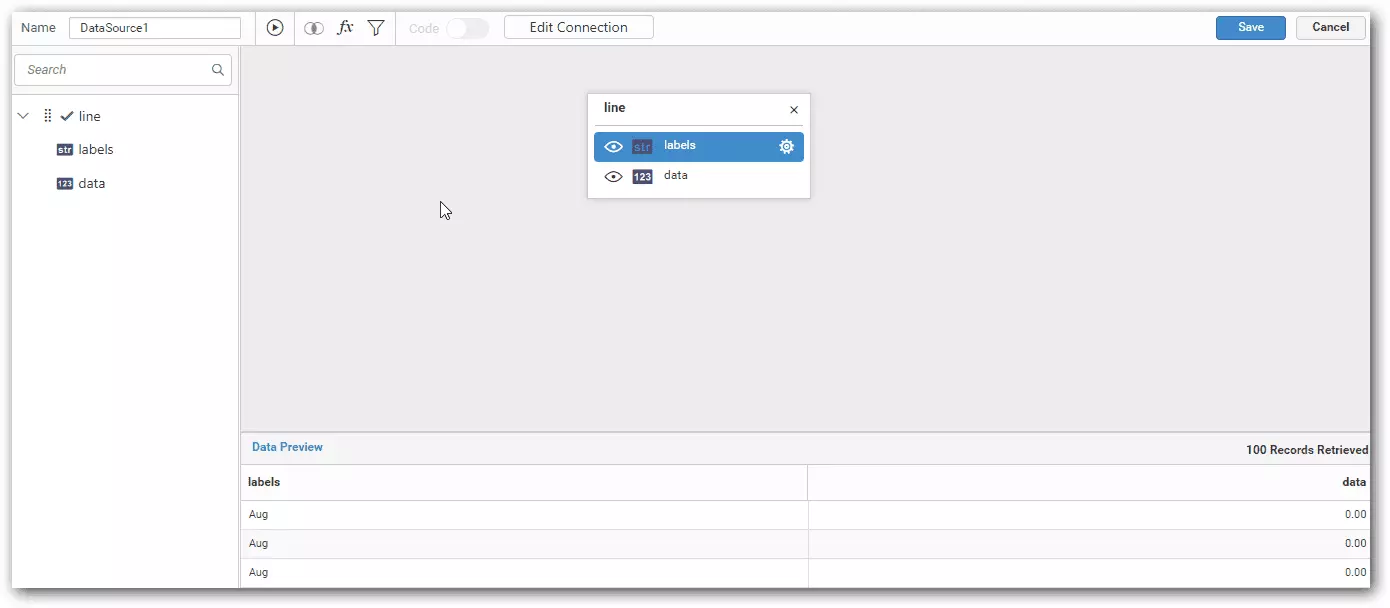
Click Save button to save the data source with valid name.
Boost workflow efficiency with LiveAgent's help desk integrations like Slack, Zapier, and API. Automate processes, share data, and enhance customer service. Try...

Integrate Salesforce with LiveAgent to enhance customer management and productivity. Create cases from tickets, track information, and manage tasks easily. Acti...
LiveAgent's API enables seamless software communication, supporting actions like company retrieval and conversation creation. Integrate with tools via Zapier, a...
Cookie Consent
We use cookies to enhance your browsing experience and analyze our traffic. See our privacy policy.