



Call Center: Closing/Pausing Contact Templates
Enhance customer satisfaction with LiveAgent's closing/pausing contact templates for call centers. Design custom templates to ensure positive interactions, buil...
4 min read
LiveAgent
Call Center
+1


Call disposition is a label for call outcomes in call centers, aiding in time-saving, DNC compliance, insights, and customer satisfaction. Codes like no answer or demo booked streamline processes and boost sales ROI by focusing on interested leads.

In call centers and contact centers, call disposition is the label related to the outcome of an inbound or outbound call. It is an integral part of call center software solutions.
Call disposition codes are also known as call tags or activity codes. Once an agent completes the call, they are prompted to allocate a correct disposition code (disposition category) that best describes the call. These categories may vary based on the software system used. Most contact center software tools allow setting up custom call disposition codes as well as attaching multiple codes to a single call.
Some of the most common examples of call disposition categories are:
For example, a prospect shows an interest in purchasing or getting more information about a company’s product on a cold call. A sales representative marks them as ‘interested’ by choosing the appropriate category from the list of available options in the dropdown menu.
You can even set up some automated follow-up actions, such as sending demo invitations, a thank you or a follow-up email, or a drip campaign. Alternatively, if a prospect doesn’t express any interest at all, an agent labels them as ’not interested’. The CRM system may then move them to a ‘do not contact’ list for a certain amount of time until it’s reasonable enough to approach that prospect again by your sales team.
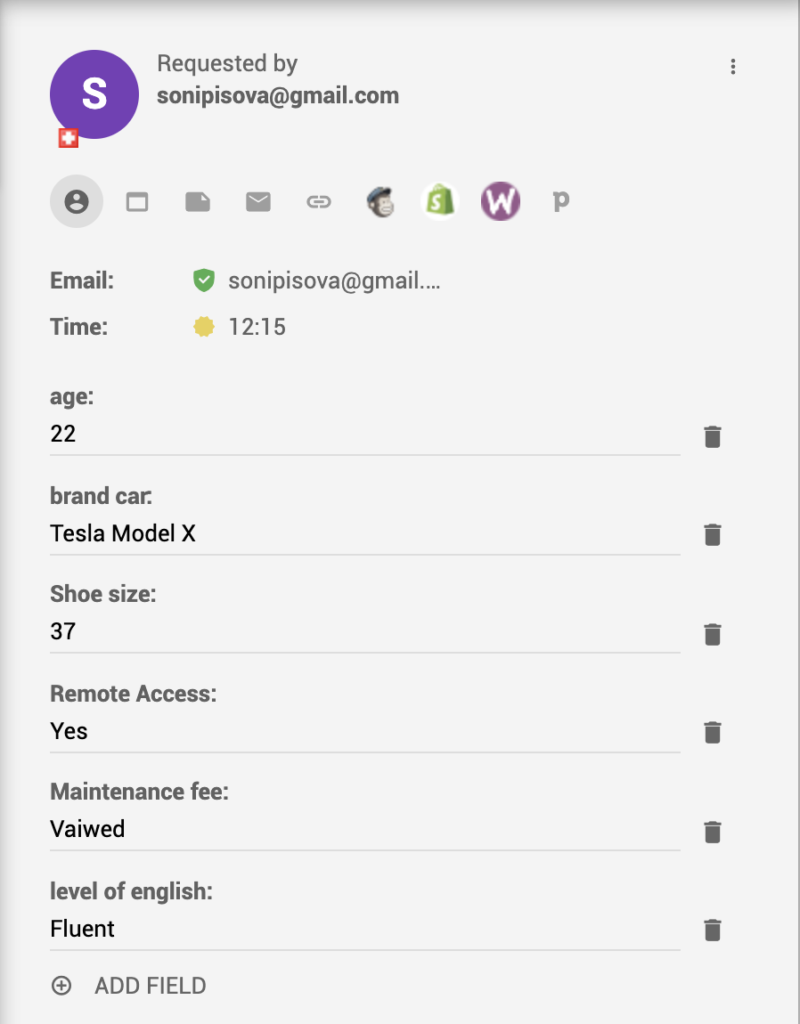
It removes the need to manually enter notes after each call and therefore, it allows for efficient contact center management. By using standardized disposition codes, agents can quickly categorize calls without spending time writing detailed notes.
Call disposition data is standardized and automated and thus results in greater data accuracy. This ensures consistent tracking and reporting across the entire team.
By labeling failed calls, agents can easily identify unproductive numbers by the disposition type and optimize call lists. This helps maintain compliance with Do Not Call regulations and prevents unnecessary contact attempts.
By tracking outcomes of calls and analyzing disposition metrics, sales managers can use this valuable intelligence to optimize their sales process. Understanding which disposition codes appear most frequently helps identify trends and areas for improvement.
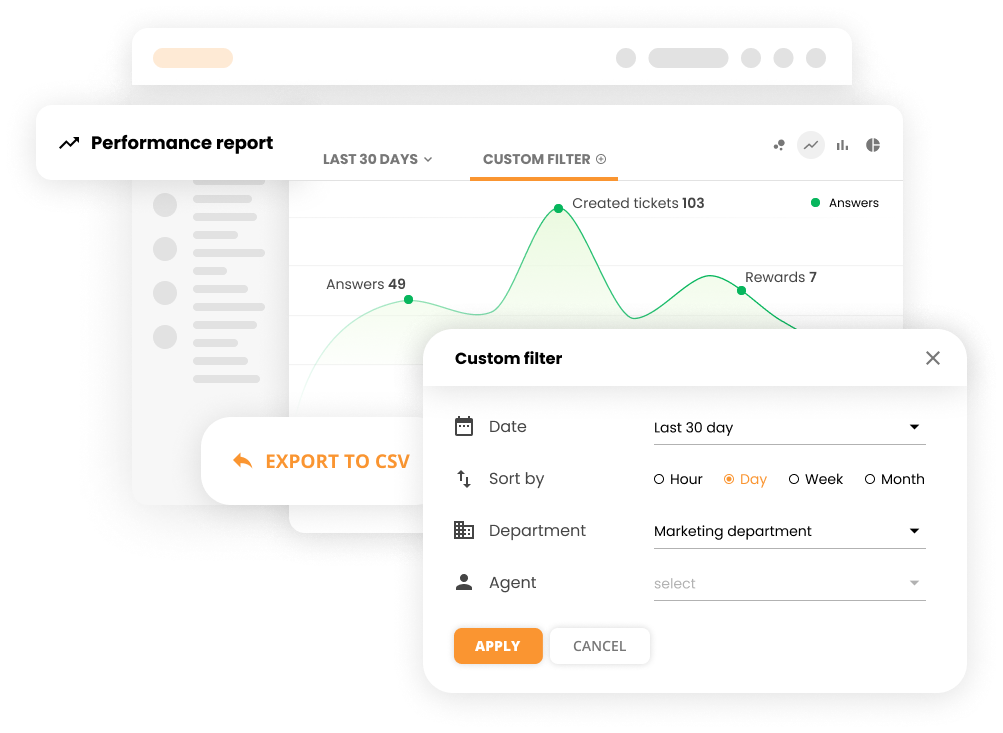
Call center managers gain better insight into customer goals and customer behaviors which allows for delivering higher levels of customer service. This understanding helps create more targeted and personalized interactions.
Streamlined Follow-up Process – Disposition codes make it easy to identify which customers need follow-up and what type of follow-up is appropriate.
Improved Campaign Effectiveness – By analyzing disposition data, teams can refine their calling strategies and focus on the most productive approaches.
Better Resource Allocation – Understanding call outcomes helps managers allocate agents and resources more effectively.
Enhanced Reporting – Disposition data provides valuable metrics for performance reports and KPI tracking.
Increased Productivity – Agents spend less time on administrative tasks and more time on productive customer interactions.
Track call outcomes effortlessly with LiveAgent's tagging system. Automate follow-ups, analyze performance, and optimize your sales campaigns.
Enhance customer satisfaction with LiveAgent's closing/pausing contact templates for call centers. Design custom templates to ensure positive interactions, buil...
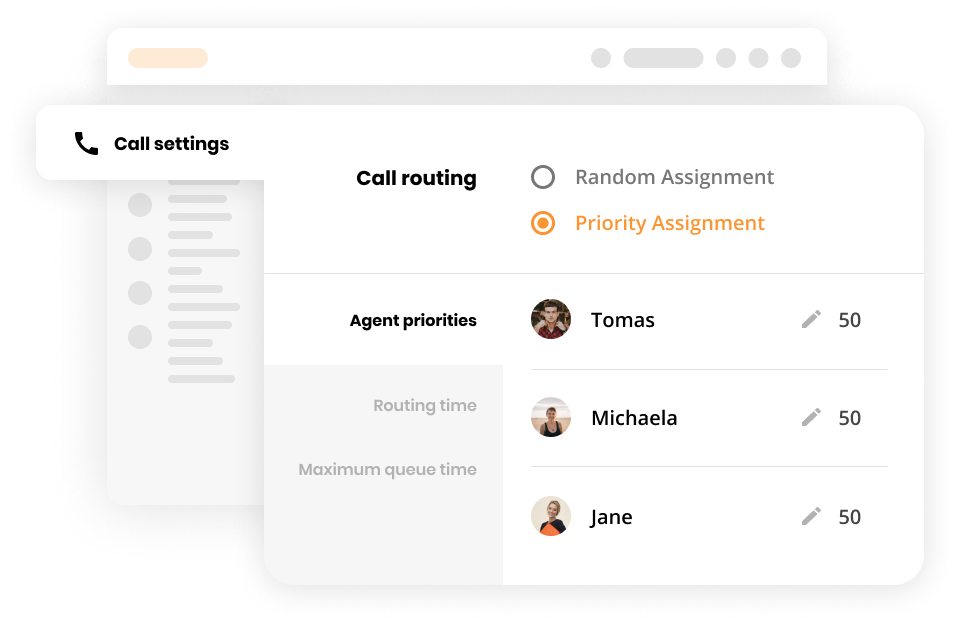
LiveAgent's attended call transfers enhance customer satisfaction by ensuring calls are efficiently redirected within businesses. This feature, alongside ticket...

Learn about attended transfers: streamline calls, boost customer satisfaction, and enhance agent productivity with LiveAgent's smart features!
Join our community of happy clients and provide excellent customer support with LiveAgent.
