
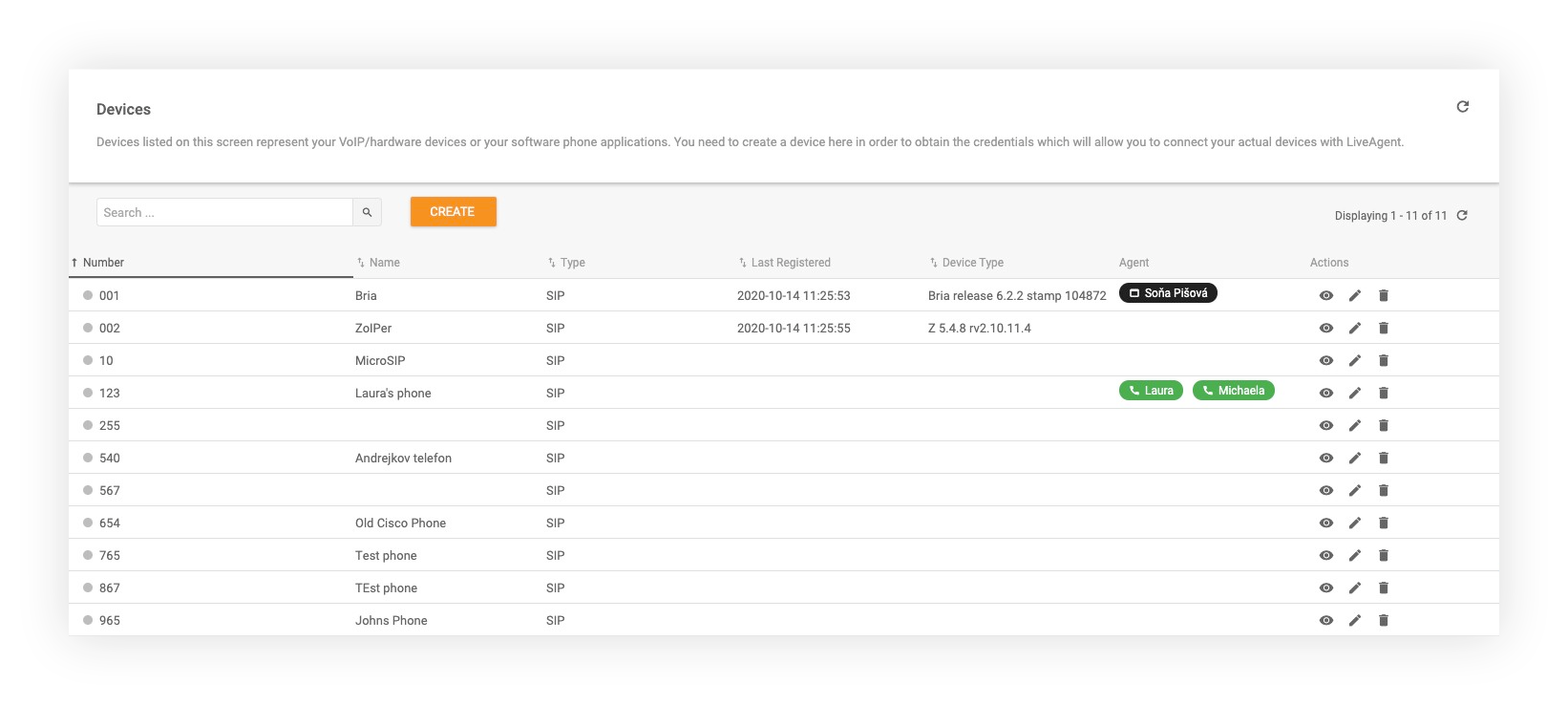
Supported call devices features
LiveAgent supports headsets, browsers, mobile apps, SIP phones, and hardware from leading brands. Try a free 30-day trial, no credit card needed.
3 min read
Call devices
Call center
+3
This page in
Buyers often look for
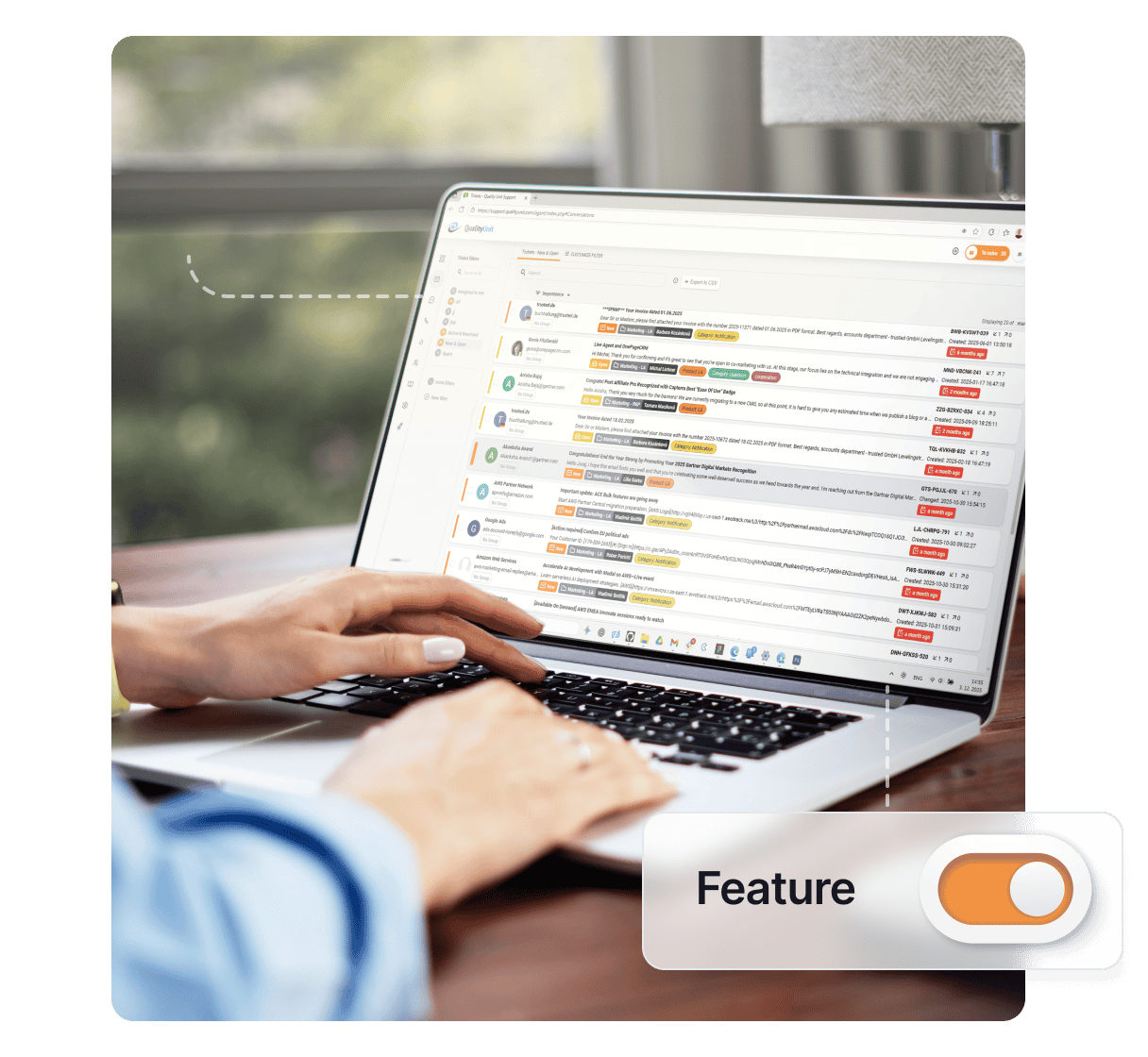
LiveAgent’s Call Device Scheduling lets agents set specific call availability times. Works with any device, including softphones and SIP phones.
Device scheduling is a call center feature that allows agents to select times and dates of call availability. This feature will automatically turn call availability on and off particular devices according to selected times and dates. With Device scheduling, customer support agents don’t have to turn their availability on and off manually – the feature will do it automatically.
As a LiveAgent user, while in the app, you can click on the Voice Status options (the phone icon in the top right corner in LiveAgent) and activate the feature in the settings of a device of your selection. You can select different custom options on various devices if necessary. Once you activate this feature, your call availability will automatically change based on desired time of day and date. Customers won’t be able to contact you by phone outside of selected times and dates. This feature works for any connected calling device you choose – softphone, mobile device, SIP phone, and other.
Device scheduling takes care of agent call center shifts, so they don’t have to manually turn their availability on and off. This feature will automatically take care of agent availability, so they can focus on other tasks without fear that agents will miss their shifts or continue working long after the shift is over. Device scheduling can help prevent several operational issues such as missed calls, routing to unavailable agents, and more based on individual customer care call center specifics. This feature is also helpful for agents with multiple devices for use in different locations and conditions.
Device scheduling is important because it can improve call center management in multiple cases. First of all, it makes it easier to manage customer calls during device increases in an office or in cases where multiple devices are available for a single agent. Customer service agents with multiple devices can feel safe because they will only receive calls on the device that our scheduling feature sets as online. The phone calls in an entire organization will always route only to the correct person and only to online agents.

The latest tips and deals delivered straight to your inbox.
Activating this feature is easy and takes just a couple of minutes to complete. Note that you have to have a SIP device connected to be able to activate this feature.
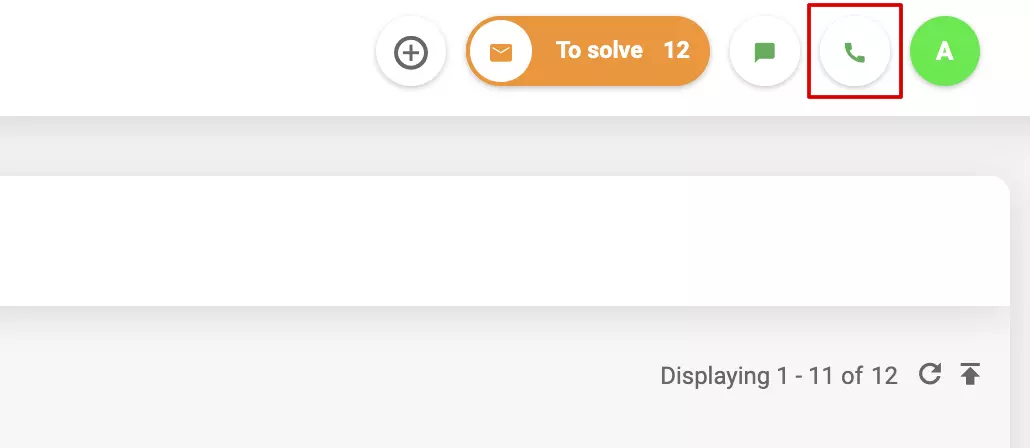
Open your LiveAgent and click on Voice Status options (phone icon in the top right corner).
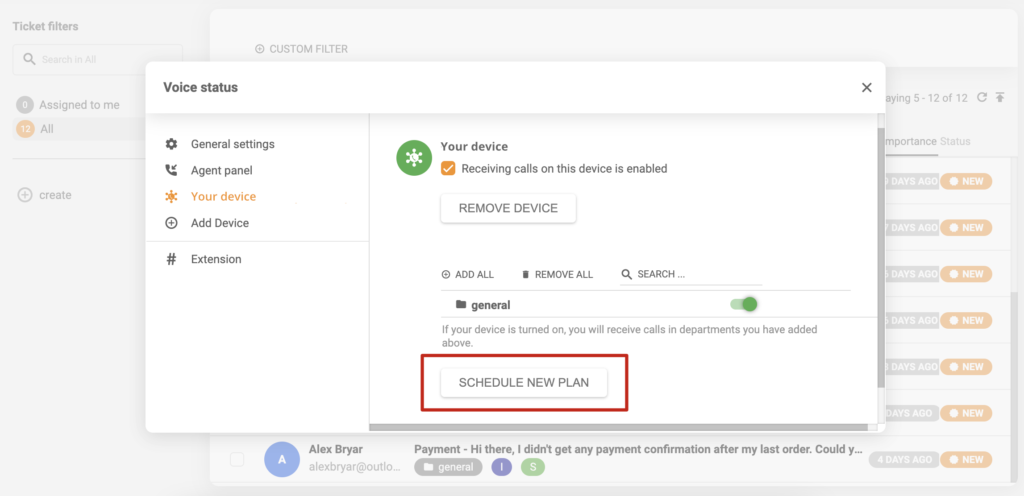
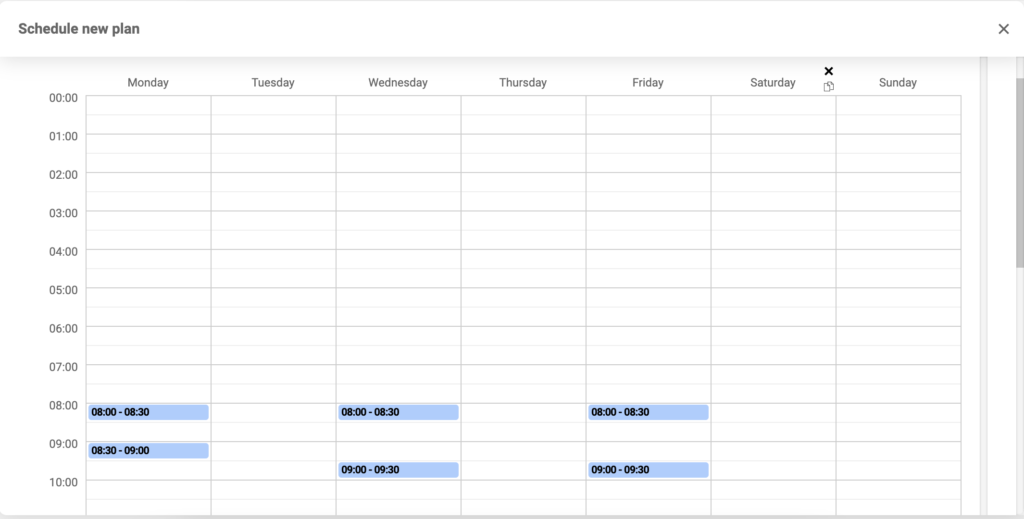
Select and click on the SIP device on which you want to set up device scheduling. Click the “Schedule new plan” button at the bottom of the window.
Choose times when you want the SIP device to turn on the call availability and click Save at the bottom of the window.
Transform your call center with LiveAgent’s call device scheduling feature. Automate agent availability, reduce missed calls, and improve operational efficiency. Start your 30-day free trial today—no credit card required.
LiveAgent supports headsets, browsers, mobile apps, SIP phones, and hardware from leading brands. Try a free 30-day trial, no credit card needed.

LiveAgent's hosted call center software supports softphones for VoIP calls from devices, enhancing customer support. Compatible with popular clients like MicroS...

LiveAgent's automatic callback feature enhances customer satisfaction by allowing callers to request callbacks when lines are busy. It reduces abandoned call ra...