





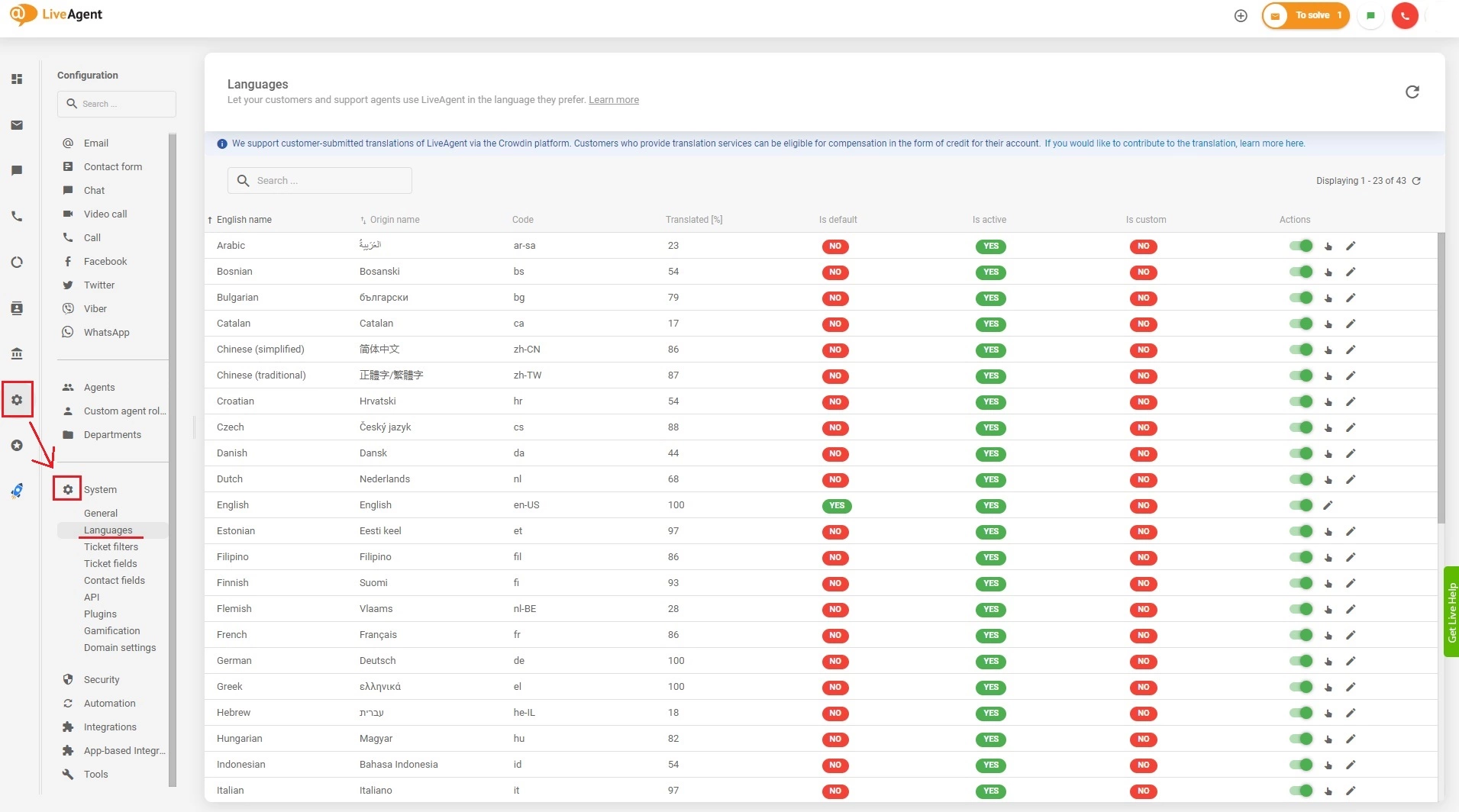
Multilingual support features
Boost customer service with LiveAgent's multilingual support in 43 languages, customizable widgets, & a 30-day free trial. Try it now!
3 min read
Multilingual
Languages
+2

Set up multilingual Chat, Contact, or feedback widgets with LiveAgent to support customers in multiple languages. Customize widget languages and route communications to agents who speak specific languages. Free trial available, no credit card needed.
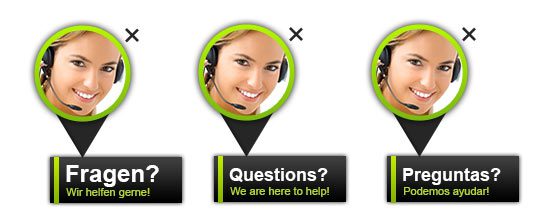
Language adaptable widgets are customizable communication tools that allow you to provide customer support in multiple languages. Whether you’re offering Chat, Contact, or Feedback widgets, LiveAgent enables you to configure each widget in the language your customers prefer, breaking down language barriers and improving the overall customer experience.
In today’s global marketplace, customers expect to communicate with businesses in their native language. By offering multilingual support through language adaptable widgets, you can:

Start your free trial today and see results within days.
LiveAgent’s language adaptable widgets function by allowing you to create multiple widget instances, each configured for a specific language. When a customer interacts with a widget in their preferred language, the communication is automatically routed to the appropriate department or agent who speaks that language.
For example, if you provide support to customers in multiple languages and want to route communications to agents who speak specific languages, you can:
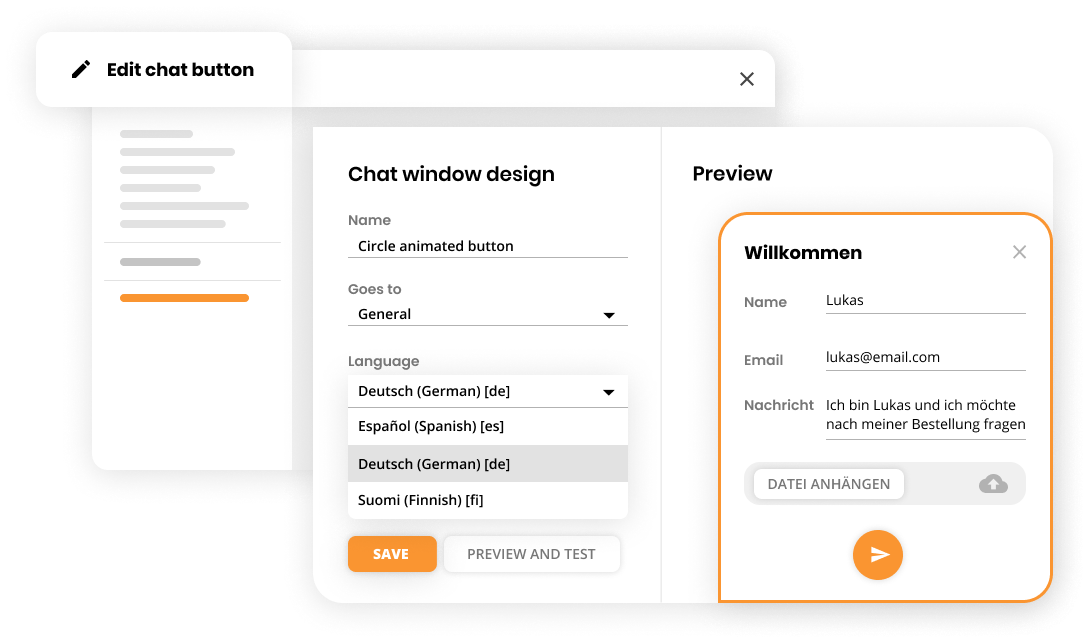
If you want to configure the languages of your chat widgets, you can do this in the widget’s advanced settings. Follow these steps:
Once configured, your chat widget will display in the selected language(s), and incoming conversations will be routed according to your language-based department assignments.
The latest tips and deals delivered straight to your inbox.
Contact widgets can be customized for specific languages to ensure customers can submit inquiries in their preferred language. This approach allows you to:
Gather customer feedback in the language your customers speak. Multilingual feedback widgets help you:
Break down language barriers and provide exceptional customer support in multiple languages. Set up your language adaptable widgets today and start serving a global customer base. Start your free 30-day trial now. No credit card required.
Discover LiveAgent's powerful features that streamline communication, increase efficiency, and boost customer satisfaction.
Boost customer service with LiveAgent's multilingual support in 43 languages, customizable widgets, & a 30-day free trial. Try it now!

Multilingual customer support boosts customer satisfaction, retention, and global reach. It breaks language barriers, fosters loyalty, and offers a competitive ...

Enhance customer service with LiveAgent's customizable chat button. Direct inquiries, enable offline messages, and explore design options. Available in 43 langu...
Join our community of happy clients and provide excellent customer support with LiveAgent.

Cookie Consent
We use cookies to enhance your browsing experience and analyze our traffic. See our privacy policy.