


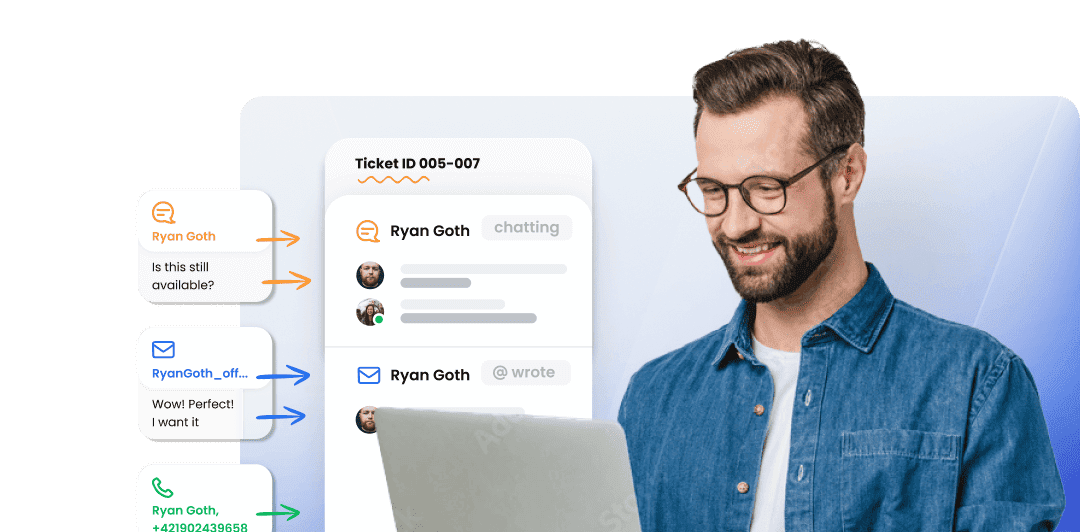
Ticketing system features
LiveAgent's ticketing system brings together essential ticketing feature elements such as mass actions, audit logs, and integrated communication channels, which...
20 min read
Companies
Contacts
+1

Stay informed with LiveAgent’s email notifications—never miss a reply or new ticket. Try a 30-day free trial, no credit card required.
Stay informed with LiveAgent’s email notifications. These automated alerts notify you every time you receive an email, ensuring there are no more missed conversation replies. You can keep doing what you need to without checking your inbox constantly.
Email notifications can be activated to automatically send emails to agents:
It prevents your customer service ticketing software from becoming overloaded with unanswered tickets.
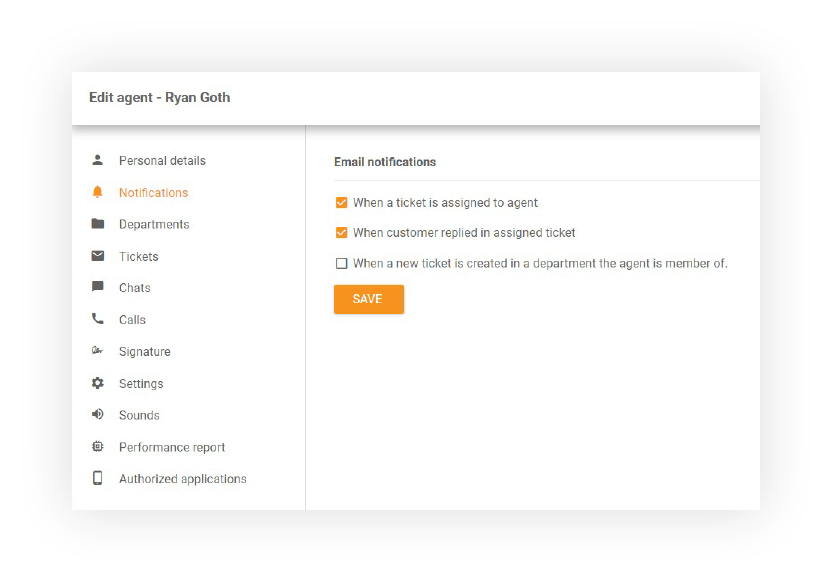
Each agent manages their own notification settings from their profile, so nobody is forced into an alert style that doesn’t fit their workflow. Some agents prefer an email for every new ticket; others only want a ping when a ticket in their department goes unassigned. That flexibility matters for larger teams, where one-size-fits-all alerts either drown agents in email or leave them missing the tickets that actually need them.
Email notifications are built into LiveAgent’s ticketing system, so every alert links straight back to the ticket that triggered it — no separate app to check. Pair notifications with automation rules to escalate unanswered tickets, reassign stale conversations, or notify a manager when SLAs are at risk, so your team always knows what needs attention next.
For more detailed information about configuring and managing email notifications, visit our support portal: Agent Notifications Guide
LiveAgent's ticketing system brings together essential ticketing feature elements such as mass actions, audit logs, and integrated communication channels, which...
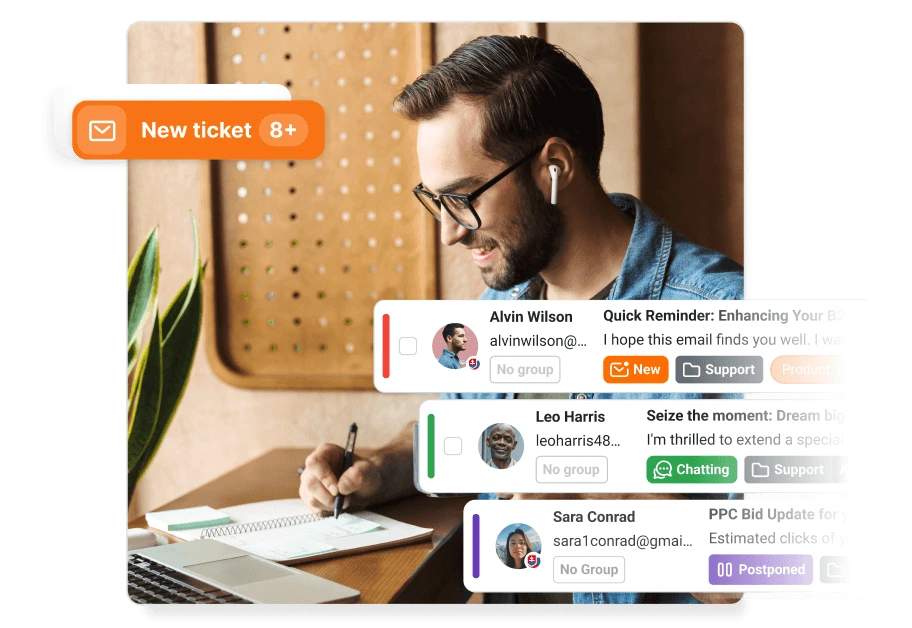
AI-powered ticketing software that auto-drafts replies, tags tickets, detects spam, and routes issues to the right team. LiveAgent — advanced automation, univer...

LiveAgent's email marketing tools boost engagement and sales with personalized content and templates, integrating with your ticketing system.