



Zapier
Zapier seamlessly integrates LiveAgent with 200+ apps, enhancing workflow automation without coding. Benefit from quick, intuitive connections with tools like S...
3 min read


Integrate HubSpot with LiveAgent for streamlined contact and customer management from a single interface. Benefit from triggers and actions for improved workflow. Easily connect via Zapier for enhanced marketing, CRM, and customer support efficiency.
HubSpot is a social media marketing platform for content management, web analytics, landing pages, SEO, managing prospects and customer support. HubSpot also offers consulting services and an online marketing academy. You can use it to manage marketing with popular social media like Facebook or Twitter, or other services like Google.
There are multiple triggers and actions available in HubSpot integration for LiveAgent. Get notified about new information about companies, contacts, deals, email events, email subscription timelines, or new engagements. You can also add and adjust companies, create contacts, conversations, or associations, manage customers, and calendar tasks.

The latest tips and deals delivered straight to your inbox.
Creating two way integrations with Zapier is an easy process that can be done within minutes. Zapier connects apps via triggers and actions. A trigger in one app will activate action in the second connect app. First of all, you need to have a Zapier account. You can create one at https://zapier.com/partner/iframe/login?type=sign-up . In case you already have an account, proceed to the HubSpot + LiveAgent integrations page on Zapier .
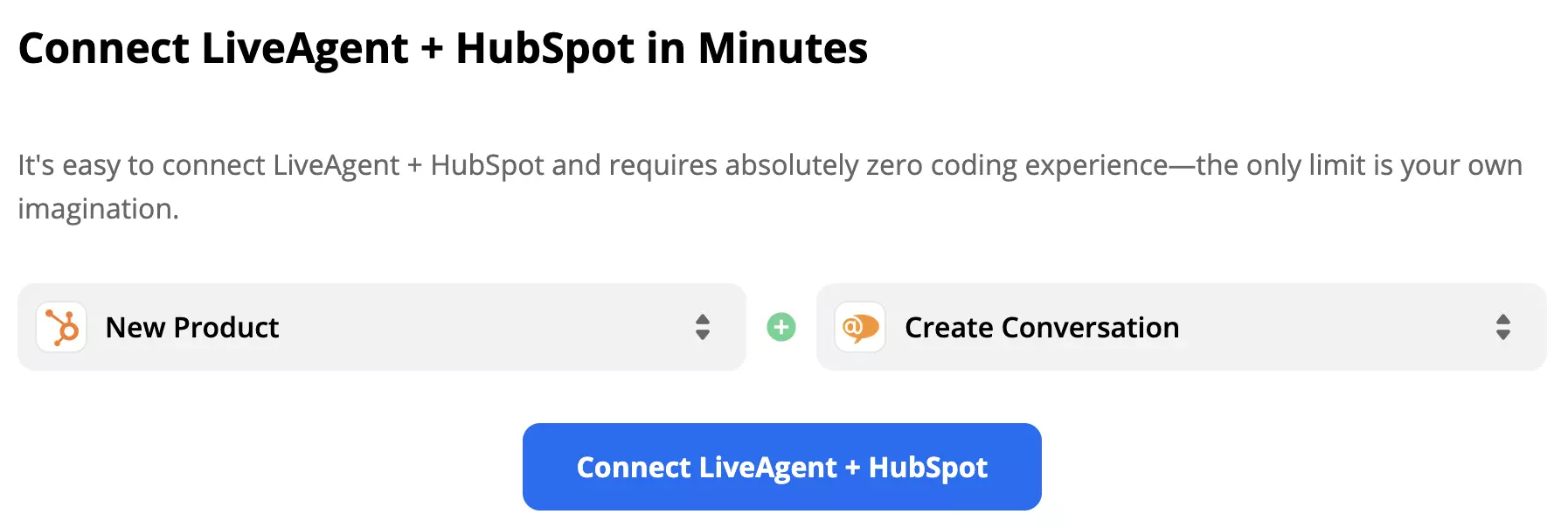
Scroll down on the page until you see the Connect LiveAgent + HubSpot in minutes section. This is where you can choose your trigger and your action. Pick the ones you want to connect with. As an example for this guide, we picked HubSpot trigger New Product and LiveAgent action New Conversation. Click on the blue button when you’re done selecting.
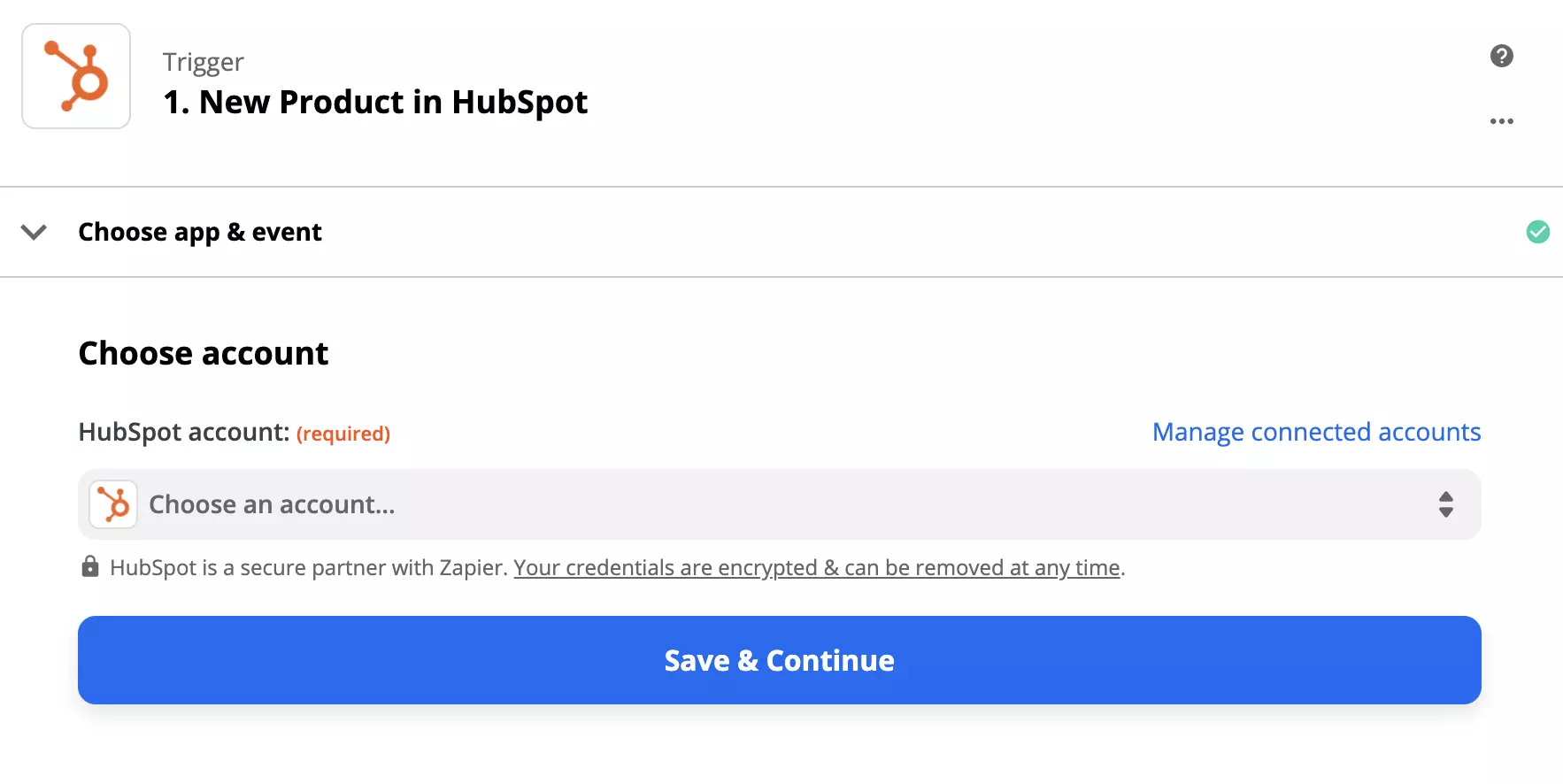
You can set up your HubSpot trigger now. Log in to your HubSpot account and give the necessary permissions. When you’re done, click on continue.
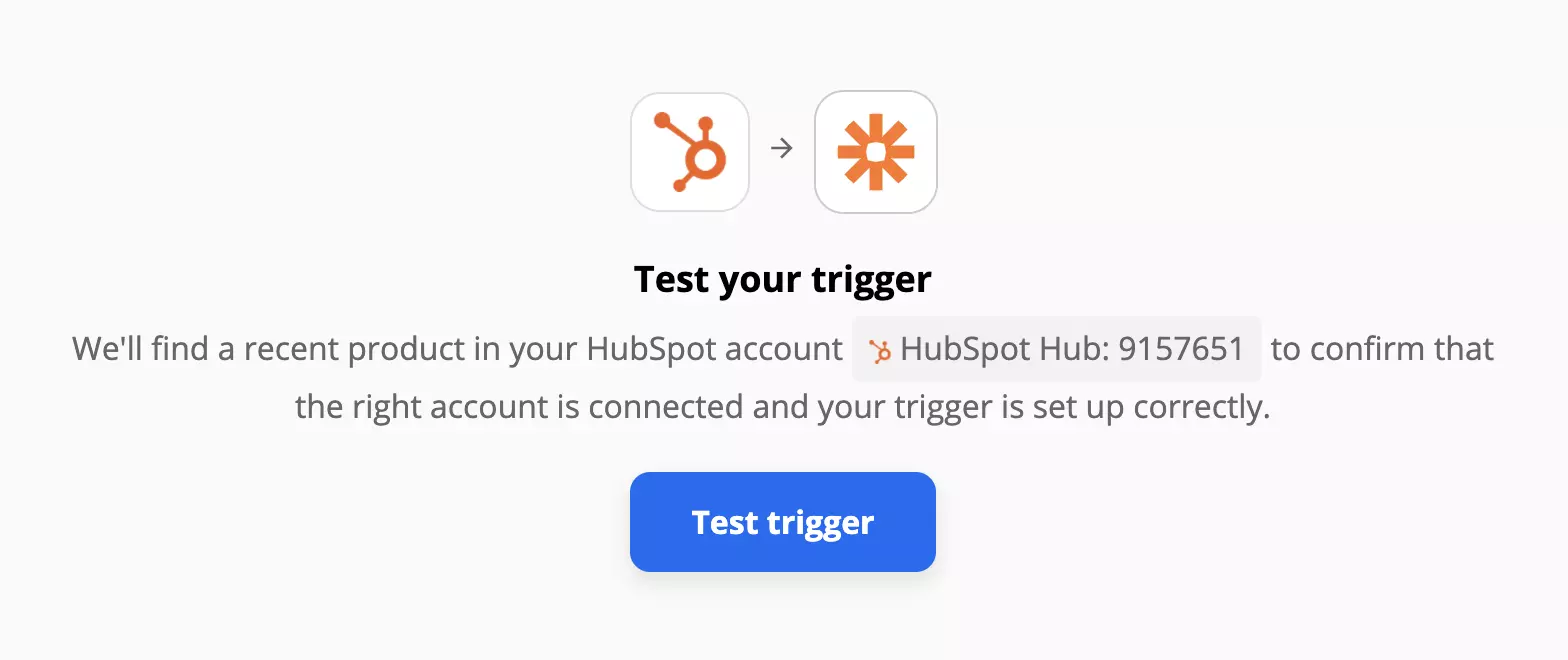
Now it’s time to test your trigger. You can skip this step but we highly recommend you go through with it to see if the trigger works as it should. When you’re done, go to the next step.
Configure your LiveAgent action. In our case we had to fill out message info, such as subject, recipient and etcetera. When you’re done click the blue button.
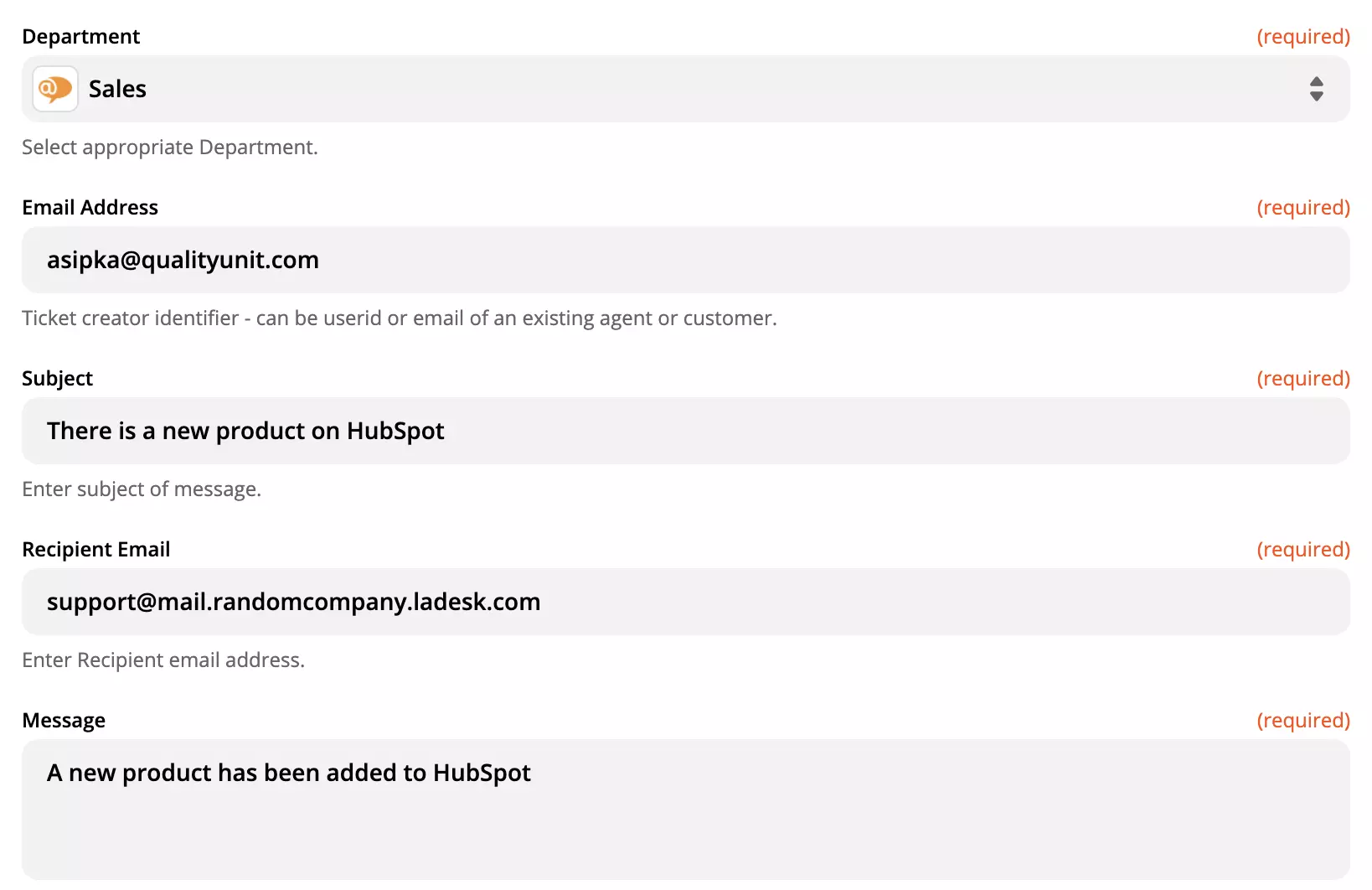
Do one final test of the integration. Congratulations, you’ve successfully created a HubSpot and LiveAgent integration.
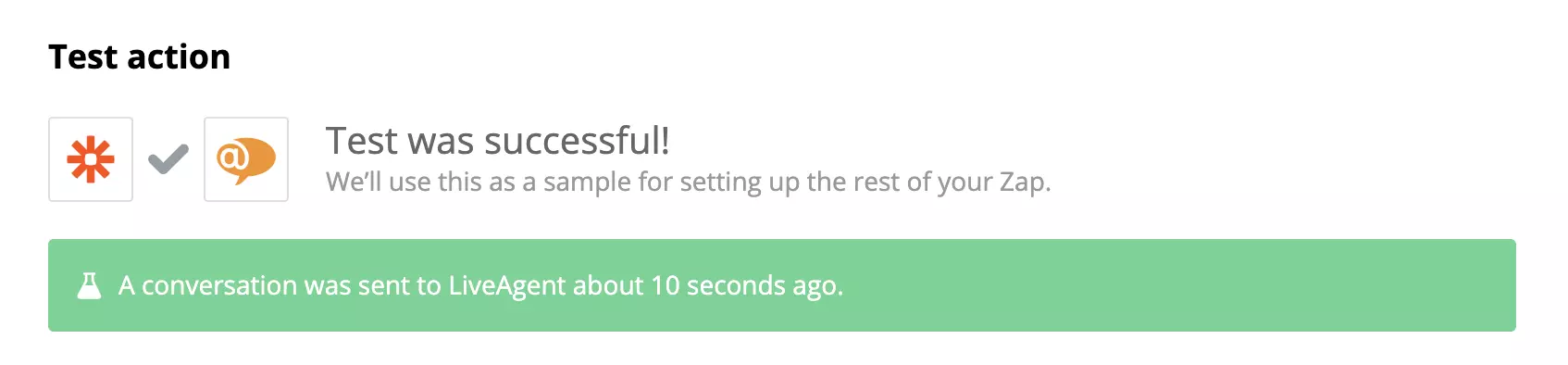
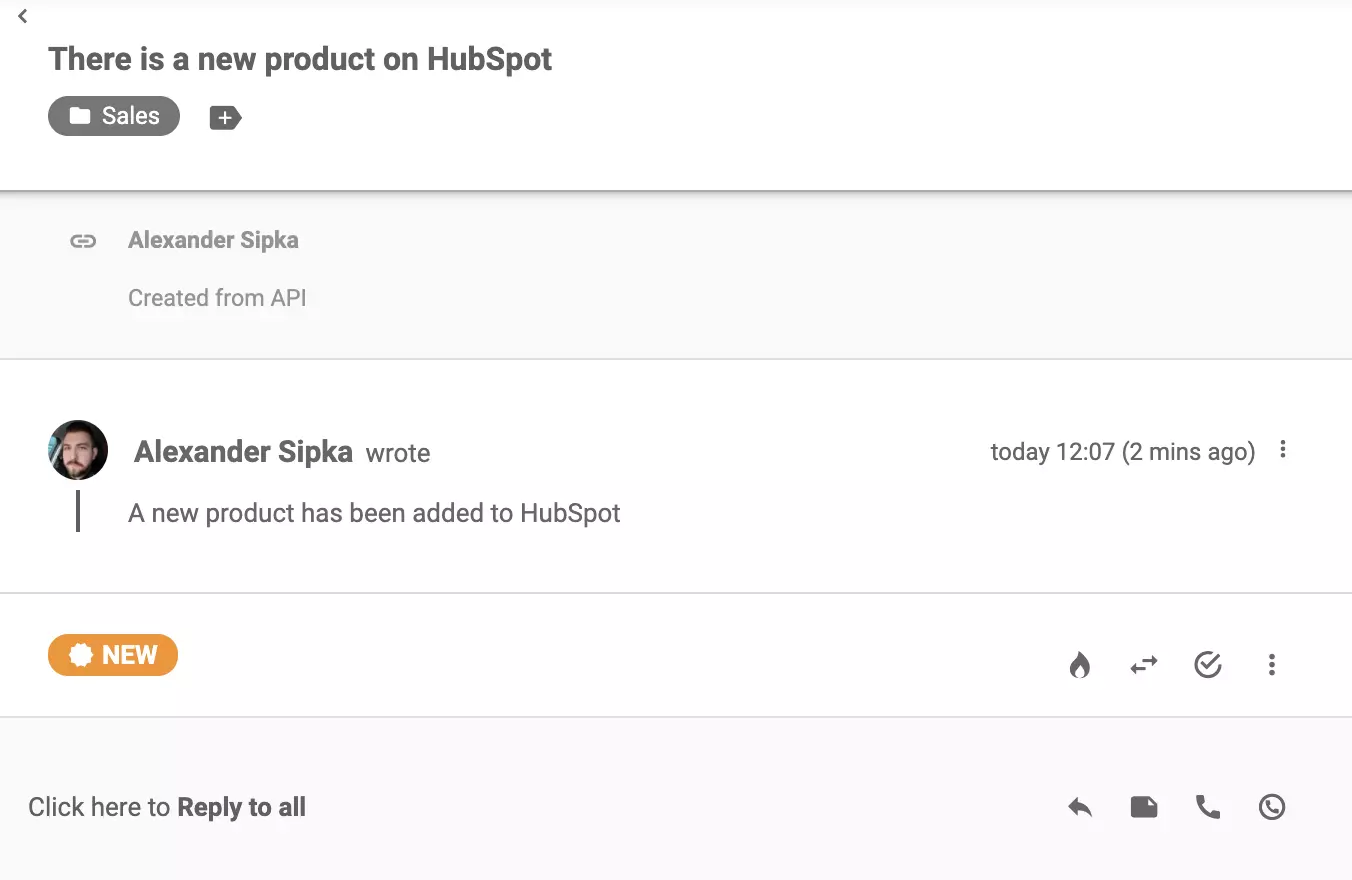
Feel free to test it out. Create a new product in your HubSpot and check your LiveAgent ticketing system. There should be a message about your new product in the universal inbox. Feel free to return to Zapier and create more integration functions.
Zapier seamlessly integrates LiveAgent with 200+ apps, enhancing workflow automation without coding. Benefit from quick, intuitive connections with tools like S...
Integrate Salesforce with LiveAgent to enhance customer management and productivity. Create cases from tickets, track information, and manage tasks easily. Acti...
Agile CRM integrates with LiveAgent to enhance customer service efficiency. It automates sales and marketing, providing business intelligence. Integration via Z...