



Zapier
Zapier seamlessly integrates LiveAgent with 200+ apps, enhancing workflow automation without coding. Benefit from quick, intuitive connections with tools like S...
3 min read


Asana is a tool for team collaboration and work management. Integrate it with LiveAgent via Zapier to manage projects, assign tasks, set deadlines, and communicate with your team without switching between interfaces. Enhance team workflow and productivity.
Asana is a tool for team collaboration and work management. It’s used for creating projects, assigning work, setting deadlines, and communicating with your colleagues. With LiveAgent’s Asana integration via Zapier, you can manage all your projects directly from your help desk without switching between applications.
Asana is a comprehensive work management platform designed to help teams organize, track, and manage their projects and tasks efficiently. Whether you’re managing simple to-do lists or complex multi-team projects, Asana provides the tools you need to keep everyone aligned and productive. The platform enables teams to create projects, assign work, set deadlines, and maintain clear communication throughout the project lifecycle.
Manage your work while staying in LiveAgent. You will get information about new customers, completed tasks, new stories, tags, subtasks, teams, and tasks in projects. You can also perform actions from LiveAgent’s dashboard. These include attaching files, creating tasks, projects, stories, and updating amongst others.
By integrating Asana with LiveAgent via Zapier, you can:

The latest tips and deals delivered straight to your inbox.
Asana can be integrated with LiveAgent via Zapier service. It uses a trigger and an action between two apps to create an integration and connect them. You can create more than one integration for various purposes.
If you don’t have a Zapier account, you can create one at Zapier’s sign-up page . When you’re done, go to the LiveAgent + Asana integrations page .
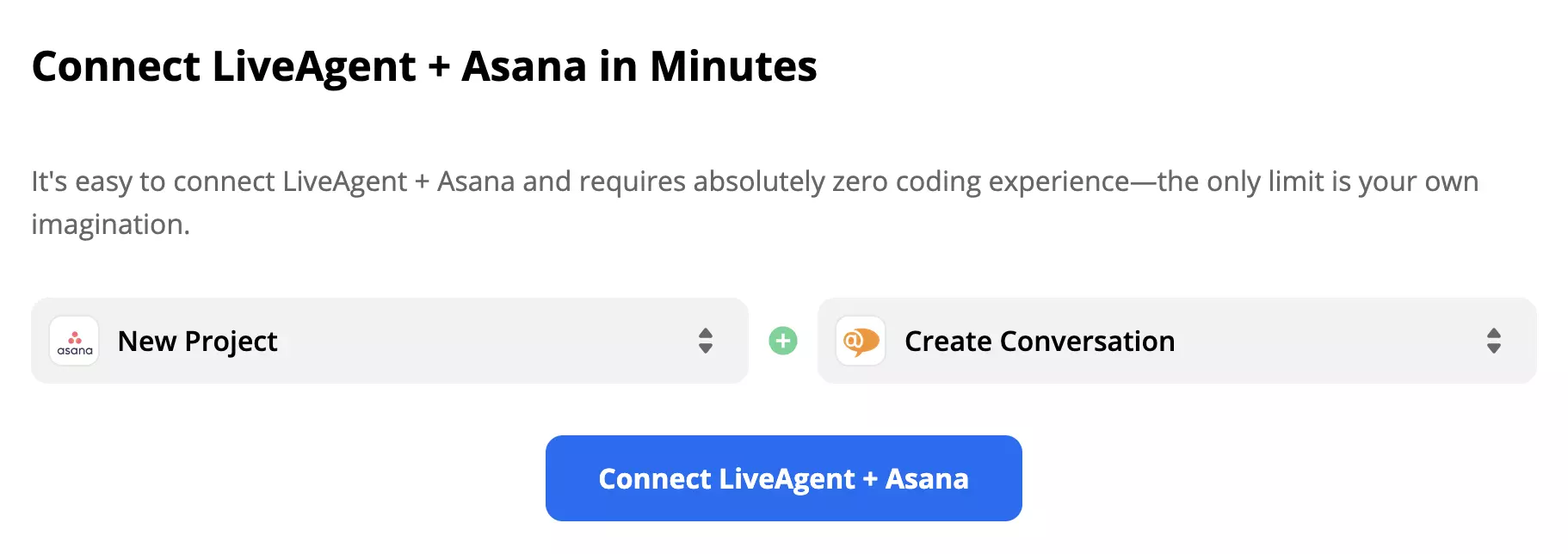
Scroll down until you see the “Connect LiveAgent + Asana in minutes” section. This is where you can pick your trigger and action. Consider what you want your integration to do and make your selection. When you’re done, continue by clicking the blue button below.
As an example, we’re showing Asana trigger ‘New Project" and LiveAgent action “New Conversation”.
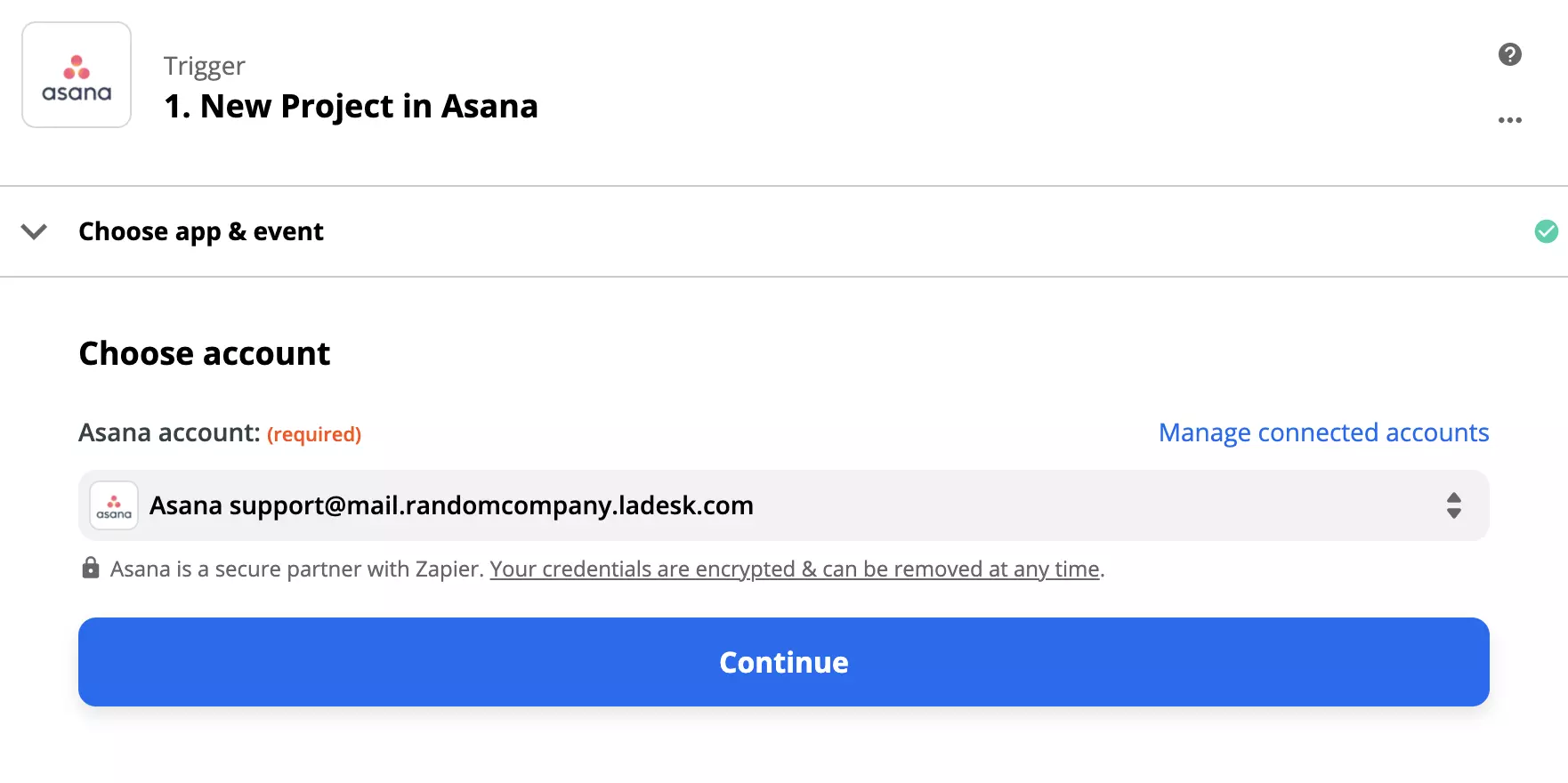
Now configure the trigger. Log in to your Asana account and proceed through the simple process.
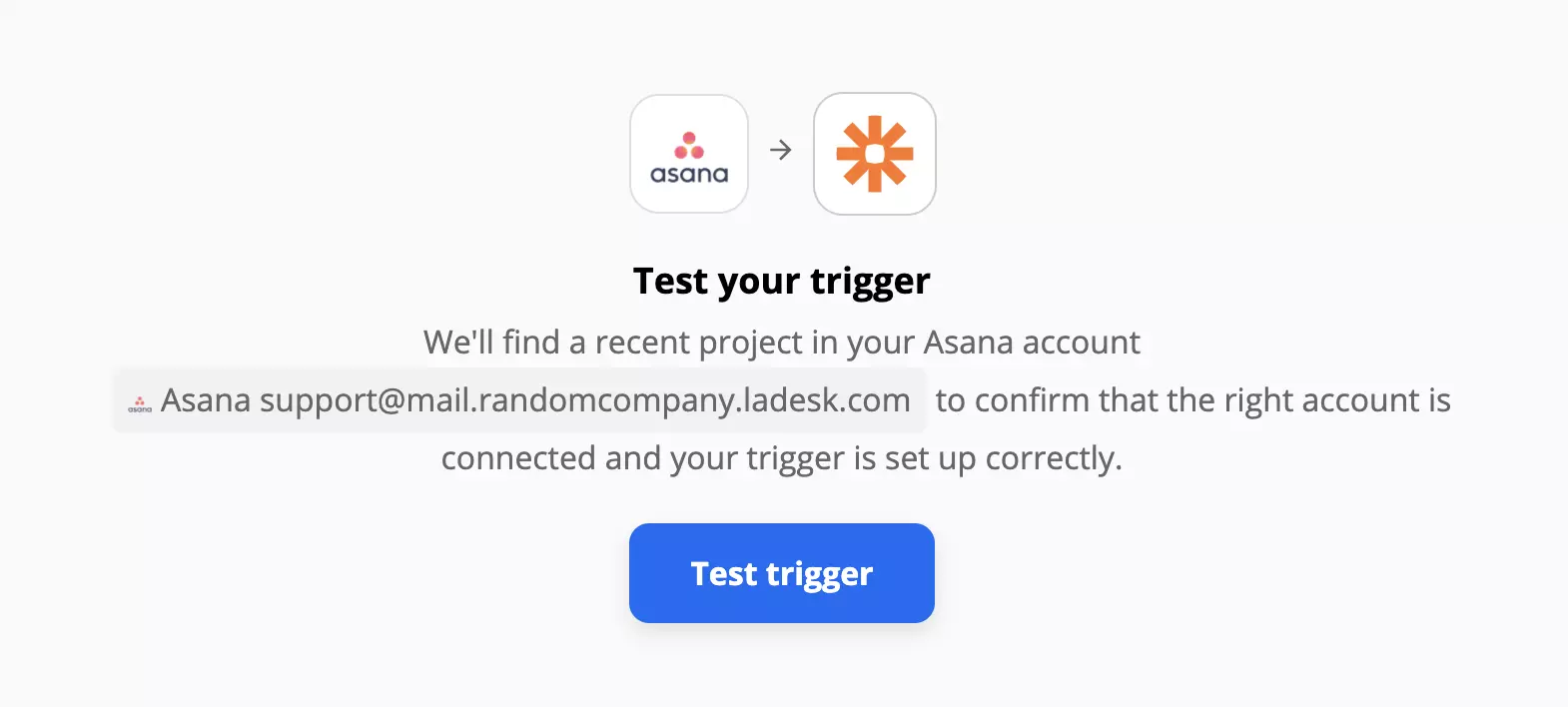
We also recommend you to test the trigger to see if it works.
Now configure your LiveAgent action. Fill out the required fields for this integration to work. If you want to specify the message further, you can opt to fill out the non-required fields too.
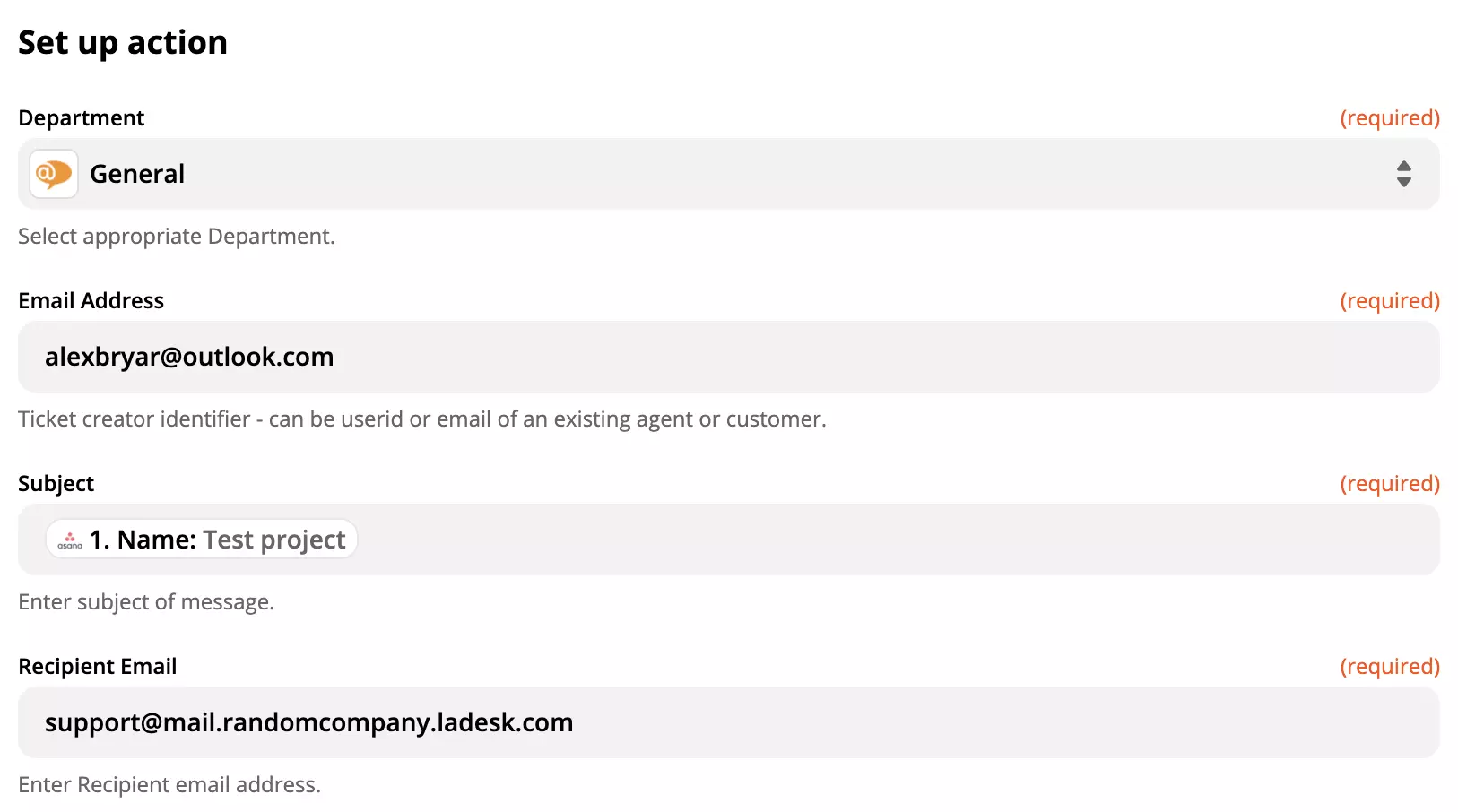
The final step is to test the entire integration, so go ahead and click the test button.
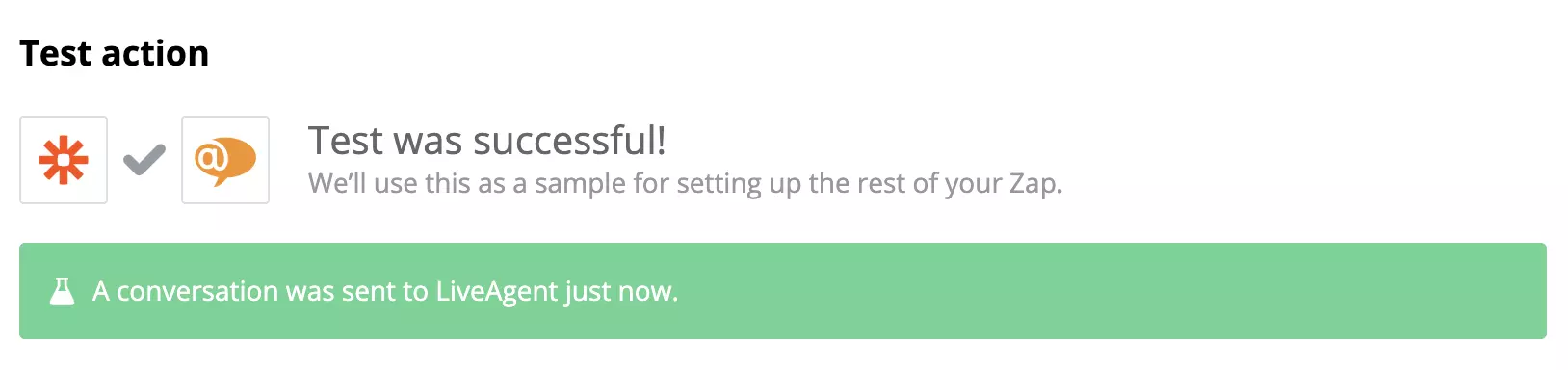
Your integration is now complete! Check your LiveAgent to see news from Asana.
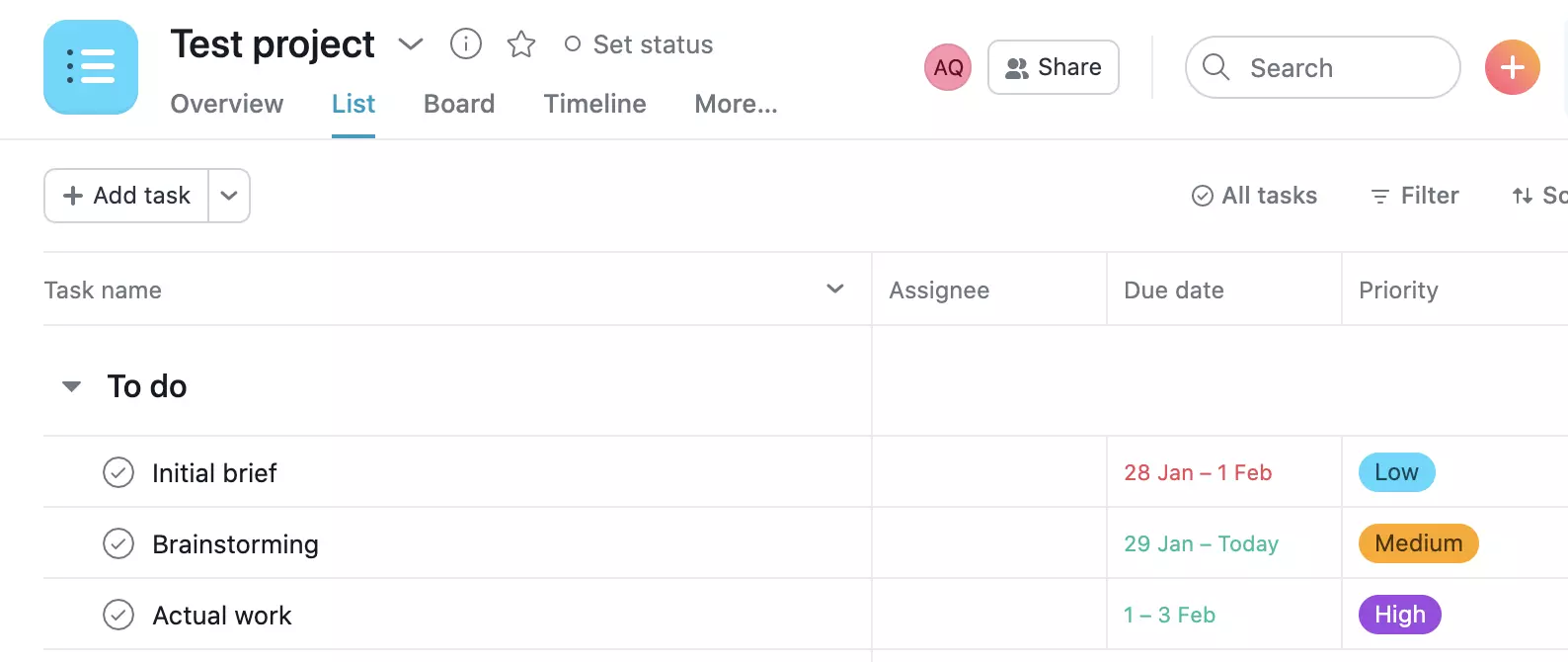
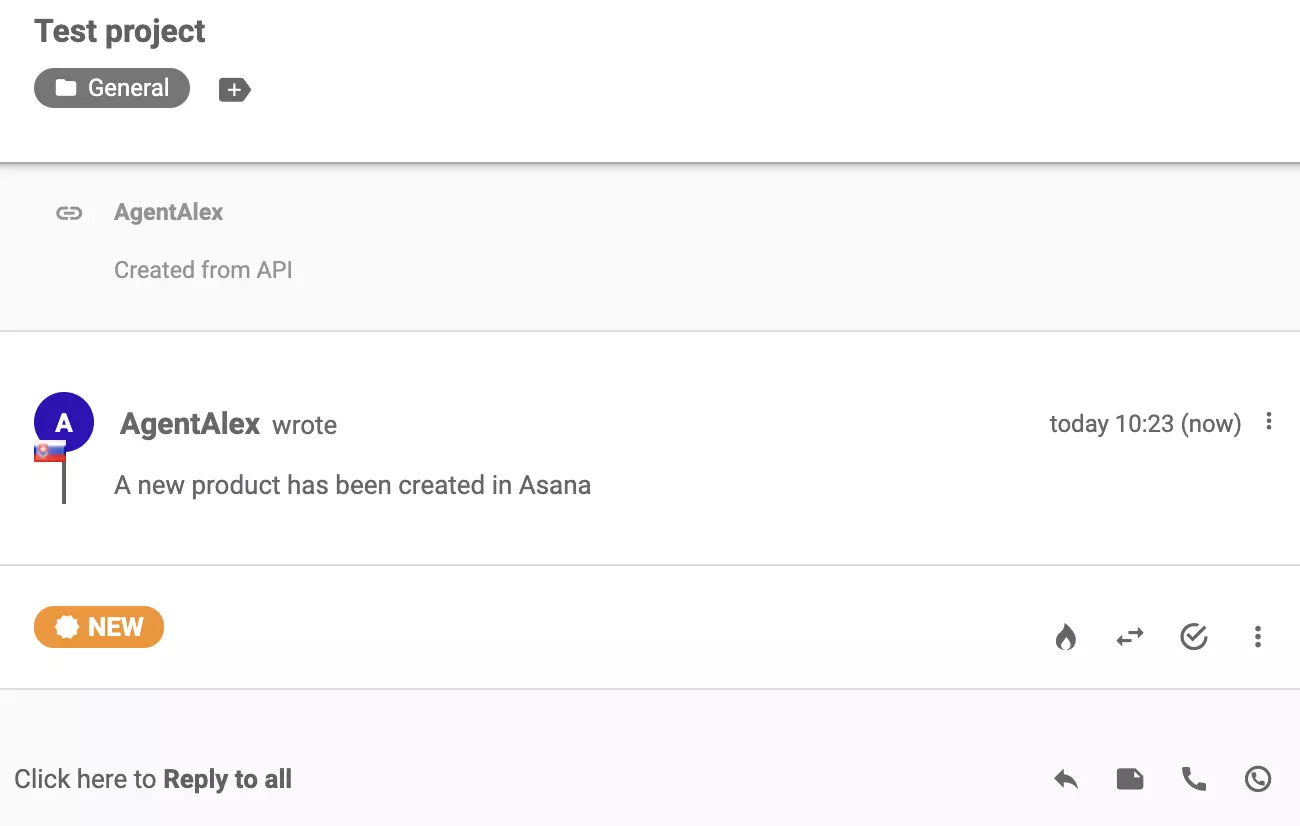
You can create more integrations like this one via Zapier by following this simple guide.
Zapier seamlessly integrates LiveAgent with 200+ apps, enhancing workflow automation without coding. Benefit from quick, intuitive connections with tools like S...
Integrate Trello with LiveAgent via Zapier to streamline project management. Utilize customizable Kanban boards for task management and sync actions between bot...
Jira is a robust tool for bug, issue, and project tracking, integrated with LiveAgent for seamless task management. It offers native and Zapier integrations, sc...