Why do customers request callbacks?
Customers usually request a call back for three main reasons:
- They don’t want to wait on hold
- The line is busy / the hold queue is too long
- There are no available agents to pick up the call (for example, outside of business hours)
How is an automated callback carried out?
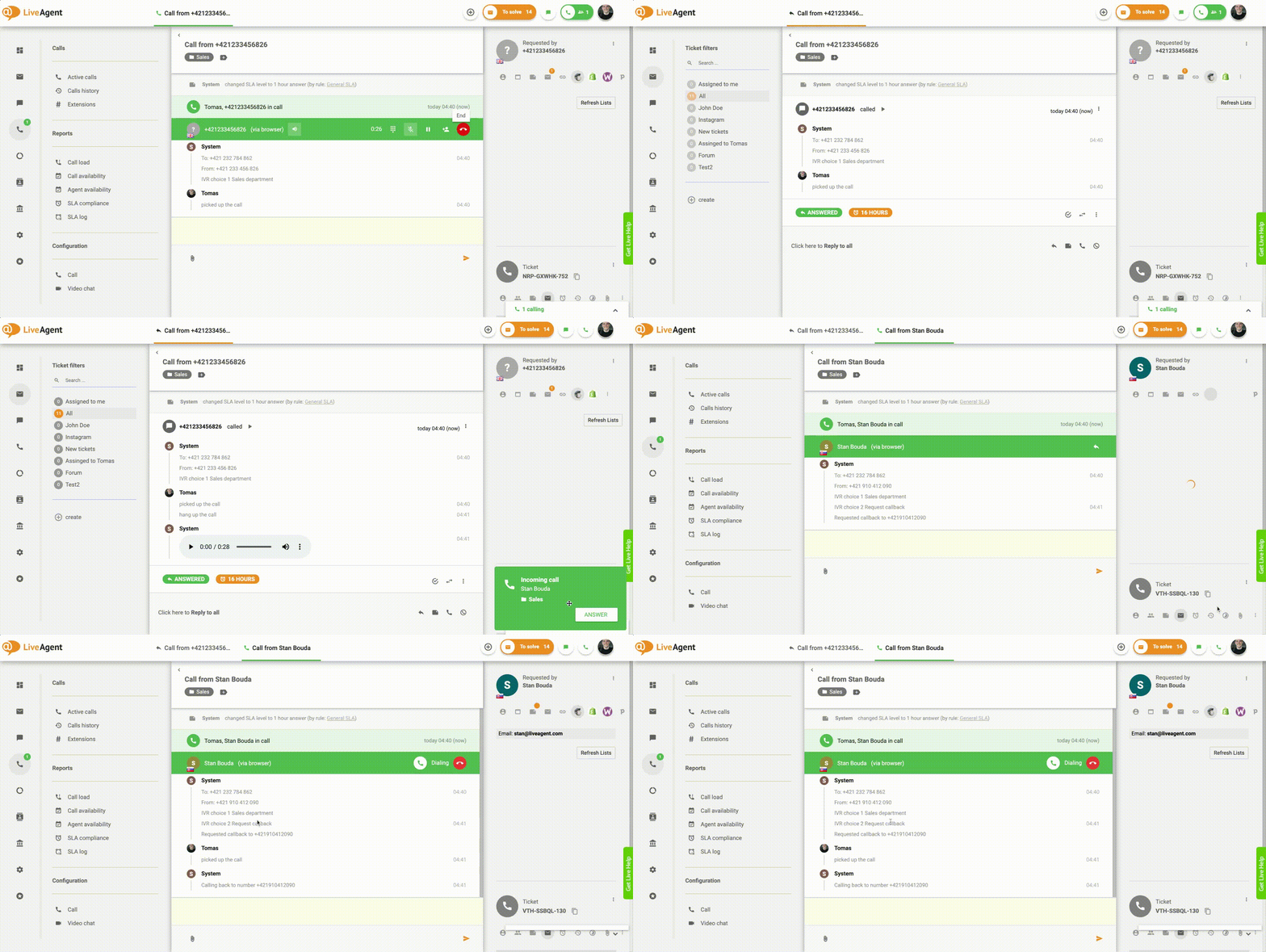
Typically, once a customer requests a callback the call is instantly terminated. However, the system retains the caller’s phone number and places it in the call queue. Once the phone number reaches the front of the line, the system automatically dials the retained phone number and connects the caller with a designated contact center agent.
Why are callbacks a useful function?
The auto callback feature is useful because it can:
- Increase customer satisfaction
- Reduce customer effort
- Reduce the number of abandoned calls
- Shorten call queues
- Present more sales opportunities
- Increase agent productivity
- Provide more insights about your call center
How can you implement the function in LiveAgent?
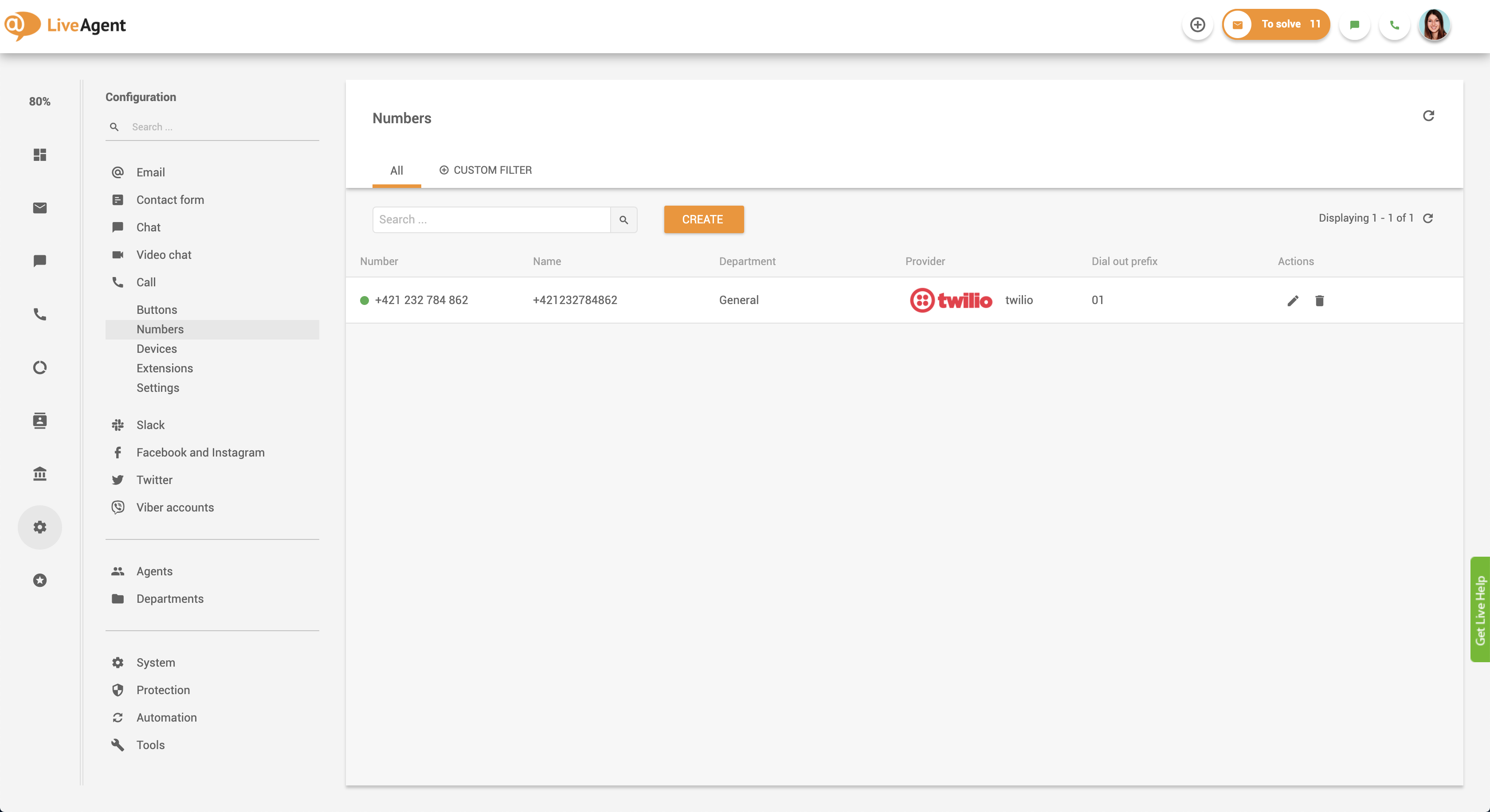
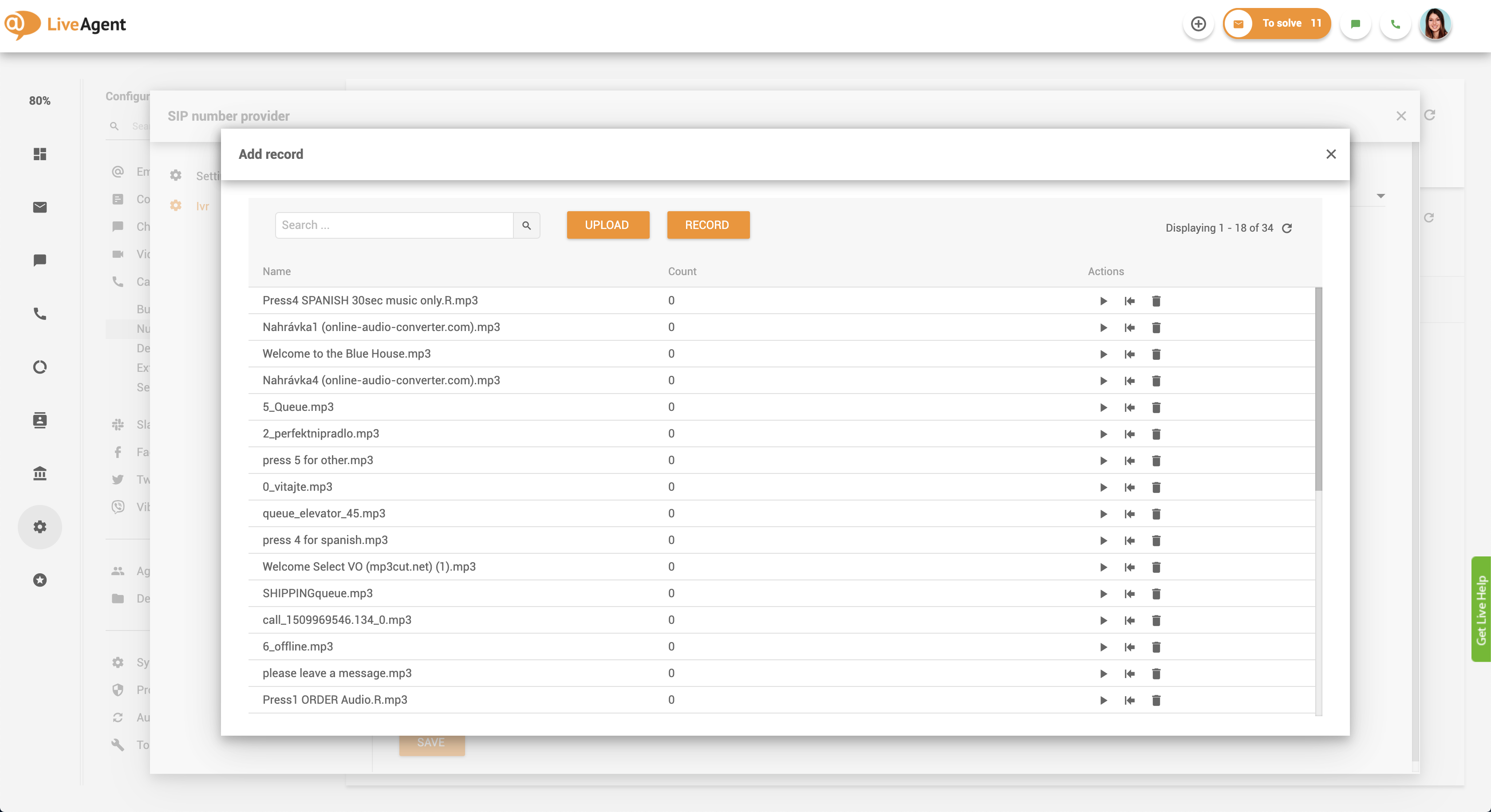
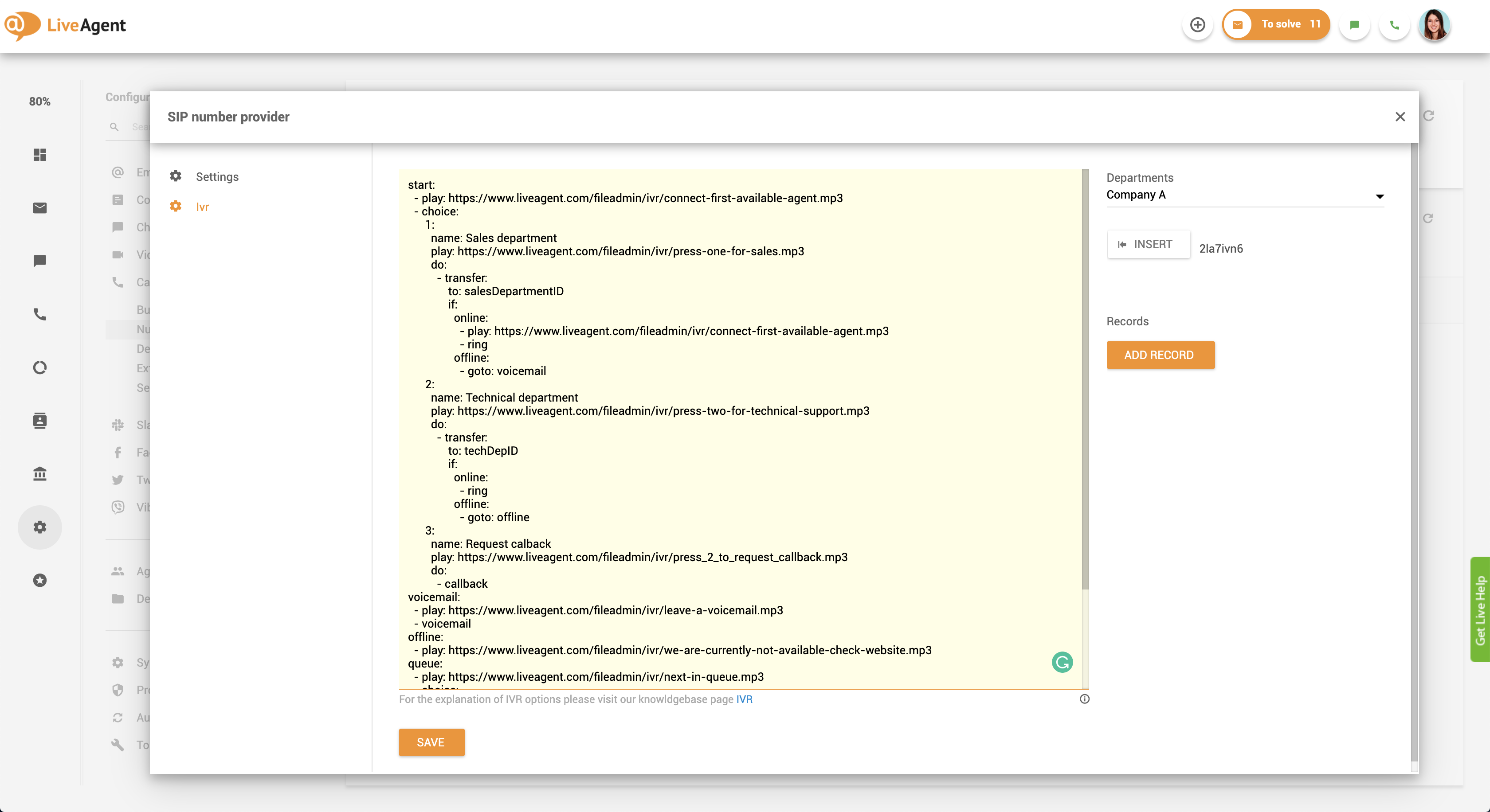
To start using the IVR callback function, you need to connect a VoIP phone number to your LiveAgent account. Once it’s connected you need to create an IVR script and upload IVR messages. To see a complete IVR set up guide, check out the LiveAgent support documentation.
Next, you need to add the callback script to your IVR script by following the LiveAgent support guide. When you’re done, click save and test the function by calling the phone number that is integrated with your LiveAgent account. Listen to the IVR menu prompts, and press the requested keypad number (such as ‘Press 4 to request a callback). Your call should be terminated immediately and should start ringing inside your LiveAgent dashboard until an agent picks up the call. Once it’s picked up, LiveAgent will automatically dial back your number, creating an automated callback.