





How to Start an Email (Tips + Templates)
Discover tips and templates for starting professional emails with appropriate greetings and openers for various business contexts. Enhance your first impression...
12 min read
LiveAgent
Email Templates
+1

Learn how to end business emails effectively with tips and templates. Include a smooth closing line, professional sign-off, and contact info. Avoid informal language. Templates cover various email types like sales, welcome, and apology emails.
As the majority of today’s business correspondence is handled by email, it’s essential to both start and end emails on a strong note. However, with all the attention given to email subject lines and beginnings, email endings are often overlooked.
In fact, ending a business-related email properly is just as important as starting an email. The right kind of email ending leaves the recipient with a positive final impression, motivates the reader to take action, identifies the sender and their intentions, and provides the recipient with your contact information (so it’s easy for them to get in touch with you.)
Read on to learn all about how to end business emails appropriately and take advantage of our list of professional email closings and closing line examples that are appropriate in a variety of contexts.
Before you send out your email, make sure it contains a short closing sentence that creates a smooth transition between the main subject of your email and your sign-off. This closing line can state your gratitude for the recipient’s time, indicate that you’re open to further communication, be a call-to-action, or alternatively be a statement that shows you anticipate a response.
Unless you’re very close with the recipient, every business email requires a professional closing, that can be either formal or casual based on the type of relationship you have and the context of your communication. The most commonly used email sign-offs are ‘Regards" and “Best” but we’ve prepared a whole list of examples (down below), both formal and informal.
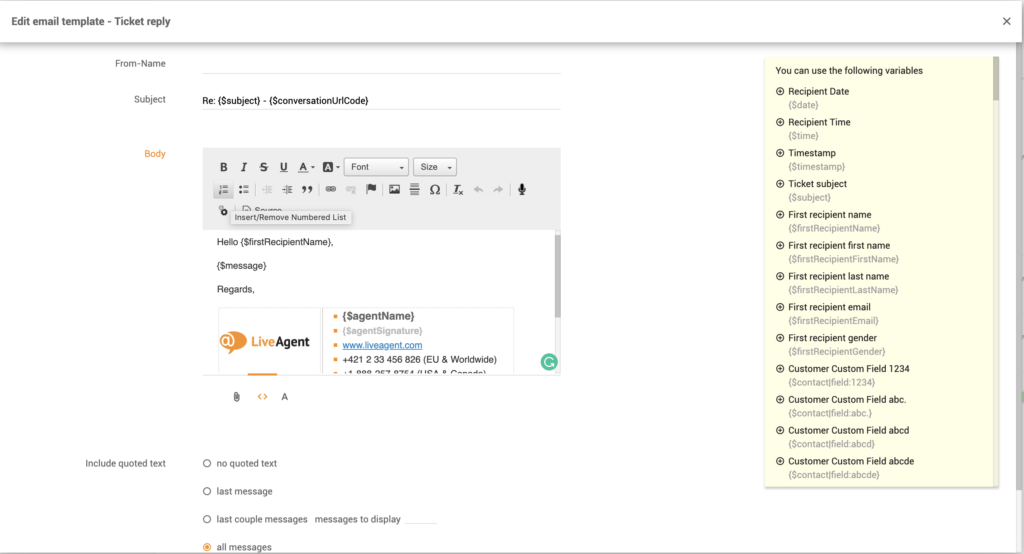
Always include your full name (first and last name) in your email signature if you are writing to someone for the first time. For conversations with colleagues, or people you already know and have exchanged multiple emails with, it’s enough to sign off with your first name. Please note, it’s advisable to not end a conversation with nicknames unless your nickname is widely known and used instead of your first name.
Make sure to add your current job title and company name in your email signature so there is no room for confusion over who you are, especially if you’re cold-emailing potential customers. If you’re applying for a job, we advise you to leave your current employment information (email and phone number) out of your signature.
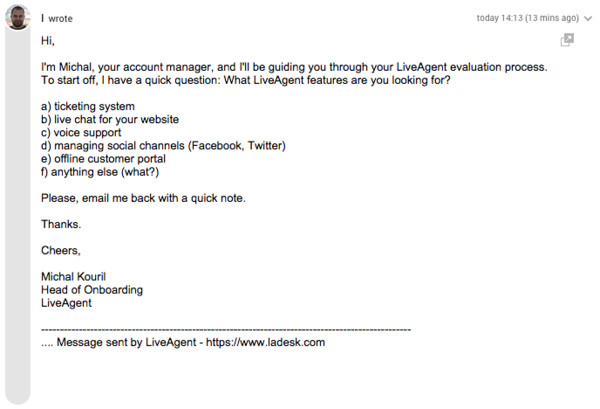
Even though the recipient of your message already knows your email address, it’s always useful to provide additional contact information in your email signature, such as your direct phone number, as some people might prefer to reach you through other communication channels.
You might also consider adding links to your signature. The link could be a link to your website, your LinkedIn profile or other relevant social media accounts, a landing page you want to promote, your online portfolio, your online calendar, or your latest blog post, etc.
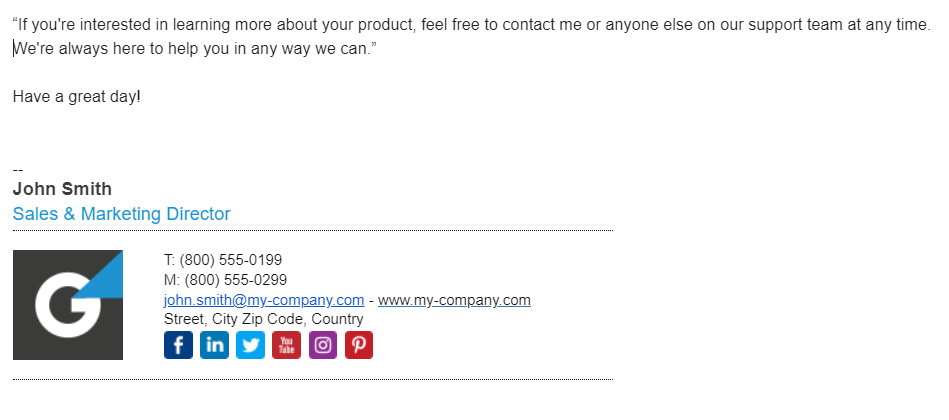
When deciding what type of sign-off to go with to end your business email, think about who you’re emailing and why. If you’re not sure which sign-off would be the most appropriate in a given situation, it’s better to opt for a more formal closing phrase. ‘Best", “Regards”, “All the best”, and “Best regards” are some of the safest email closings that can be used in all situations and all types of emails. Here a few more examples of the most common and widely used professional email closings:
Formal email closing phrases:
Casual email closing phrases:
Closing phrases showing appreciation:
Based on the context of your email message, you can also add a short email closing sentence prior to your sign-off. Use one of the following tried-and-true email closing lines to ensure you end your message on a positive note and let your recipients know that you anticipate their response or further dialogue.
Figuring out the right way to end a cold outreach email might be challenging for any sales professional. Here are some examples of what you can include at the end of your cold sales emails to nudge a prospect to reply:
Follow-up emails are a must in any cold emailing strategy. Here’s how you can end a sales follow up email to encourage your prospect to respond even if your previous attempts to connect with them were unsuccessful:
Post-purchase emails and customer welcome emails are some of the most critical emails in email marketing campaigns that are aimed at building long-term customer relations. Here’s how your email closing statements might look like for these types of emails:
When you’re ending your customer service emails, it’s always a good idea to encourage your customers to reach out in case they have any other questions, issues, or concerns. You should also reassure them that you’re always ready to help. Here are some helpful examples that you can use to wrap up customer service emails:
When it comes to writing customer apology emails and dealing with frustrated customers, you should restate your apology again at the end of your email, and say that you appreciate their patience and understanding:
An email end is usually just a closing remark or a short sentence followed by your signature, yet finding the right words and the right tone to close your email message often requires a great amount of thought. How you end an email can actually make a huge impact on the recipient’s decision to answer your email. Knowing how to end professional emails is the key to efficient business communication, leaving the reader with a positive impression, and increasing email response rates. If you’re not sure how to end your next business email, the above-mentioned examples of email closings might come in handy.
LiveAgent is the most reviewed and #1 helpdesk software for small to medium-sized businesses. Try it today with our free 30-day trial. No credit card required.
Discover tips and templates for starting professional emails with appropriate greetings and openers for various business contexts. Enhance your first impression...

Learn how to end customer conversations politely and professionally across various channels with LiveAgent's customizable scripts and templates. Enhance custome...
Discover what not to do in business emails with examples of unprofessional emails. Enhance your communication skills and professional image by avoiding these co...
Join our community of happy clients and provide excellent customer support with LiveAgent.
