



Knowledge Base Templates
Learn to create a self-service knowledge base with LiveAgent's templates, including guides, FAQs, and tutorials. Discover how to write effective knowledge base ...
7 min read
LiveAgent
Knowledge Base
+2

Enhance customer support with LiveAgent’s basic knowledge base templates. These templates streamline responses, escalate forum questions, and maintain company voice in off-topic discussions, boosting efficiency and customer satisfaction.
A knowledge base is a self-service online library containing information about a product, service, department, or any other topic related to the particular company that owns and manages it.
The data and information in a knowledge base can be sourced from anywhere, but usually, it comes from several contributors who are responsible for maintenance and updates. As a general rule of thumb, your company’s representatives should engage in and moderate all conversations conducted in your knowledge base forums.
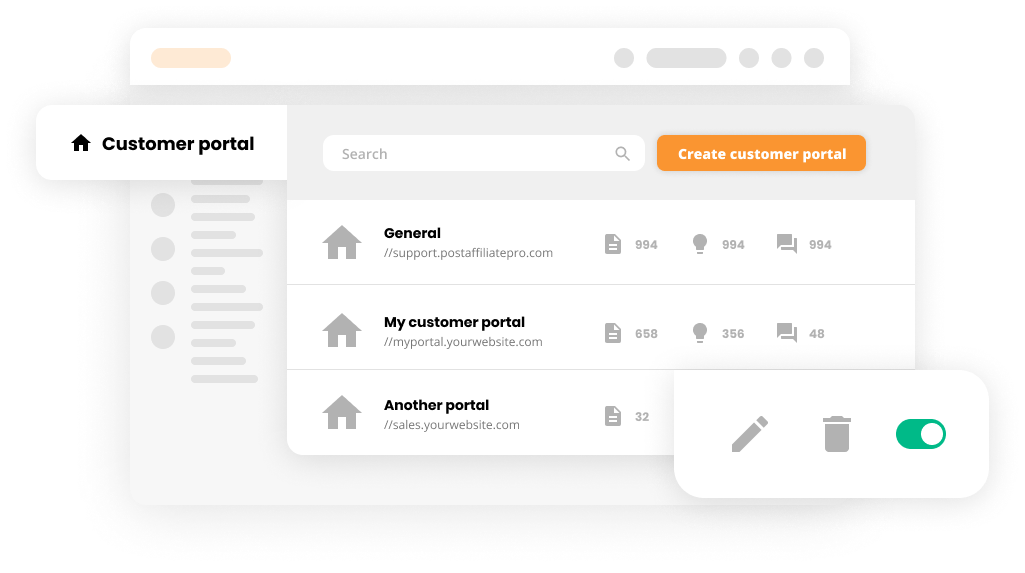
The topics that are usually covered in a knowledge base range from how-to guides to frequently asked questions about shipping or refund policies. Generally, knowledge bases contain all kinds of content, including frequently asked questions, troubleshooting guides, and other essential pieces of information for customers and stakeholders.

Knowledge management allows you to create, administer, share, use, and manage a company’s expertise and is designed to be used across all industries. With a solid knowledge management foundation, your organization will be more agile, operate faster, and work more efficiently. In addition to that, your client’s satisfaction will improve thanks to the self-service options that you provide.
To help you capitalize on the power of knowledge management and to support you with implementing self-service options in your customer support, we have created a set of knowledge base templates.
Option A:
Hi! Yes, [name of the answer’s author] is correct. This is how the [process/product/service] works. If you want to learn more about this [topic/feature/process], please read the following articles that are available in our knowledge base:
[links to the articles, preferably in bullet points for better readability]
If it’s still not clear for you, we would be happy to help further. Don’t hesitate to contact us!
Option B:
Hey! Thank you for starting this discussion. However, I need to point out that [name of the answer’s author] is not correct. Here’s what you need to do to [achieve the desired outcome of the question’s author]. If you want to learn more about this topic, here’s a list of knowledge base articles that will help you with that:
[links to the articles, preferably in bullet points for better readability]
Option A:
Option B:
The following templates can help you join off-topic discussions about COVID-related subjects, remote work, the latest movie premiere, Netflix series, a scandal in the tech industry, etc. In general these templates can be used to join any conversation that isn’t directly related to your company operations, product, or services.
Option A:
Option B:
LiveAgent gives you the power to design your own customer email templates. With our intuitive template builder, you can create customized communication templates that match your brand voice and support your specific business needs.
Whether you’re responding to forum questions, escalating issues, or maintaining professional communication in off-topic discussions, having well-crafted templates ensures consistency and efficiency across your entire support team.
LiveAgent is the most reviewed and #1 helpdesk software for small to medium-sized businesses. Try it today with our free 30-day trial. No credit card required.
Learn to create a self-service knowledge base with LiveAgent's templates, including guides, FAQs, and tutorials. Discover how to write effective knowledge base ...

Discover the top 20 knowledge base software for 2025, featuring comparisons on features, pricing, and expert opinions. Explore tips for selecting the right tool...

Discover the transformative power of knowledge bases in business! Uncover 12 key benefits that enhance customer experiences and bolster operational efficiency. ...
Join our community of happy clients and provide excellent customer support with LiveAgent.
