




Self-service software is a popular solution for companies looking to cut costs and improve customer satisfaction. Self-service customer support software offers knowledge databases and self-service portals so businesses can automatically help users 24/7. This article will explore what makes these systems work and which is best for you.
What is Customer Self-Service Software?
Customer self-service software is a type of customer service that allows customers to help themselves. This term is used for customer support systems that are mostly automated, with little human intervention. You can access self-service software through various mediums such as live chat on websites or mobile apps. This software usually provides answers to frequently asked questions and resources that enable customers to solve their problems without needing help from company representatives.
Customer self-service software is essential as it reduces response time, saves time, money, and allows companies to provide better support for their customers. With a business’s priorities shifting towards providing exceptional experience across all channels, a convenient and high-quality customer experience is necessary for success. Customer self-service software offers this. This software is being provided in multiple payment plans, and most services offer a free trial version.
How Does Self-Service Software Work?
Most self-servicing software solutions provide customers with billing, policies, and general product knowledge. This is done through interactive voice response, text messaging, e-mail, portal support, mobile apps, online chat, and social media. Users can access relevant information 24/7 using the above features in addition to self-service portals and knowledge databases.
Components of Self-Service Software
The main components of self-service software are search functionality, a ticketing system, computer telephony integration, and a knowledge base. These tools allow you to publish information users can easily access 24/7. Before selecting a self-service software solution, you should become familiar with all of its important components.
Ticketing
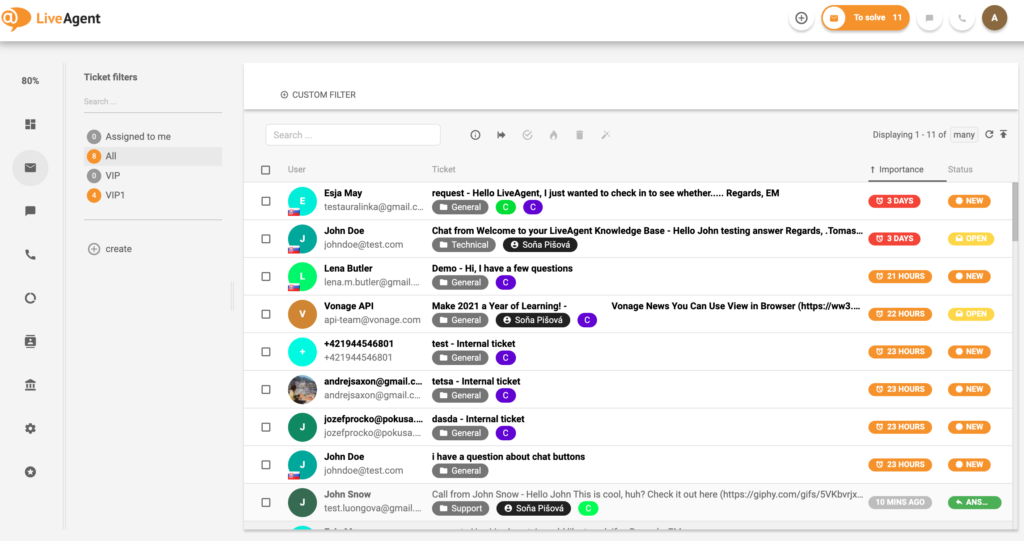
Ticketing is a common feature of self-service software applications. This component allows users to submit requests and collaborate with IT support professionals to address common questions. Once a ticket is submitted, it becomes visible to one or more technicians who will resolve the most common questions for the user. The ticketing component manages the life cycle from its creation through status updates, problem resolution, and closure. In some systems, tickets can also contain attachments such as screenshots or logs to help technicians understand the issue. Once the problem is resolved, the ticket is closed.
Live Chat Software
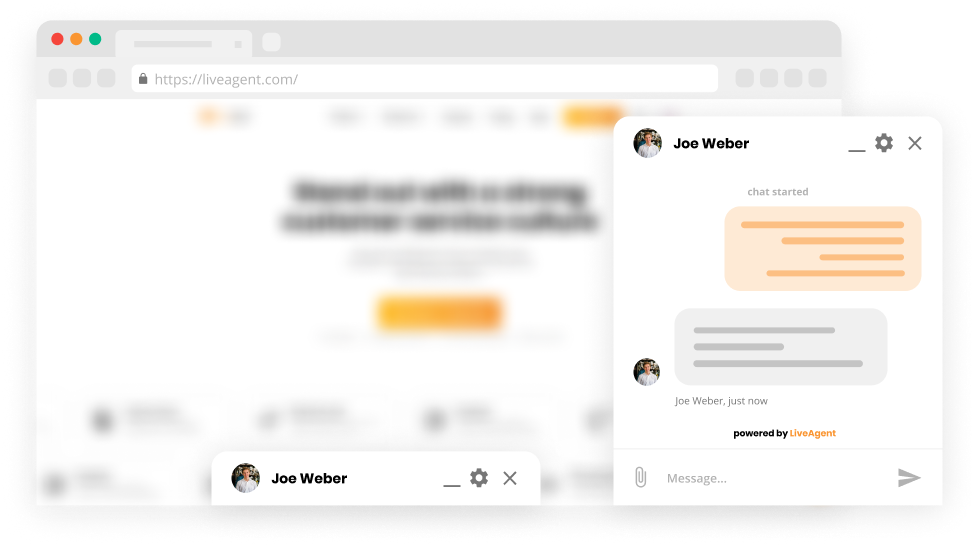
Live chat software allows you to chat with customers quickly and resolve their common questions. Live chat software is powered by automation and assists your customers by an automated response or by connecting to a relevant customer service agent. The best self-service software in 2025 provides automated solutions over live chat and connects to agents if needed. In addition, you can integrate live chat via chat widget into numerous third-party platforms.

Call Center Software
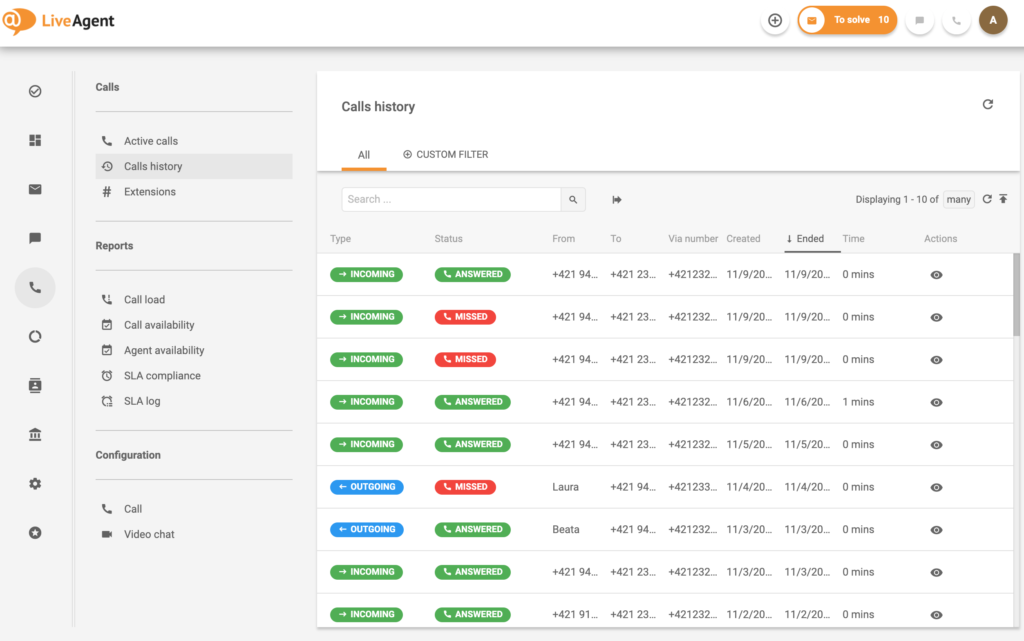
The call center portion of self-service software allows your team to talk to customers in their time of need if automatic solutions do not solve their problem. In a call center, calls get dispersed to available agents as they come in. Without a call center, you may not be able to accept incoming calls or dispatch staff appropriately.
Customer Portal
Customer portals allow customers to access your knowledge base. Through these portals, you can share information with your customers while handling complaints. In addition, you can reduce ticket volumes by creating community forums, an informational database, and an FAQ section in your customer portal. A knowledgeable customer portal is essential in the best self-service software.

Key Features of Self-Service Software
Self-service software gives you access to all your data from one platform. This means when a user encounters a problem, they can search for a solution in their all-in-one support center. If users cannot find a satisfactory answer, escalation options like e-mail support, live chat, a knowledge base, and a self-service portal are at their disposal. Key features include:
Social Media Management
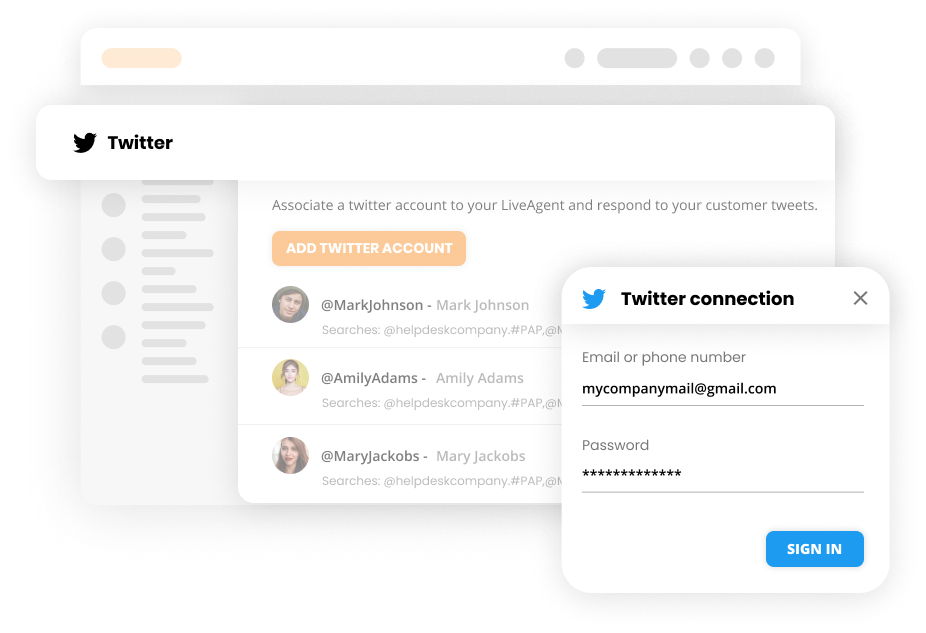
The social media management component of the best self-service software systems connects with customers on social media. By managing your social media presence, you can see where and how you can best supply information to users. You can use this information to handle your digital presence further and improve the customer service experience.
Knowledge Base
Self-service software has gained popularity in our current fast-paced society, where immediate satisfaction is expected. Companies can save money and time while empowering their customers by providing them with a customer self service portal. A knowledge base is essentially a centralized hub of information that users can access at any time without involvement of human agents. The knowledge base contains all documentation and valuable insights necessary for users to know their way around the software and its features. For example, a knowledge base can consist of videos, knowledge articles, and FAQ sections.

Live Chat Widget
Another common feature of self-service software is a live chat with human agents, meaning users can video call or message an agent whenever they need help. Live chat eliminates waiting on hold over the phone or queueing at reception with all queries managed online.
24/7 Automation
With an automated system running on a company’s website or intranet, customers can access service 24/7 from anywhere there is internet connectivity. Around-the-clock automation reduces the amount of staff needed while improving your profits. Microsoft study show that 66% of customers try to solve their issues independently before contacting customer support. To automate your system, you can use canned messages, predefined answers, and multiple knowledge bases.
Self-Service Portal
You can add automatic features to your self-service portal so customers can get the answers to their questions 24/7. This can include knowledge-based articles, instructional videos, community forums, and more. Your self-service portal should be where customers look for answers before reaching out to agents.

How to Choose the Best Self-Service Software
It is easy to get overwhelmed when deciding how to implement self-service software into your business. You need to look at several areas and consider them to find the best fit for your business’s needs. In addition, you must consider features, self-service tools, scalability, commitments, and hardware investments before choosing the best software.
Commitments
Commitments can vary from one type of software to another. Self-service software that requires customization by a developer will be significantly more expensive than those that do not. Other commitments include the training time employees need before they are proficient with the software. Let’s say a company’s frontline staff has a high turnover rate due to layoffs or promotions. In that case, a quick-to-learn and easy-to-use application will better accommodate this situation. High levels of system stability are essential for companies who rely on running vital programs 24/7.
Pricing
The cost of implementing a self-service solution depends on various factors such as employee training, design, implementation, maintenance, infrastructure costs, and support. As a result, different pricing models are available for self-service software, including pay-per-use, monthly, and yearly payment models depending on the organization’s needs.
Support
When choosing self-service software, you want to ensure that your team can quickly help customers with support tools. Selecting self-service software with 24/7 support and chat is helpful, especially if you have a large or remote team in various time zones. Thus, you want to seek support options that meet your business goals and needs.
Ability to Scale Up or Down
No matter your current business size, you want to choose self-service software that meets your business’s current and future needs. Choose a self-service software that can scale your monthly subscription up or down—allowing you to easily adjust your software subscription when your business hits slow or busy times. You want to consider scalability to ensure you have the right features and price point for your needs.
Software Limitations
Knowing the limitations of each self-service software will help you choose the best one. Make sure you look at your current staff size and what features are most important to you. For example, contact channels, inbound calling, video support, and text chat programs can be limited by the software you choose and the hardware you have. Keep this in mind before you purchase self-service software.
Collaborative Options
It would help if you chose self-service software that collaborates with multiple tools like phone, chat, knowledge bases, and video. By using omnichannel software, you can collaborate across multiple channels. You want to choose software that allows easy communications over in-house and out-of-house channels.
Benefits of Using Self-Service Software
Offering self-service capabilities within the software can help employees perform their work with decreased costs while increasing customer satisfaction. The significant benefits of using self-service software are reduced costs, increased productivity, and customer satisfaction through automated actions.
- Decreased costs – Implementing self-service software offers significantly reduced costs through less training and fewer agents needed to handle customer issues. Self-service software can also streamline your in-house training with its knowledge base articles.
- Increased productivity – Self-service software can increase productivity when adequately implemented. As a result, customer happiness is achieved more swiftly, and agents can solve problems that need attention.
- Customer satisfaction – Self-service software increases satisfaction levels among customers because of the ability to give 24/7 access. 27% of customers say not contacting customer service with their preferred channel contributed to a bad customer experience. Avoid this to improve customer relationships and satisfaction.
Trends Related to Customer Self-Service Software in 2025
Customer self-service software is expected to grow an average of 15% per year until 2027. To best utilize self-service software, you must identify customer trends in their purchase data and support needs to stay up-to-date with this information. Self-service software has also become increasingly important for home offices. By using artificial intelligence in self-service software, you can use conversational marketing while helping customers solve their routine questions.
Implementation of Customer Self-Service Software
Customer self-service software implementation is quite complex compared to traditional product support channels. Several steps must be considered when implementing self-service software. It’s helpful to send surveys to ask what customers think about new approaches or how they interact with your company.
Product administrators can help create a series of product training manuals for customers when self-service systems are implemented. The implementation stage of product self-service software typically takes less than two weeks. IT workers and outside vendors need to coordinate their access during deployment; otherwise, downtime could be an issue.
Cost of Customer Self-Service Software
The price range of customer self-service software varies significantly and depends on different factors like the nature of the business. Typically, experienced companies with a long history charge higher prices for their products. Customer self-service software can cost from hundreds to thousands or more depending on the functionalities and support of the system. The latter is particularly important in the case of large e-commerce websites that tend to have huge traffic during peak periods. Open source solutions are usually free and do not require licensing fees but may have limited functionality. Companies may charge per user license and even have monthly payments but offer superior features.
What Do Customers Think of LiveAgent All-in-One Customer Self-Service Software?
The ability to have our emails, live chat, ticket system, and social all in one place makes life so much easier for our business as we grow. The ticket system is my favorite feature as it is so easy to organize. It's good that we can customize the look of our custom pages and chat as well.Sara Owen, University of Portsmouth
LiveAgent provides an all-in-one help desk software, including powerful self-service resources. It can be used by anyone with an internet connection and doesn’t require any installation. Customers enjoy the ease of LiveAgent’s all-in-one abilities that allow their businesses to handle all aspects of the customer service experience. With automated features, multi-channel communication, AI-powered chatbot, a complete call center, and more. LiveAgent can easily manage any user request and has an average user review of 4.7 stars.
Top 20 Providers of Customer Self-Service Software
To allow your small, medium, or large business to best offer self-service options, we have compiled a list of the 20 best self-service software in 2025. An alternative is available to meet your business’s needs with various features, benefits, downsides, and price options.
1. LiveAgent

LiveAgent is software for websites that provides customer service through email, chat, phone, and more. With LiveAgent, you can manage everything from self-service options to your call center and customer service teams.
Recommended for: All size businesses
A business of any size can use LiveAgent, from small to large enterprises. Their comprehensive features and superior system quality makes LiveAgent the ideal customer service solution. Everyone can use LiveAgents software because of their competitive pricing and free trial plans.
Key features:
- Task management
- On-demand recording feature
- Live chat
- Knowledge base
- Self-service portal
- Inbound calling
- Powerful analytics
Pros:
- Ability for customers to self-serve
- Customizable labels and tags prioritize workflows
- Automated ticket systems make tracking interactions easy
Cons:
- Rarely, messages can end up in the spam folder
- No open tracking for emails
Price: Besides their free trial version, LiveAgent offers a free version as well. Customers have options to choose from multiple service levels and pricing plans, including $15, $29, and $49 per agent per month. There is no credit card required to sign up for LiveAgent.
2. Zoho Desk
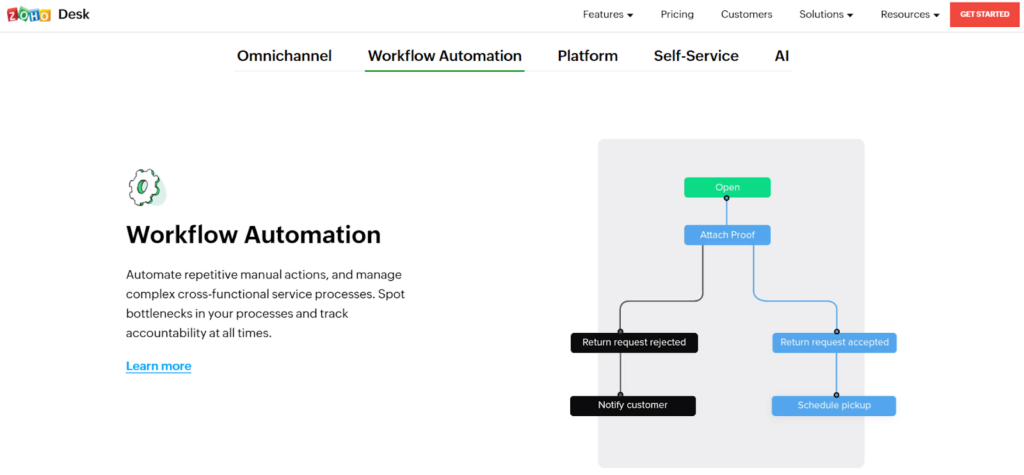
Zoho Desk allows any business or brand to manage customer interactions and provide self-service options for when your agents cant be reached. Zoho Desk can assist in all your needs, from self-service to customer relations.
Recommended for: High volume requests
Zoho Desk is recommended for small to medium-sized businesses that get several requests. Zoho Desk tracks ticket volume while enhancing the customer self-service portal and providing easy access to knowledge base articles. This empowers customers to find solutions quickly and improves overall satisfaction.
Key features:
- Self-service portal
- Ability to collaborate across teams
- Analytics for insight and impact
- Dashboard for agents and managers
- ZIA, a contextual AI
- Automation of easy and repetitive tasks
Pros:
- Easy automation of knowledge bases
- Ability to receive all steps and history for each ticket
- Handle communication from multiple digital channels on one system
Cons:
- Tickets cannot be sorted by account
- No alerts when a ticket is passed from agent to agent
- Limited customization for web forms
Price: Zoho Desk has four service levels, a free version with limited features, a $14, $23, and $40 per month per agent option. There is also a 15-day free trial version of Zoho Desk.
3. Intercom
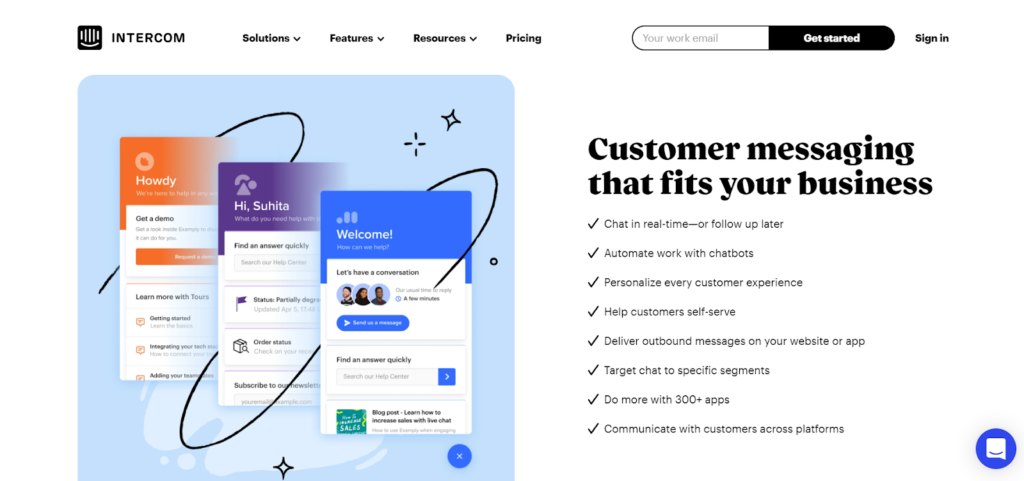
Intercom communications software allows you to provide personalized customer experiences along the customer journey.
Recommended for: Medium to large businesses
Intercom is used all over the globe by companies like New Relic, Sotheby, and Shopify to handle their self-service software needs.
Key features:
- Self-service portal
- Social media integration
- Proactive chat
- Queue management
- Reporting and analytics
- Event-triggered actions
Pros:
- Easy to install
- Saves customer replies
- Easy to chat with leads
Cons:
- Limited customer support
- API can’t archive the segment
- Limited reporting
Price: You can utilize Intercom features through a $38 or $75 option. Answer bots and custom bots start at $99, while product tours start at $119 and help center articles from $49. All prices are per month, and there is also a free trial version. You must contact them directly for a further quote.
4. Help Scout
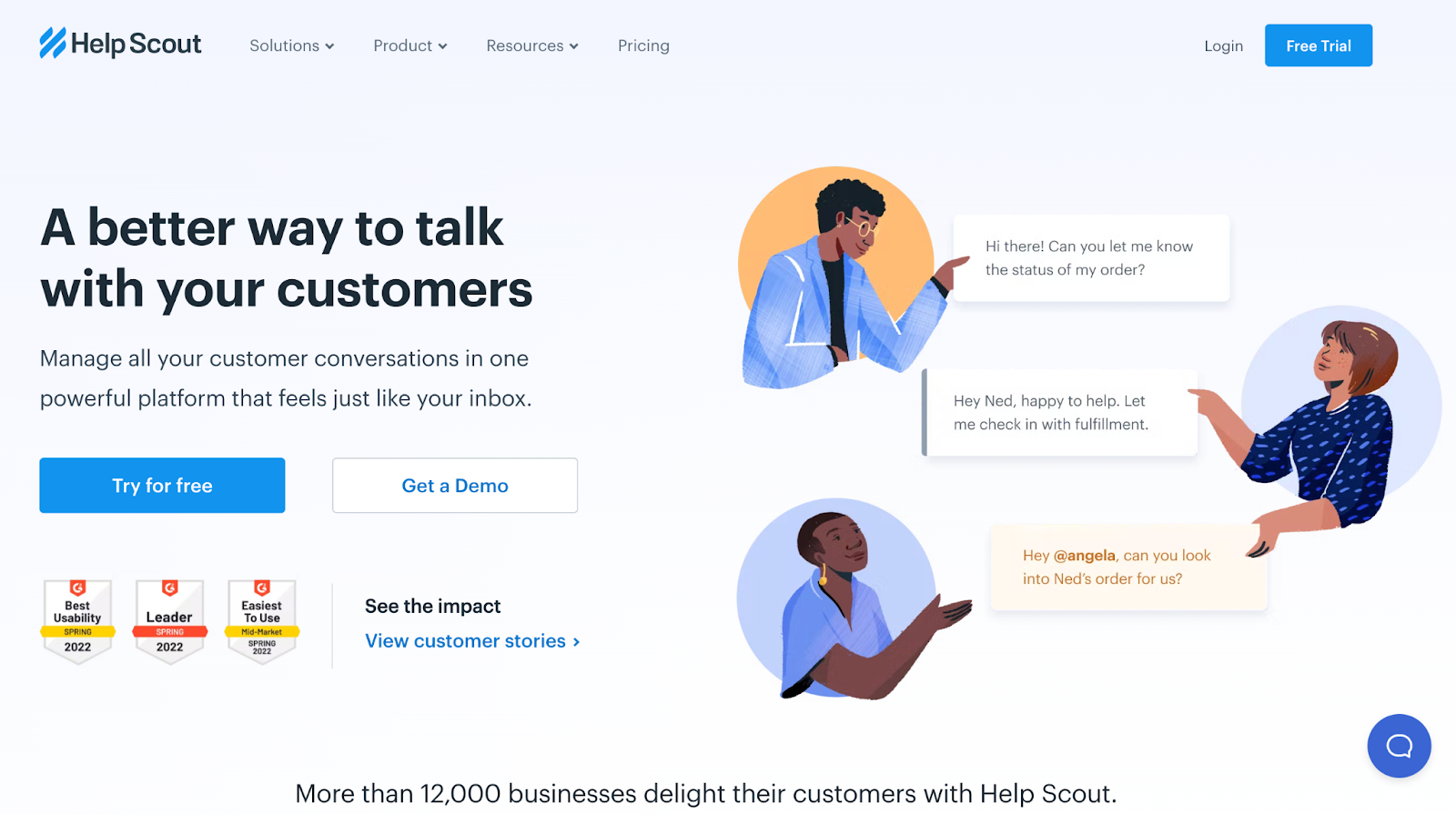
Help Scout provides reporting, robust API, and an integrated knowledge base. Thus, it allows you to focus your time on your customer service and business goals, not minor customer issues.
Recommended for: 500+ users
Help Scout’s clutter-free features, and easy use are recommended for organizations with over 500 users. Their self-service needs can keep up with your business and not put your business down.
Key features:
- Self-service portal
- Response management
- Surveys and feedback
- Chat and messaging
- Call center management
- Canned responses feature
Pros:
- Easy to implement
- All-in-one solution
- Easy to use
Cons:
- Ticket oriented
- Limited website integration
- Limited customization
Price: Help Scout offers packages for $15, $25, and $40 per agent per month. If billed annually, the cost is lower. You can also try Help Scout for free.
5. Whatfix
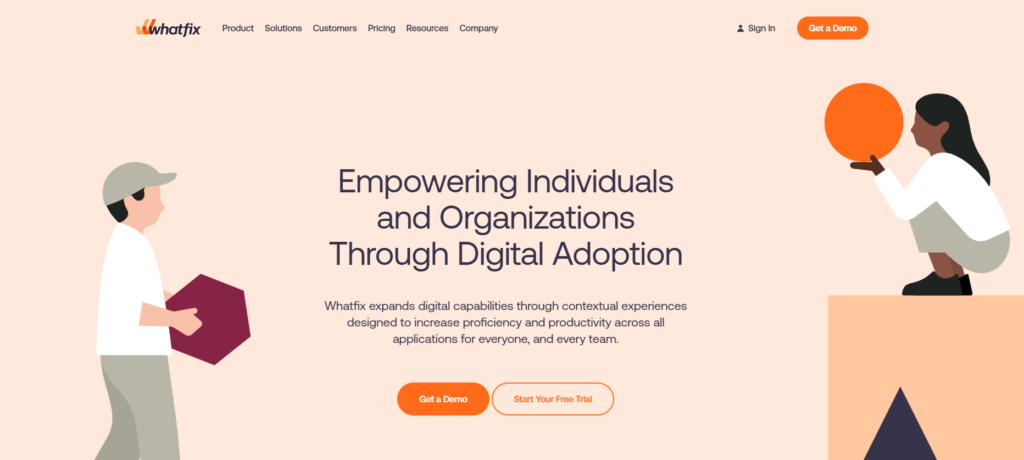
Whatfix is a self-service software that enables users to resolve simple IT problems themselves through an app, minimizing the use of your support team while increasing customer satisfaction.
Recommended for: Positive software ROI
Whatfix self-service software reduces the time to launch, increases employee productivity, and equals a positive software ROI through its automated features.
Key features:
- Self-service tools
- Audience targeting
- Data quality control
- In-app training
- Multi-language
- Content creation
Pros:
- Responsive customer support
- Easy to use
- Create guides in multiple languages
Cons:
- Not available on mobile
- Limited analytics
- It’s not ideal for large websites
Price: Whatfix has a free trial version and free software. However, you must contact them directly for a quote on their self-service software.
6. Zendesk
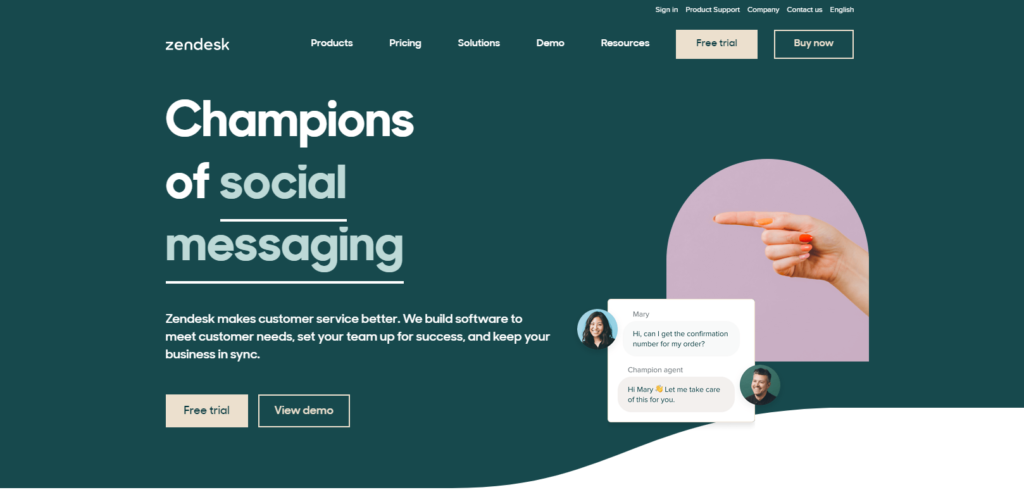
Zendesk self-service software supplies ways to streamline your customer support management and offer self-service options from one tool.
Recommended for: Bettering customer experience
Zendesk self-service software is flexible with powerful automation tools, allowing you to focus on delivering better customer service instead of spending all your time answering customer questions. Small businesses can benefit greatly from Zendesk’s features.
Key features:
- Self-service portal
- Virtual assistant
- Social media monitoring
- IVR and voice recognition
- Task management
- Negative feedback management
- Requires customer support teams training
Pros:
- Feature-rich
- Available in 40 languages
- Easy to use
Cons:
- Complicated licensing
- Limited customer support
- Requires agent training
Price: Zendesk has support-only pricing starting at $19.99 per agent per month and suite prices starting at $49.99 per agent per month. Zendesk has a free trial version. You must contact them directly for a quote.
7. Gladly
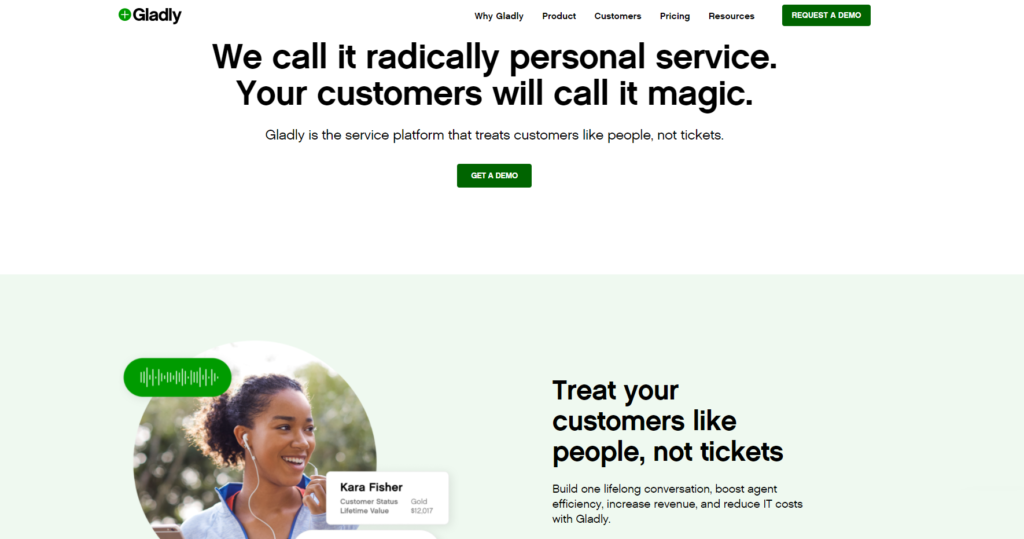
Gladly is a personalized self-service software with no separate integrations and hassle-free call support, allowing your business to start providing self-service options quickly and easily.
Recommended for: Natively built-in self-service
With Gladly, customers can take advantage of seamless and quick self-service options built right into their software. Gladly’s software would be beneficial for industries such as hospitality and travel due to its ease of use.
Key features:
- Personalization
- Self-service portal
- Knowledge management with a search bar
- Issue tracking
- Reporting and analytics
- Text analysis
Pros:
- Easy to use
- Many features
- Oragnized presentation of information
Cons:
- Limited customer support
- Newer piece of software
- Call errors
Price: Gladly offers a free version as well as a $38 and $150 option per agent per month.
8. HubSpot
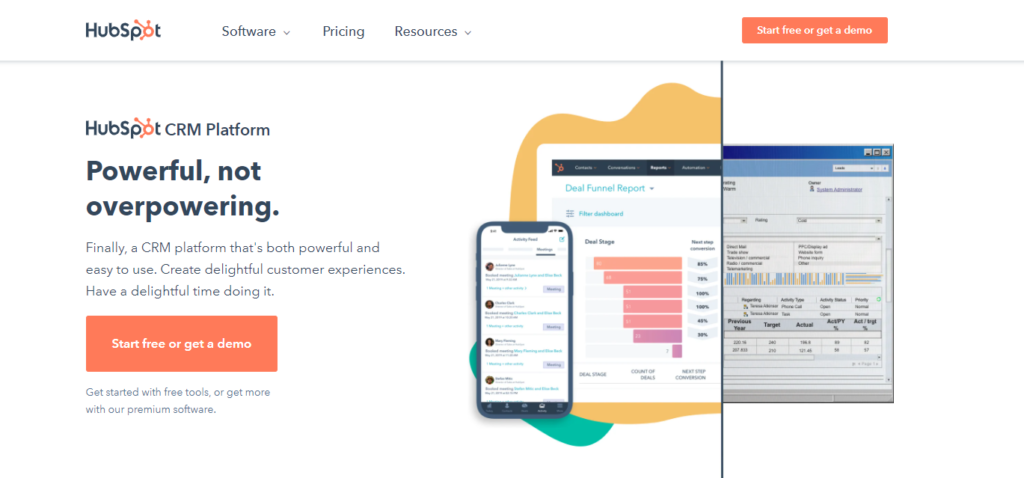
HubSpot allows companies of all sizes to increase customer engagement via blogs, social media, landing pages, email campaigns, website content management, web analytics, and reporting.
Recommended for: Email marketing
Hubspot is recommended for businesses that utilize e-mail marketing. Hubspot allows 24/7 self-service solutions while offering email marketing features, making them a fit for those in various e-marketing realms.
Key features:
- Real-time analytics
- Self-service portal
- Event-triggered actions
- Google analytics integration
- Multi-account management
- SEO management
Price: HubSpot offers a free version and a free trial. Apart from that, there are options like $50/month, $600/year, $1,780/month, or $19,200/year, and $4,000/month, or $48,000/year.
9. Ada

Ada combines the tools of an easy-to-use customer management platform with your favorite CRM tools.
Recommended for: Mobile campaigns
With Ada, businesses can create immersive and engaging marketing campaigns optimized for mobile devices. This makes Ada an excellent solution for small and micro-sized companies, who don’t necessarily have their own customer support teams.
Key features:
- Social marketing
- Self-serve solutions
- Customizable CTAs
- Channel management
- Dynamic content
- Lead management
Pros:
- Streamlines marketing work
- Practical and easy to use
- Cloud based
Cons:
- E-mail tools can be improved
- No Instagram integration
- Minimal phone features
Price: Ada has a free trial and plans to start at $40 per month per agent. Additionally, Ada offers 40% off with a yearly subscription, but you must contact them directly for a quote.
10. Document360
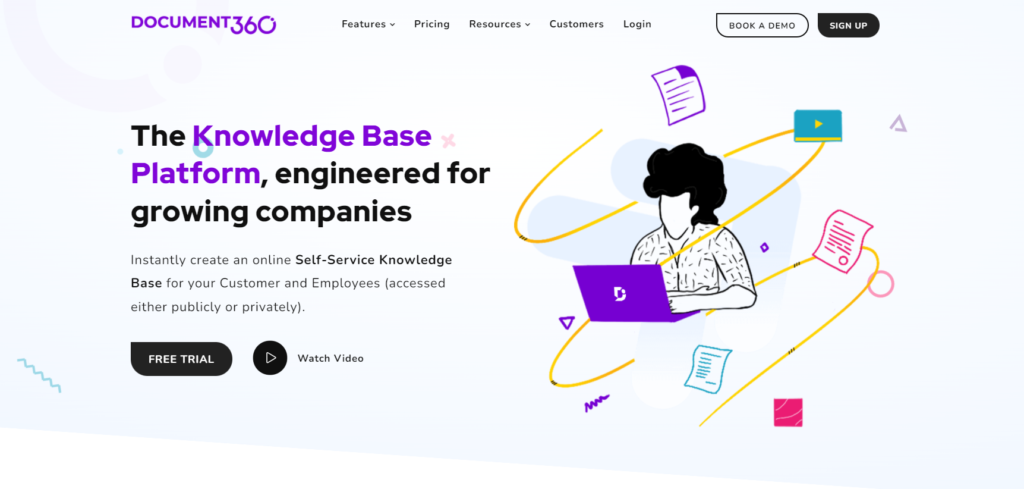
Document360 allows you to create knowledge base pieces to reduce support requests by up to 50%.
Recommended for: A self-service knowledge base
Document360 is excellent for small to large businesses looking to create and publish helpful customizable knowledge base that match your brand identity. For these reasons, small to medium-sized companies get the most from Document360.
Key features:
- Self-service portal
- Content management
- Collaborative tools
- Knowledge base management
- Discussions and forums
- Full-text search
Pros:
- Helpful customer support
- Central hub of information
- Use as an internal or external knowledge base
Cons:
- Limited features
- No spell check
- No mobile app
Price: Document360 offers a $49, $149, and $299 option per month in addition to a free trial version. Moreover, there is an enterprise plus plan, but you must contact them directly for a quote.
11. Hornbill Service Manager
Hornbill Service Manager offers a 100% codeless environment with powerful process automation that delivers quick services while saving costs.
Recommended for: Non-restrictive tools
The Hornbill Service Manager removes the coding restrictions of self-service software, which utilizes automatic updates and dedicated resources.
Key features:
- Release management
- Knowledge base management
- Service reporting
- Problem management
- Configuration management
- Asset tracking
Pros:
- Intuitive to use
- Ease of setup
- Customizable processes
Cons:
- Limited features like dashboard functionality
- Reports can be difficult to implement
- Unable to change ticket type once created
Price: Hornbill Service Manager does offer a free trial. Beyond that, you will have to contact them directly for a quote.
12. Freshdesk Contact Center
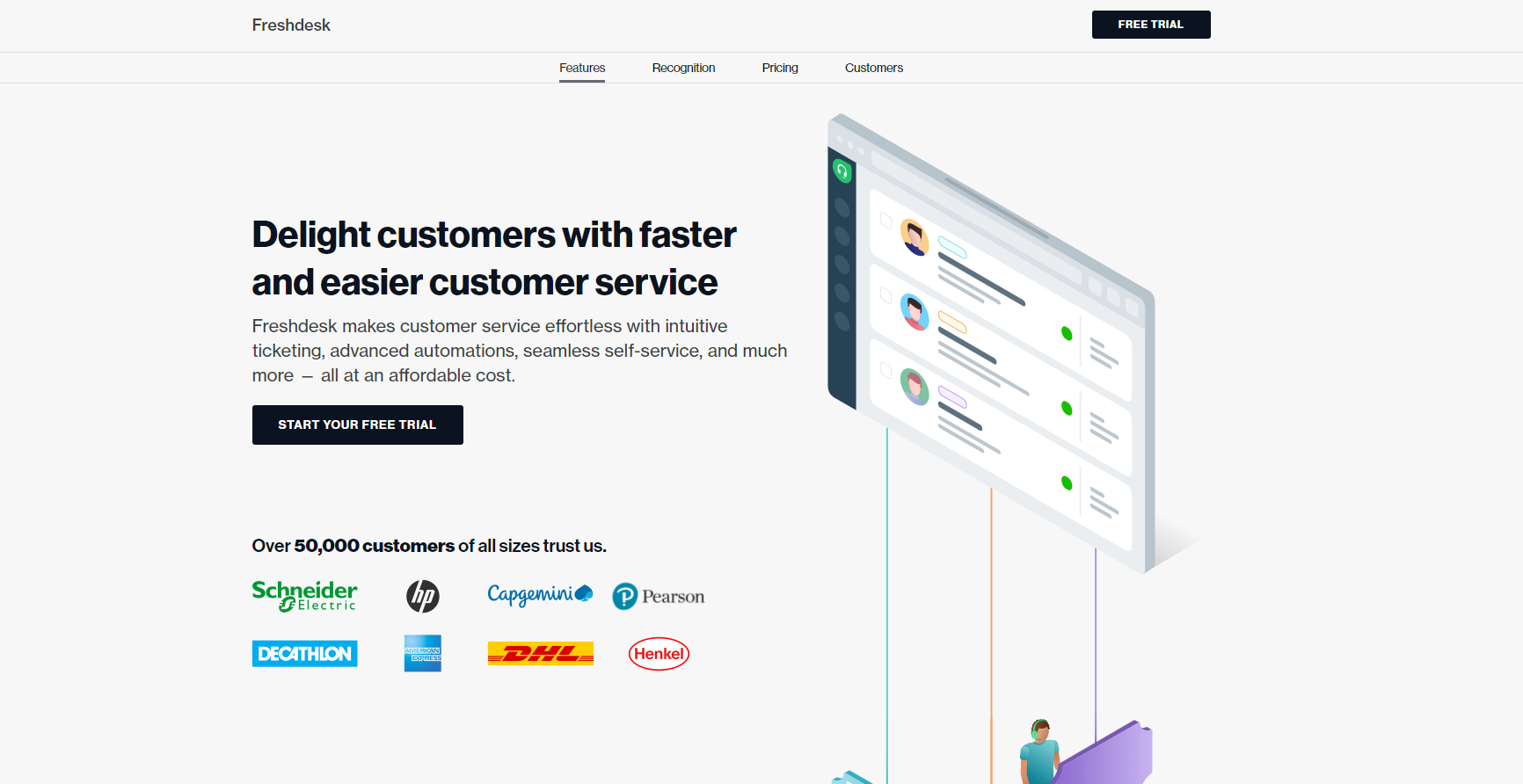
Freshdesk transforms agents into customer advocates through social media integration with Facebook, Twitter, Gmail, LinkedIn, and more.
Recommended for: NGOs
Freshdesk contact center manages and streamlines phone conversations best in the NGO, NFP, and BFSI industries by offering sustainable self-service solutions.
Key features:
- Virtual call center
- Reporting and analytics
- Employee activity monitoring
- Collaboration tools
- Blended call center
- Self-service options
Pros:
- Analyzes weekly call volume
- Monitors and tracks customer issues
- Easy set-up
Cons:
- Every ticket is redirected to the account manager
- Slow customer service response
- Call flow is not easily adjustable
Price: There is a free version in addition to a $15 and $39 per agent per month option. A free trial version of the system is also available.
13. Helpshift
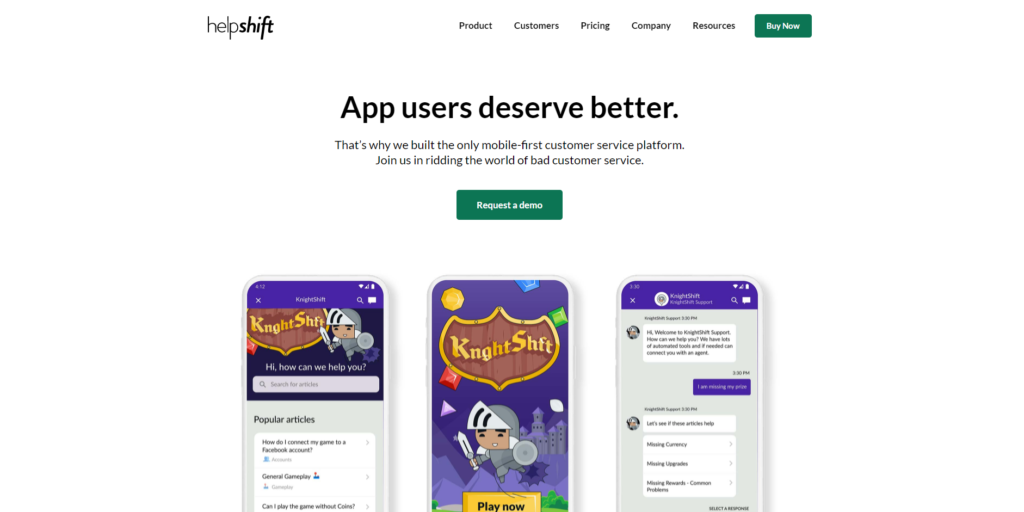
Helpshift platform integrates automation, bots, messaging, and AI in a scalable customer service platform.
Recommended for: A unique payment plan
Designed for small to medium-sized businesses, Helpshift offers phone and web-based chat support with a unique payment plan based on customer interactions.
Key features:
- Chatbot
- Knowledge base management
- Remote access and control
- Canned responses
- Ticket management
- Self-service portal
Price: Helpshift’s payment model is based on completed customer service communications, meaning you only pay for issues you resolve. Helpshift offers both a free trial version and a free version of its software. However, you’ll need to contact them for a quote.
14. TeamSupport
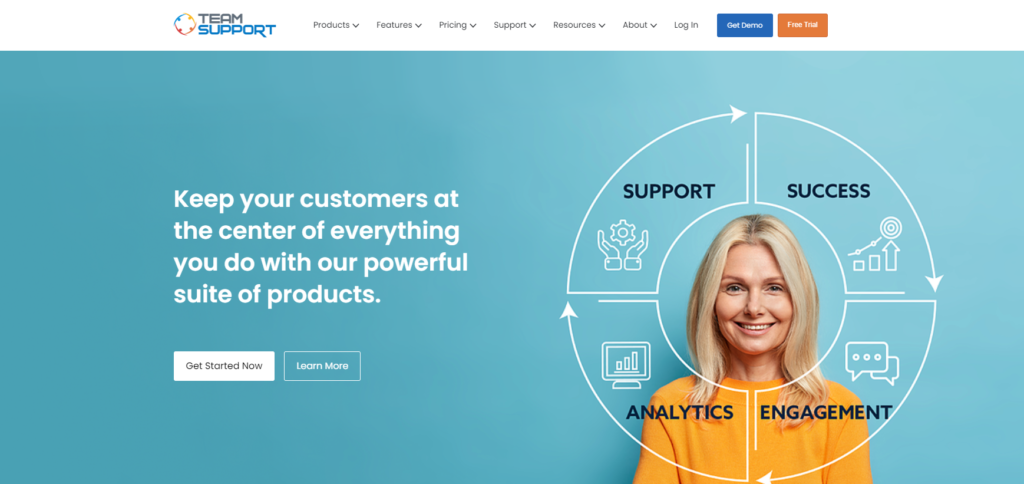
Teamsupport utilizes effective ticket management and omnichannel support to provide self-service options across multiple digital channels, allowing companies easy scalability while providing superior customer service.
Recommended for: B2B needs
Designed specifically for companies that need to scale their tools for handling high-level problems, Teamsupport is the right solution.
Key features:
- Multi-channel communication
- Self-service portal
- Call center management
- Workflow configuration
- Reporting and analytics
- Real-time chat
Pros:
- 24/7 support
- Team and workflow management
- Intuitive functionality
Cons:
- “Clunky” software
- Set-up can be confusing
- Limited customization
Price: Teamsupport offers a free trial version in addition to a $50 and $69 per agent per month plan. Teamsupport does provide a free trial version of their software.
15. Kustomer
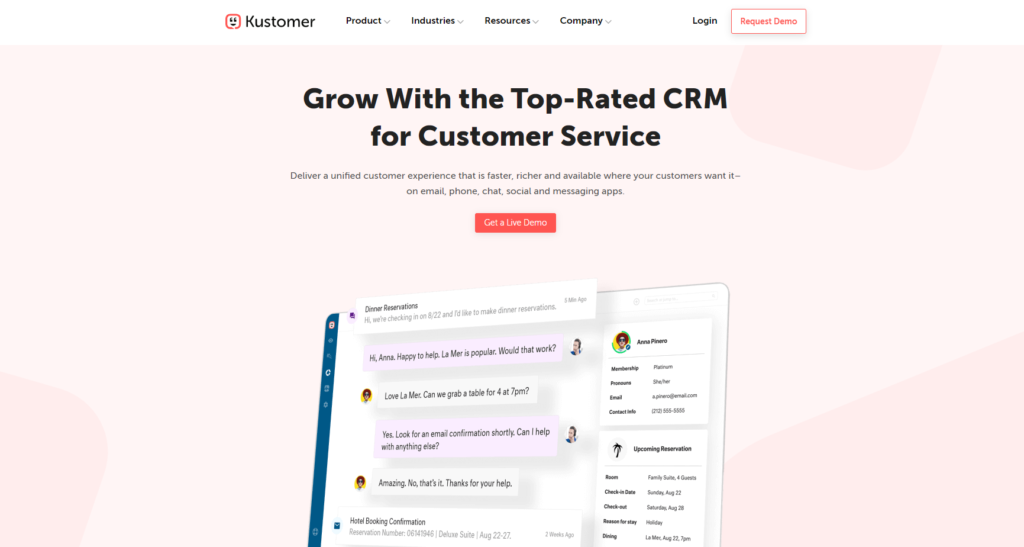
Kustomer allows you to automate 40% of your conversations without compromising the quality of service you offer.
Recommended for: Best-in-class chatbots
Kustomer allows users to create customizable bots that can assist with workflows and customer interactions – streamlining your operations and reducing company costs. It enhances customer support by providing personalized interactive guides for common issues such as troubleshooting accounts, processing refunds, and updating details. The unique aspect of Kustomer is its AI-enabled deflections system, which acts as your first line of defense when dealing with customers and tackling simple issues. Moreover, Kustomer works well with small to medium-sized businesses.
Key features:
- Self-service portal
- Reporting and analytics
- Real-time chat
- Virtual assistant
- Network monitoring
- Multi-channel data collection
Price: Kustomer’s software is available for $89 and $139. There is no free trial or free version of the software available.
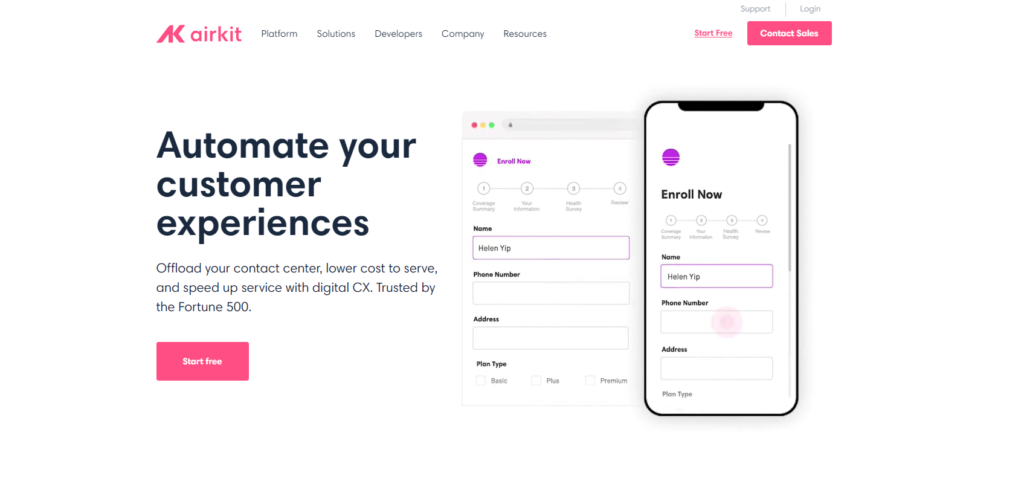
16. Airkit
Airkit integrates into your website’s backend to offer self-serve options while delivering digital experiences to your customers.
Recommended for: Engineering teams
Airkit allows engineering teams to implement extra customer service features into a website’s backend without the need to hire additional employees.
Key features:
- Reporting and analytics
- Self-service platform
- API
- Third-party integration
- Data collection
- Customizable templates
Pros:
- Easy to use
- Customer service support
- Self-service features
Cons:
- Limited features
- New software
- No Google analytics integration
Price: You can try Airkit for free, but you must contact them directly for a quote tailored to your business.
17. LiveHelpNow
LiveHelpNow offers multiple features on their help desk software like live-chat, knowledge base, and email management.
Recommended for: Customer contact management
LiveHelpNow is recommended for its award-winning live chat software, which can help extra-small to medium-sized businesses with various features.
Key features:
- Self-service portal
- Customizable and embedded windows
- Multi-channel communication
- Geotargeting
- Call center management
- Canned responses
- IT asset management
Pros:
- Easy to implement
- Helpful analytics
- Customer service automation
Cons:
- Limited customer support
- Limited customization
- Limited features and UI
Price: LiveHelpNow offers email ticket management, live chat, and knowledge base options starting at $21. Furthermore, they do not offer a free version, just a free trial.
18. Replicant
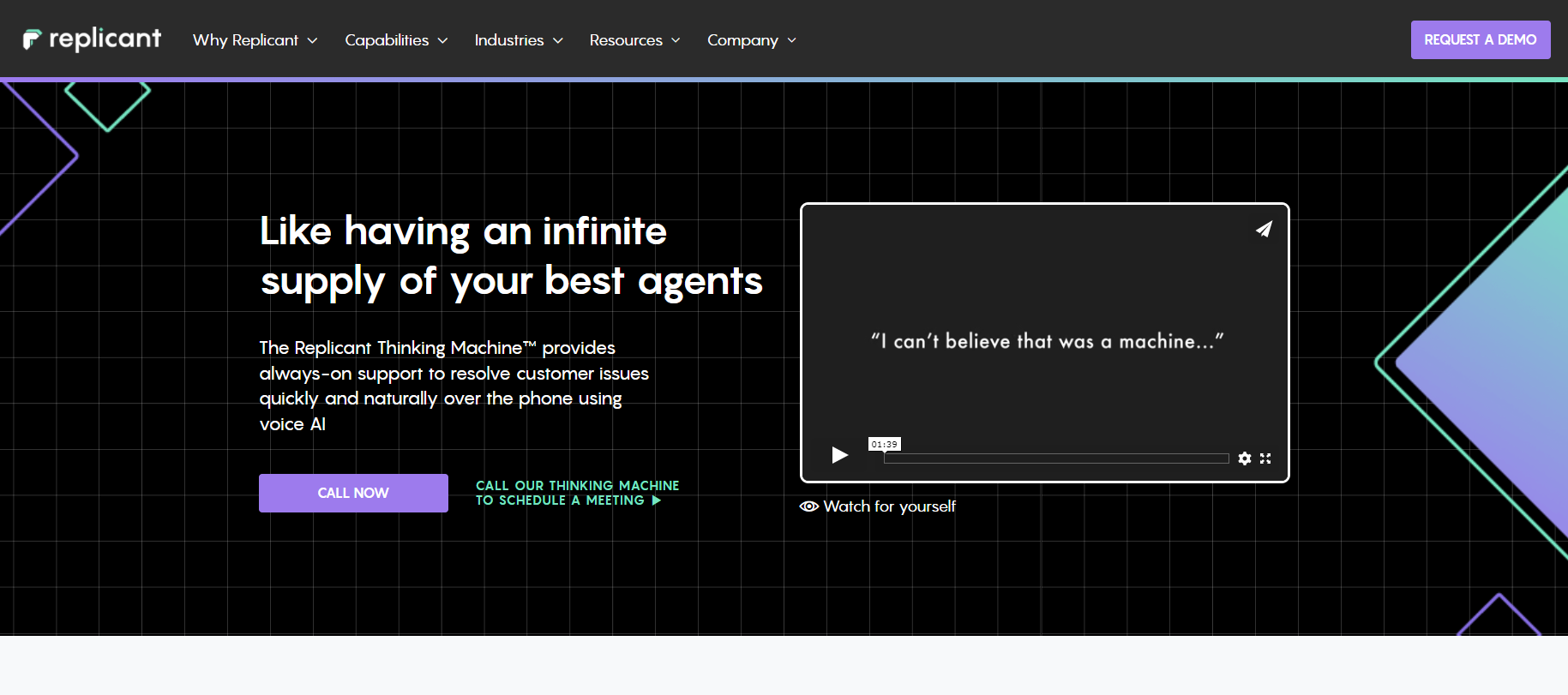
Replicant provides customer resolution software that uses AI to speak to customers naturally and answer questions without delay in your response.
Recommended for: AI voice support
Replicant can help the largest businesses automate their customer service using AI voice calls. All aspects of customer calls can be managed along with knowledge databases that provide immediate solutions. Replicant provides 24/7 customer support via voice AI over the phone to resolve customer issues quickly and naturally.
Key features:
- Speech synthesis
- Chatbot
- Contextual guidance
- Live chat
- Multi-channel communication
- Multi-language
Pros:
- Helpful customer service
- AI voice calls
- Customer focused software
Cons:
- Limited features
- Learning curve
- Limited customization
Price: Replicant offers a free demo of their autonomous contact center, but you need to contact them directly for a quote.
19. Apty
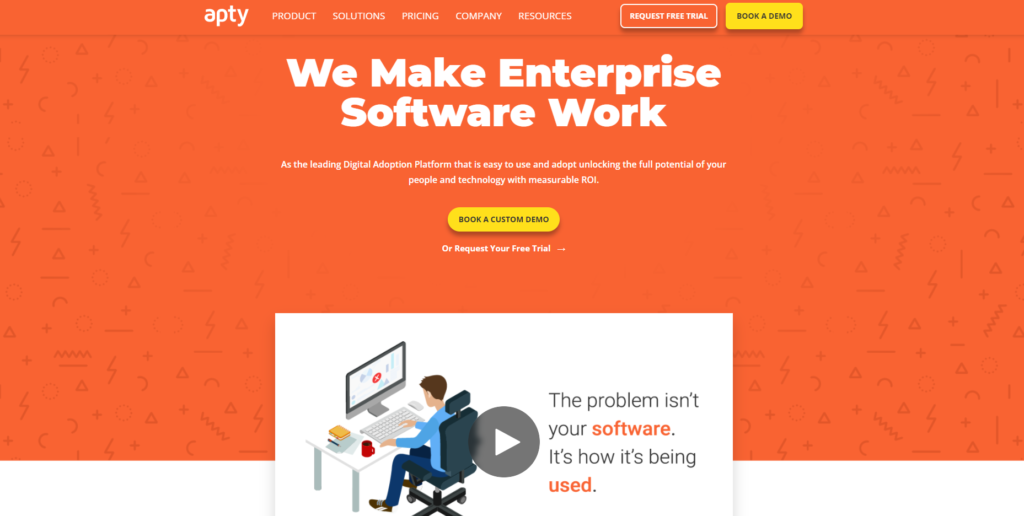
Apty helps with employee productivity, lower training costs, and increased software ROI using their on-screen guidance platform.
Recommended for: Improving features
Apty helps companies improve their current product and adopt customer-friendly features using their SaaS product.
Key features:
- User onboarding
- Launch management
- In-app training
- Contextual guidance
- Content creation
- Surveys and feedback
Pros:
- Insights and data
- Assists in user onboarding
- Helpful customer support
Cons:
- Learning curve for users
- Limited software integration
- No online forum or community
Price: Apty offers a free trial version and a free version of their software. Contact Apty directly to create a custom plan and get a quote that works for you if you want to use all of their features.
20. Solvvy
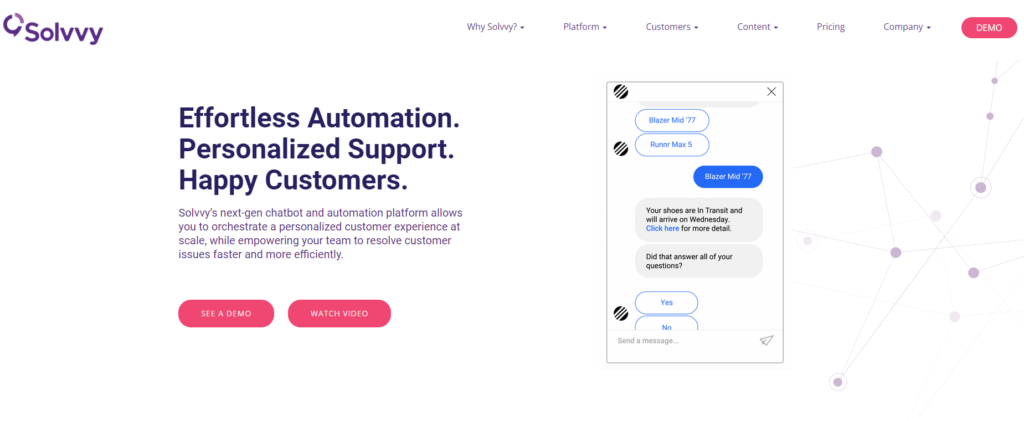
Solvvy is a cloud-based solution that automates your business with performance tracking and workflow support using chatbots to support your customer service needs.
Recommended for: Next-gen automation
Solvvy offers a scalable personalized customer experience using automation features and a next-gen chatbot, making it a perfect solution for small to large sized businesses looking to automate operations.
Key features:
- Chatbot
- Self-service features
- Pre-configured bot
- Multi-channel communication
- Knowledge base
- Workflows
Price: Solvvy offers three service levels: <50,000 service requests per year, <500,000 service requests per year, and over 500,000 service requests per year.
Is a Trial Version of Self-Service Software Useful?
The best self-service software has a trial version that allows employees to test it before purchasing or implementing it into their company. This gives the employer the ability to monitor how their employees use the software firsthand to determine whether or not they need specific features.
Advantages of the Demo Version of Self-Service Software
- Free trial versions can help you determine if a particular product is right for your business purposes.
- A free trial can let you try something out without putting down any cash. If you don’t like it after the trial period, you can simply uninstall it.
- A demo version minimizes wasted money and time on purchases that aren’t right for your business.
- The demo version allows businesses to see how their entire team fits into each module within the software without requiring them to buy different versions.
Conclusion
If you own a business, you know how important customer service is. On top of all your other duties and responsibilities, it may be challenging to provide 24/7 support. That’s where self-service software can help. One such system is LiveAgent, which was designed specifically for businesses looking for an easy way to get their agents free from answering repetitive questions, allowing them to focus on quality service and more complex issues. Customers will be able to find answers themselves without having to contact someone in your organization – saving them and you time. LiveAgent offers a free 30-day trial, so you can try it before buying to make sure your self-service software fits your team.
Discover the power of support automation with LiveAgent! Learn how AI-driven tools streamline customer service, boost productivity, and cut costs while maintaining a balance with human interaction. Explore features like automated ticket distribution, IVR, customer self-service portal and automatic callbacks. Try LiveAgent for free and transform your customer support experience!
