



Exim
Exim is a flexible, free mail transfer agent for Unix-like systems. Integrating it with LiveAgent enhances email support and tracking. Ideal for users needing c...
2 min read



Zoho Mail integrates with LiveAgent to streamline email management for businesses, enhancing workflow efficiency by consolidating emails into one Universal inbox. This integration supports automation and connects with other Zoho apps.
Zoho Mail is an email service provider that’s primarily used by businesses to handle customer emails. It’s used for sending and receiving emails, managing them, and connecting with other Zoho apps. It also supports automation options.
You can connect Zoho Mail, Gmail, Outlook, or inboxes from other providers into one place. Having agent email accounts in one ticketing system can do wonders for agent productivity. It can improve customer interactions and increase customer satisfaction. Know about everything that’s happening from your dashboard. You can also create drafts or send messages, create tags, and tasks, and more.
Your agents can handle mails from multiple accounts in your ticketing system. That way you don’t have to switch between multiple tabs with different providers to keep track of events and customer tickets. This is one of the best ways to utilize helpdesk ticketing software. You can also utilize and take advantage of more integrations and features to improve your workflow.

The simplest way to fetch emails from Zoho is to integrate your shared Zoho Mail email address with LiveAgent. Here’s how you can do it:
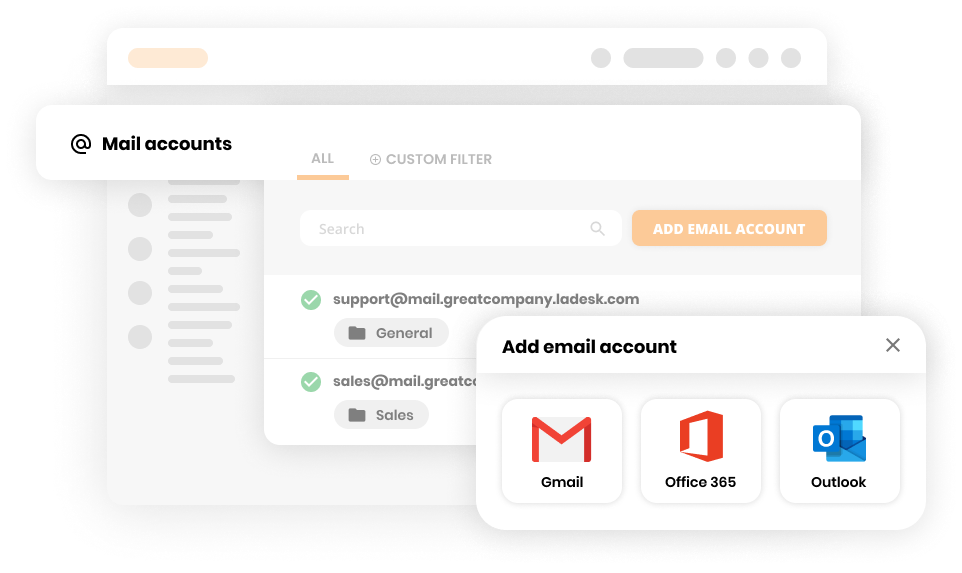
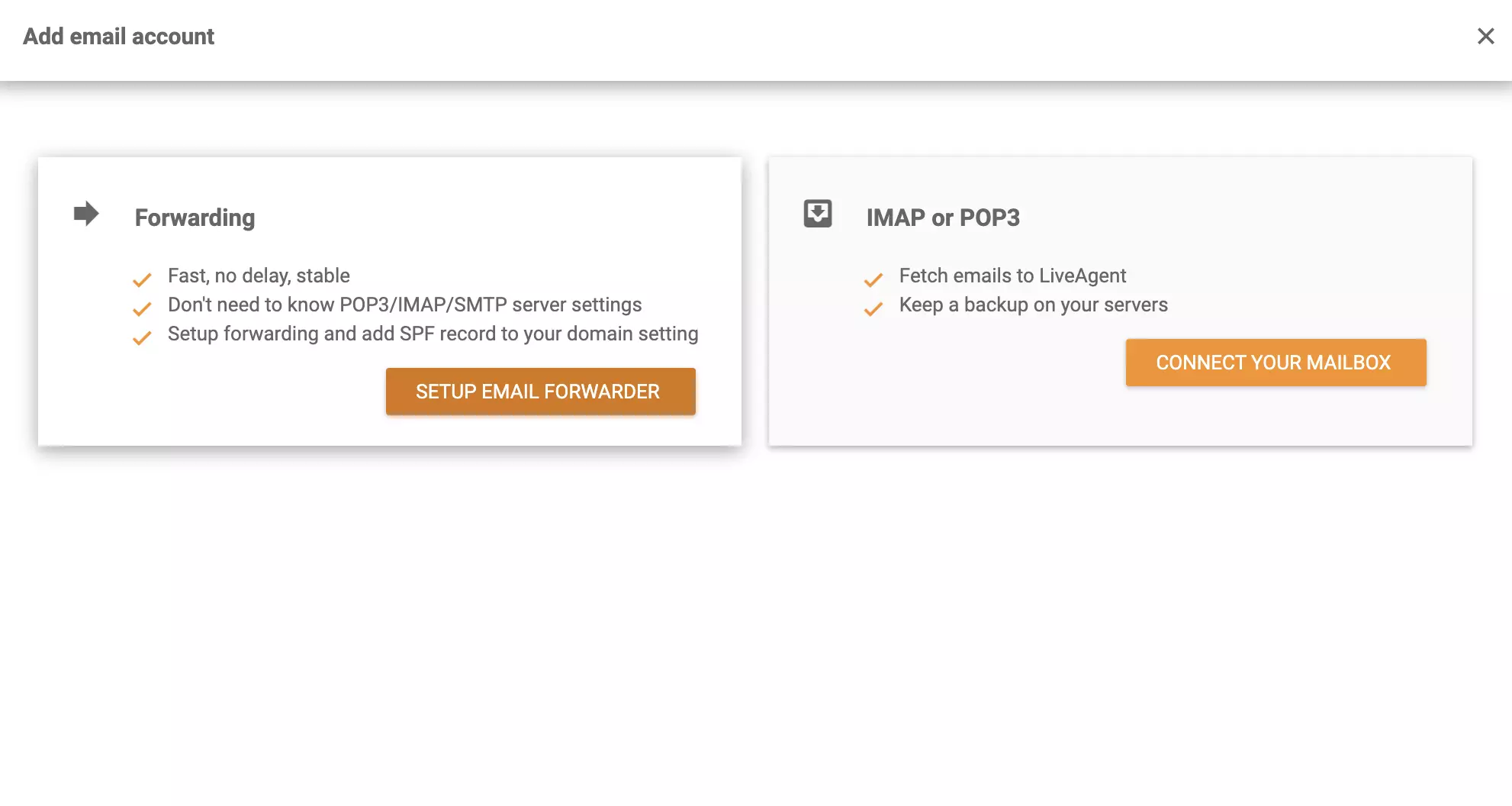
That’s it! Your Zoho Mail account should be connected with LiveAgent and you should start receiving your emails into your ticketing system.
You can use Zapier to integrate Zoho Mail with LiveAgent. Make sure you have a Zapier account and you can get started.
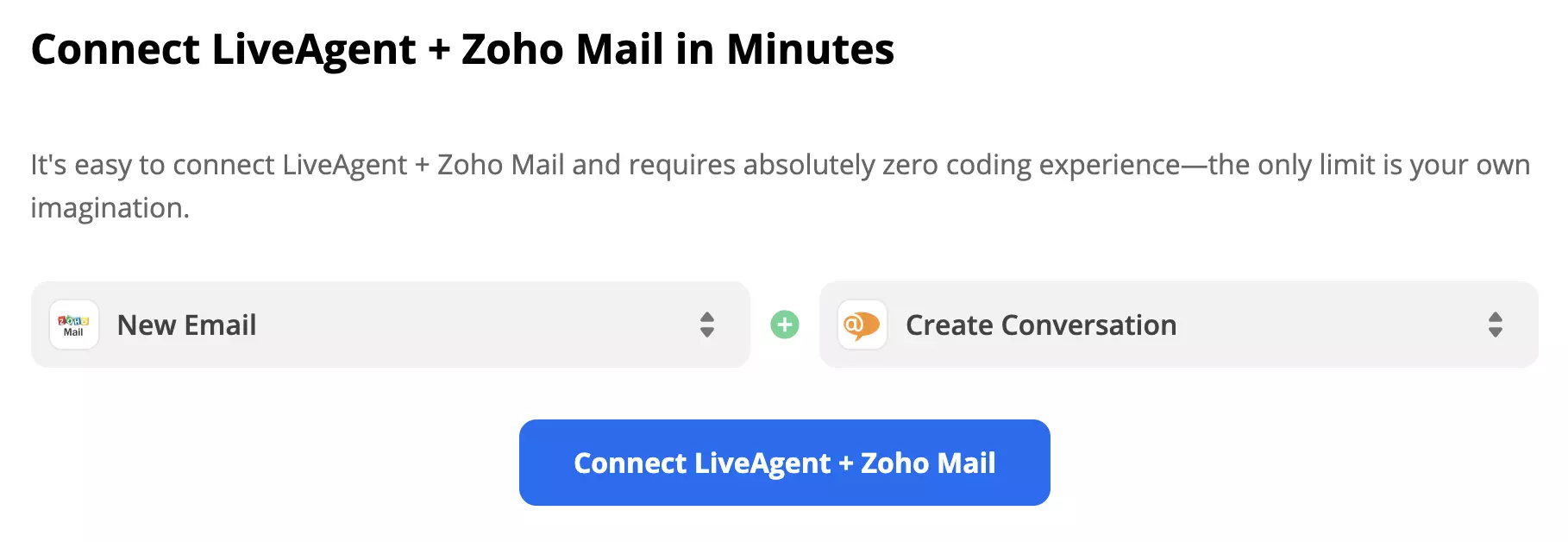
Next, log in to your Zoho Mail account and allow Zapier to access your account. Last but not least, you’ll have to conduct a trigger test to check if the integration is working properly.
Because we picked an action ‘Create Conversation" we need to fill out the subject, message body, sender, and recipient email addresses, and as well a few non-required fields in case we want to specify the action a little more. The last step is the test of the integration. Zapier will perform the selected action activated by the trigger you picked.
Successful test means the integration works and you can activate it. Turn on the Zap if you’re satisfied with your custom integration.
No problem! LiveAgent offers a 30-day free trial where you can test the Zoho Mail integration!
Exim is a flexible, free mail transfer agent for Unix-like systems. Integrating it with LiveAgent enhances email support and tracking. Ideal for users needing c...
Open-Xchange is a productivity software with email, document management, and social media integration, suitable for offices or help desks. Integrate with LiveAg...
MDaemon is a Windows email server offering secure email, mobile management, and email archiving. It's budget-friendly for small businesses with user-based prici...
Join our community of happy clients and provide excellent customer support with LiveAgent.
