



Zapier
Zapier seamlessly integrates LiveAgent with 200+ apps, enhancing workflow automation without coding. Benefit from quick, intuitive connections with tools like S...
3 min read



Xero is an accounting platform that integrates with LiveAgent to manage bills, payments, invoices, and more. The integration via Zapier simplifies billing management for small and medium businesses, enabling efficient task management.
Xero is cloud-based accounting software, primarily used by small businesses. With Xero, you can schedule and store payments, claim expenses, and track projects. It’s designed to help businesses manage their financial operations efficiently and securely.
Use Xero integration to create or manage new bills, orders, payments, contacts, quotes, invoices, and receipts. You can also use it to get notified about news or any changes in them. This seamless integration allows you to:
You can use Zapier to integrate Xero with LiveAgent. Zapier makes the integration process between two apps a piece of cake. It’s a matter of minutes and you don’t need any coding experience.
The first thing you’ll need is a Zapier account. You can create one here . When you’re done, simply log in and continue to the LiveAgent + Xero integrations site .
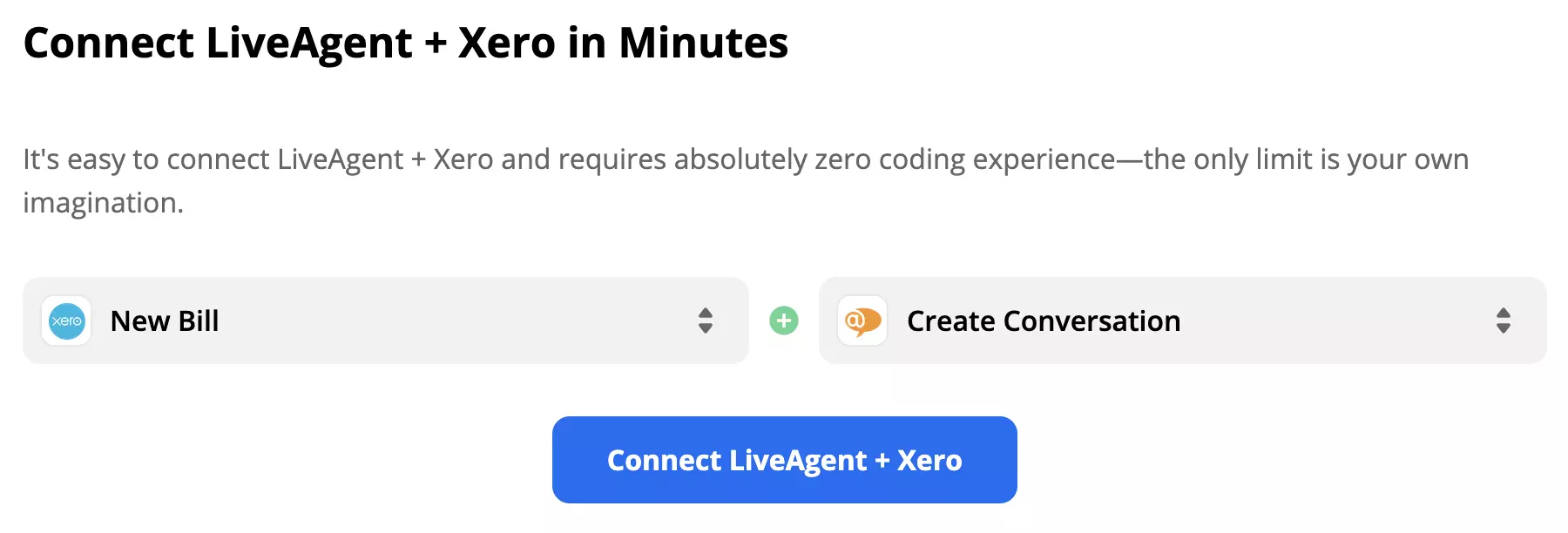
Scroll down at the page until you see the Connect LiveAgent + Xero in minutes section. You can select your trigger and action in this section. A trigger in one app will cause an action in the other. Consider what you want your integration to do and make a selection. After that, proceed by clicking the blue button below.
As an example for this guide, we picked Xero trigger New Bill and LiveAgent action New Conversation.
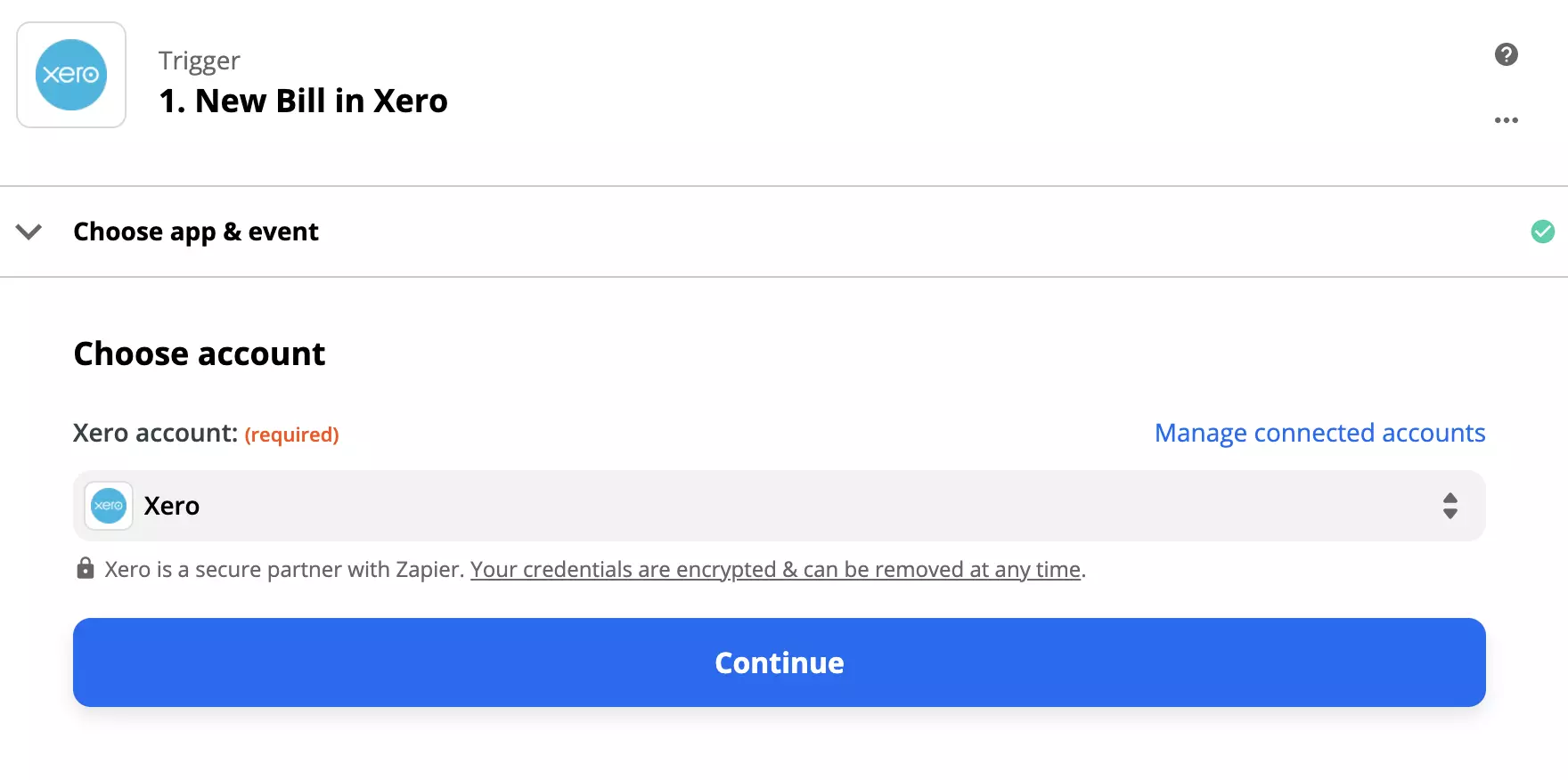
In the next section, you need to configure the Xero trigger. Log into your account and provide necessary data permissions. The configuration is a matter of clicking a few simple options.
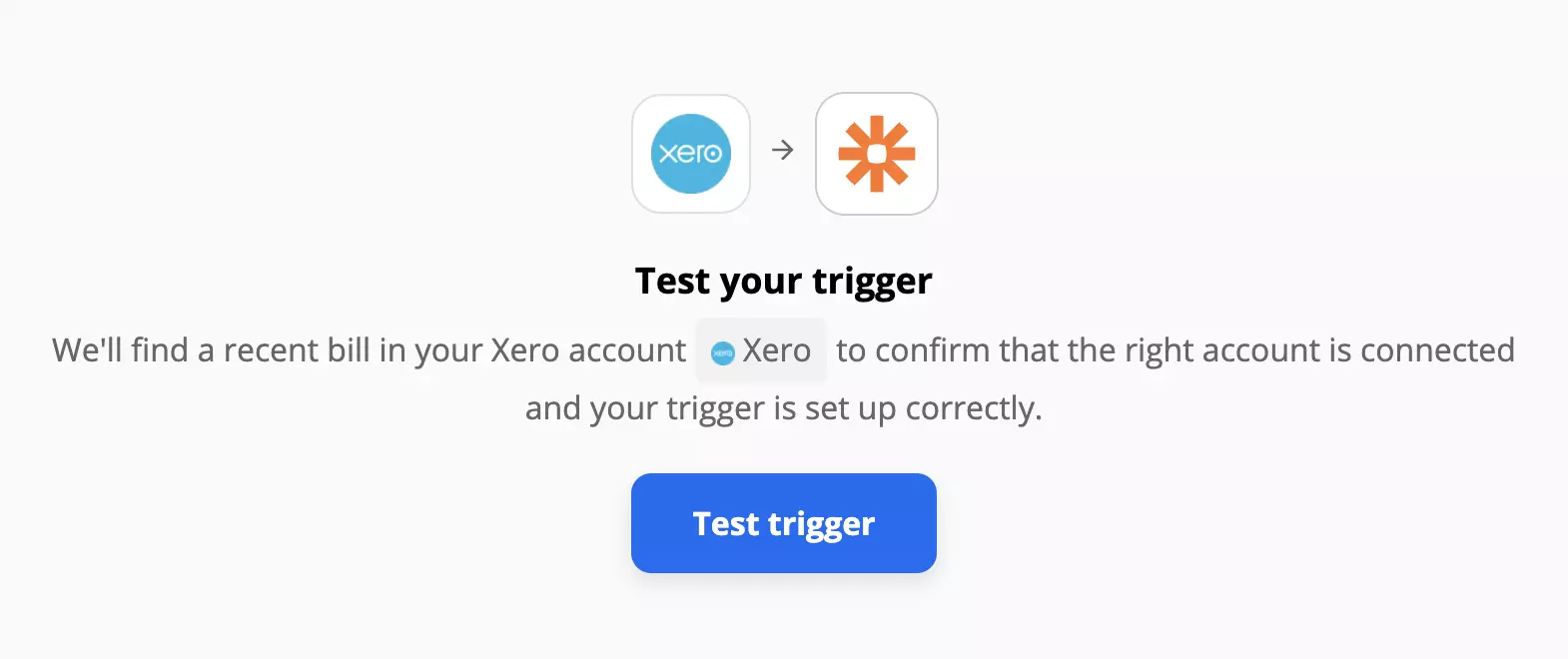
The next part is testing your trigger. You can skip this test but we recommend you to try it out to prevent any issues.
Now it’s time to configure the LiveAgent action. This setup requires filling out a few fields, such as the sender and recipient email, message subject, and more. This will vary depending on the integration you decided to create. Note that the message sender email cannot be the same as the ones you use for your LiveAgent account.
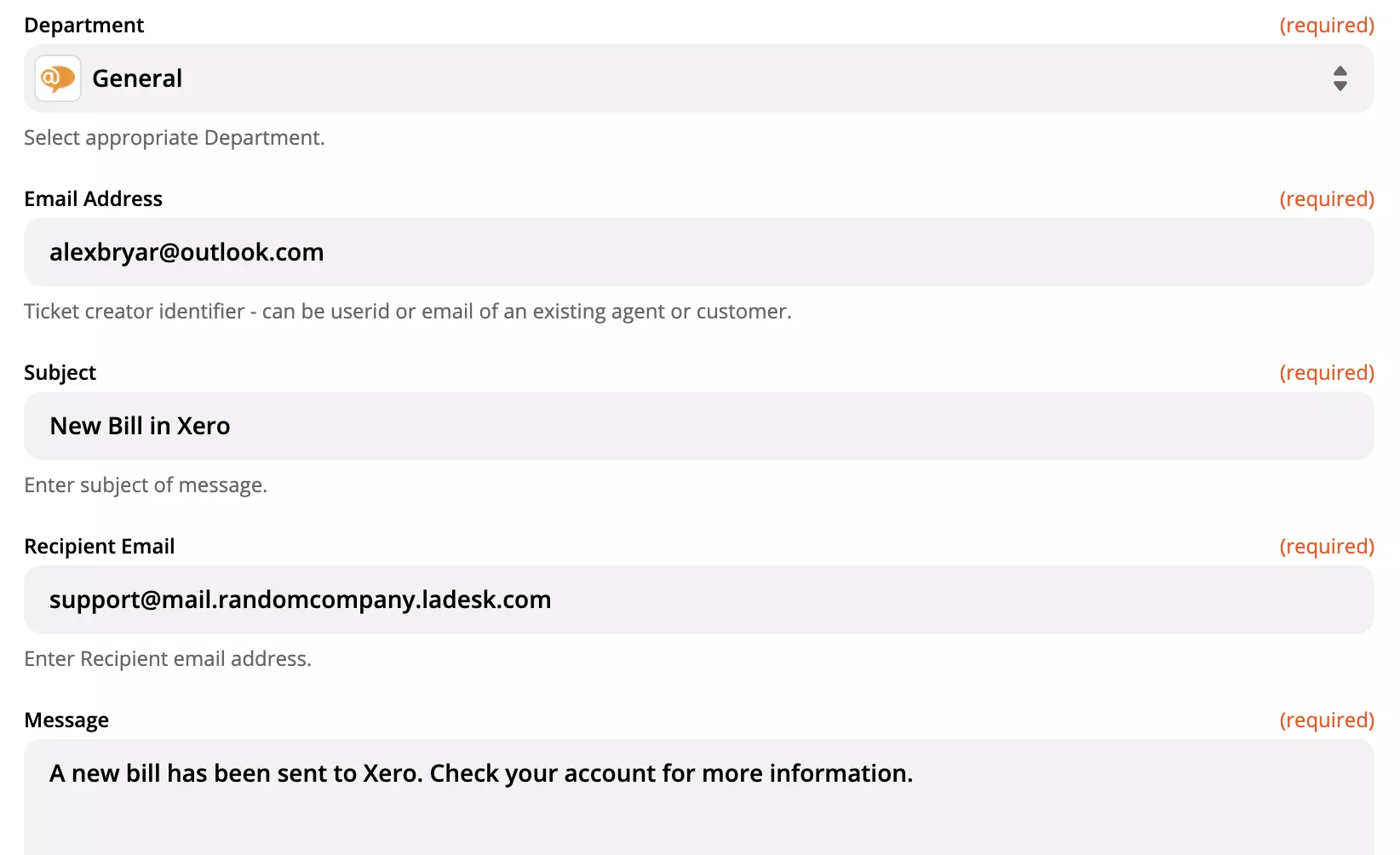
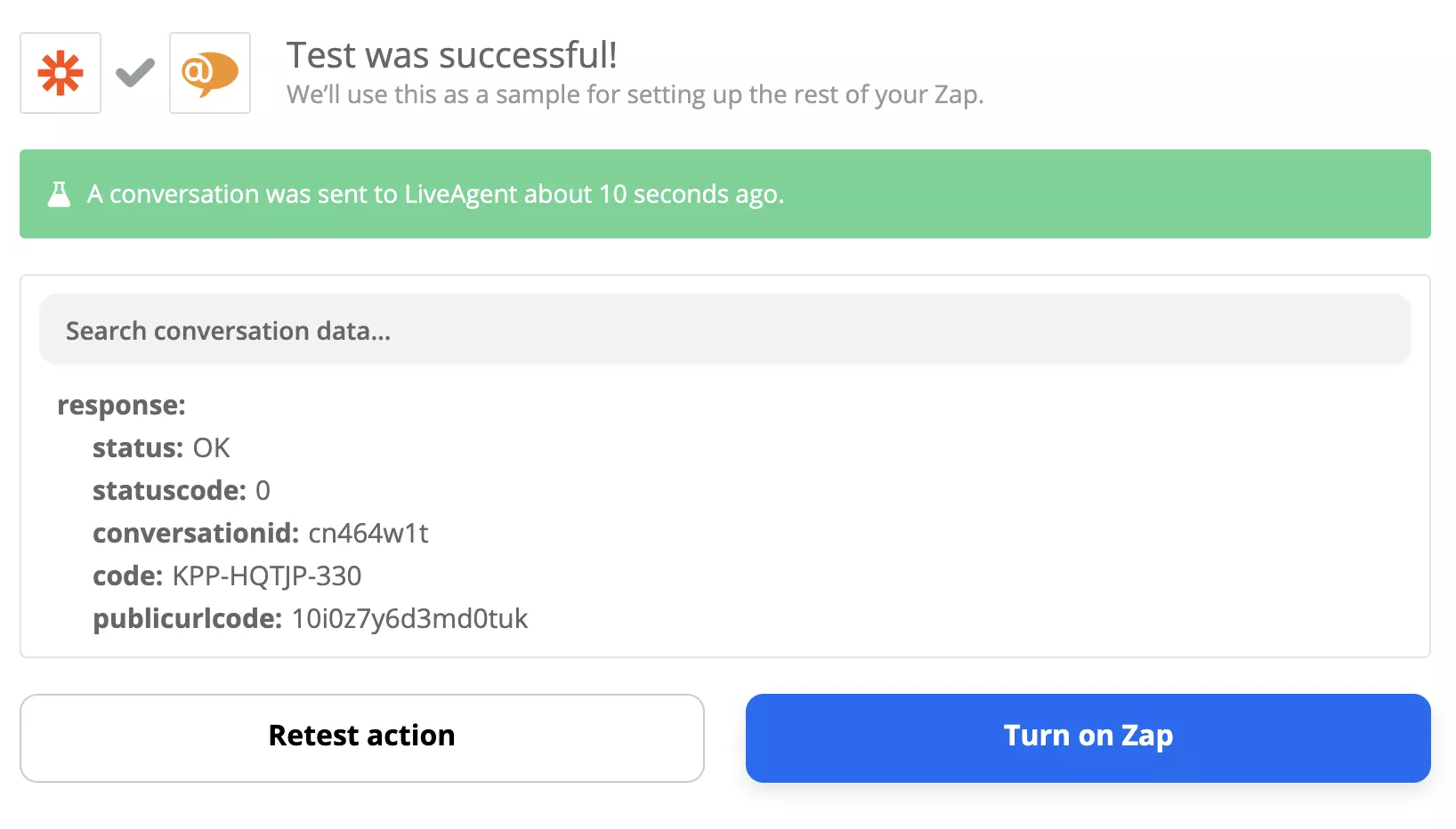
When you’re done, do a final integration test to see if it works. In case you run into any trouble, Zapier has a handy troubleshooting guide available at the site.
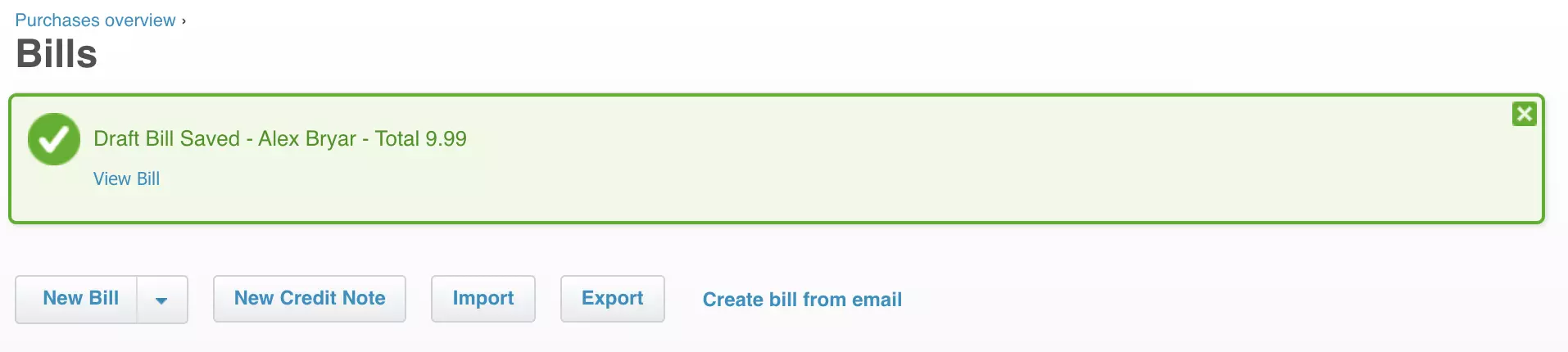
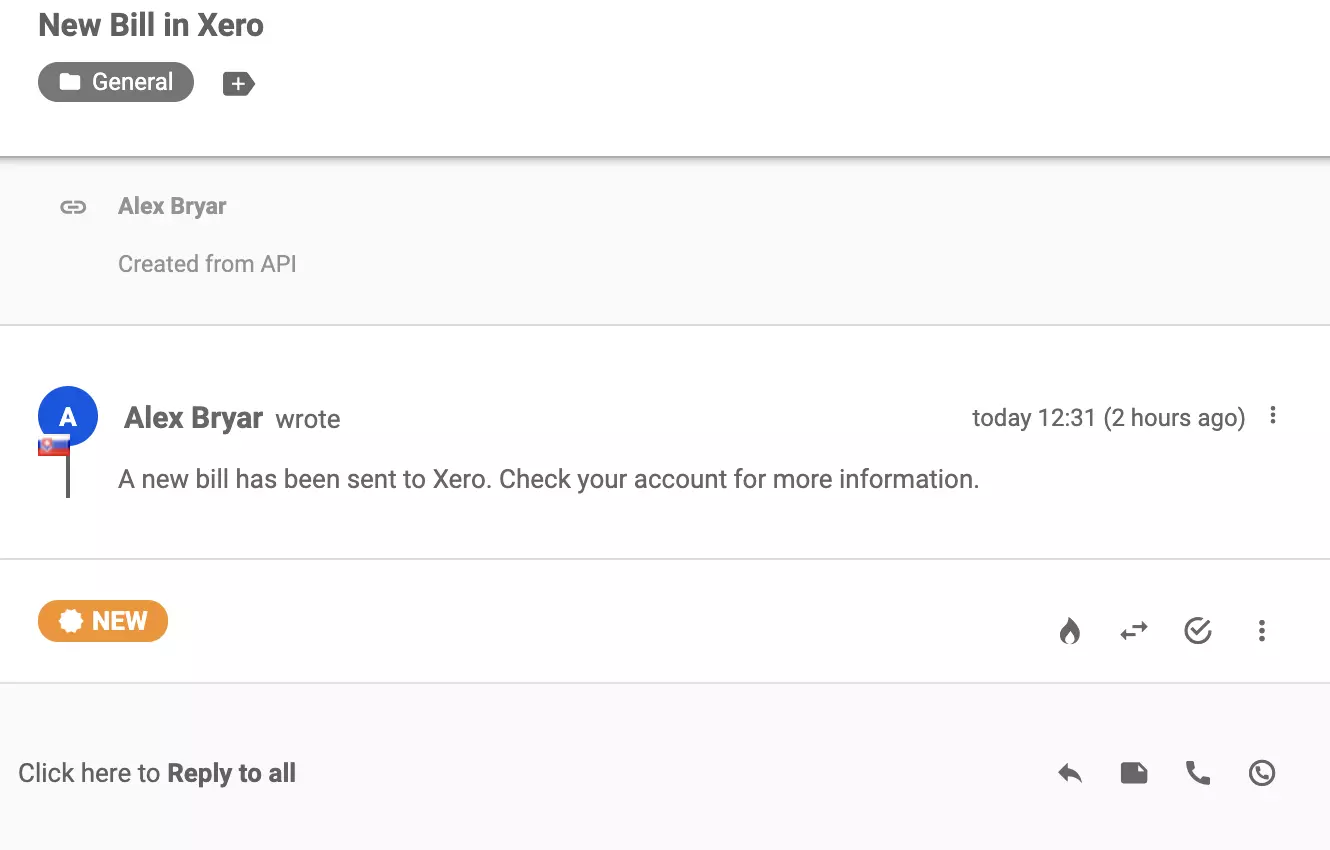
Now you can see the integration at work. Anytime there is a new bill added in Xero, you will receive a ticket in the LiveAgent ticketing system.
Feel free to return to the site and create more integrations for your LiveAgent help desk.
No problem! LiveAgent offers a 30-day free trial where you can test the Xero integration!
Zapier seamlessly integrates LiveAgent with 200+ apps, enhancing workflow automation without coding. Benefit from quick, intuitive connections with tools like S...

Zapier integrates over 200 apps with LiveAgent to automate tasks and streamline workflows, enhancing customer service. Connect apps like Slack and Trello effort...
Integrate Trello with LiveAgent via Zapier to streamline project management. Utilize customizable Kanban boards for task management and sync actions between bot...
Join our community of happy clients and provide excellent customer support with LiveAgent.
