



Time Report Features
LiveAgent's time tracking tool enhances team productivity by monitoring ticket resolution time and providing insights for workflow optimization. Integrated with...
3 min read
Reporting
Analytics
+2



TrackingTime is a collaboration-focused time tracking app for projects and employee productivity. Integrate seamlessly with LiveAgent via Zapier for precise time tracking, timesheets, and reports. Enhance project collaboration and measure employee productivity. Start your free trial today!
TrackingTime is a time tracking application that can help you measure the time spent on various different tasks in an effective manner. The application is focused on collaborations for projects of any size, measuring employee performance and productivity, as well as tracking working times spent on individual tasks. TrackingTime offers a variety of extensions and integrations with various software solutions. It also offers features such as instant timesheets and precise time reports for company tasks and processes.
You can use TrackingTime to effectively measure and manage your customer service tasks in LiveAgent . This can come in handy especially if you use other apps besides LiveAgent as well, because you can measure the time for multiple tasks and projects simultaneously. Furthermore, you can utilize a simple integration via Zapier to integrate TrackingTime with LiveAgent and perform certain tasks automatically based on a selected trigger and action.
Take a look at this guide to see how you can use the Zapier third-party integration service to integrate TrackingTime with LiveAgent. The process is fairly simple and Zapier’s interface offers a selection of tooltips and short guides to help you get it done quickly.
If you don’t have a TrackingTime and LiveAgent accounts ready yet, make sure to create them. You can get easily started with the TrackingTime free trial, as well as the LiveAgent free trial. Once you set up your accounts, register or log into your Zapier account to continue.
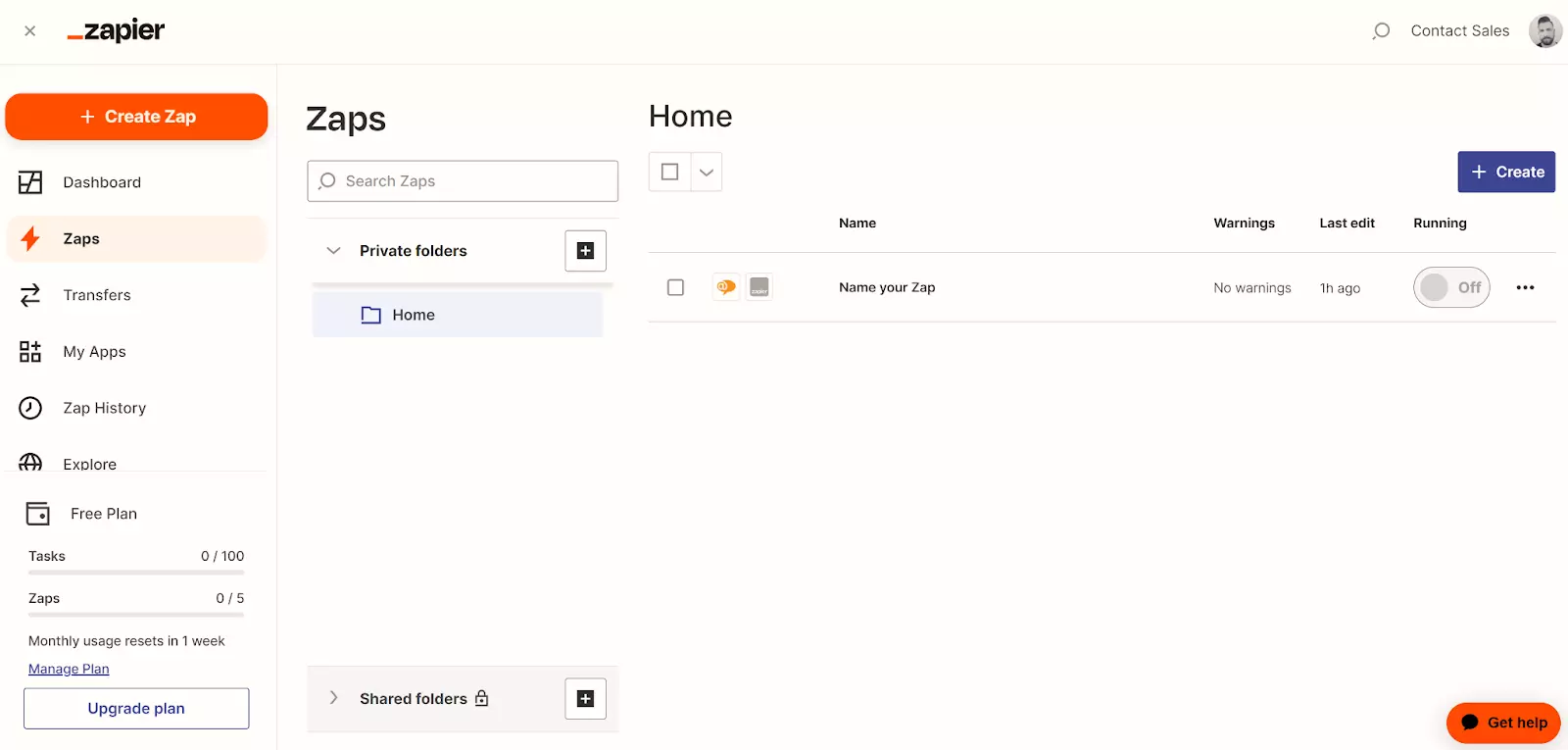
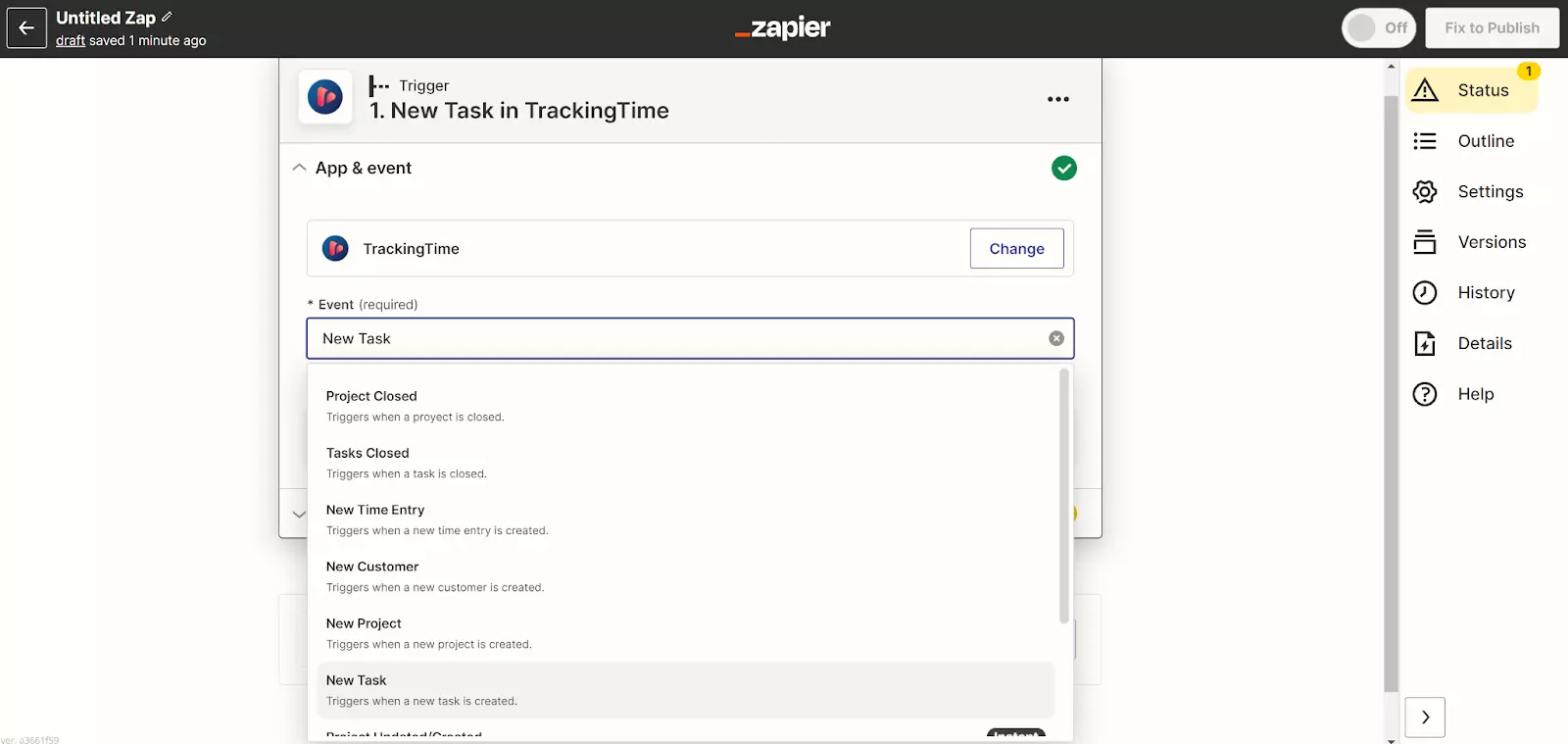
Once you’re in your Zapier account, create a new Zap. First, you need to select which app will create a trigger that will trigger the action in another app. You can choose if you want the trigger app to be LiveAgent or TrackingTime based on your needs. Whichever application you select for the trigger, you will have multiple trigger options to choose from. You can always create more Zaps with different triggers and actions later. Zapier will also require you to log into your application’s account and provide permissions.
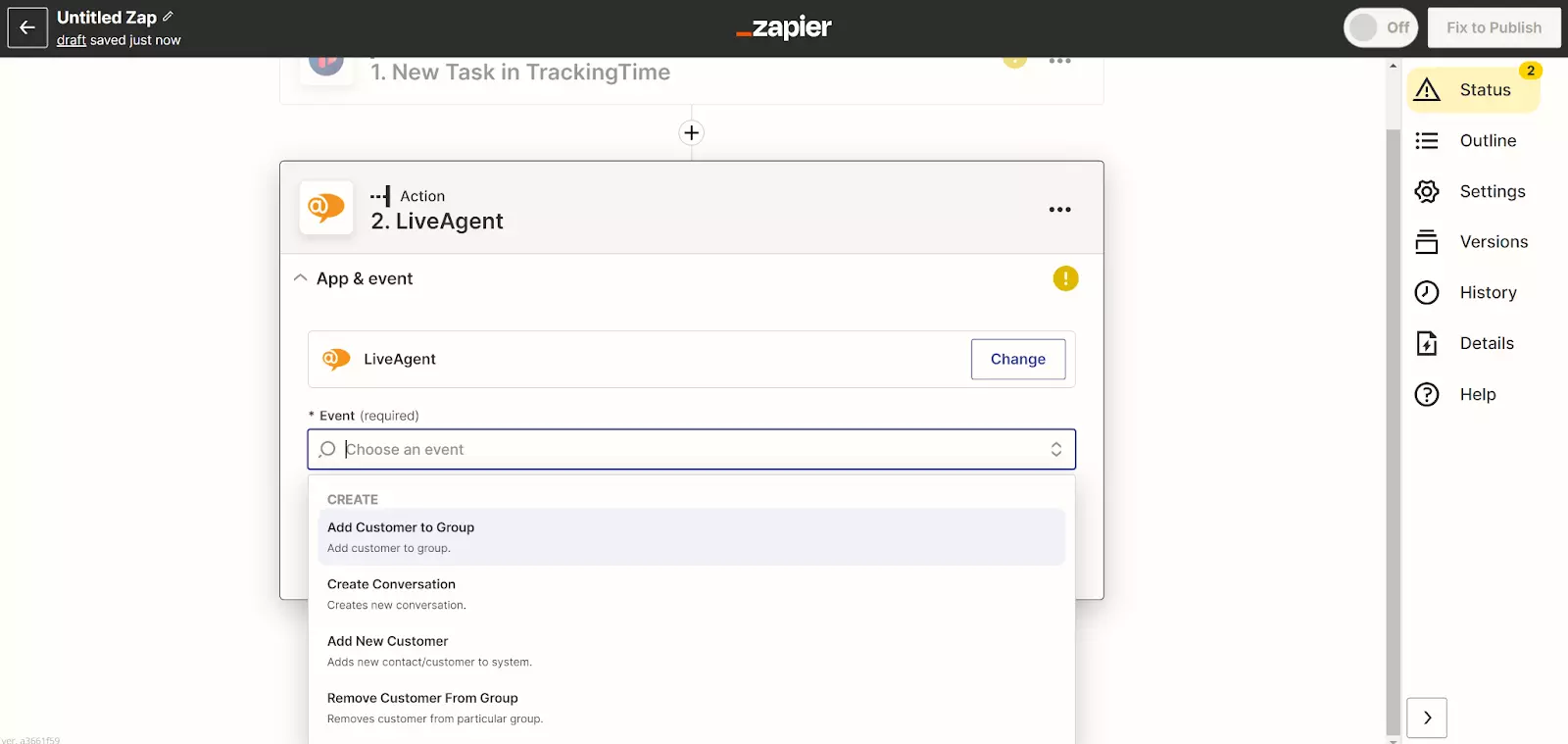
When you select your application and trigger, it’s time to select what action will perform when triggered. The process is the same as in the previous step, you select the app and the action from the lists.
When you’re satisfied with your trigger and action, create the Zap and you’re done. Try a test run of the Zap to see if it works as intended, or do it manually within the application. Feel free to return to Zapier if you need to create more Zaps.
No problem! LiveAgent offers a 30-day free trial where you can test the TrackingTime integration!
LiveAgent's time tracking tool enhances team productivity by monitoring ticket resolution time and providing insights for workflow optimization. Integrated with...

Everhour is a free time tracking app that integrates with LiveAgent for billing, budgeting, task management, and more. Easily track ticket time with a browser e...

Discover how LiveAgent's time tracking feature can enhance productivity and efficiency for your team. Monitor ticket resolution times, optimize workflows, and b...
Join our community of happy clients and provide excellent customer support with LiveAgent.
