



Time tracking features
Discover how LiveAgent's time tracking feature can enhance productivity and efficiency for your team. Monitor ticket resolution times, optimize workflows, and b...
5 min read
Time tracking
Productivity
+2

TimeCamp is a free time tracking app that integrates with LiveAgent. It offers automatic task tracking, team performance monitoring, reporting, and invoicing. Available in free and paid plans, it enhances productivity by providing insights into projects and tasks.
TimeCamp is a time tracking app that can track your teams’ projects, tasks, profitability, and productivity. TimeCamp automatically starts tracking time whenever you start a specific task, so you don’t have to worry about turning on a time tracker. TimeCamp also offers reporting, billing tracking options, and easy invoicing.
Take advantage of TimeCamp if you want to track team performance or how much time your employees spend on helping your customers. You can start using TimeCamp for free or pay a small fee for additional features. TimeCamp has multiple pricing plan options so you don’t have to worry about overpaying for the features you won’t use.
If you’re just too busy answering tickets, calls, or writing knowledge base articles, you can use automatic time tracking to track your work activity across all platforms on the web. How? TimeCamp’s automatic time tracking recognizes activity according to keywords.
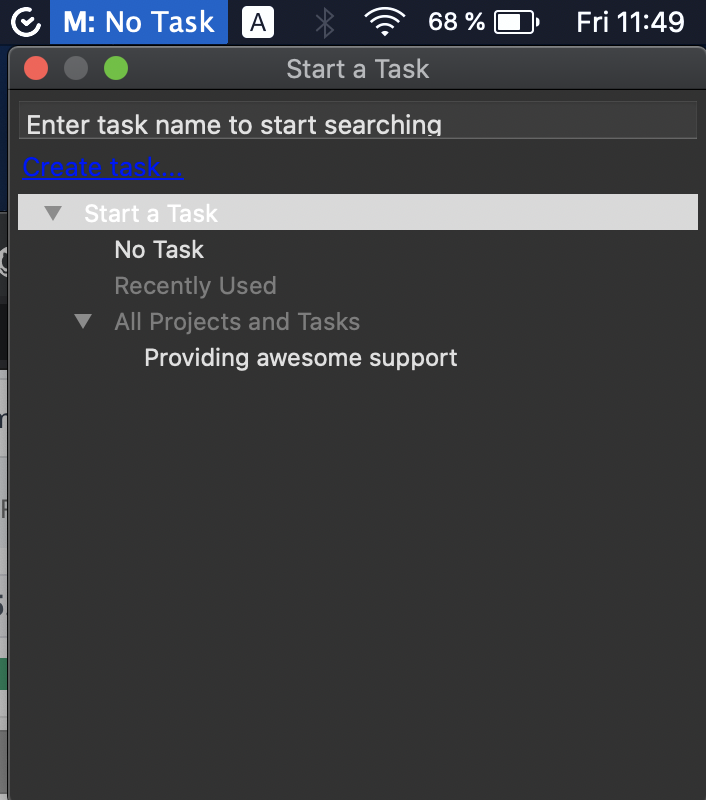
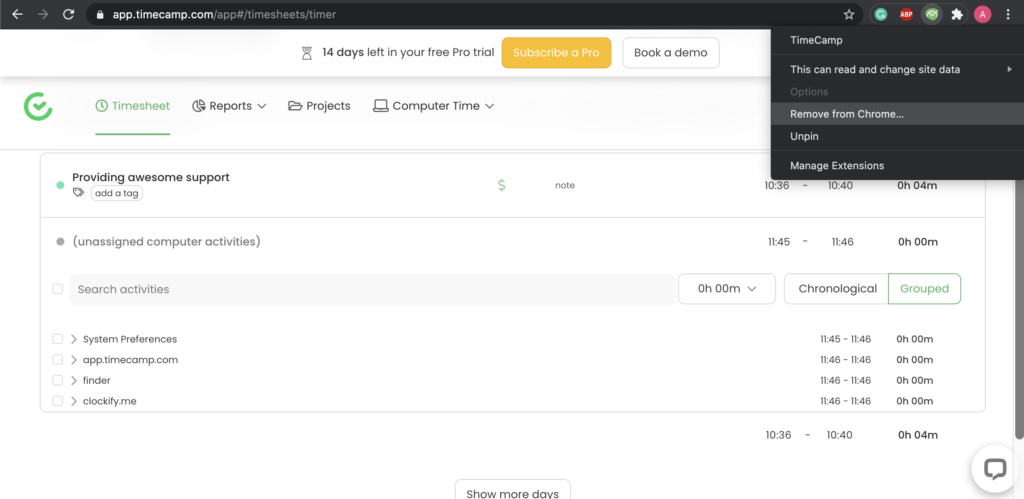
To start using TimeCamp with LiveAgent, simply create your TimeCamp account and start tracking your work time. You can choose to track your work time from the website app, via a browser extension (such as this one for Google Chrome), or by simply downloading the app to your computer.
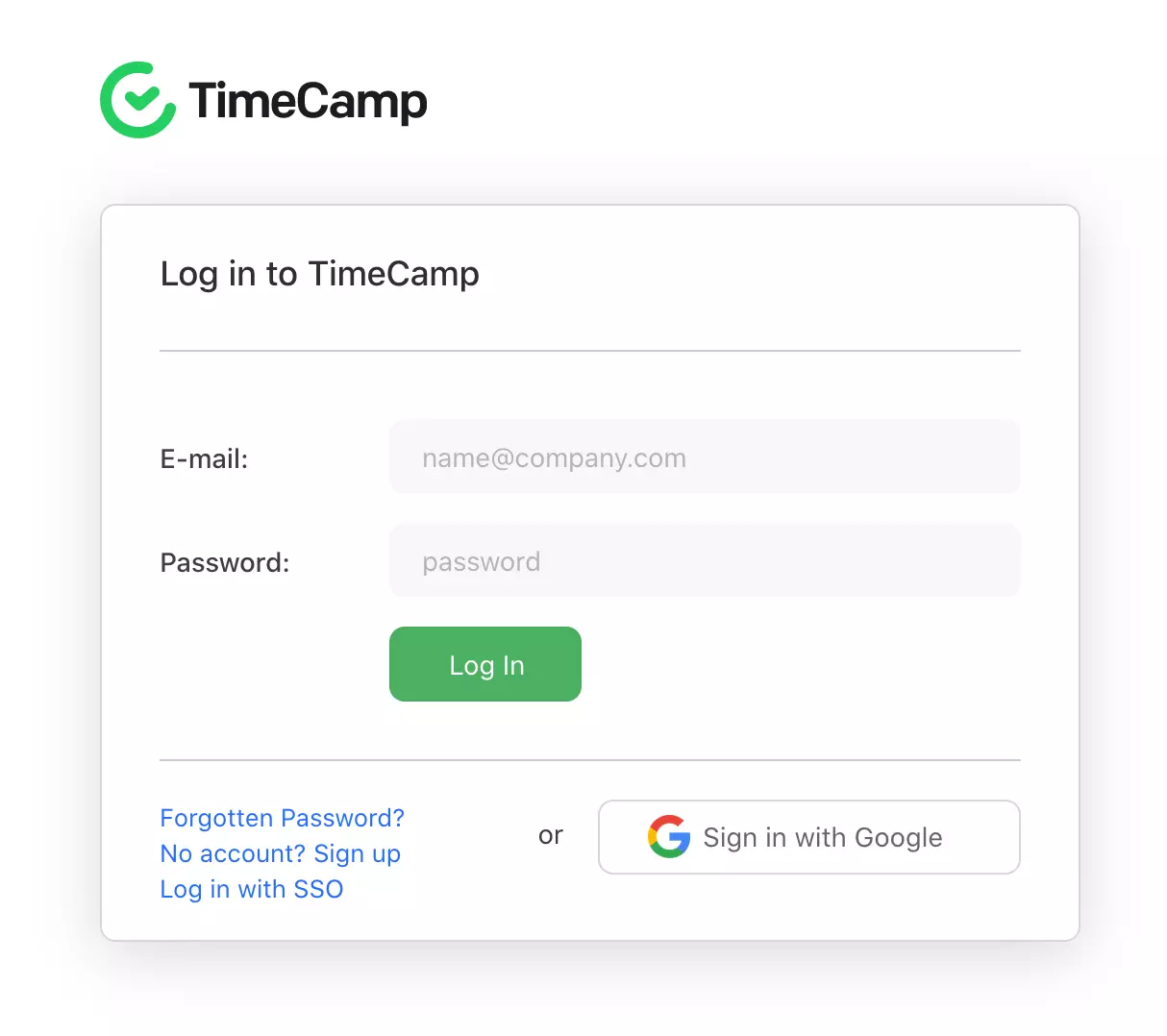
Go to the TimeCamp website and create your free account or log in to your existing one. Account creation takes just a minute and you don’t have to input any credit card information to get started.
The new account automatically starts with a free 30-day trial of the Pro version which will revert back to the free version after the 30 days, so you won’t lose your worktime progress.
Create a new time entry for your customer support activities or for a specific activity. For example, you can track team productivity separately for social media platforms and another time entry for calls or emails. The choice is yours.
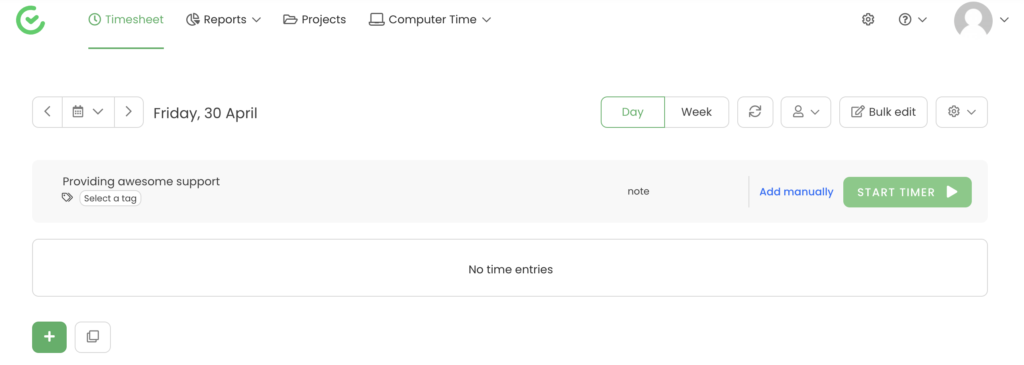
When you’re done, simply click the button and start tracking your activity level on specific tasks. Whenever you finish an activity, click on the stop button to stop tracking the working time.
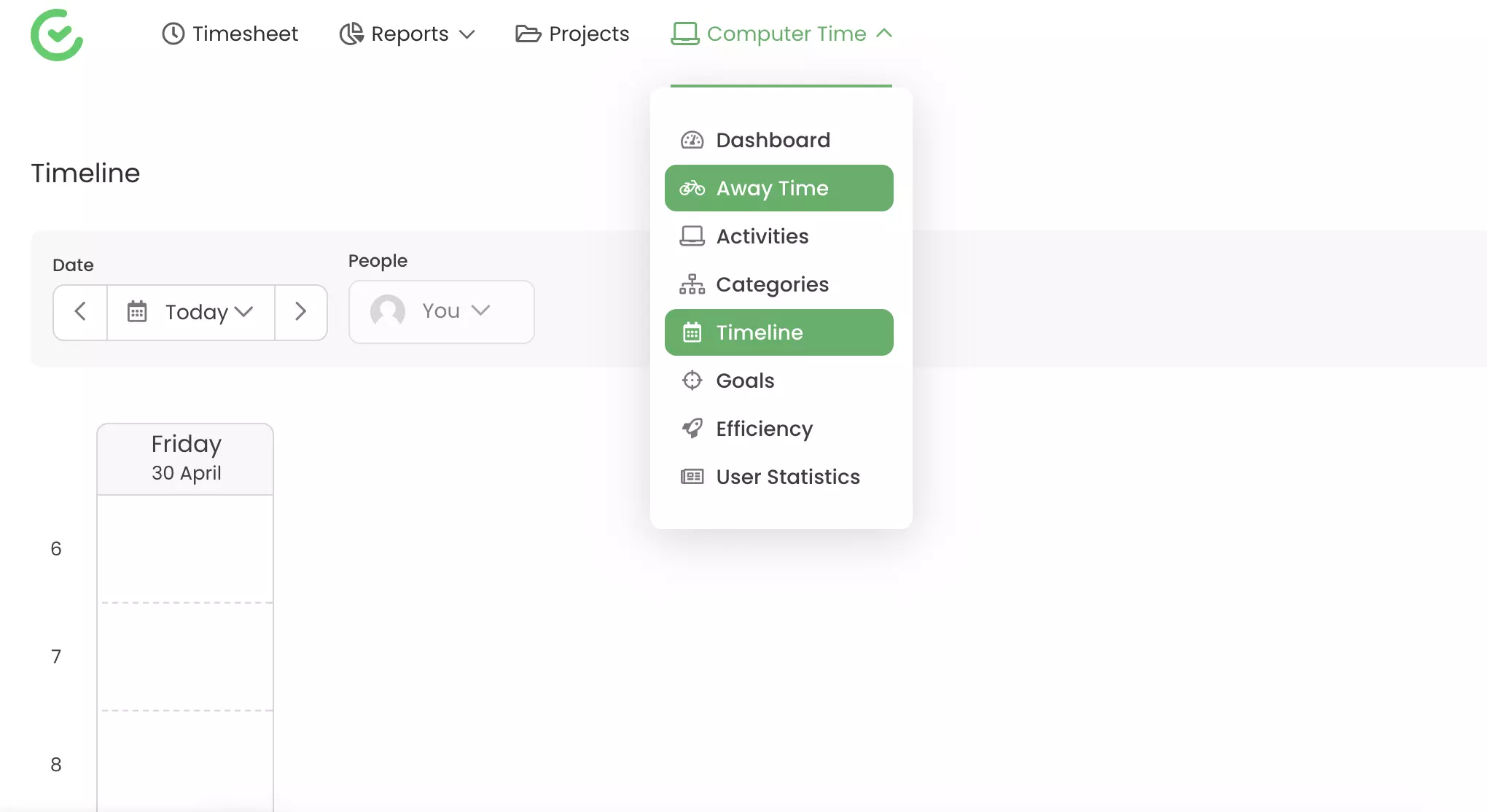
You can also have a look at your statistics such as away time and time spent in certain apps on your computer. TimeCamp can improve your customer service teams’ performance with all-in-one employee monitoring capabilities. Try TimeCamp with LiveAgent to get the best results from your customer service teams.
Curious to find out what else you can do with LiveAgent? Have a look at our product tour video or check out our feature page to see everything we have to offer.
TimeCamp is a free-to-use time tracking app. You can use it to track your time either manually or automatically. Track single tasks, time away from the computer, and download statistics about your workday.
Yes, you can use TimeCamp with LiveAgent without any additional charges.
You can use TimeCamp with LiveAgent in any way you want without the use of a plugin or third-party software. Simply start tracking your customer support activities whenever you're working.
No problem! LiveAgent offers a 30-day free trial where you can test the free TimeCamp integration!
Discover how LiveAgent's time tracking feature can enhance productivity and efficiency for your team. Monitor ticket resolution times, optimize workflows, and b...

TrackingTime is a collaboration-focused time tracking app for projects and employee productivity. Integrate seamlessly with LiveAgent via Zapier for precise tim...
Everhour is a free time tracking app that integrates with LiveAgent for billing, budgeting, task management, and more. Easily track ticket time with a browser e...
Join our community of happy clients and provide excellent customer support with LiveAgent.
