



Agile CRM
Agile CRM integrates with LiveAgent to enhance customer service efficiency. It automates sales and marketing, providing business intelligence. Integration via Z...
2 min read


SugarCRM is an open-source CRM with sales automation, marketing, and support features. Integrate it with LiveAgent via Zapier for streamlined customer management. Offers customizable workflows and a 14-day trial.
SugarCRM is a large, open-source customer relationship management software with sales automation, marketing campaign, customer support, and collaboration capabilities.
The code of this application is available to any user, developer which means you can customize your workflow if you have the means and skills.
Notifications about news or updates regarding customers, contacts, fields, tasks, modules, cases, leads, entries or opportunities won’t run past you with this integration. You can also create or update these information or fields by yourself from your dashboard.

Start your free trial today and see results within days.
SugarCRM can be integrated with LiveAgent via Zapier via a trigger and action system called Zap. You can create many integrations from the options available at the site. If you don’t have a Zapier account, create one here. Then proceed to the LiveAgent + SugarCRM Integrations site.
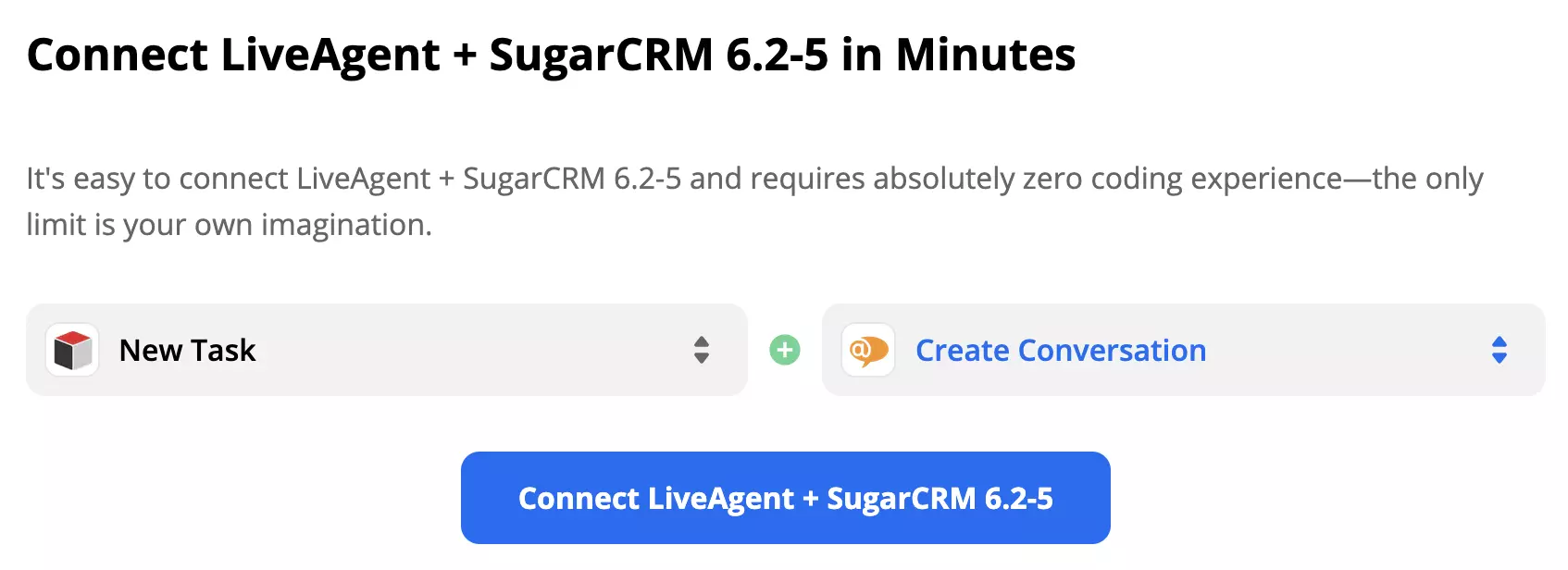
Scroll down until you see the Connect LiveAgent + SugarCRM in minutes section. You can pick your trigger and action here. Take a look at the list of possible integrations and consider what you want your integration to do.
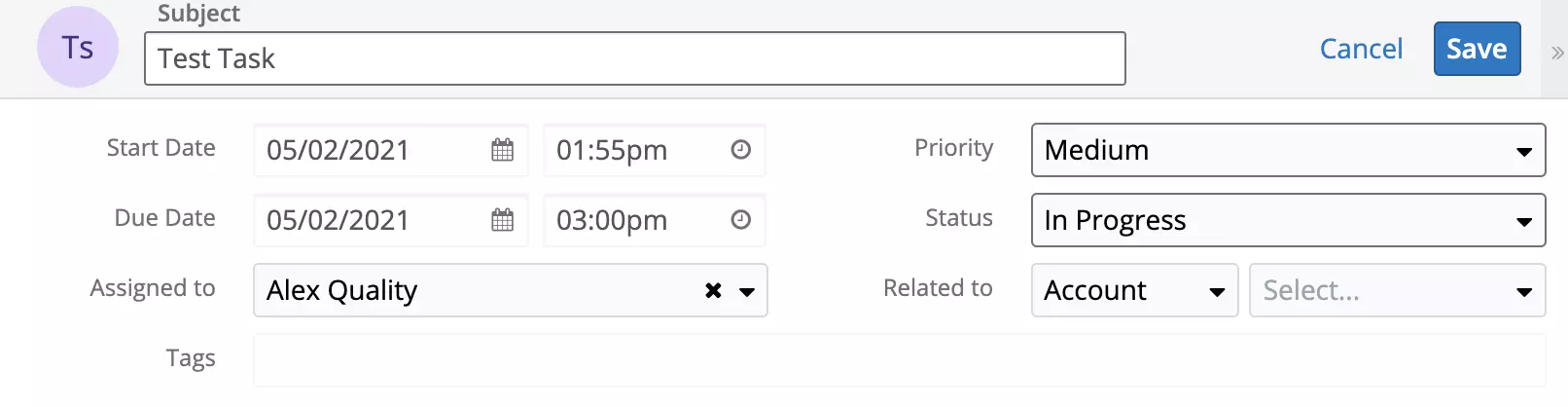
We’re going to show you a connection with SugarCRM trigger New Task and LiveAgent action Create Conversation. When you’re done picking your trigger and action, click on the blue continue button.
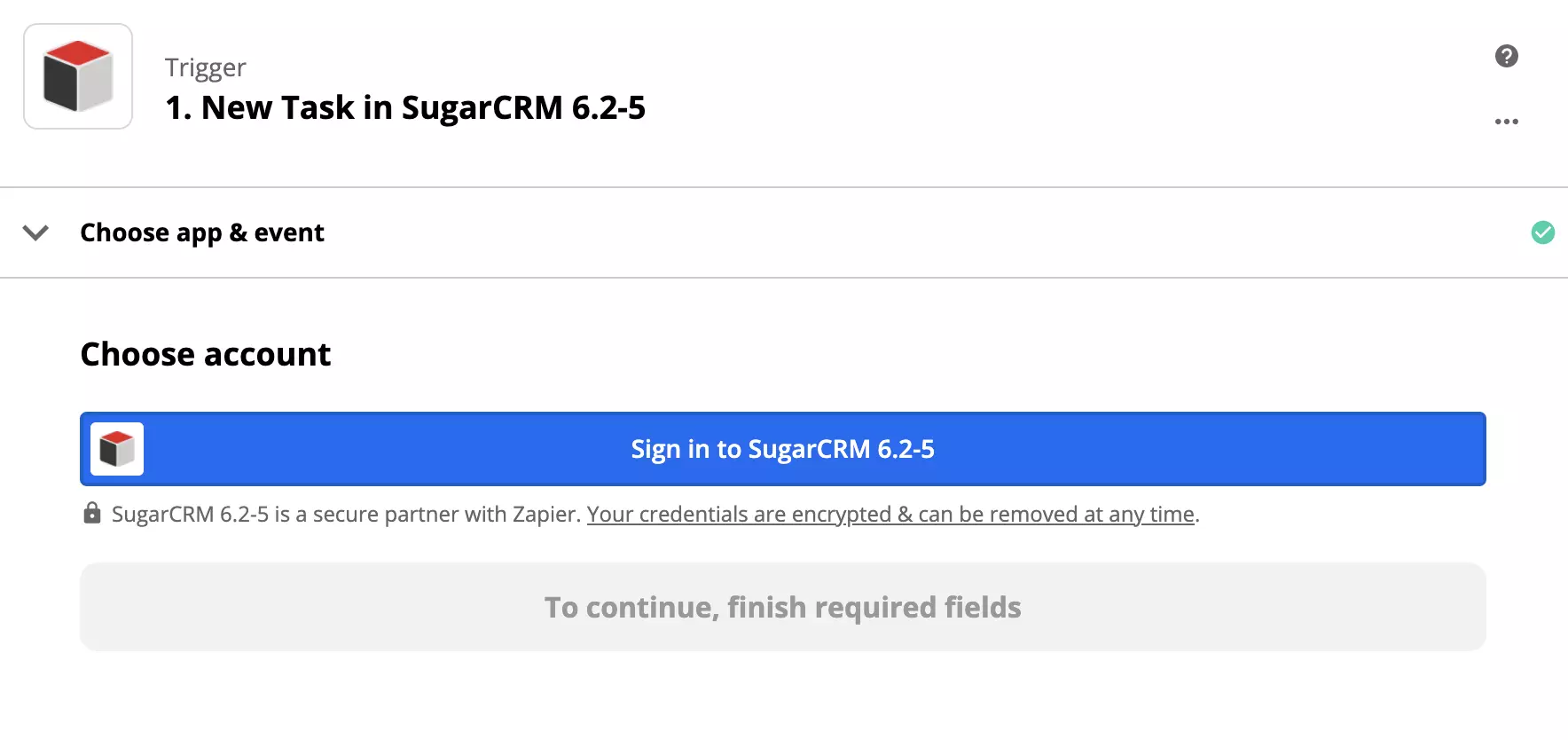
The first step is to set up your trigger. Log into SugarCRM via Zapier and provide data access. You can also test your trigger first to see if it works.
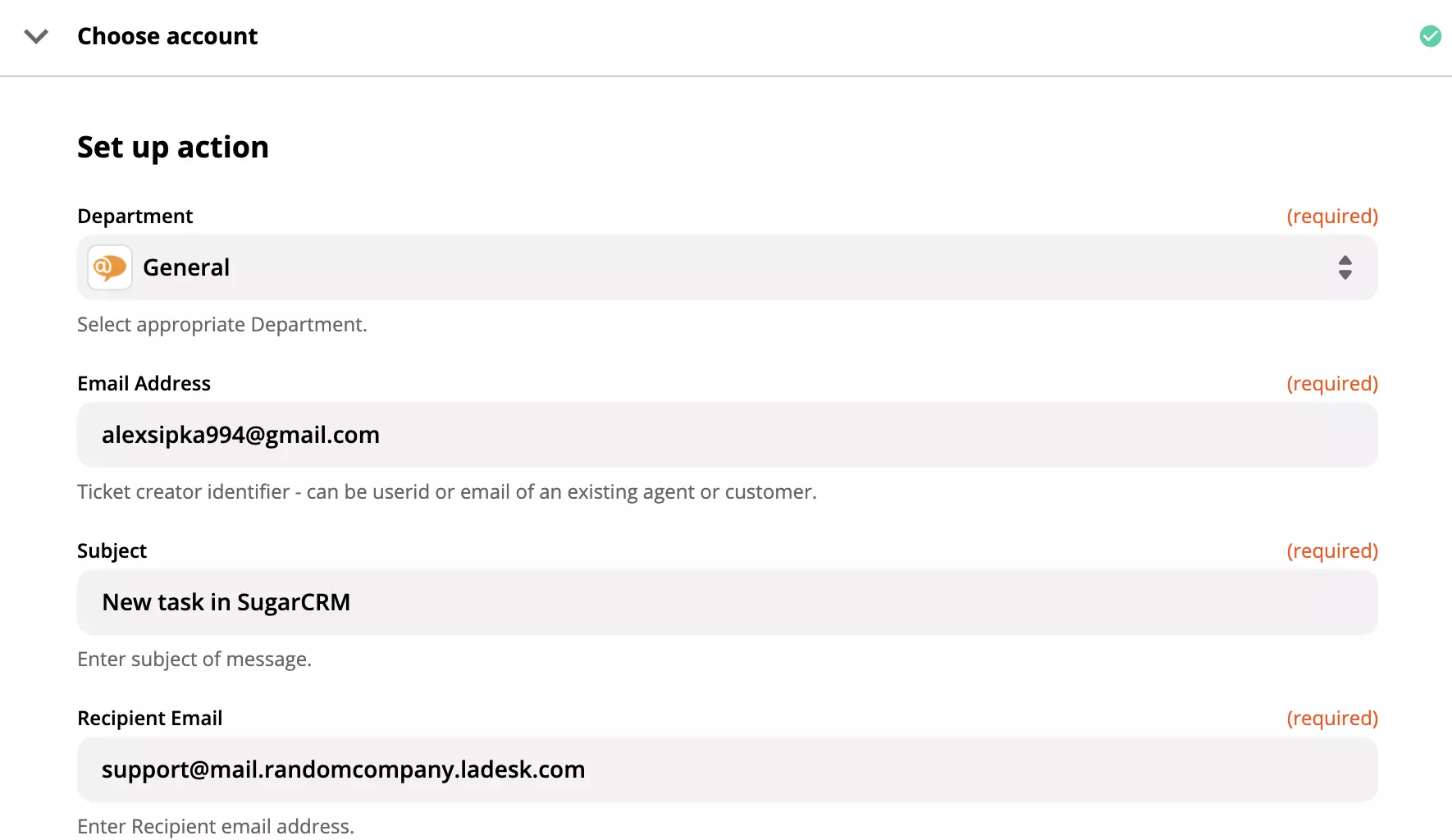
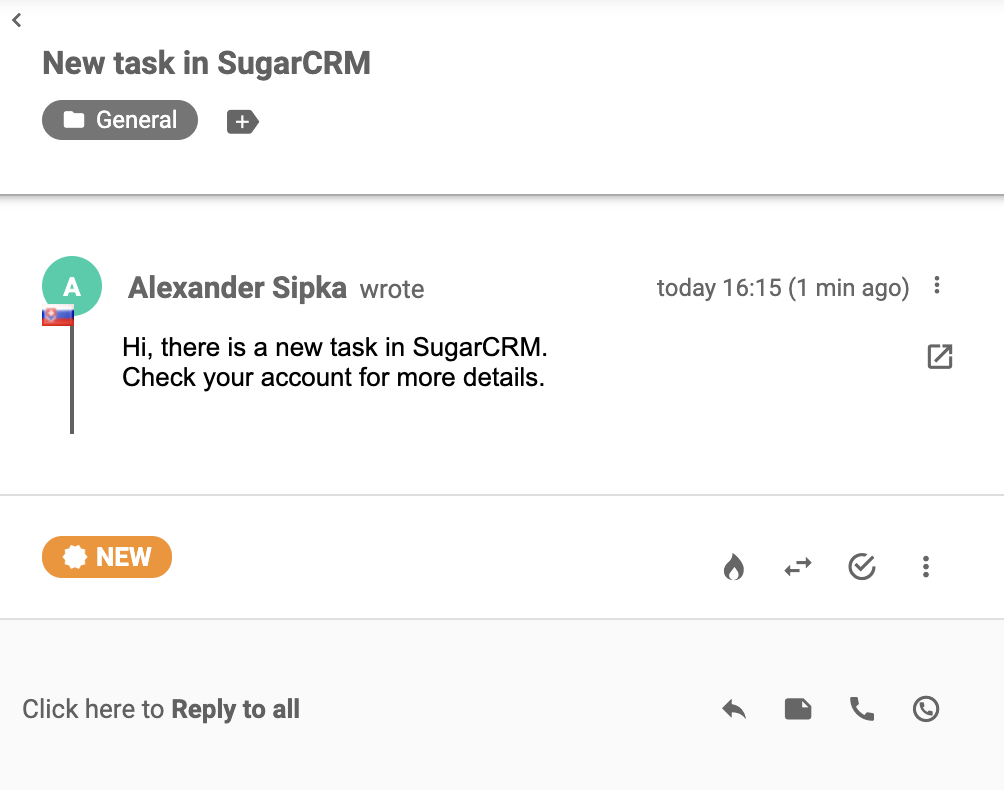
The second step is LiveAgent action configuration. In our case, we need to fill out details such as the recipient’s and sender’s email addresses, message subject, and other information.
Now do one final test of the integration and you’re done. Now every time you create a new task in SugarCRM, your agents will get a message informing them about it.
Feel free to create more integrations for various purposes at Zapier.
No problem! LiveAgent offers a 30-day free trial where you can test the SugarCRM integration!
Agile CRM integrates with LiveAgent to enhance customer service efficiency. It automates sales and marketing, providing business intelligence. Integration via Z...
Integrate Salesforce with LiveAgent to enhance customer management and productivity. Create cases from tickets, track information, and manage tasks easily. Acti...
Integrate HubSpot with LiveAgent for streamlined contact and customer management from a single interface. Benefit from triggers and actions for improved workflo...
Join our community of happy clients and provide excellent customer support with LiveAgent.

Cookie Consent
We use cookies to enhance your browsing experience and analyze our traffic. See our privacy policy.