



LiveAgent eCommerce Features
Enhance your eCommerce site with LiveAgent's fast live chat and knowledge base. Boost engagement, satisfaction, and sales.
2 min read
eCommerce
Live Chat
+2


Silverstripe is a CMS for creating responsive websites, supporting usability extensions like eCommerce and forums. Integrating LiveAgent’s live chat with Silverstripe enhances customer support, enabling real-time communication and faster issue resolution.
Silverstripe is a content management system that can be used to create and maintain websites. It comes with a web-based administration panel and a WYSIWYG editor. Silverstripe can be used by both content writers, website designers, and developers.
Silverstripe websites support responsive design, optimizations for heavy loads, configurable security, video embedding, and much more. It can help you with search-friendly URLs too and it works across platforms (Linux, Windows, and Mac).
It also supports various models that can extend Silverstripe usability. Take a pick from Blog, Advanced Workflow Management, eCommerce, Forum, and LDAP/OpenId authentication.
Create your own eCommerce website with Silverstripe, start selling products and services. Every great eCommerce website has great customer support.
You can use LiveAgent’s lightning-fast live chat widget, with chat displayed speeds at 2.5 seconds. It’s easy to create your own chat button (or pick a pre-made design from our chat button gallery), place it on your website, and start addressing questions and inquiries regarding your products and services.
Live chat is an amazing customer support tool. It’s convenient for website viewers and buyers. They can simply click on the button and start chatting with support agents. There is rarely any waiting period for customers and they can get back to shopping sooner.
The live chat can be used to sell more products or services. Whenever customers get any doubt before buying, they can simply hit the live chat button and ask important questions. It can be used to convince and provide information for anyone who wants to learn more. Even in case of dissatisfaction, live chat remains at the top for its ease of use and problem-solving capabilities.
Our live chat also supports amazing features that can bring you more customers and sales. Proactive chat invitations make sure you get noticed, while real-time typing view makes sure you get your answers ready before the customer hits send. It’s also friendly to your company branding so you can customize it in any way you want.
Placing a live chat button on your website takes just a moment. Follow the integration guide below to find out how to create a chat button and place it on your Silverstripe website.
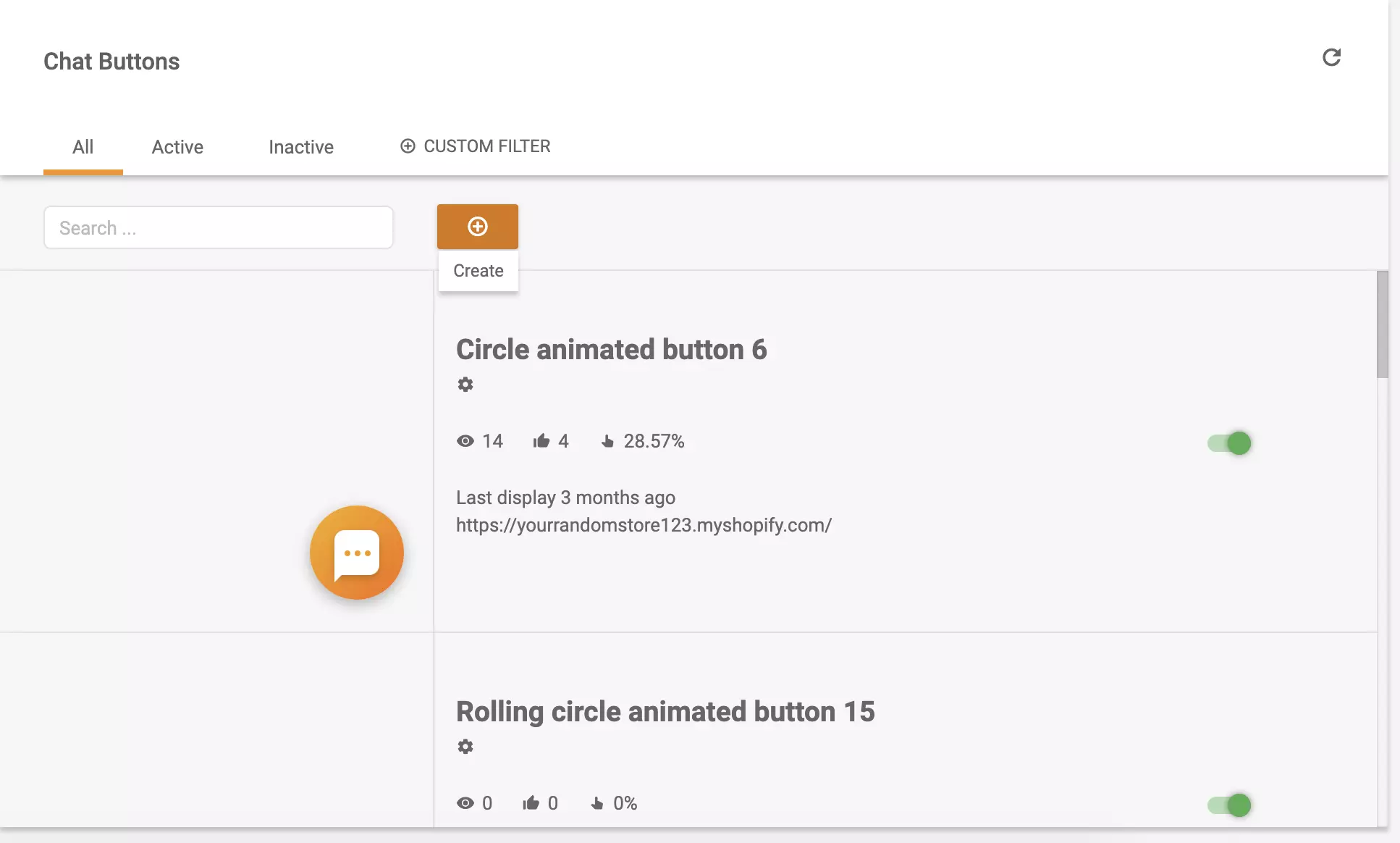
Go to your LiveAgent account and open Configuration > Chat > Chat buttons. Click on the orange Create button to start creating your new live chat button.
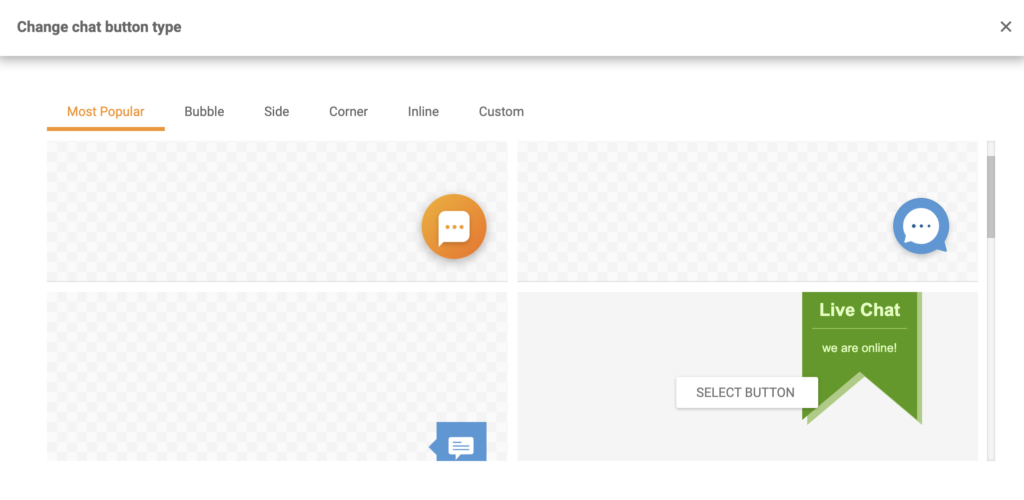
The first step is to decide what your chat button should look like. You can choose from some of our most popular buttons, or pick between bubble, side, corner, or inline buttons. There are plenty of designs to choose from but if you prefer to use your own design, you can do so by clicking on the Custom tab.
Use an image or an HTML code to upload your design. When you’re done choosing go to the next section where you can configure the button.
Now for the configuration. Name your button and choose which department will be responsible for incoming chats from your website. Select the chat language and choose if you want customers to leave their details before they start the chat. You can also choose to have an offline button with a contact form ready. Finally, choose the queue length, decide if you want to force desktop mode on mobiles, and click on Save.
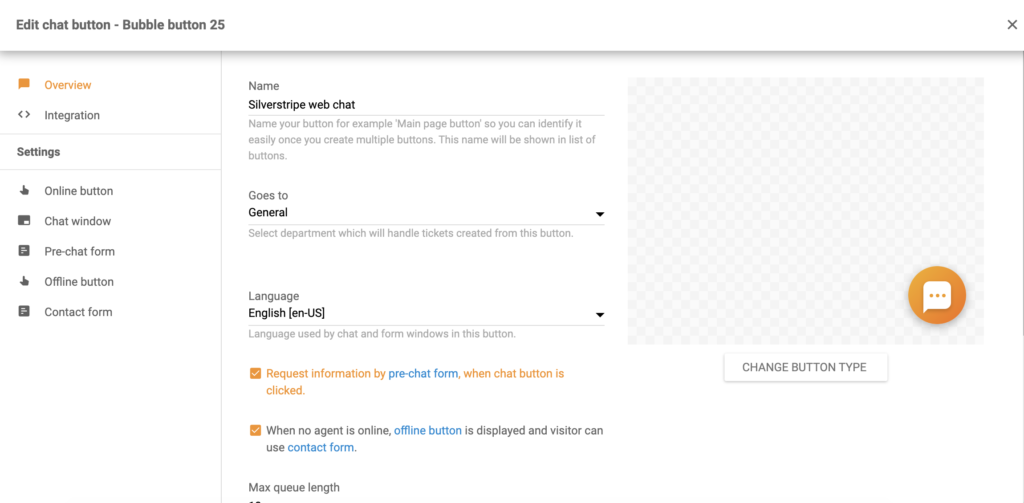
If you don’t want to go through the settings now, you can change all of them later on. You can return anytime after you’ve evaluated the situation and decided what settings work the best for you. When done, switch to the Integration tab and copy the chat button code.
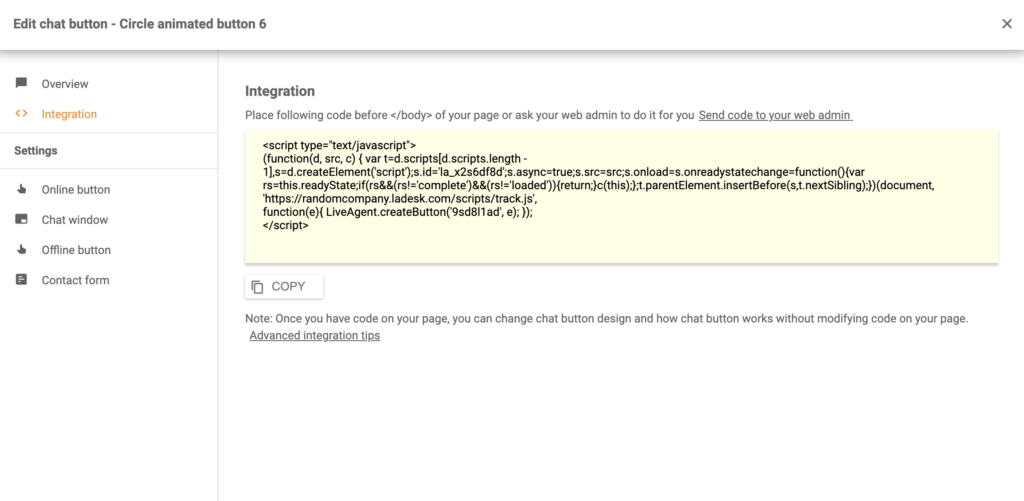
Now go to Silverstripe and customize your code. Paste the code at the bottom of the webpage and save the changes. When you preview your website, you can see the chat button at your selected location.
Your chat button is now integrated on your Silverstripe website. You can start communicating with your customers, sell more, and provide fast customer support.
Looking for more? Have a look at other integrations LiveAgent supports or check out the full feature list to see what else LiveAgent can do. Make sure to visit our Academy page and learn how to effectively provide support via live chat.

Enhance your eCommerce site with LiveAgent's fast live chat and knowledge base. Boost engagement, satisfaction, and sales.
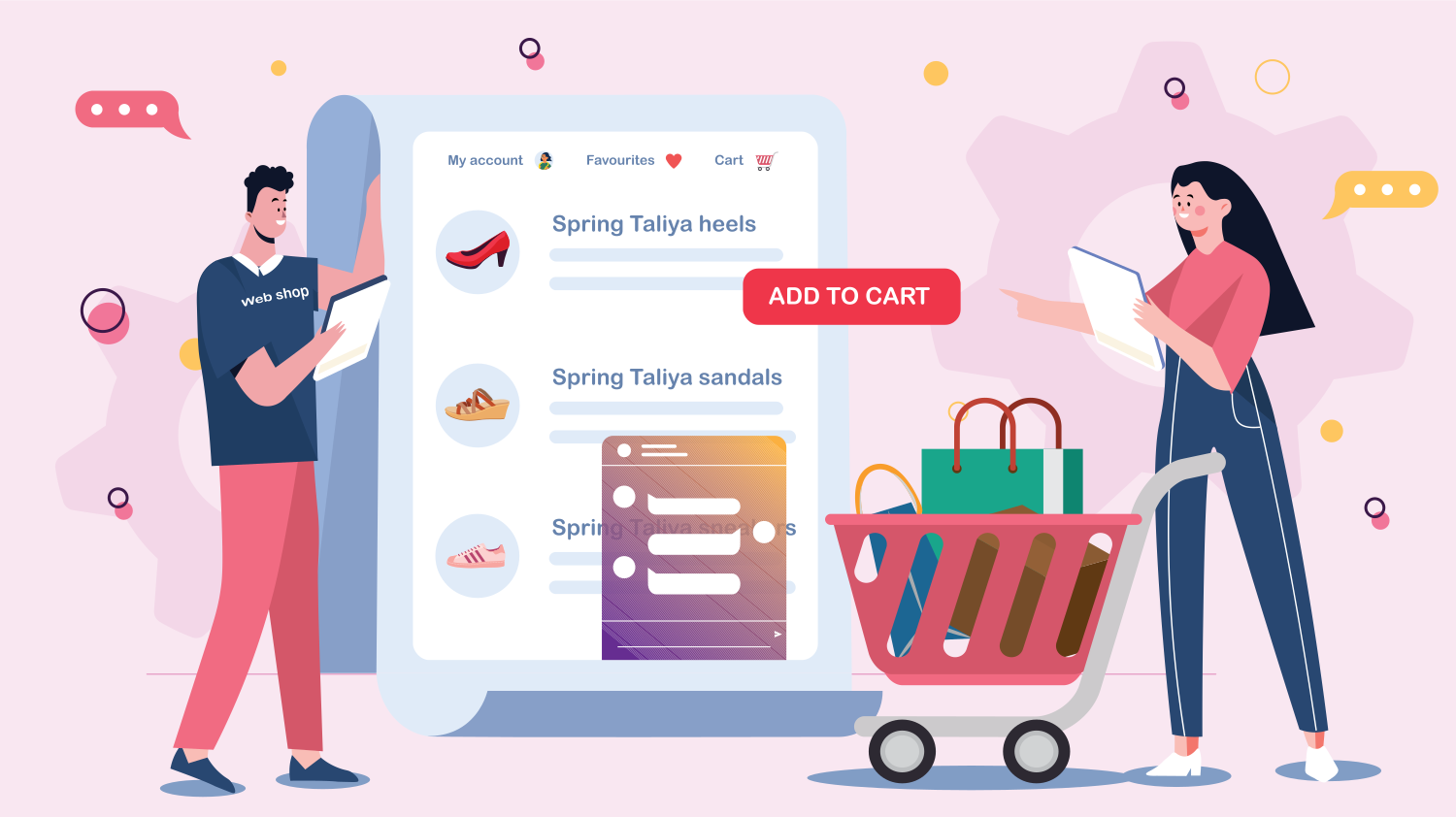
Enhance your e-commerce business with LiveAgent's live chat software, offering 24/7 customer support, easy website integration, and robust security features. Bo...
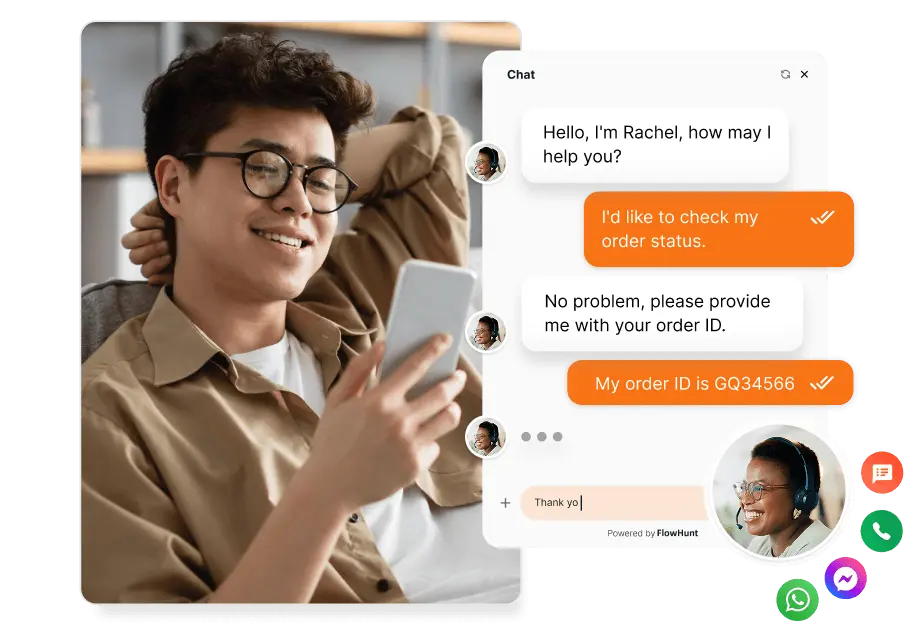
Compare LiveAgent live chat software for websites. Add a fast chat widget, AI agents, automation, mobile apps, reporting, and 100+ integrations. Free 30-day tri...