



Sipcall
Sinch offers global VoIP solutions, including voice, video, SMS, and API integration for diverse industries. Easily integrate Sinch with LiveAgent to manage mul...
4 min read



Optimal Call is a Slovak VoIP provider offering services like call centers, CRM integration, and SIP trunking. It integrates with LiveAgent for an omnichannel help desk, suitable for Slovakian and Czech clients, with no extra integration cost.
Optimal Call is a Slovak VoIP and communications service provider. They offer services for companies and individual clients based in Slovakia and Czechia. Besides voice call services, Optimal Call offers the option to buy exclusive, easy-to-remember phone numbers based on various geographical locations. Other services include call center , joint connection with other company systems such as CRM, SIP Trunking, and CPBX (Cloud Private Branch Exchange) telephone networks.
If you’re looking for a VoIP provider, Optimal Call can handle your internet calls and provide you with a phone number. You can add this phone number into LiveAgent to create an omnichannel help desk with a call center .
When you add your number to LiveAgent, you can start using it as your main call center software. LiveAgent offers plenty of features to ease your workflows and make customer calls more manageable, thanks to call center features and automation .
While Optimal Call is a paid service with separate pricing plans, the integration with LiveAgent doesn’t cost you extra. You can add your Optimal Call phone numbers to the LiveAgent help desk for free and start calling.
Optimal Call is already included in your LiveAgent account; therefore, there is no need to activate plugins or create integrations with third-party services. Add your Optimal Call number and start calling. Here’s how to do it.
Step 1: Get your Optimal Call credentials
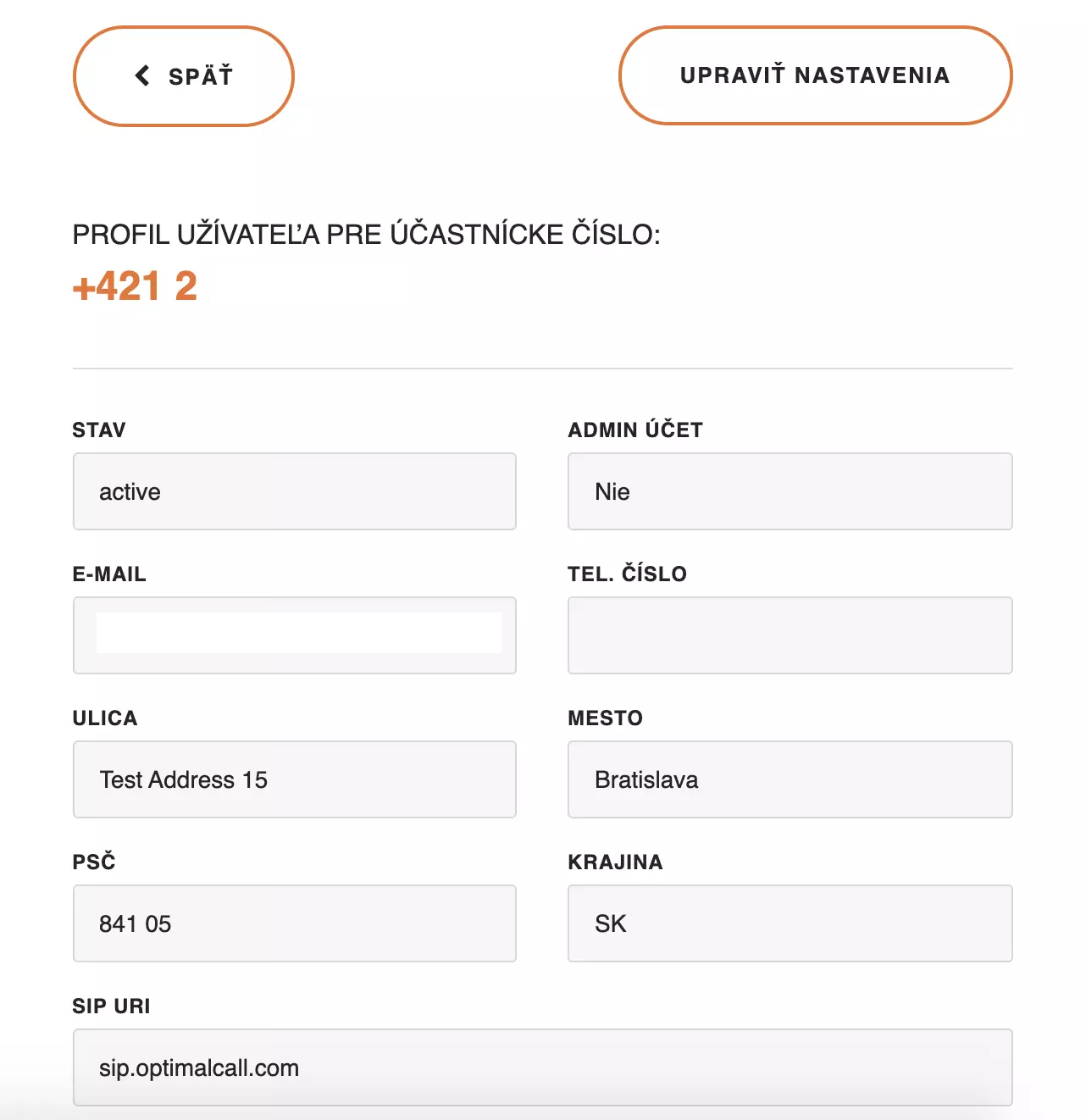
You’re going to need your Optimal Call username, password, and call number. Log in to your Optimal Call account or create a new one. You will receive an email with your new username, password, and phone number after completing registration.
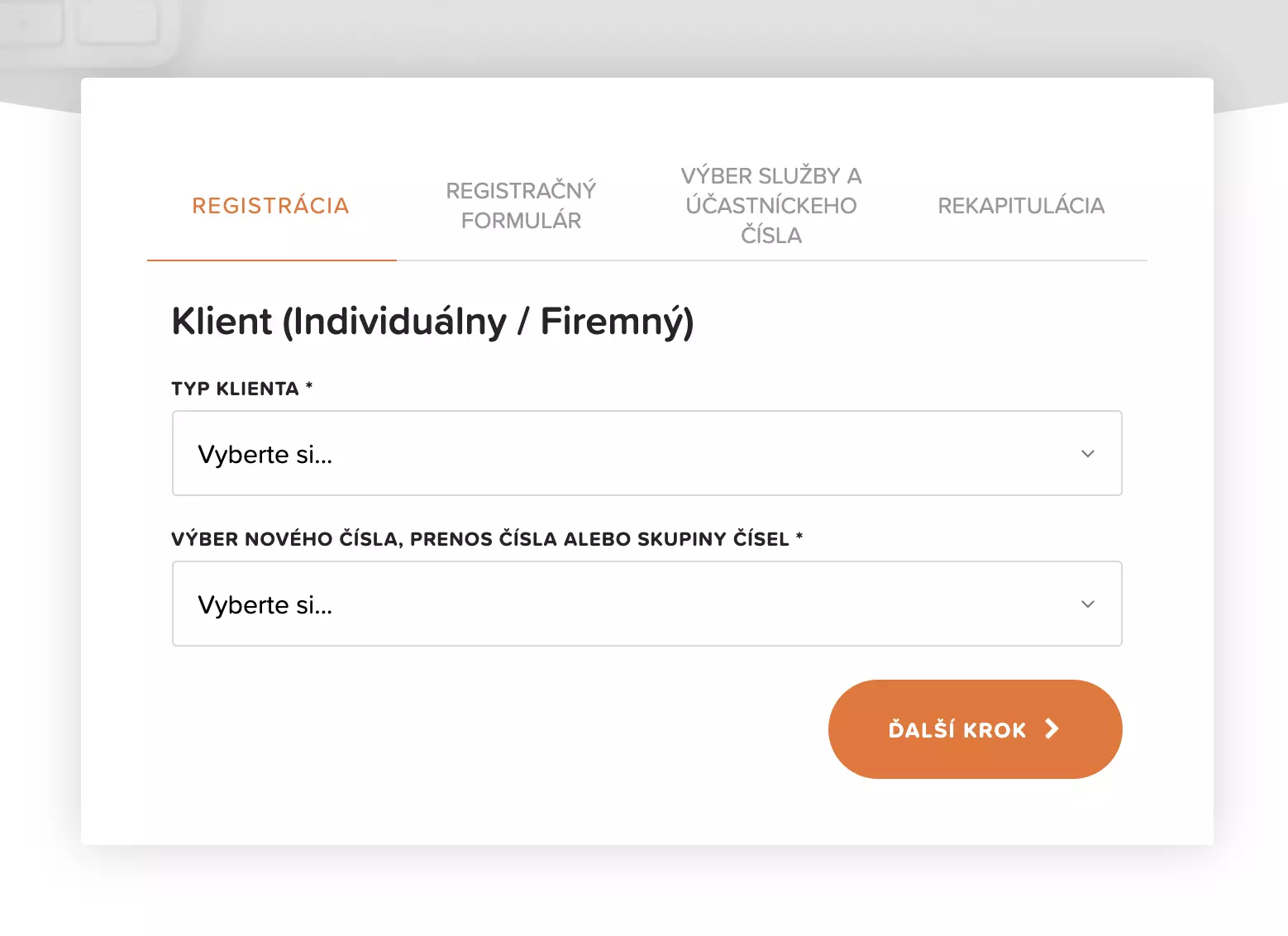
Alternatively, you can also find the information in the profile section of your Optimal Call account. Have the information ready for the next steps.
Step 2: Add Optimal Call to LiveAgent
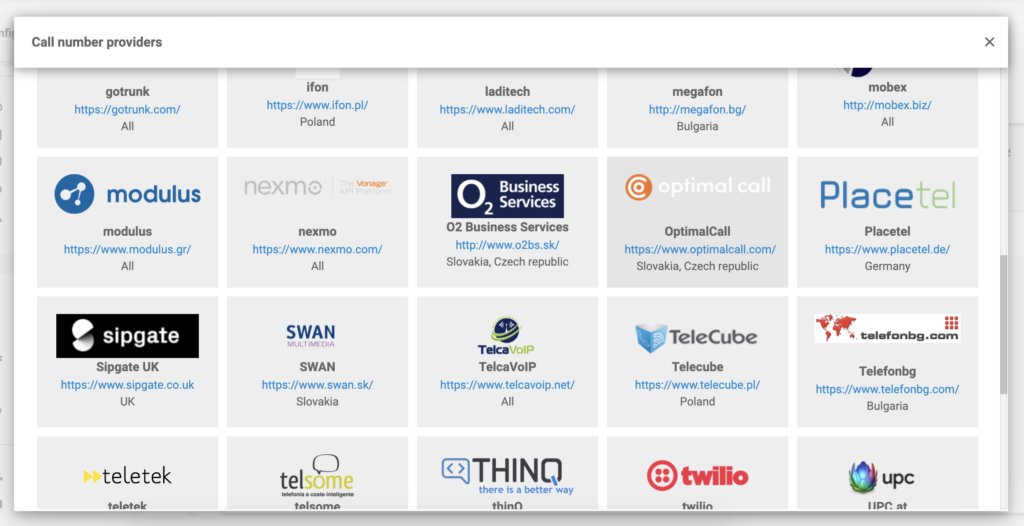
Open your LiveAgent account and go to Configuration > Call > Numbers. Click on the orange button to add a new number in LiveAgent and select Optimal Call from the list of VoIP providers.
Step 3: Enter your credentials
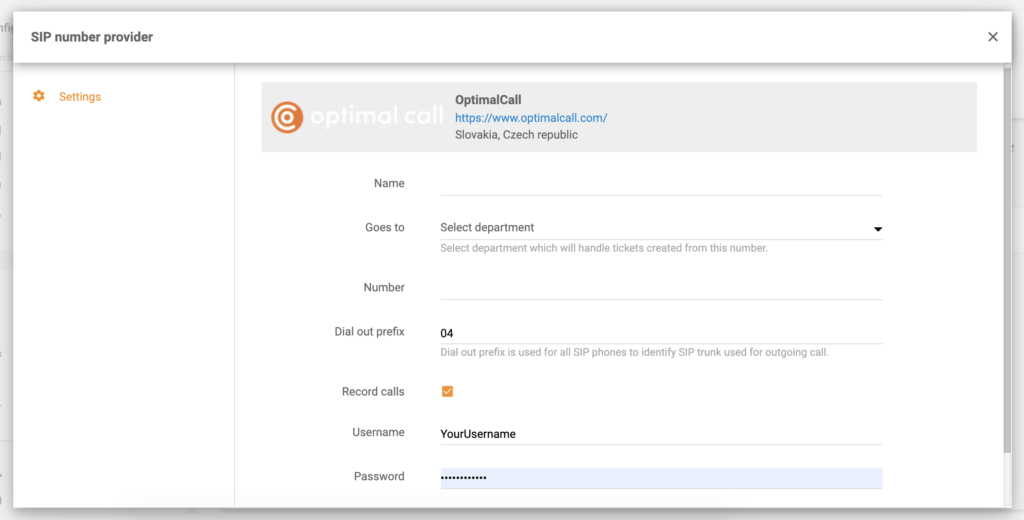
Enter your username, password, and Optimal Call number in the next section. You can also name the number, select a dial-out prefix, the department that will handle calls from this number, and turn on call recording. When you’re finished, click on Add at the bottom of the window.
Your Optimal Call phone number is now connected with LiveAgent, and you can start making and receiving calls. Are you curious to find out more about LiveAgent? Check out the video below to get a tour.
Optimal Call is Slovak communication and VoIP provider. They offer services that are suitable for Slovak and Czech clients.
The integration with Optimal Call is included in the plan and without any additional charges. You can add your number and start calling without paying extra.
Optimal Call is built-in LiveAgent so there is no need for integration plugins or third-party services. All you have to do is to add your number and provide some account details. Go to Configuration > Call > Numbers in LiveAgent. Create a new number and select Optimal Call as your VoIP provider. Enter your username, password, number, and other details. Click on Add and you're done.
VoIP is an abbreviation of Voice over Internet Protocol. Simply put, VoIP allows you to make and answer phone calls, conference calls, video calls, and other forms of communication via the internet.
No problem! LiveAgent offers a 30-day free trial where you can test the free Optimal Call integration!
Sinch offers global VoIP solutions, including voice, video, SMS, and API integration for diverse industries. Easily integrate Sinch with LiveAgent to manage mul...
OptiTELECOM is a Portuguese VoIP operator offering IP solutions integrated with LiveAgent's call center for efficient communication. They provide 24/7 support a...
TelcaVoIP, a global VoIP provider from Italy, offers easy integration with LiveAgent for seamless virtual call center access on multiple devices. Enjoy reliable...
Join our community of happy clients and provide excellent customer support with LiveAgent.
