



Exim
Exim is a flexible, free mail transfer agent for Unix-like systems. Integrating it with LiveAgent enhances email support and tracking. Ideal for users needing c...
2 min read



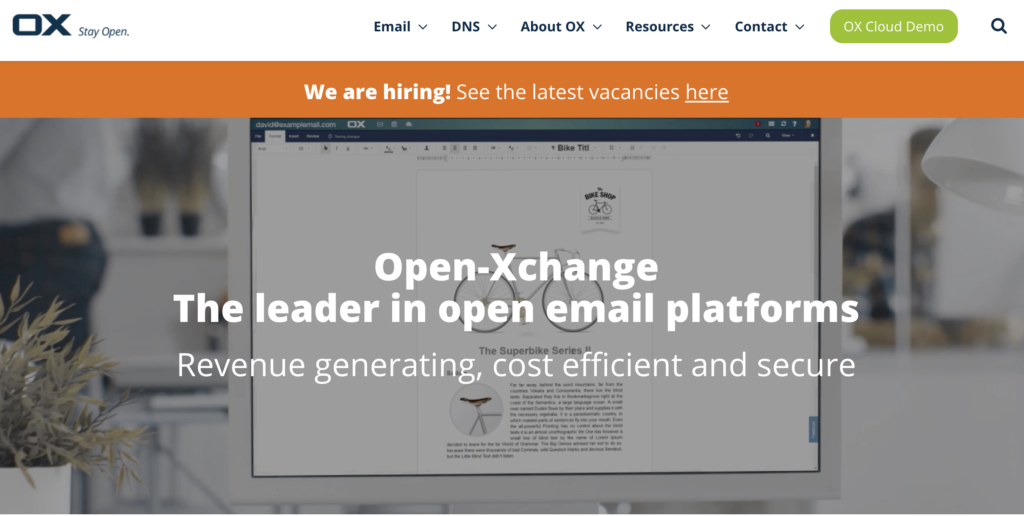
Open-Xchange is a productivity software with email, document management, and social media integration, suitable for offices or help desks. Integrate with LiveAgent for streamlined customer service. Free trial available.
In addition to email, documents, scheduling, and social media sharing, Open-Xchange offers fully integrated online communication, collaboration, and productivity software. The platform enables users to integrate message streams originating from Google Mail, Hotmail, Facebook, Twitter, and LinkedIn. The software is easy to use by anybody thanks to the intuitive user interface and easy setup.
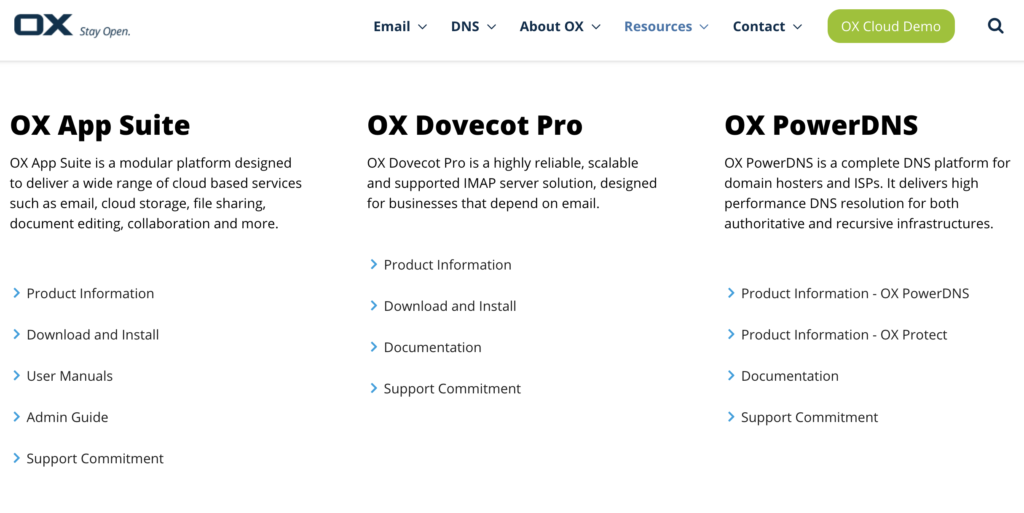
Open-Xchange is a productivity solution that is suitable for anyone who requires more than just an email for their office. It offers an extensive app suite that helps with team organization and lets you utilize cloud storage. It makes an excellent software for smaller help desk teams, and you can integrate it with the LiveAgent help desk.
Whenever a customer agent receives a customer inquiry, it becomes a ticket thanks to the LiveAgent ticketing system. Our efficiency features such as automated ticket distribution, departments, and agent collision detection ensure that the ticket will be sent to the right person who can then solve it. This will speed up and streamline the customer service process.
In addition to handling emails, our universal inbox can handle live chat messaging, customer calls, a knowledge base with a customer portal, and social media accounts from Facebook, Twitter, Instagram, WhatsApp and Viber as well. Our ticketing system can simply ensure your communication channels get included, and your inquiries will stay organized and distributed no matter what.
Each communication tool that LiveAgent has is fully supported by a ton of features focused on productivity and efficiency. Organize your LiveAgent company with business hours, create rules and make sure to take advantage of service level agreements. You can also use gamification to make customer support more fun and challenging for agents.
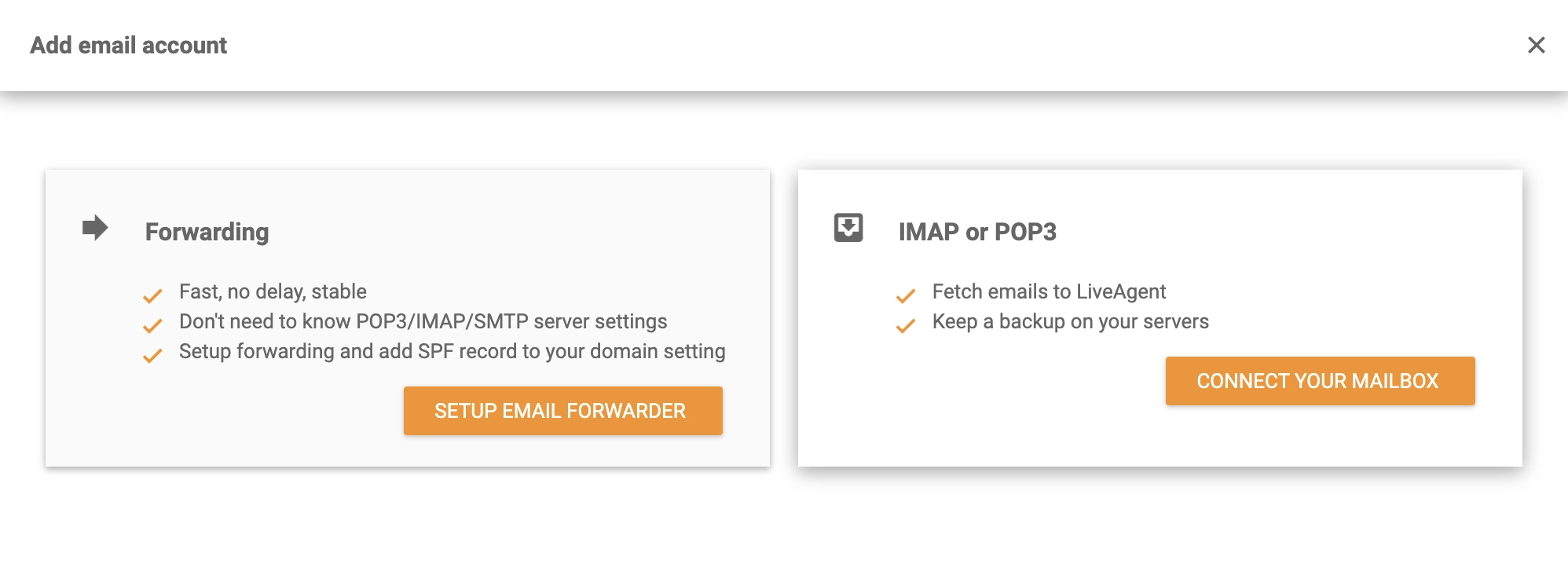
Once you have your Open-Xchange account ready, you can easily connect it with the LiveAgent help desk thanks to IMAP/POP3. The integration process takes little time to complete. Have a look at the guide below that can show you all the necessary steps.
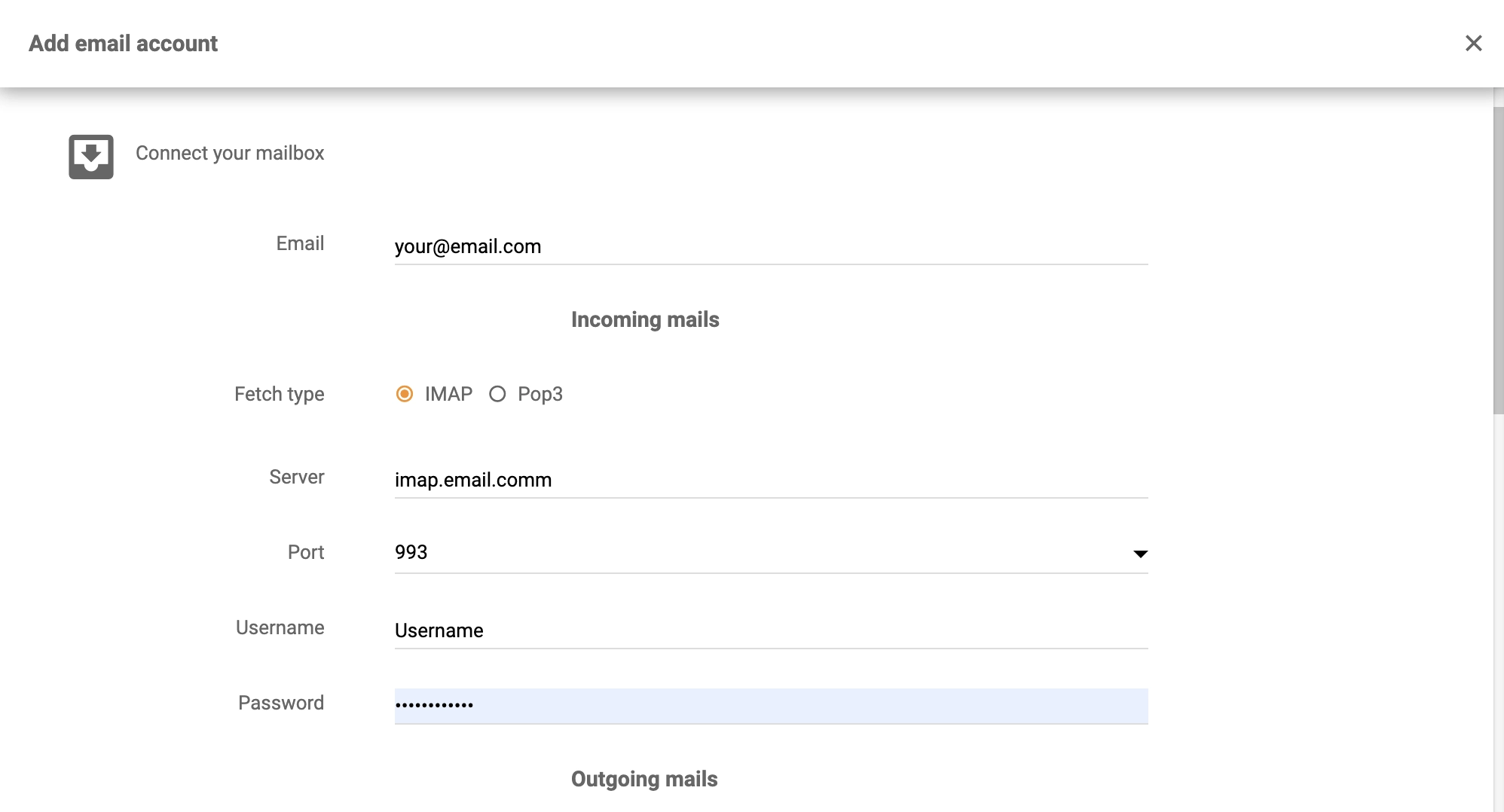
The Open-Xchange integration is ready and you can start providing support with the help from LiveAgent. Check out more information about help desk features, or browse through the LiveAgent Academy to learn more about customer support.

Manage emails, calendars, contacts, and tasks, all within LiveAgent's comprehensive ticketing system.
Exim is a flexible, free mail transfer agent for Unix-like systems. Integrating it with LiveAgent enhances email support and tracking. Ideal for users needing c...
Zoho Mail integrates with LiveAgent to streamline email management for businesses, enhancing workflow efficiency by consolidating emails into one Universal inbo...
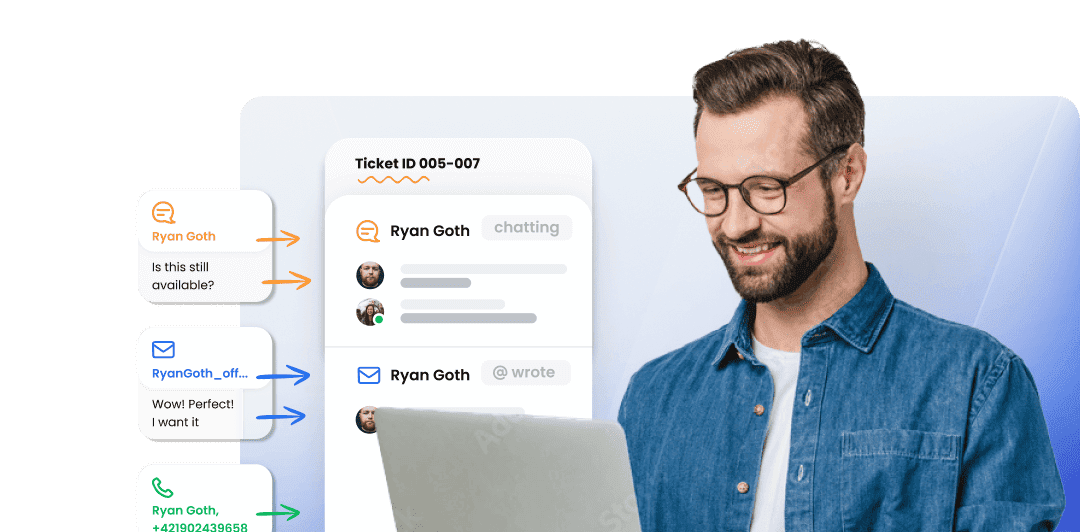
LiveAgent's ticketing system brings together essential ticketing feature elements such as mass actions, audit logs, and integrated communication channels, which...
Join our community of happy clients and provide excellent customer support with LiveAgent.
