



Integrately
Integrately connects over 600 apps to automate workflows, enhancing efficiency and saving time. Integrate LiveAgent with email marketing, billing, CRM, etc., to...
4 min read



iCloud by Apple offers cloud storage and email services, seamlessly integrating with LiveAgent for organized customer communication. Simplify your help desk with advanced features and multi-channel support, enhancing email management and customer service.
iCloud is a product by Apple Inc. that offers cloud storage, cloud computing service and provides usability across Apple products line. It also serves as an email provider. iCloud lets users store data of many types, but mostly documents, music, videos, and photos on remote servers. These can then be shared and downloaded between various devices.
When a large number of emails keep coming, it can be tough to handle everything from a single mailbox. Are you running your help desk from your iCloud email? Make sure to connect it to LiveAgent and keep everything organized. LiveAgent ticketing system can help you gather all email communication straight into your LiveAgent dashboard, organize it, filter it and prioritize what needs special attention.
Further, it has a wide range of features to ensure your email communications are directed to the right people and remain organized.
One of the best things about LiveAgent’s ticketing system is its multi-channel capabilities. Besides iCloud and other email providers, it also offers live chat, call center, customer portal, and social media such as Facebook, Instagram, Twitter, and even Viber and WhatsApp. The communication channels are each supported by unique features.
You can use features such as departments and automated ticket distribution to make sure that all tickets will be addressed by an available agent. In addition, tags can be used to create topic groups, and you can set your own business hours so that customers know when you’re available.
Struggling with email support? Switch to LiveAgent ticketing system and start providing amazing customer support today.
It is possible to integrate LiveAgent with an Apple iCloud account. iCloud customer support emails will be imported into the LiveAgent ticketing system so you can keep track of all of your email correspondence. Learn how easy it is by following the guide below.
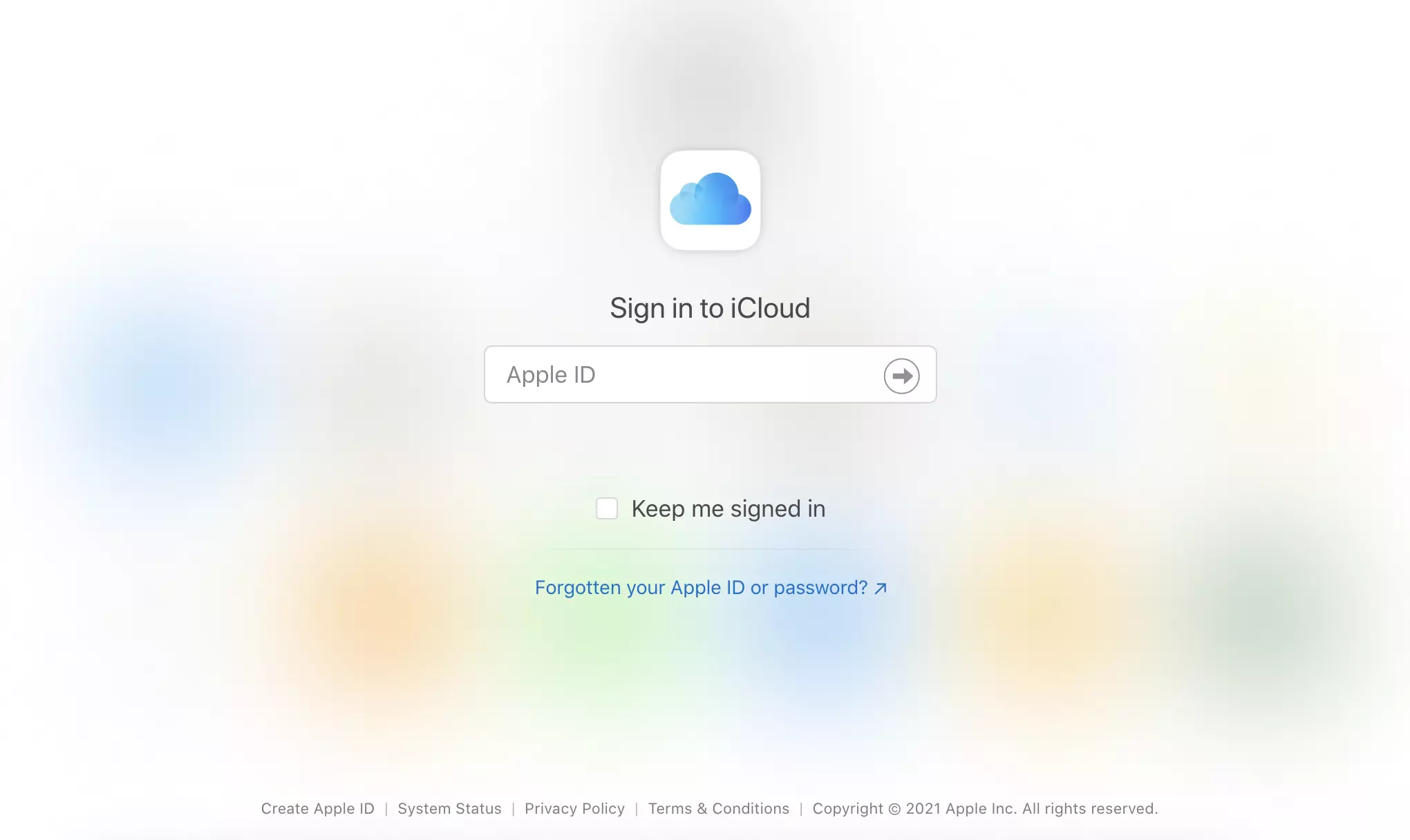
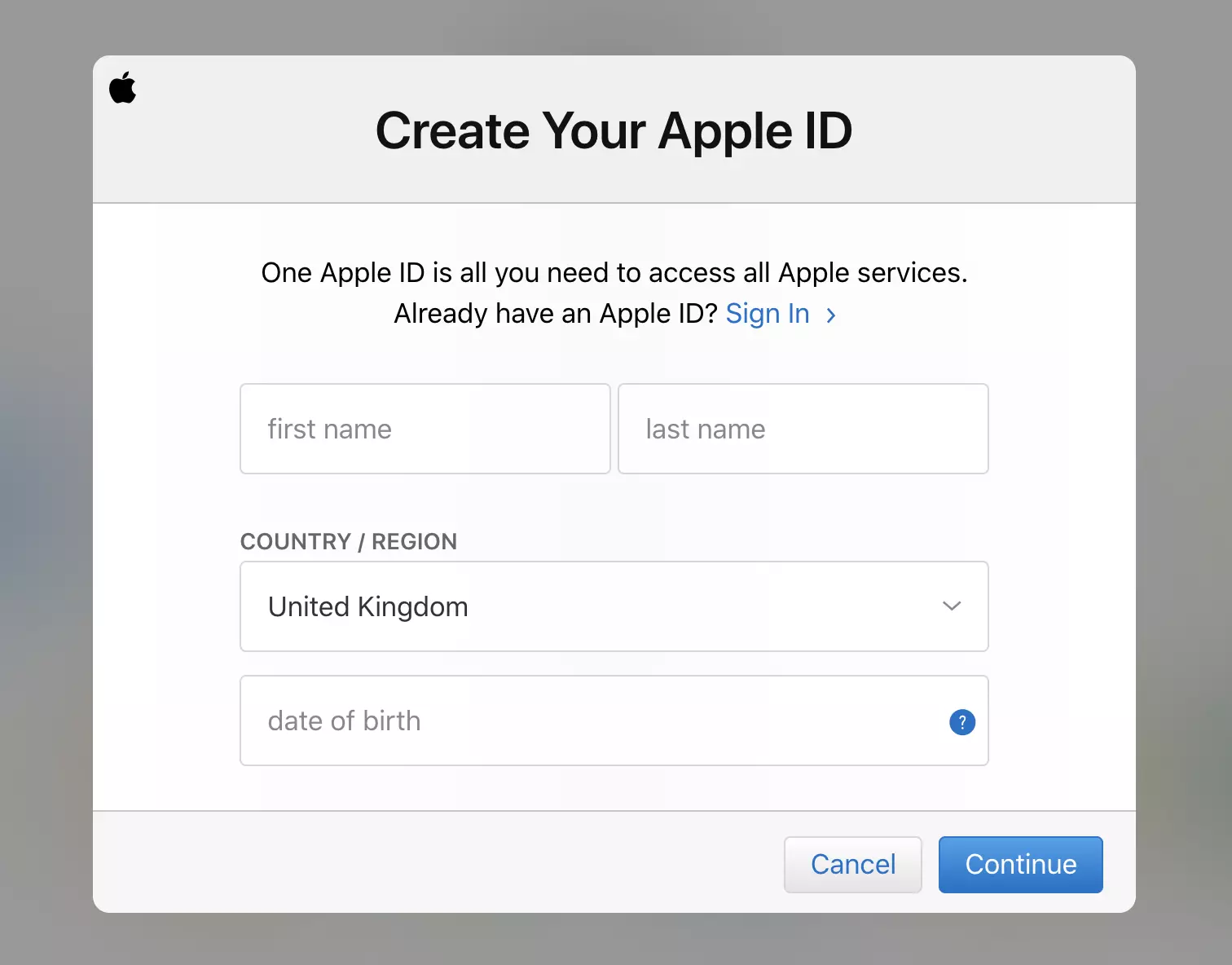
The first important step is to create your iCloud account if you don’t have it yet. Go to the iCloud website and create your Apple ID by clicking on the option at the bottom left. You can skip this step if you already have an Apple ID dedicated to your customer support needs.
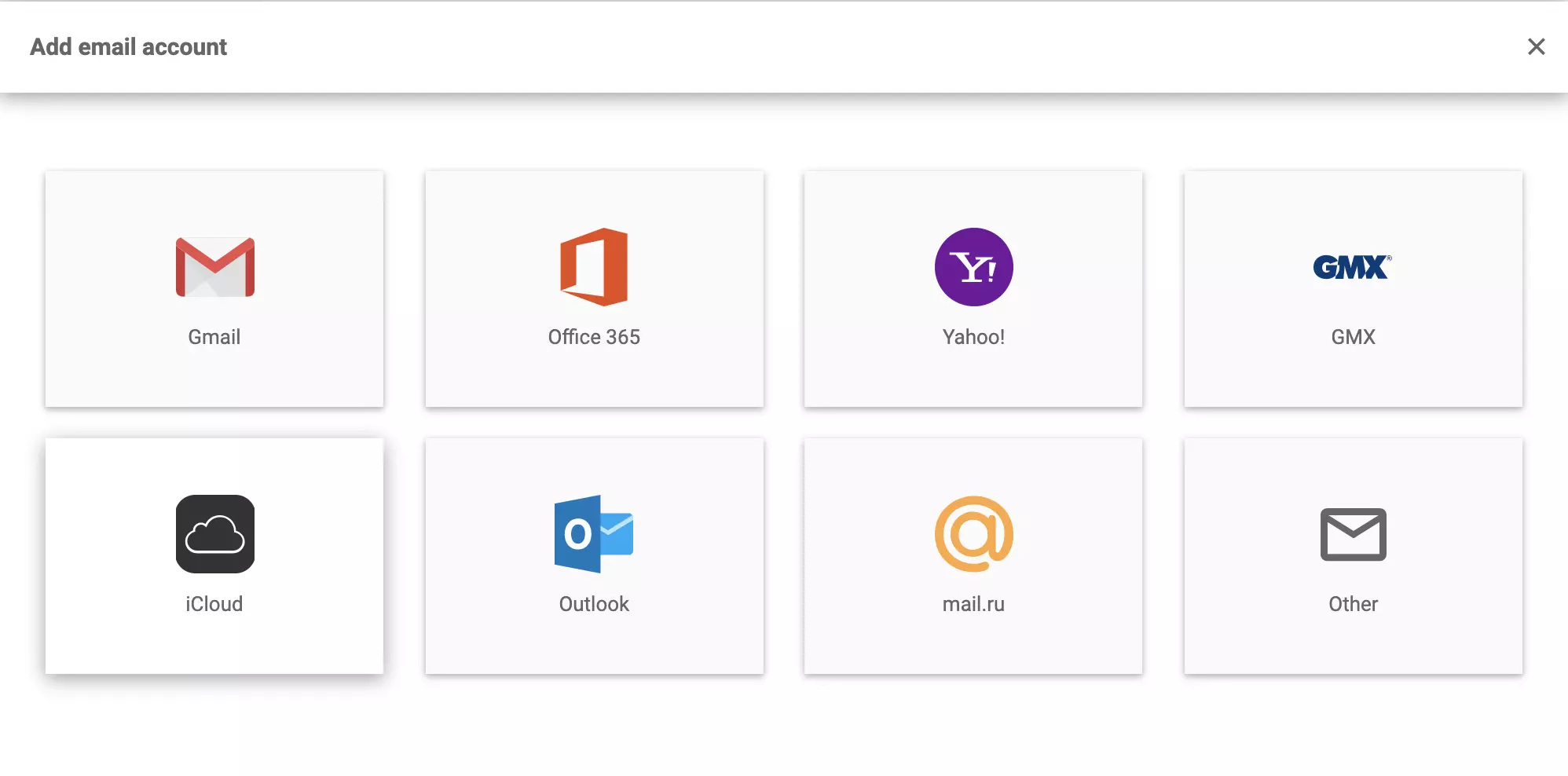
Now go to LiveAgent and open Configuration > Email > Mail Accounts and click on the orange Create button at the upper section to add a new email account. Then select iCloud from the list of email providers.
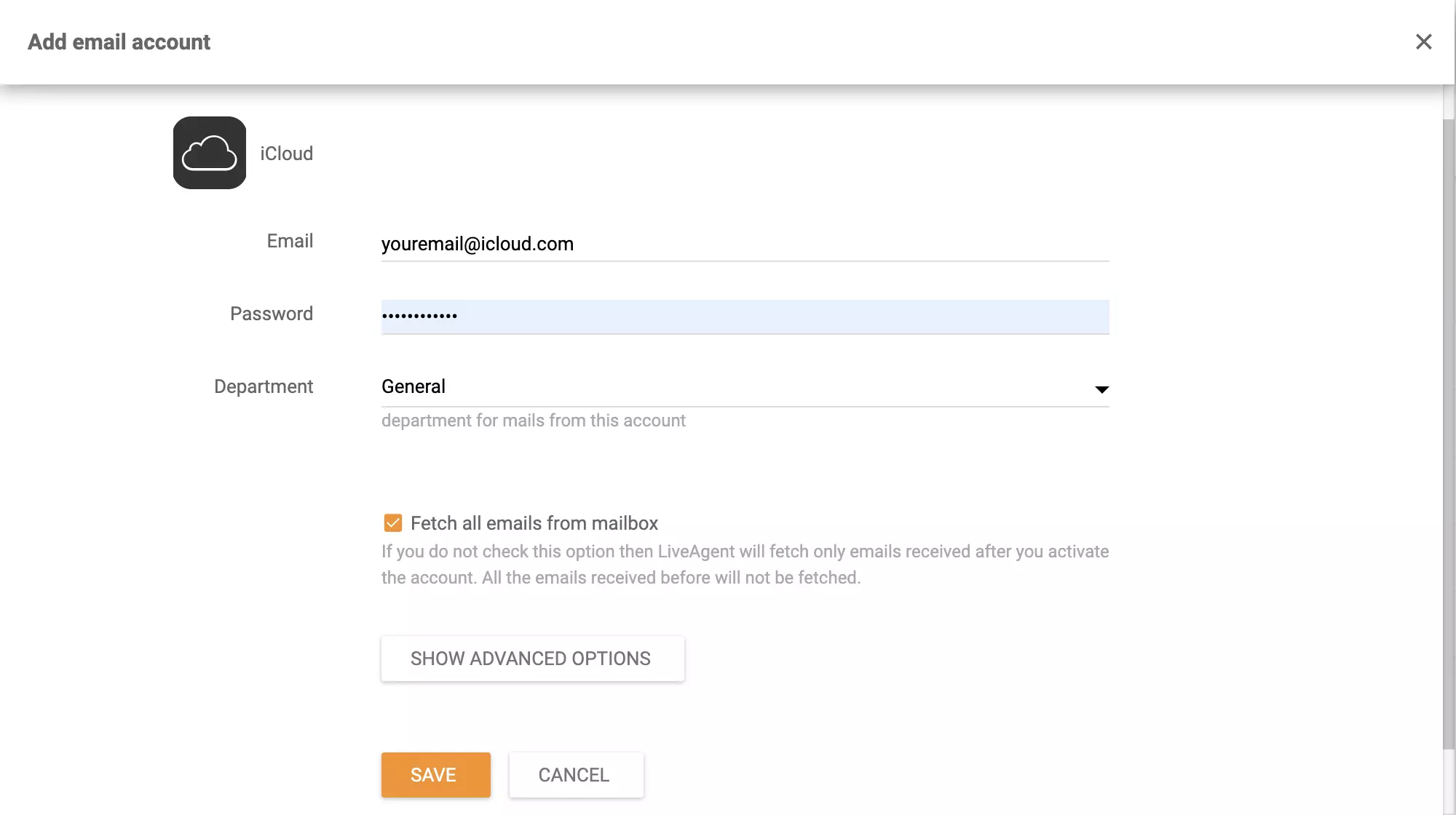
In the next section, provide your account email and password and select the department responsible for incoming emails from this iCloud. Then click on Save and proceed to the last part of the setup where you need to provide permissions to LiveAgent to access your iCloud data.
You’re done and your iCloud email account is connected to your LiveAgent help desk software. Learn more about providing customer support via our ticketing system at the LiveAgent academy, browse through all of our features or have a look at what other integrations LiveAgent supports to make your job easier.

Streamline communication, assign and track tickets, and provide prompt responses, all from within the LiveAgent platform.
Integrately connects over 600 apps to automate workflows, enhancing efficiency and saving time. Integrate LiveAgent with email marketing, billing, CRM, etc., to...
Exim is a flexible, free mail transfer agent for Unix-like systems. Integrating it with LiveAgent enhances email support and tracking. Ideal for users needing c...
LiveAgent's Instagram integration allows businesses to manage Instagram interactions through a unified inbox, enhancing customer service workflow. Boost custome...
Join our community of happy clients and provide excellent customer support with LiveAgent.
