



Kopano
Kopano offers a self-hosted email and calendaring solution for small businesses with integration support for LiveAgent's ticketing system. It's intuitive, cost-...
4 min read



IceWarp Mail Server is a collaboration tool with email, custom domains, document editing, and calendar sharing. It integrates with LiveAgent to enhance customer support through features like ticketing and various communication channels, supporting any number of users.
IceWarp is a Mail Server and collaboration software. It features mail with custom domains, document editing capabilities, calendar sharing, instant messaging, and other collaboration tools. The solution works on Windows and Linux operating systems. It offers modules that can extend its capabilities for groupware, spam protection, and antivirus protection.
IceWarp Mail Server is a comprehensive collaboration tool designed for businesses of all sizes. It combines powerful email functionality with advanced collaboration features, making it an ideal solution for teams that need to communicate and work together efficiently.
The platform provides:
IceWarp is a great collaboration solution suitable for businesses of any size because it can handle any number of users. Add as many users as you need and collaborate, chat, or manage documents with everyone.
IceWarp Mail Server is an excellent email solution for help desks. It can also be integrated with LiveAgent help desk system for increased customer support capabilities and toolset. LiveAgent ticketing software can help you manage emails and contact lists with ease. Further than that, it also lets you add a chat widget for your website, build a call center, or create a customer portal with a knowledge base for self-service.
You can also add Facebook, Instagram, Twitter, WhatsApp and Viber for additional social media capabilities. Each of these communication channels is supported by a variety of features that help you get through the day, including:
IceWarp Mail Server is easy to integrate with LiveAgent thanks to a simple connection in the LiveAgent configuration options. Follow the guide below and learn how to integrate the two apps within just a few minutes.
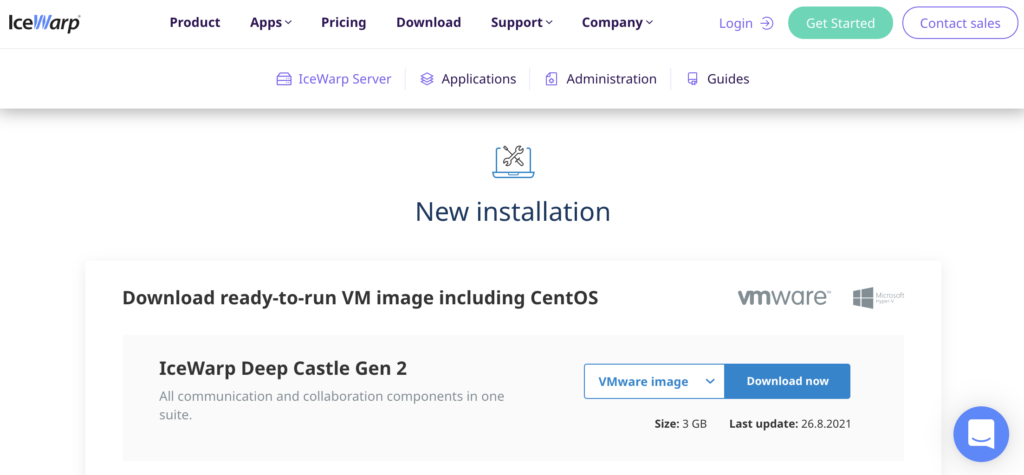
Looking to install IceWarp Mail Server first? Go to the IceWarp website and get started. After that, install IceWarp server. If you’re not sure how to do it, have a look at this great video guide from IceWarp that takes you through the installation process.
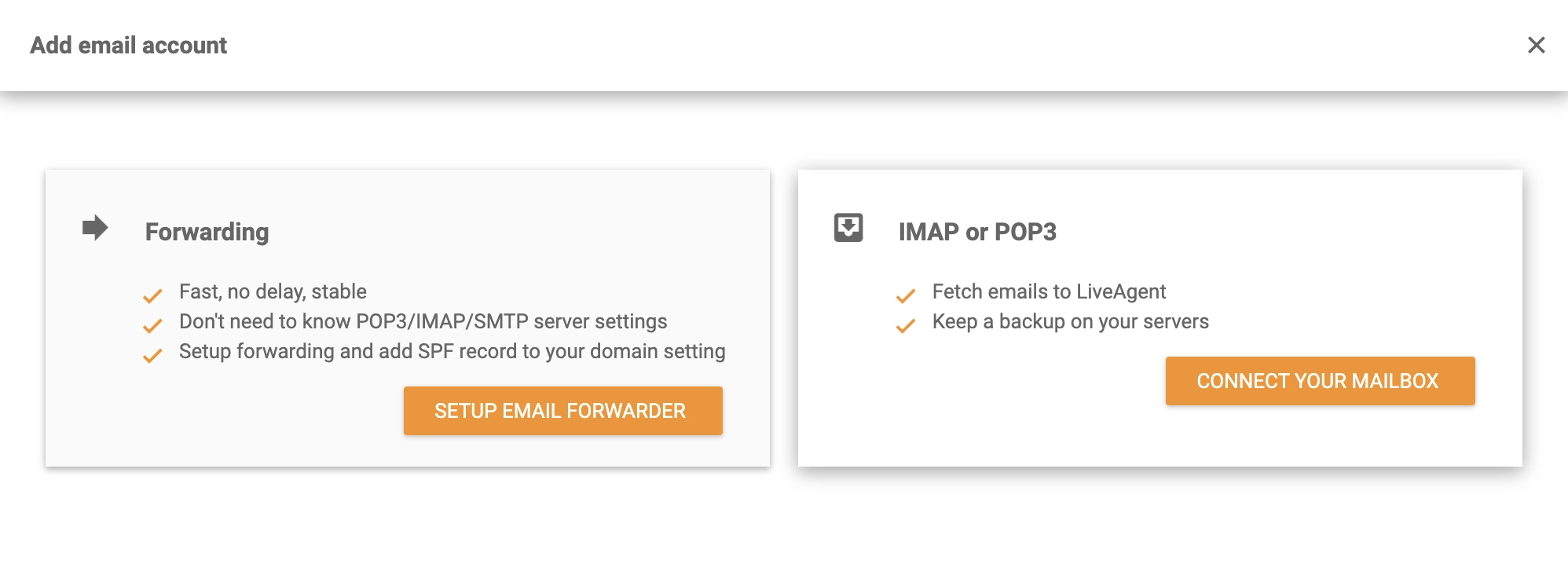
After you have enabled your IceWarp Mail Server email, open LiveAgent and click on Configuration > Email > Mail Accounts and then click the orange Create button. Several email providers will appear in the menu. You will need to select Other. Select IMAP/POP3 between the two options.
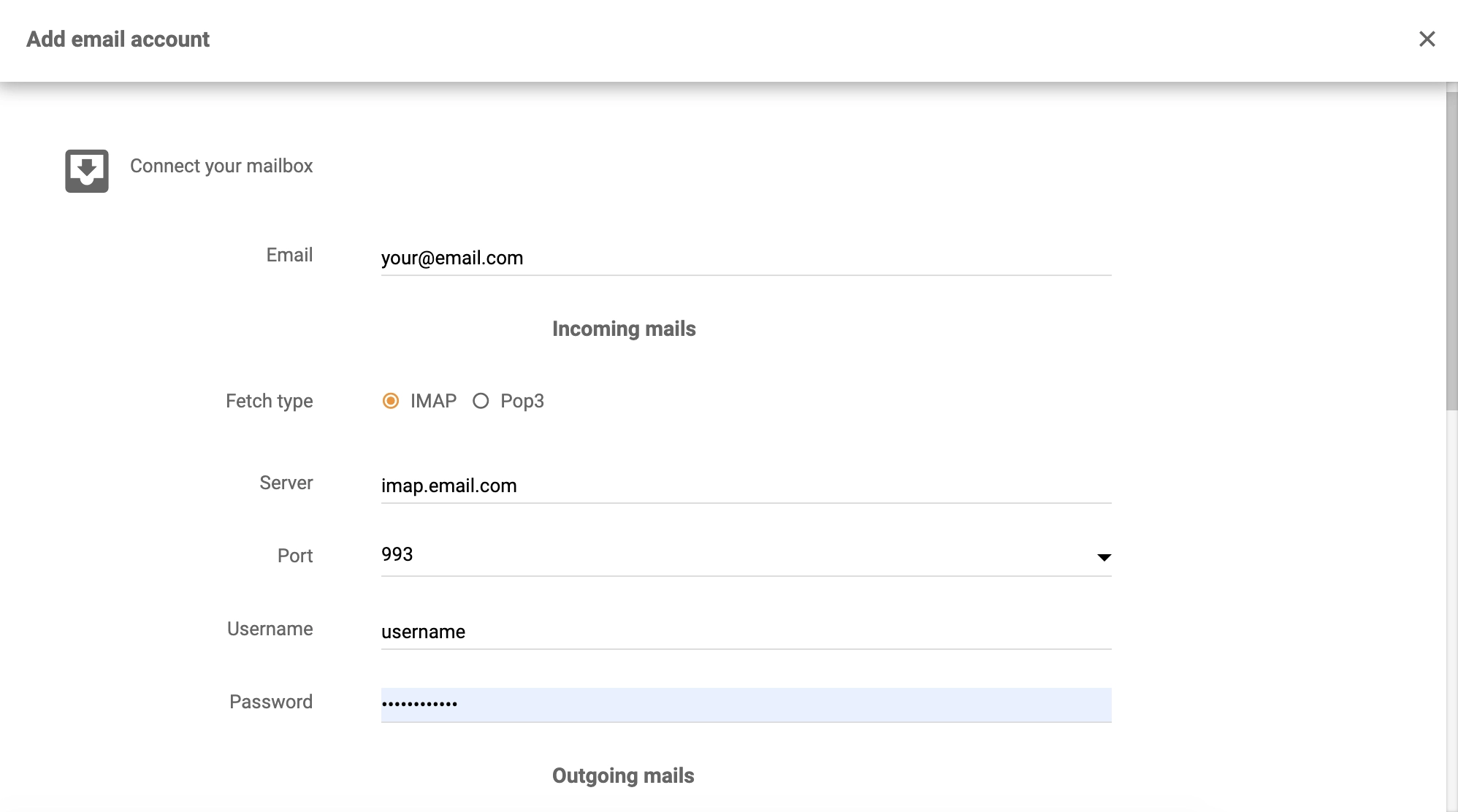
In the next section, you need to provide an email address, a username, and a password to your IceWarp account. Choose the method of fetching your emails (POP3 or IMAP) and enter server and port information. Save your changes after entering the information.
The integration is finished. LiveAgent ticketing system will now fetch all of your email communication from the IceWarp Mail Server.
In the meantime, you can have a look at our Academy page or features page to discover more about help desks, customer support, and LiveAgent capabilities.

No problem! LiveAgent offers a 30-day free trial where you can test the free IceWarp Mail Server integration!
Kopano offers a self-hosted email and calendaring solution for small businesses with integration support for LiveAgent's ticketing system. It's intuitive, cost-...
Zoho Mail integrates with LiveAgent to streamline email management for businesses, enhancing workflow efficiency by consolidating emails into one Universal inbo...
Integrate Sendmail with LiveAgent for secure, efficient email routing and enhanced customer support. This open-source solution supports various mail-transfer me...
Join our community of happy clients and provide excellent customer support with LiveAgent.
