



Google Forms
Integrate Google Forms with LiveAgent via Zapier to manage forms, create responses, and receive notifications without switching apps. Enjoy seamless data collec...
4 min read


Integrate Google Sheets with LiveAgent via Zapier to create, share, and track spreadsheets seamlessly. Boost your team’s productivity!
Google Sheets is a spreadsheet program included in Google Docs office suite. It’s free and browser-based so anybody can use it for their personal or business needs. With LiveAgent integration via Zapier, you can create, edit, and share sheets directly within your help desk platform, enhancing productivity and streamlining your workflow.
Google Sheets is a spreadsheet program included in Google Docs office suite. It’s free and browser-based so anybody can use it for their personal or business needs. This powerful tool enables real-time collaboration and integration with apps like LiveAgent via Zapier, allowing you to manage data efficiently without switching between platforms.
Use Google Sheets to keep track of new sheets added to your folders. You can also create sheets from scratch or templates, append texts, upload sheets or find them via LiveAgent’s integration. The integration allows you to:
Zapier is a service made for integrating two apps via a trigger and action system. You can integrate Google Sheets with LiveAgent via Zapier without any coding skills required.
If you don’t have a Zapier account, create one here . Then proceed to the LiveAgent and Google Sheets integrations page .
Scroll down and go to the section named “Connect LiveAgent + Google Sheets in minutes”. Pick your trigger and action in this section. There are multiple choices you can pick from.
As an example, we’re going to show you an integration with Google Sheets trigger ‘New or Updated Spreadsheet Row" with LiveAgent action “Create Conversation”. You can use this integration to keep your agents updated about new things in your sheets.
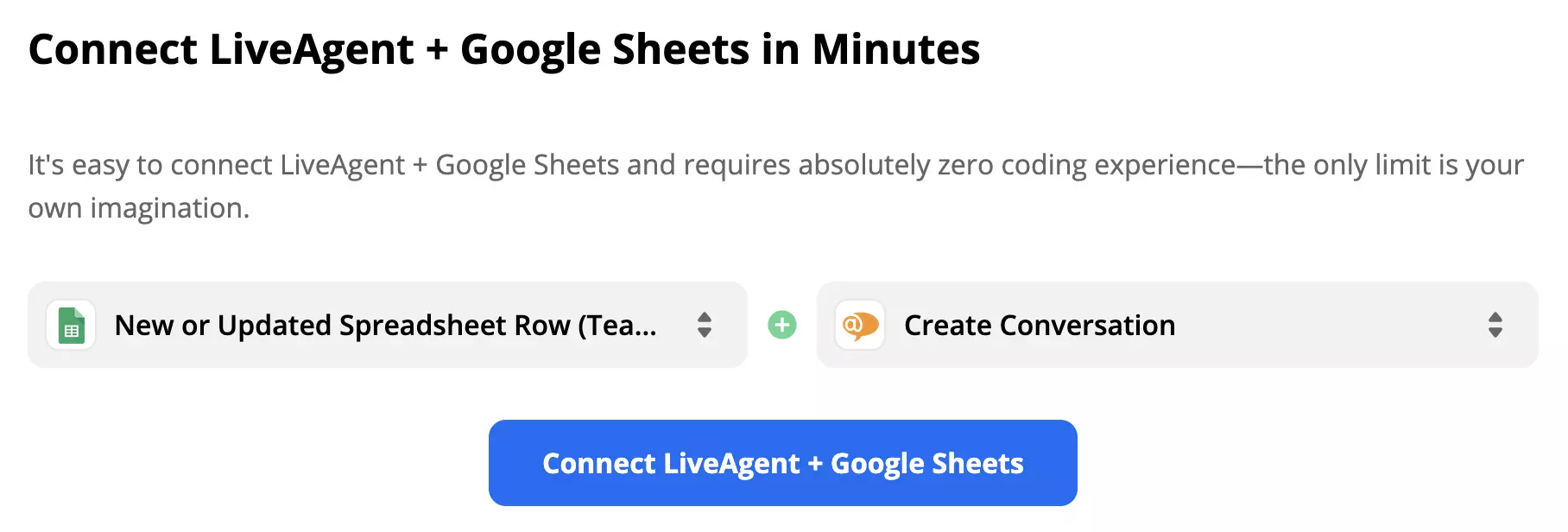
When you’re done selecting from the list of integrations click the blue Connect button to proceed.
Log into your Google Sheets account and proceed with the trigger setup.
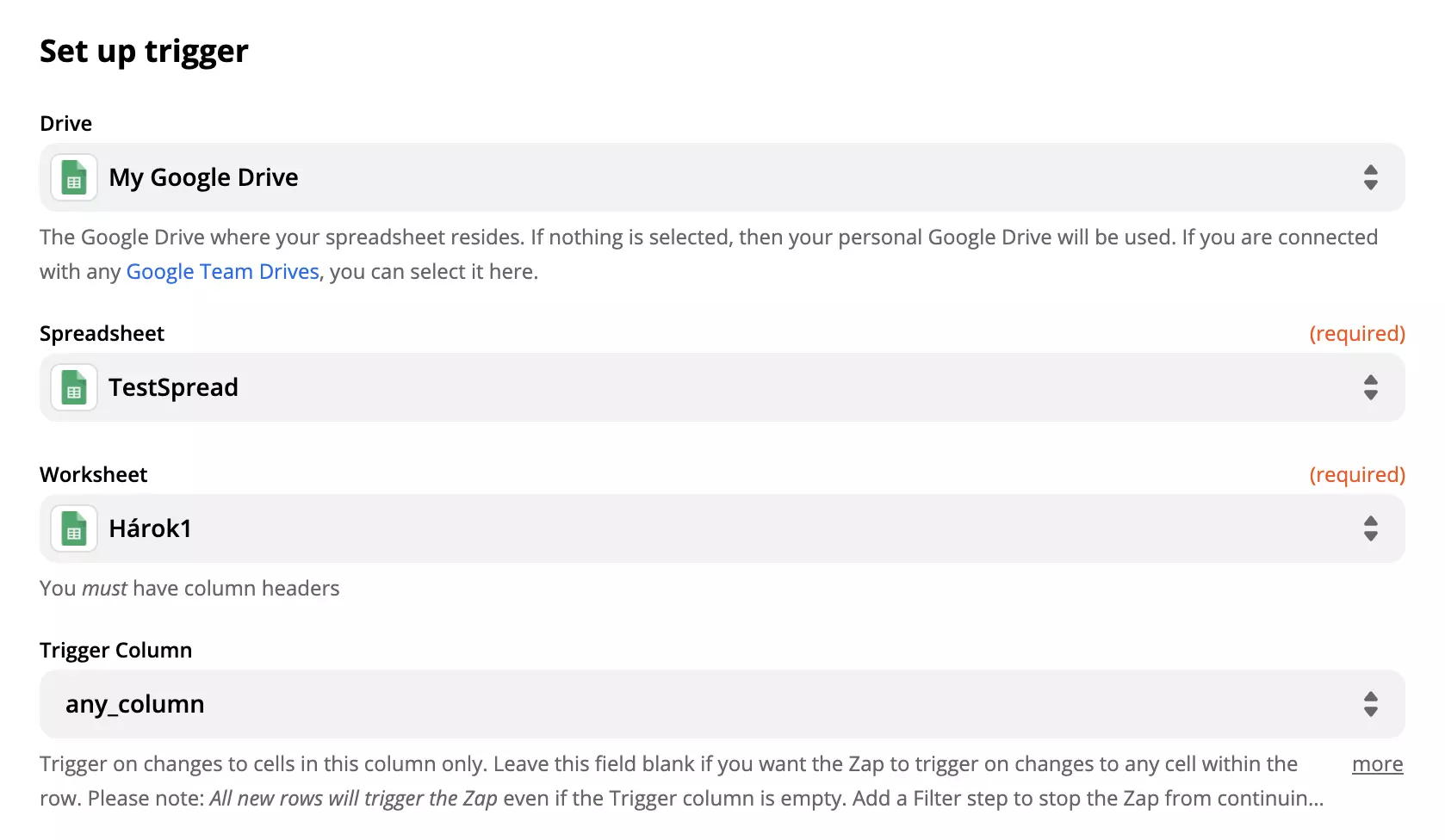
You can also test the trigger before finishing the integration. We recommend you to do this but you can skip this step.
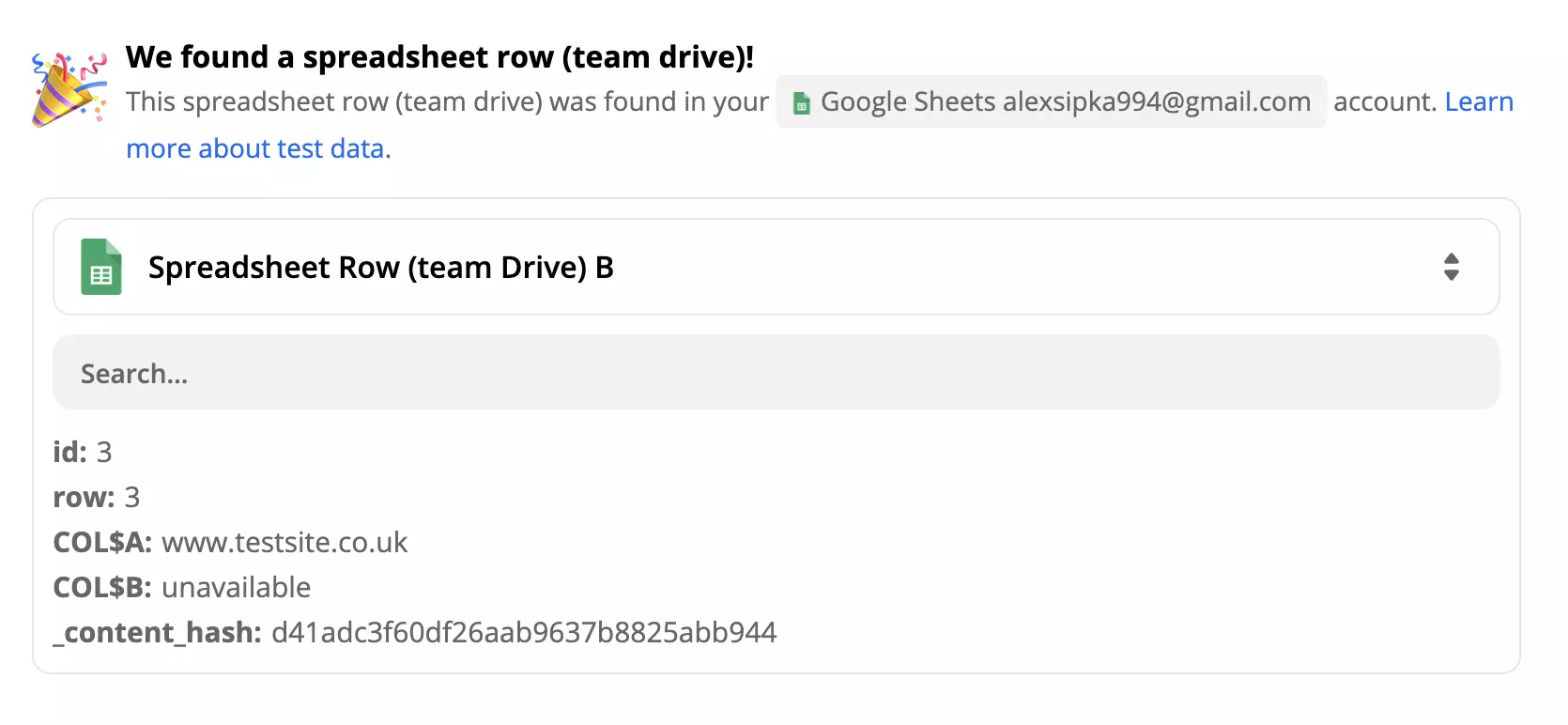
Now set up LiveAgent action. In our case, we have to fill out required fields about the conversation LiveAgent creates whenever there is a new or updated sheet.
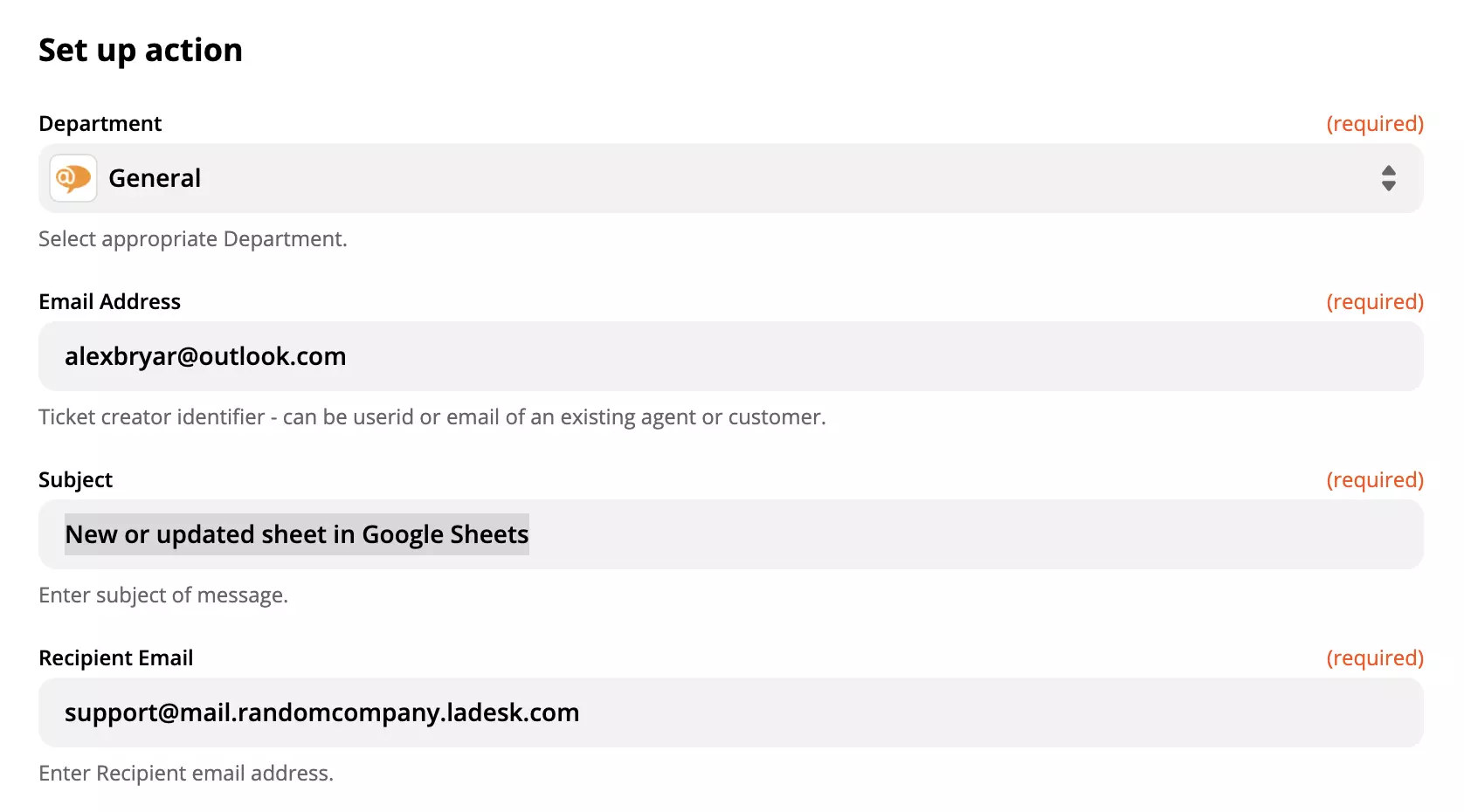
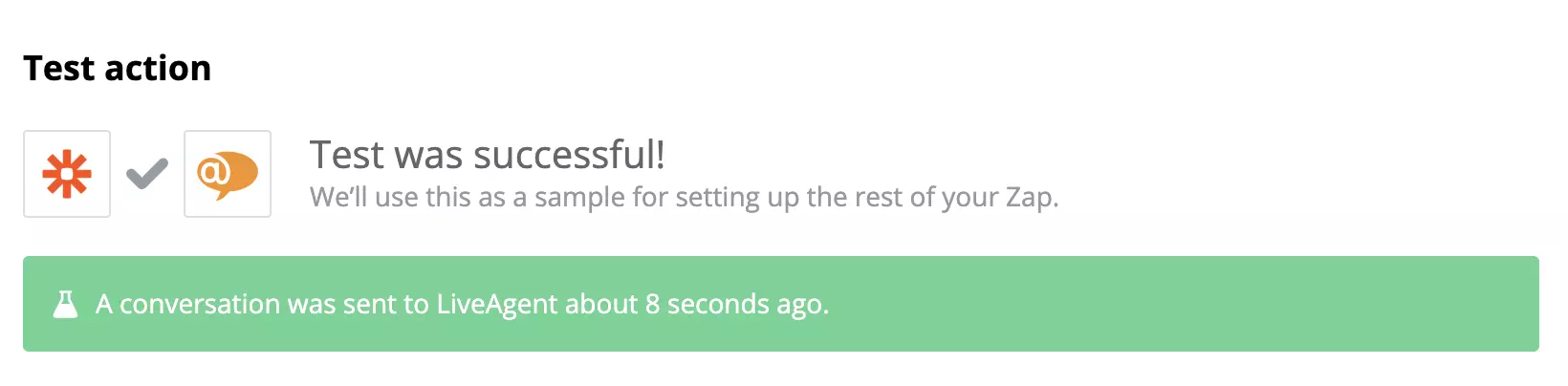
When you’re done test the integration to see if it works. You can also check your email tickets and look for the message about updates or new sheets.
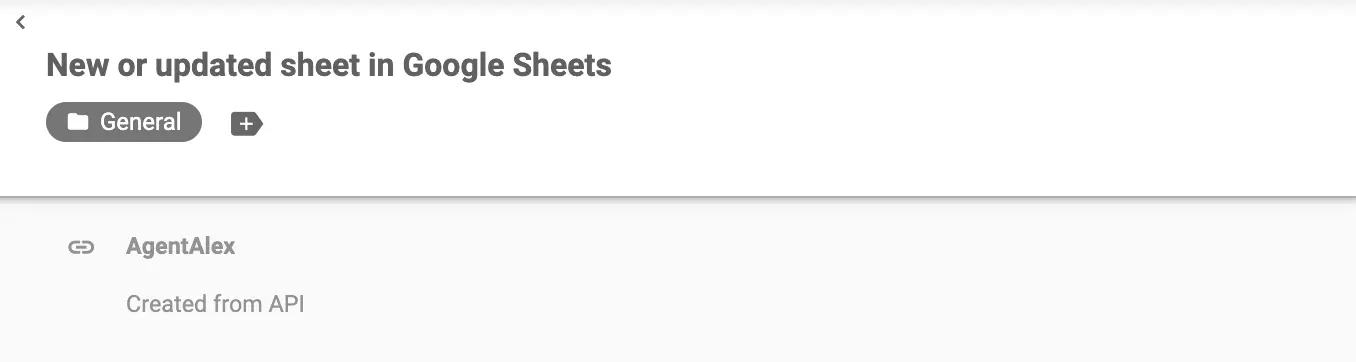
You’re done! Enjoy your new integration. Here’s an example of how your sheets will appear in LiveAgent:
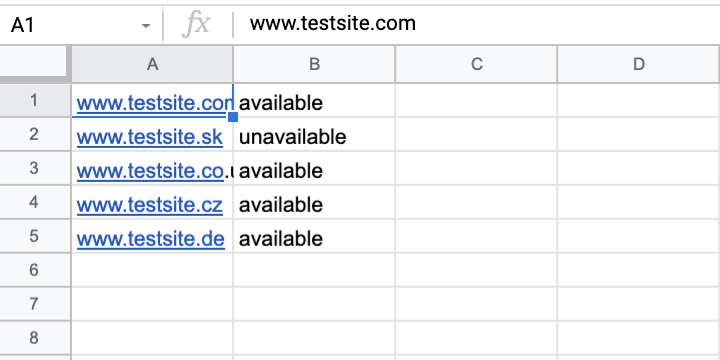
Feel free to return to this guide when creating more integrations.
Start your free 30-day trial today and experience the power of integrated customer support with Google Sheets.
Integrate Google Forms with LiveAgent via Zapier to manage forms, create responses, and receive notifications without switching apps. Enjoy seamless data collec...
Integrate Google Analytics with LiveAgent to track live chat events, measure their impact on conversions, and enhance customer service. Activate Live Chat Track...
Google Calendar integrates with LiveAgent to manage events and receive notifications in one interface, eliminating platform switching. Benefits include time-sav...
Join our community of happy clients and provide excellent customer support with LiveAgent.
