



Google Sheets
Integrate Google Sheets with LiveAgent via Zapier to create, share, and track spreadsheets seamlessly. Boost your team's productivity!
3 min read



Integrate Google Forms with LiveAgent via Zapier to manage forms, create responses, and receive notifications without switching apps. Enjoy seamless data collection and response management directly from your LiveAgent dashboard.
Google Forms is a web-based survey administration software that’s part of the Google Docs Editors suite. It’s used for collecting data, information, and conducting research through surveys. Google Forms is free to use for everybody, making it an accessible solution for businesses of all sizes.
When you integrate Google Forms with LiveAgent , you can find and create responses, follow notifications, and manage your forms directly from your dashboard. Many of these functions can be done without switching between apps, streamlining your workflow and improving productivity.
Google Forms is a powerful tool for data collection and survey administration. As part of Google’s suite of productivity tools, it allows you to create custom surveys, questionnaires, and feedback forms with ease. The platform supports various question types, conditional logic, and automatic response collection, making it ideal for gathering customer feedback, conducting market research, and collecting information from your audience.
When integrated with LiveAgent, Google Forms becomes even more powerful. You can:
You can integrate Google Forms via Zapier service. Zapier allows you to seamlessly connect two apps and create integrations between them. Follow these steps:
First, you need to create a Zapier account . If you already have one, simply log in.
Once you have a Zapier account, go to the Google Forms + LiveAgent integrations page on Zapier .
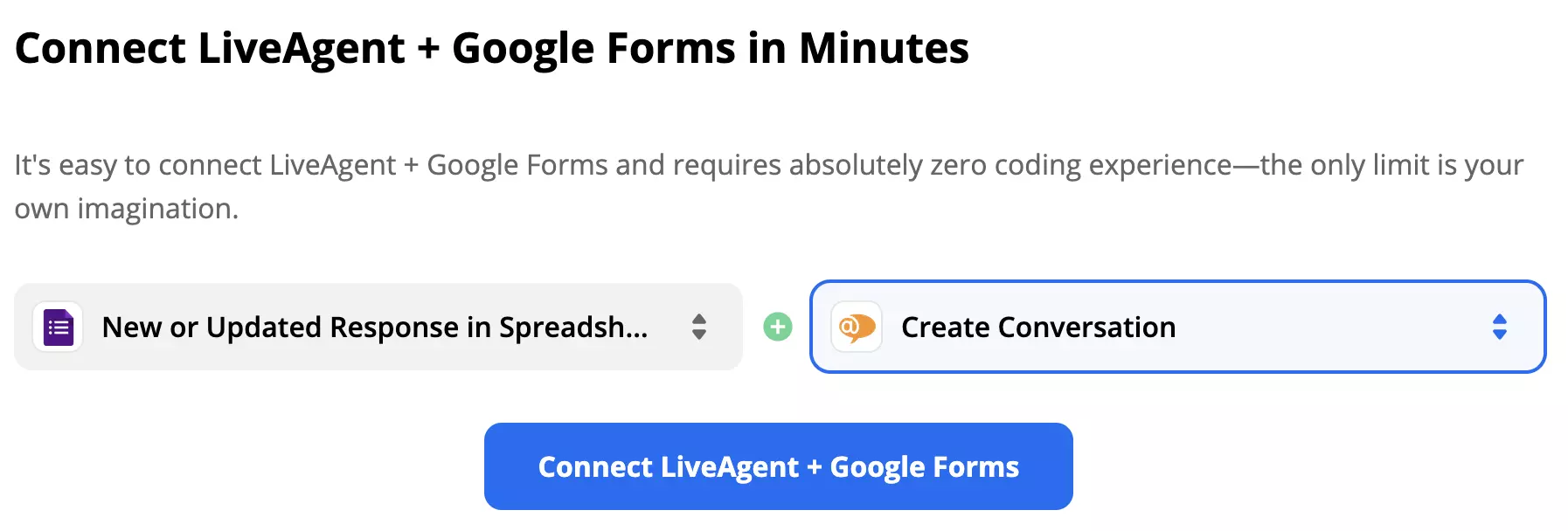
Scroll down on the page until you see the trigger and action selection. The first step of integrating LiveAgent with other apps is to pick what you want your integration to do. This can be done by selecting the right triggers and actions.
Depending on your integration setup, the trigger and action setup option can vary depending on your combination. However, the integrating process generally remains easy and can be completed within minutes. There are quite a few combinations to choose from.
As an example, we’re showing a guide for Forms trigger New or Updated Response in Spreadsheet and LiveAgent action Create Conversation. After choosing, simply click on the blue Connect button below to proceed to the next step.
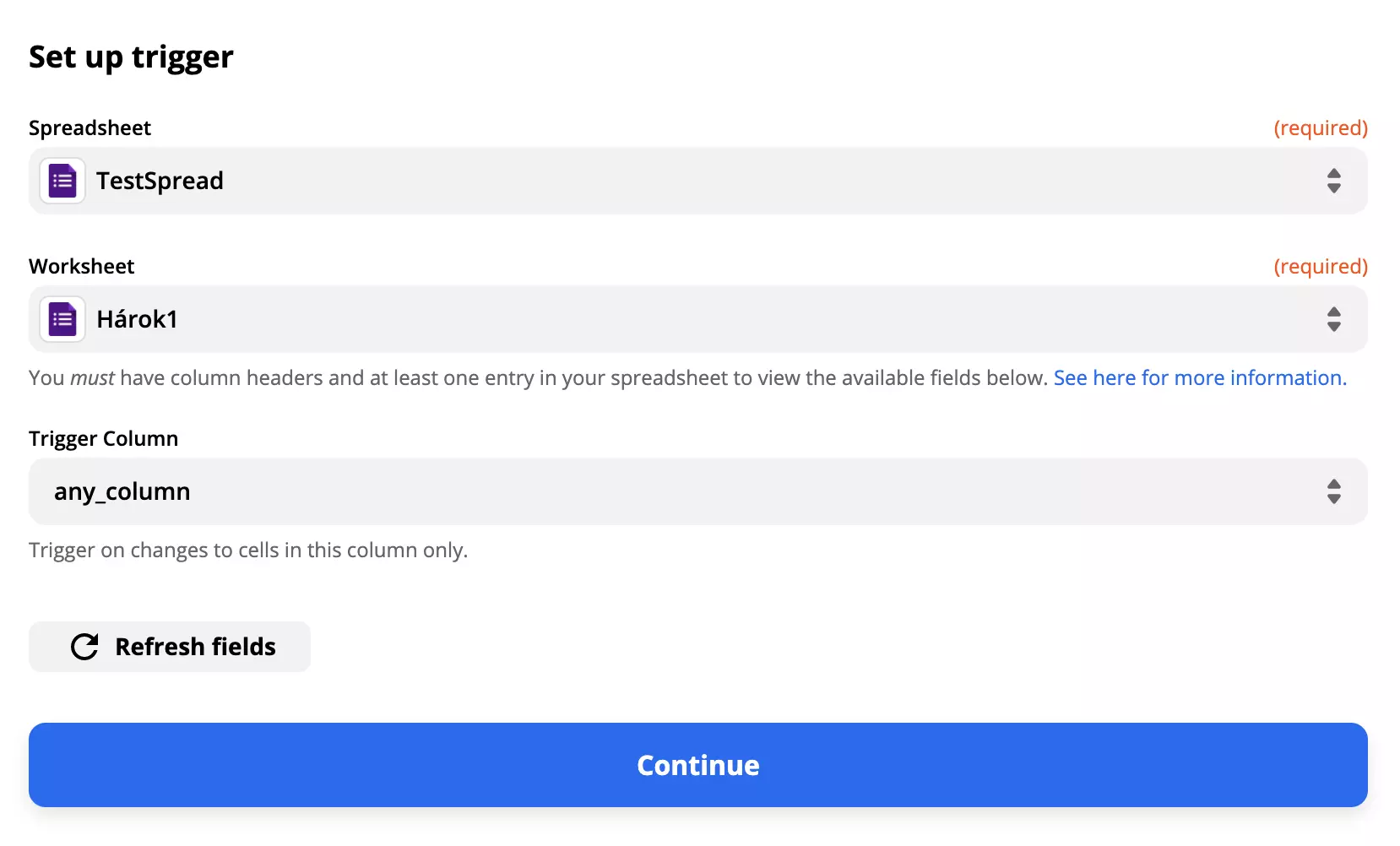
This step requires you to provide your login information and provide access to Zapier. You can also choose which spreadsheet, worksheet, or column along with its content will become a part of the integration.
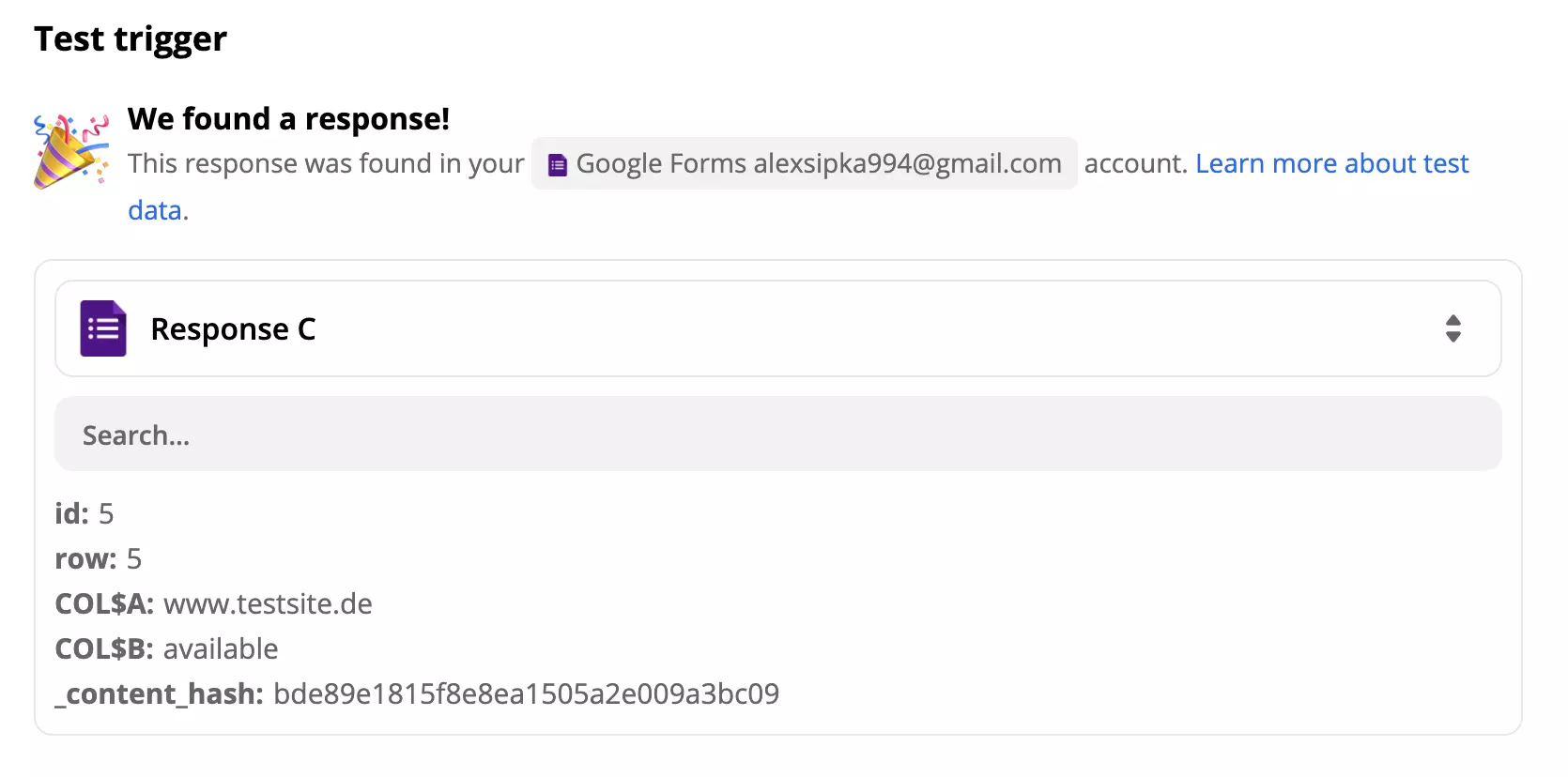
After providing these details, Zapier will ask for a trigger test. You can choose to skip it, but we recommend you to go ahead with it to see if it works correctly.
Now for the LiveAgent action. Since we want our integration to create a conversation in our ticketing system, we need to configure its sender, recipient, and message content. There’s also a department section to specify what department will the ticket be sent to.
This part of the setup also includes non-required fields, such as recipient name, CC email address, message ID, and more. You can choose to fill out these fields if you want your message to be more specific.
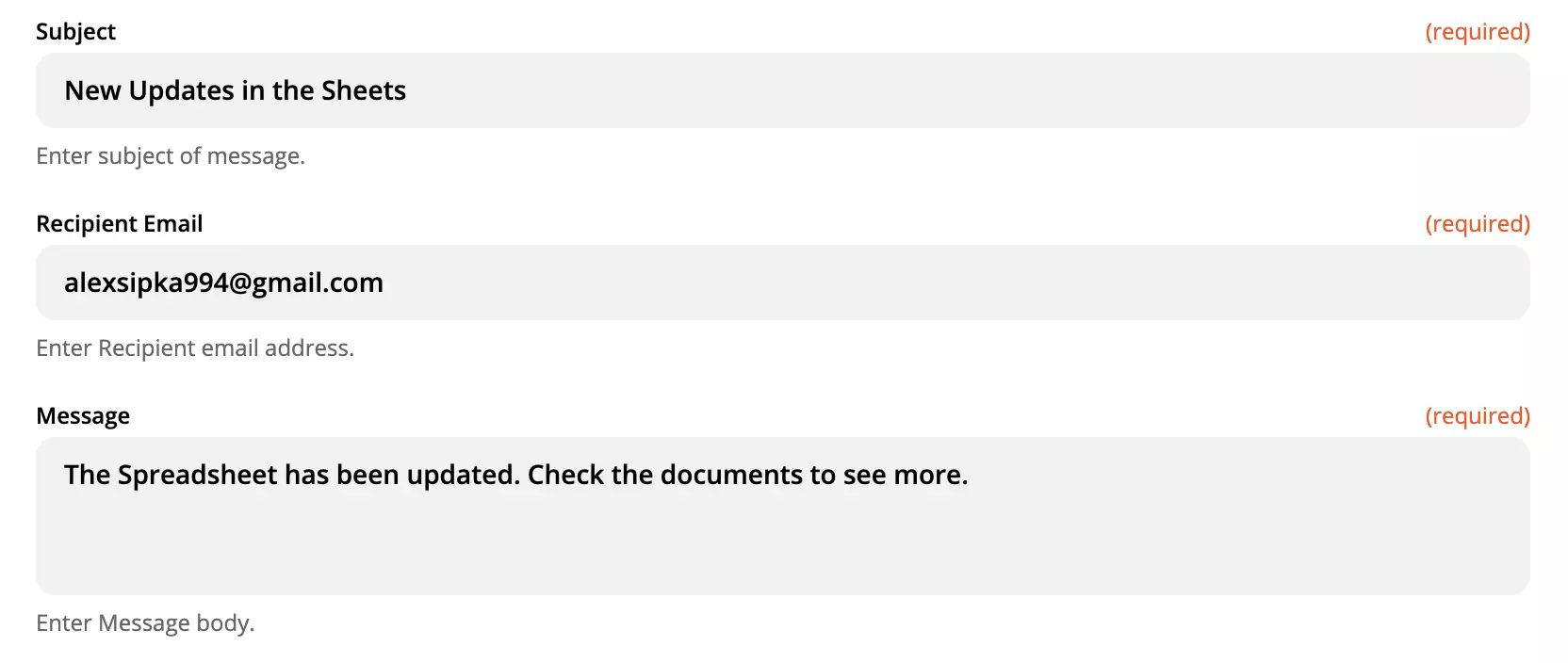
The last part of the integration process is the test.
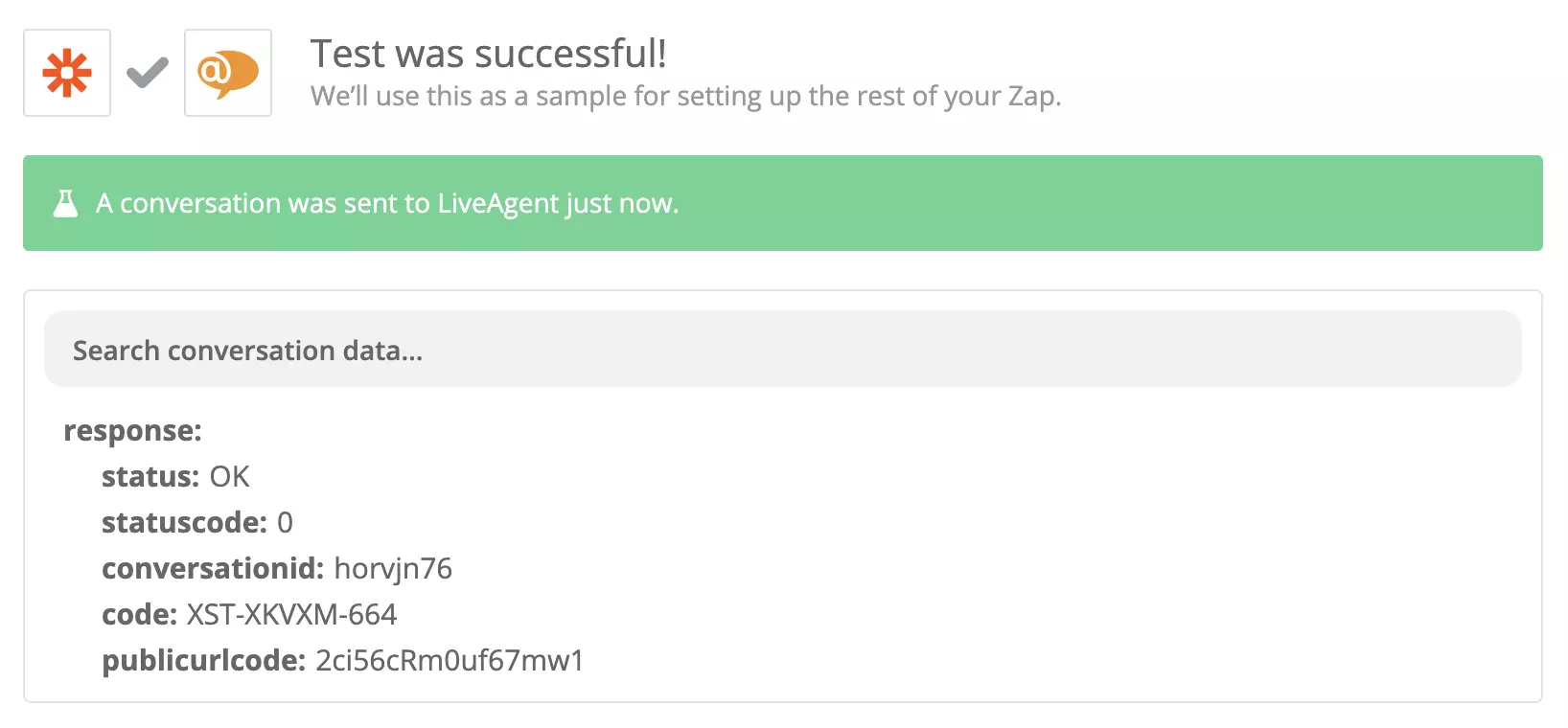
Success! Your integration is ready. Click on Turn on Zap to activate it and start using it. You’ll get a message in your ticketing system whenever there’s a new or updated response in your spreadsheets.
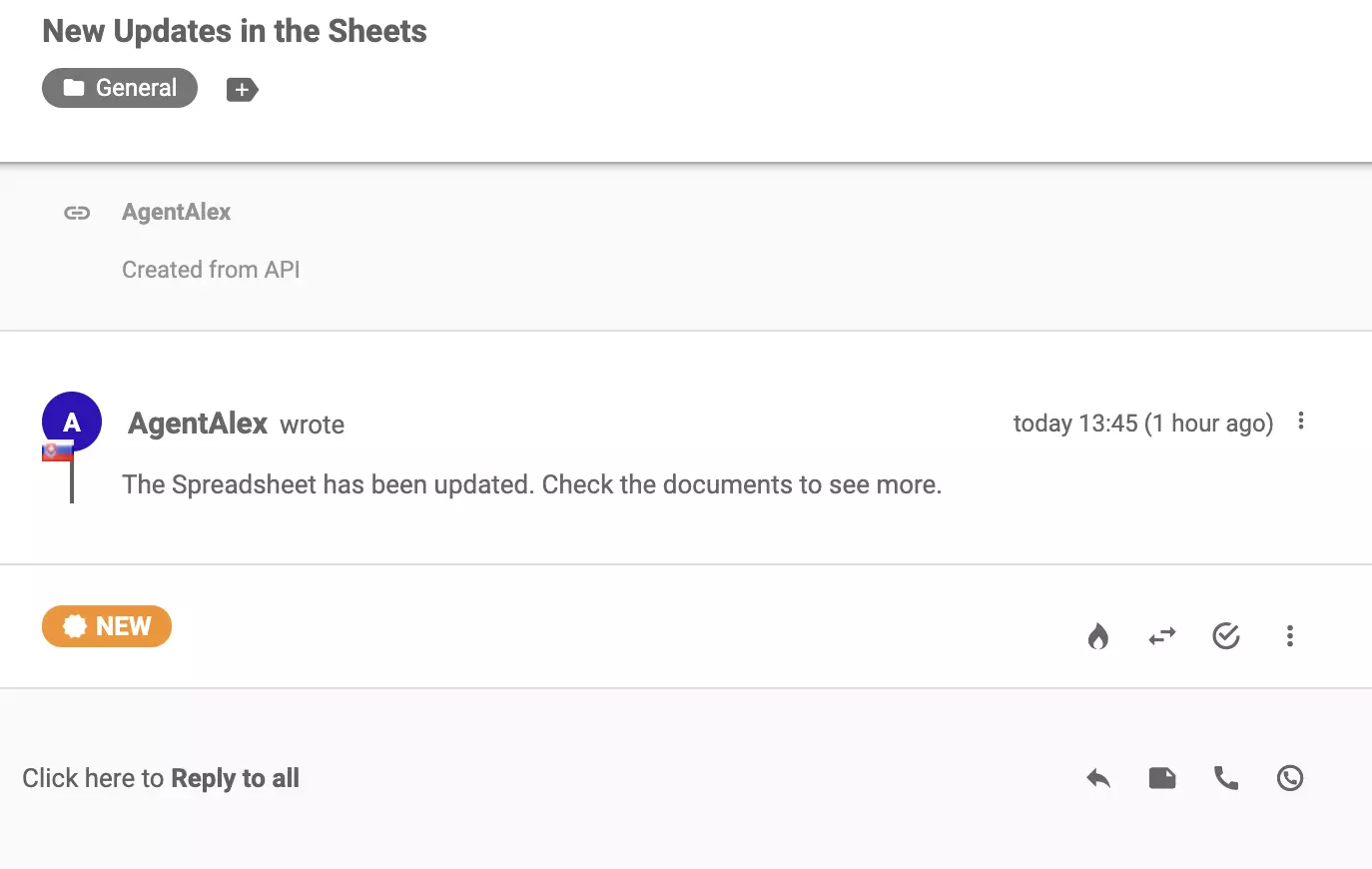
If you want to create more different integrations, return to the Zapier page at the beginning of this article and follow the same process.
No problem! LiveAgent offers a 30-day free trial where you can test the free Google Forms integration!
Integrate Google Sheets with LiveAgent via Zapier to create, share, and track spreadsheets seamlessly. Boost your team's productivity!
Gravity Forms is a WordPress plugin for creating contact forms. Integrating with LiveAgent via Zapier helps track submissions, manage customers, and enhance wor...

Discover the power of Formidable Forms, a user-friendly WordPress plugin perfect for beginners. Effortlessly create custom forms and manage entries with a seaml...
Join our community of happy clients and provide excellent customer support with LiveAgent.
