



Social Media Help Desk Features
LiveAgent's social media help desk integrates with Facebook, Twitter, Instagram, and WhatsApp, consolidating customer interactions in one inbox. Features includ...
9 min read
Social Media
Integration
+2


Integrate LiveAgent with Facebook to manage inquiries, posts, and comments from one platform, boosting agent productivity and customer satisfaction. Streamline support, enhance security, and increase sales opportunities with this efficient, game-changing solution.
Connect LiveAgent with Facebook to streamline your customer support, keep track of all messages and comments, boost agent productivity, and increase customer satisfaction with this game-changing integration.
Facebook is a free social networking website that allows registered users to create profiles, upload photos and videos, send messages and keep in touch with friends, family, and colleagues.
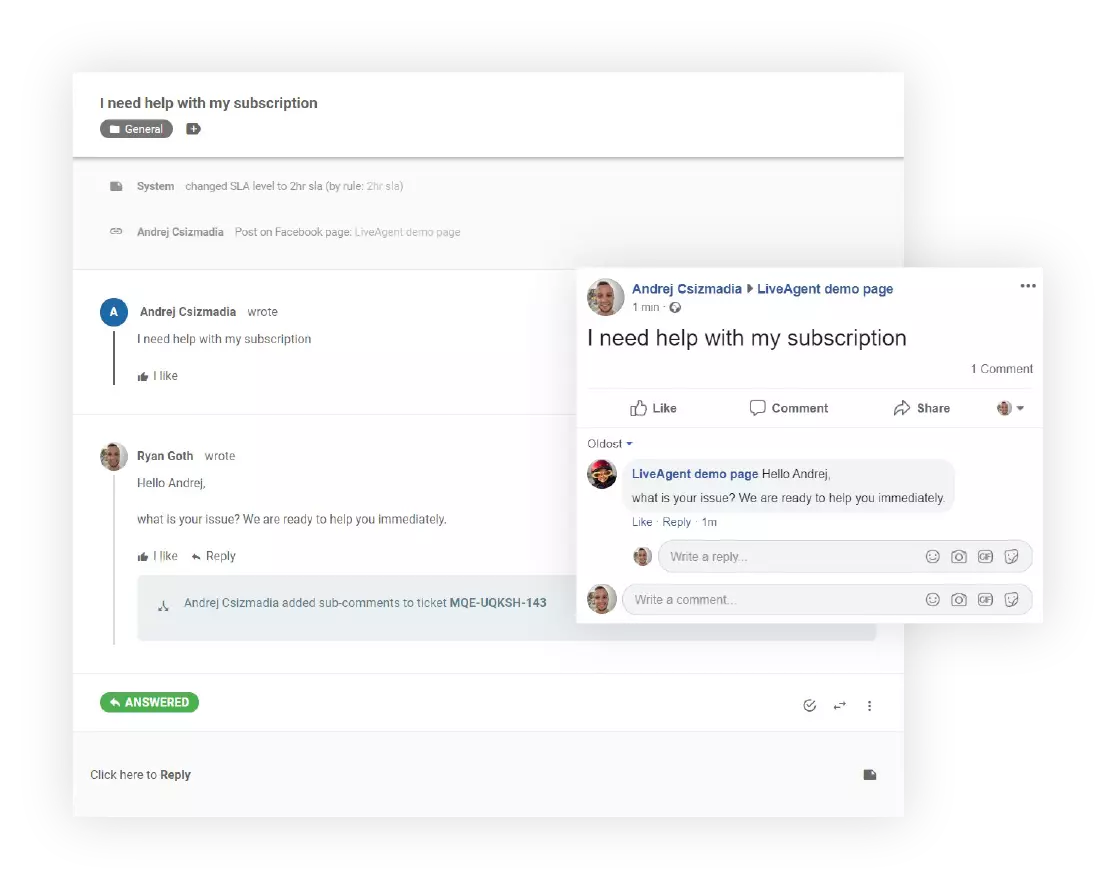
Connecting LiveAgent with Facebook enables LiveAgent users to respond to Facebook messages, posts, or comments directly from their LiveAgent dashboard (without having to log into Facebook itself), making it a very workflow efficient integration.
LiveAgent gathers each comment, post, and message in your LiveAgent inbox, and converts it into a ticket. From there, agents can respond to each ticket just as if they would on Facebook. The end result? Your customers won’t notice any difference other than your response speed!
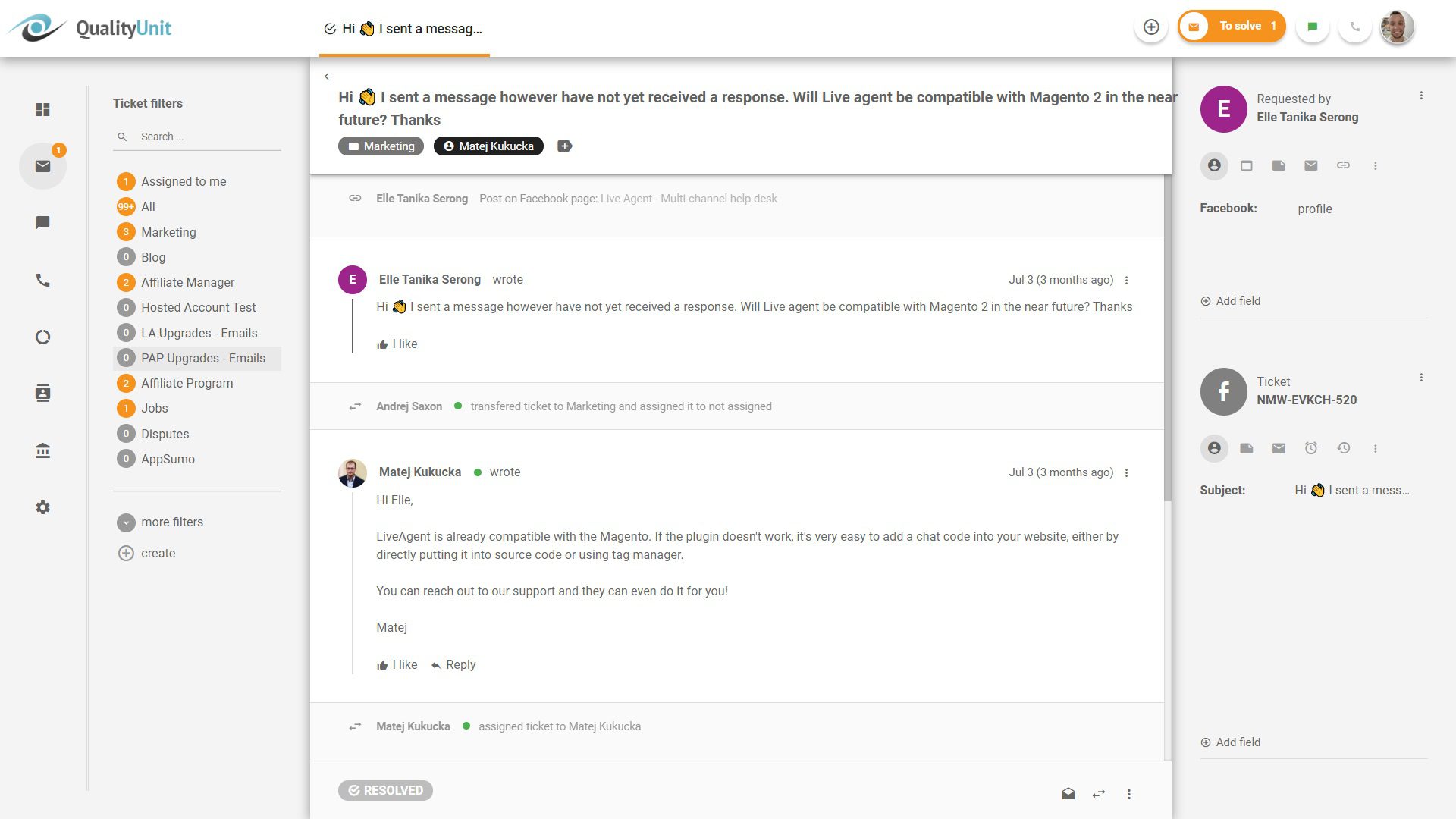
By activating the Facebook integration feature, you can take all these actions directly from LiveAgent:

The latest tips and deals delivered straight to your inbox.
Integrating Facebook with LiveAgent can greatly enhance your customer support capabilities. However, it’s important to note that not all subscription plans include Facebook integration. The integration is included in the Large plan, but it can be purchased separately for the Small and Medium plans as well. Only the Free plan does not provide this integration.
Follow these steps to start answering Facebook messages via LiveAgent today!
1. Log in to LiveAgent
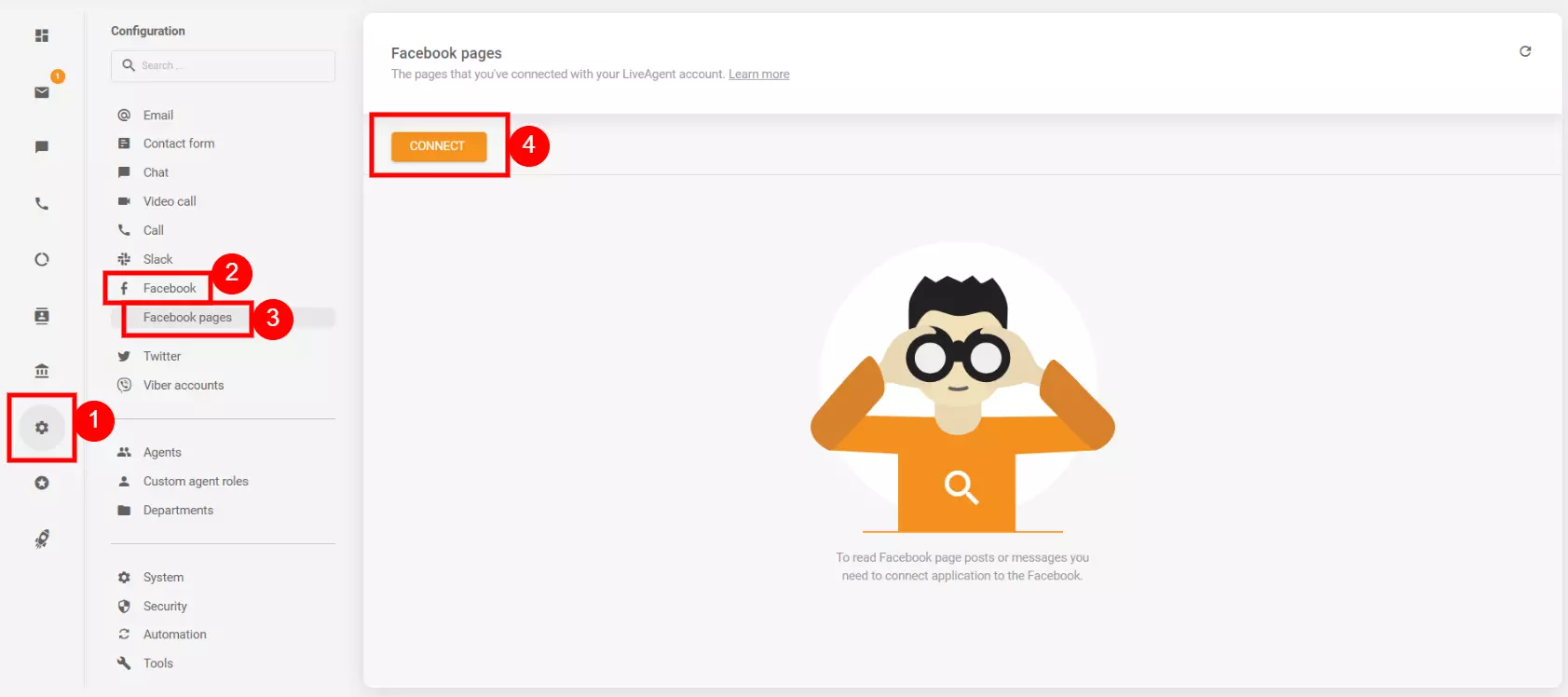
2. Click Configuration → Facebook and Instagram → click on Accounts (in case you have also the Instagram plugin activated) → and click on Connect button
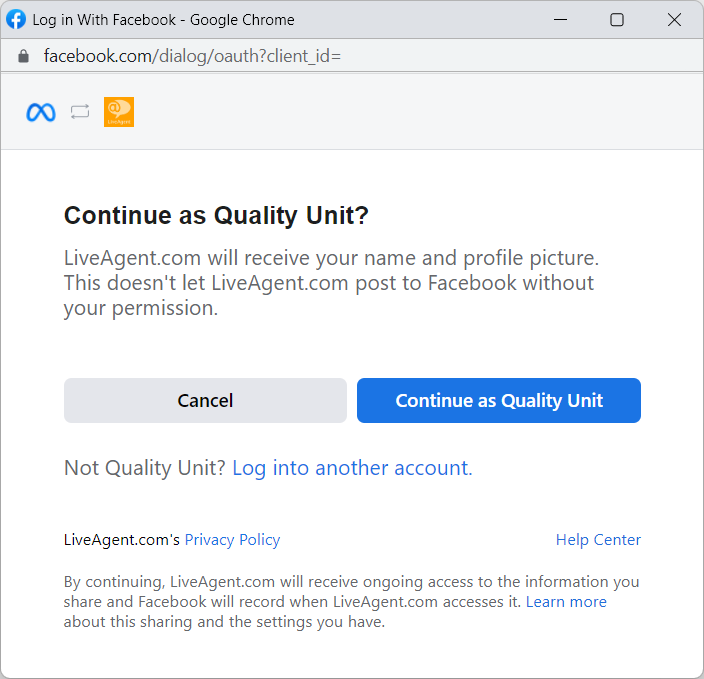
3. A new pop-up window will appear and prompt you to log in to your Facebook account. Enter your login information or if you’re already logged in, click on ‘Continue as".
4. Choose which Facebook pages you wish to integrate with LiveAgent and click “Next”.
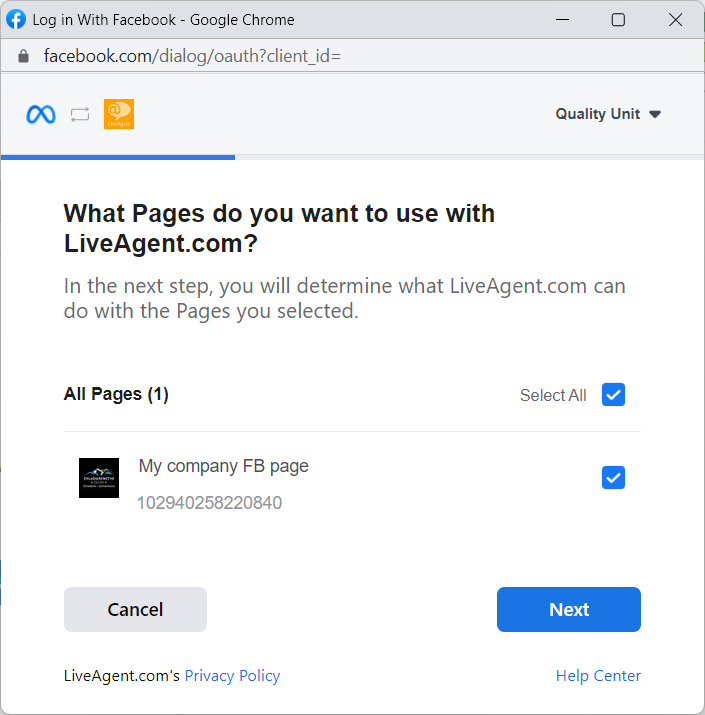
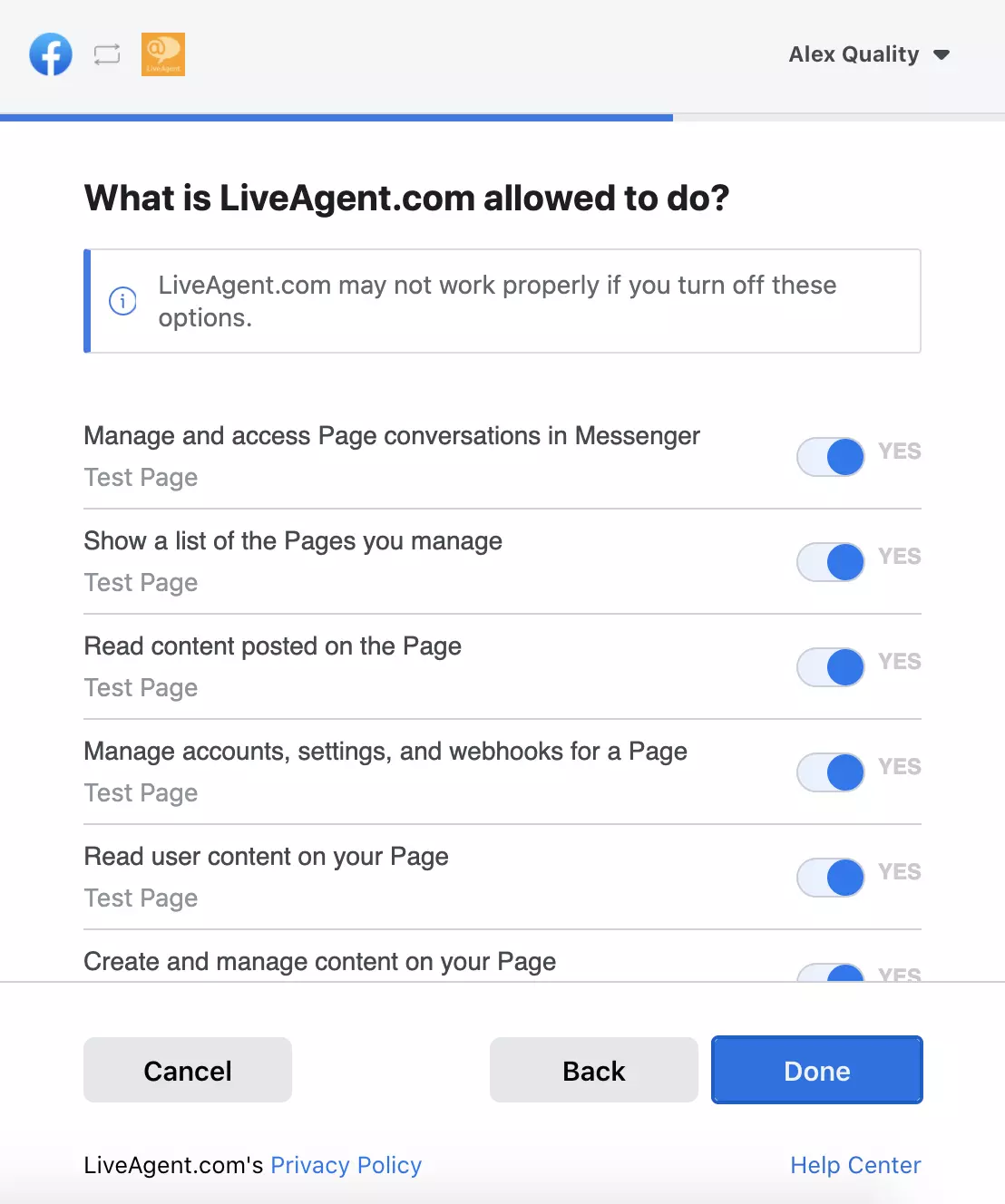
5. There will be a new pop-up window with a list of Facebook permissions. Do not deactivate any of them to avoid issues with the integration. You can change these settings later on. Simply confirm the permissions by clicking on the “Done” button.
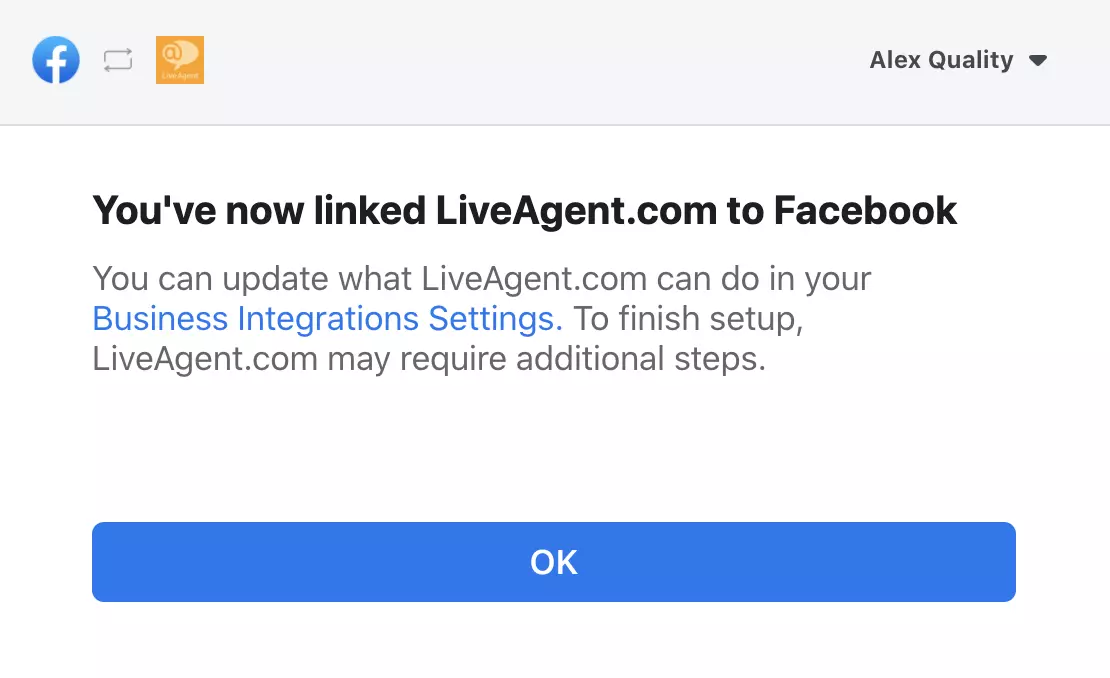
6. Wait for the confirmation of successful integration and click “OK”.
7. Head back to your LiveAgent account and choose which pages you want to connect and select the permissions you want to allow. You can choose from the following options: Fetch wall posts and Fetch private messages
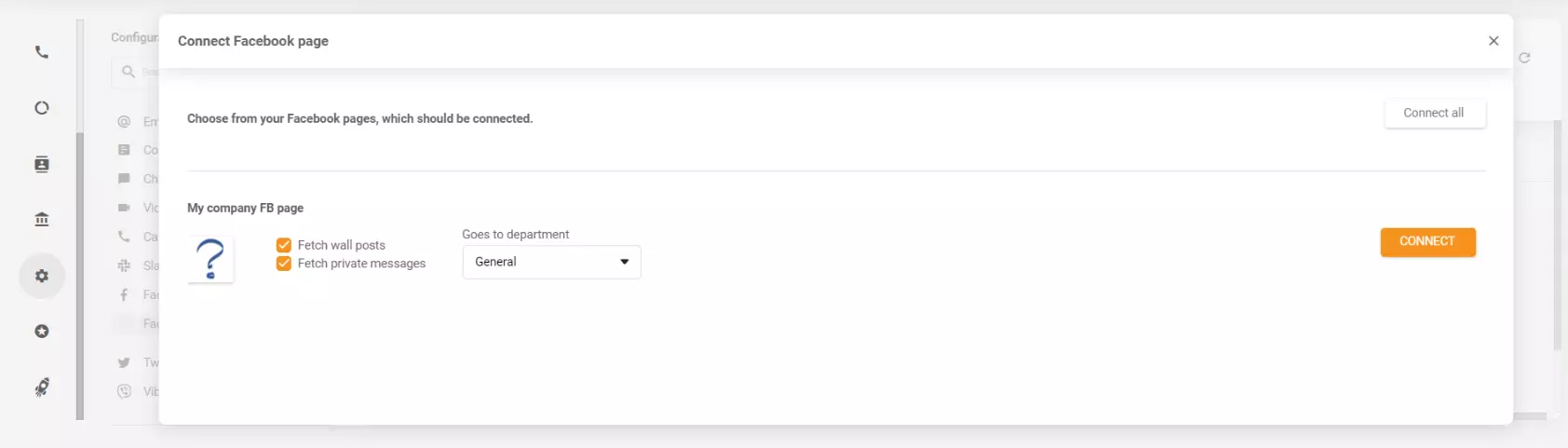
8. For each page, you can select a specific department into which you want to route incoming Facebook tickets.
9. Click “Save” and you are all set!
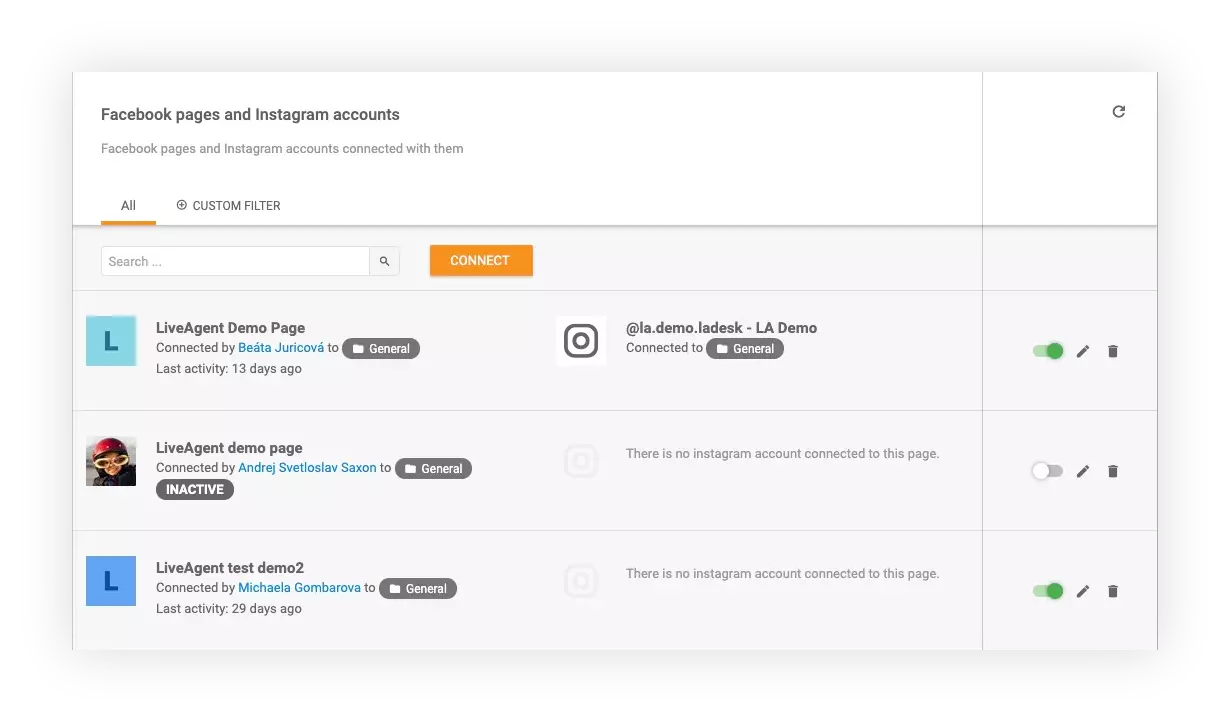
Need more help with this integration? Check out this detailed guide for cloud-hosted accounts , or this article for the standalone versions of LiveAgent.
Additional information about setting up the Facebook application for standalone accounts .
Integrating LiveAgent with Facebook can be a game-changer for several reasons:
Let us take care of the heavy lifting and logistics, so you can focus on providing smooth and reliable support for all of your customers. Start your free 30-day trial today. No credit card required.
LiveAgent's social media help desk integrates with Facebook, Twitter, Instagram, and WhatsApp, consolidating customer interactions in one inbox. Features includ...
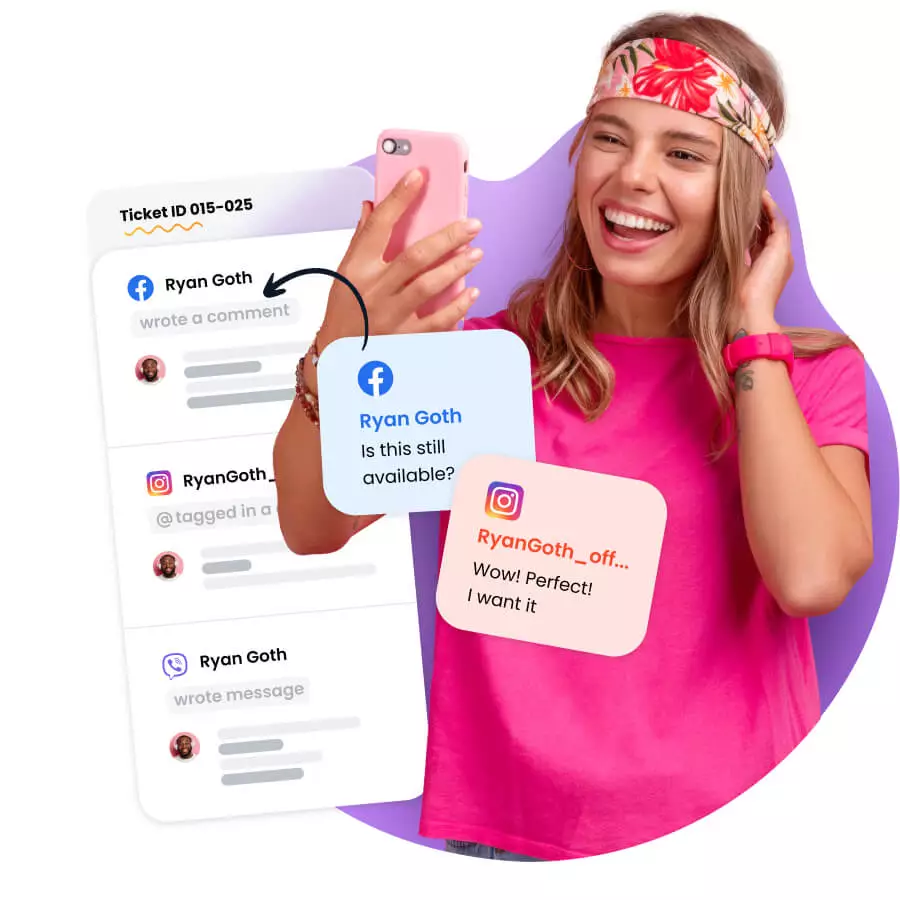
Streamline social media support with LiveAgent! Manage Facebook, Instagram, Twitter & more in one inbox. Start a 30-day free trial today!

Connect Facebook Lead Ads with LiveAgent for seamless lead tracking and communication, boosting efficiency from one dashboard. Manage leads and customer info fr...
Cookie Consent
We use cookies to enhance your browsing experience and analyze our traffic. See our privacy policy.