



TrackingTime
TrackingTime is a collaboration-focused time tracking app for projects and employee productivity. Integrate seamlessly with LiveAgent via Zapier for precise tim...
3 min read



Everhour is a free time tracking app that integrates with LiveAgent for billing, budgeting, task management, and more. Easily track ticket time with a browser extension, enhancing efficiency without switching tabs.
Everhour is a free time tracking application that can also handle billing and budgeting, task management, visual planning, expense management, and invoicing. It’s used for time tracking automation, and it offers a large number of integrations with other popular applications. Everhour can be also downloaded as a browser extension, or as an iPhone application. However, there’s much more that Everhour can handle. Take a look at the Everhour features page and see what else it can do for you and your business.
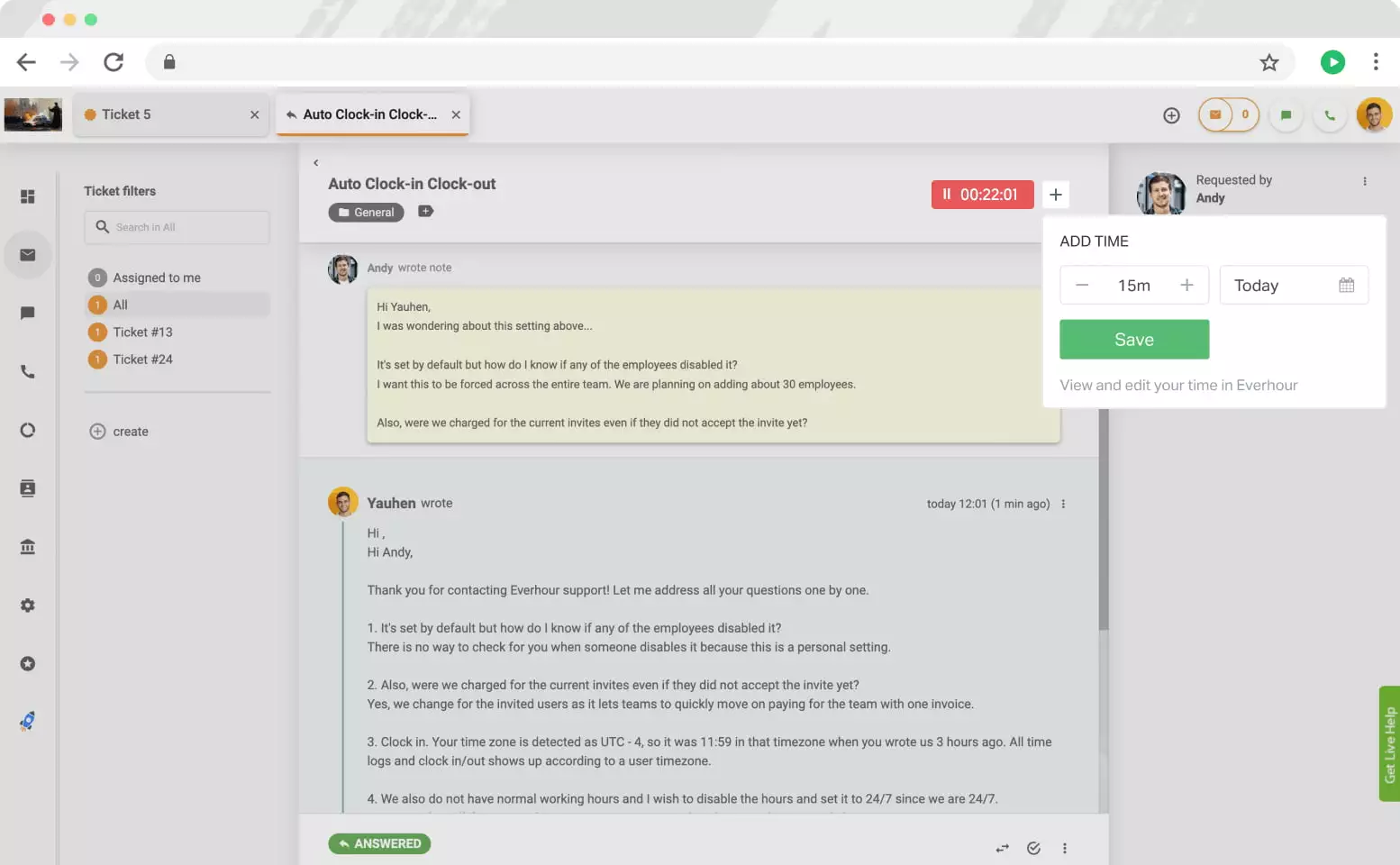
Everhour’s time tracking capabilities can be used to measure the time you spent on tickets in LiveAgent. You can easily download the Everhour browser extension that’s available for all popular browsers, including Chrome, Safari, Firefox, and Microsoft Edge. The integration is completely free to use. You can register a free Everhour account and start tracking your time for all your tickets without switching tabs.
The integration process is very simple. All you have to do is download the Everhour browser extension, and give it access to LiveAgent. Take a look at the guide below to see step-by-step instructions.
The first step you need to make is to sign up .
After you complete the registration with all the steps, you will get invited to download the browser extension. The extension is available for Chrome, Safari, Firefox, and Edge. Once you click on the link, you will be taken to your browser’s extension or add-on store.
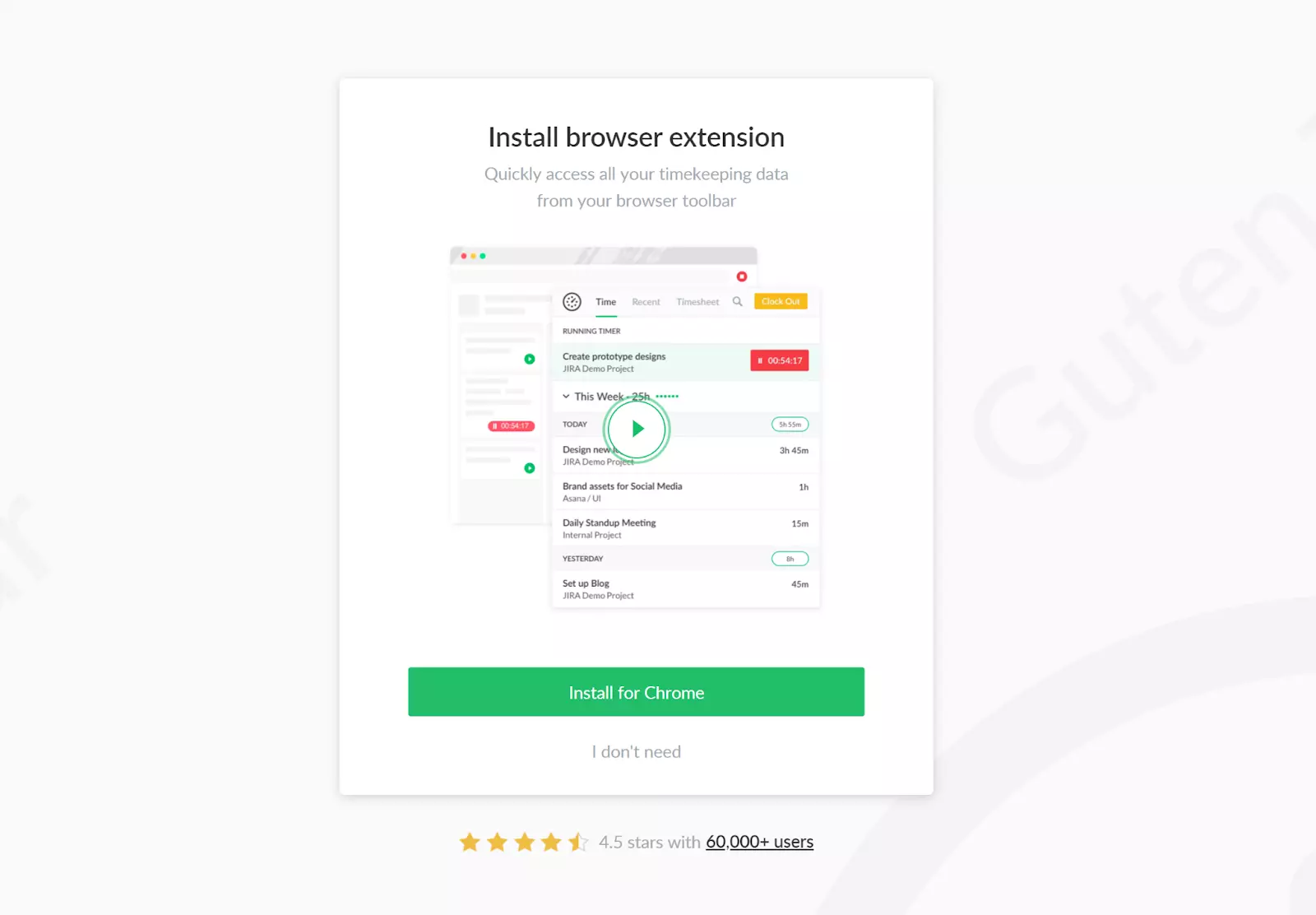
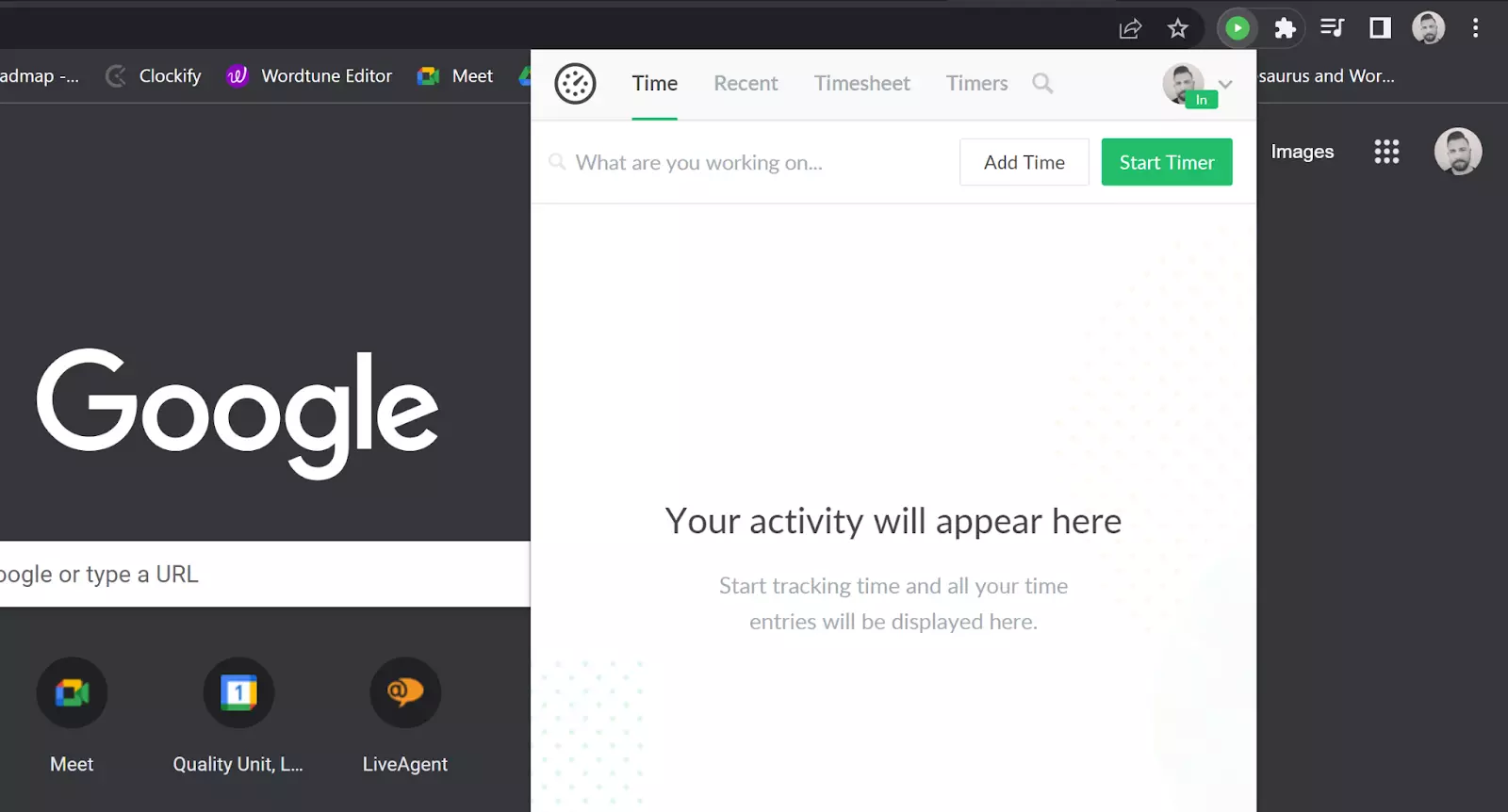
If you didn’t use Google login, you now have to log into your account in the extension. If you used Google login, you should be already logged in. You can also use the pin icon to make sure the extension will be always visible.
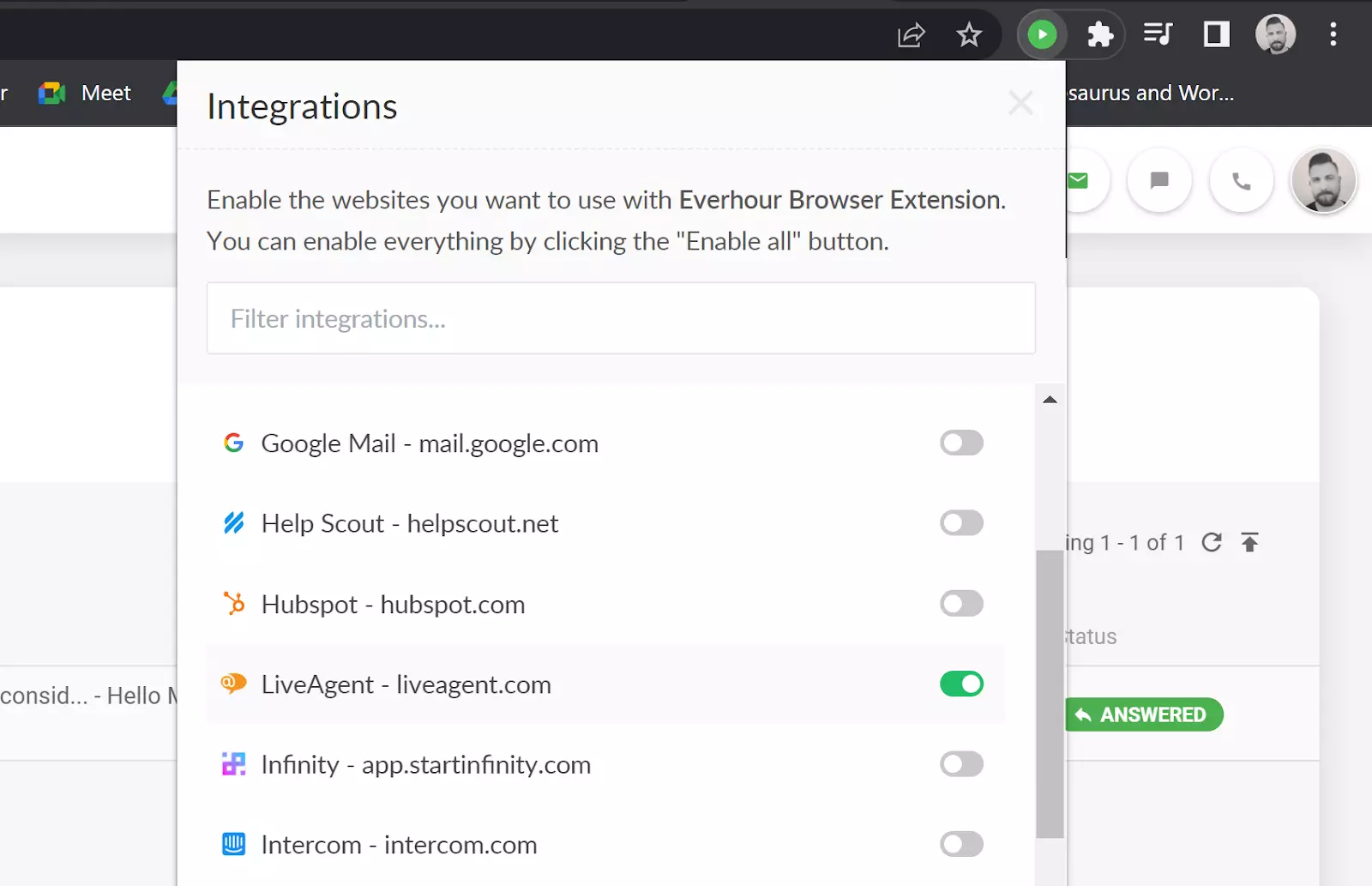
The next step is to give Everhour permission to track time in the LiveAgent web application. Click on the Everhour icon in your browser and then click on your profile. Open Integrations, find LiveAgent, and enable the permission.
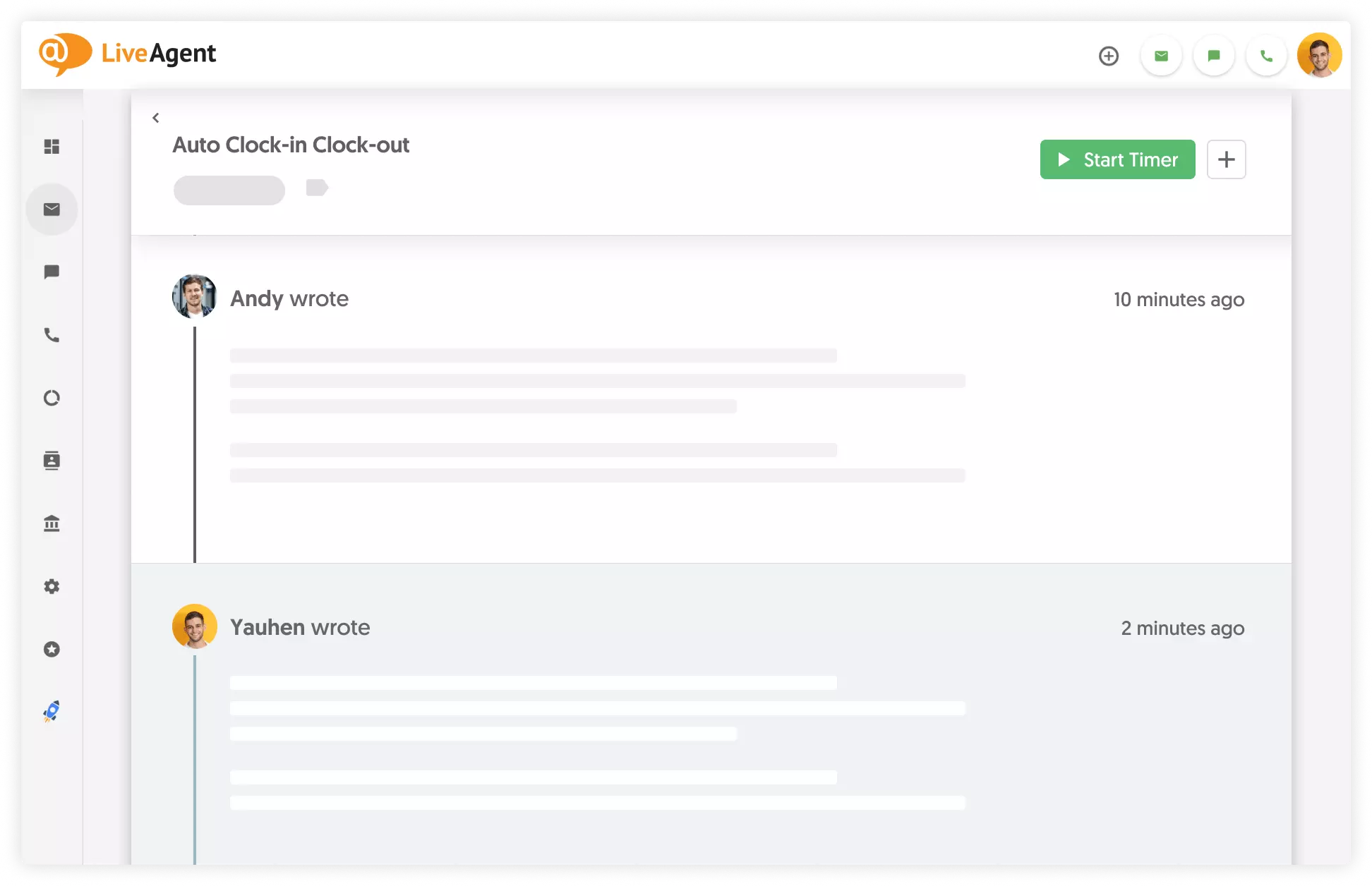
That’s it. Now you can start tracking your time on tasks in LiveAgent. You can always see the tracking status by the changing icon, as well as time tracked once you click on it.
You can access all of the time entries at the link app.everhour.com and see all of the time entries. Everhour automatically copies the LiveAgent ticket titles and links to all time entries for easy access.
Choose from LiveAgent's wide range of apps, tools and plugins.
TrackingTime is a collaboration-focused time tracking app for projects and employee productivity. Integrate seamlessly with LiveAgent via Zapier for precise tim...
Clockify is a free time tracker app that integrates with LiveAgent to track team productivity and profitability by logging time spent on tasks like ticket resol...

LiveAgent's time tracking tool enhances team productivity by monitoring ticket resolution time and providing insights for workflow optimization. Integrated with...
Join our community of happy clients and provide excellent customer support with LiveAgent.
