



Billing management features
Streamline billing with LiveAgent's software, integrating ChargeDesk, Braintree, and 2checkout for automated invoicing. Try a free trial to enhance your eCommer...
2 min read
Billing
Invoicing
+2


Braintree, a PayPal service, specializes in web and mobile payments for e-commerce. Its integration with LiveAgent allows users to manage, refund, or cancel payments easily. It also offers Zapier integration for enhanced transaction management.
Braintree is a company that specializes in web and mobile-based payments for the e-commerce segment. It provides its users with payment gateways and merchant accounts. Braintree is a division of a popular PayPal service.
Use Braintree to follow your transactions from your LiveAgent account.

The latest tips and deals delivered straight to your inbox.
LiveAgent has a native Braintree integration available. To activate it, open your LiveAgent dashboard and go to Configuration > Integrations. Find the Braintree integration in the list and click on the Activate switch.
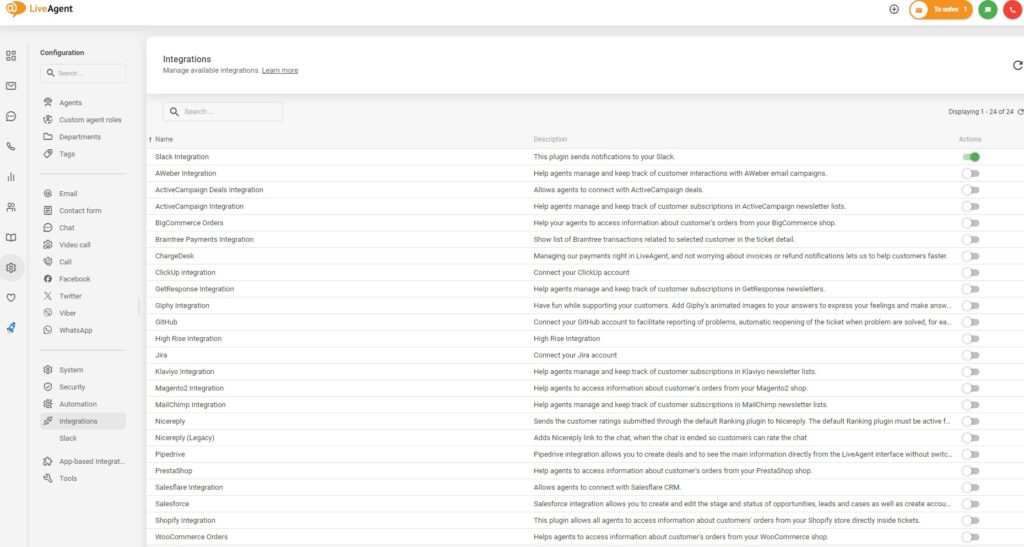
With the plugin active, click on the Cog icon next to the switch to open configuration.
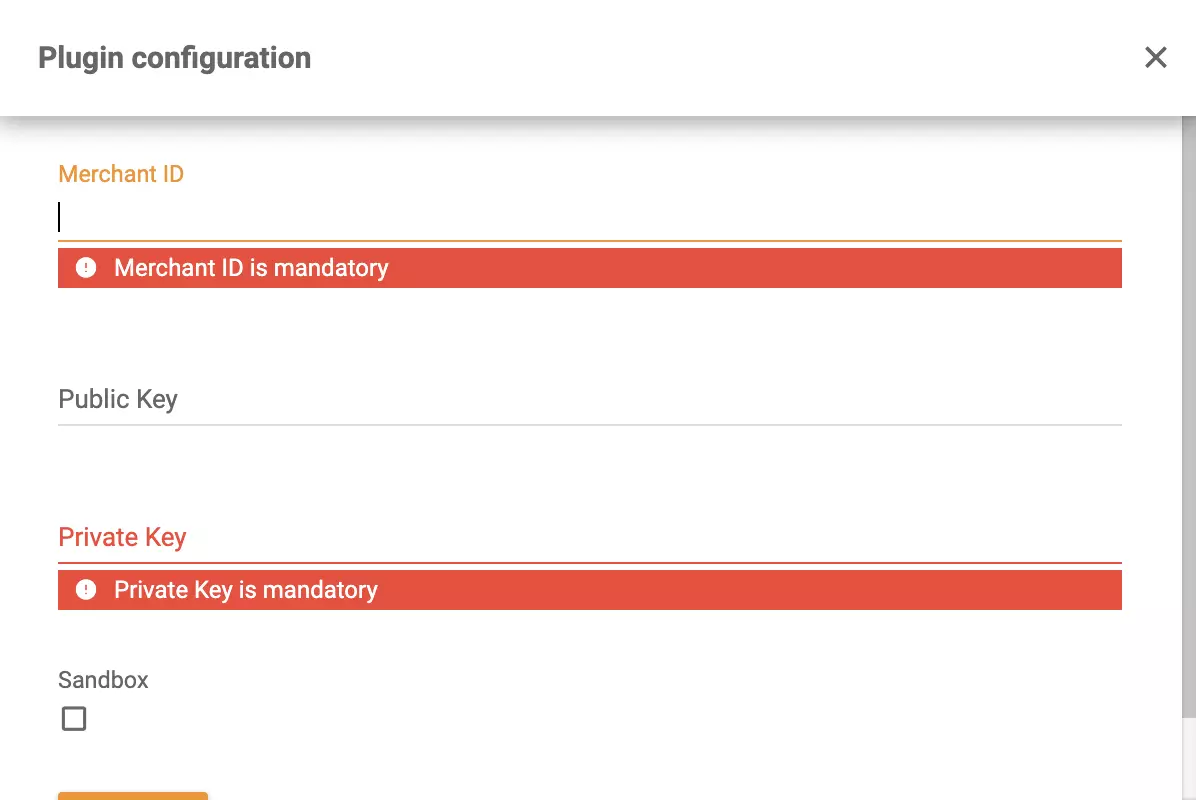
In this window, you will need to enter Merchant ID, Public Key and Private key. You can find these in your Braintree, in the Sandbox Keys & Configuration section.
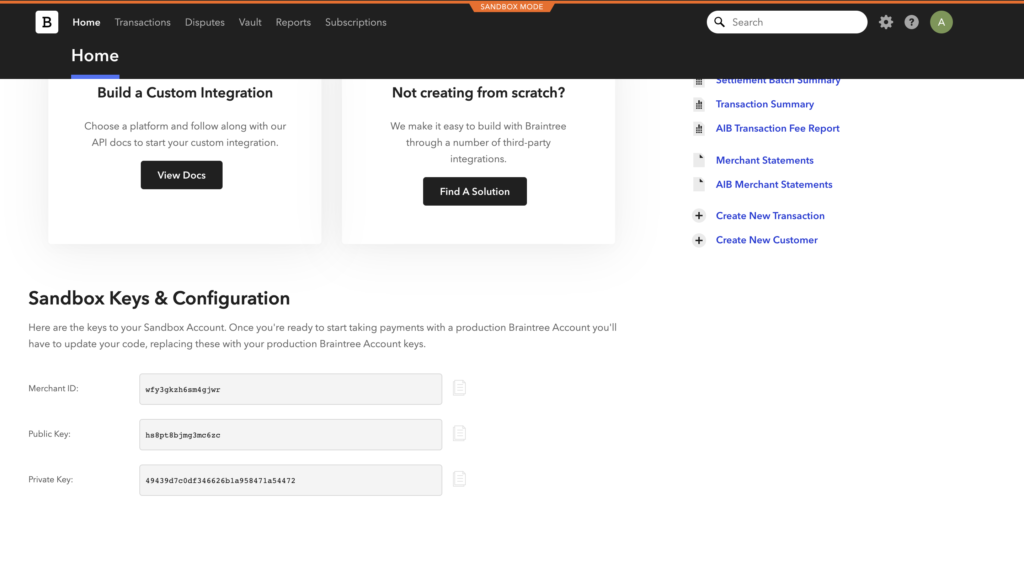
Insert the data into the fields and click on Save. Open up any ticket and find the Braintree icon. Your integration is now active.
Braintree and LiveAgent can be connected via Zapier. If you want to create a Zapier integration, you first need to have a Zapier account. Create it over here . If you already have it, then simply log in and go to the Braintree + LiveAgent integrations page on Zapier.
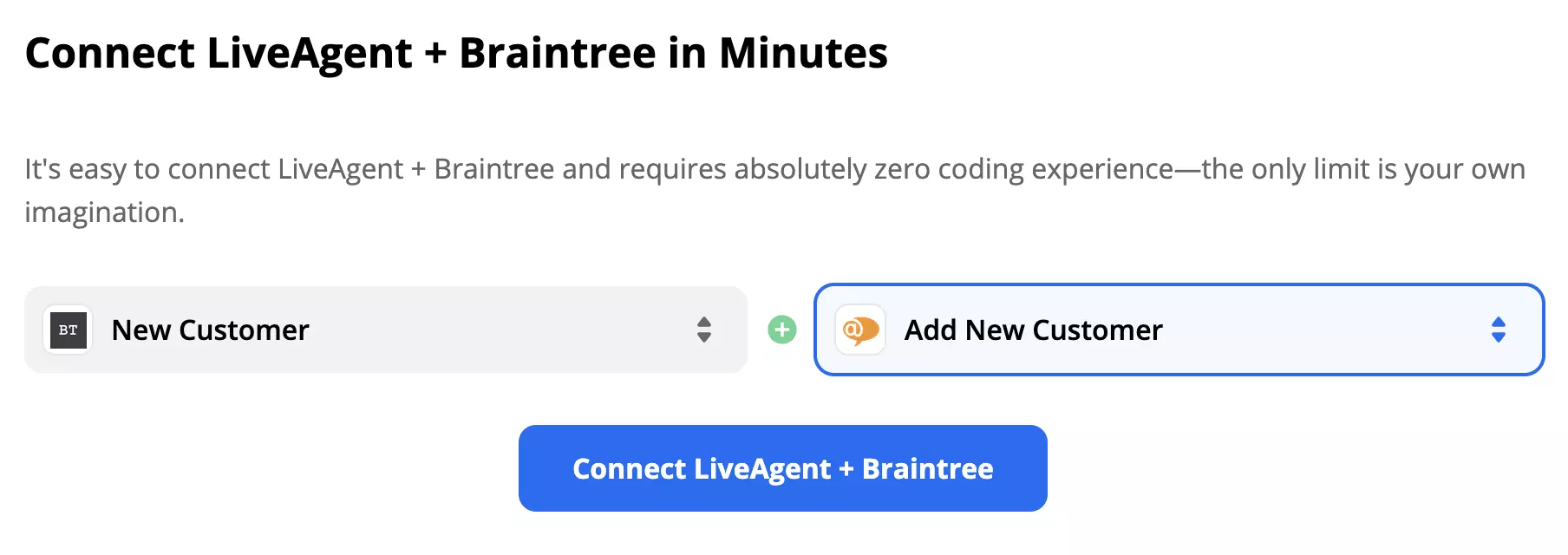
Scroll down on the page until you see the Connect Braintree + LiveAgent in minutes section. This is where you can pick a trigger and an action. Think about what kind of integration you want and take a pick.
As an example, we picked Braintree trigger New Customer with LiveAgent action Add New Customer. When you’re done, click on the blue button to continue.
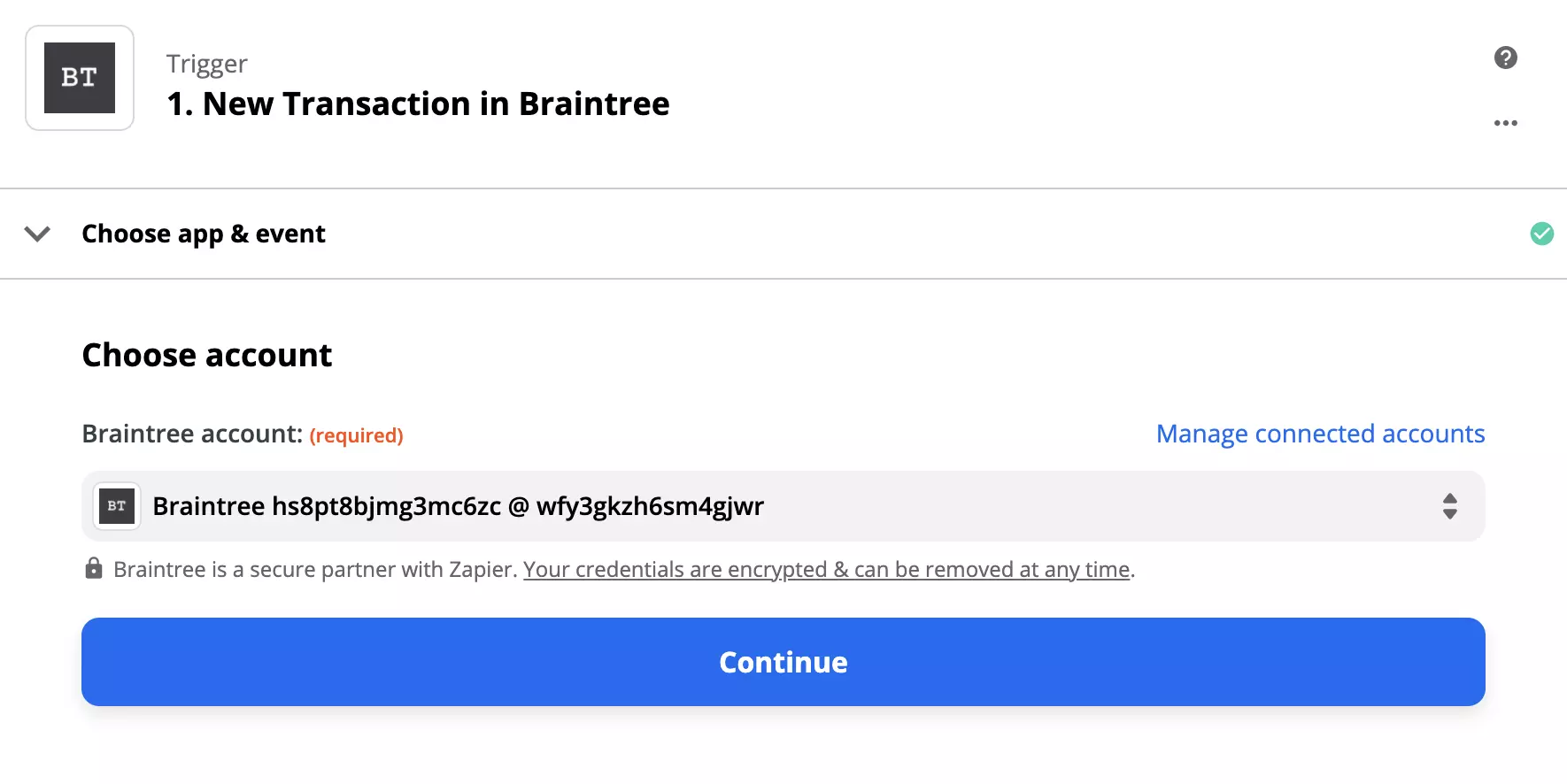
Now you need to go through the trigger configuration. Sign in to your Braintree via Zapier and continue with the simple process.
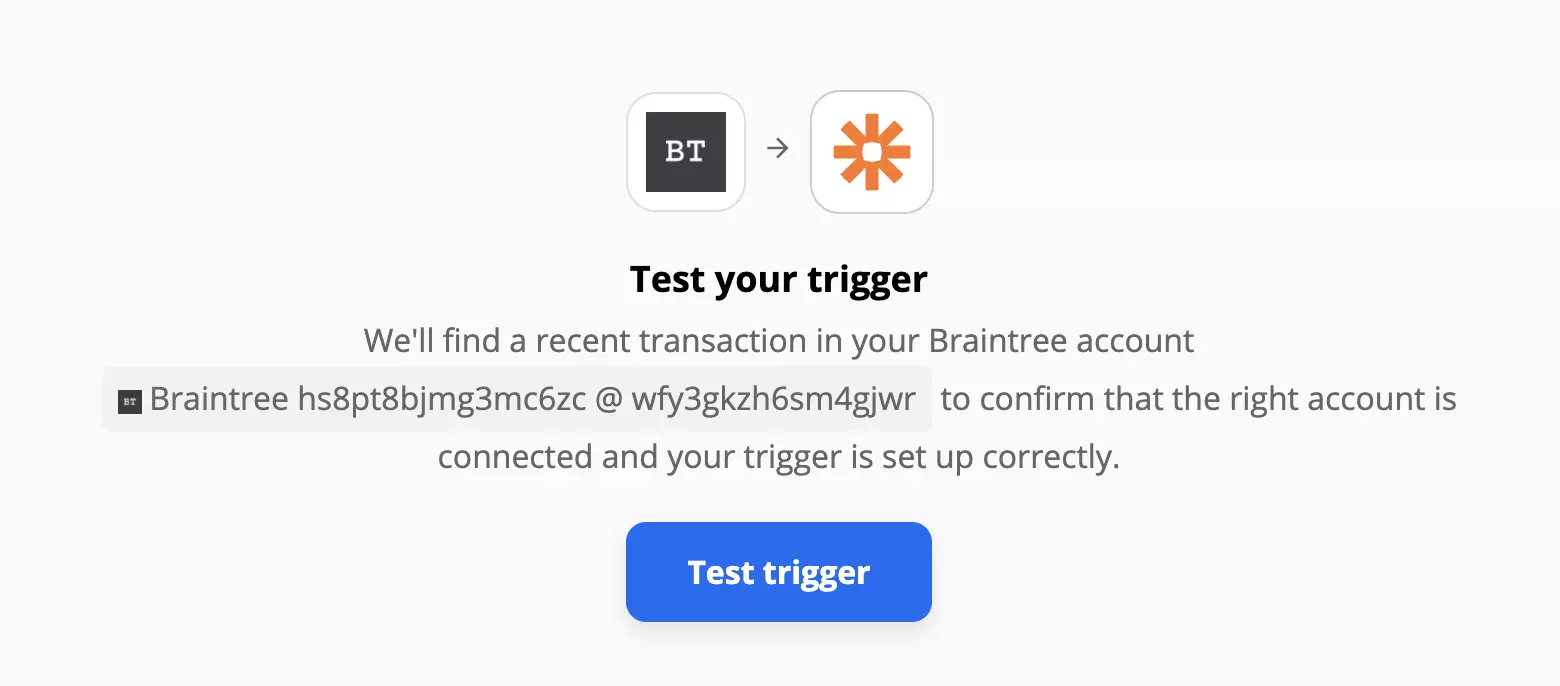
We recommend to test the trigger when you’re done but you can skip this step.
Continue with configuring the LiveAgent action. Just like before, log in to your LiveAgent via Zapier and fill out the fields in the next step. In the email field, select 1. Email just like on the picture below. This will ensure an email address will be added to LiveAgent whenever there’s a new customer in Braintree. Fill out the remaining fields according to your liking or as shown in the picture below.
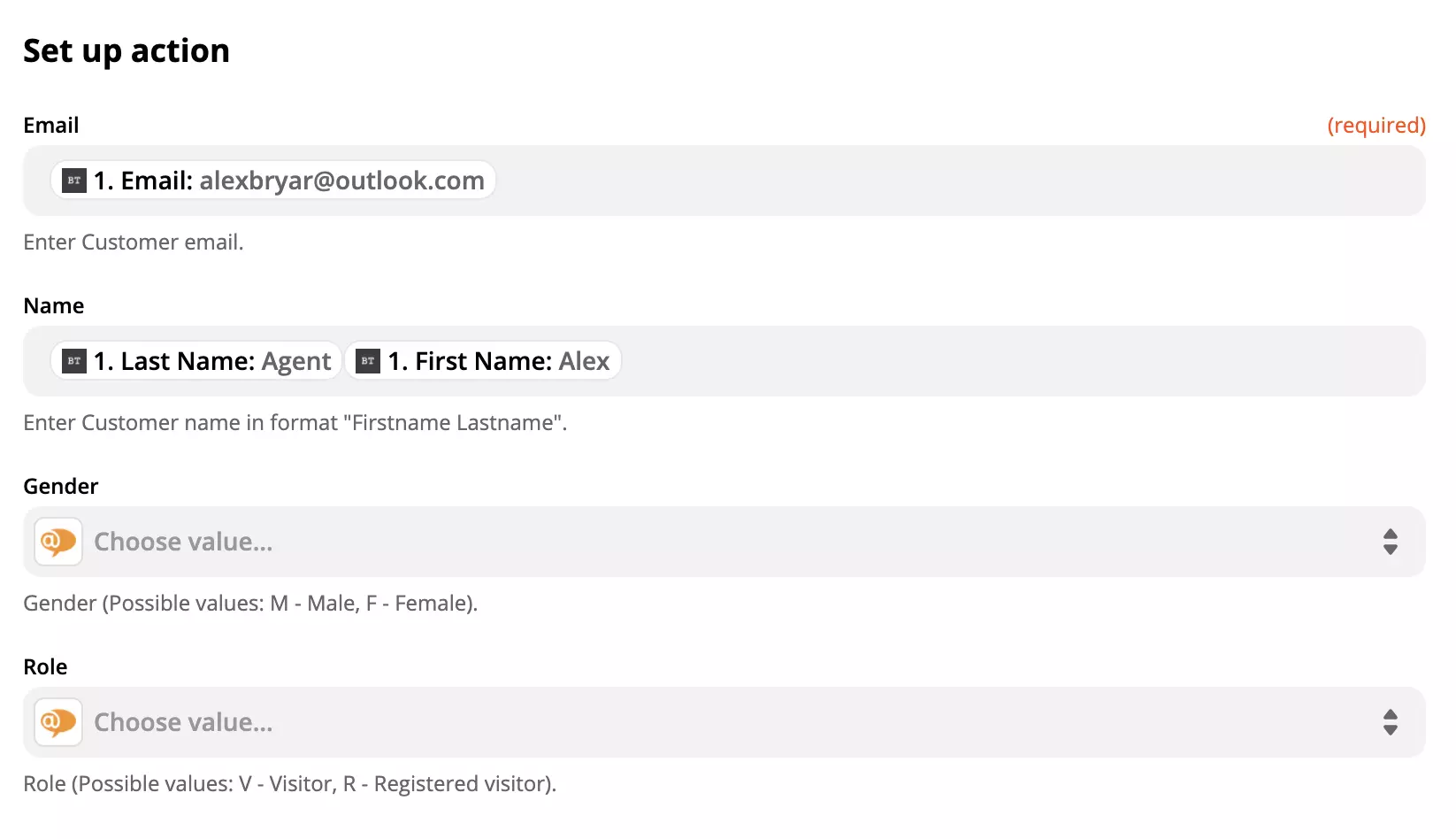
Do one final test of the integration.
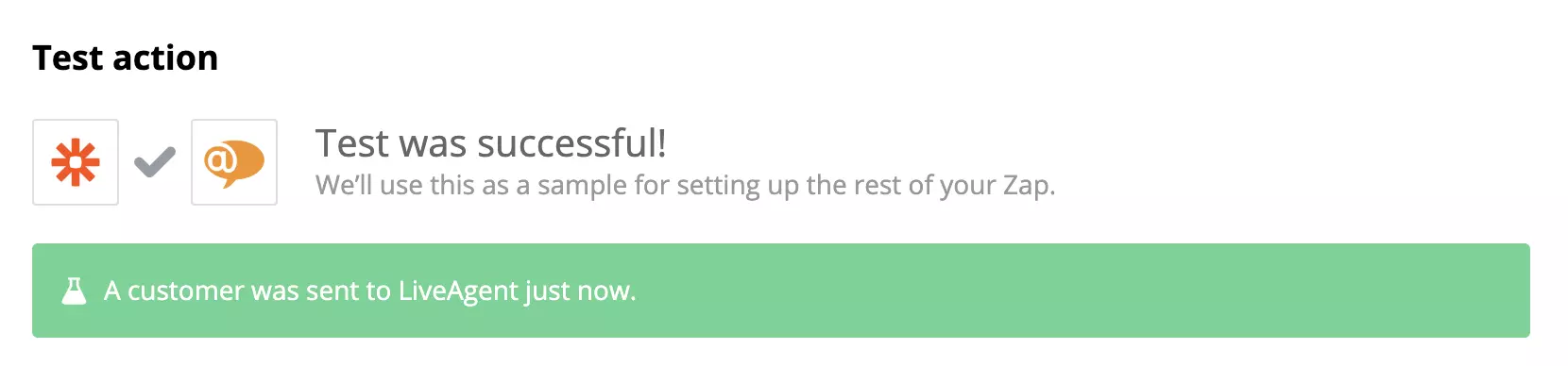
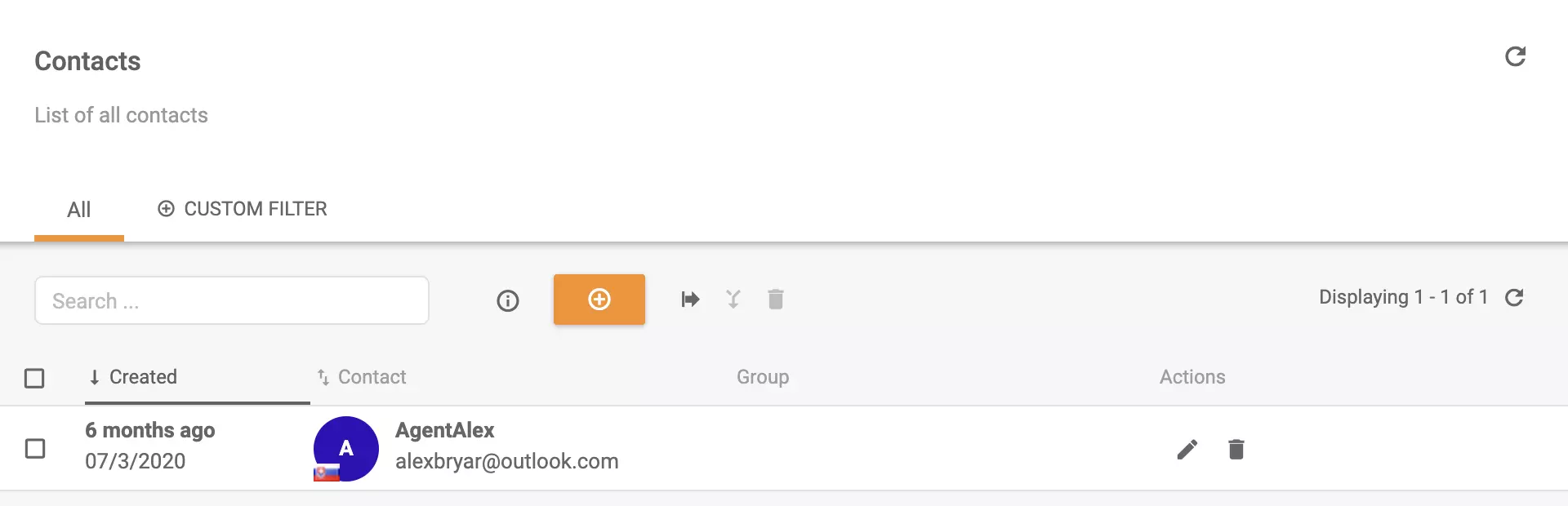
That’s it, you’re done. A customer will always be added whenever there’s a new one in Braintree.
Streamline billing with LiveAgent's software, integrating ChargeDesk, Braintree, and 2checkout for automated invoicing. Try a free trial to enhance your eCommer...

Stripe is a secure online payment platform that integrates with LiveAgent via Zapier for enhanced customer communication and satisfaction. It manages payments, ...
Zapier seamlessly integrates LiveAgent with 200+ apps, enhancing workflow automation without coding. Benefit from quick, intuitive connections with tools like S...
Cookie Consent
We use cookies to enhance your browsing experience and analyze our traffic. See our privacy policy.