


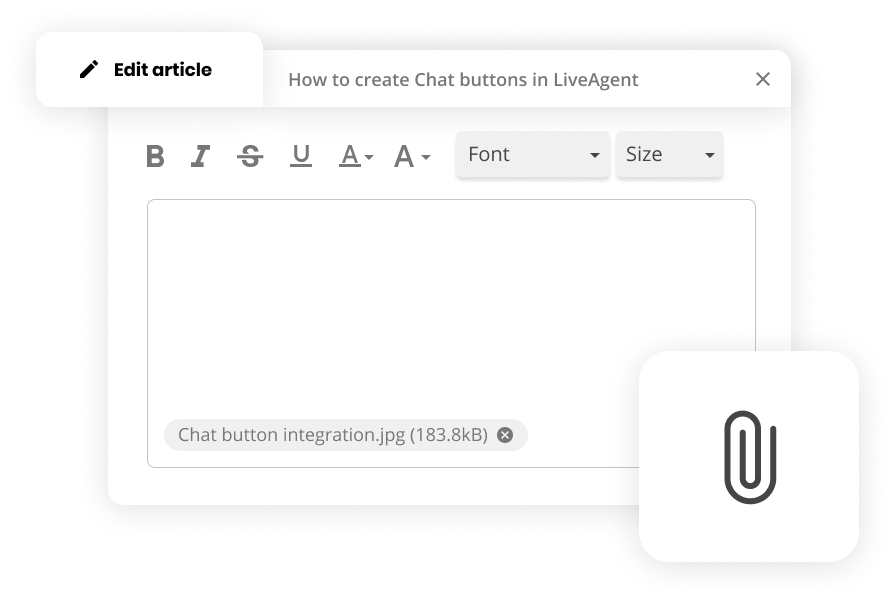
WYSIWYG editor for articles
Create professional knowledge base articles with LiveAgent's WYSIWYG editor and easy formatting tools. Try it free, no credit card required.
3 min read
WYSIWYG
Knowledge Base
+2

The WYSIWYG editor in LiveAgent allows easy content formatting for emails, templates, and knowledge base articles with features like bold text, lists, and images.
The WYSIWYG editor in LiveAgent allows easy content formatting for emails, templates, and knowledge base articles with features like bold text, lists, and images. The WYSIWYG editor gives you the ability to enter and format your content while working in a “What You See Is What You Get” view of the content. By using the implemented WYSIWYG editor, you can easily edit and style the content of your emails, email templates, and knowledge base articles.
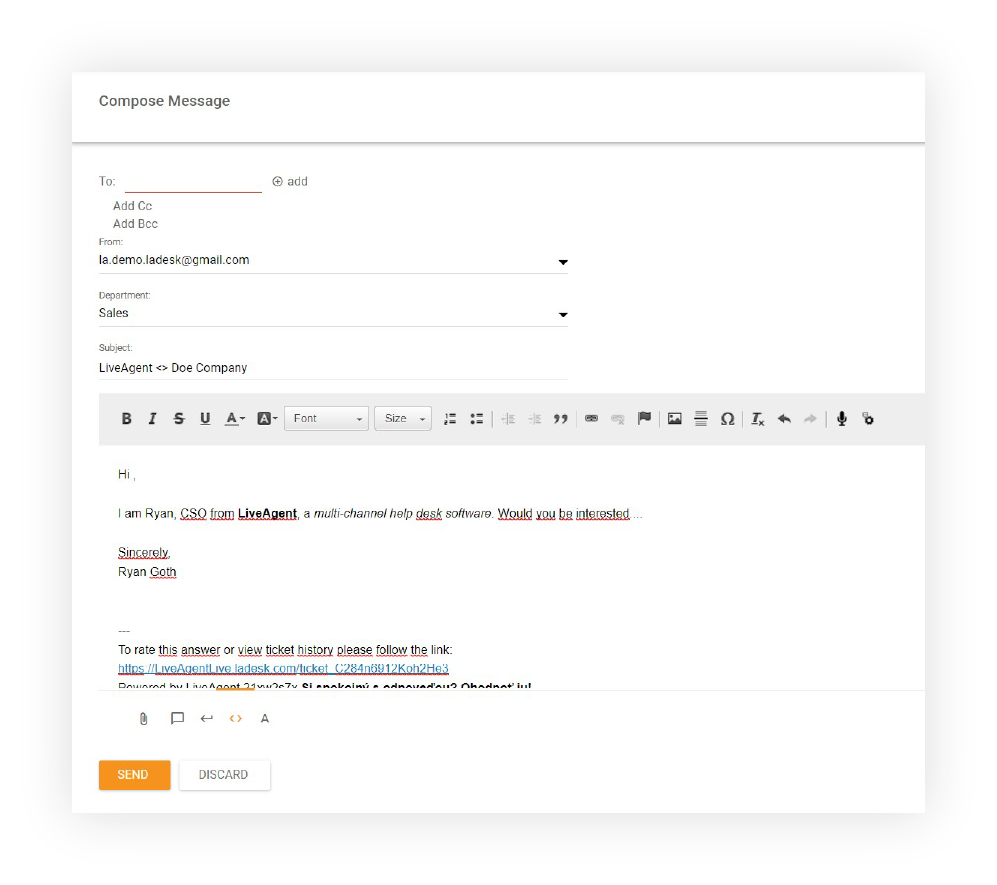
This editor lets you format text in bold or italics, create numbered lists, drop in images, paste tables, and embed links. The WYSIWYG editor makes your customer support ticketing solution much more accessible and easy to work with, even for the less tech-savvy agents.
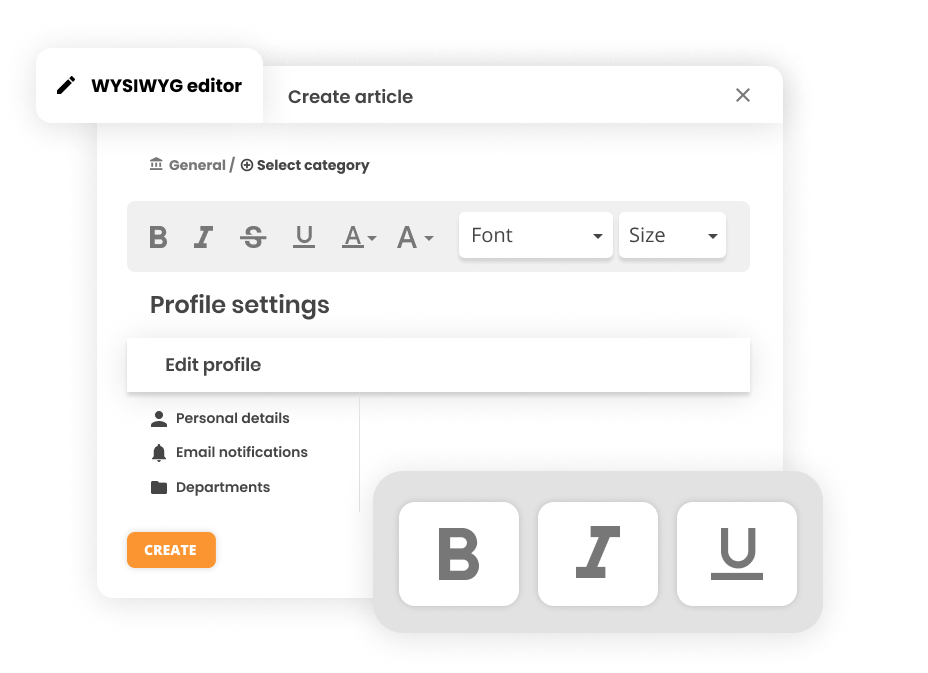
The WYSIWYG editor is very simple to use and will help you make the most out of your ticketing system. Whether you’re creating email templates or knowledge base articles, the editor provides an intuitive interface that makes content creation accessible to everyone on your team.
The WYSIWYG editor is valuable because:

The latest tips and deals delivered straight to your inbox.
The WYSIWYG editor is available in:
Use our WYSIWYG editor to create stunning email templates and knowledge base articles. Try it today. No credit card required. Start your 30-day free trial now or schedule a demo to see how LiveAgent can transform your customer support experience.
Create professional knowledge base articles with LiveAgent's WYSIWYG editor and easy formatting tools. Try it free, no credit card required.

LiveAgent's email marketing tools boost engagement and sales with personalized content and templates, integrating with your ticketing system.

LiveAgent's Copy & Paste feature lets you easily integrate images into email tickets, enhancing communication with visuals. Learn how to use copy-paste commands...