



WYSIWYG editor features
The WYSIWYG editor in LiveAgent allows easy content formatting for emails, templates, and knowledge base articles with features like bold text, lists, and image...
2 min read
WYSIWYG
Editor
+2

Create professional knowledge base articles with LiveAgent’s WYSIWYG editor and easy formatting tools. Try it free, no credit card required.
The WYSIWYG editor is a powerful tool that allows you to create professional and visually appealing knowledge base articles without requiring any technical knowledge. With the WYSIWYG editor, you can improve branding and make your knowledge base platform more recognizable for your customer base. Furthermore, this editor allows less tech-savvy agents and content editors to create engaging and professional articles.
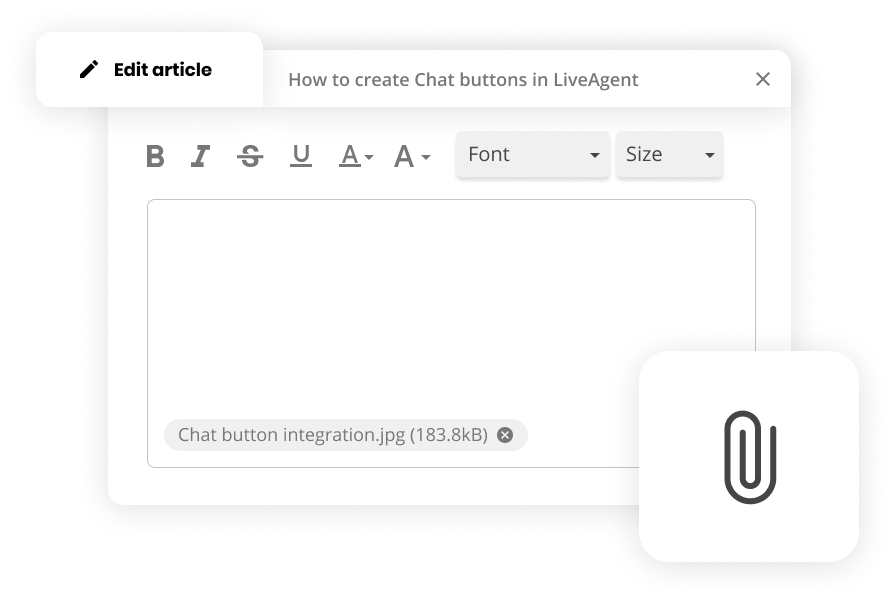
The WYSIWYG editor is valuable because:

Start your free trial today and see results within days.
The WYSIWYG editor offers a comprehensive set of formatting tools:
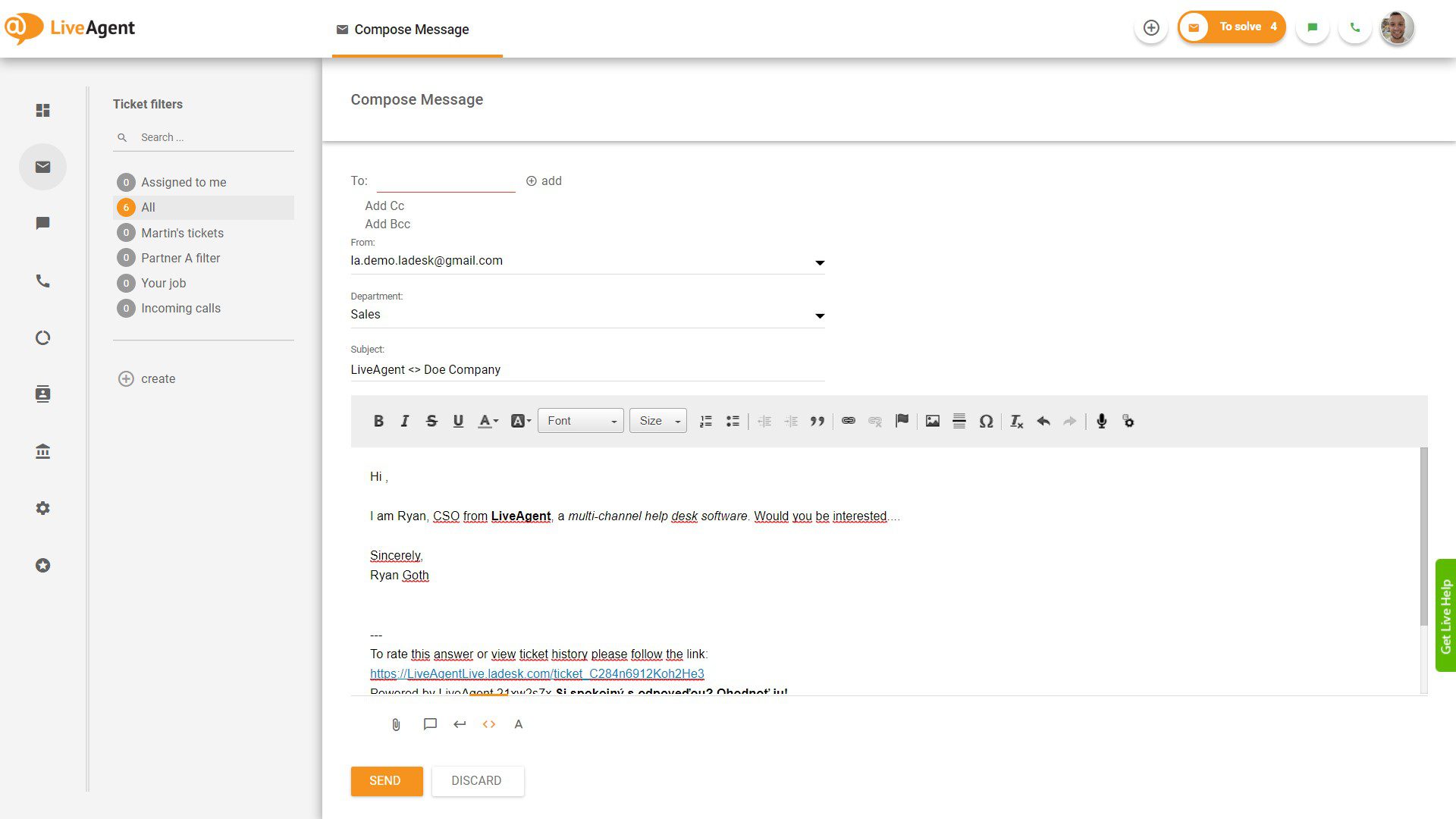
Using the WYSIWYG editor is straightforward:
The latest tips and deals delivered straight to your inbox.
For users who want more control over the design and styling, LiveAgent also provides an HTML and CSS editor. This allows you to:
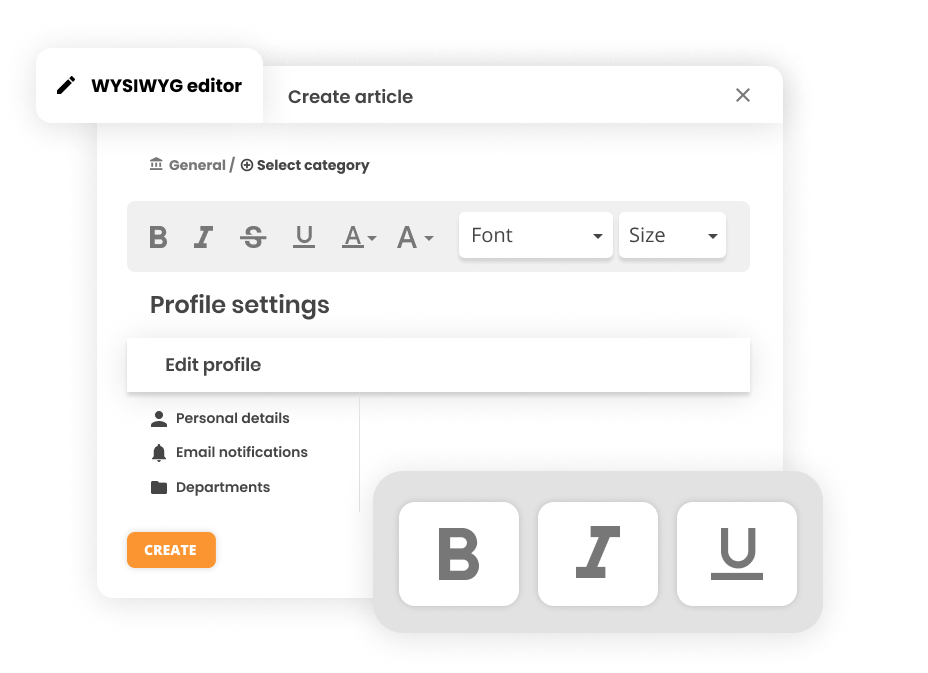
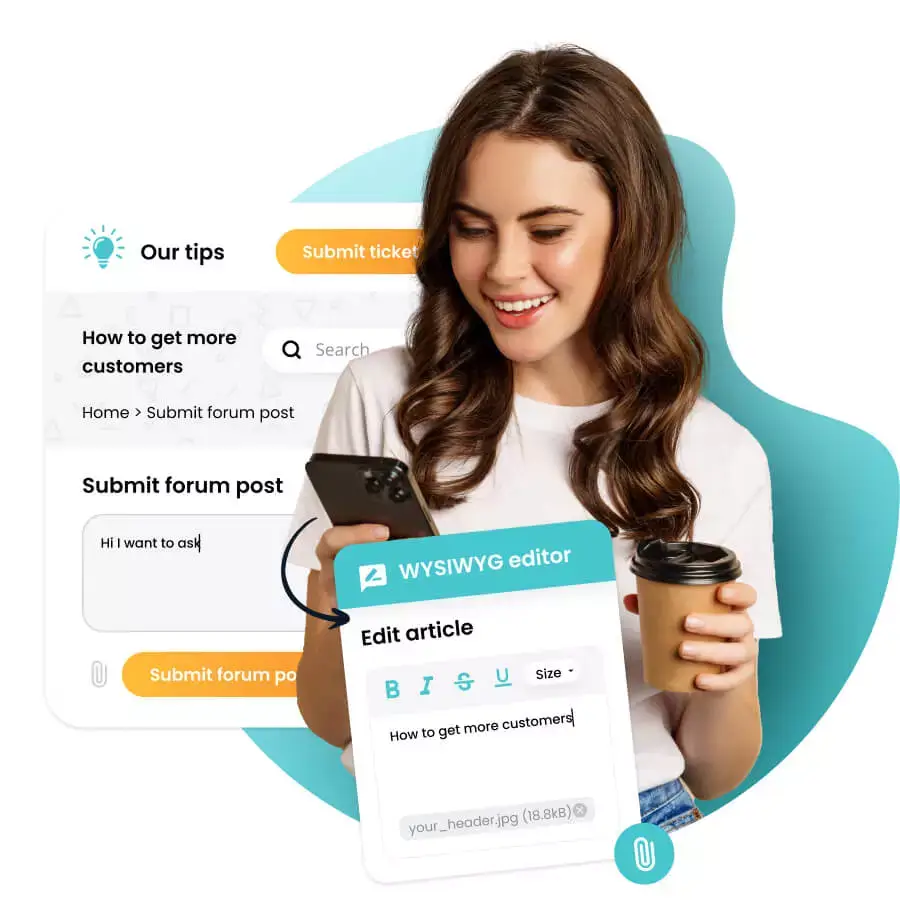
The WYSIWYG editor is available for:
Professional, well-formatted articles enhance the customer experience and make it easier for customers to find and understand solutions to their problems.
The intuitive interface allows your team to create content quickly without waiting for technical support or learning complex coding.
Maintain consistent branding and styling across all your knowledge base articles, creating a cohesive and professional appearance.
Rich formatting options, images, and multimedia content make articles more engaging and easier to read, increasing customer engagement and satisfaction.
Well-organized and clearly formatted articles help customers find answers faster, reducing the number of support tickets and inquiries.
Transform your knowledge base articles into aesthetically pleasing and user-friendly guides. Start attaching photos, GIFs, and more to create engaging content that helps your customers find answers quickly. Start your 30-day free trial . No credit card required.
Start creating professional, visually appealing knowledge base articles with LiveAgent's WYSIWYG editor. Enhance your customer support experience today.
The WYSIWYG editor in LiveAgent allows easy content formatting for emails, templates, and knowledge base articles with features like bold text, lists, and image...
Create well-structured knowledge repositories & FAQs with ease. LiveAgent's knowledge base software helps you provide self-service support and reduce ticket vol...

Discover how easy it is to create professional knowledge bases. No setup fee, 24/7 customer service, no credit card required.
Join our community of happy clients and provide excellent customer support with LiveAgent.

Cookie Consent
We use cookies to enhance your browsing experience and analyze our traffic. See our privacy policy.