






Introducing a new feature: Video chat/video call
Enhance customer support with LiveAgent's new browser-based video chat—no third-party apps needed! Personalize communication today!
1 min read
Features
Communication
+1

Enhance customer service with LiveAgent’s browser-based video calls. Personalize interactions using facial expressions and gestures. Try a free trial, compare pricing, and customize video call buttons to improve communication and client satisfaction.
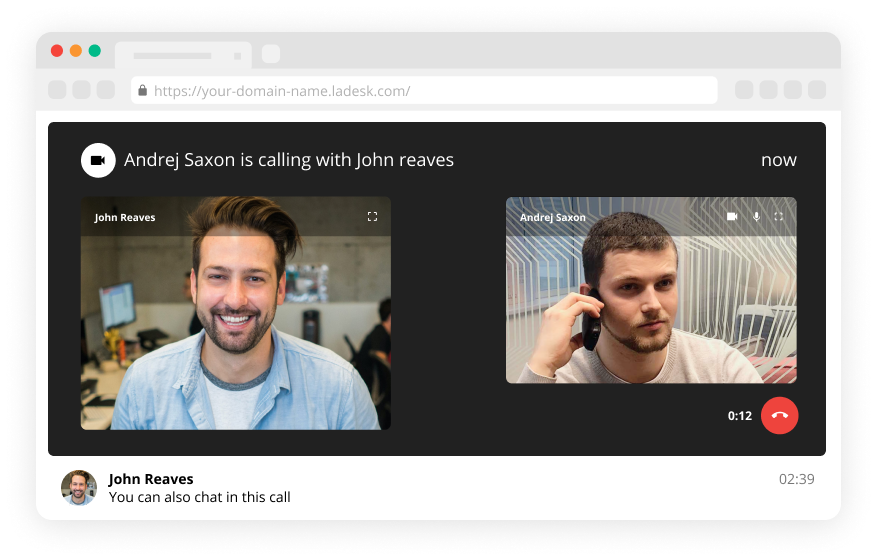
Video live chat software enables you to get more personal with your customers. It can be useful especially during the times when your customers need to show you something directly so your customer service/support can provide better help. Start chat video call and benefit from both chats and calls at the same time.
Live video call works just like a regular Skype call. So, if you need a more personal way of communicating with your customers, a live video call chat is very convenient. Moreover, LiveAgent’s video call is completely browser-based. Therefore, you do not need any 3rd party application – just like your LiveAgent account.
Your agents can also have a video chat with your customers without using phones. Your customer support/service can simply receive video chats directly on their computers.
In addition, they can simultaneously chat with your customers, no need to spell anything over the phone anymore. Your conversations and online webchats will be kept in one Ticket. Build automated call routing schemes with an unlimited number of support Agents and Departments.


Start your free trial today and see results within days.
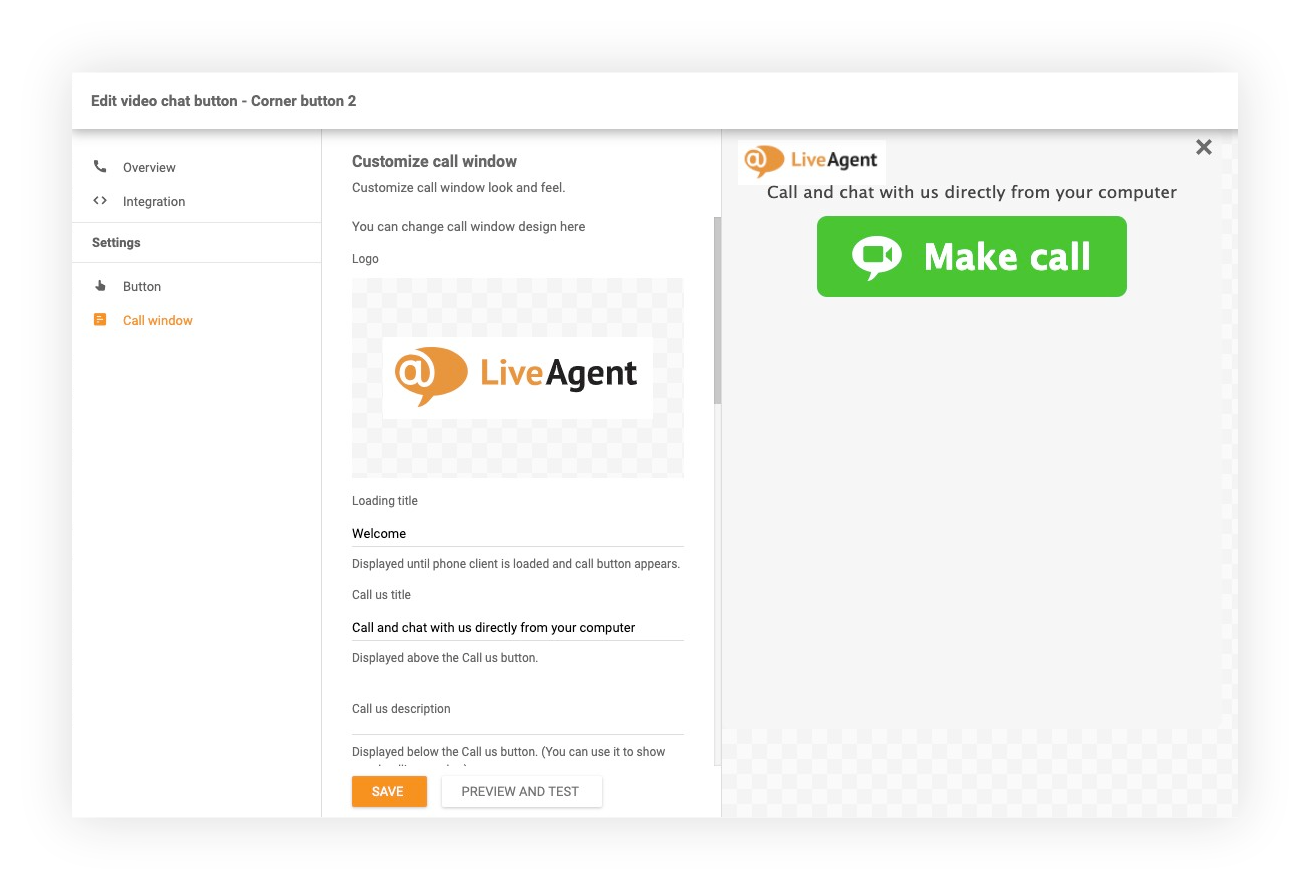
In order to start video chatting via computer, you need to place a live video chat button somewhere on your website. Thus, your customers are able to call you from their computer immediately. You can utilize and customize the video call button to the max with LiveAgent. For instance, you can:
If you would like to learn more, head to LiveAgent – How to create a video chat button for a step by step guide.
The latest tips and deals delivered straight to your inbox.
Handle all customer inquiries from one interface. Start improving your customer service with a 30-day free trial right away!
Discover LiveAgent's powerful features that streamline communication, increase efficiency, and boost customer satisfaction.
Enhance customer support with LiveAgent's new browser-based video chat—no third-party apps needed! Personalize communication today!

Live chat video is a cost-effective tool for real-time, personalized customer communication, enhancing satisfaction and conversion rates. It allows face-to-face...

LiveAgent's real-time chat tool enhances customer interaction with instant responses, boosting satisfaction and conversions. Features include mobile chat, file ...
Join our community of happy clients and provide excellent customer support with LiveAgent.

Cookie Consent
We use cookies to enhance your browsing experience and analyze our traffic. See our privacy policy.