


Shared mailbox
Streamline customer support with LiveAgent's shared mailbox. Collaborate, improve productivity, and boost satisfaction. Try free for 30 days!
7 min read

LiveAgent’s universal inbox centralizes emails, calls, social media, and chats into one dashboard, boosting agent efficiency and customer satisfaction. Features include automatic ticket routing, CRM integration, internal chats, and call center capabilities.
An universal inbox is a unified inbox that enables you to access all your messages from one place. The inbox can fetch and streamline emails, phone calls, social media messages, knowledge base tickets, and live chat messages into one dashboard, making it a must-have tool for customer support departments.
On top of all that, a universal inbox enables users to answer all incoming messages directly from the inbox (without having to monitor/log in to each communication channel and device).
A unified inbox is a must-have for all businesses, solopreneurs, and enterprises because it:

Start your free trial today and see results within days.
LiveAgent’s unified inbox has a ton of useful features that make it a must-have product.
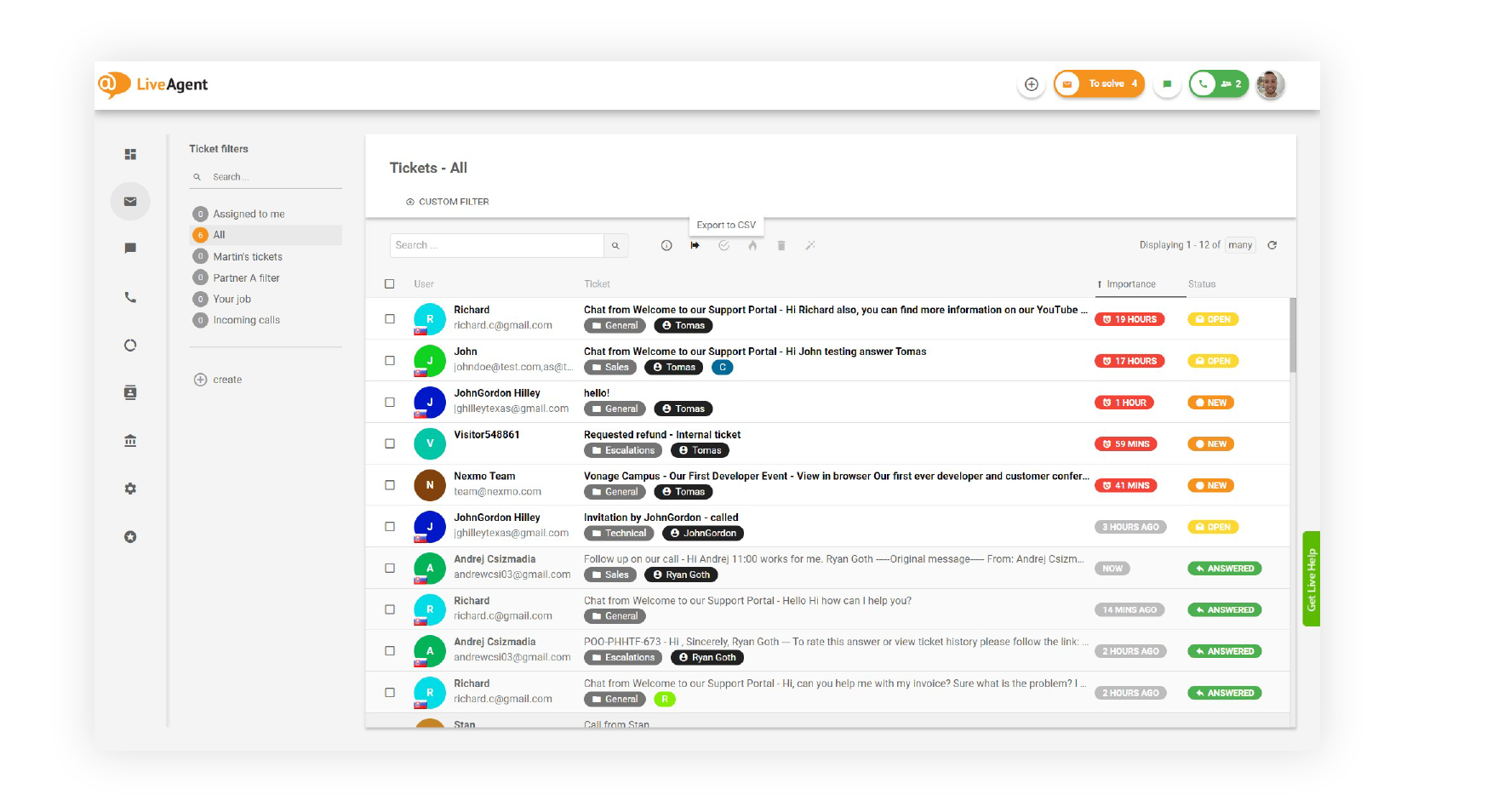
Each message that’s received in your universal inbox will be automatically assigned to an appropriate support agent, eliminating any confusion or loitering amongst your staff. Each agent will know exactly which messages they need to answer, resulting in higher productivity levels and more efficiency.
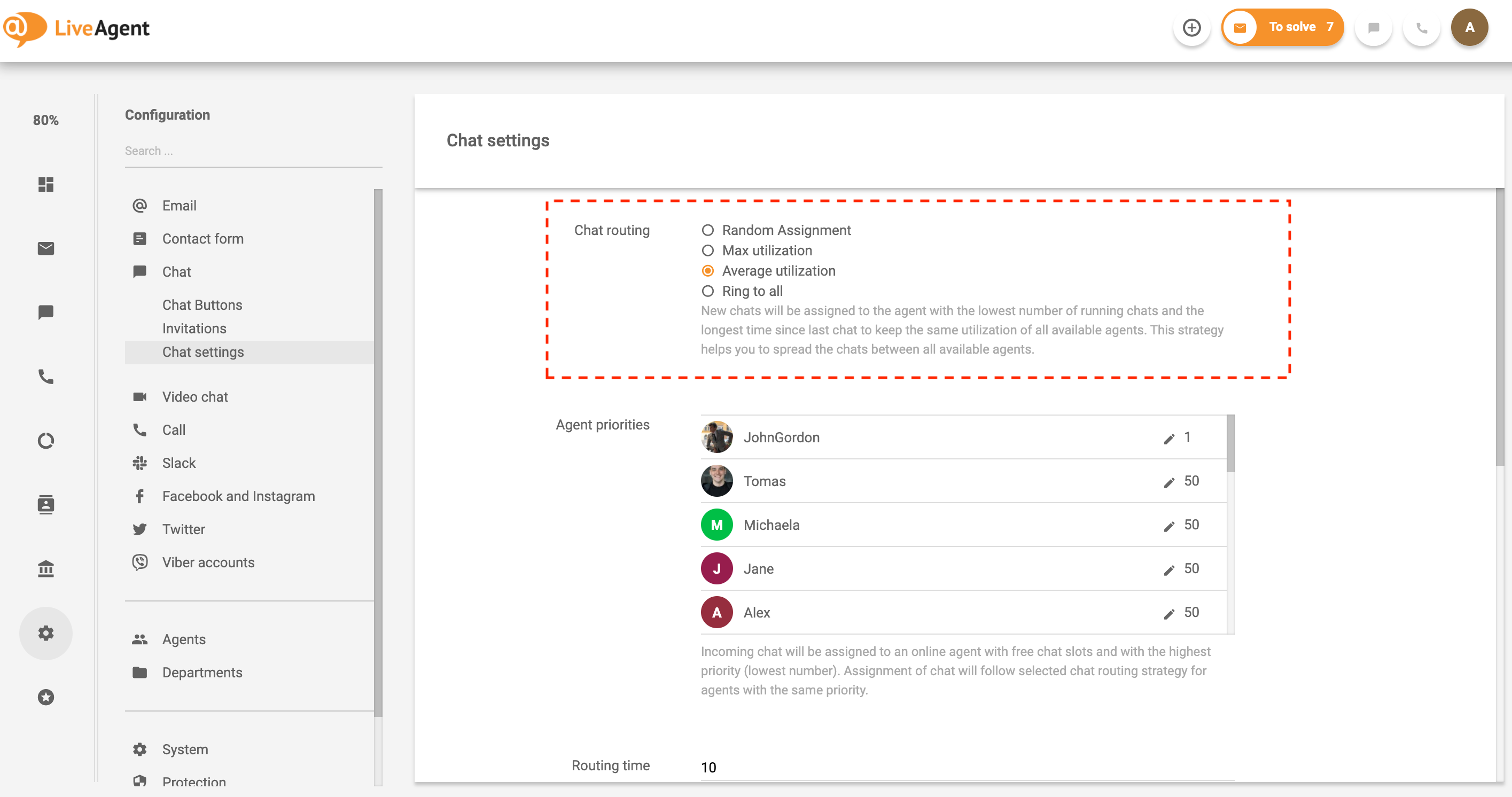
The universal inbox can free your agents from mundane and repetitive administrative tasks. By creating specific time and trigger-based automation rules, your inbox will be able to execute tasks like following up on emails or marking tickets as spam.
Finding tickets inside your universal inbox can be a piece of cake if you use the right tags. Tags can be added to every ticket to help you with filtering in addition to providing an at-a-glance overview of each ticket’s contents.

The universal inbox gives you a real-time preview of what your customers are typing into the live chat widget that’s placed on your site. Getting a sneak peek of your customer’s messages before they hit send gives your agents extra time to find the information that they need to impress your customers with knowledgeable, personalized, and timely support.

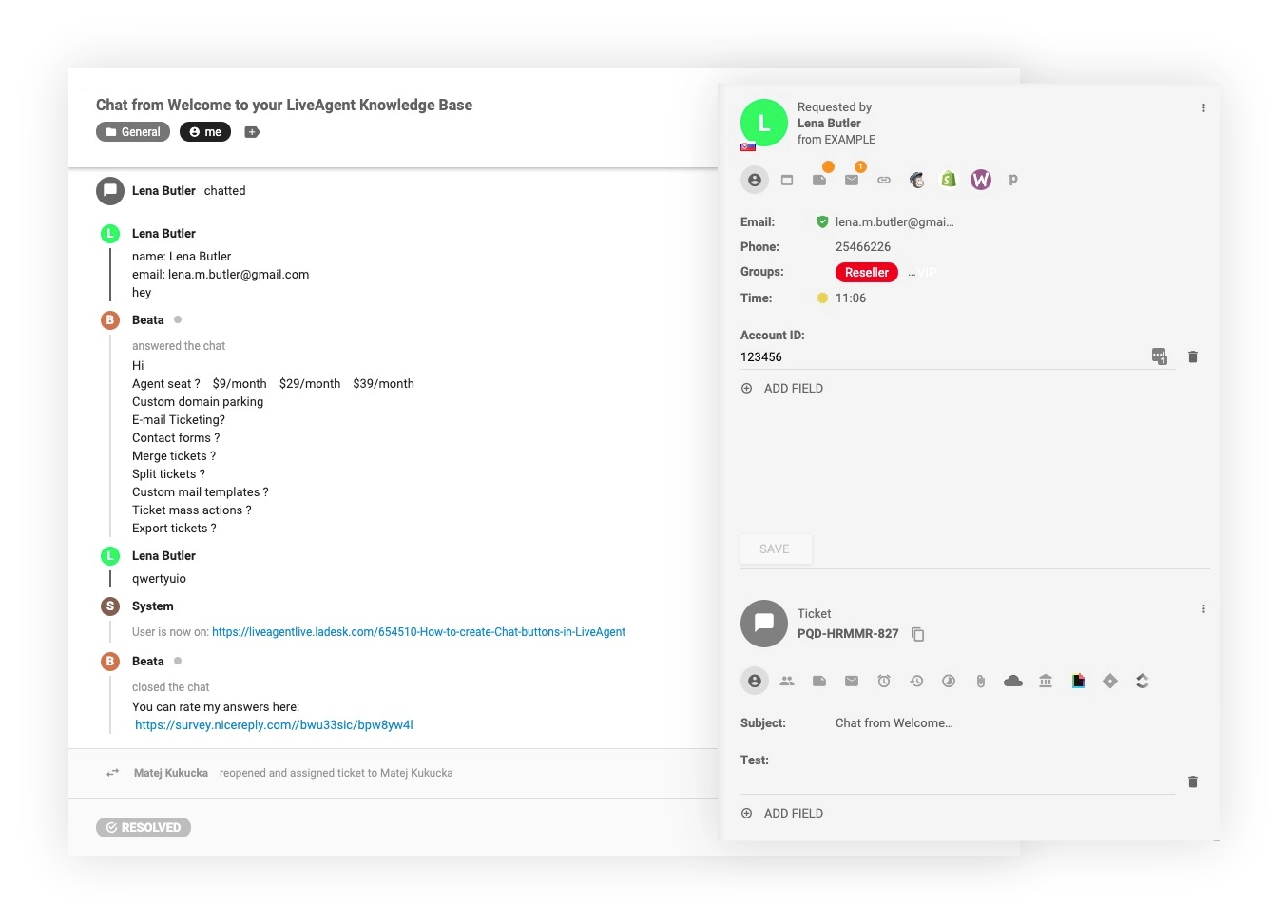
Integrating a ticketing tool with a CRM has many benefits for customer support teams. The integration enables agents to view customer purchase history, previous communication, or satisfaction ratings directly in the system. Having important customer information right at your fingertips is priceless. LiveAgent’s universal inbox has a built-in CRM ticketing tool that gives you the opportunity to create custom CRM fields to store all the necessary information about your customers, including past purchases, tickets, and more.
As previously mentioned, the universal inbox can be used as a blended call center as well. It’s got all the bells and whistles of a modern call center solution including IVR, ACD, call transfers, callbacks, and more.

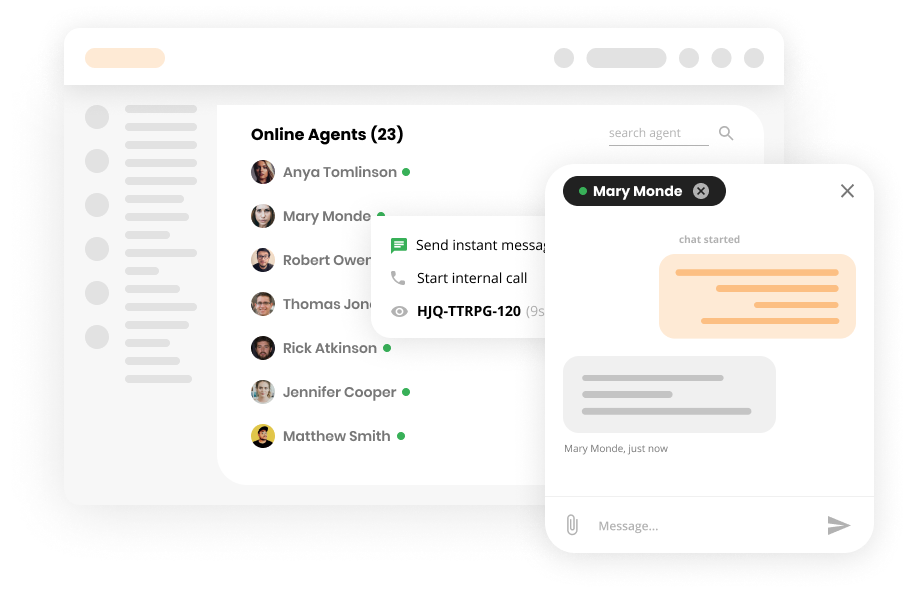
The universal inbox wouldn’t be complete without a real-time collaboration option. Just like in Gmail, you can chat with your online colleagues directly inside your LiveAgent inbox.
The universal inbox is better than most traditional email clients like Outlook and Gmail because it alerts you when you’re stepping on another agent’s turf. For example, if you’re about to start answering a ticket that another agent is working on, the system will automatically alert you.
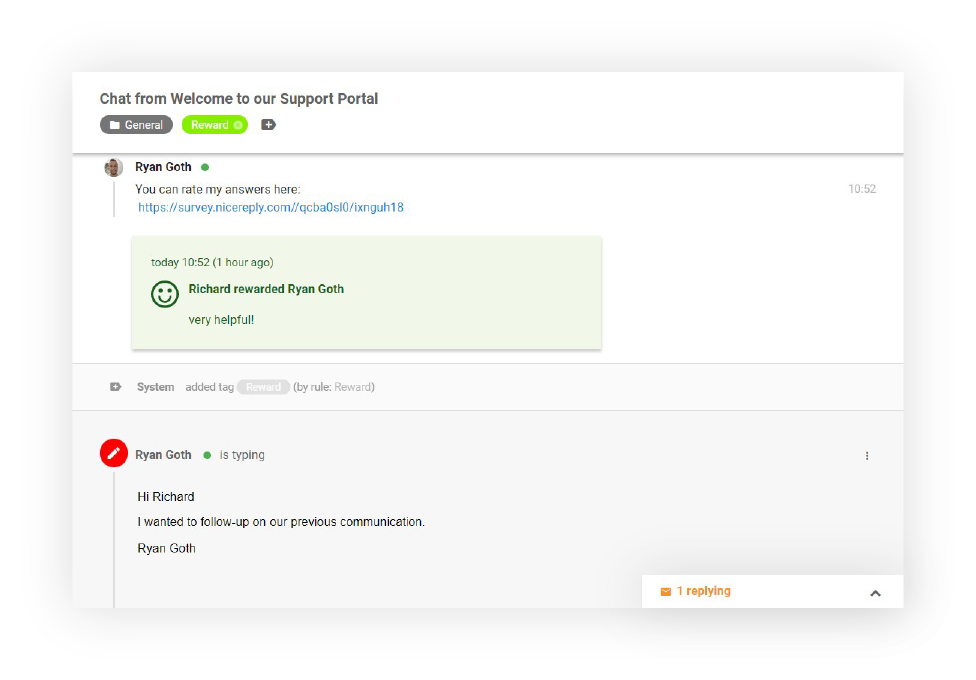
Private notes are another great universal inbox feature. Whenever you’re inside a ticket thread, you can create a private note that only you and other agents can see. This can serve you as a future reminder or help bring others up to speed.
LiveAgent combines excellent live chat, ticketing and automation that allow us to provide exceptional support to our customers.Peter Komornik, CEO at Slido

The latest tips and deals delivered straight to your inbox.
If you’re wondering whether your customers will be able to tell that you’re using a universal inbox to answer their phone calls, live chats, Viber messages, WhatsApp messages, Tweets, or emails, the answer is no. Check out how it works in this detailed video tutorial.

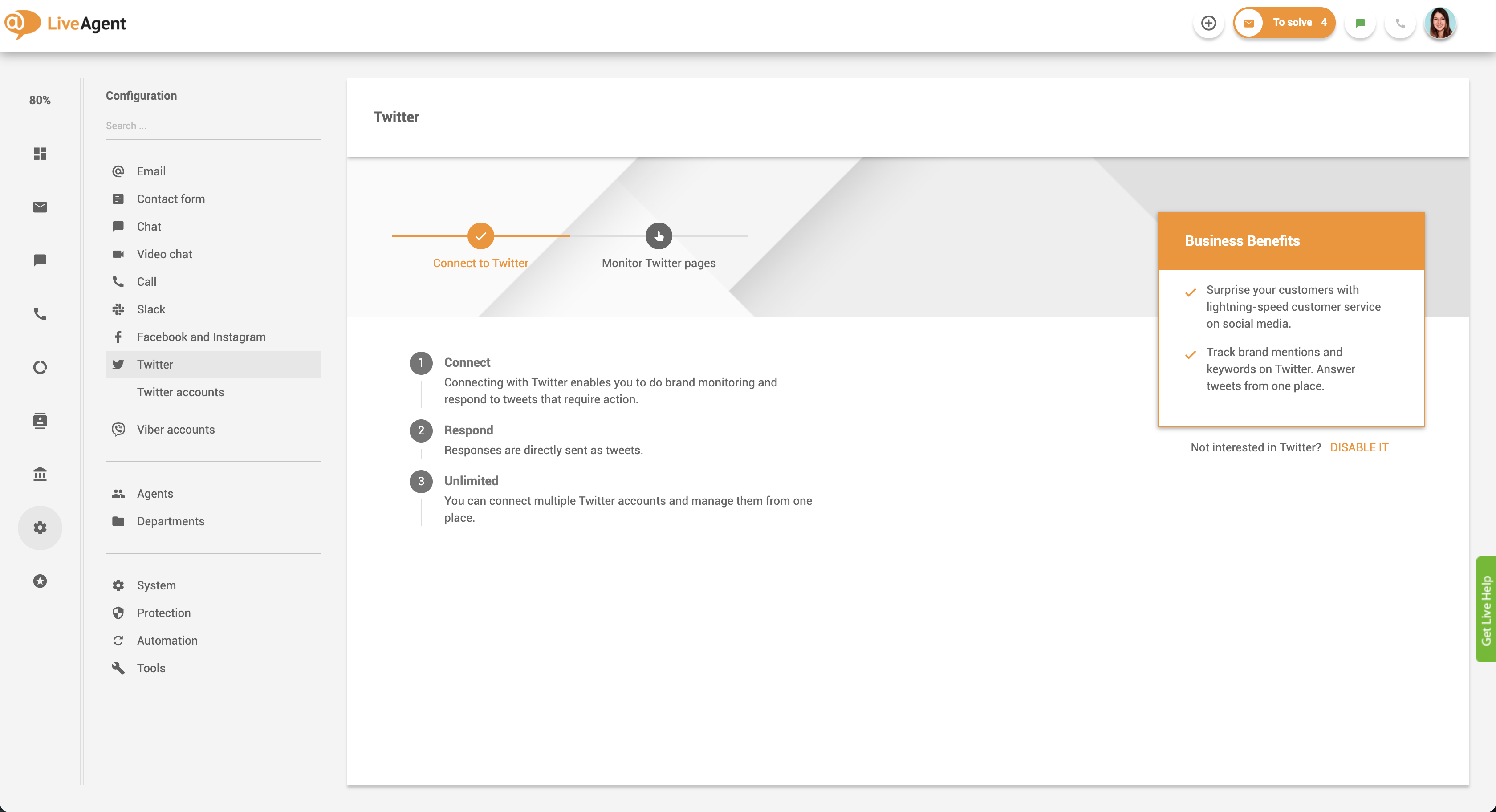
To ensure you’re utilizing your universal inbox to its fullest potential you’ll have to connect it with all your email accounts, social media profiles, and phone numbers. You’ll also have to place our live chat widget on your site and create a LiveAgent support portal. Not sure how? Check out the getting started guide in the support portal.
There are many ways a universal inbox can make your customer support ticketing solution more efficient and help improve your customer satisfaction.
Discover just how easy it is to provide personalized, timely, and knowledgeable support with LiveAgent’s universal inbox. Start your 30-day free trial today. No credit card required.
Handle all customer inquiries from one interface. Start improving your customer service with a free 30-day trial today!
Streamline customer support with LiveAgent's shared mailbox. Collaborate, improve productivity, and boost satisfaction. Try free for 30 days!

Discover LiveAgent's free chat client for instant messaging. Manage all inquiries from one interface with automation & real-time chat. Try free!
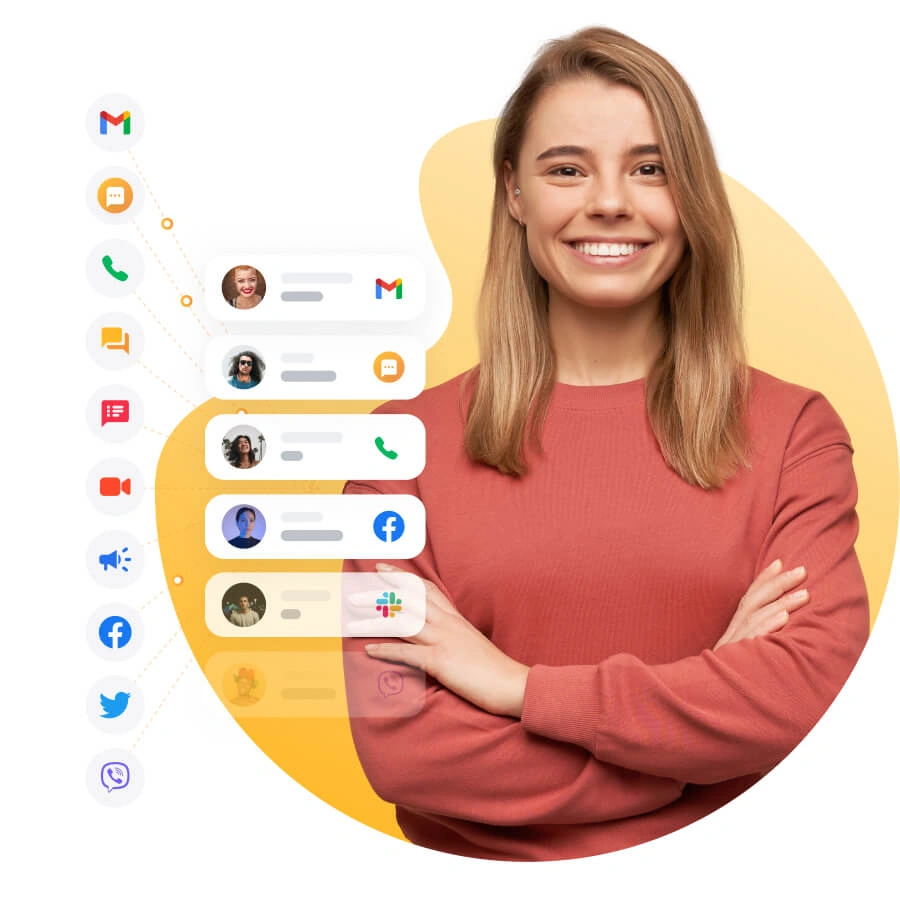
With LiveAgent you can easily integrate your CRM, knowledge base, and third-party apps to provide a unified customer experience.
Join our community of happy clients and provide excellent customer support with LiveAgent.

Cookie Consent
We use cookies to enhance your browsing experience and analyze our traffic. See our privacy policy.