






CRM Features for Customer Support
Boost your customer support with LiveAgent's built-in CRM! Manage interactions, track leads & store data seamlessly. Try free for 30 days!
2 min read
CRM
Integration
+1

LiveAgent’s CRM tool offers ticket/customer insights by storing customer data, past interactions, and custom fields to enhance support and sales experiences. Integrations, surveys, and detailed reports help improve customer satisfaction and identify key clients.
CRM software, also known as customer relationship management software, stores important information about customers. It’s primarily used by salespeople, marketers, and support agents to provide better customer support and sales experiences.

CRM software typically stores customer contact information such as email addresses and phone numbers. It also holds information about the customer’s past purchases, purchase values, communications with your company, and other specific details. This information could include data about their satisfaction with your company and their likelihood of promoting or churning away from your business.
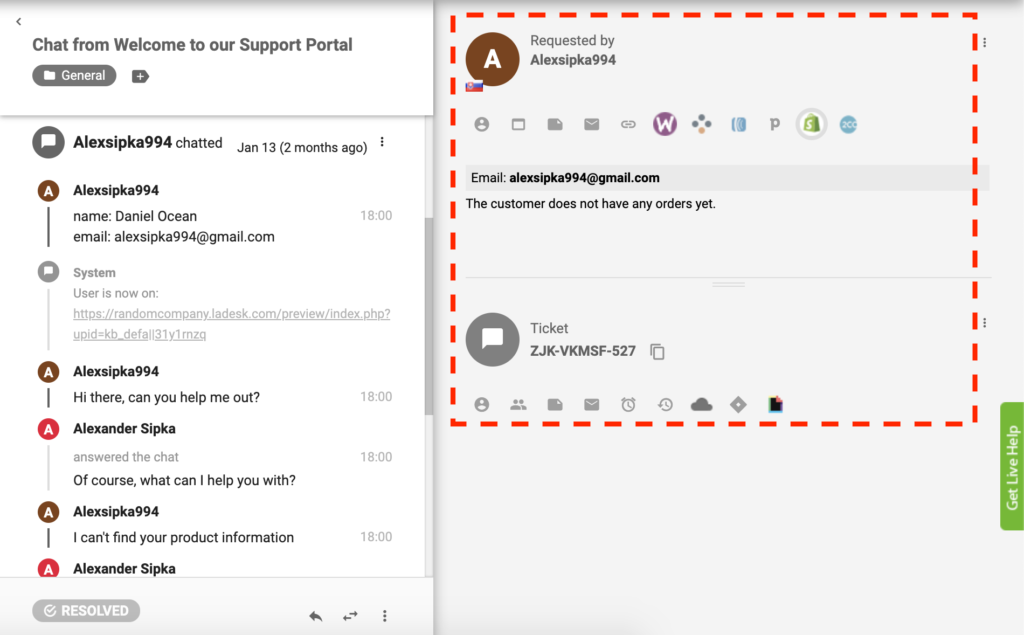
In addition to storing customer contact information and past purchase details, the integration of CRM software with the ticketing tool takes customer service to the next level. It allows you to store valuable information about customers, such as their preferences and interactions. This data can be used to personalize customer interactions, identify opportunities, and enhance overall customer experience. A CRM ticketing tool can be a vital component in providing exceptional customer service and maintaining long-term customer relationships.
Most CRMs integrate with third-party tools and software to reduce data input time and maximize efficiency. For example, LiveAgent’s built-in CRM integrates with platforms like Shopify so customer support agents can see their customers’ orders directly inside LiveAgent without having to log in to Shopify.

Start your free trial today and see results within days.
Ticket and customer CRM insights are information fields that you can fill in to disclose more information about a particular customer or ticket. To provide the best customer experience, it’s important you use them as a part of your customer support ticketing software.
Basic customer/ticket fields include:
LiveAgent users have the option to create unlimited, custom, contact, and ticket fields with different types of formats and validators. For example, agents can create a custom textbox (text input), list box (drop-down menu with a list of options), checkbox (a small box that needs to be ticked), checkbox group (users can check multiple boxes), and postal address fields.
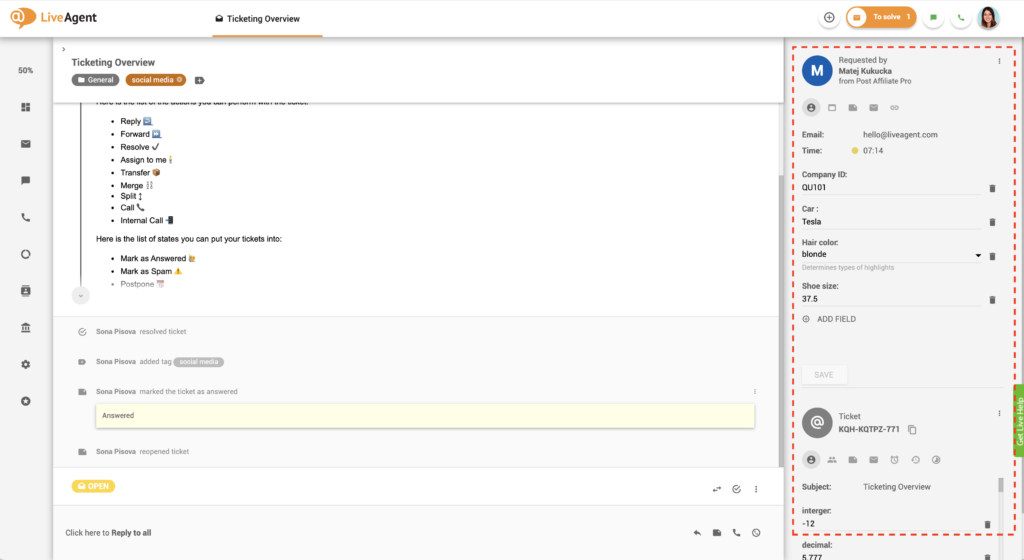
Moreover, users can select validators to ensure all data entered into the custom ticket fields is correct. Validator options include:
The latest tips and deals delivered straight to your inbox.
Having a built-in CRM in your help desk software can be beneficial in more ways than one.
By having all vital customer information available in one place, you’ll be able to provide better service experiences that are proactive, quick, knowledgeable, and personalized. Customers crave this type of service, and therefore by delivering it, you’ll be able to improve customer satisfaction and retention with ease.
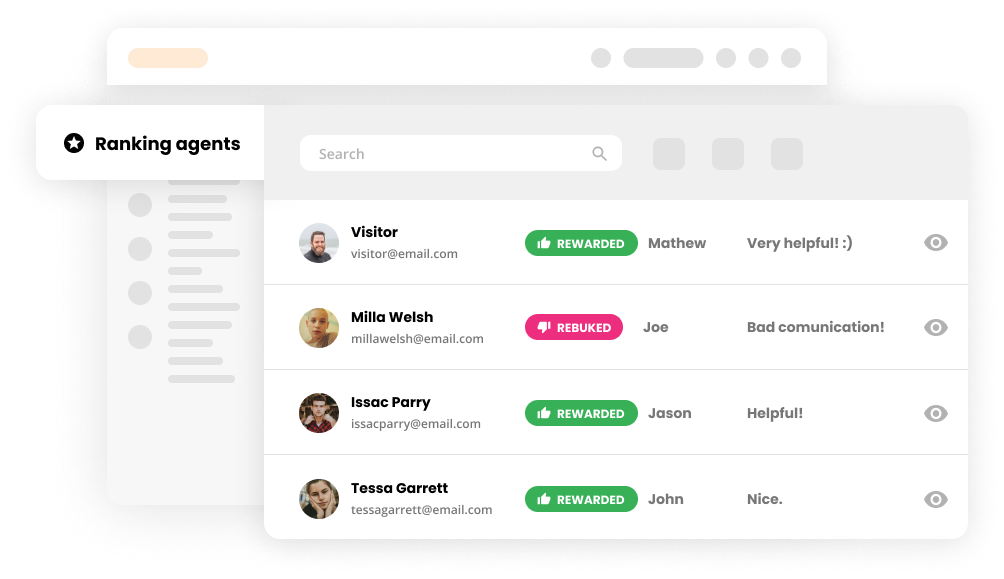
A built-in CRM can help you discover which customers have the highest lifetime values. Having this knowledge will enable you to provide them with better and faster service. Knowing that they hold a high purchasing power and can influence others in making future purchases, your priority should be to keep them happy at every touchpoint.
Knowing your customers will enable you to provide more personalized marketing and sales messages, increasing your profitability. According to Accenture, 91% of consumers say they are more likely to shop with brands that provide offers and recommendations relevant to them. Moreover, 70% of millennials are frustrated when companies send them irrelevant emails.
Knowing what your customers like (and what they don’t) can help you increase sales and efficiency. For example, if you note a specific customer’s product preferences in your CRM, you’ll know when to contact them with proactive sales messaging or upselling opportunities.
LiveAgent’s built-in CRM enables you to view your customer’s previous communication with your business. You’ll be able to see all past messages along with details like when they contacted you last, through which channel, as well as the entire context of each interaction.
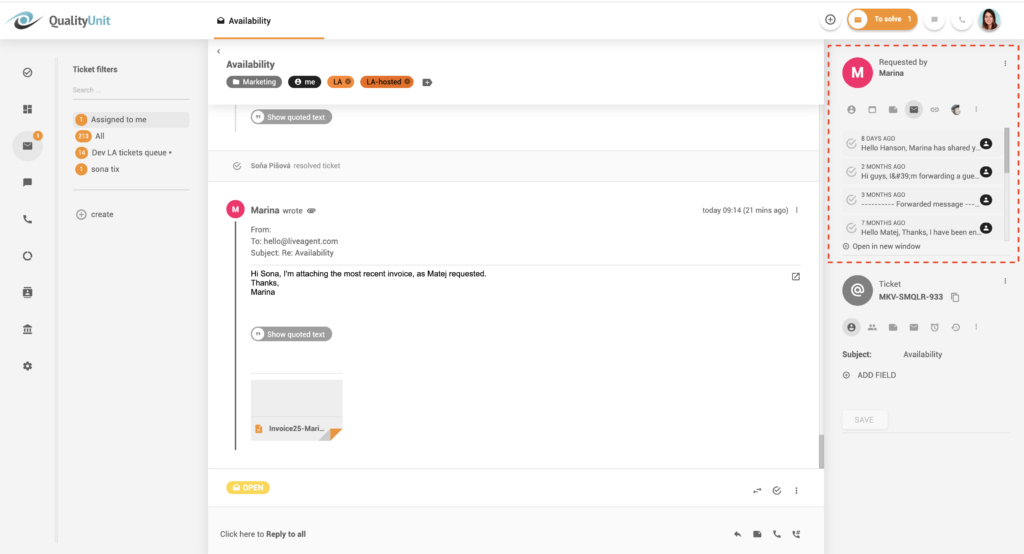
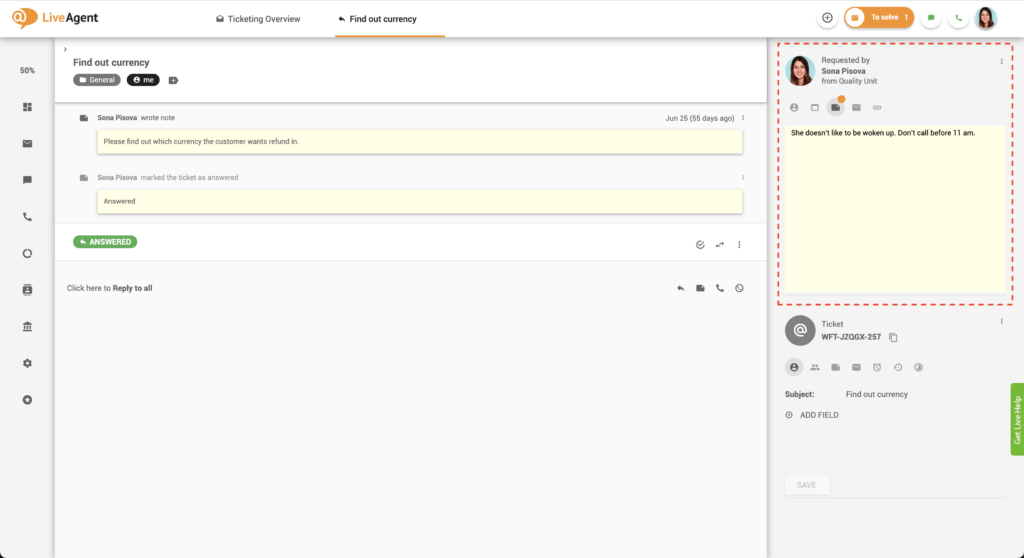
Write down custom notes about your customers to ensure you don’t miss a single detail. Being meticulous when it comes to storing customer information is key to providing exceptional service.
View, edit, and store all essential customer data, starting with basic contact information such as their first and last name and email address. Take it a step further by taking note of their operating system, web browser, language, and timezone. Being knowledgeable and considerate of your customer’s location, timezone, and devices can do wonders for their service experience.
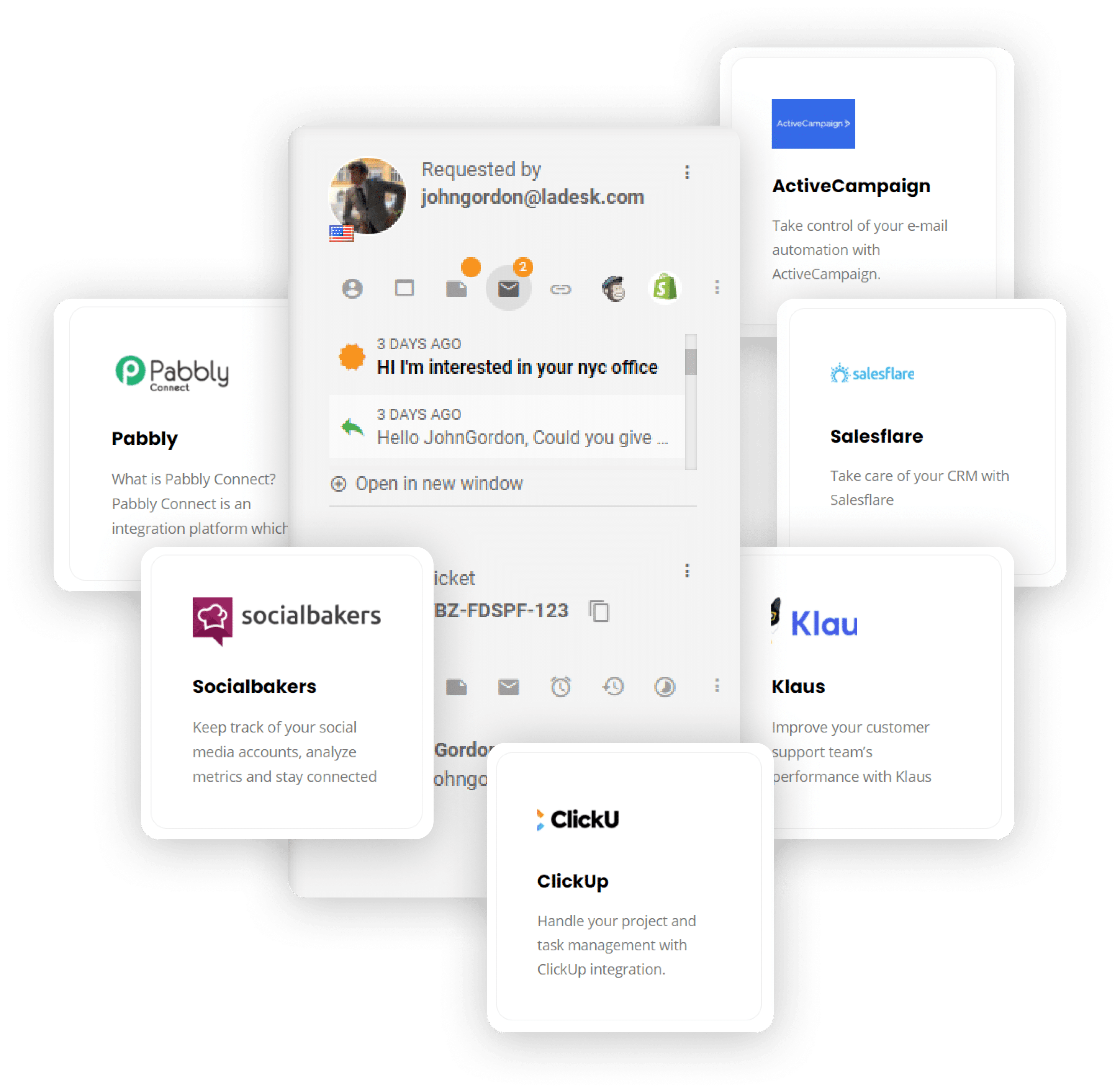
LiveAgent help desk software offers over 40 third-party integrations with the most popular tools out there, including Slack, Shopify, Mailchimp, Braintree, and more. Check out the integrations section to learn more about using and integrating each supported plugin with your account.
Want to know more about our built-in CRM as well as our ticket and customer insights? Check out our knowledge base articles, blog posts, academy, glossary, or feature pages.

Create unique CRM fields to save more valuable information about your customers. Try it today with a free, all-inclusive 30-day trial . No credit card is required.
Discover LiveAgent's powerful features that streamline communication, increase efficiency, and boost customer satisfaction.
Boost your customer support with LiveAgent's built-in CRM! Manage interactions, track leads & store data seamlessly. Try free for 30 days!

Agile CRM integrates with LiveAgent to enhance customer service efficiency. It automates sales and marketing, providing business intelligence. Integration via Z...

Discover top customer service tools like live chat, CRM, and social media support to boost engagement and satisfaction. Streamline interactions with platforms l...
Join our community of happy clients and provide excellent customer support with LiveAgent.

Cookie Consent
We use cookies to enhance your browsing experience and analyze our traffic. See our privacy policy.