






SpamAssassin
SpamAssassin helps detect spam emails using techniques like Bayesian filtering and blacklists. Integrated with LiveAgent, it streamlines workflows by filtering ...
1 min read

Spam filters detect and block unsolicited and malware-laden emails using algorithms and various filters to protect against phishing, viruses, and scams. LiveAgent offers automatic spam filtering with email server integration, enhancing inbox security and efficiency.
Spam filters identify unsolicited and malware-infested emails through various criteria and prevent them from reaching your inbox. If an email is flagged as spam, it’s automatically sent to your spam folder before you can ever interact with it.
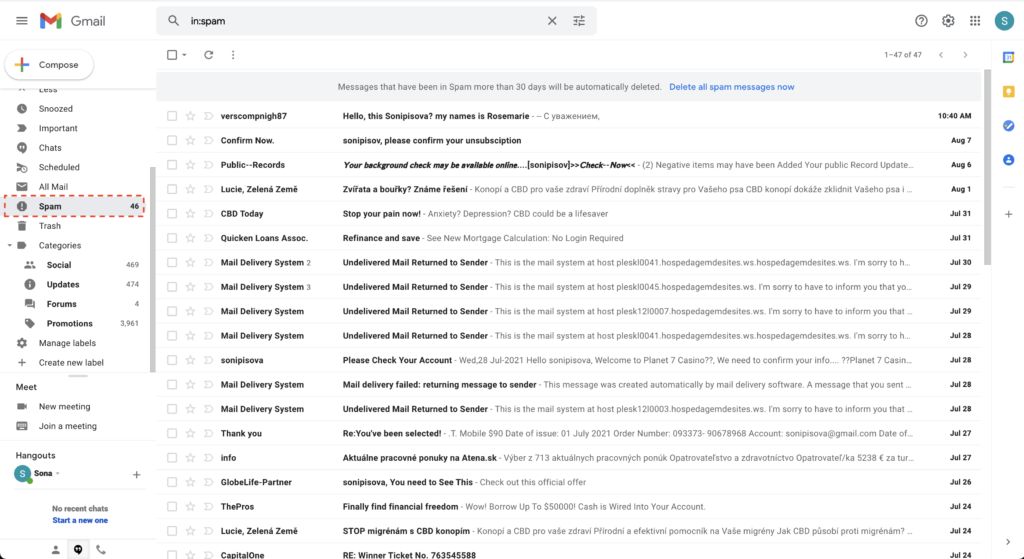
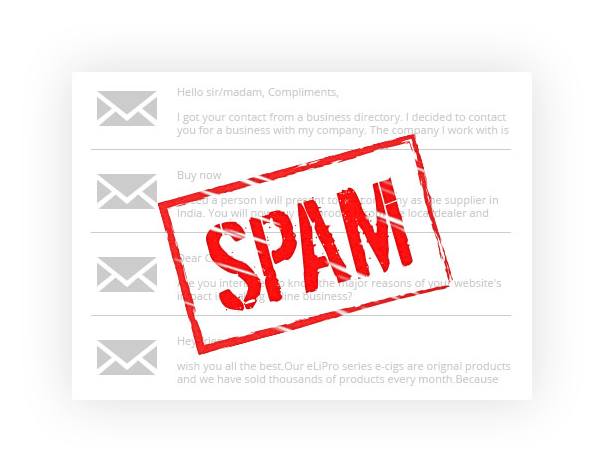
In terms of email, spam means “unsolicited, bulk email.” To break down the definition, let’s look at both words. Spam is defined as unsolicited because the recipient didn’t ask to receive the email or give permission to receive it. As for bulk, it means that the email is sent to multiple recipients at once.

Start your free trial today and see results within days.
Spam filters use algorithms to determine if email messages are spam. First, they rank each email (outbound and inbound) with a numerical score, and if the score is higher than a certain number or close to a borderline spam percentage, the given email is marked as spam. Generally, four different types of spam filters are used to determine if an email is considered spam.
The latest tips and deals delivered straight to your inbox.
Spam filters are important because they protect us from phishing attacks, viruses, scams, and malware. Without spam filters, we could easily download virus-filled attachments, click on links that provide scammers with our personal information, passwords, or access to our computers.
Countless people have fallen victim to spam emails and gotten scammed out of their money in hopes of winning prizes or in fear of having their secrets exposed. Therefore, it’s essential to utilize software and emails that use spam filters.
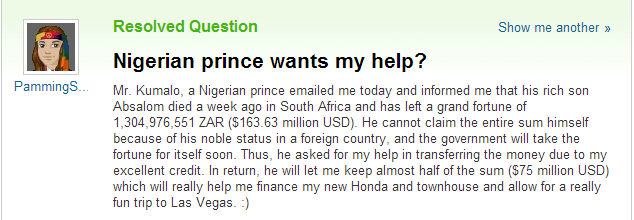
In addition to protecting us and our privacy, spam filters prevent our mailboxes from being overloaded with unnecessary emails.
There are many spam filtering solutions out there. They can be hosted in the cloud, on computer servers, or integrated into email software such as Gmail, Mail, or Outlook. There are also dedicated software solutions like SpamAssassin.
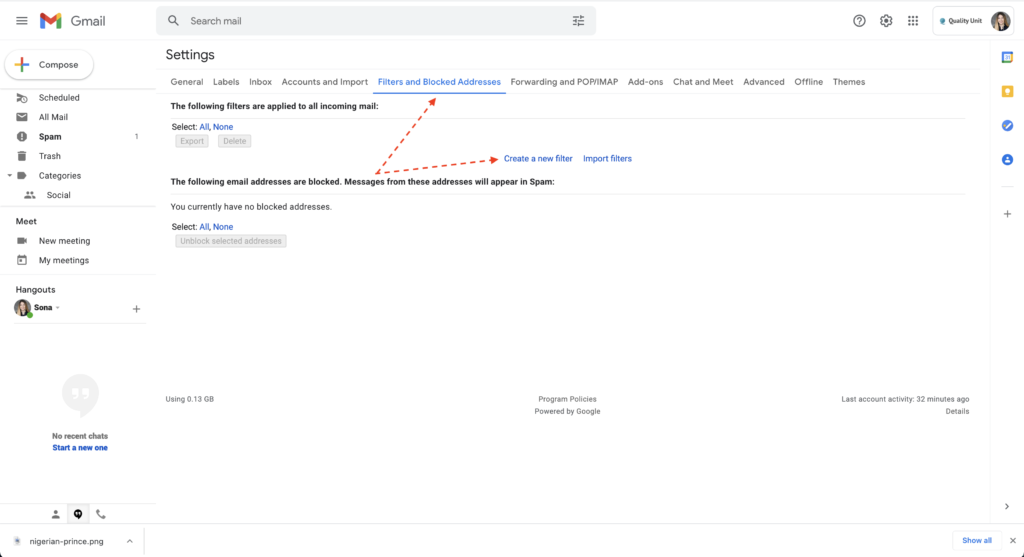
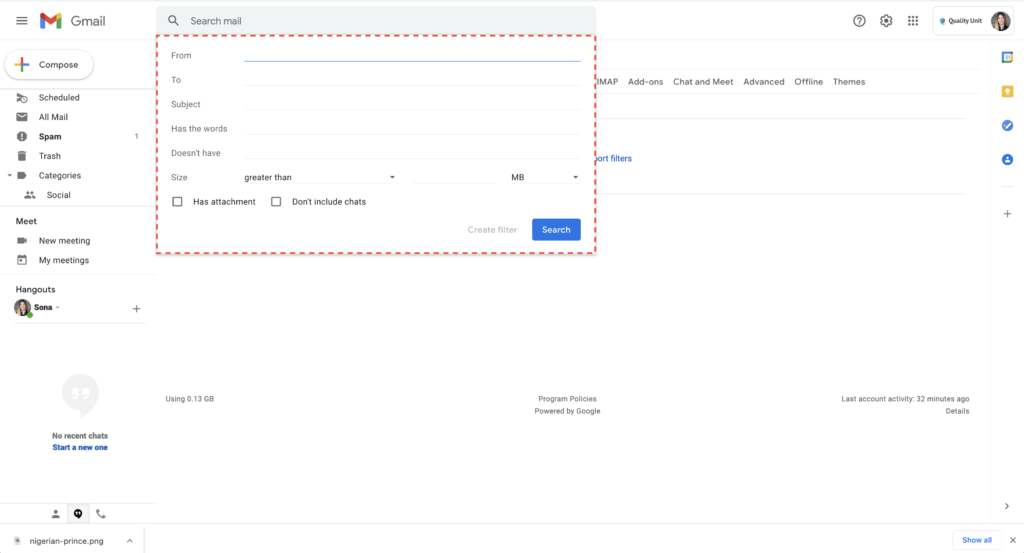
LiveAgent’s service ticket management software works in conjunction with mail servers to mark emails as spam. Initially, the mail server identifies and tags spam emails by placing an x-spam header in the email. Then, LiveAgent interprets these headers.
If an incoming email is marked as spam by the mail server, LiveAgent will convert it into a ticket that has a spam status. This mechanism is in place so the email can be found later on if necessary (for example, if it proves not to be spam.) In this manner, LiveAgent enables you to find alleged spam emails and allows you to respond to them if they’re not spam, and a response is necessary.
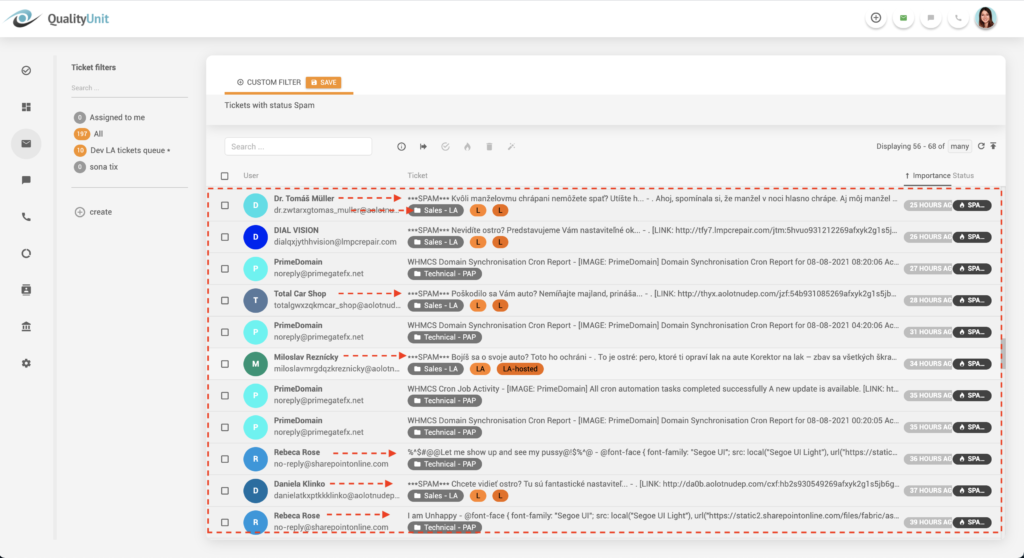
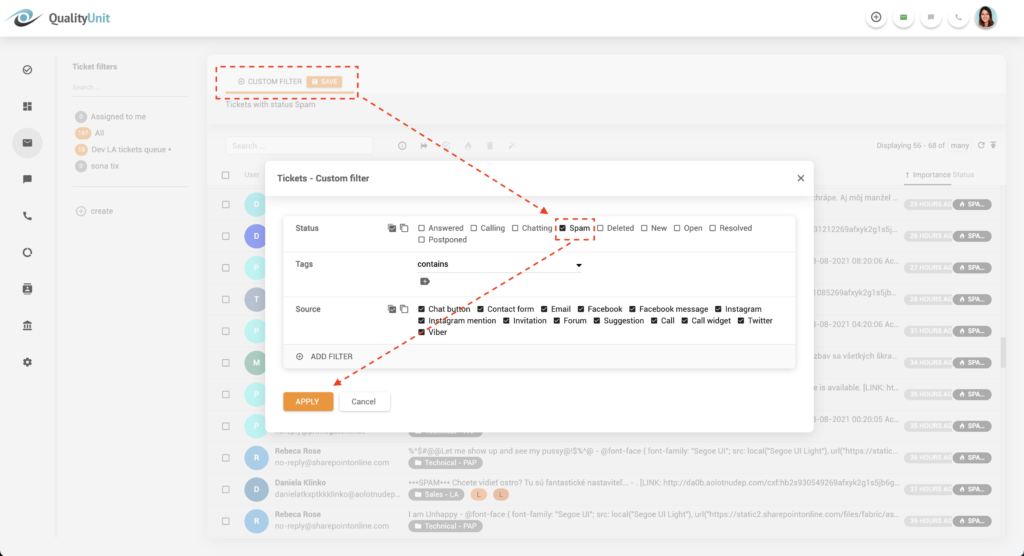
Over time, LiveAgent can delete tickets marked as spam, so they don’t take up unnecessary space in your inbox.
Some emails can be mistakenly marked as spam because they have improper formatting, come from a suspicious IP address, or use phrases and words that spammers and scammers commonly use.
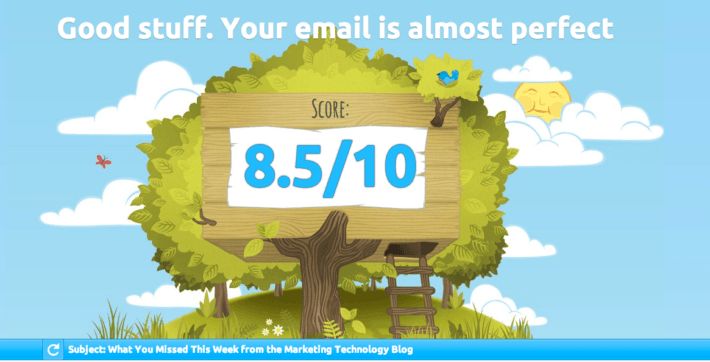
If your clients consistently tell you that they find your emails in their spam inbox, you should use a Mail tester to determine why they are marked as spam. Learning from these insights can help you improve your email marketing and sales efforts. Upon making the suggested changes, your click-through and open rates should improve. Moreover, you should also see a growth in profitability and customer satisfaction and loyalty.
A spam filter can protect you and your customers from malicious attacks. Therefore, it’s essential to choose a help desk software with spam filtering capabilities or software that works with mail servers to identify spam emails so you can keep both your and your customer’s data safe and secure.
If you compromise your customer’s data due to lacking spam filters, your company’s reputation, profitability, and image will suffer greatly. Customers don’t want to be put in any uncomfortable situations due to your negligence.

Discover all that LiveAgent has to offer with our 30-day free trial . There’s no credit card required to get started. Explore our rich automation, ticketing, and reporting features, as well as our robust live chat and call center. Start improving your customer satisfaction today.
Discover all that LiveAgent has to offer with our free, all-inclusive 30-day trial. There's no credit card required to get started. Explore our rich automation, ticketing, and reporting features, as well as our robust live chat and call center. Start improving your customer satisfaction today.
SpamAssassin helps detect spam emails using techniques like Bayesian filtering and blacklists. Integrated with LiveAgent, it streamlines workflows by filtering ...

Discover how LiveAgent's suspended tickets feature detects and filters SPAM efficiently, enhancing support quality and response times.
hMailServer is an open-source email server for Windows offering spam and virus protection. Integrate it with LiveAgent for efficient customer support and seamle...
Join our community of happy clients and provide excellent customer support with LiveAgent.

Cookie Consent
We use cookies to enhance your browsing experience and analyze our traffic. See our privacy policy.