


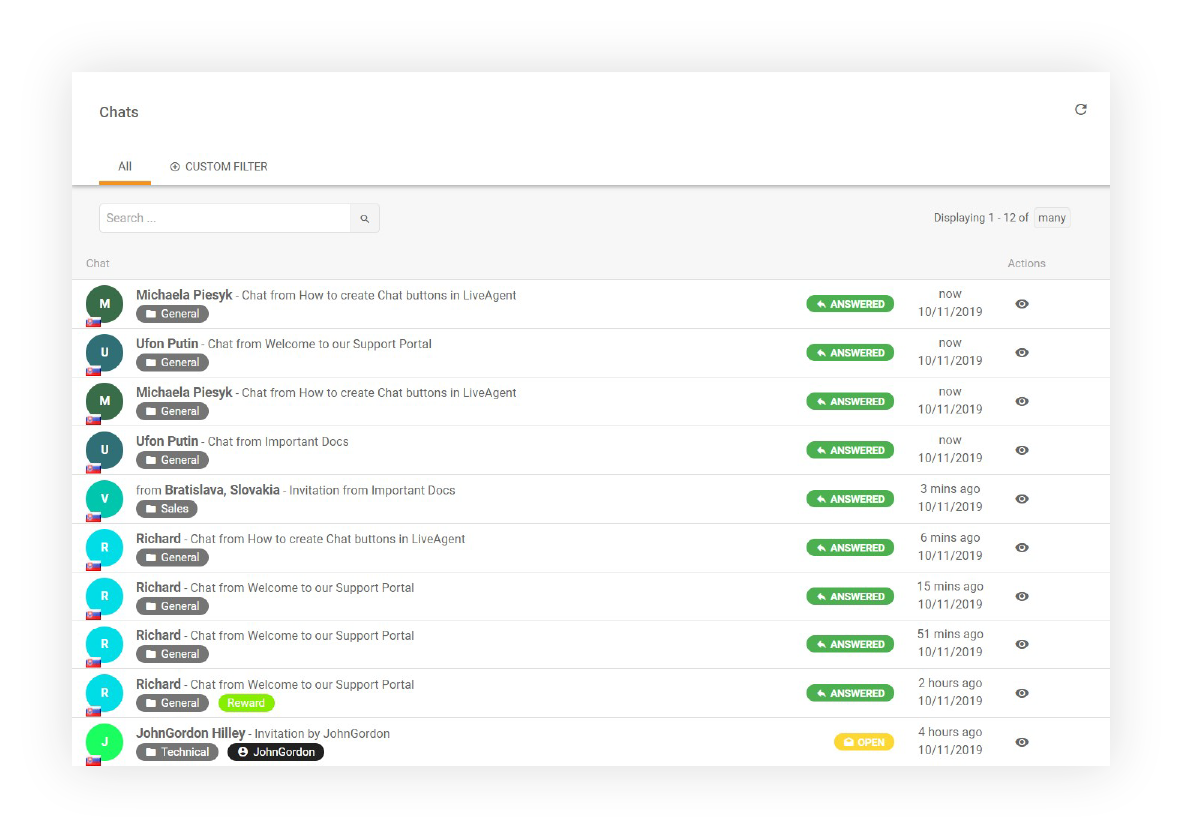
Chat History Features
LiveAgent's Chat history feature enhances customer service by storing previous communications, enabling quick access to past inquiries and solutions. It support...
4 min read
Chat History
Live Chat
+1

Access LiveAgent’s online ticket history for easy retrieval of past tickets via email links. Share updates with a URL and try a 30-day free trial. Enhances customer service by simplifying ticket management for support teams.
Accessing online ticket history is made easy with the help of a reliable ticketing tool, like the one provided by LiveAgent. By incorporating an online ticket history link in your sent emails, ticketing software simplifies the process of retrieving past ticket information, which allows agents to quickly access and review all relevant details from previous interactions.
It’s an important feature of ticketing software for IT support, customer service help desks, and call centers, among others.
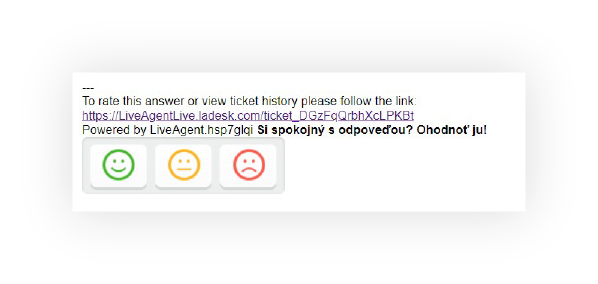
Send your colleagues a clickable link that shows them the contents of the ticket without having to log into LiveAgent. This streamlined approach to ticket sharing enhances collaboration and improves response times across your support team.
LiveAgent provides flexible authentication options for your online ticket history:
This flexibility allows you to balance security with accessibility based on your organization’s needs.
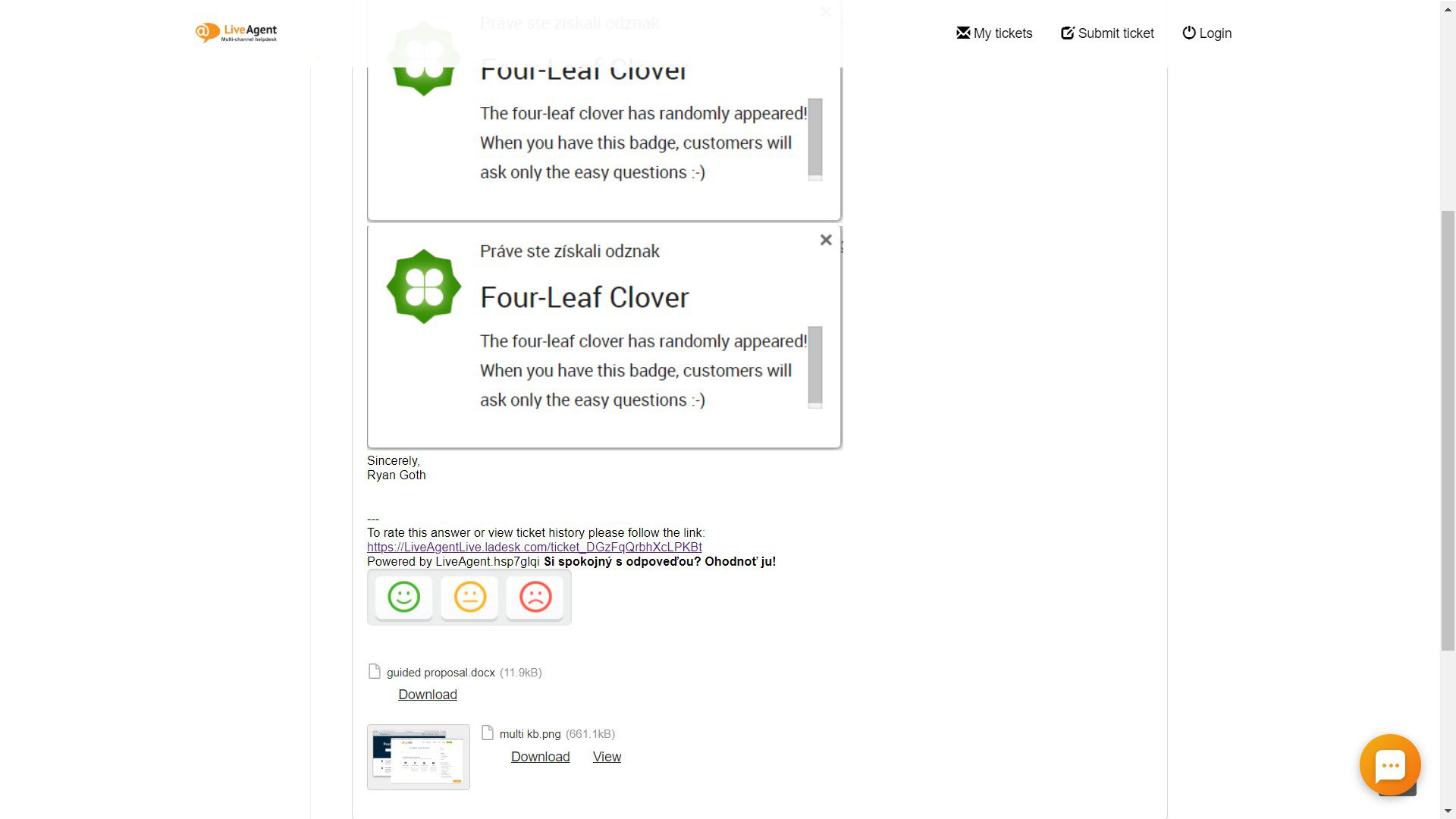
The online ticket history interface provides a clean, easy-to-read view of all ticket interactions. Customers and team members can quickly review the complete conversation history, attachments, and ticket status without needing system access.
LiveAgent's Chat history feature enhances customer service by storing previous communications, enabling quick access to past inquiries and solutions. It support...
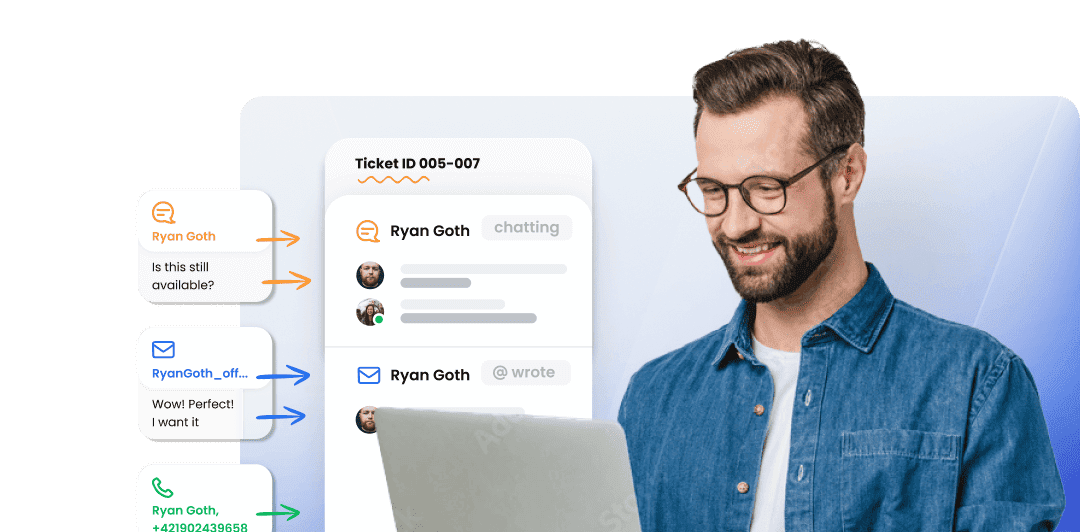
LiveAgent's ticketing system brings together essential ticketing feature elements such as mass actions, audit logs, and integrated communication channels, which...

Learn about Ticket Details: key info like subject, notes & attachments for efficient ticket management. Boost support with LiveAgent—Try Free!