


Migration to LiveAgent
Switch to LiveAgent with free data migration, 24/7 support, no setup fees, and a 30-day free trial. Streamline support and boost efficiency today!
7 min read
Migration
Help Desk
+1

Easily migrate tickets, contacts, and agents to LiveAgent with our plugins. Enjoy a clean inbox with the ban IP feature. Free 30-day trial!
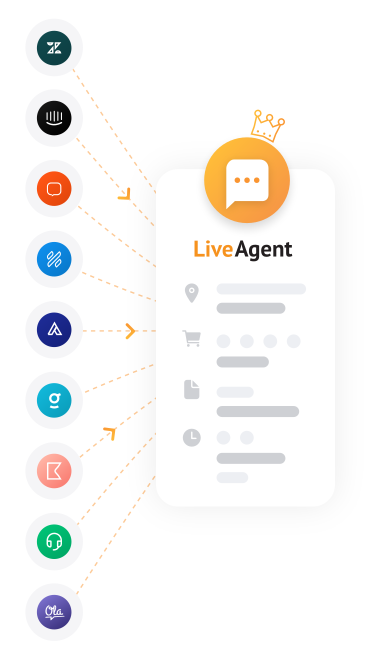
It’s easy to switch to LiveAgent with our migration plugins. Migration plugins help you transfer all of your data from your previous help desk software, so you can start using LiveAgent almost immediately and without additional hassle. We continually release new migration plugins to cover various software options that you can transfer your data from.
These are easily accessible from your LiveAgent’s configuration panel. All you need to do is activate them and follow the instructions.
Switching to a new help desk solution can seem daunting, but LiveAgent makes the transition seamless. Here are the key reasons to migrate:
The data you can transfer between your current software and LiveAgent can vary but it’s the same in most cases:
Using our migration plugins is straightforward:

The latest tips and deals delivered straight to your inbox.
Switching to LiveAgent is easier than ever with our migration plugins. Transfer all your data seamlessly and start enjoying the benefits of a modern, feature-rich help desk solution.
Switch to LiveAgent with free data migration, 24/7 support, no setup fees, and a 30-day free trial. Streamline support and boost efficiency today!

LiveAgent offers a complimentary Freshdesk data migration. All your tickets, agents, and feedbacks from Freshdesk will be automatically moved to LiveAgent.