



Customer Portal Email Templates
Discover LiveAgent's customer portal email templates to enhance customer self-service and satisfaction effortlessly. Promote your portal, provide login details,...
12 min read
LiveAgent
Email Templates
+2

LiveAgent email templates are customizable, preformatted structures for marketing, sales, and info emails—saving time and ensuring consistency.
Email templates can be defined as preformatted email structures. Users can add text, images, and videos to them, and they’re usually fully customizable.
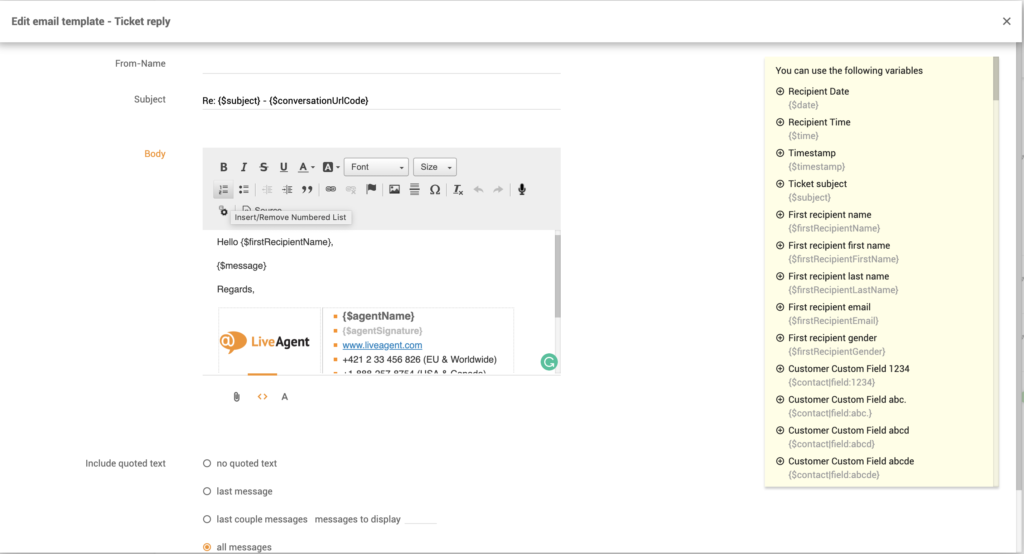
Email templates are an essential part of reliable service ticketing software. They are typically used for sending out email newsletters or automatically generated emails, such as confirmation emails, password reset emails, and so on. They’re mainly used for marketing and sales purposes. However, they can also be informational or tech-related.
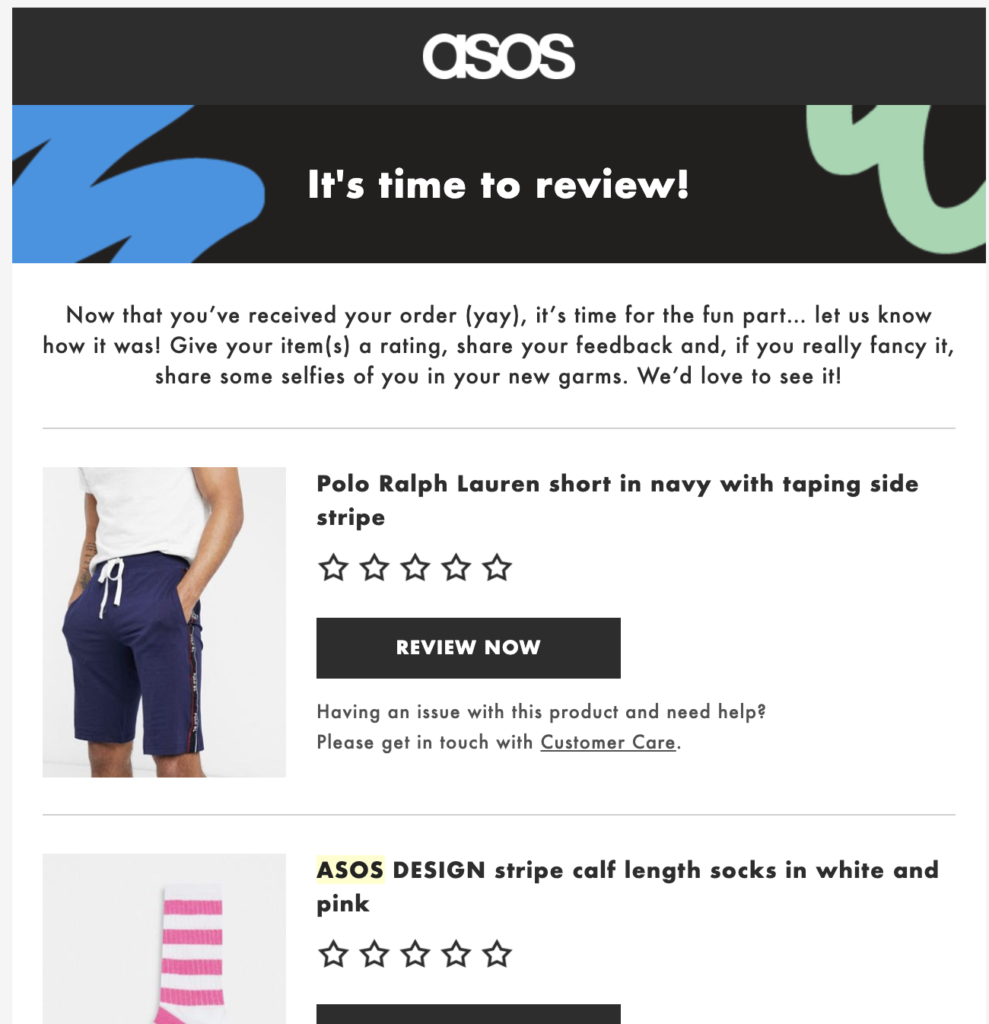
In terms of formatting, there are two types of email templates: HTML and plain text.
HTML email templates enable users to get creative with their emails. In addition to supporting various types of layouts and media, such as images and videos, they’re also compatible with different kinds of call-to-action buttons. HTML email templates are generally used for marketing and sales purposes as they’re more flashy and aesthetic. They usually contain less text and more media.

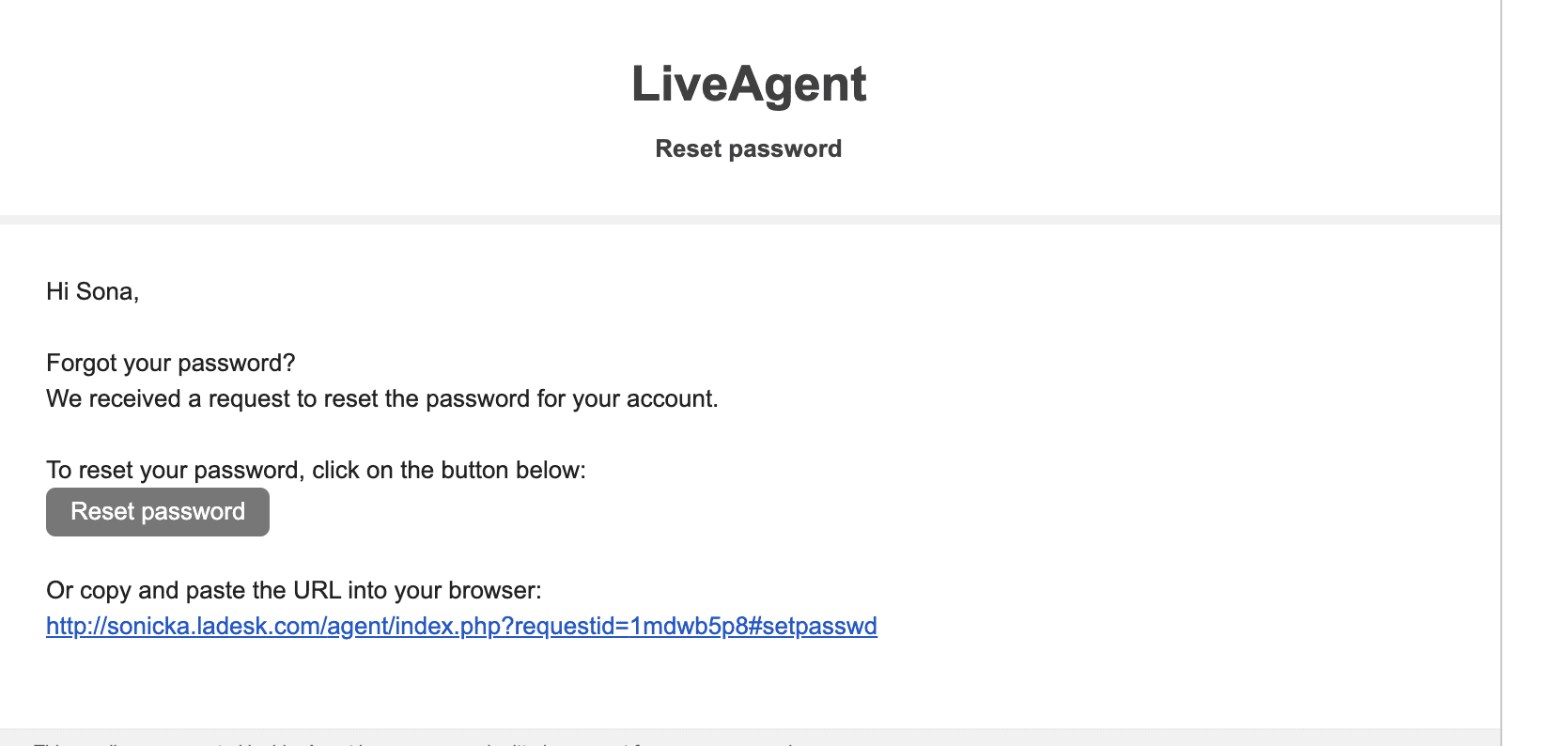
Plain text email templates are relatively simple and limited in their appearance. They don’t support complex formatting as they’re mainly used to convey short messages (3-4 lines of text) and focus more on the content of the email rather than its aesthetics. They’re generally used when sending out email confirmations, password reset links, or order tracking links.
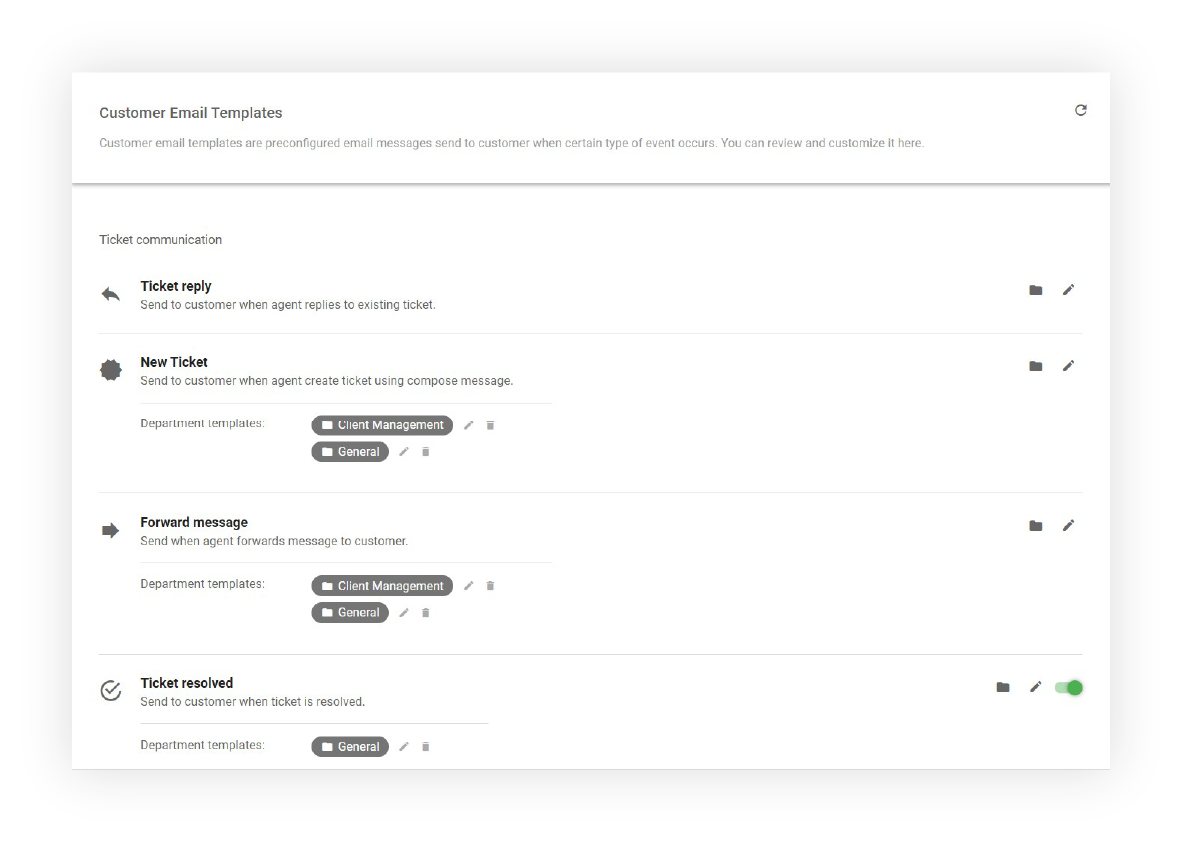
LiveAgent help desk software offers two types of email templates.
Agent email templates are preconfigured email messages sent to agents when a particular type of event occurs. For example, agents can receive these automated emails when:
*These emails are not sent when the agent is logged into the system.
Customer email templates are also preconfigured email messages. They are sent to customers when a specific type of event occurs. For example, customers receive these automated emails when:

The latest tips and deals delivered straight to your inbox.
Follow these steps to create your own email template:
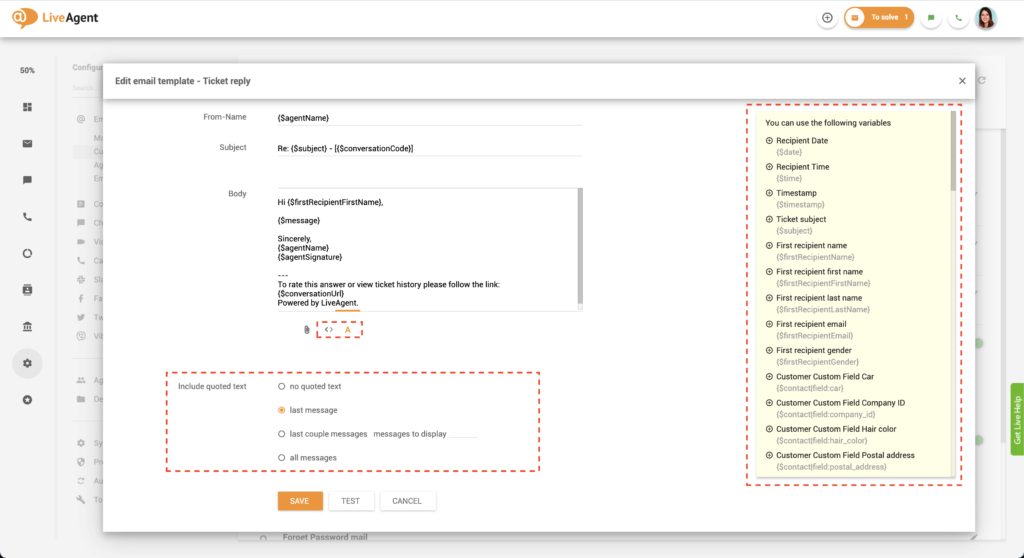
Email templates are valuable for businesses and organizations in all verticals. They help you save precious time and money and don’t require any coding skills!
Email templates are pre-formatted and automated. This means that once you create an email template, it will be automatically sent whenever the event conditions are met (for example, when a customer clicks on the forgot password button). This saves you tons of time, freeing you from manual tasks and responsibilities. For instance, you won’t have to worry about sending out follow-up emails or password reset links manually.
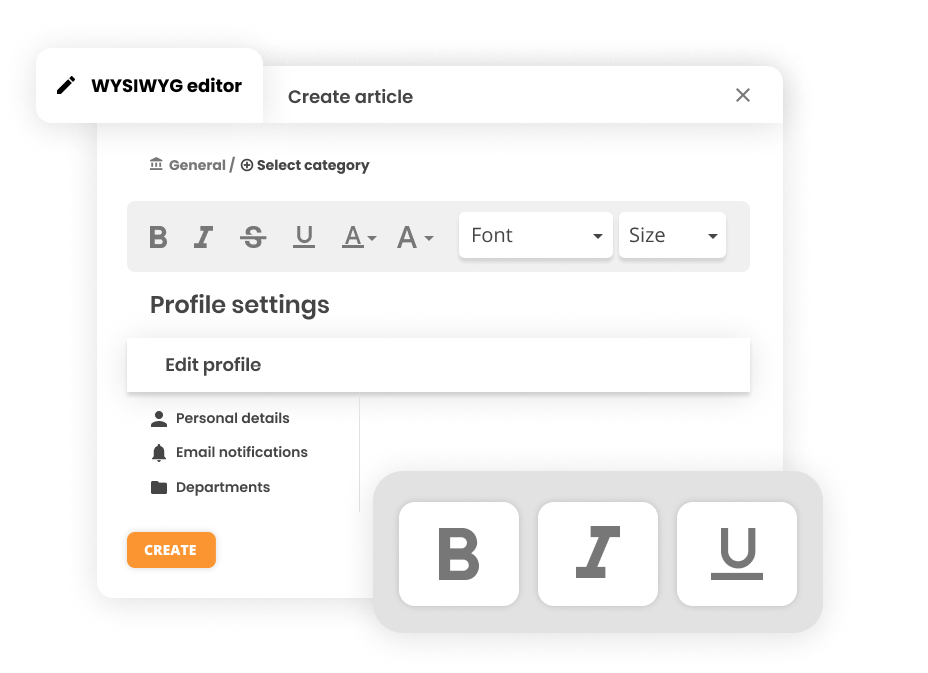
Email templates are very beginner-friendly. You don’t need to have any coding experience or design knowledge to create them. Our WYSIWYG editor makes it easy to design your email templates from scratch. By creating all your email templates in LiveAgent ticketing software, you’ll ensure all your email communications have a uniform look and feel.
When you free your agents from manual, repetitive tasks that can be easily automated, you save money. Instead, your agent’s primary concern should be increasing customer satisfaction by creating unforgettable experiences – answering queries quickly, professionally, knowledgeably, and in a personalized manner. Creating email templates can help you and your agents do just that so they can focus on what’s essential — nurturing customer relationships.
Want to learn more about customizable email templates? Check out our collection of knowledge base articles or our specially curated email templates for every occasion.

Save time by creating beautifully formatted email templates with our WYSIWYG editor. Try making your very own email templates today with our 30-day free trial . No credit card is required.
Discover LiveAgent's customer portal email templates to enhance customer self-service and satisfaction effortlessly. Promote your portal, provide login details,...

Enhance your customer service emails with LiveAgent's ready-made templates. Save time, reduce errors, and ensure consistent messaging across various scenarios—f...
Automate password reset emails to enhance customer support. Discover templates and subject lines for efficient communication. Try LiveAgent's free trial to impr...
Cookie Consent
We use cookies to enhance your browsing experience and analyze our traffic. See our privacy policy.