



Valentine's Day promotion background
14.Feb - 13.Mar 2026

Valentine deal

AI UNLOCKED
For new and existing customers for 3 months
Department Report

Department Report

Department Report Reporting Team Management

What are Departments?

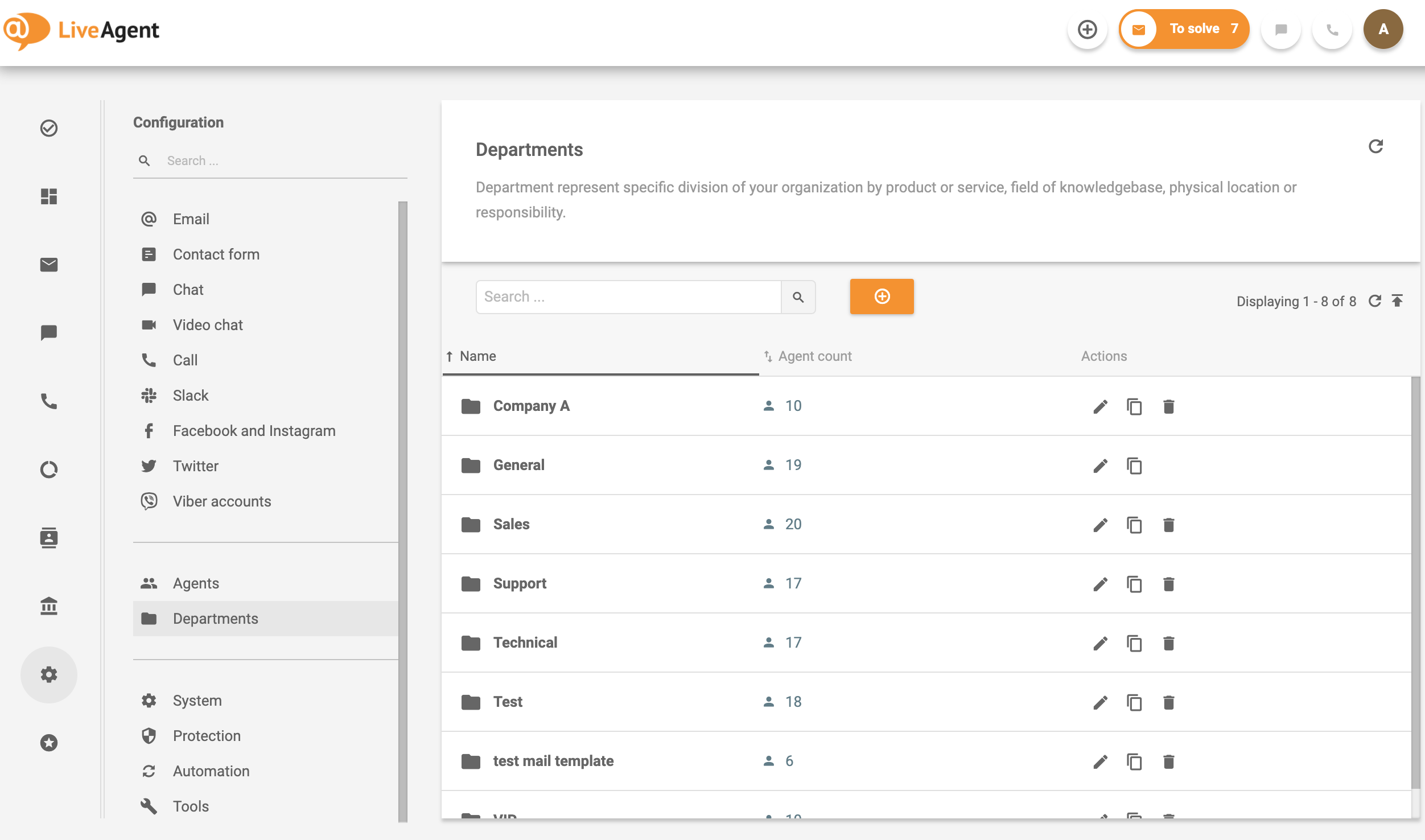
A Department represents a specific division of your organization sorted by product or service, the field of knowledge, physical location, or responsibility. Departments allow organizations to allocate tickets and assign agents to various departments, offering customized templates and workflow rules.

Departments in LiveAgent

Departments allow you to:

  • Distribute tickets and assign support agents into departments
  • Define filters and transfer rules so that your tickets will always land in the right hands
  • Specify different signatures, phone, and chat answering rules for different departments
  • Instantly see how many new, open, and resolved tickets are in your departments
  • Restrict access to tickets for agents belonging to the same department as the ticket
  • Customize your email communication templates per department
  • Configure the availability of chat, phone, and messaging services per department

Running a one-man show?

You don’t need to use Departments if you are running a one-man business or a very small organization. In that case, all tickets are distributed and handled by all, regardless of type.

Benefits of Departments:

  • Distribute work, authority, and responsibility – Clearly define who handles what
  • Group teams of specialists together – Keep related expertise in one place
  • Increase effectivity and quality of ticket handling – Specialized teams work more efficiently
  • Decrease ticket response and resolution time – Faster handling leads to better customer satisfaction

Examples of use:

  • Function – Human Resources, IT, Accounting
  • Product or Service – City bikes, road bikes, or Bikes-Shop.com, Flowers-Shop.com
  • Customers – Resellers, Affiliates, VIP
  • Geographic – US, Europe, Asia
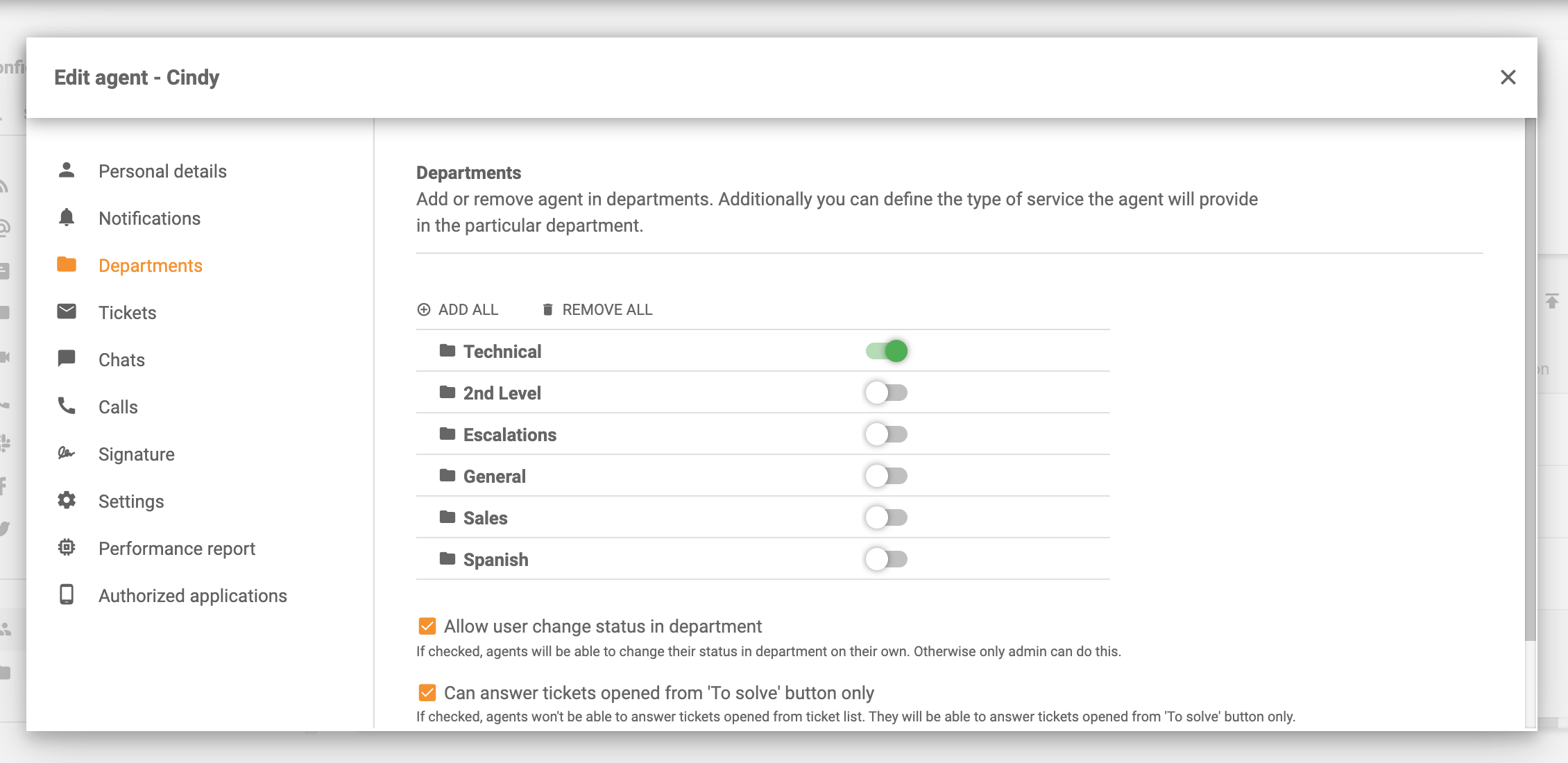
Add agents into departments in LiveAgent

Department Report

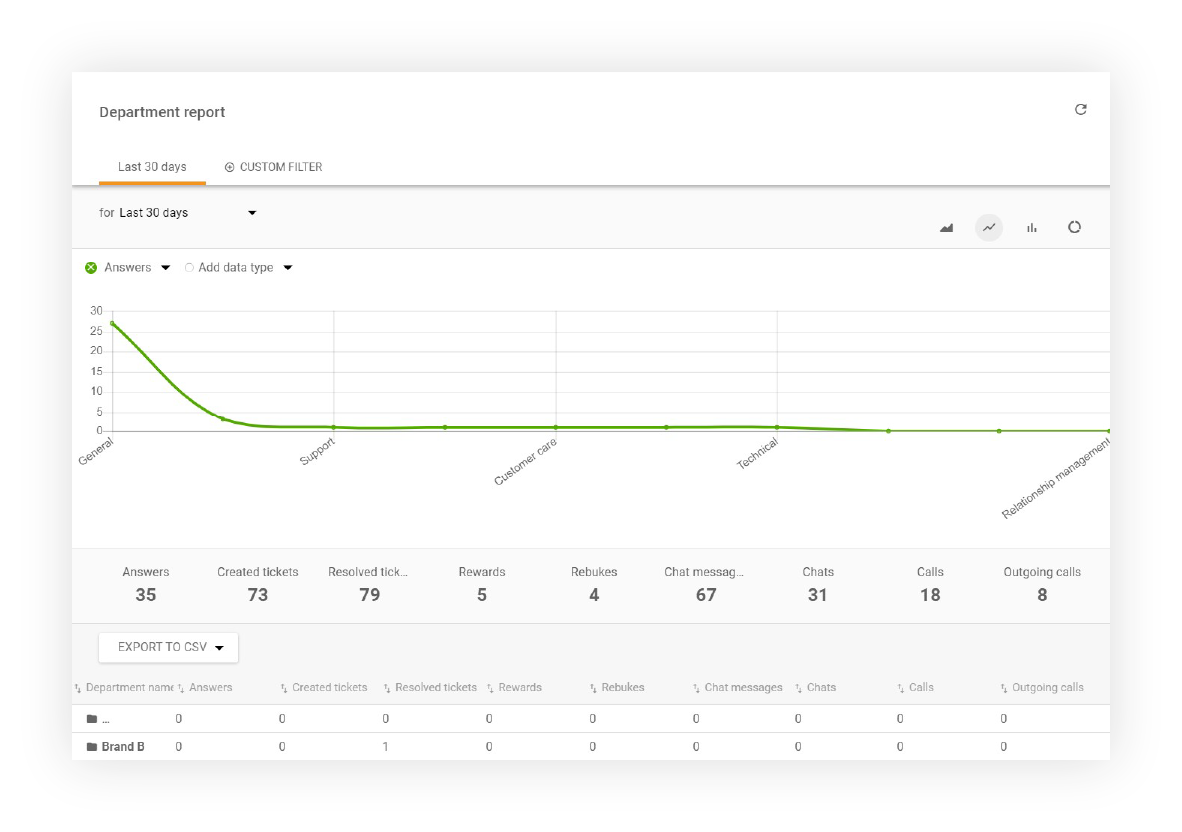
LiveAgent offers a comprehensive report of answered tickets, chats, calls, rankings, and more from a specific time range. Individual entries can be sorted by time range, department, channel, and agent. Department Report can be exported to a CSV file.

Department report display in LiveAgent

Department report display options (columns):

  • Tag
  • Answer
  • New answer avg. time
  • Open answer avg. time
  • Calls
  • Missed calls
  • Call minutes
  • Chat messages
  • Chats
  • Missed chats
  • Chat pickup avg. time
  • Chat avg. time
  • Not ranked
  • Not ranked %
  • Rewards
  • Rewards %
  • Rebukes
  • Rebukes %
  • Incoming messages
  • Incoming calls
  • Finished calls
  • Incoming chats
  • Finished chats
  • Created tickets
  • Resolved tickets

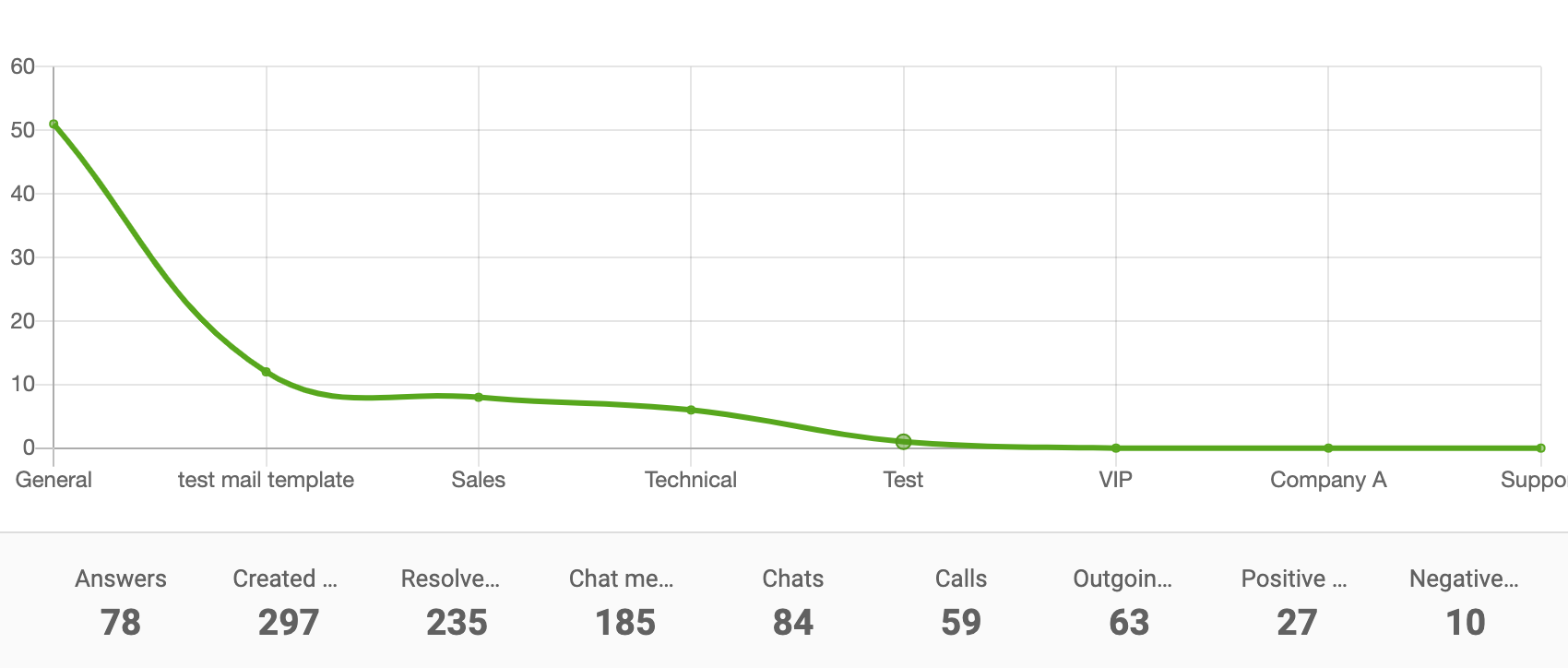
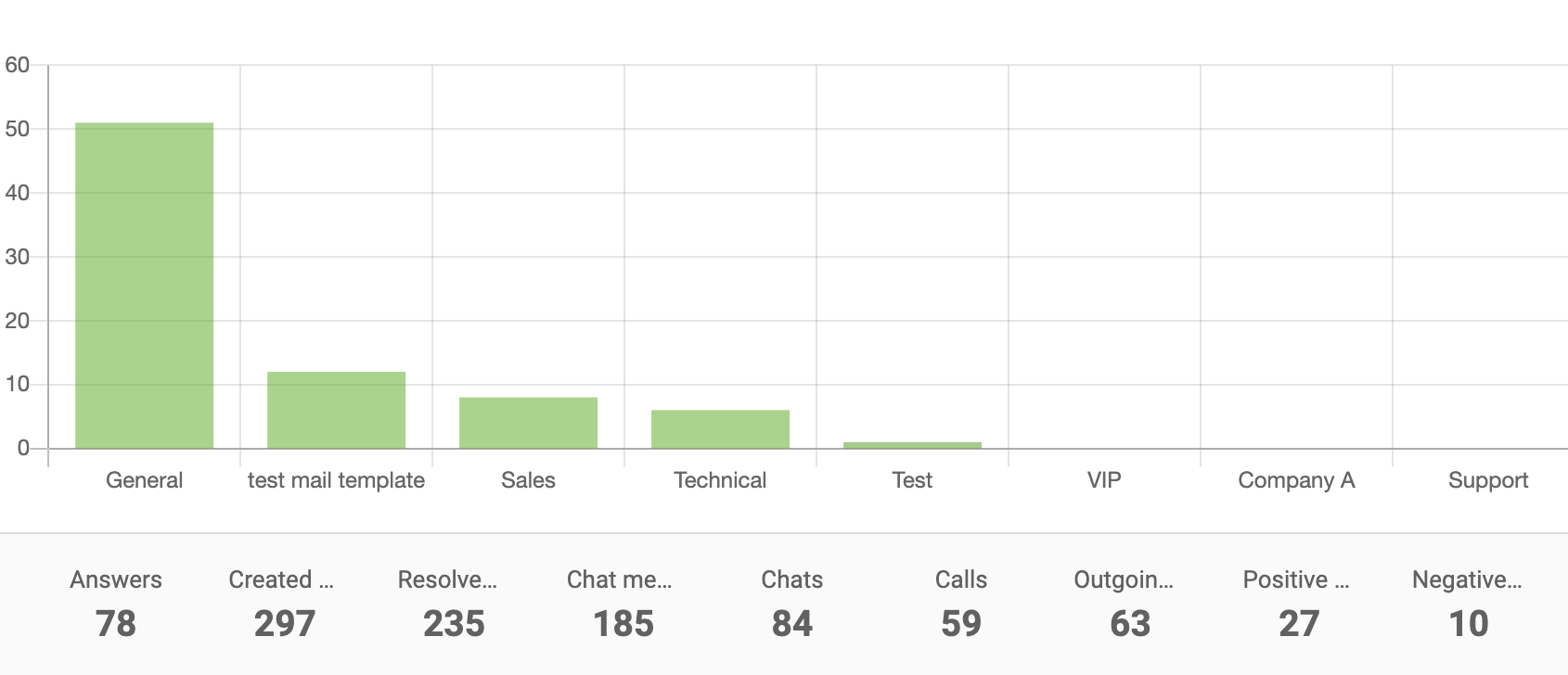
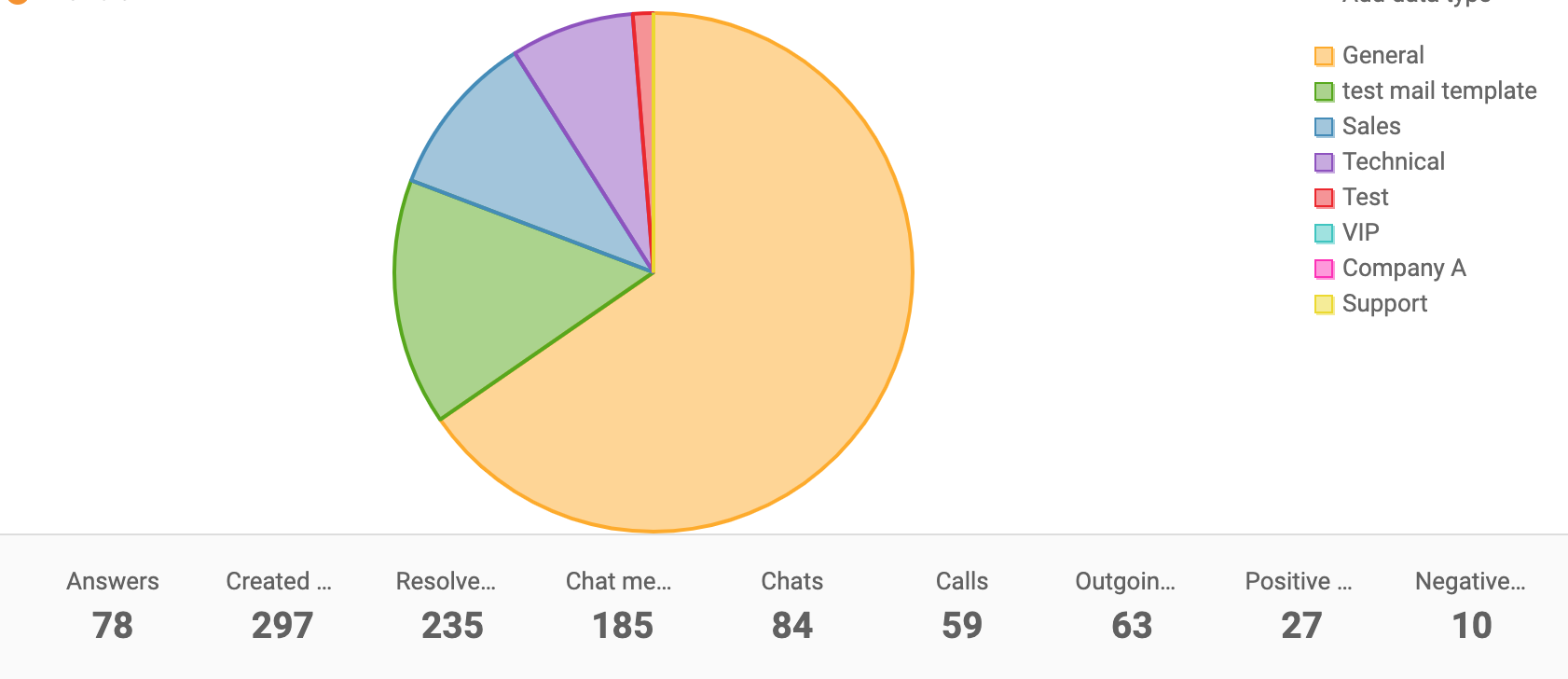
Department report can show your data in these types of charts:

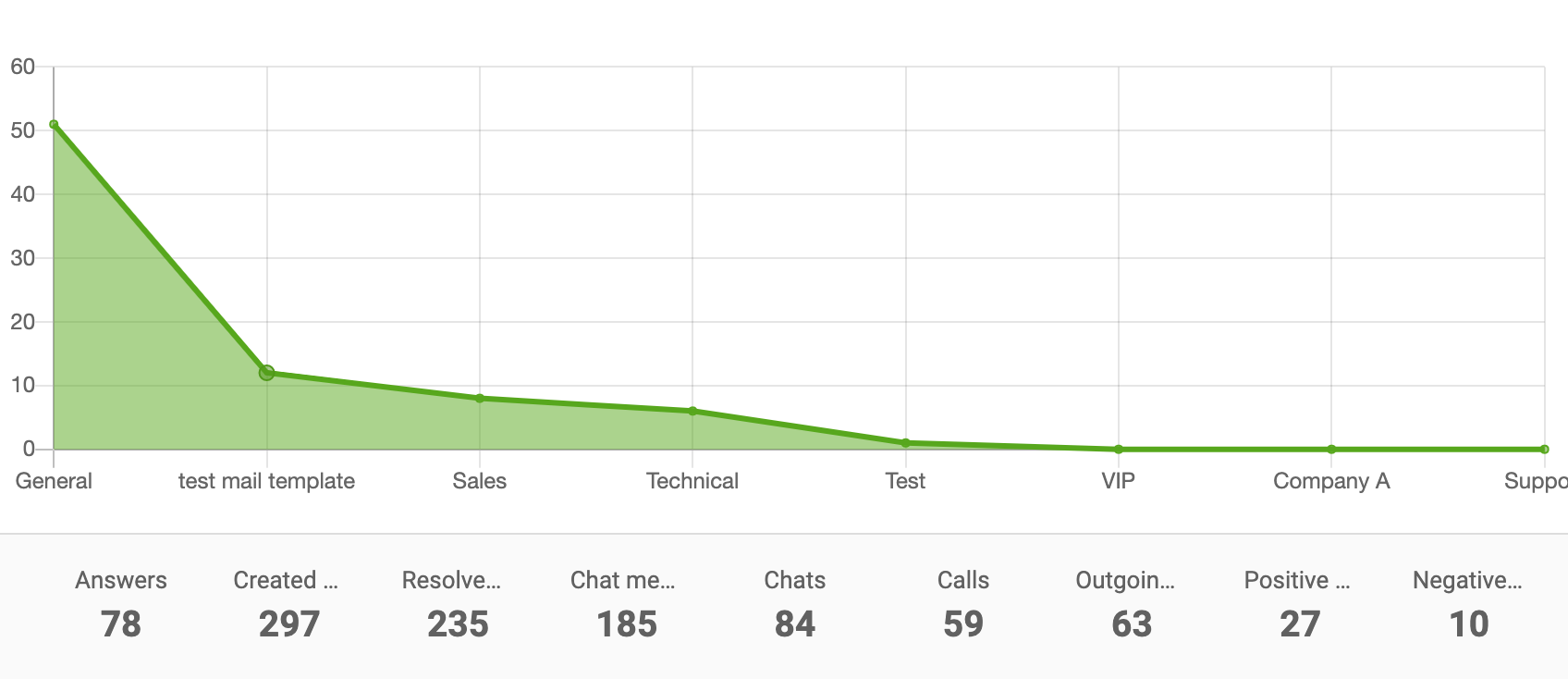
Area chart

Department report area chart

Line chart

Department report line chart

Bar chart

Department report bar chart

Pie chart

Department report pie chart

Use Department reports with API

Use LiveAgent REST API to call values from Department reports. This allows you to integrate department reporting data into your own applications and workflows for advanced analytics and custom reporting solutions.

Knowledge base resources

Learn more details about managing departments and generating reports: Departments Feature Overview

Frequently asked questions

What is a Department?

A Department represents a specific division of your organization sorted by product or service, the field of knowledge, physical location, or responsibility.

What are the benefits of using Departments?

Departments help distribute work, authority, and responsibility; group teams of specialists together; increase effectivity and quality of ticket handling; and decrease ticket response and resolution time.

Can I use Departments if I'm running a one-man business?

You don't need to use Departments if you are running a one-man business or a very small organization. In that case, all tickets are distributed and handled by all, regardless of type.

What data can Department Reports display?

Department Reports can display answered tickets, chats, calls, rankings, and more. Individual entries can be sorted by time range, department, channel, and agent. Reports can be exported to a CSV file.

Discover which agents need more training

Generate time reports to see which tickets took the longest to answer, and who was working on them. Try it today. No credit card required.

Learn more

Agent Group
Agent Group

Agent Group

Discover how LiveAgent's agent groups streamline customer service by organizing skilled teams for efficient support. Start your free trial today!

4 min read
Customer support Help desk +2
Departments features

Departments features

Help desk departments organize help desks by grouping specialized agents to handle specific queries, improving ticket handling, response times, and workflow eff...

6 min read

Departments Ticket Management +1
Service Desk
Service Desk

Service Desk

Learn what a service desk is, its features, and how LiveAgent's flexible tool enhances customer support. Start your free trial today!

3 min read
Customer support Help Desk software +1

You will be in Good Hands!

Join our community of happy clients and provide excellent customer support with LiveAgent.

Post Affiliate Pro Dashboard - Campaign Manager Interface