



Attachments features
LiveAgent enhances communication with attachments in emails, chats, forms, and knowledge bases. Easily drag & drop files like images, documents, and videos. Try...
4 min read
Attachments
File Sharing
+1

LiveAgent’s Copy & Paste feature lets you easily integrate images into email tickets, enhancing communication with visuals. Learn how to use copy-paste commands for Windows and Mac for seamless image transfer. Improve workflows and efficiency.
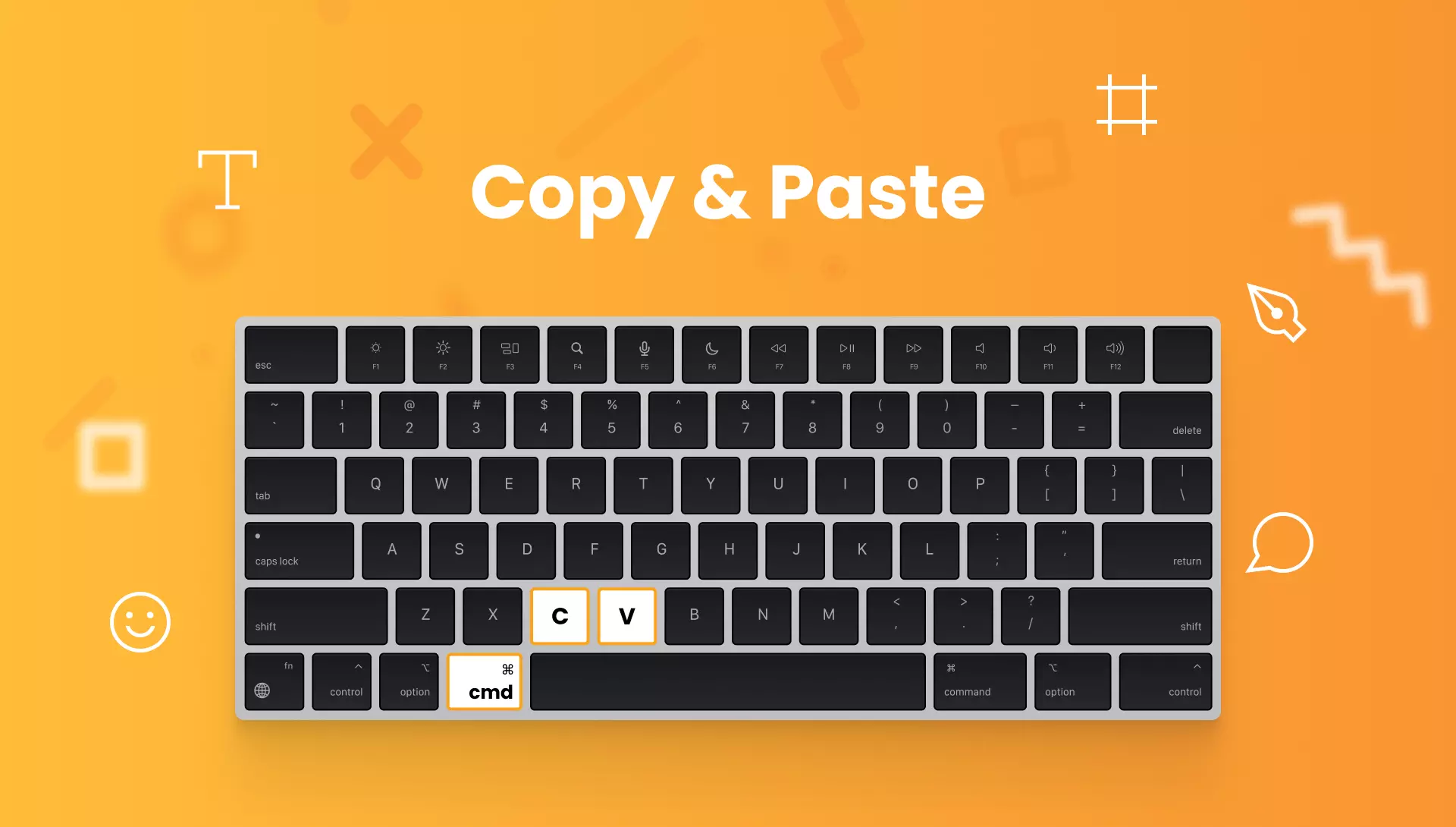
Copy & paste is a computer command that enables you to copy and paste contents such as text, images, links, and other data from one location to another. The function temporarily stores the copied information in a place that is invisible to the user (usually the clipboard) and then pastes it to the desired location.

Start your free trial today and see results within days.
To copy and paste data on a Windows computer, please use the following commands:
To copy and paste data on a Mac computer, please use the following commands:
The latest tips and deals delivered straight to your inbox.
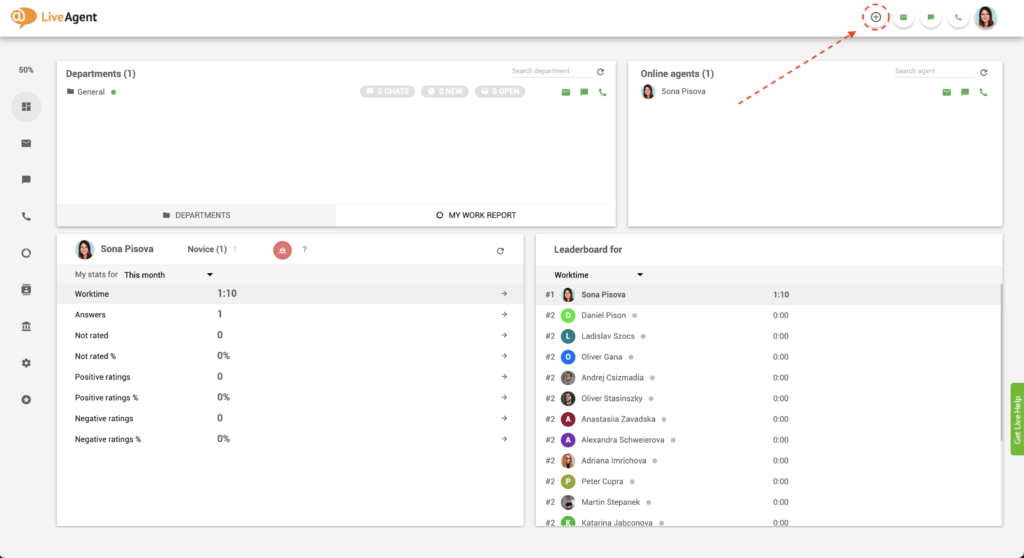
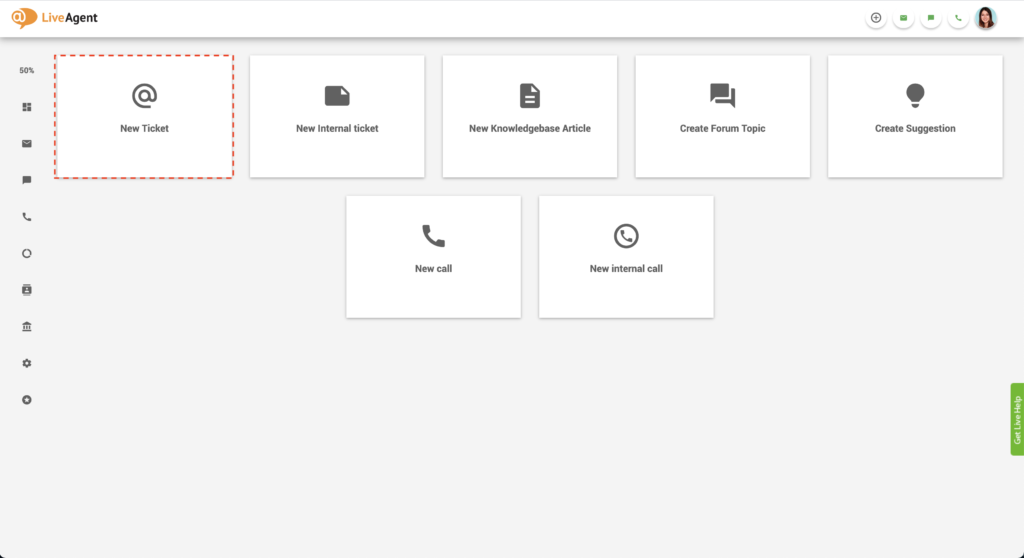
Please follow these instructions to insert inline images into the body of your email tickets:
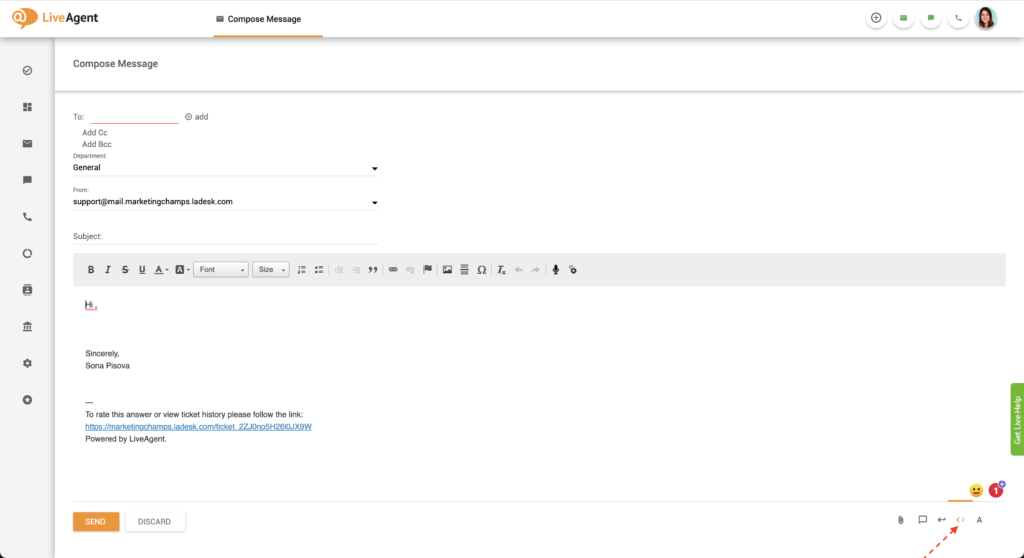
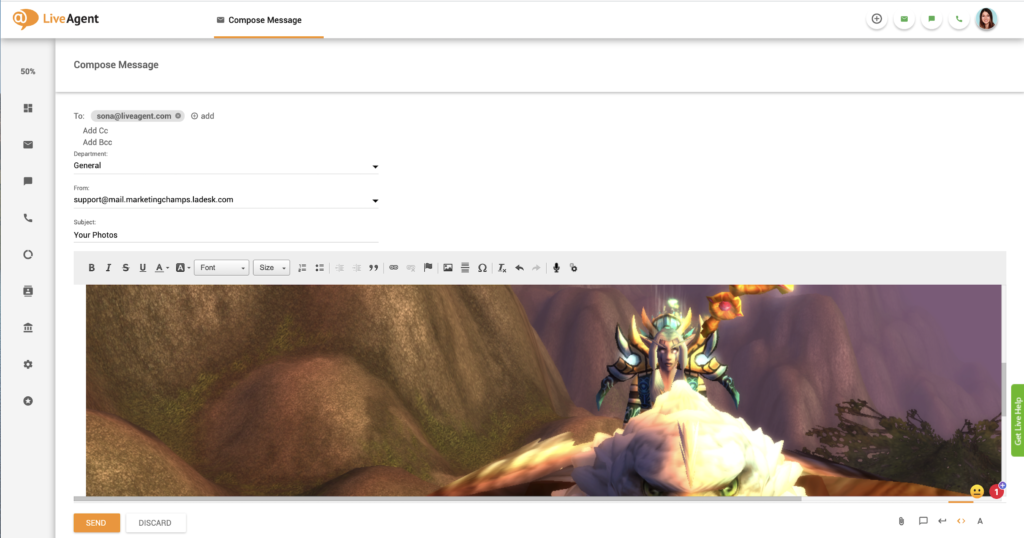
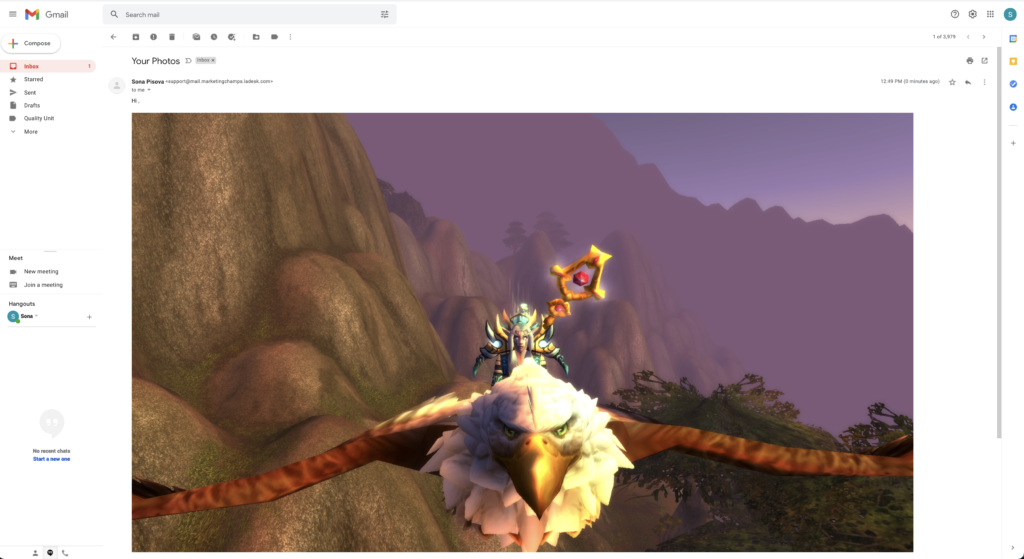
If you copy and paste an inline image into the body of an email, the recipient will view it like this:
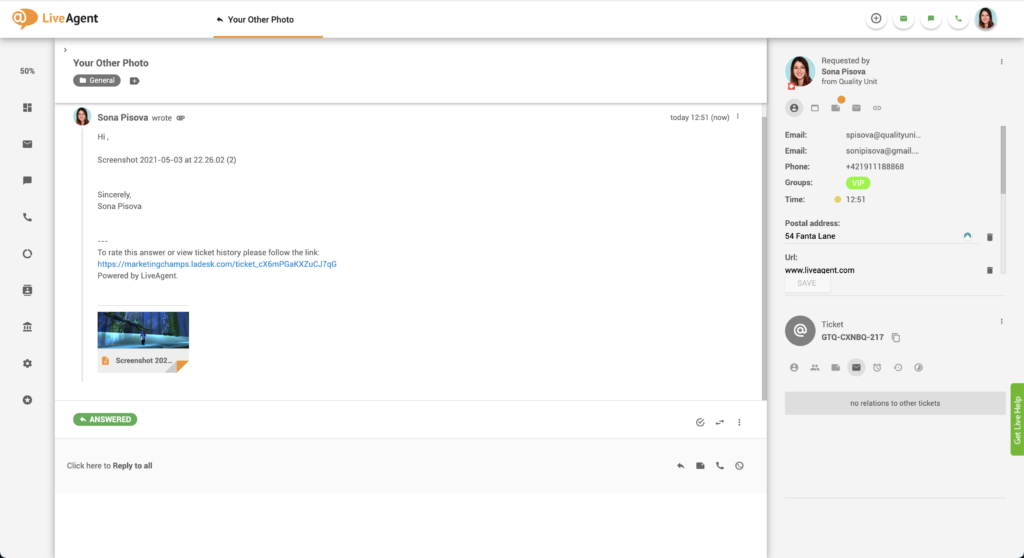
Follow these instructions to quickly add attachments to your email tickets using the copy and paste function:
If they’re not pasted inline, they will look like regular email attachments. There’s no difference between copy and pasting images and files or attaching them regularly via the attach button.
Using copy and paste commands can speed up agent workflow and make them more efficient at handling and resolving tickets. Instead of clicking multiple buttons to perform copy and paste actions, agents can simply use keyboard shortcuts without interrupting their typing flow.
The faster your customer support agents answer tickets, the more they can get through during a single shift. Apart from decreasing your ticket loads and saving your company money, this can improve your resolution times and lead to higher customer satisfaction.
Customers love receiving responses to their queries in a timely manner. Delight them with lightning speed response and resolution times thanks to our copy & paste feature. Higher customer satisfaction often reinforces customer loyalty and engagement and also positive word-of-mouth recommendations.
Don’t miss out on potential customers, more sales, and higher customer lifetime value! Discover just how easily LiveAgent can improve your agents’ efficiency and your customer’s experience.
Learn all about the universal inbox that’s packed with over 140 help desk features, including gamification, reporting, and customer relationship management software. LiveAgent also offers more than 40 third-party integrations with your favorite tools like Slack, Google Analytics, Shopify, MailChimp, and more.
Want to learn more about LiveAgent’s cutting-edge help desk features? Check out our knowledge base articles, feature pages, blogs, webinars, or our official YouTube channel for more information:

LiveAgent’s copy & paste feature is versatile! Make your communication more lively with inline images, or improve your workflow with our 30-day free trial . Start your free trial today. No strings attached, no credit card required.
Make your communication more lively with images. Copy and paste them with ease using our HTML editor. Try it for free. No credit card required.
LiveAgent enhances communication with attachments in emails, chats, forms, and knowledge bases. Easily drag & drop files like images, documents, and videos. Try...
Effortlessly export tickets into HTML, PDF, or CSV with LiveAgent's powerful export feature. Enhance data analysis, reporting, and integration with this versati...
The WYSIWYG editor in LiveAgent allows easy content formatting for emails, templates, and knowledge base articles with features like bold text, lists, and image...
Join our community of happy clients and provide excellent customer support with LiveAgent.

Cookie Consent
We use cookies to enhance your browsing experience and analyze our traffic. See our privacy policy.