



Contacts - Help Desk Contact Management
LiveAgent contacts store essential customer info for personalized service. Add custom fields like language preferences. Free 30-day trial.
5 min read
Contacts
Customer Management
+1

LiveAgent offers customizable contact forms to enhance customer engagement on websites. These forms help generate leads, collect contact info, and avoid spam by hiding email addresses. Easily integrate with pre-made buttons. Try a free trial today!
Adding a contact form to your website enables your customers to send you a message directly from your website. Once a customer clicks on your contact button, a form is shown where they enter their message and click send. You can even add multiple contact forms of different designs on various websites.
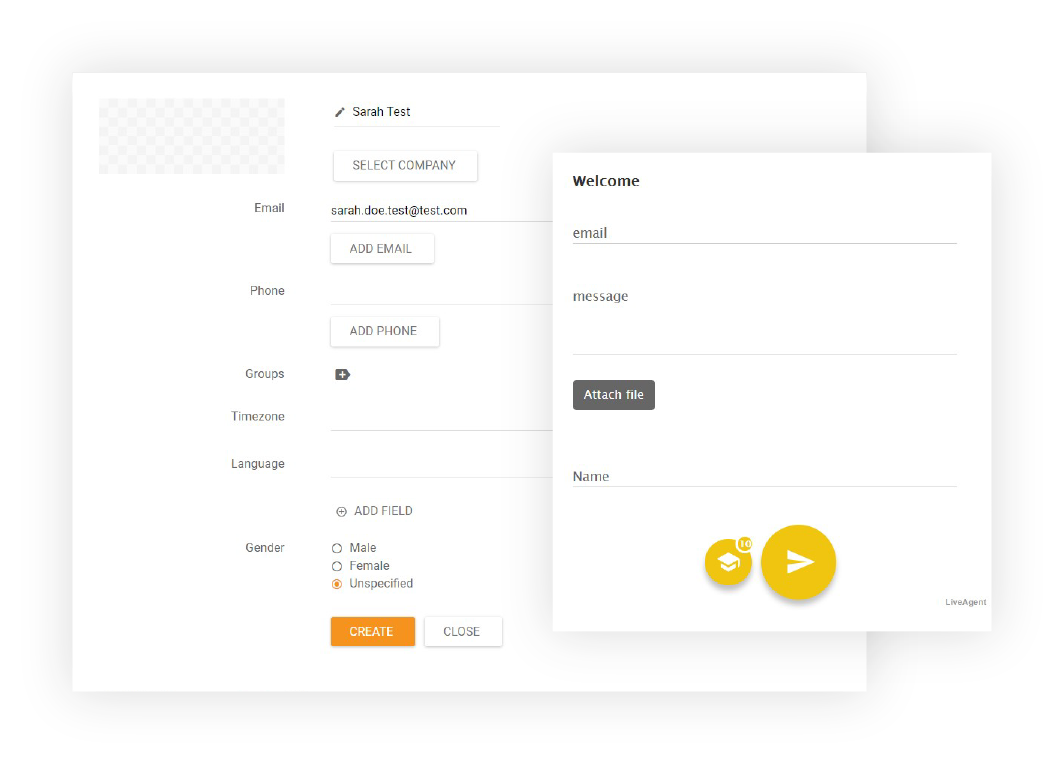
Contact form using a button – When the customer clicks on the contact button, a form will be shown
In-page contact form without using a button – The customer doesn’t click on any contact button. Instead, a form is shown directly on the website (no need to use a contact button)
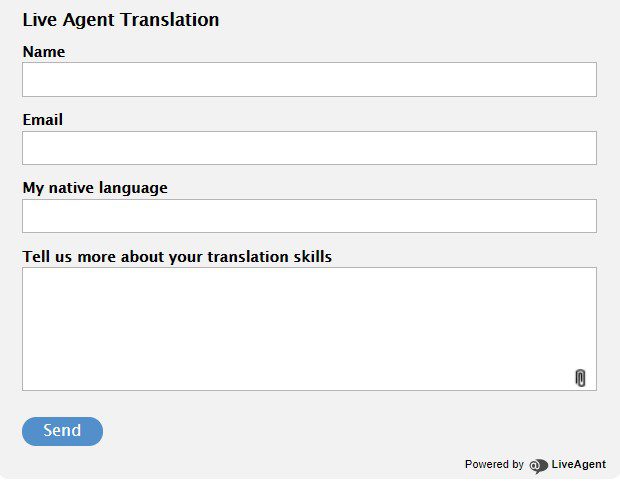
You can choose a predefined contact form from 3 style options:

The latest tips and deals delivered straight to your inbox.
LiveAgent allows you to customize virtually every aspect of your contact form:
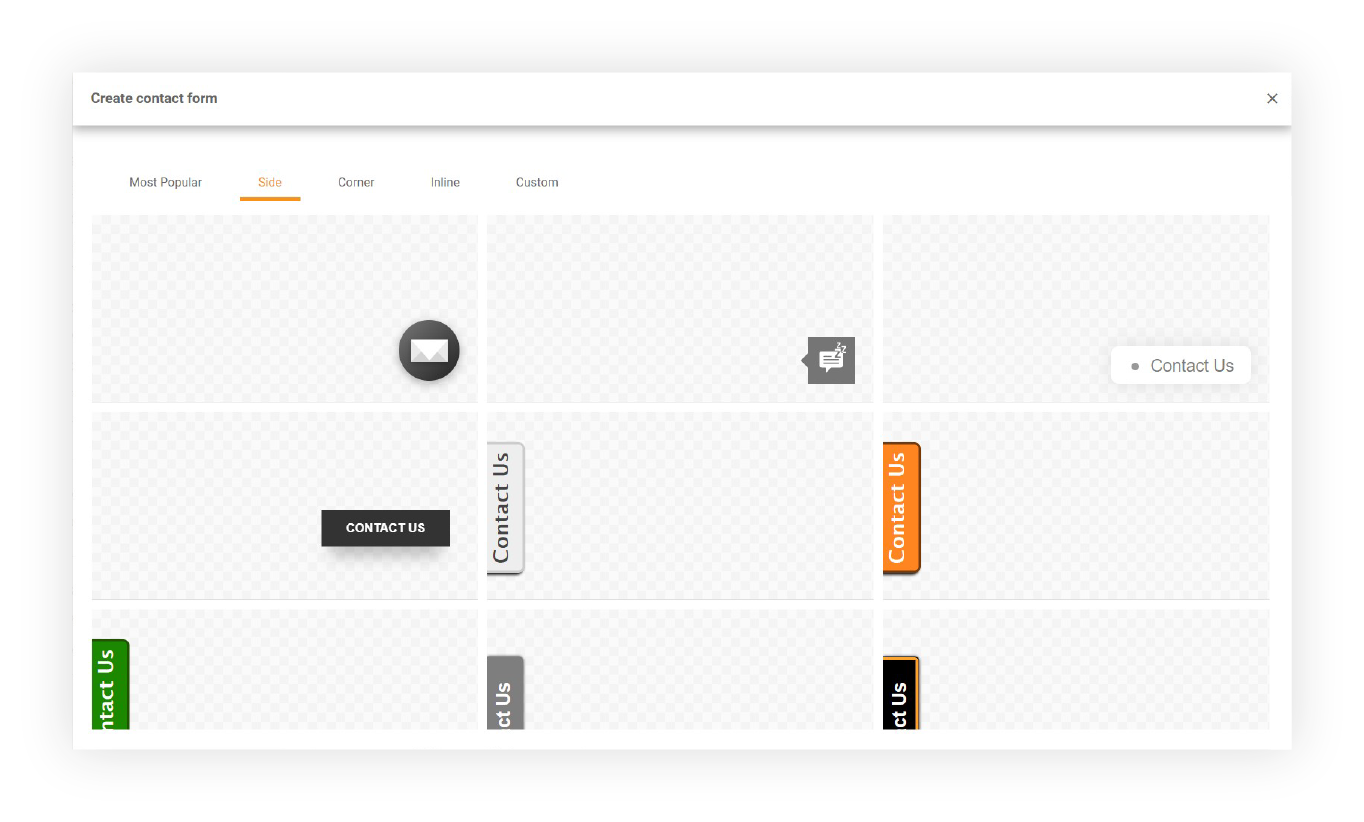
Place a contact button anywhere on your website and start answering your customers. LiveAgent provides various pre-made and customizable contact buttons. Haven’t found the right style for your contact button? Don’t worry, you can create a custom one by uploading an image or by writing your own HTML code.
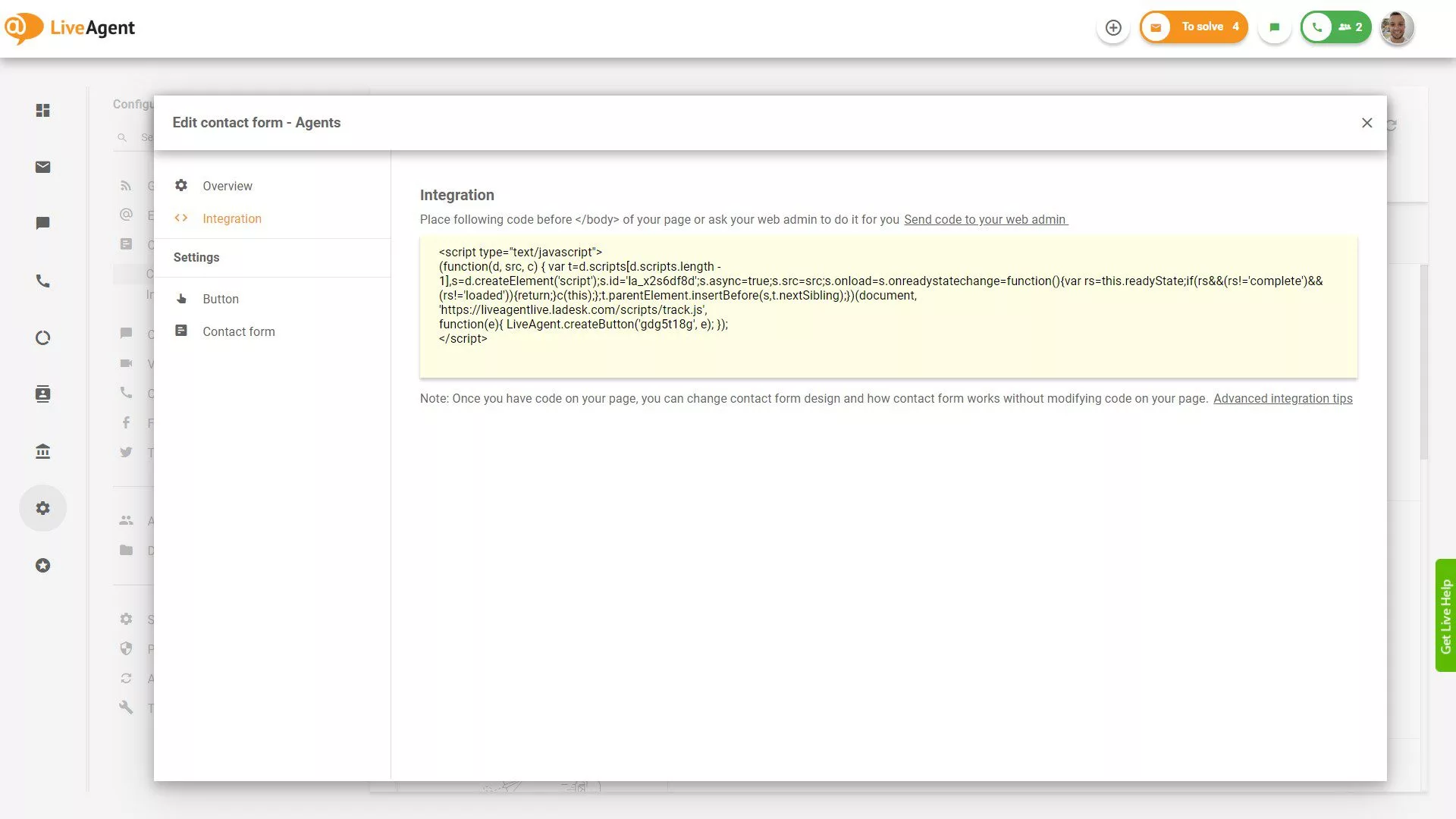
The simple system makes it easy to create customized contact forms that are easy to integrate into your website by simply copy-pasting small HTML code. No technical expertise required – just copy the code snippet and paste it into your website’s HTML.
Learn more details about contact forms and how to set them up: Contact Forms Documentation
LiveAgent contacts store essential customer info for personalized service. Add custom fields like language preferences. Free 30-day trial.
LiveAgent's contact fields store detailed information about contacts, like name, email, and job position. Create unlimited custom fields to enhance sales, marke...

LiveAgent's live chat software enhances customer service with real-time communication, customizable chat buttons, proactive invitations, and integration with ex...