



Valentine's Day promotion background
14.Feb - 13.Mar 2026

Valentine deal

AI UNLOCKED
For new and existing customers for 3 months
Contact Form Gallery

Contact Form Gallery

Contact Forms Customer Interaction Ticket Management

What is a Contact Form?

Adding contact forms on your website enables your customers to send email messages directly from your website. Contact forms are either built in or popout. Once a visitor enters queries into forms and clicks send, a new ticket is created in LiveAgent.

Contact form gallery

Contact Buttons

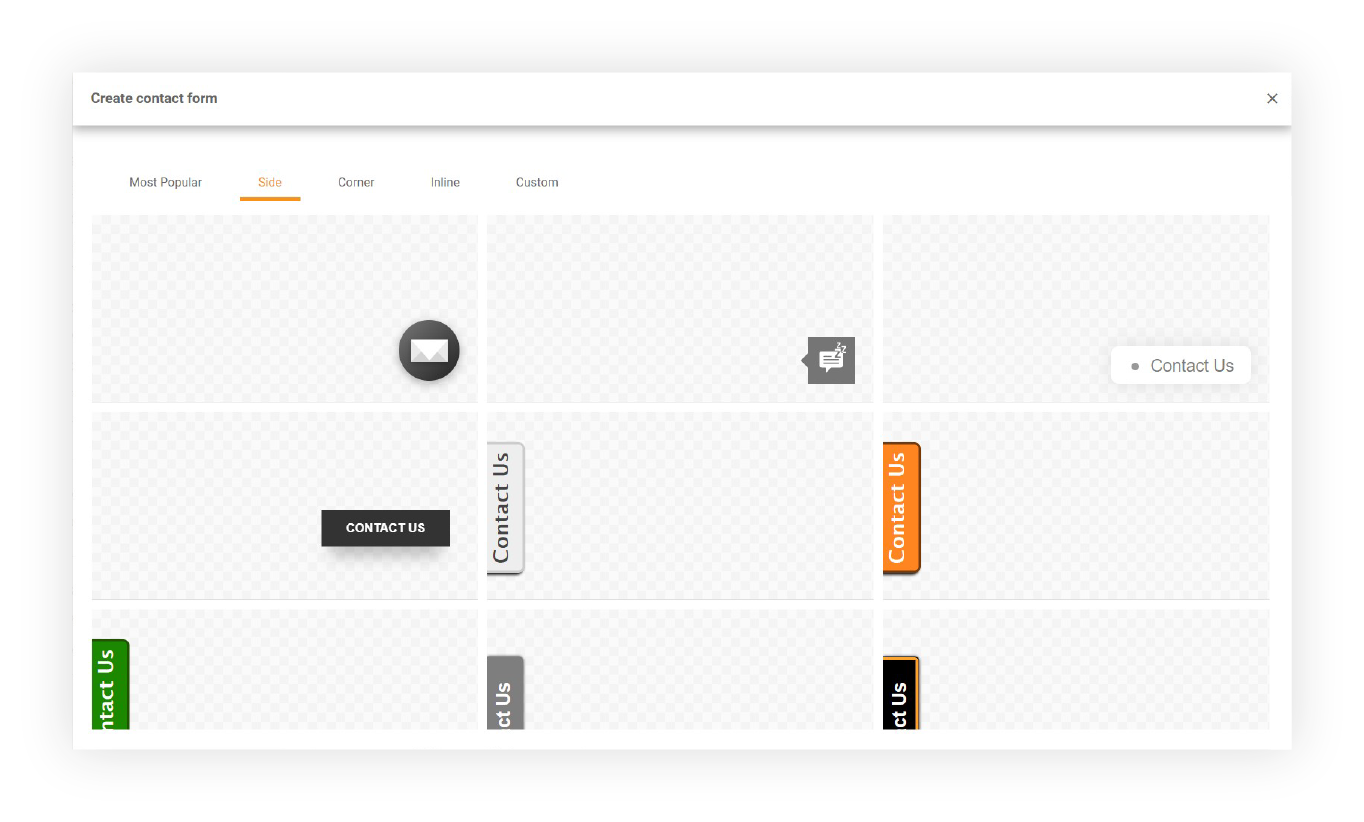
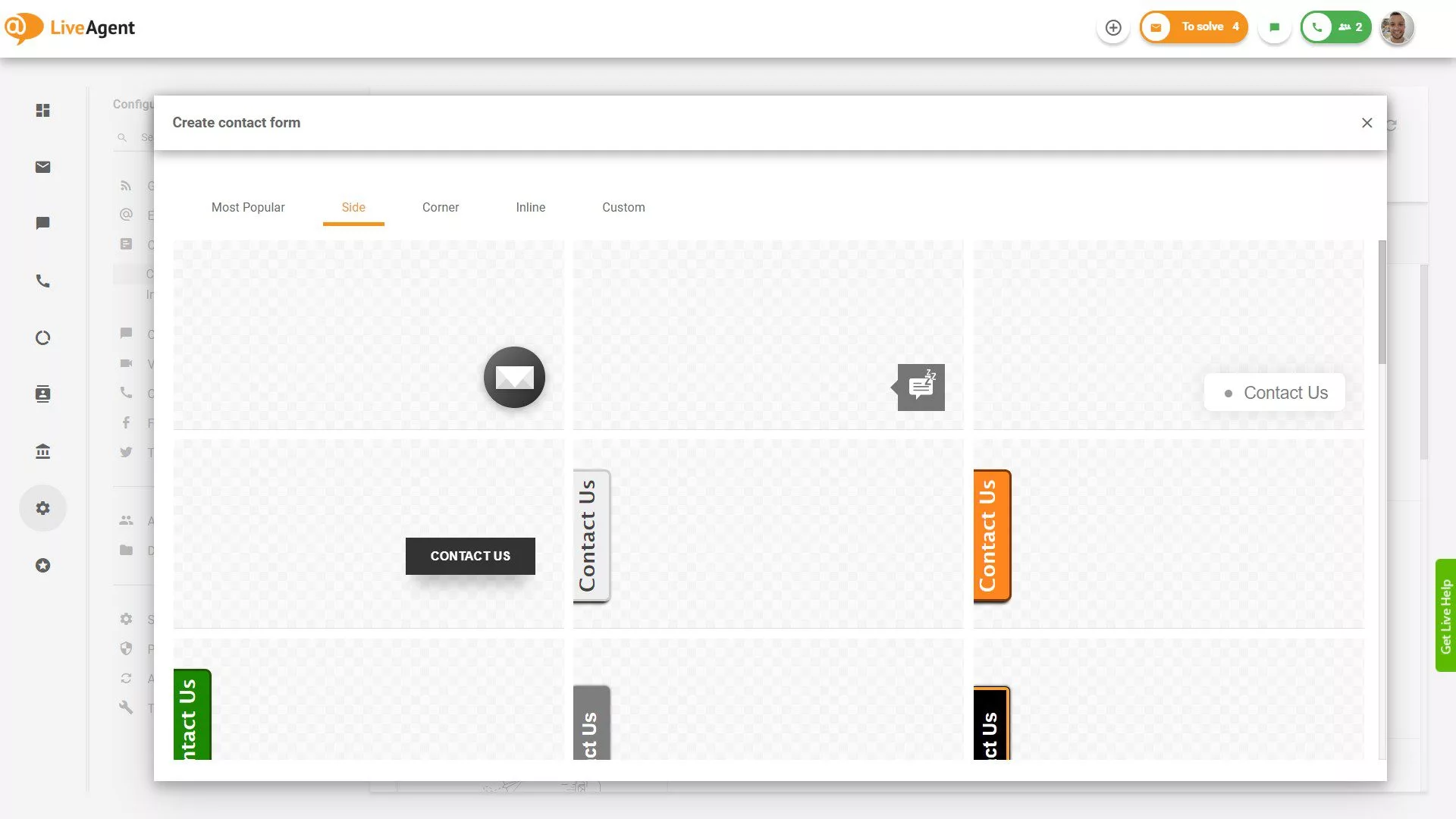
LiveAgent provides various customizable contact buttons. Choose from numerous predefined contact button positions and styles:

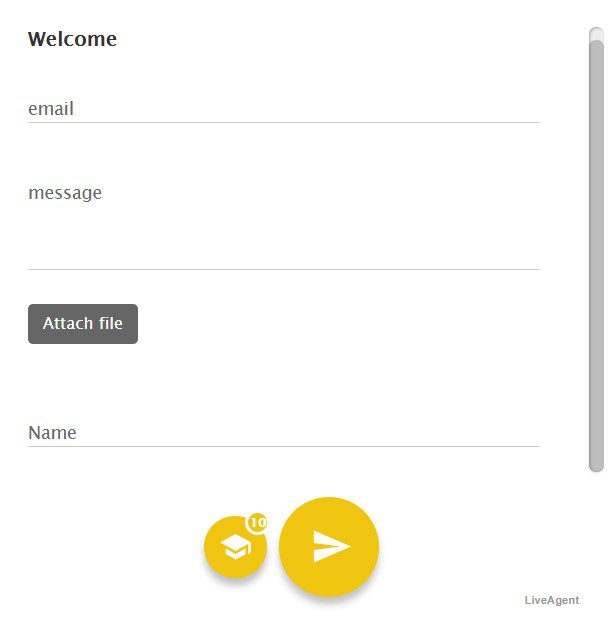
Side Contact Form Buttons

Side Contact form buttons

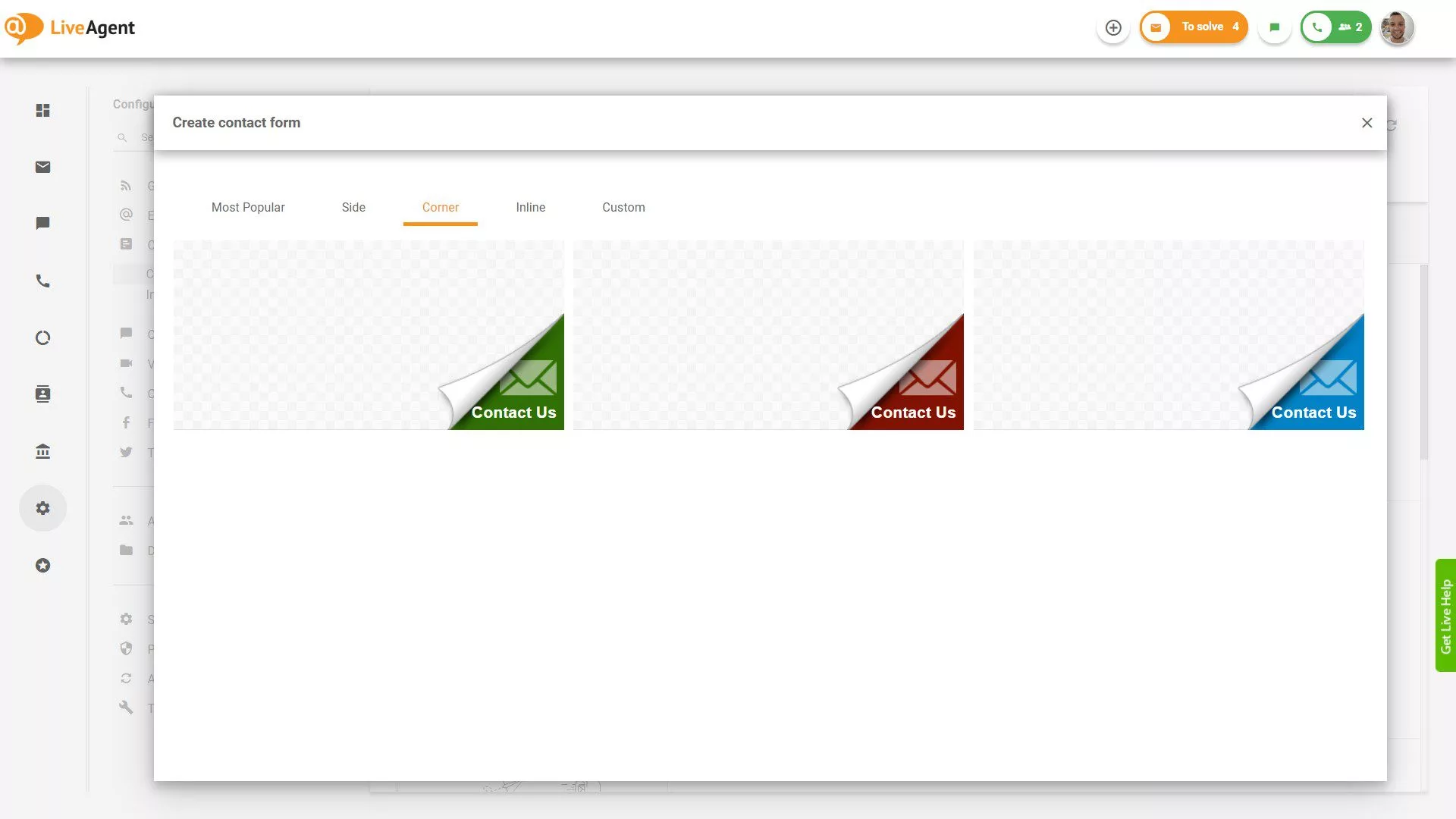
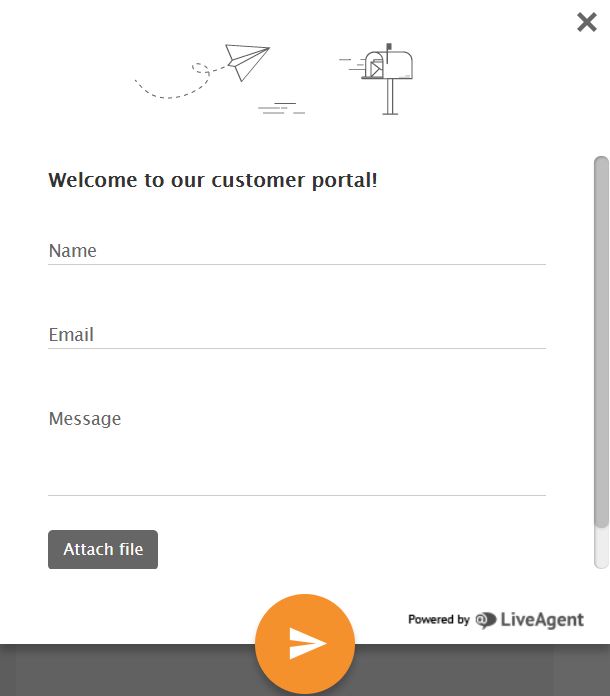
Corner Contact Form Button

Corner Contact form button

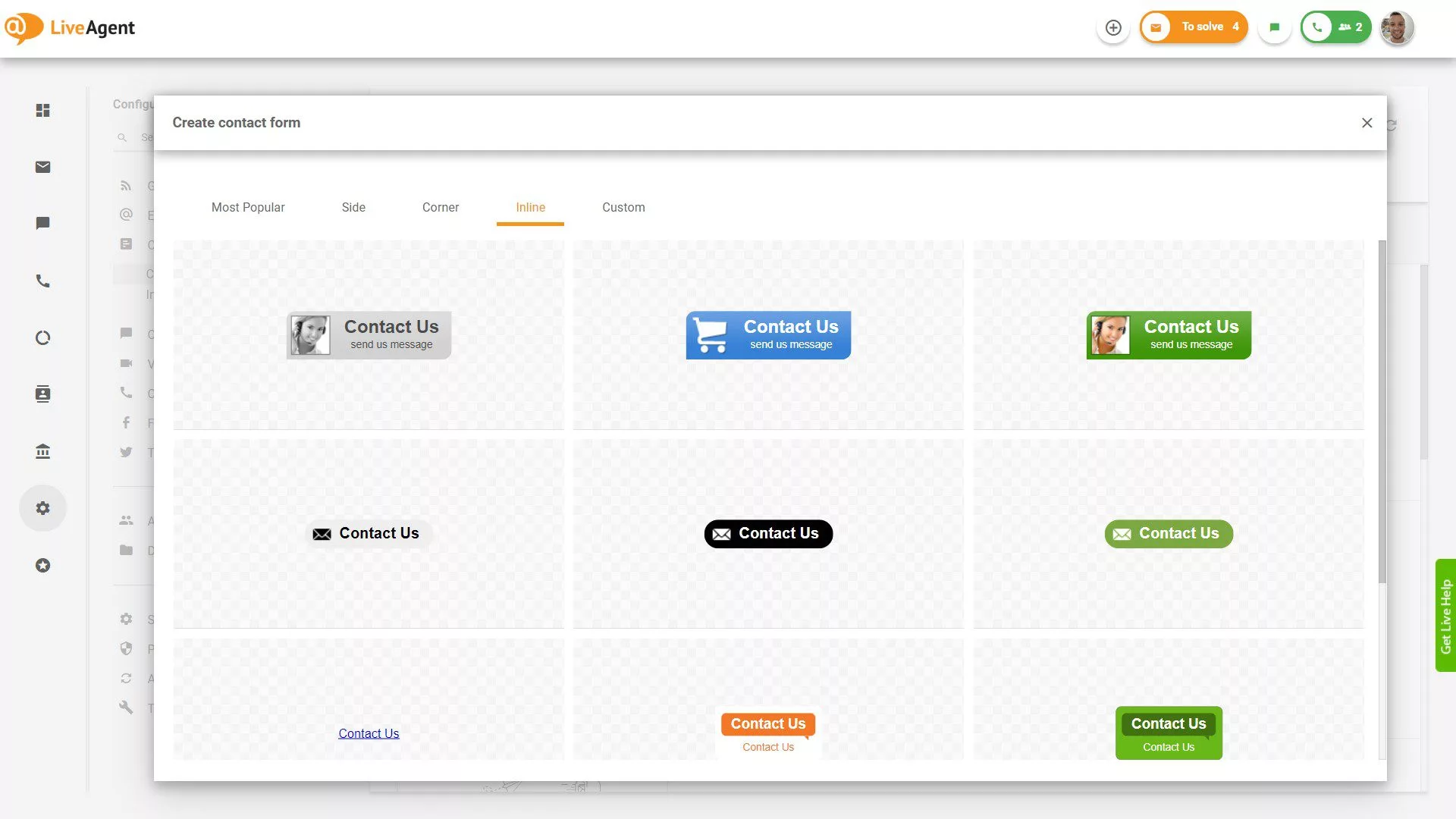
Inline Contact Form Buttons

Inline Contact form buttons

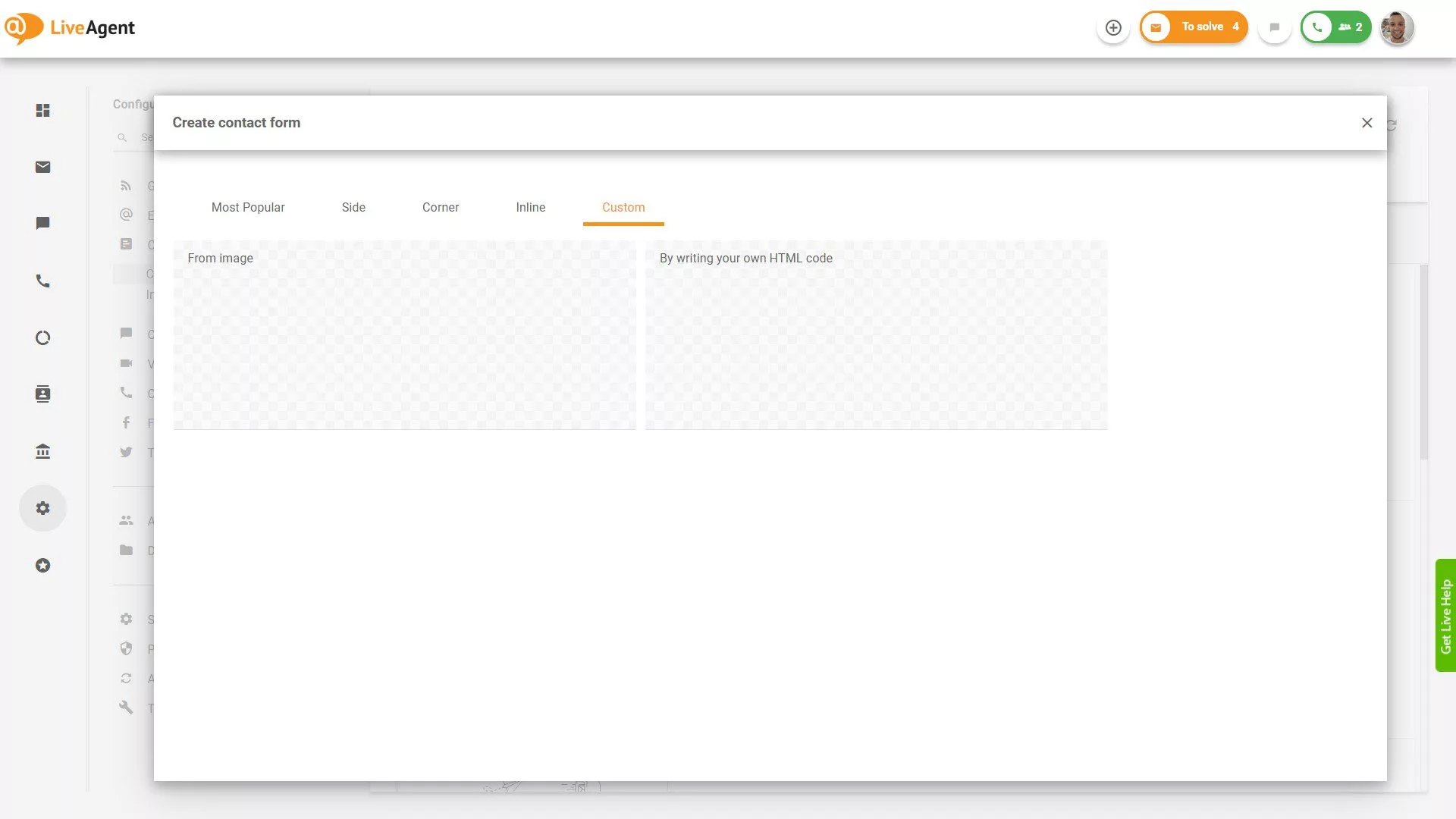
Custom Contact Form

Haven’t found the right style for your contact button? Don’t worry, you can create a custom one by writing your own HTML code.

Custom Contact form

Contact Forms

You can choose a predefined contact form from 3 style options:

  • Classic
  • Squared
  • Dark
Classic contact form style
Squared contact form style
Dark contact form style

Possible Changes in Contact Form Design

You can customize your contact form with the following options:

  • Title
  • Let visitor choose department
  • Border color
  • Button color
  • Content color
  • Form color
  • Status color
  • Textbox field
  • Listbox field
  • Checkbox field
  • Checkbox Group field
  • Create unlimited number of fields (name, email, phone, order ID, company, message…)

You can define your custom CSS code to adjust a contact form to your page design.

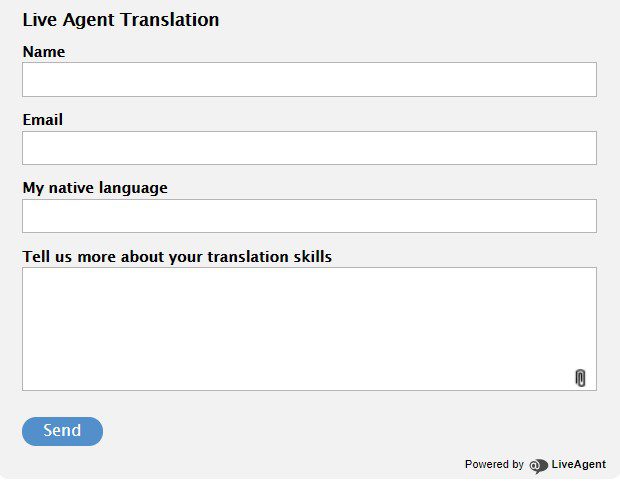
Example of contact form in LiveAgent

Frequently asked questions

What is a contact form?

A contact form is a web form that allows visitors to send messages directly from your website. When a visitor enters information into the form and clicks send, a new ticket is created in LiveAgent, enabling your support team to respond efficiently.

Can I customize the contact form design?

Yes, LiveAgent offers multiple customization options. You can change the title, border color, button color, content color, form color, status color, and add custom fields. You can also define custom CSS code to adjust the form to match your page design.

What contact button styles are available?

LiveAgent provides various customizable contact button styles including side buttons, corner buttons, and inline buttons. If you don't find the right style, you can create a custom one by writing your own HTML code.

What types of fields can I add to a contact form?

You can add unlimited custom fields to your contact form including textbox fields, listbox fields, checkbox fields, checkbox group fields, and standard fields like name, email, phone, order ID, company, and message.

Transform your customer support experience

Discover LiveAgent's powerful features that streamline communication, increase efficiency, and boost customer satisfaction.

Learn more

Contact Forms Features

Contact Forms Features

LiveAgent offers customizable contact forms to enhance customer engagement on websites. These forms help generate leads, collect contact info, and avoid spam by...

2 min read
Contact Forms Lead Generation +1

Contact Fields - Help Desk Customer Information Management

Contact Fields - Help Desk Customer Information Management

LiveAgent's contact fields store detailed information about contacts, like name, email, and job position. Create unlimited custom fields to enhance sales, marke...

5 min read
Contact Fields Customer Management +1
Contacts - Help Desk Contact Management

Contacts - Help Desk Contact Management

Help desk contacts in LiveAgent store essential customer information for personalized marketing and service. Create custom fields to manage data like language p...

5 min read
Contacts Customer Management +1

You will be in Good Hands!

Join our community of happy clients and provide excellent customer support with LiveAgent.

Post Affiliate Pro Dashboard - Campaign Manager Interface