



Click-to-call and click-to-dial buttons
Enable seamless communication with LiveAgent's click-to-call feature, allowing real-time in-browser calls by clicking a phone number link. Essential for improvi...
6 min read
Click-to-call
Click-to-dial
+2


Click-to-email links enable easy email communication between website visitors and businesses by opening the user’s default email client with a prefilled recipient address. They enhance customer experience, save time, and are vital for marketing strategies.
A click-to-email link is a clickable link that enables your website visitors to contact you via email. Upon clicking on the link, their default email client will open a new email message and pre-fill the recipient’s email address. Since the visitors are using their default email client, they can be sure to know how to use it to add attachments, CC people, and all the email functionalities they know. This feature can be used on both mobile devices and desktop devices.
Click-to-email, also known as a mailto link, makes it easier for website visitors to contact businesses. It eliminates the hassle of opening up email clients, typing new messages, and copy-pasting email addresses and, therefore, plays a significant role in businesses marketing efforts.
Click-to-email links are powered by HTML code. It communicates with the user’s default email client (such as Apple Mail or Windows Mail) and prompts it to open and create a new email message. In addition, the code will ensure the email message will have the click to email address prefilled in the recipient ‘TO" bar.
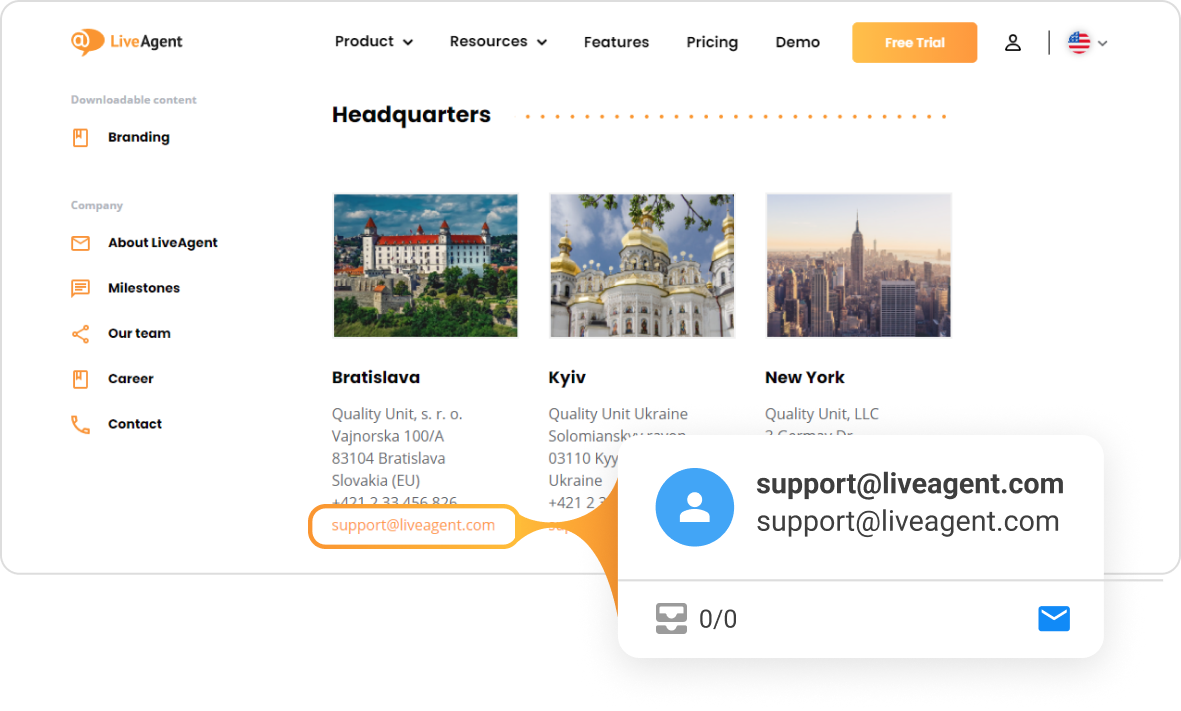
Many businesses place mailto links on their contact pages as a part of their email marketing strategy. These links ensure businesses provide hassle-free contact experiences for both current and potential customers. Click-to-email links are used across all industries including real estate, education, automotive, eCommerce, SaaS, and even healthcare.
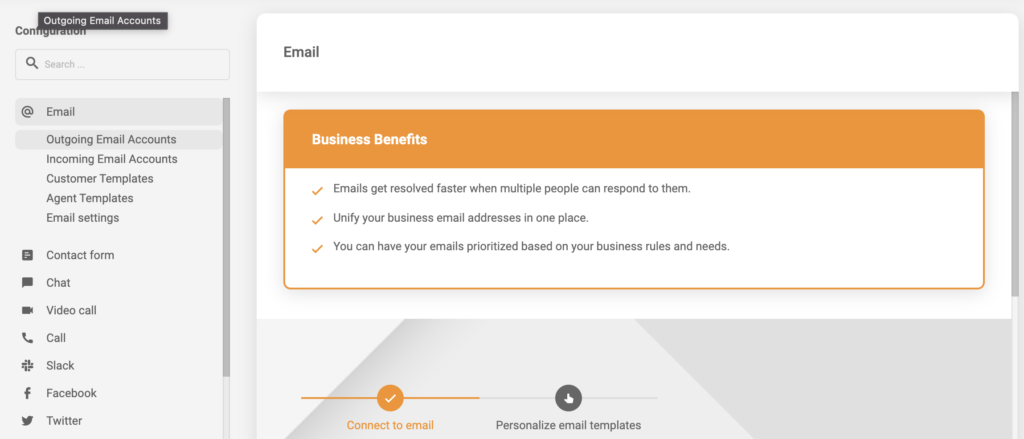
Click-to-email is especially useful for employees who focus on outbound sales, send out cold emails, or employees that offer proactive support, or inquire with businesses. Click to email can save them a lot of data input time and automate the whole process.
Placing click-to-email links on your website improves the customer experience as it can save your customers valuable time and reduce frustration. 80% of consumers say that speed and convenience are among the most important elements of the customer experience, as per PwC’s study.
Making improvements like creating click-to-email links positively impact your customer experience. The better the experience, the more likely they are to become a part of your loyal customer base, spend more, and share their positive experience with their friends and family, leading to more new customers and even more revenue.
Click-to-email can be used in conjunction with click-to-call. Having the ability to call and email embedded phone numbers and email addresses quickly can be beneficial for your customer service representatives, salespeople, marketers, researchers, and executive assistants.
With a single click, customers can start a conversation via their preferred communication channel. LiveAgent help desk software makes this incredibly easy and efficient by creating tickets and helping to make sure no customer interaction is left unnoticed. On top of that, it provides analytics so you can track email statistics, various KPIs, and other email marketing metrics.
Moreover, customers can use the click-to-dial feature to initiate real-time in-browser calls, making it a must-have tool for all outbound sales, support, and email marketing professionals.
Moreover, the LiveAgent web contact cards browser extension can provide users with additional insights by showcasing CRM information about the contact. Having access to this information can help you create more personalized messages, boost your engagement rate, and improve your cold email open rates.
However, if you don’t want to download LiveAgent’s browser extension, you don’t have to. There’s no need to install or integrate any programs or extensions. LiveAgent can act as the default handler of embedded links, and upon clicking on them, can execute calls and open pre-filled email ticket fields.
If you want to create a click-to-email link, you will need to have access to your website’s back end so you can edit existing texts that contain email addresses.
To make email addresses clickable, simply copy and paste this code and replace the email address with your own. You can also change the ‘Send Email" text to say whatever you’d like.
If your mailto isn’t working, it could be because there is a syntax error in your click-to-email code. For example, sometimes, people remove the quotation marks in the mailto code, which results in the link not being displayed correctly. However, if your code is correct, the problem could be in your user’s email client settings. The most common problem is that the user’s default email clients don’t correspond to the actual email clients they use to send emails. For example, a Mac user’s default email client is Apple Mail, but instead, the user prefers Gmail.
So, to get it working, users will need to alter their default email client settings.
Even though click-to-email is handy, some customers may find it annoying because they don’t have their default email client set up correctly. So, instead of creating a hassle-free experience with a mailto link, you’ll be creating a nuisance.
Click-to-email links are versatile and can do more than just pre-fill the ‘TO" field in a new email message. Here’s what you can do with click to email:
<a href=\"mailto:someone@yoursite.com?subject=Mail from Our Site\">Email Us</a>
<a href=\"mailto:someone@yoursite.com?cc=someoneelse@theirsite.com, another@thatsite.com, me@mysite.com&bcc=lastperson@theirsite.com&subject=Big%20News\">Email Us</a>
<a href=\"mailto:someone@yoursite.com?cc=someoneelse@theirsite.com, another@thatsite.com, me@mysite.com&bcc=lastperson@theirsite.com&subject=Big%20News&body=Body-goes-here\">Email Us</a>
<a href="mailto:someone@yoursite.com" target="_blank" rel="noopener noreferrer">Email Us</a>
Click-to-email and contact us buttons use the same technology. However, they are aesthetically different. A click-to-email link is, of course, just a link. A contact us button is a banner or image that looks like a button. You can customize it and place it anywhere on your website.
If you’re ready to boost your team’s efficiency and save time and money, it’s time to utilize click-to-email. Alternatively, download the LiveAgent web contact cards browser extension. The browser extension is free and can be downloaded from the Google Chrome Web Store or the Mozilla Firefox add-on list. While you’re at it, give LiveAgent a try. We offer a 30-day free trial , and there’s no credit card required to get you started.
Discover just how effective you and your team can be starting today.
Discover LiveAgent's powerful features that streamline communication, increase efficiency, and boost customer satisfaction.
Enable seamless communication with LiveAgent's click-to-call feature, allowing real-time in-browser calls by clicking a phone number link. Essential for improvi...

Efficiently manage emails with LiveAgent's forwarding tool, ensuring seamless communication and preventing mailbox flooding. Learn how email forwarding works an...

Boost engagement and revenue with effective welcome emails. Discover proven templates, subject lines, and personalization strategies to enhance brand loyalty. E...
Join our community of happy clients and provide excellent customer support with LiveAgent.
