



Call Button Features
LiveAgent's call buttons enable easy in-browser calls, enhancing the customer experience by reducing effort. By placing a customer service button on your websit...
5 min read
Call Button
Call Center
+2


Enable seamless communication with LiveAgent’s click-to-call feature, allowing real-time in-browser calls by clicking a phone number link. Essential for improving workflow efficiency and customer interactions.
A click-to-call button is a digital tool that enables you to initiate real-time, in-browser calls via the internet. All you have to do is click on an embedded link that contains a business phone number, and a dedicated system, such as LiveAgent call center software, will execute the call.
A click-to-dial link is just another name for a click-to-call link. The terms are interchangeable and have the same meaning. In this text, we’ll use both words.
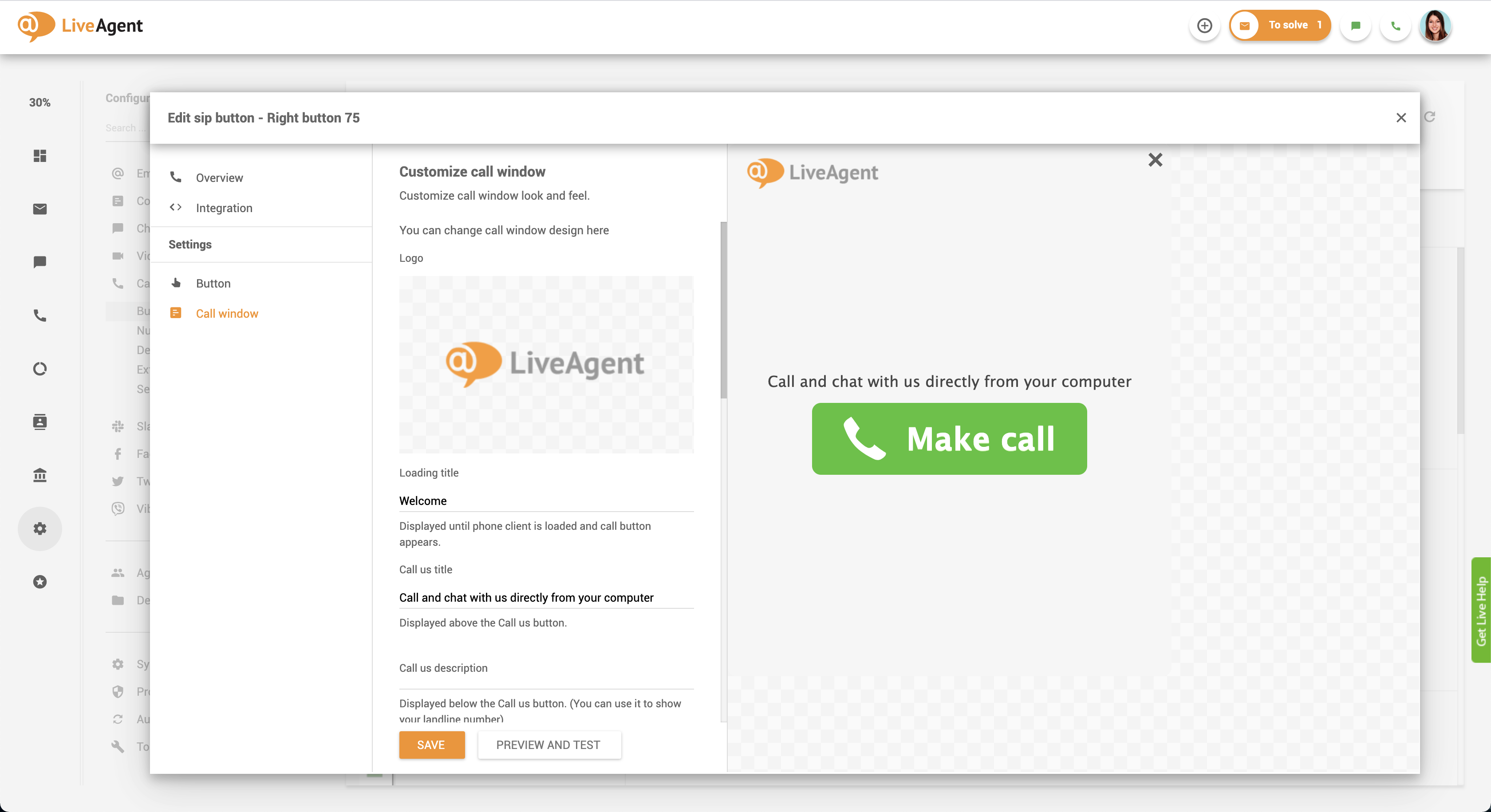
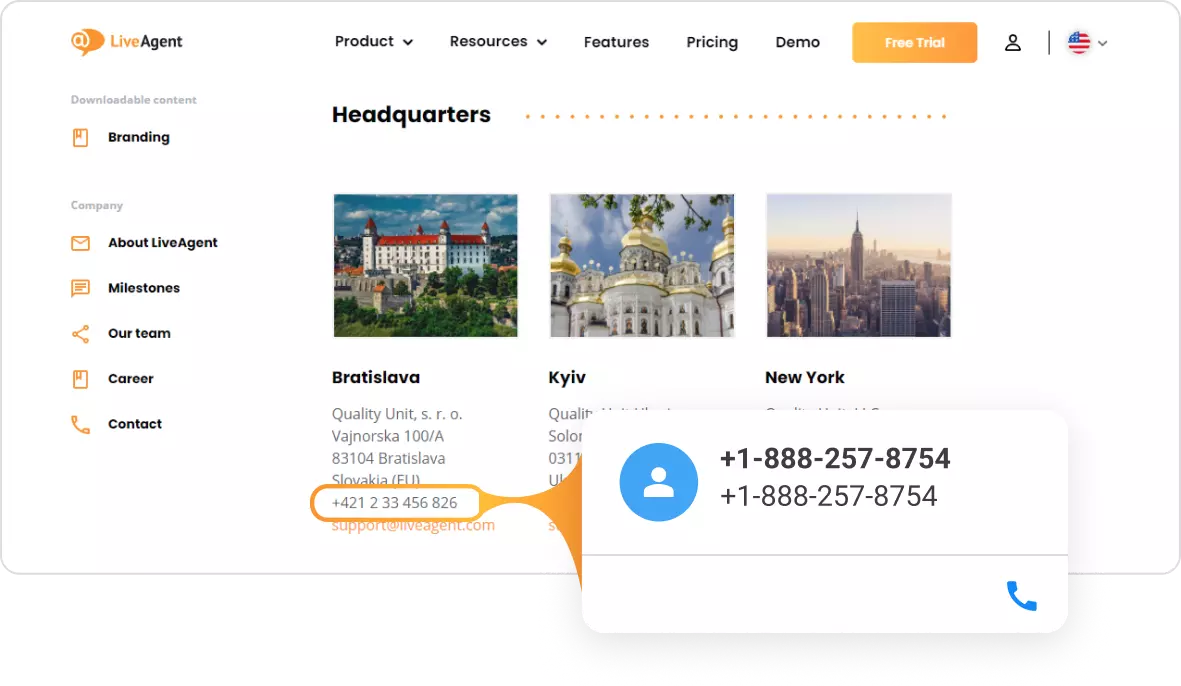
Website click-to-call technology enables you to dial any embedded (hyperlinked) phone number on the internet. Once you click on it, you can execute an in-browser call via any appropriate click-to-call software, or click-to-dial software, including LiveAgent. In addition, the feature can work with LiveAgent web contact cards (browser extensions) that enable you to view contact information about people and businesses on the web.
Wondering how does click-to-call works and how does click-to-dial works? Let’s explore together! Click-to-dial works thanks to HTML tel link protocols that communicate with designated call centers or softphone applications. When you click on the HTML click-to-call phone number, the server-side script asks your call center software to take action and initiate the call. The calling software then calls the hyperlinked number and connects the caller and the person/business they’re calling.
This feature can also be integrated as a website click-dial option, allowing visitors to initiate calls directly from a website. Additionally, click-to-call HTML functionality ensures seamless integration across various platforms, making it easier for businesses to manage inbound and outbound calls efficiently.
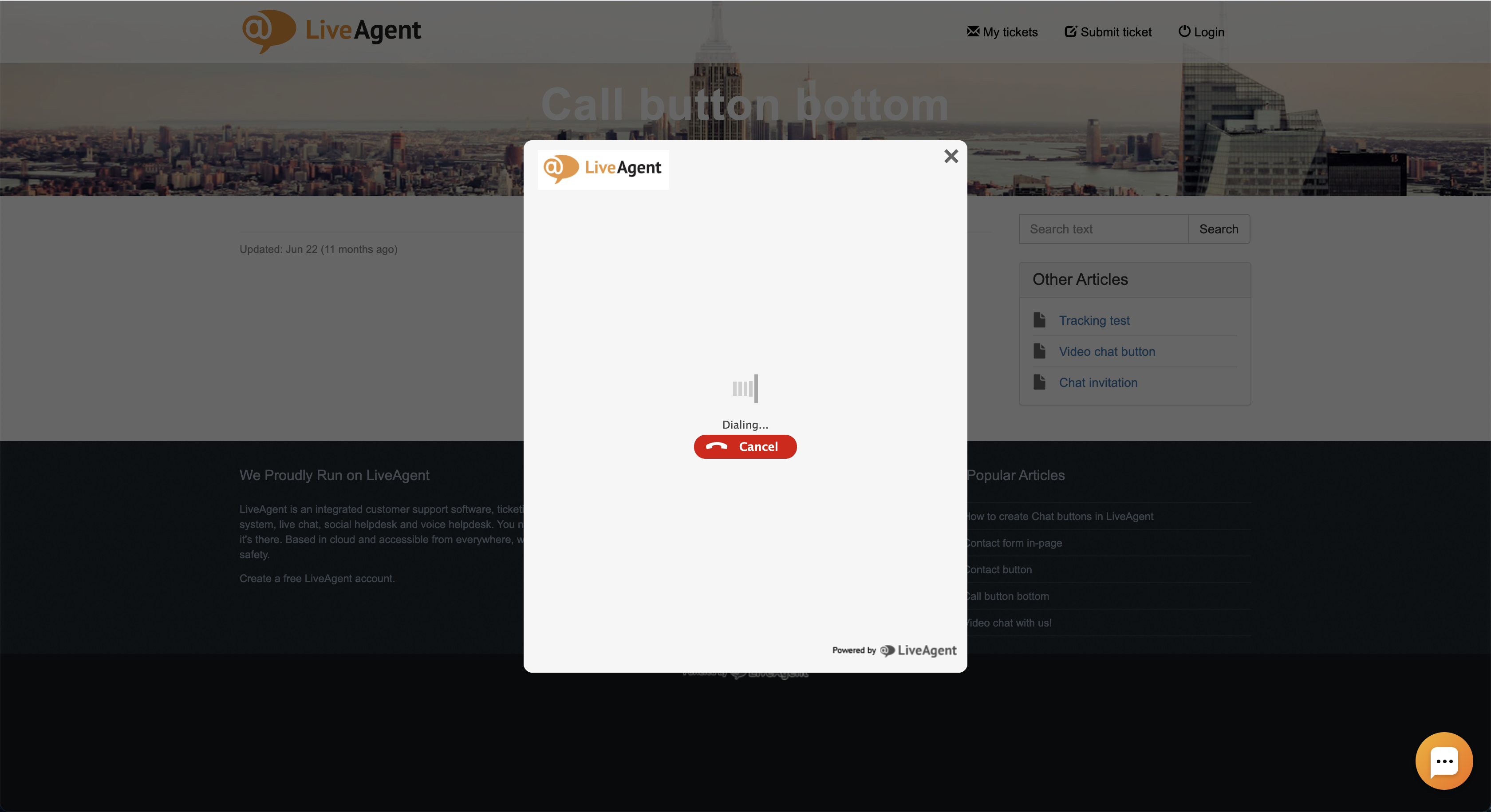
Click-to-call code can be used by any business or individual that makes a lot of phone calls. Click-to-call feature is arguably one of the most helpful features for:
Even though click-to-call is mainly used by B2B (business to business) and B2C (business to customer) businesses, “regular” people can benefit from the feature as well. For example, if a customer is on their mobile phone looking up your contact information, they can simply click on a hyperlinked phone number on your website and instantly initiate a call instead of tabbing in and out of their web browser and phone dial pad.
Click-to-dial is beneficial because it saves people a lot of time. Instead of having to manually input a phone number every time you want to make a call (either into your cell phone or softphone app), you can simply click on a click-to-call link to initiate the call. In the long term, this saves you a lot of data input time and enables you to make even more outbound phone calls. This, in turn, improves workflow efficiency, saves agents time, and also saves you money.
In combination with the click-to-email feature that can open a pre-filled ticket window in LiveAgent, customer service representatives, salespeople, and marketers can boost their productivity and improve their work performance.
Minor but effective changes like these will keep your employees happy and prevent burnout as they eliminate repetitive, mundane, and mindless tasks. Instead, your employees can focus on nurturing customer relationships, creating an amazing customer experience, and providing personalized and knowledgeable support with click-to-call and click-to-dial.
If you want a website call button, you will need to set up click-to-call and make clickable phone numbers. To do so, you will need access to your website’s back end to edit existing texts that contain phone numbers. To make a clickable phone number, simply copy this code snippet and replace the phone number within the quotation marks with your own.
<a href=\"tel:1-234-567-1111\">1-234-567-1111</a>
<a href=\"tel:1-234-567-1111\">Click to Call</a>
Once you’re done, click on save, and reload the page. Your phone number should be clickable. If it doesn’t appear to be clickable or you spot some error, double-check the code. Make sure the quotation marks are present and the other symbols and commands such as <a href= and </a>.
We suggest getting your hands on omnichannel call center software like LiveAgent. Once you set it up and choose a VoIP provider, the system will be able to make inbound and outbound calls in your browser for free.
If you want to download LiveAgent’s web contact cards browser extension to view additional information about embedded phone numbers, you can. If you do, upon hovering over the embedded phone number, a LiveAgent contact card will appear and display additional CRM information. Upon clicking on the click-to-dial phone number, LiveAgent will create a new ticket and execute the call. All of this will appear on your dashboard.
However, if you don’t want to download LiveAgent’s browser extension, you don’t have to. There’s no need to install or integrate any programs or extensions. LiveAgent can act as the default handler of embedded links. Upon clicking on them, LiveAgent help desk software can execute calls and open pre-filled ticket fields.
A call button and a click-to-call link work the same way. However, they’re aesthetically different. A click-to-call link is, of course, just a link. On the other hand, a call button is a miniature banner or a phone icon that looks like a button. It can be placed anywhere on your site and have various styles, texts, sizes, and colors.
LiveAgent’s click-to-dial function allows users to initiate calls directly from their browser. When a call action is registered, the browser connects with the LiveAgent installation, and a simple click starts the call. This integration enhances efficiency and lets agents quickly connect with customers without dialling manually.
If you’re ready to boost your team’s efficiency while saving time and money, it’s time to utilize click-to-call. Alternatively, download the LiveAgent web contact cards browser extension for faster communication and more insights. The browser extension is free and can be downloaded from the Google Chrome Web Store or the Mozilla Firefox add-on list. While you’re at it, give LiveAgent a try. We offer a 30-day free trial , and there’s no credit card required to get you started.
Discover just how effective you and your team can be starting today.
Boost your team's efficiency while saving time and money with click-to-call functionality. Download the LiveAgent web contact cards browser extension or start your free trial today.
LiveAgent's call buttons enable easy in-browser calls, enhancing the customer experience by reducing effort. By placing a customer service button on your websit...

Click-to-email links enable easy email communication between website visitors and businesses by opening the user's default email client with a prefilled recipie...

Discover how Tel Link Protocols enhance customer support by enabling click-to-call options on your website. Facilitate direct communication without the need for...
Join our community of happy clients and provide excellent customer support with LiveAgent.
