



Live Chat Features
LiveAgent's live chat software enhances customer service with real-time communication, customizable chat buttons, proactive invitations, and integration with ex...
9 min read
Live Chat
Customer Support
+1

Enhance customer service with LiveAgent’s customizable chat button. Direct inquiries, enable offline messages, and explore design options. Available in 43 languages. Try it free for improved engagement and satisfaction.
Nowadays, customers communicate through many different platforms, but which one should your company focus on? It is really easy to lose a customer to a competitor. Therefore, it is important to provide excellent customer service and support to all your customers at all times.
Did you know that:
42% of customers prefer Live Chat compared to just 23% for email and 16% for social media or forums.
J. D. Power
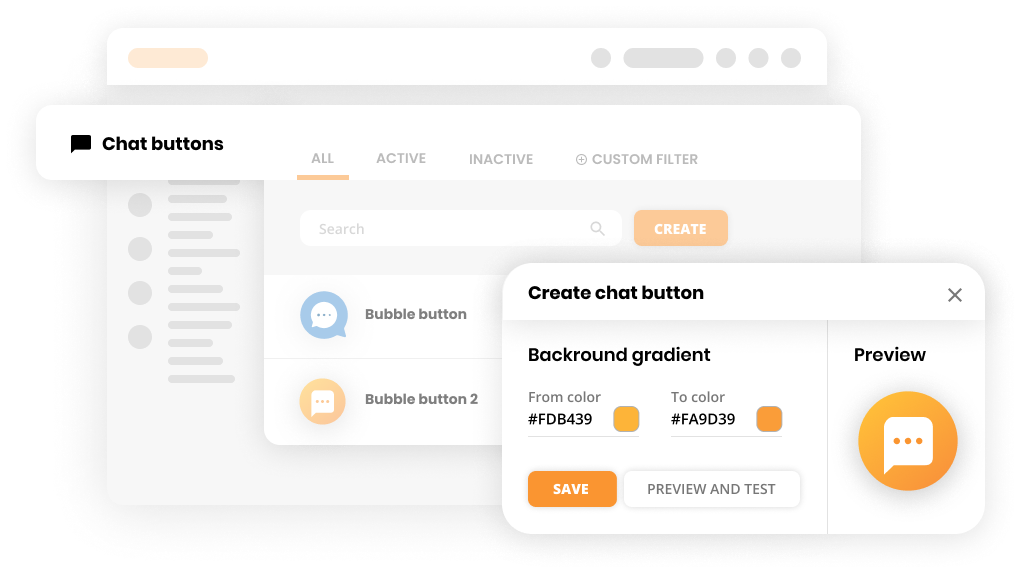
LiveAgent’s chat button is a perfect tool that provides quality customer service. Chat buttons enable clients to request a chat with a customer representative in a moment. The real-time chat monitoring feature allows supervisors to oversee active chats, ensuring timely responses and high service standards. LiveAgent offers you many different designs of buttons. You can customize and create them yourself too. Live chat for website implementation has never been easier.
If you are a company operating in multiple countries, you can utilize the language function, where you choose a preferred language for the chat widget. LiveAgent currently offers 43 languages to choose from.
Immediately direct your customer inquiries to the correct department by enabling pre-chat forms. Pre-chat forms are shown after the customer clicks on the live chat button. In LiveAgent, you can fully customize the pre-chat form based on your company’s needs.
Allow your customers to reach out even though your customer service is not available. Give them the option to contact you, and deal with the inquiry as soon as your agents are back online or available.
Having a button for chatting is supposed to improve your website. However, a lot of chat widgets on the market can at the same time slow down your website. As a result, LiveAgent created a Chat button that does not influence your website’s speed. Thus, you can only benefit from using it.
Follow these simple steps:
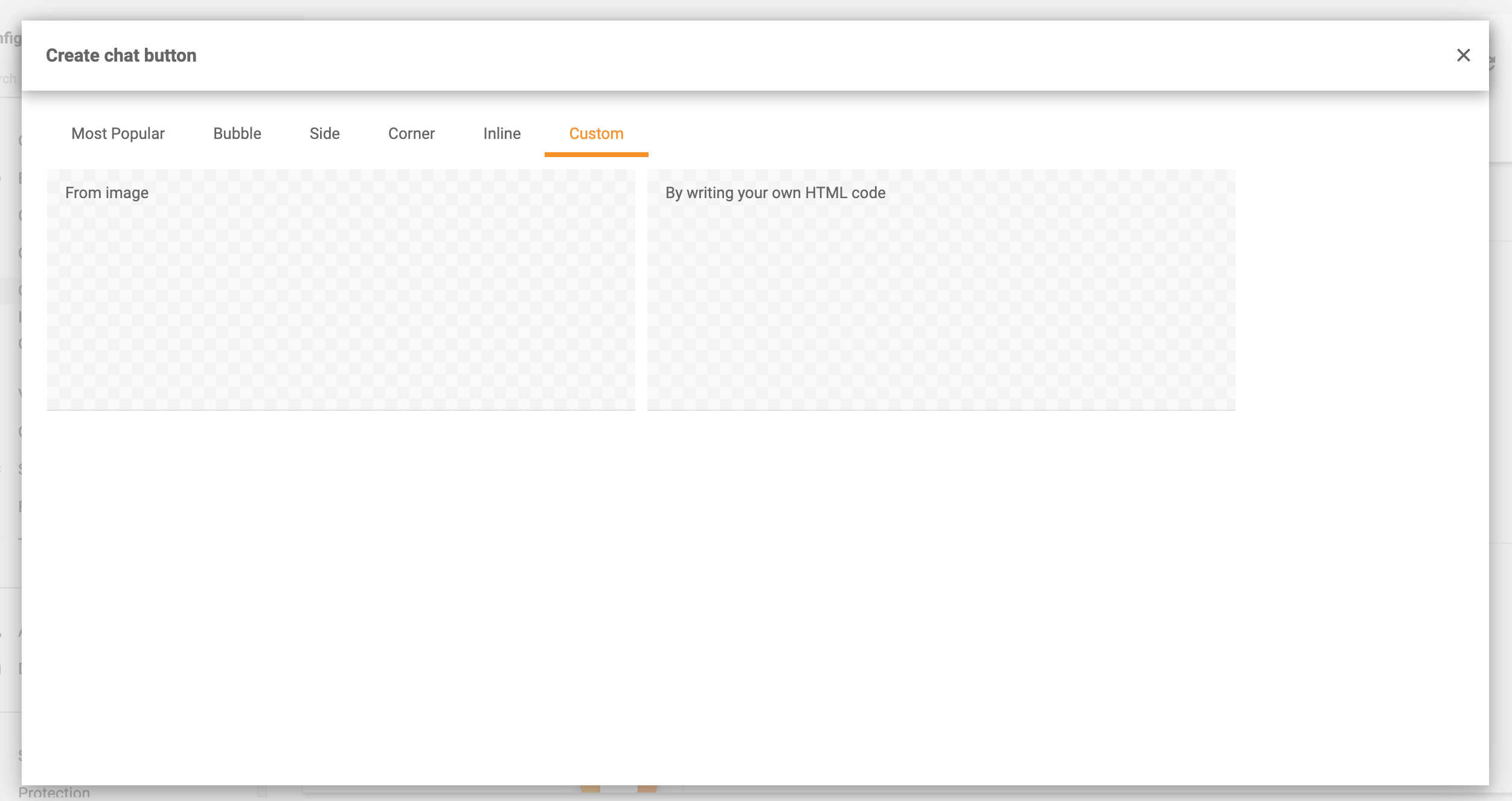
Note: If you would like to have a personalized Chat button, click on Custom and submit your HTML code/image.

The latest tips and deals delivered straight to your inbox.
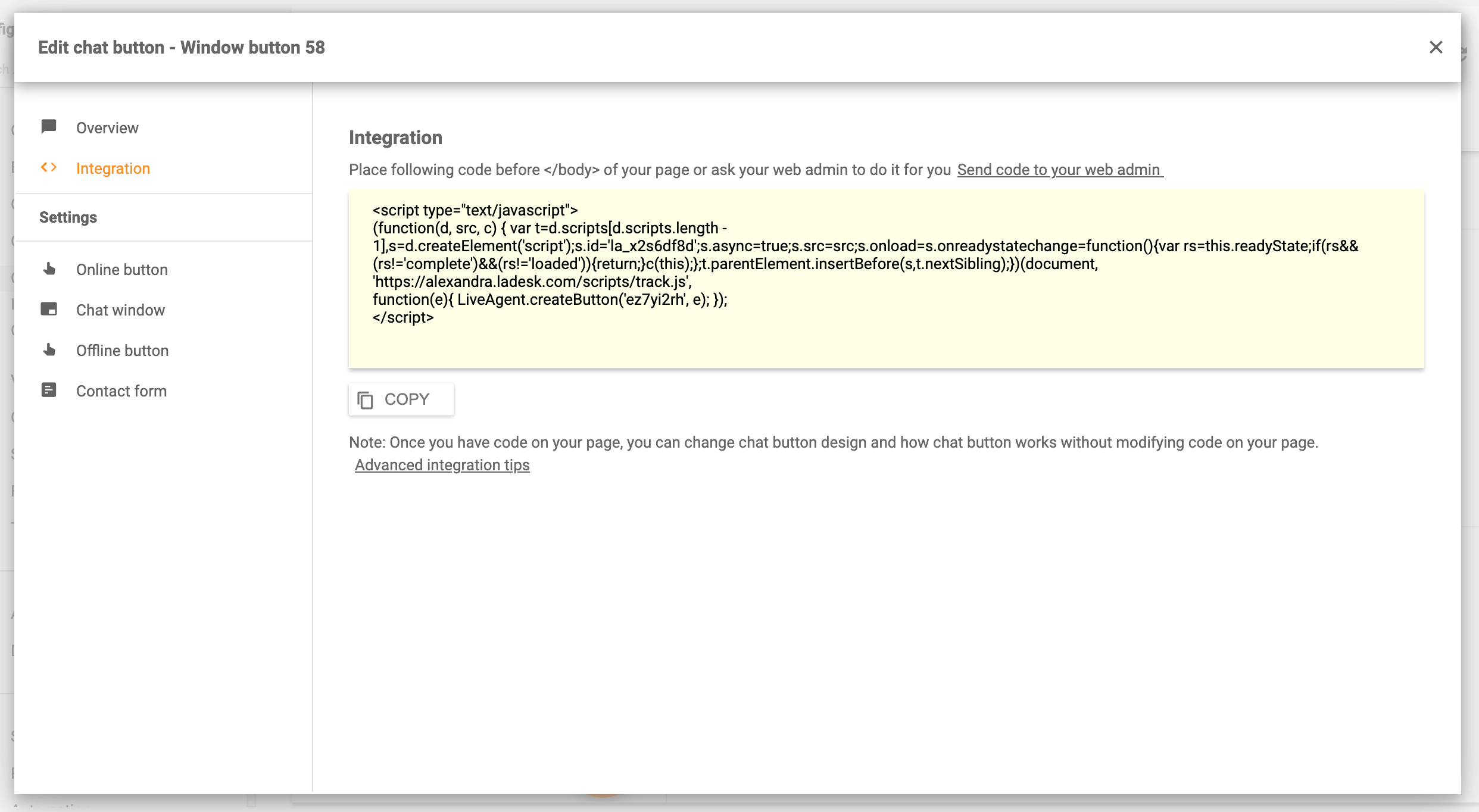
There is an Integration section where you can find the code that needs to be implemented on your website. We strongly advise you to ask the web admin in your company to embed the chat. After the chat is embedded, any change will be automatically saved without a need to change the code again.
For an in-depth video guide, navigate to How to create Chat buttons in LiveAgent in our Knowledgebase.
Choose from multiple styles including:
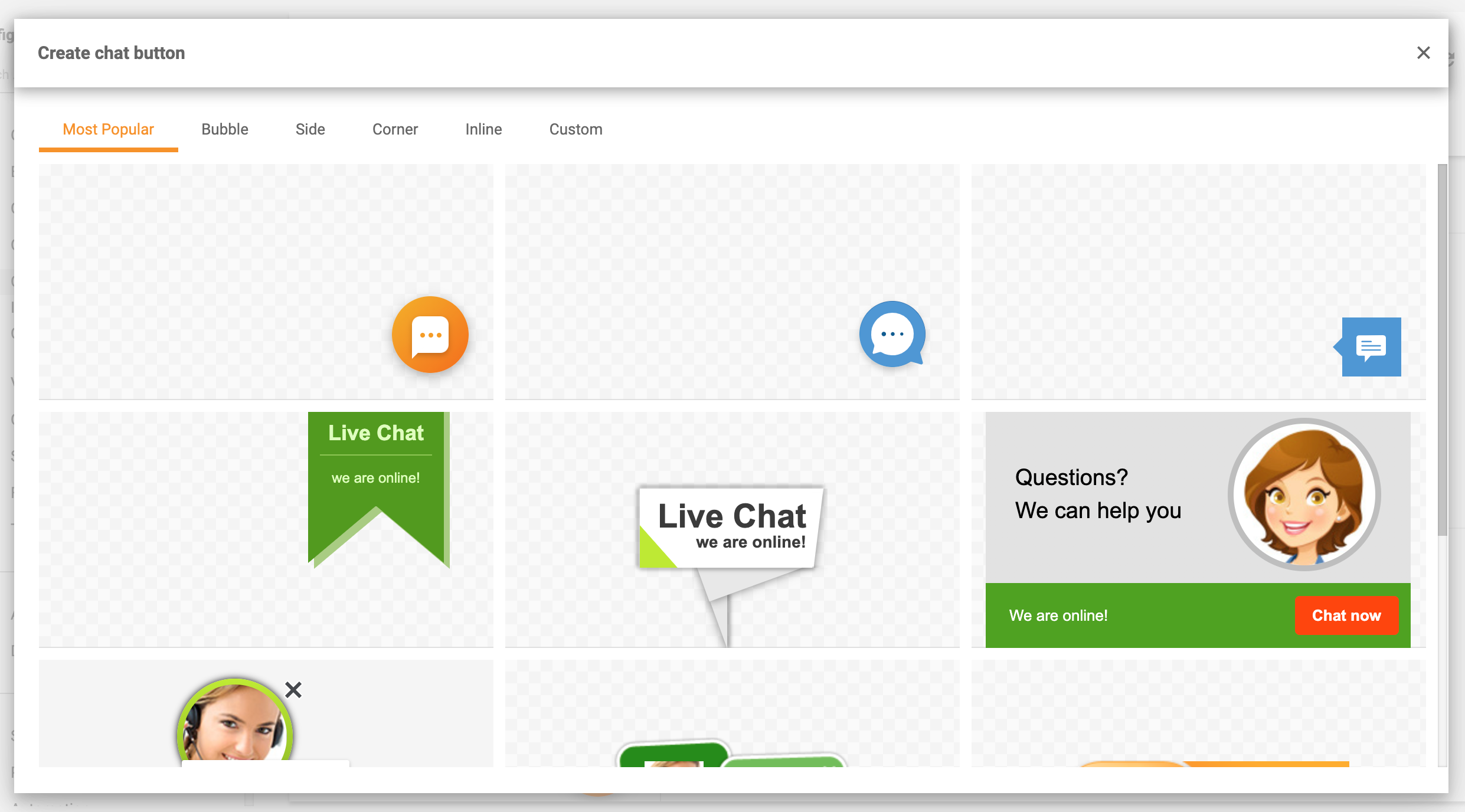
Upload your own custom image to create a unique chat button that matches your brand identity.
For advanced users, create a completely custom button using HTML code.
In this section, you can create your preferable design of the button. Here you can easily decide:

After customizing the online button, you can design your chat window too. Here are things you can alter:
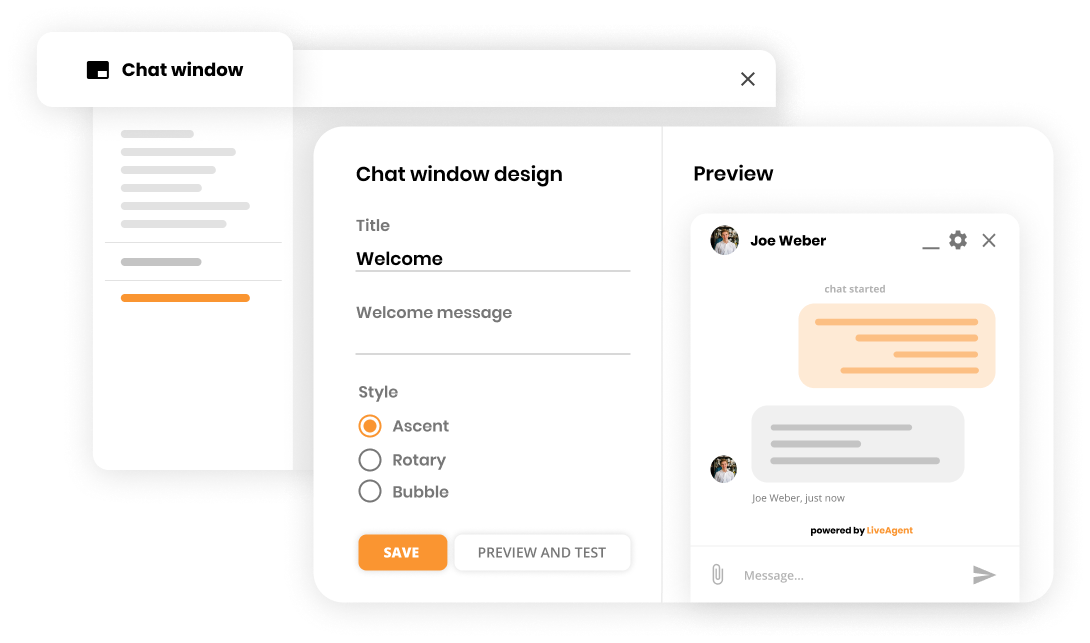
For more information, head to Chat window docking.
This button will be activated if no one is available to chat with the customer. Again, you can fully customize this button for your company’s needs.
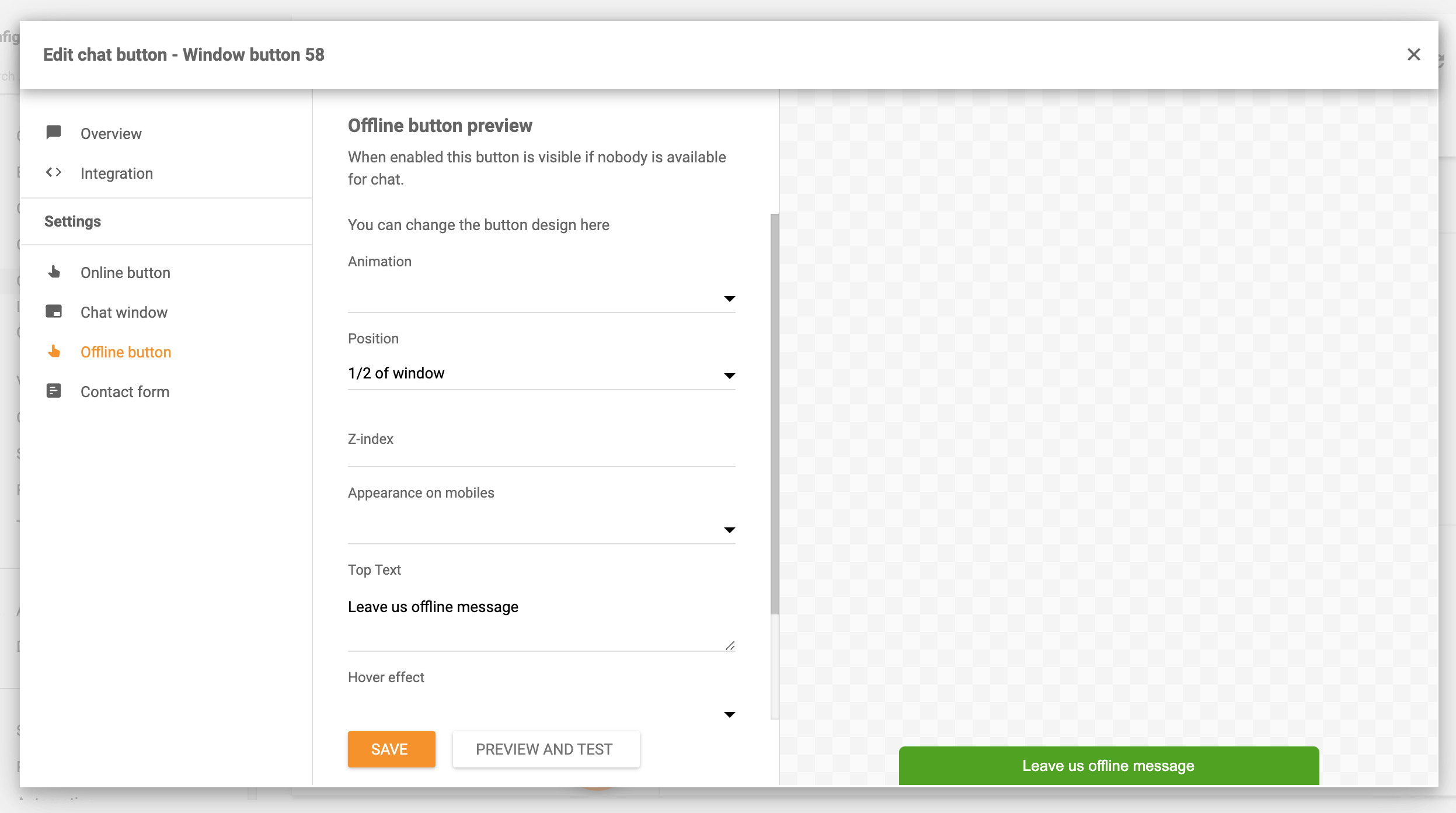
Features you can customize:
Customizing your contact form enables the customers to get in touch with you through your website. We have created an extensive guide with every feature specifically for Contact forms. If you would like to know more, read the Contact forms guide.
Customer service receives many customer inquiries on a daily basis. A lot of inquiries are repetitive questions or requests. In order to create efficient customer service workflow as well as the best customer experience, you can:
If you opt for LiveAgent, you should definitely utilize canned messages. Canned messages are a great option for repetitive issues. It is a great tool that is efficient and enables your team to appear professional at all times by always providing quick and neat answers. For instance, if you need to provide a refund, you do not have to think about the correct way to write some general information. You can use a template (canned message), which can save you time to focus on the task/refund.
Our second tip is to turn the disadvantage of repetitive questions into an advantage. How? Simply by writing an in-depth Knowledge base article or FAQ section. As a result, the customer can use this self-help option rather than wait in a queue for an answer. Moreover, your customer service can provide fast and efficient support.
If you would like to know more, head to LiveAgent – Live Chat .
If you want to integrate a customer service chat to your website, follow this guide .
LiveAgent's live chat software enhances customer service with real-time communication, customizable chat buttons, proactive invitations, and integration with ex...

Boost customer satisfaction with LiveAgent's customizable chat button for real-time support. Learn about features, implementation, and best practices.
LiveAgent's Chat Button Gallery offers a variety of predefined live chat button styles for easy website integration. Customize your button for free and enhance ...