



Help Desk Security features
LiveAgent's help desk security includes IP bans, 2-step verification, HTTPS encryption, and GDPR compliance. Start a free 30-day trial!
4 min read
Security
Data Protection
+1

LiveAgent’s Ban IPs feature blocks specific visitor IPs to prevent them from disrupting interactions via chats, contact forms, calls, suggestions, and forum posts. It enhances security by redirecting banned users to voicemail or spam and records ban details for management.
LiveAgent’s Ban IPs feature blocks specific visitor IPs to prevent them from disrupting interactions via chats, contact forms, calls, suggestions, and forum posts. It enhances security by redirecting banned users to voicemail or spam and records ban details for management.
Protecting your customer service environment is crucial for maintaining agent productivity and data security. The Ban IPs feature provides several key benefits:

Start your free trial today and see results within days.
The Ban IPs feature protects all your communication channels:
LiveAgent maintains comprehensive ban records with the following details:
The latest tips and deals delivered straight to your inbox.
Adding a ban in LiveAgent is straightforward and can be done in two ways:
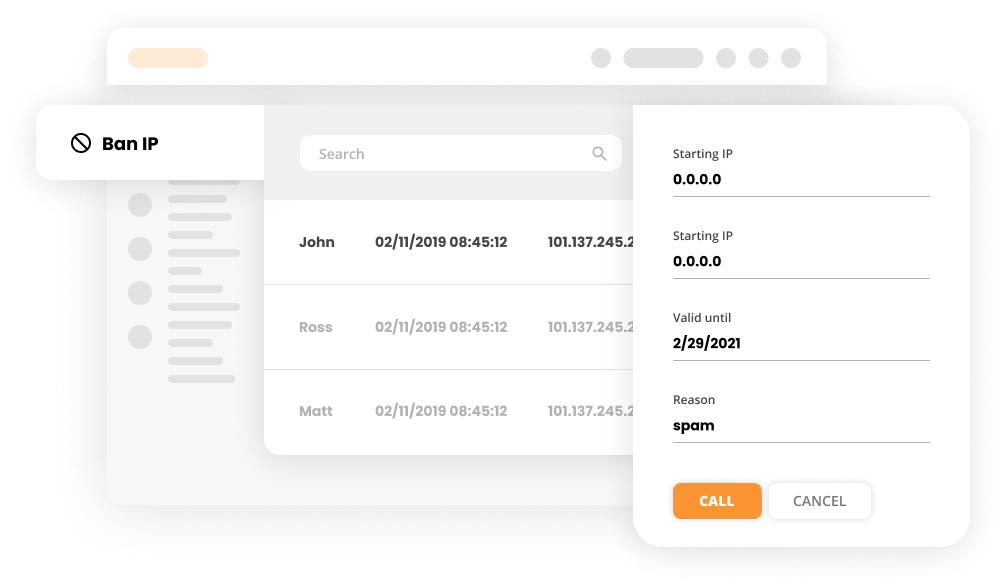
LiveAgent ensures your customer’s data is always secure. Enjoy safe, carefree communications starting today. The Ban IPs feature is just one of many security measures built into LiveAgent to protect your business and your customers.
Need more help with this feature? Check out these detailed guides: Learn how to ban IPs in LiveAgent .
Discover LiveAgent's powerful security features that protect your agents and customer data while streamlining communication.
LiveAgent's help desk security includes IP bans, 2-step verification, HTTPS encryption, and GDPR compliance. Start a free 30-day trial!

Discover how LiveAgent's suspended tickets feature detects and filters SPAM efficiently, enhancing support quality and response times.

Track website visitors in real-time with LiveAgent's Online Visitors feature. View visitor activities, locations, and referrers to enhance customer support and ...
Join our community of happy clients and provide excellent customer support with LiveAgent.

Cookie Consent
We use cookies to enhance your browsing experience and analyze our traffic. See our privacy policy.