



Chat Distribution Features
Enhance agent efficiency with LiveAgent's automatic chat distribution. Choose from various routing options, manage chat load, and improve customer satisfaction....
4 min read
Live Chat
Chat Distribution
+1

Automated ticket distribution in LiveAgent assigns help desk tickets to agents based on predefined rules, enhancing efficiency and reducing errors. It offers methods like ring to all, max utilization, and random assignment, optimizing customer service workflows.
Automated ticket distribution, also known as ticket automation, is a help desk function that automatically assigns help desk tickets to support agents according to predefined rules. Each help desk has a different set of automated ticket distribution rules such as round-robin, ring to all, random assignment, or max utilization.
Automated ticket systems streamline this process, ensuring efficiency and reducing manual effort. Ticket automation is crucial in optimizing agent workloads and improving overall response times.
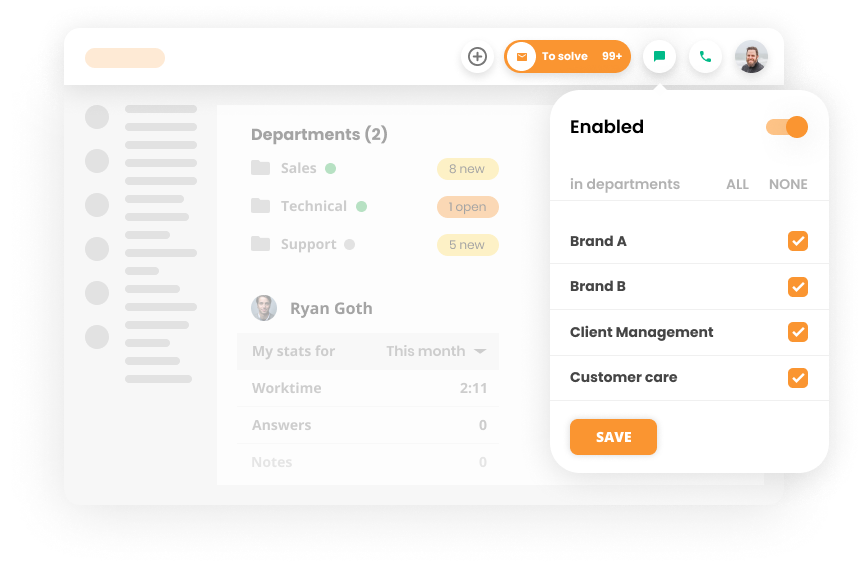
Automated ticket distribution can help your customer service teams in numerous ways. It can:
Ticket routing is a process within automated ticket distribution that ensures each incoming support request is directed to the most suitable agent. The system automatically assigns tickets to the right person based on predefined rules like agent availability, expertise, or workload. This streamlines operations and improves resolution times and overall customer satisfaction by getting the right help at the right time.
LiveAgent help desk software has multiple different automated ticket routing methods for incoming tickets, phone calls, and chats. Also, by integrating various communication channels, universal inbox features help support teams manage interactions more effectively.
These automated ticket distribution methods ensure your agents always have optimal service ticket loads, a rotating phone duty, and designated pause times for rest. With efficient ticket distribution in place, your team can manage workloads seamlessly. Combined with its many other features, LiveAgent support ticketing tool increases both customer and employee satisfaction, making it the best ticketing tool solution around.

The latest tips and deals delivered straight to your inbox.
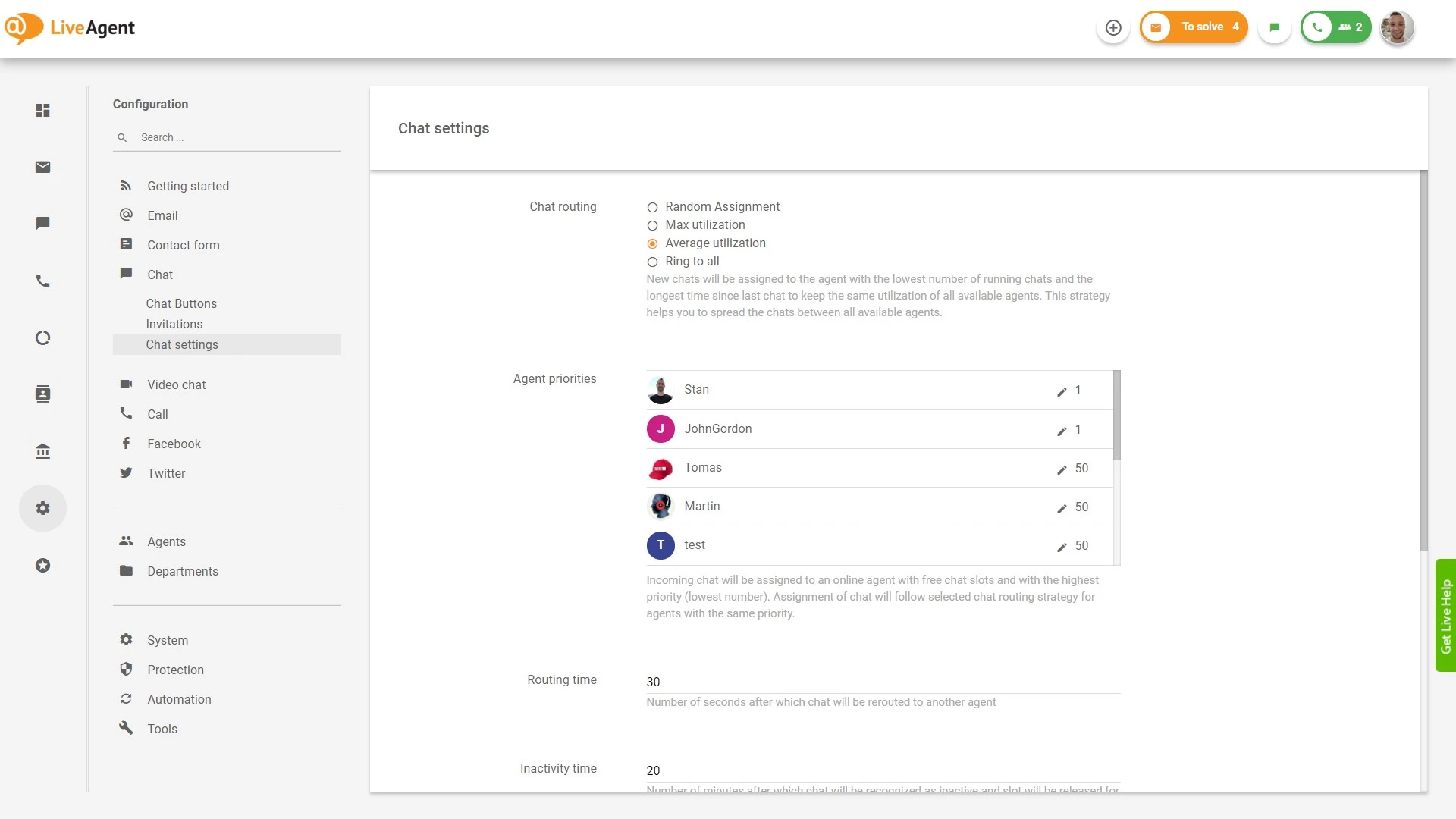
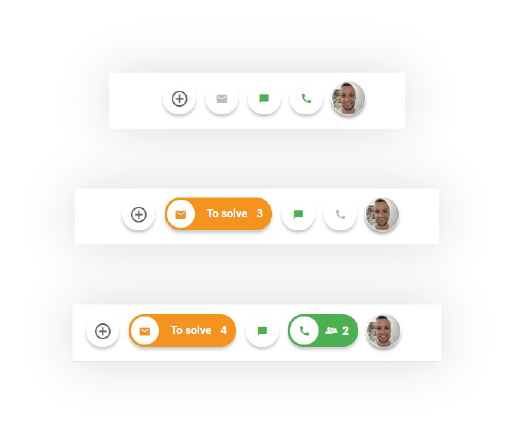
The ring to all method notifies all online agents that there’s a new incoming call/chat and rings until it’s picked up. This ensures no customer inquiry goes unanswered.
The max utilization method assigns new chats to the agent with the highest number of running chats to keep utilization at the maximum level. Once the customer representative has no free chat slots, new chats will be routed to the next available agent. With this method, you can maximize the ticket volume for chatting agents and let other agents work on offline tickets.
The average utilization method assigns new incoming chats to the agents with the lowest number of running chats to keep the same utilization for all online agents. In essence, this automated ticket distribution method balances concurrent chats between all available support agents.
The random assignment ticket distribution method assigns tickets on a random basis. This ticket distribution method can on average, and over time, help you assign the same number of chats to each of your agents.
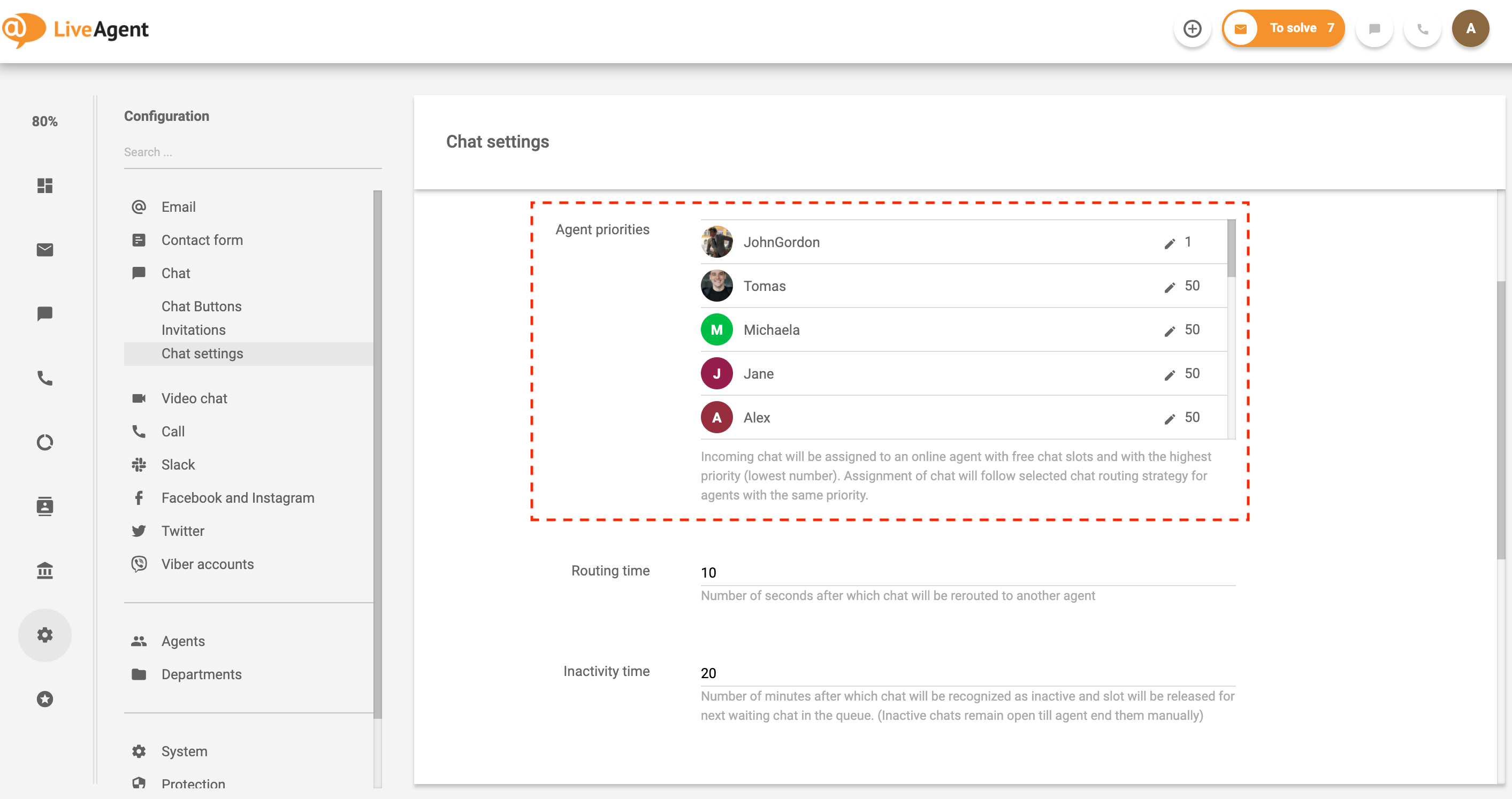
If you’d like, you can set up chatting priorities for specific agents. As a result, new chats will be routed to agents with the highest priority (1 – highest, 100 – lowest).
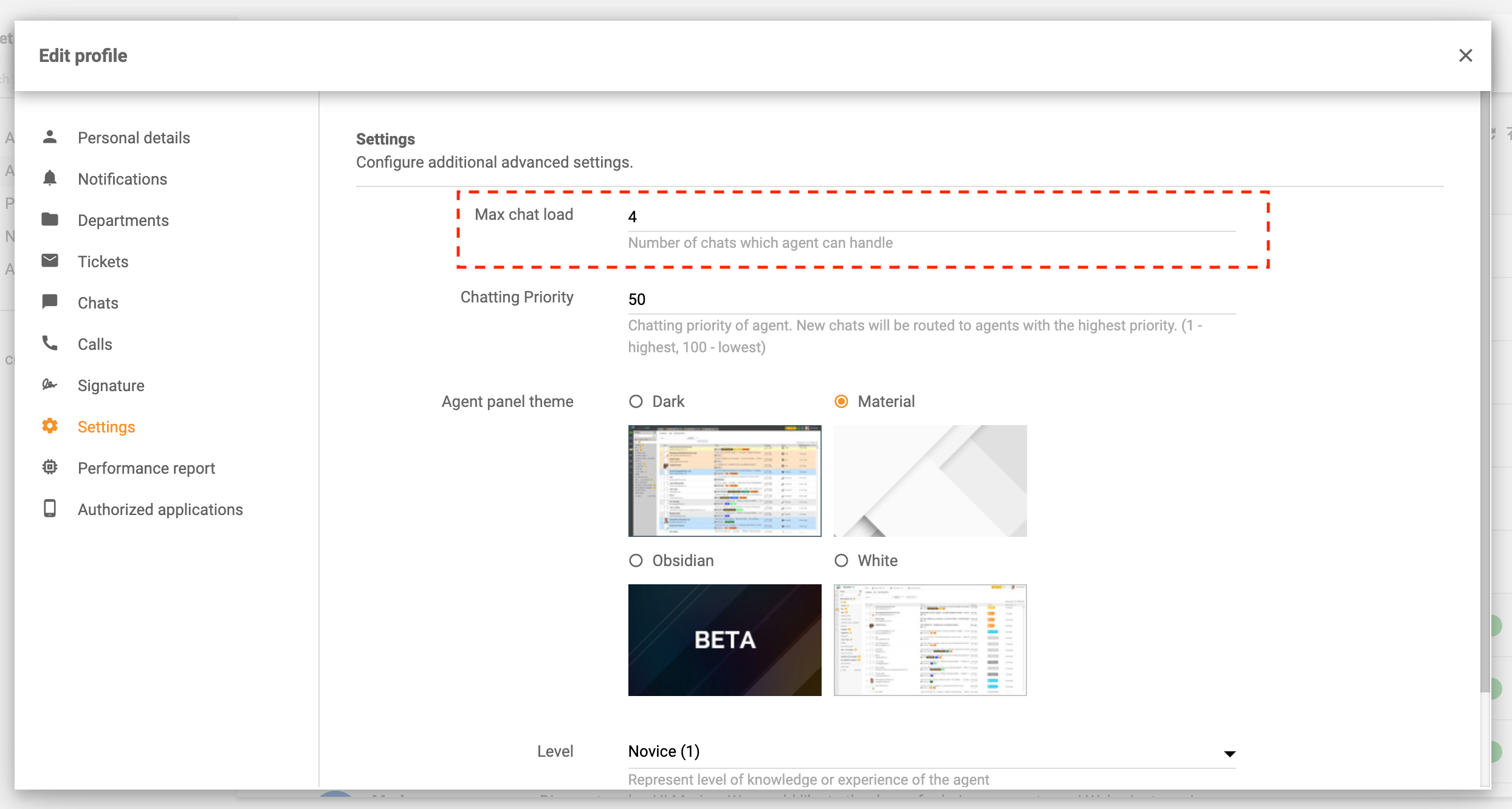
Define the maximum chat load volume for each agent. Once the maximum volume is reached, new chats will be routed to other online agents with high chatting priorities.
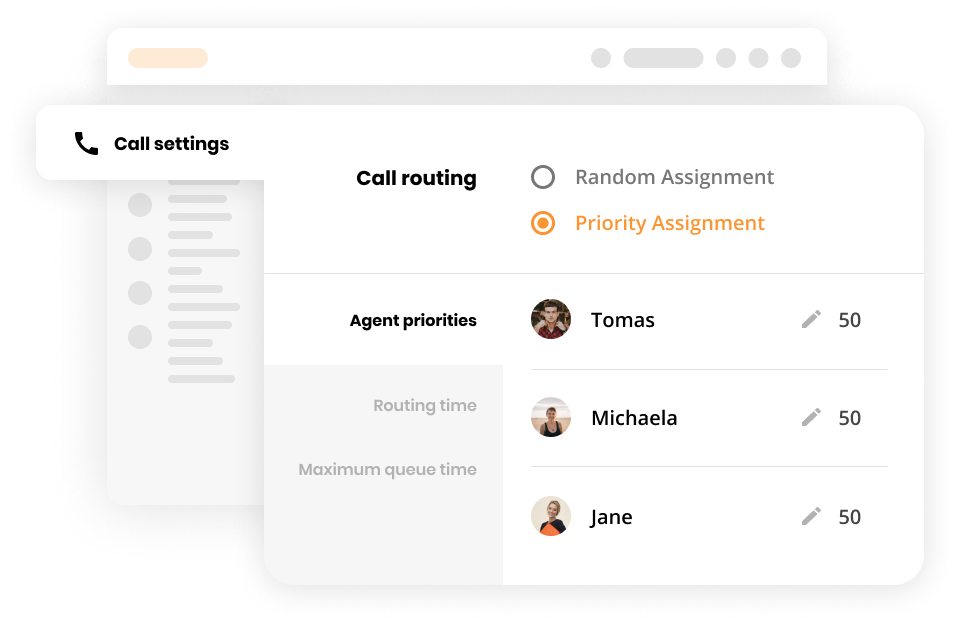
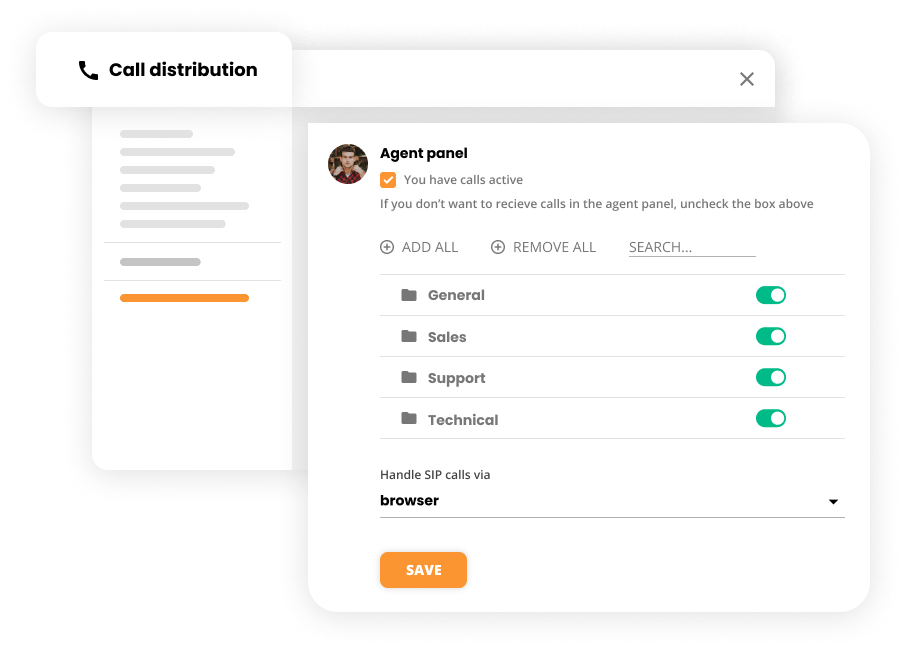
There are two options for phone routing:
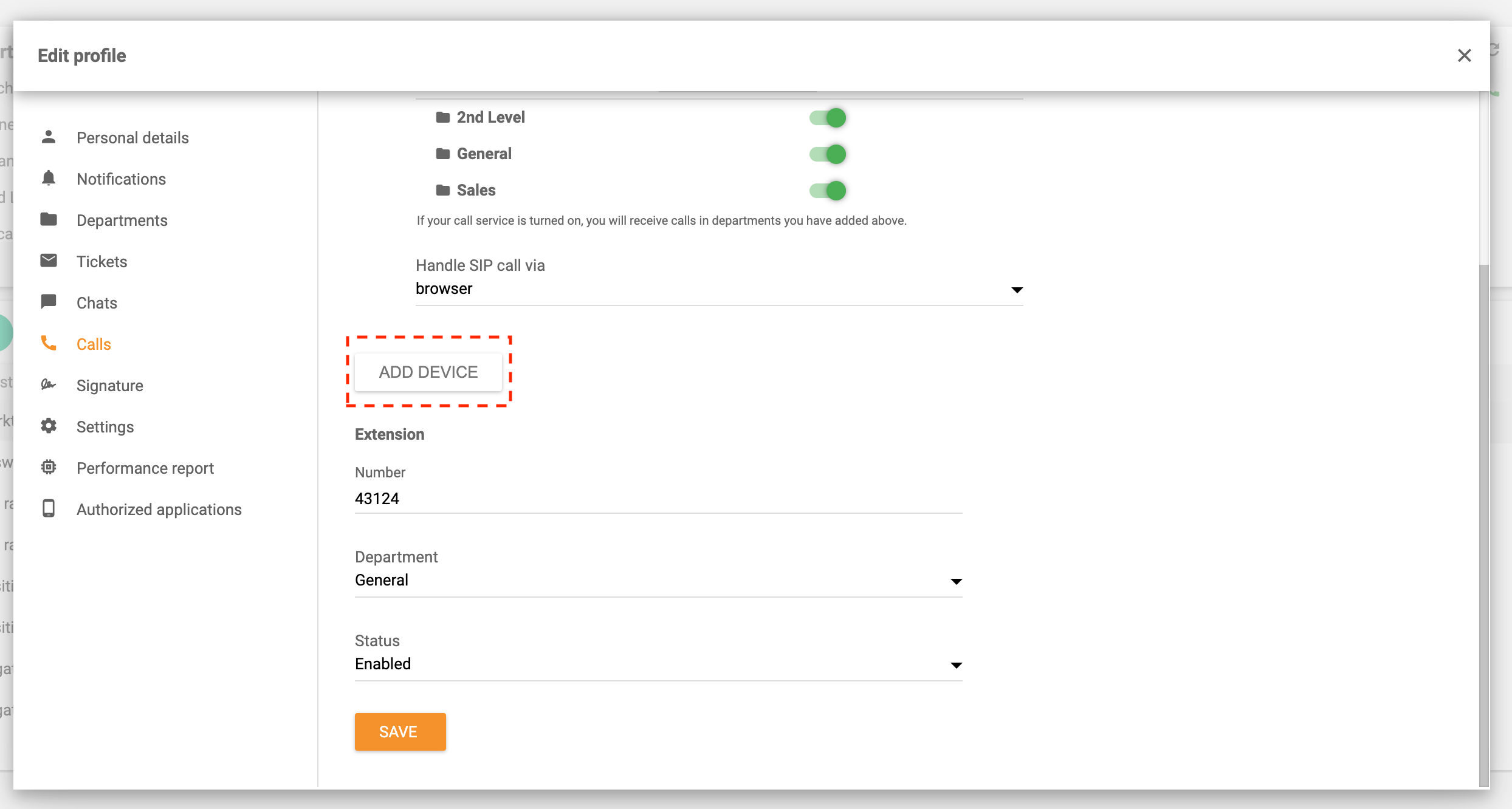
With LiveAgent, agents have the option to route incoming calls to a personal device, such as a mobile phone. This enables agents to provide customer support on the go.
Setting up automated ticket distribution for emails, social media queries, and knowledge base tickets can be done in two ways.
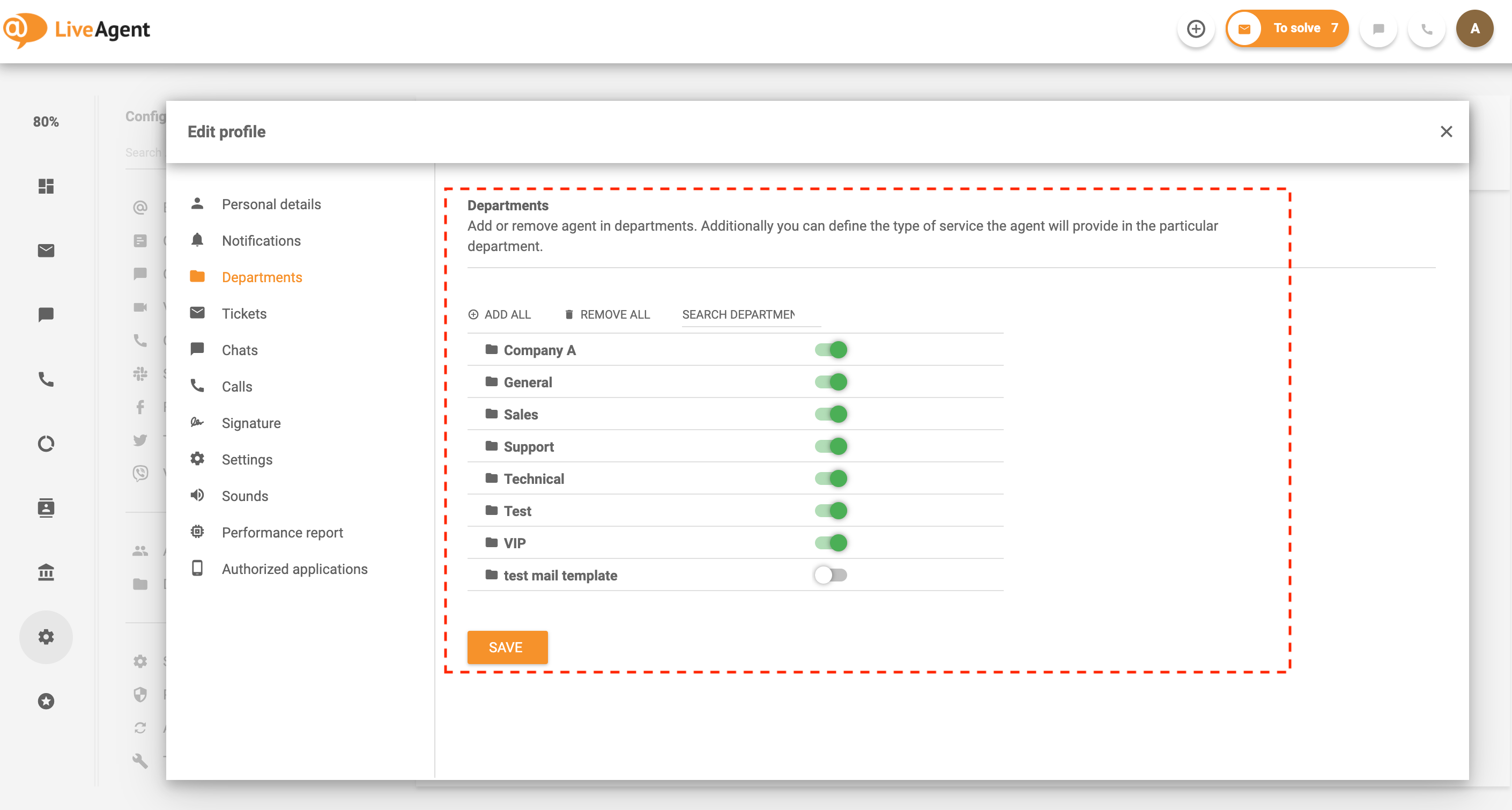
If you want to go a step further, you can use automation rules to create unique workflows that act as ticket distribution methods. To do so, log in to LiveAgent, click on Configuration, select Automation, click on Rules and click Create.
Feel free to play around with different scenarios. When it comes to LiveAgent’s automation, the possibilities are endless.
When a ticket is assigned to the right agent at the right time through effective ticket routing, it can have a positive impact on its resolution time which in turn, can directly affect customer satisfaction. Satisfied customers are the cornerstone of every business, as they affect recommendations, online reviews, word-of-mouth, and sales. As such, every business should strive to keep their customers happy with excellent service, fast response times, and a personalized approach.
Can you imagine assigning each ticket responsibility manually? Not only would this be an extremely time-consuming task, but it would also be very expensive. Thankfully, free help desk software like LiveAgent can handle automated ticket routing and automated distribution at scale. The automated distribution of tickets ensures that each request is assigned to the right agent efficiently and without delay. Leave the logistics to us, so your agents can focus on what’s important — nurturing customer relationships.
To learn more about automated ticket routing, check out our knowledge base resources:

Discover just how easy it is to provide personalized, timely, and knowledgeable support with LiveAgent. Start your 30-day free trial today. No credit card required.
Enhance agent efficiency with LiveAgent's automatic chat distribution. Choose from various routing options, manage chat load, and improve customer satisfaction....

Learn how to efficiently assign tickets in LiveAgent to enhance customer support, streamline processes, and increase satisfaction. Customize criteria for ticket...

LiveAgent's automation rules streamline customer support by automating tasks like ticket transfers, tagging, and resolving issues. These rules, including action...