


Internal Chat Features
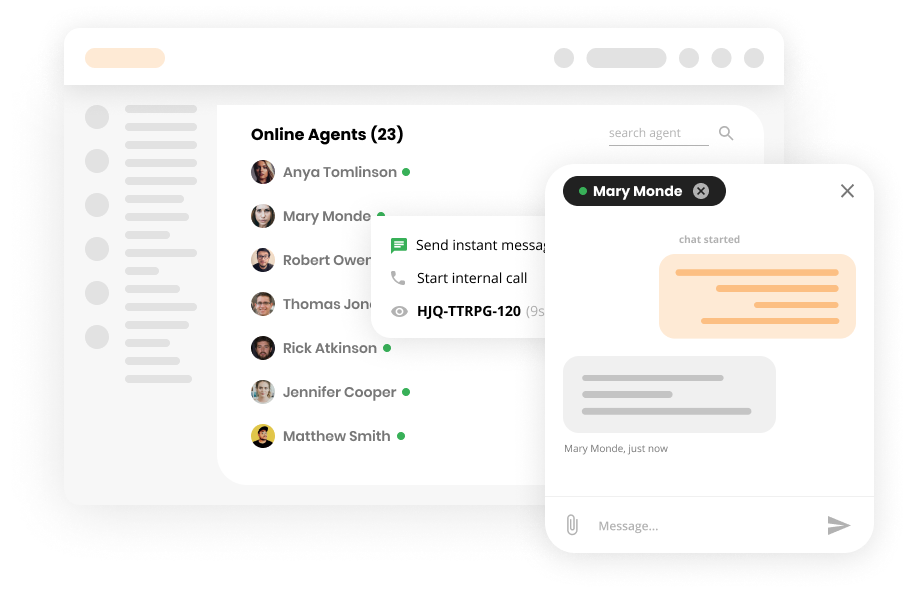
Boost team collaboration with LiveAgent's internal chat! Share instant messages, attachments, and ticket links—all without third-party apps.
3 min read
Internal Chat
Communication
+1

LiveAgent enhances communication with attachments in emails, chats, forms, and knowledge bases. Easily drag & drop files like images, documents, and videos. Try it free to streamline your workflow.
Attachments are files that are typically attached to email messages. They’re usually photos, documents, excel sheets, PDFs, videos, or other types of files. Typically, a single email can contain multiple attachments.
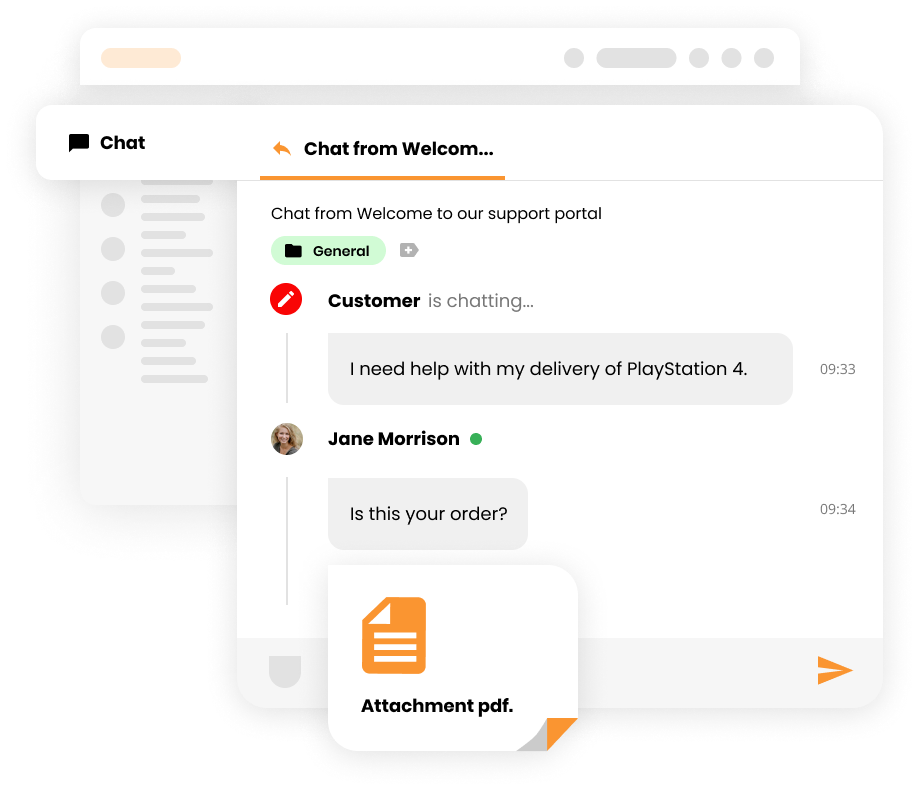
Attachments are helpful because they enable users to share documents and images quickly and conveniently. Furthermore, they’re great for improving workflow and communication, as they let users attach screenshots of error messages, tutorials, and other documentation to communication threads, making what they’re trying to convey that much more clear.
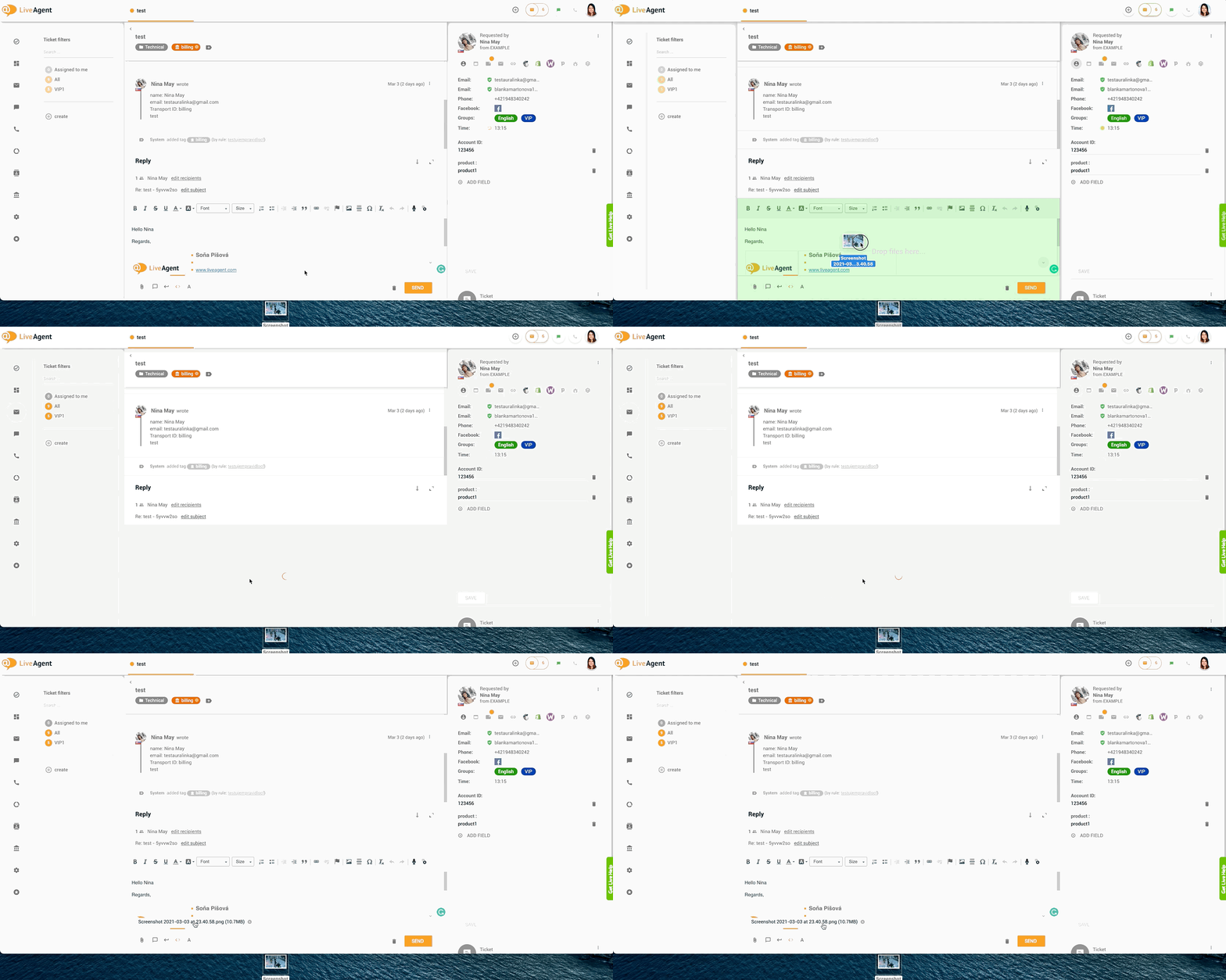
LiveAgent allows users to drag & drop files (images, voice recordings, videos, documents, etc.) inside:
Alternatively, users can simply click on the Attach icon to share files.
Currently, all file types are supported, including:

The latest tips and deals delivered straight to your inbox.
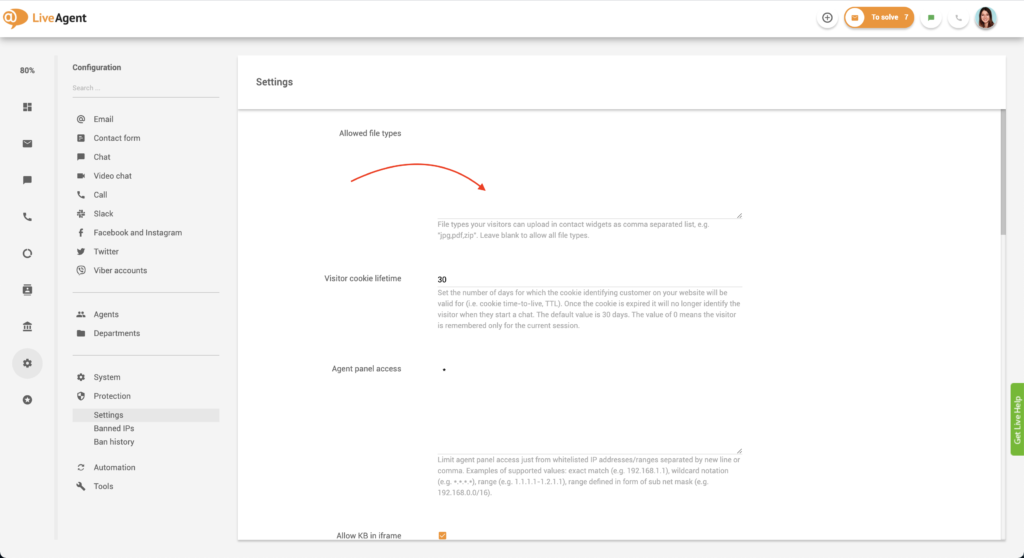
If you want to prevent users from uploading specific file types into contact forms and chats, you can do so inside LiveAgent’s settings.
Ticket and chat attachments are limited to 128 MB each. However, please note that it is very likely that either your or your customer’s email client won’t be able to accept attachments of this size, as most email clients are limited to receiving 20MB (which is the recommended attachment size).
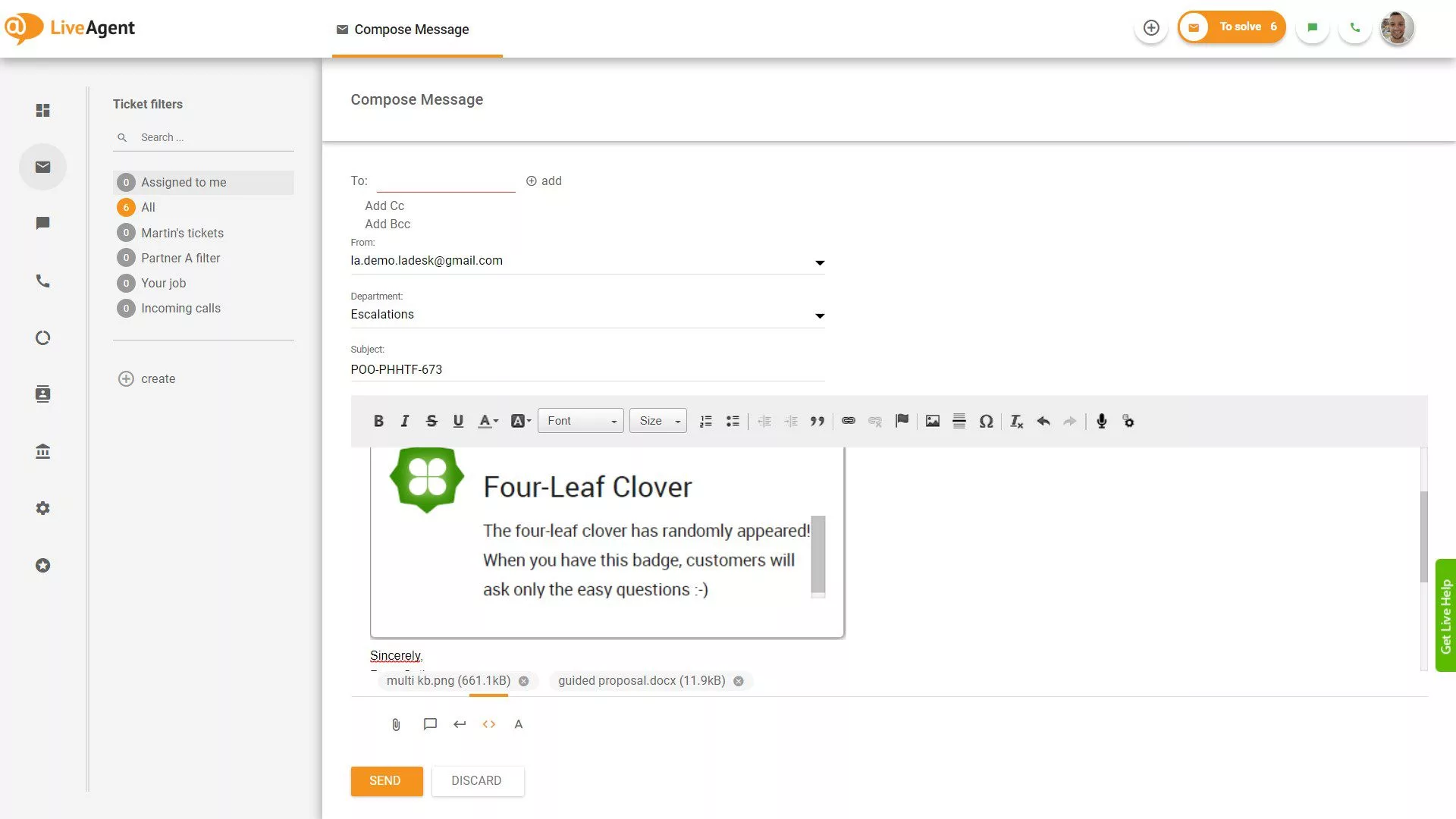
If you want to format your emails, it can be pretty tricky — especially if you’re going to add images to specific areas of text. However, with LiveAgent, you can add images inline using the insert image button or the copy & paste feature. Please note that there are no restrictions/limitations as to what file types can be sent via email.
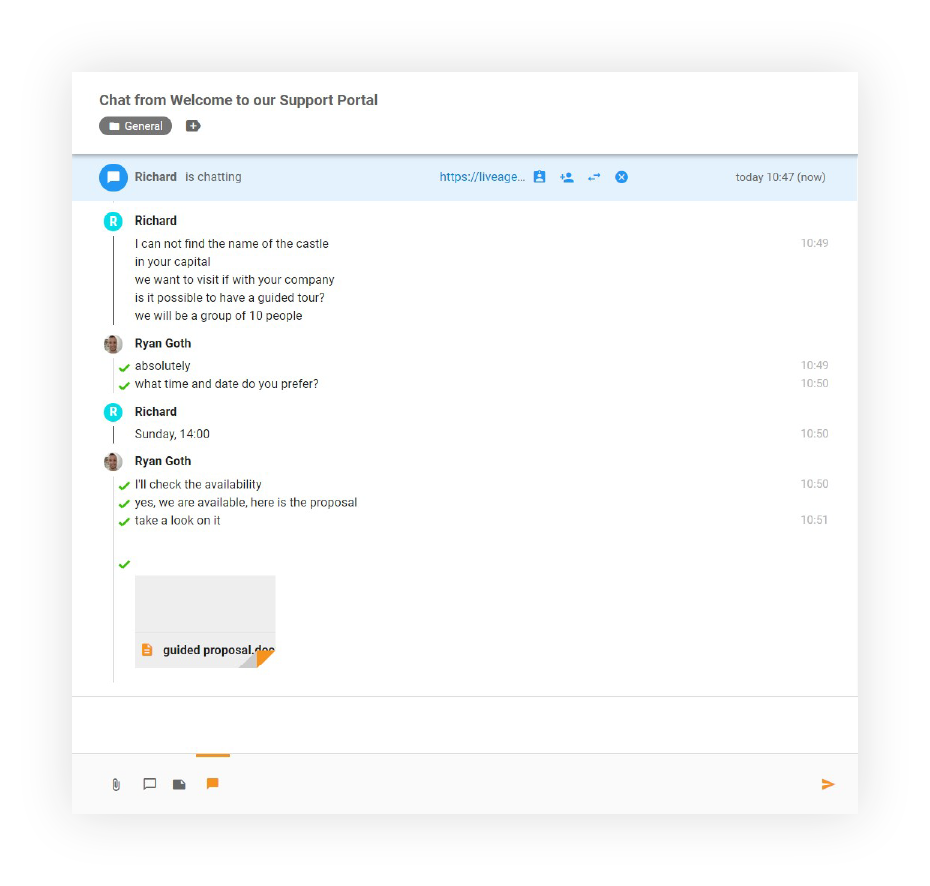
LiveAgent’s live chat widget supports attachments of all types by default, but if you’d like to limit them to specific file types, you can do so by following the guide above. Please note that file sharing is also supported in internal chats, making it super easy to collaborate and share files with your colleagues. You can use the drag and drop feature in both internal and external conversations as well.

Our contact forms support attachments of all types by default, but if you’d like to limit them to specific file types, you can do so by following the guide above. Please note that you can use the drag and drop feature with contact forms.
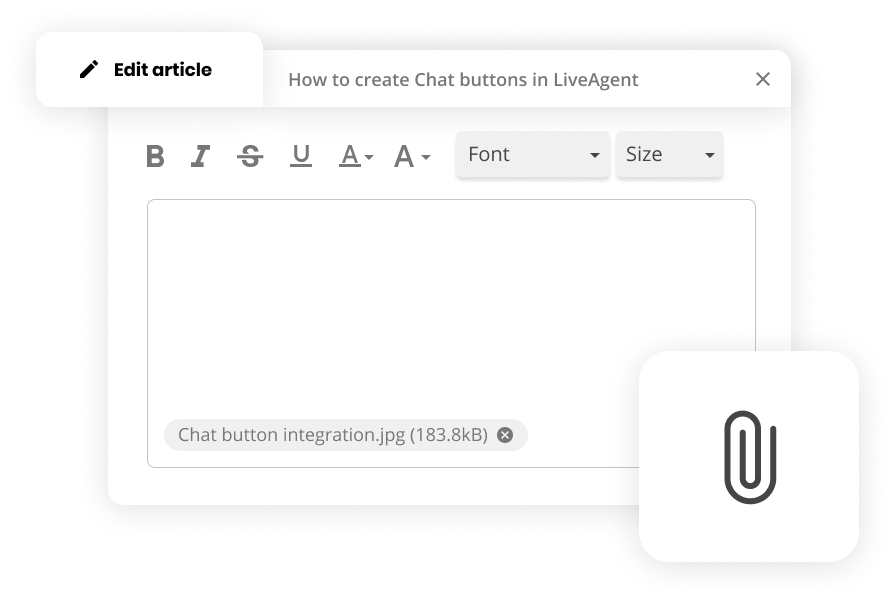
Enriching your knowledge base articles with attachments will ensure your guides and how-to-articles provide value to your customers, in turn decreasing ticket loads and improving customer satisfaction. Please note that you can use the drag and drop feature with knowledge base articles.
Want to learn more about LiveAgent’s cutting-edge help desk features? Check out our knowledge base articles, feature pages, blogs, webinars, or our official YouTube channel for more information.

Make your communication more efficient with attachments using our free, all-inclusive, 30-day trial. Start your free trial today . No strings attached, no credit card required.
Boost team collaboration with LiveAgent's internal chat! Share instant messages, attachments, and ticket links—all without third-party apps.

Enhance customer support with LiveAgent's instant chat! Real-time messaging, GIFs, and media sharing. Try it free—no credit card required!

Explore LiveAgent's August updates including Agent Typing Detection, file attachments in forms, PHP 8.2 compatibility, improved search capabilities, and multipl...