



Agent availability features
Monitor your agents' availability in real-time with LiveAgent's comprehensive reporting tools. Easily filter stats by department, export data, and identify top-...
2 min read
Reporting
Agent Management
+1

Get detailed insights into agent performance with LiveAgent’s Agent report. Track work time, tickets, chats, calls, and more. Export data to CSV and use charts to identify popular channels.
An agent report is a comprehensive audit or summary of an agent’s performance. In LiveAgent, it provides detailed insights into work time, answered tickets, chats, calls, sales, and more. This powerful reporting tool allows you to export data or visualize it in charts, making it easy to identify trends and optimize your team’s performance.
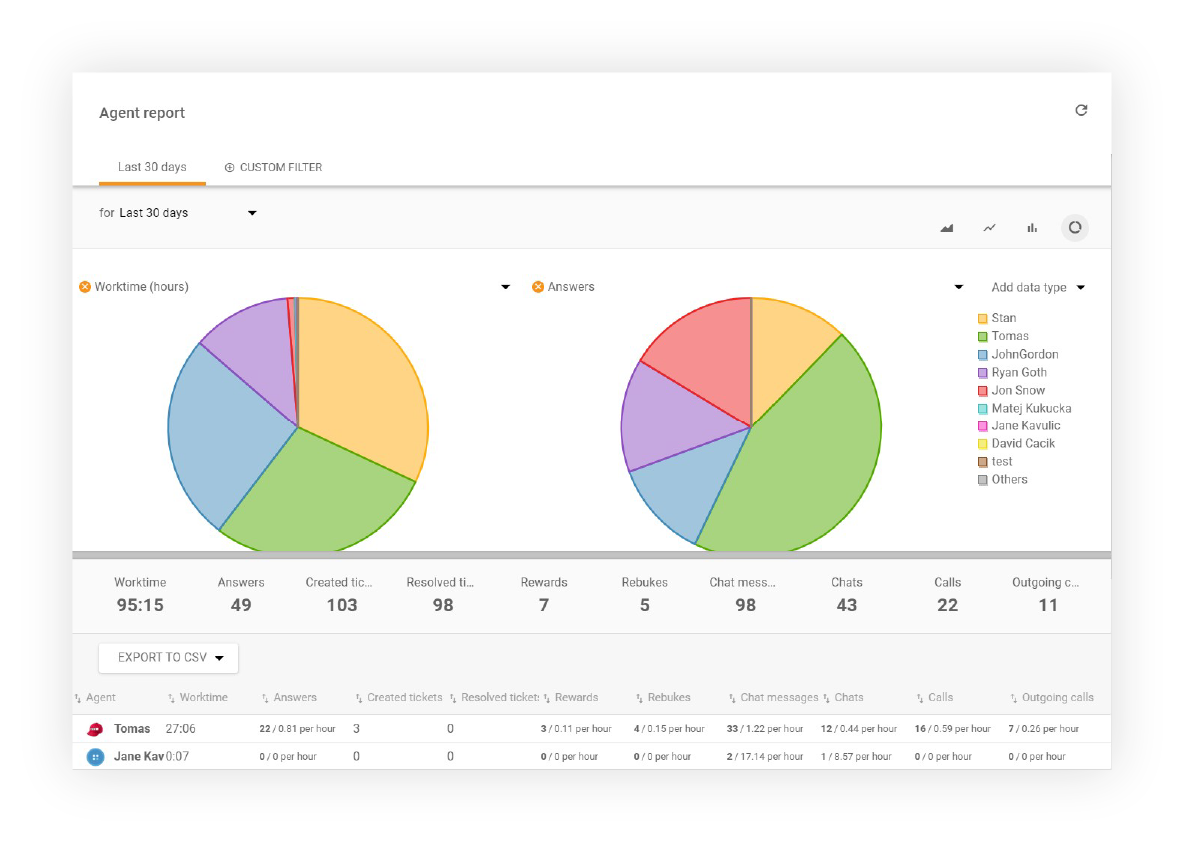
To make your agent reports concise and easy to understand, LiveAgent cloud help desk software includes the following display options. You can customize which columns appear in your reports by selecting from these metrics:
Individual entries can be sorted by time range, Department, channel, and Agent. Agent Reports can be exported to a CSV file for further analysis and sharing with your team.

Start your free trial today and see results within days.
Agent report can show your data in these types of charts, making it easy to visualize performance metrics and trends:
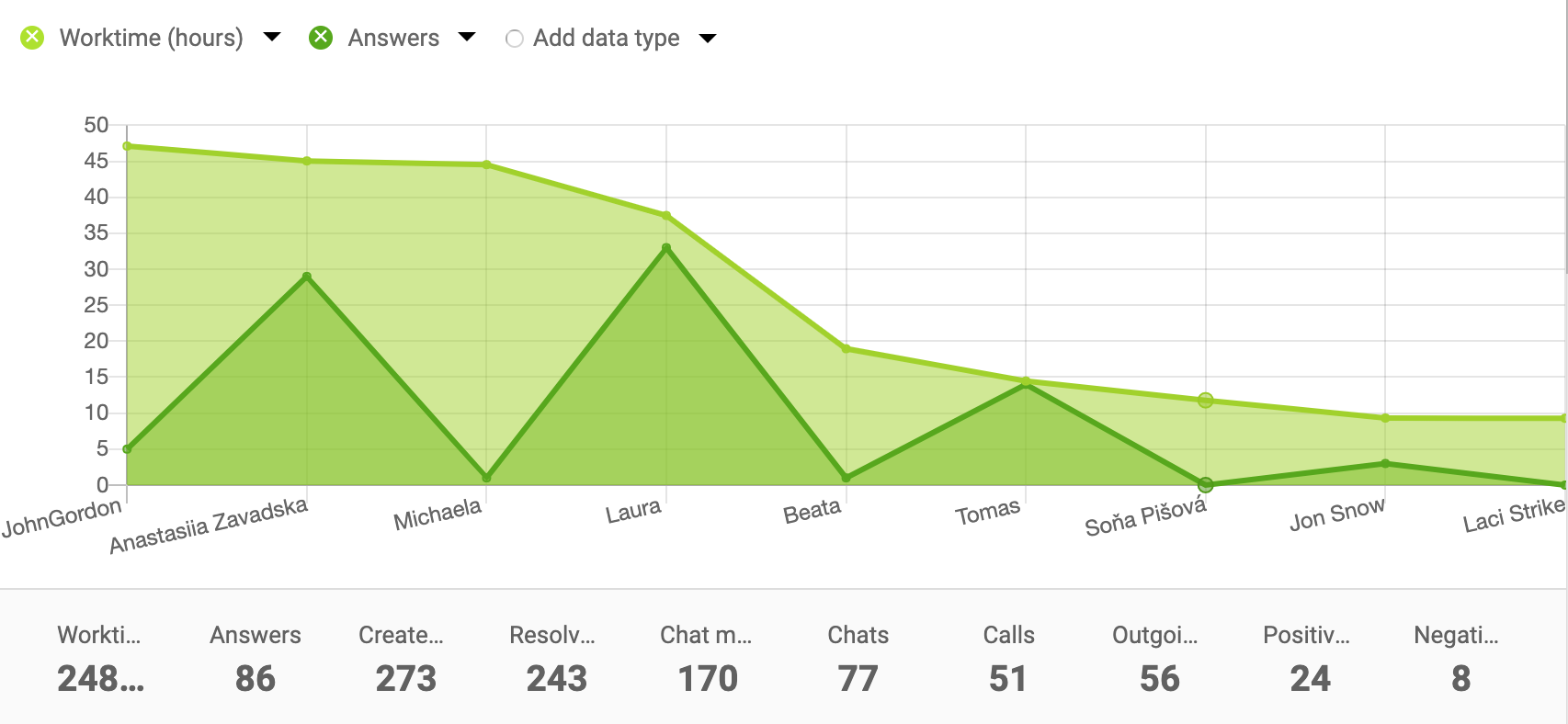
Area charts are excellent for showing trends over time and comparing multiple metrics simultaneously.
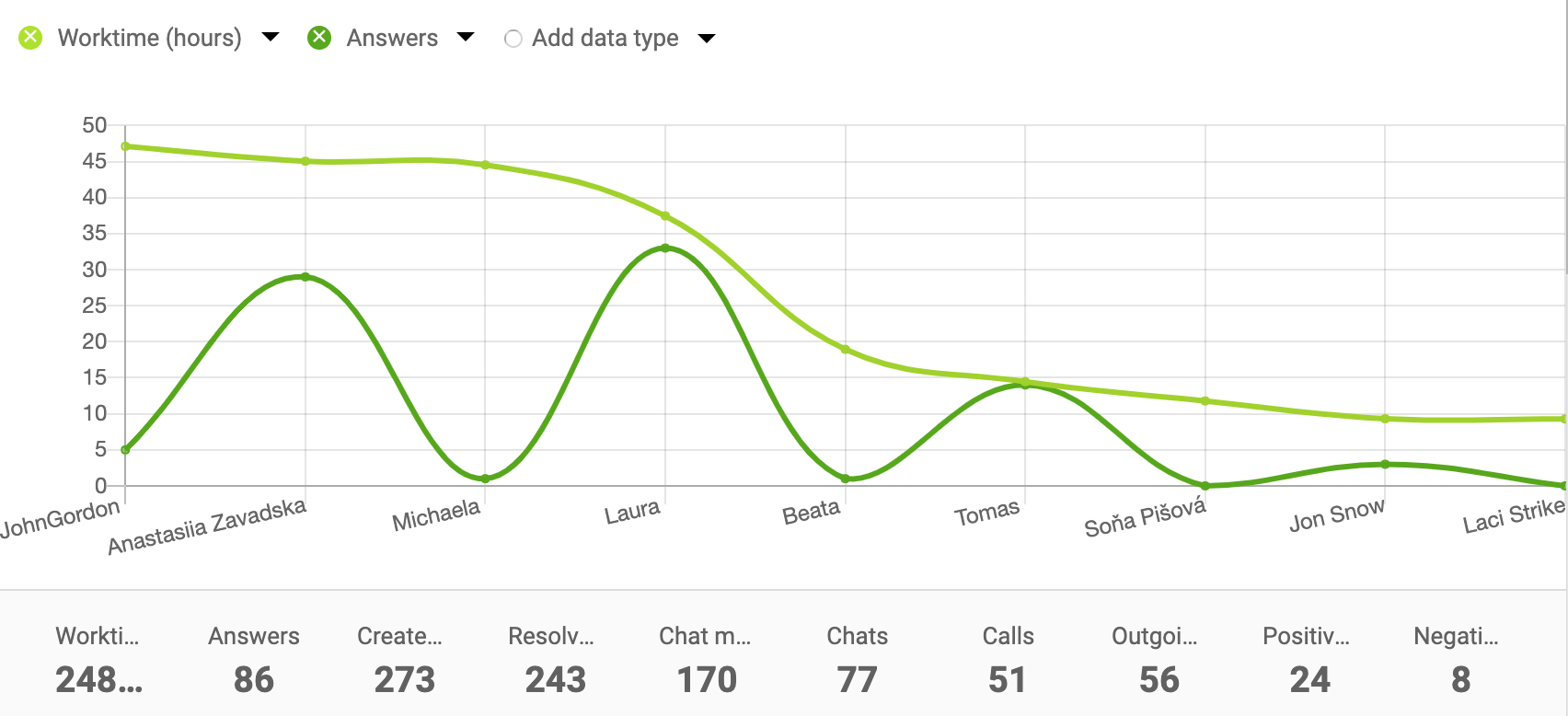
Line charts provide a clear view of performance trends and changes across your selected time period.
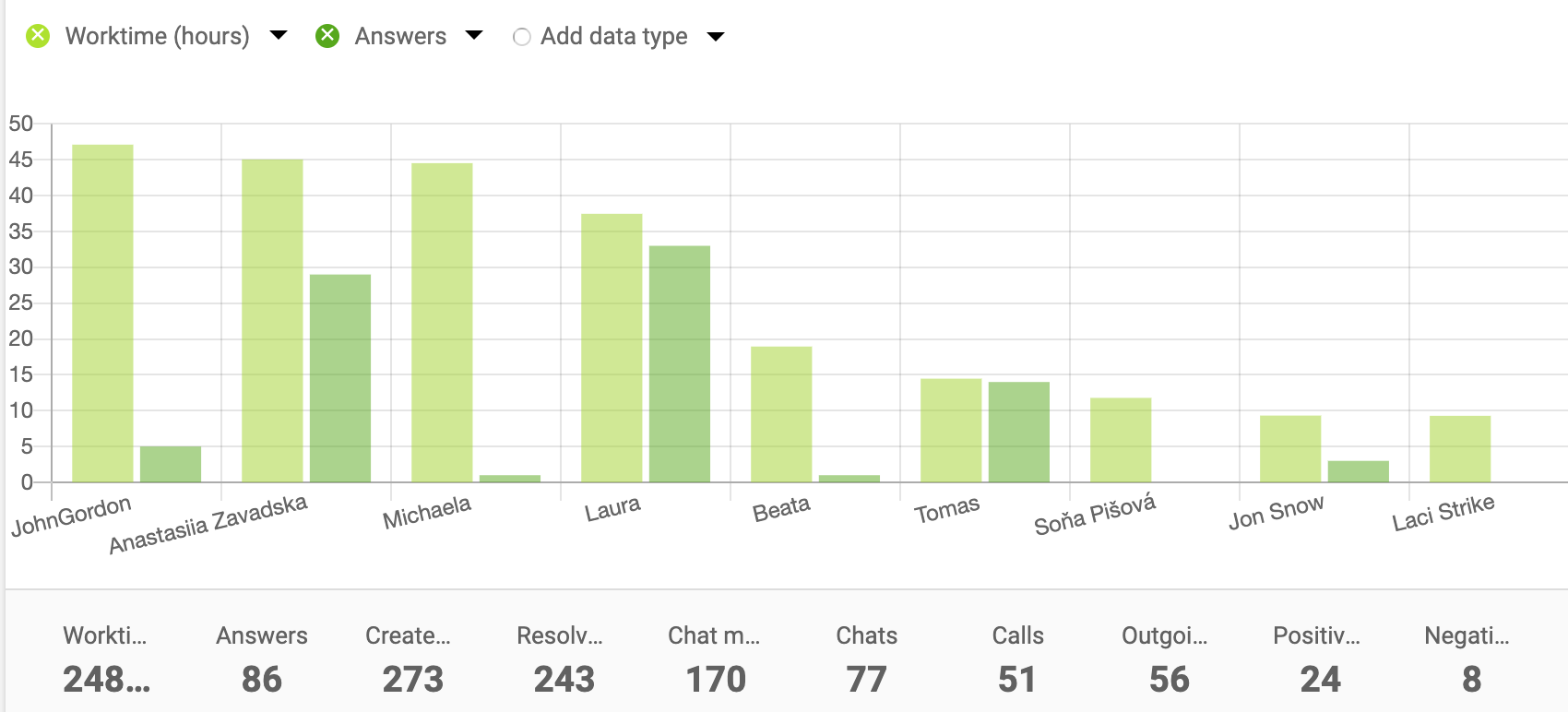
Bar charts are perfect for comparing performance metrics across different agents or time periods.
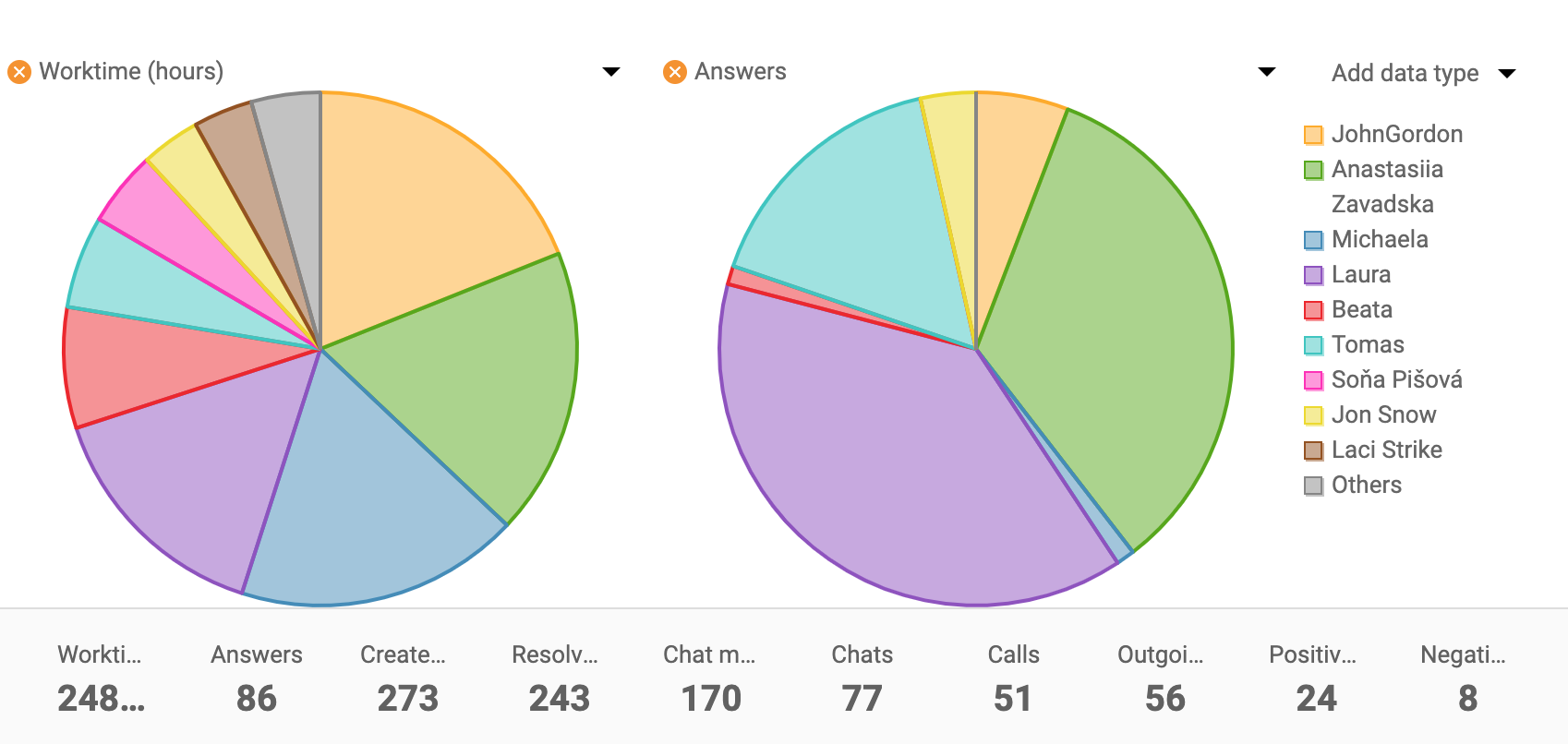
Pie charts help visualize the distribution of metrics and show proportional relationships between different performance indicators.
Leverage the power of LiveAgent’s REST API to call values from Agent reports. This allows you to integrate agent performance data directly into your own applications and systems. With API access, you can:
For detailed information on how to use the API, refer to the complete LiveAgent API reference documentation.
The latest tips and deals delivered straight to your inbox.
Agent reports are essential for:
Generate channel reports to see how many tickets came from which channel. Try it today. No credit card required.
Monitor your agents' availability in real-time with LiveAgent's comprehensive reporting tools. Easily filter stats by department, export data, and identify top-...
Monitor and boost your support team's performance with LiveAgent's customizable reports, charts, and API integration. Try a free 30-day trial!
LiveAgent's time tracking tool enhances team productivity by monitoring ticket resolution time and providing insights for workflow optimization. Integrated with...
Join our community of happy clients and provide excellent customer support with LiveAgent.

Cookie Consent
We use cookies to enhance your browsing experience and analyze our traffic. See our privacy policy.