


Telegram Customer Support
What is Telegram?
Telegram is a cloud-based mobile and desktop messaging app with a focus on privacy, security, and speed. It is a software as a service company that provides instant messaging capabilities across multiple devices and platforms.
Telegram customer support channels
Telegram offers customer support through the following channels:
- Email Support: https://telegram.org/support
- Knowledge Base: https://telegram.org/blog
- Forum/FAQ: https://telegram.org/faq
- Twitter: @telegram
How do I contact Telegram?
Telegram provides customer support primarily through email and self-service channels. For email inquiries, you can reach out through their support form at https://telegram.org/support . If you prefer to explore solutions independently, Telegram maintains a comprehensive knowledge base and FAQ section on their website. You can also connect with Telegram through their Twitter account for updates and community engagement.
Learn more about Telegram
Telegram’s customer service team is dedicated to providing support to users worldwide. Whether you have questions about their messaging app, account security, privacy features, or need assistance with technical issues, their support resources can help. You can access their support through their email form, knowledge base, FAQ section, or by reaching out via their social media channels.
Common Problems and Solutions
How do I reset my password?
- Visit the password reset page at https://telegr.am/user_mgt/lost_password
- Enter the email you used to register your Telegram account and click ‘Send it". A password reset link will be sent to that email address.
- After you click the reset link, you’ll be taken to a page where you’ll see two fields: One for your new passcode and one to retype your new passcode.
- Input a new passcode (I have two tips for you here: Make sure this combination is not so complex you forget your Telegram passcode again. And two, make sure it’s not so easy to guess.)
Which devices can I use for Telegram?
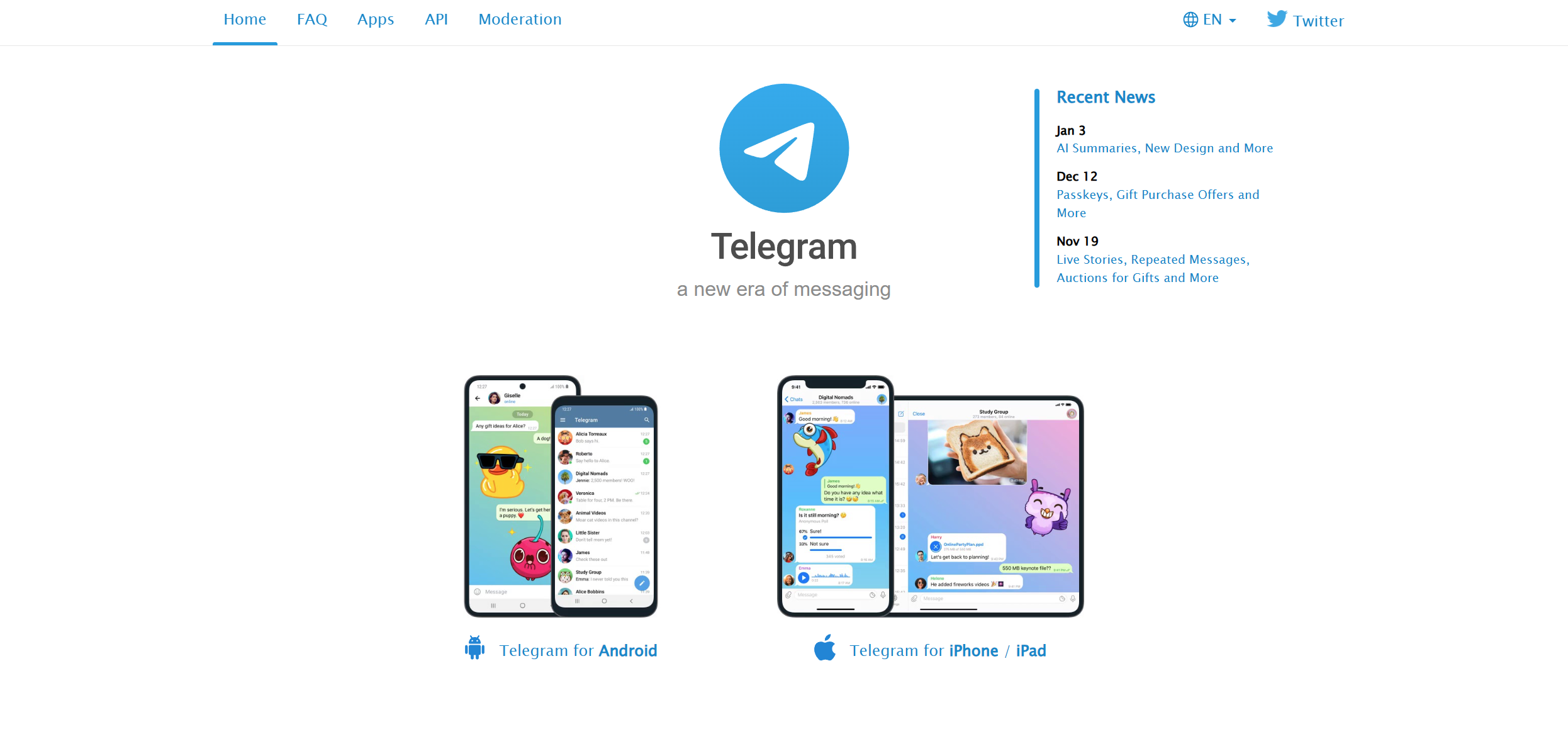
You can use Telegram on smartphones, tablets, and even computers. They have apps for iOS (9.0 and above), Android (4.1 and up), a native macOS app and a universal desktop app for Windows, macOS, and Linux. Telegram Web can also help to quickly do something on the go.
You can log in to Telegram from as many of your devices as you like — all at the same time. Just use your main mobile phone number to log in everywhere, your cloud chats will sync instantly.
The Telegram API is open for developers, should you want to build your own applications for other platforms.
Can I delete my messages?
Yes. You can always delete any messages you sent or received for both sides in any one-on-one conversation (in groups, it’s still your own messages only). You can also clear the entire chat history on both ends. On Telegram, deleted messages do not leave a mark in the chat.
Together with privacy settings for forwarded messages, this makes exchanging Telegram messages similar to talking face to face (without a tape recorder). As a result, users no longer need to worry about the data accumulating in their chats over the years.
Both parties in a conversation have full control over what does and what doesn’t belong to their online identity.
