
Reverb Customer Support
What is Reverb?
Reverb is the largest online marketplace dedicated to buying and selling new, used, and vintage musical instruments and gear. Whether you’re looking to purchase professional equipment, vintage finds, or sell your own instruments, Reverb provides a comprehensive platform for musicians and gear enthusiasts worldwide.
Reverb customer support channels
Reverb offers customer support through the following channels:
- Email Support: https://help.reverb.com/hc/en-us/requests/new
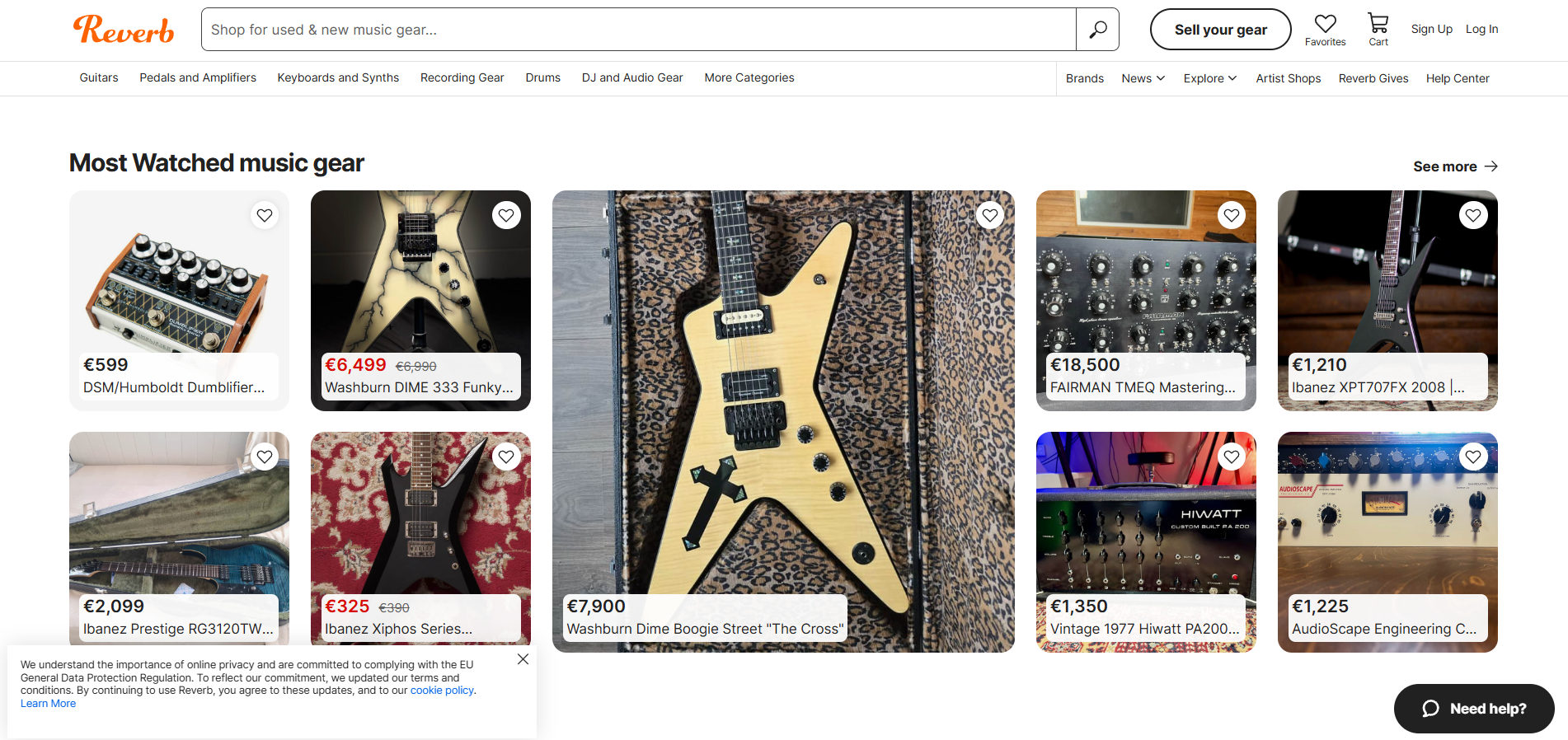
- Live Chat: Available on reverb.com - Click the ‘Need Help?" button
- Knowledge Base: https://help.reverb.com/hc/
- Instagram: instagram.com/reverb/
- Facebook: facebook.com/ReverbEurope
- Twitter: twitter.com/reverb
How do I contact Reverb?
Reverb provides customer support primarily through email support requests and live chat. For email inquiries, you can submit a support request through their Help Center at https://help.reverb.com/hc/en-us/requests/new . If you prefer real-time assistance, Reverb offers live chat support directly on their website - simply visit reverb.com and click the “Need Help?” button to connect with a live chat agent during business hours. You can also reach out to Reverb through their active social media accounts on Instagram, Facebook, and Twitter.
Learn more about Reverb
Reverb’s customer service team is dedicated to providing support to musicians, collectors, and gear enthusiasts. Whether you have questions about purchasing, selling, shipping, or account management, their support staff can help. You can connect with Reverb through their email support form, live chat, or by reaching out via their social media channels. The platform also maintains an extensive knowledge base with articles and FAQs to help you find answers to common questions.
Common problems and solutions
How to reset my password?
You can reset your Reverb password by entering your email address here: https://reverb.com/forgot_password
If you’re still having trouble resetting your password, please contact Reverb Support to help you.
If you are logging in via Facebook and need to change your password, please use Facebook’s reset password process.
How do I buy a Reverb shipping label?
- Locate the order on your ‘Orders" page.
- Select the green “Get Shipping Label” button.
- Enter the weight and dimensions of the package.
- Select to include a signature requirement and Reverb Safe Shipping.
- Click “Review Rates”.
- Select the shipping method of your choice.
How to purchase an item on Reverb?
- Find an item on Reverb.com.
- Click “Add to cart”.
- Choose your preferred payment method within your Cart.
- If you have one, Redeem a Gift Card to add Reverb Credits to your account.
- Click “Proceed to checkout”.
- If you’re signed in to your Reverb account, confirm shipping address and payment details.
- If you’re checking out as a guest, click ‘Checkout as a guest".
- Fill in your shipping and payment details.
- We recommend creating a Reverb account for added benefits and convenience in tracking your purchase.
- If you have one, apply a discount coupon code under “Have a Coupon Code?”.
- Click “Continue”.
- Review your order to check that your information and order are correct.
- Click “Place Order”.
